OOmnilyra

Remove hair from photo with AI

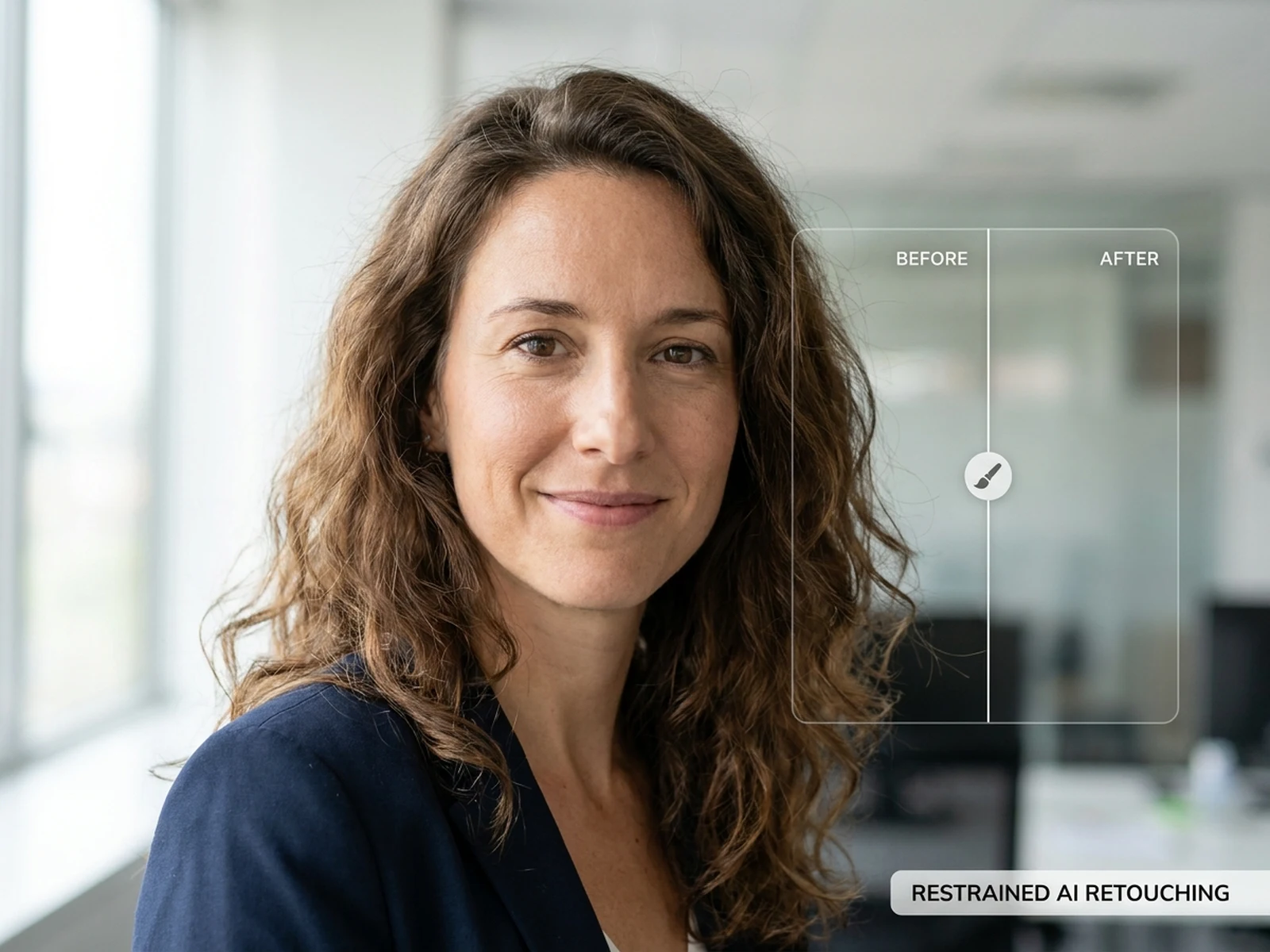
Create clear prompt directions for flyaway hair cleanup, portrait retouching, product shots, and profile images while preserving the face, background, and natural texture.

Flyaway cleanup promptsPortrait retouch planningReference-guided edits

Hair removal prompts for photo cleanup

Use these prompts to plan natural-looking cleanup for portraits, product images, and profile photos.

Remove hair from photo prompt structure

A cleanup prompt should say what to remove, what to protect, and how natural the final image should feel.

Subject

Portrait, product shot, profile image, stray hair area, protected facial details, and background surfaces.

Scene

Studio portrait, outdoor profile, ecommerce image, beauty close-up, or clean background edit.

Light

Original light direction, shadow continuity, skin texture preservation, and background match.

Output

Natural retouch, flyaway cleanup, profile-ready image, product cleanup, or polished portrait crop.

How to remove hair from a photo with AI prompts

Use clear edit boundaries so the result removes distractions without changing identity or texture.

01

Upload the source photo

Use the original image so the model can preserve face shape, pose, background, and lighting.

02

Define removal boundaries

Specify flyaways, loose strands, or hair crossing the face while naming areas that must stay unchanged.

03

Review natural texture

Check hairline, skin texture, shadows, and background continuity before using the edited image.

Clean up portraits without losing natural detail

This page is built for practical photo cleanup prompts rather than dramatic beauty transformations.

Profile photo cleanup

Remove distracting flyaways while keeping the person recognizable and the lighting consistent.

Product and fashion edits

Clean hair strands that overlap clothing, jewelry, or product surfaces in campaign images.

Portrait proofing

Create retouching directions for photographers, creators, and teams before final asset review.

Why choose Omnilyra to remove hair from photos

Omnilyra keeps edit intent, protected areas, and output use visible in the same workspace.

Edit-safe prompt structure

The prompt asks what to remove and what to preserve, reducing accidental over-editing.

Reference-first workflow

Upload support helps keep the original pose, background, and lighting intact.

Reusable cleanup language

Save prompt patterns for profile images, fashion shots, and product retouching.

Try more image generators

Explore more image generators for cleanup, product visuals, and campaign images.

Remove hair from photo with AI FAQ

Can AI remove flyaway hair from a photo?

Yes, prompts can guide flyaway cleanup and hair strand removal, but the final image should be reviewed for natural texture and identity preservation.

What should I protect in the prompt?

Mention face shape, skin texture, clothing edges, background, original light, and any hairline details that should stay unchanged.

Can I use this for product or fashion images?

Yes. It can help plan edits where hair overlaps clothing, jewelry, packaging, or background surfaces.