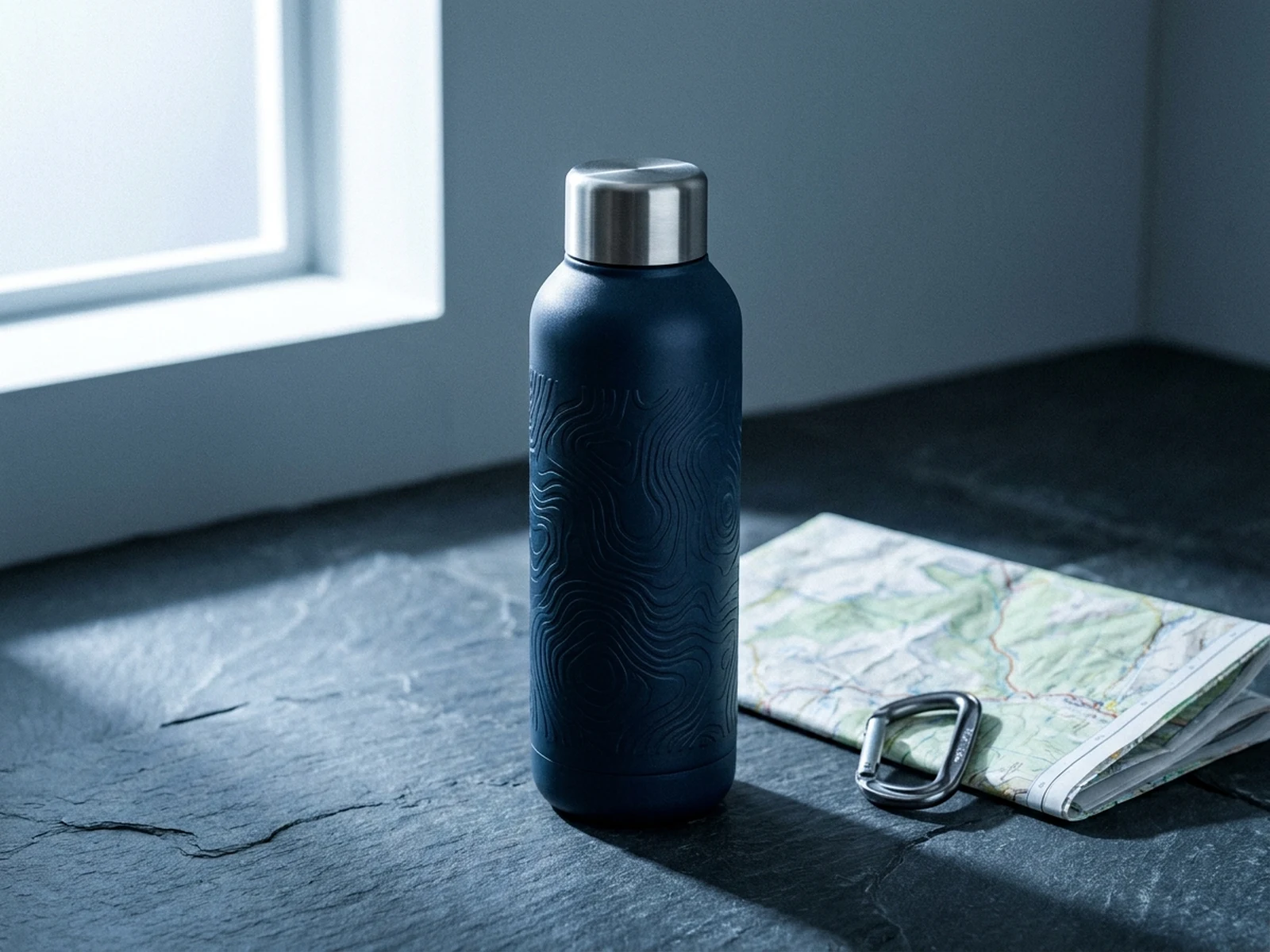
Create ecommerce hero shots, PDP details, catalog images, and lifestyle scenes from a product brief and optional reference images.
Generate product photos, ad creatives, social posts, posters, and thumbnails from a text prompt or reference images. Keep the brief, model, ratio, and reusable variations together in one workspace.
Create ecommerce hero shots, PDP details, catalog images, and lifestyle scenes from a product brief and optional reference images.
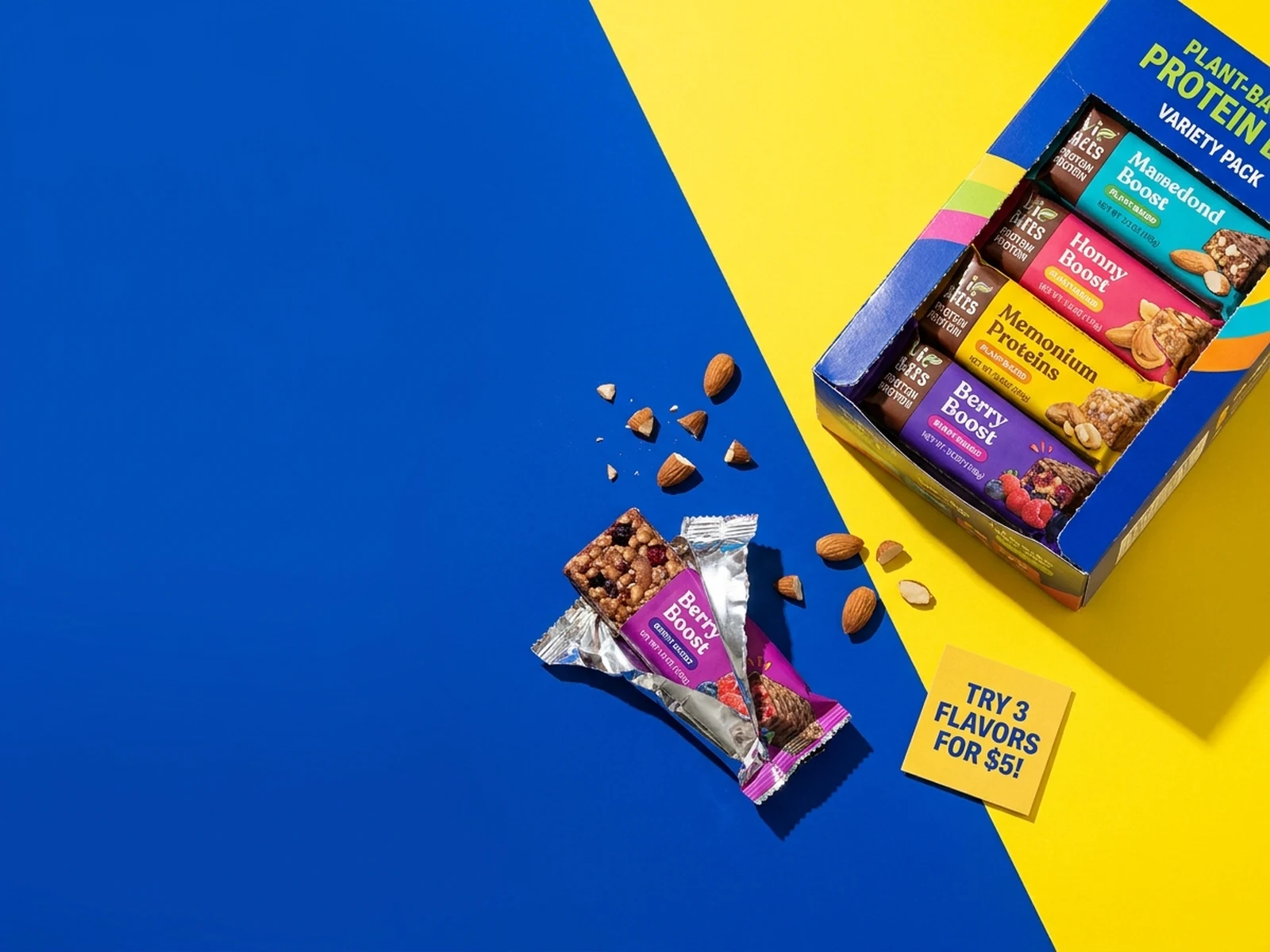
Generate paid social image concepts from a clear campaign hook, product proof, message area, and placement-aware crop before final design.
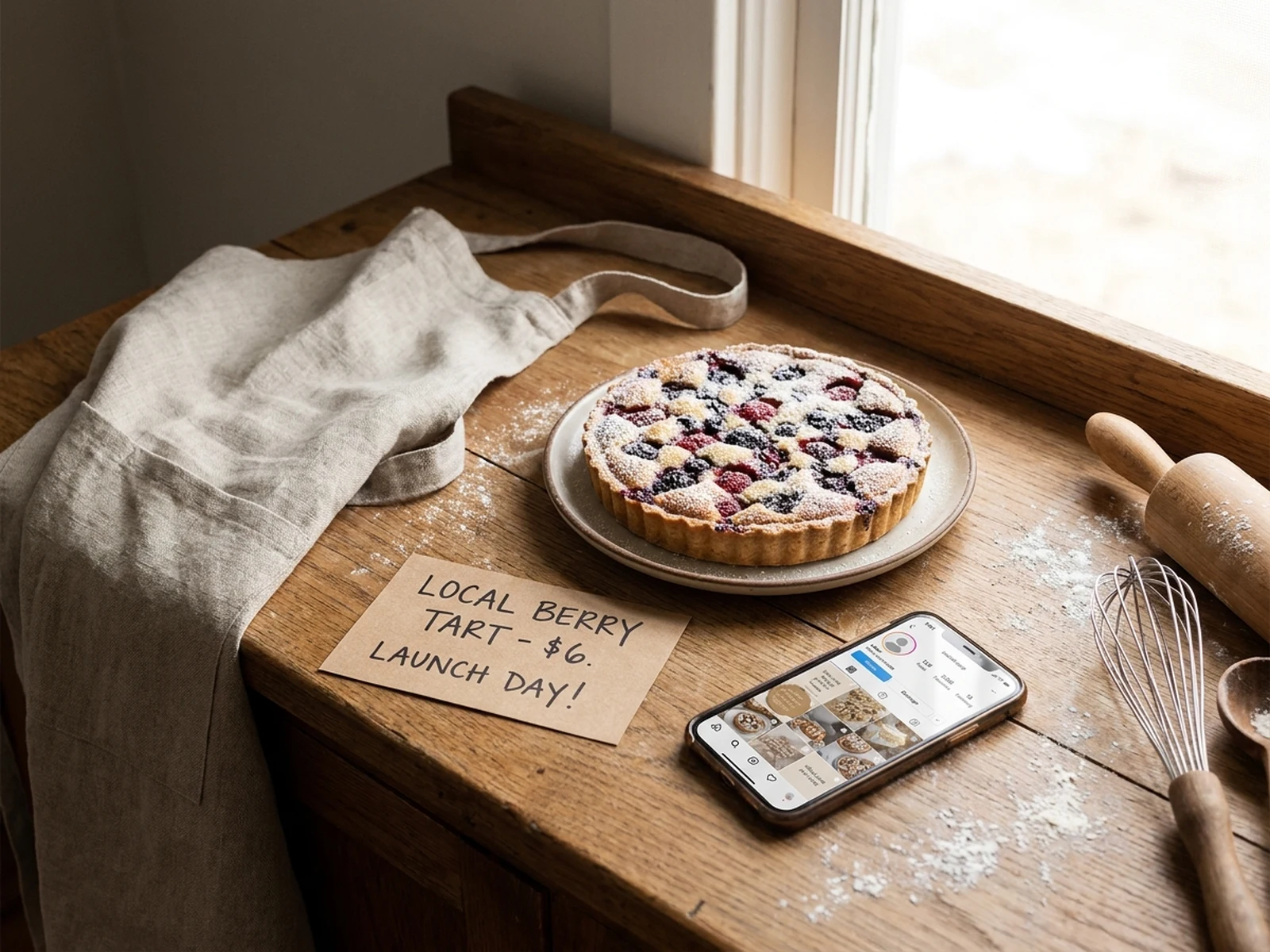
Create post images, carousel covers, launch visuals, and branded updates from a clear brief, channel crop, and optional references.
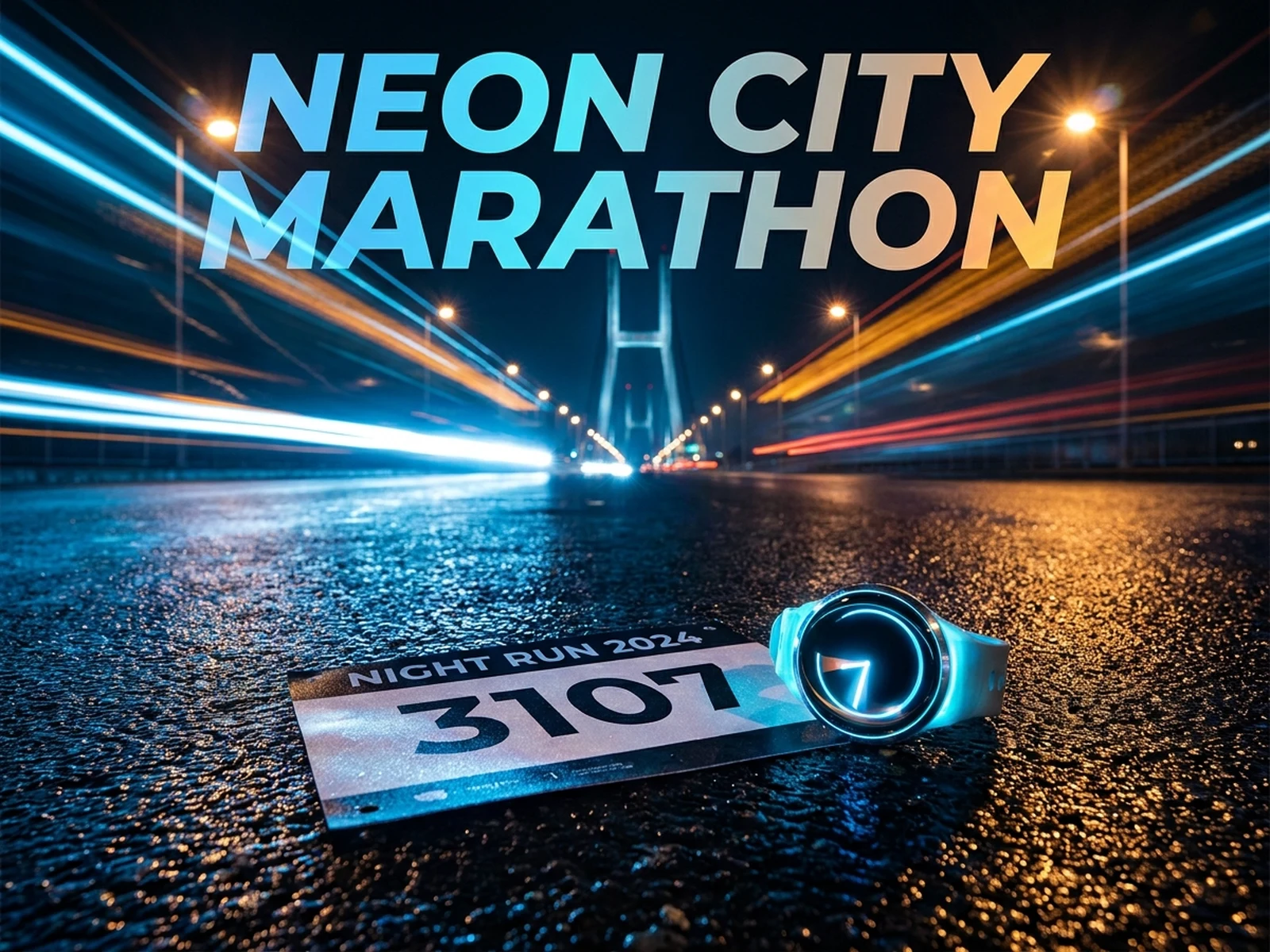
Create poster and thumbnail concepts with one strong focal subject, clear title space, readable contrast, and channel-aware crop.
Choose a specific image workspace for product photos, fashion visuals, avatars, fandom art, ads, editing tools, events, sports, pets, culture, scenes, and objects.
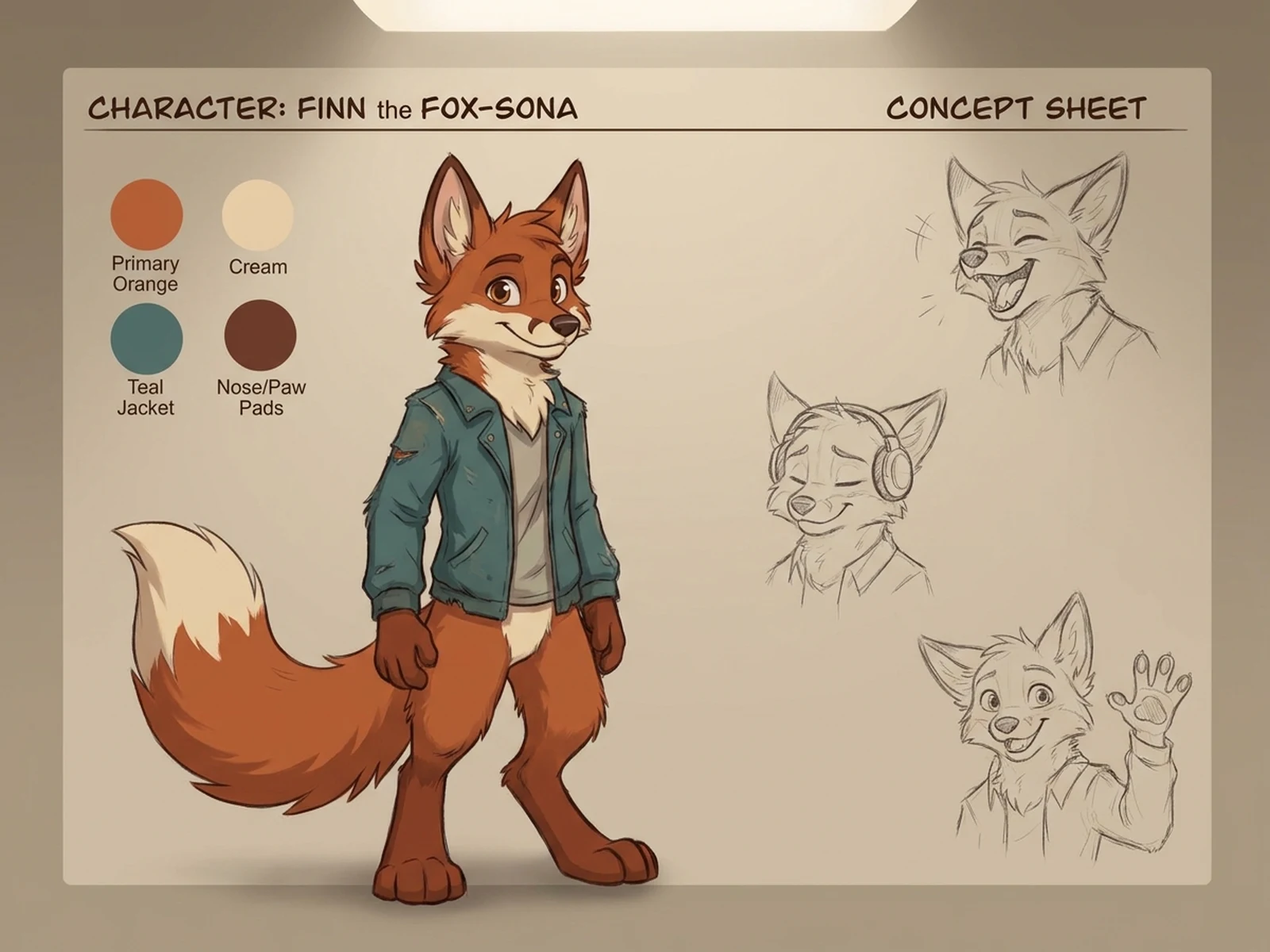
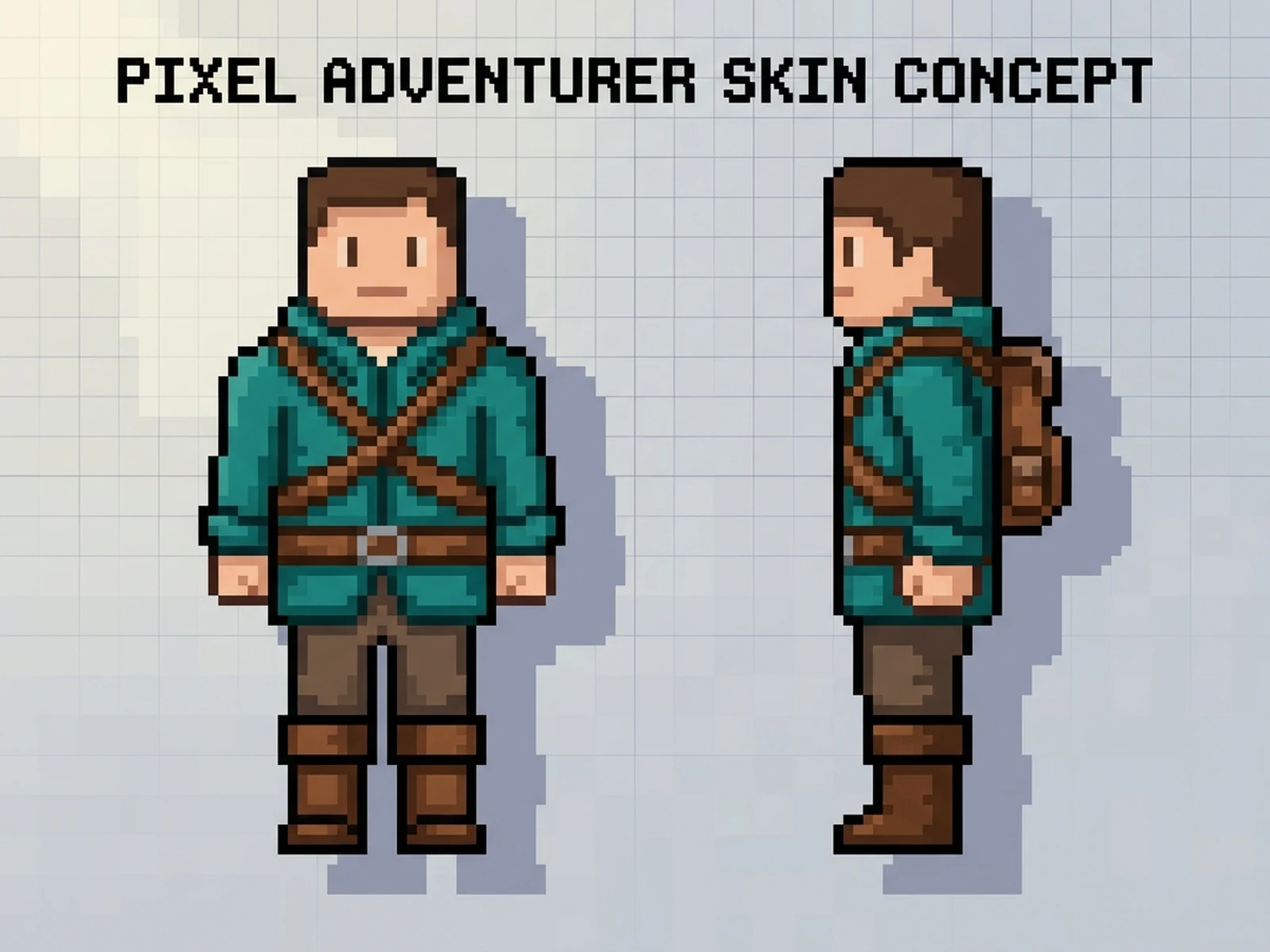
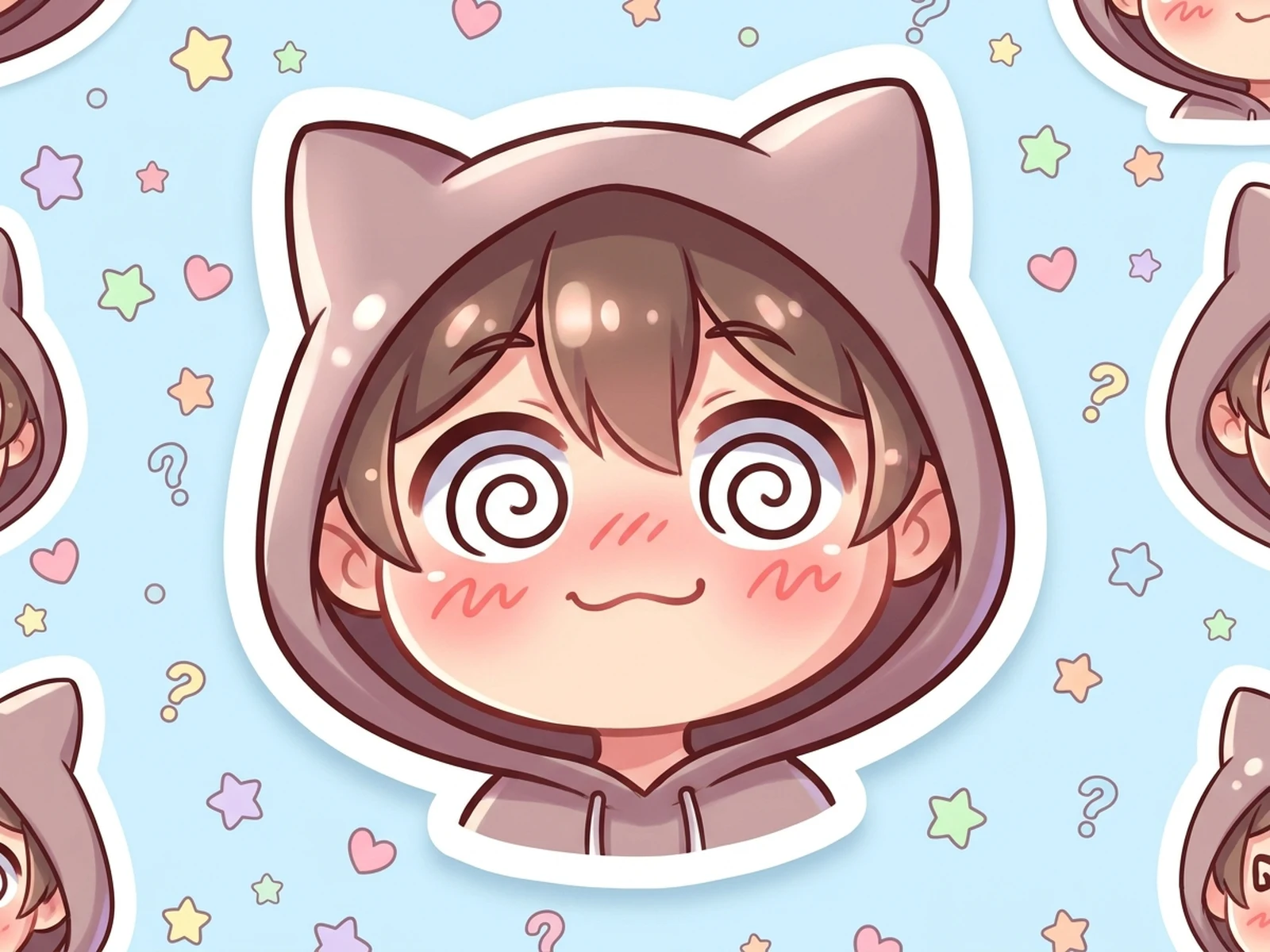

Turn fandom, game, OC, anime, and stylized reaction prompts into safer character-led image directions.
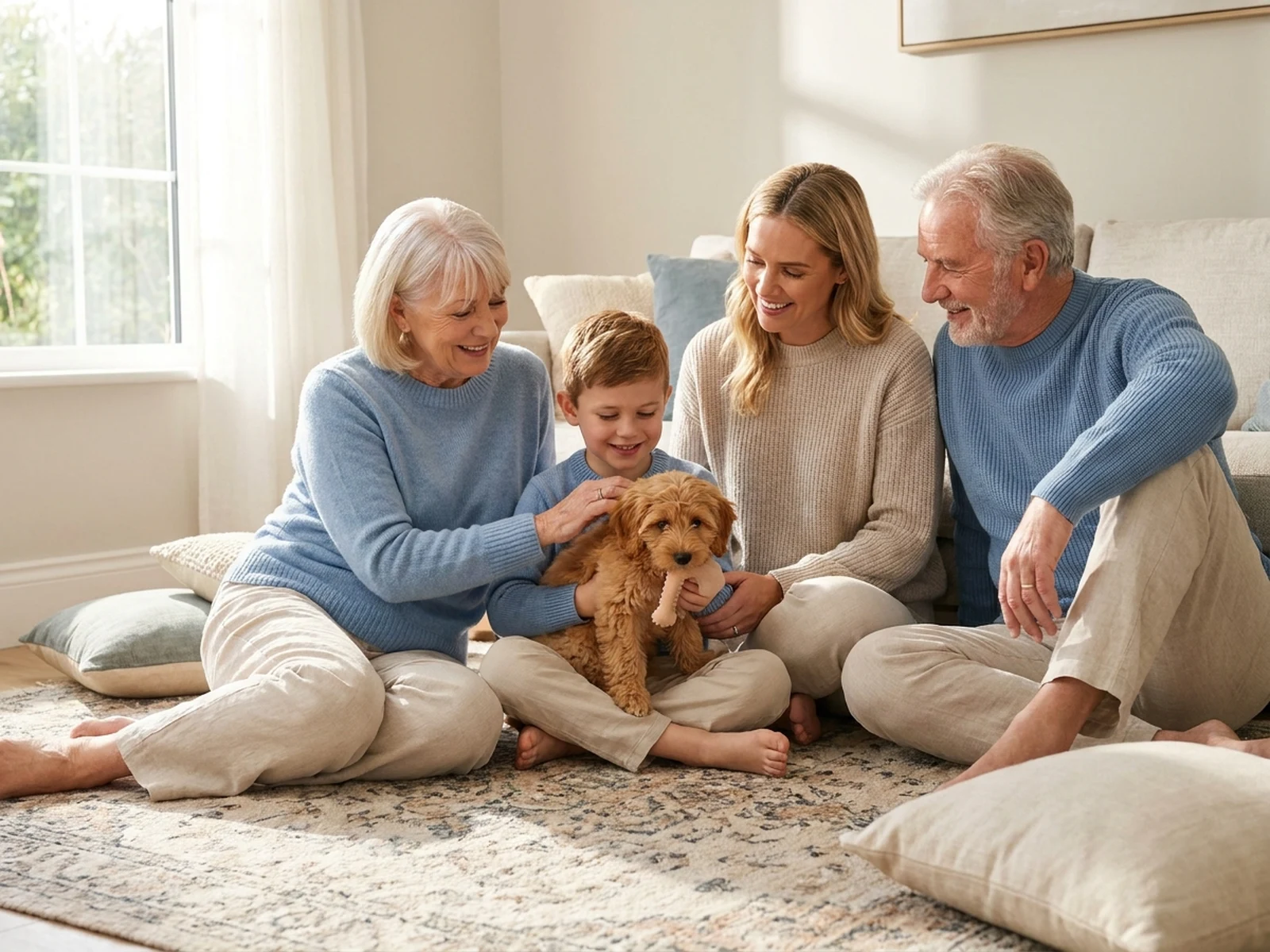
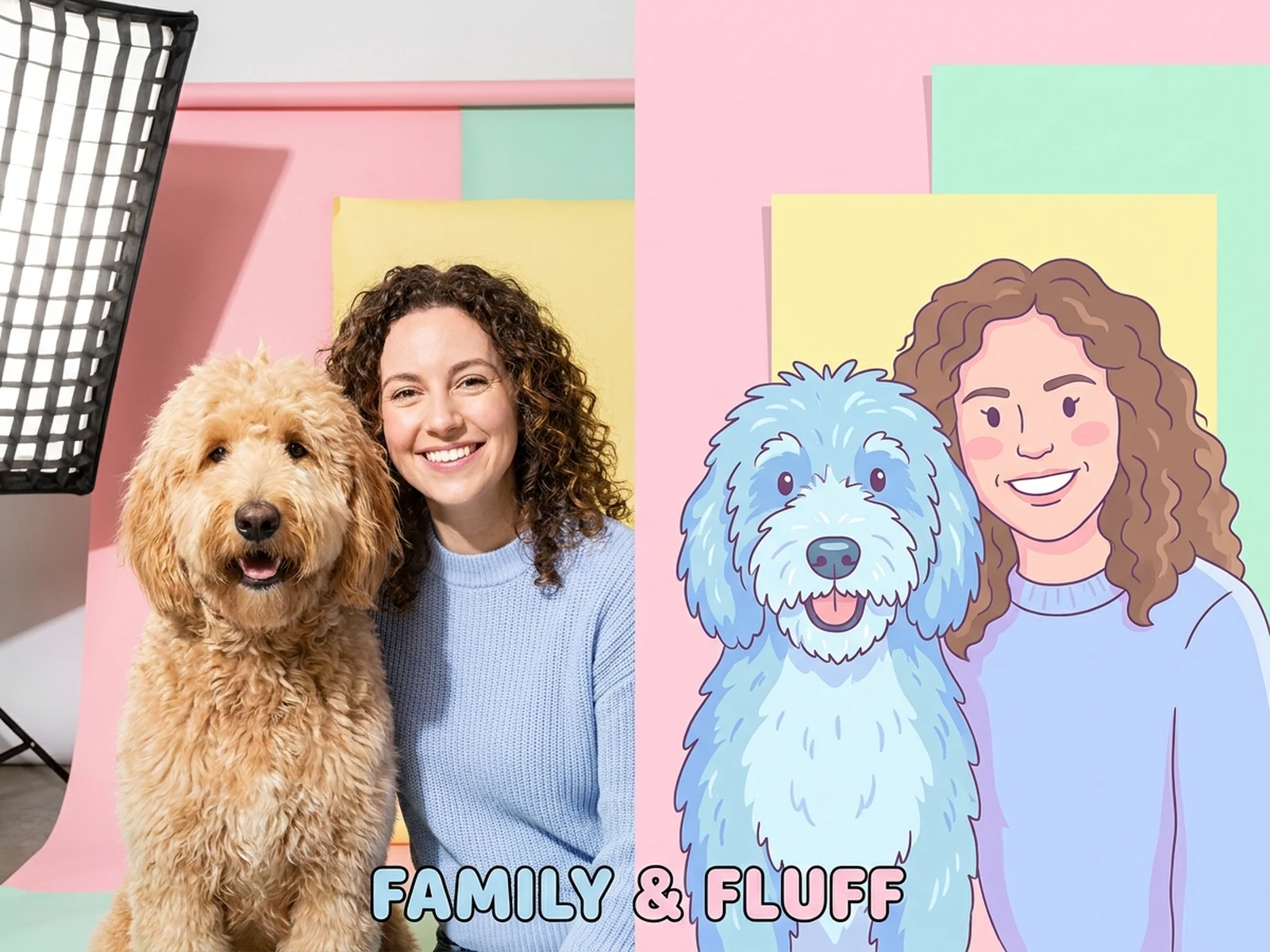
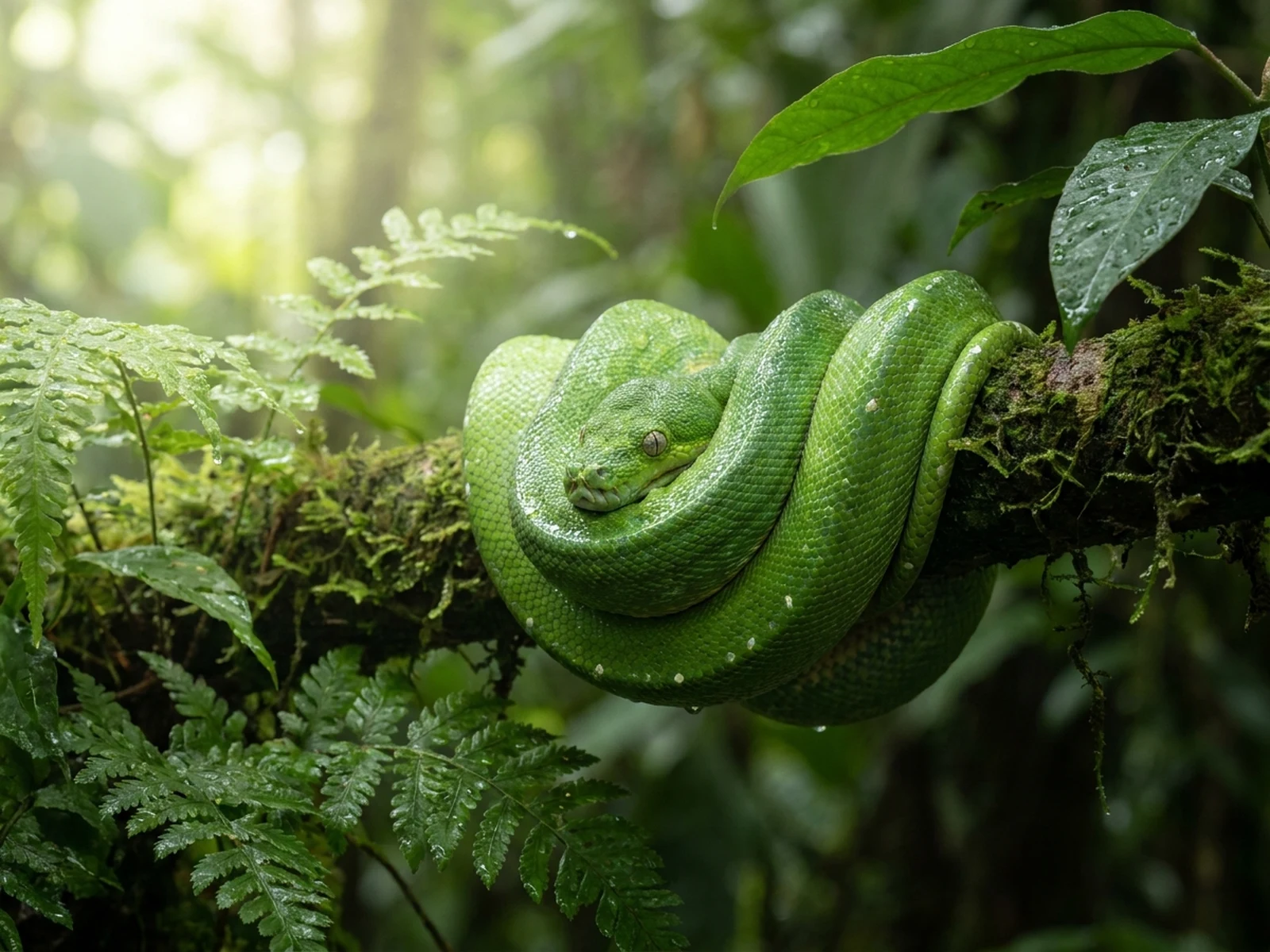
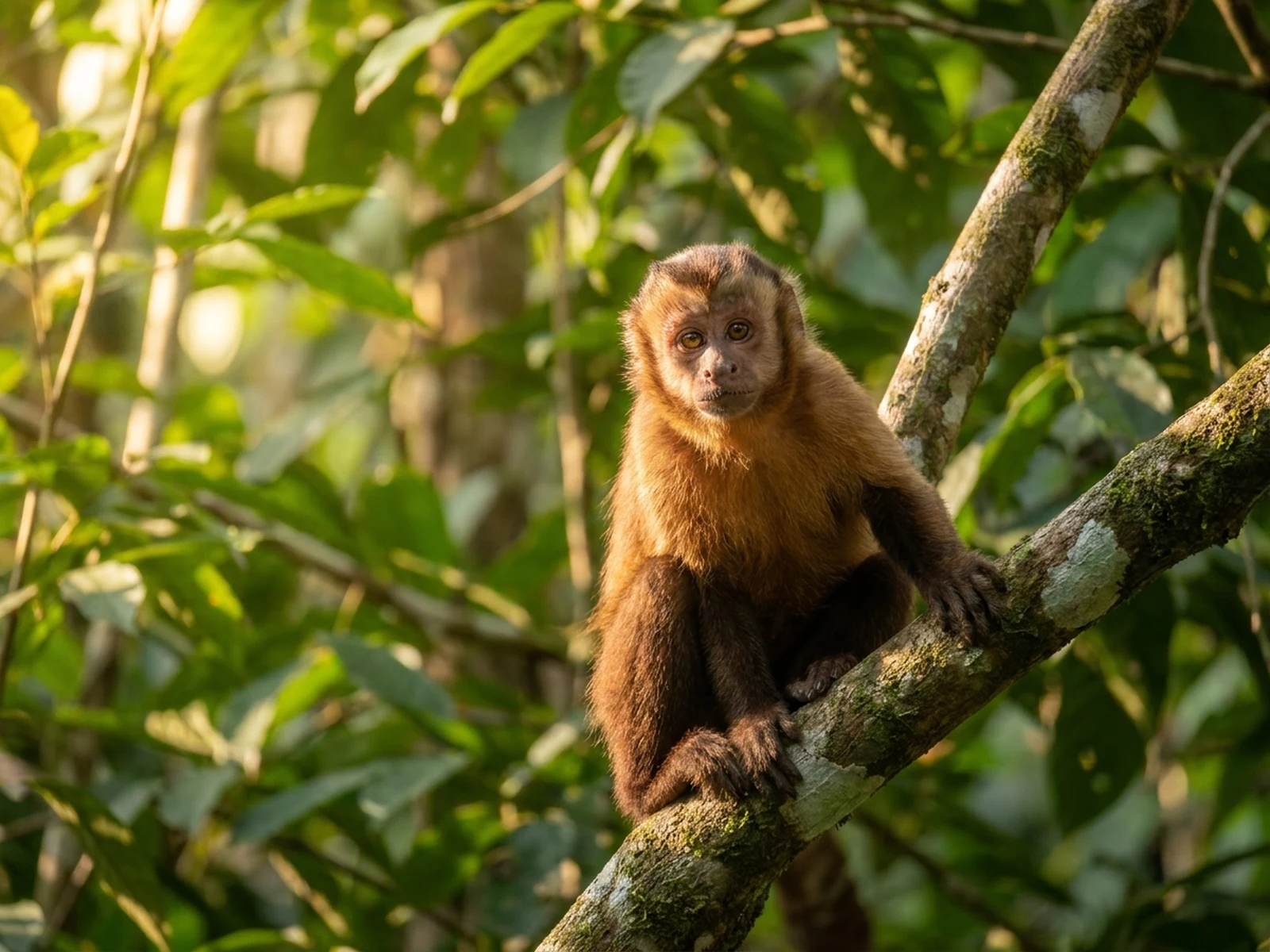
Create pet avatars, animal portraits, creature concepts, keepsake images, and social-ready animal visuals.
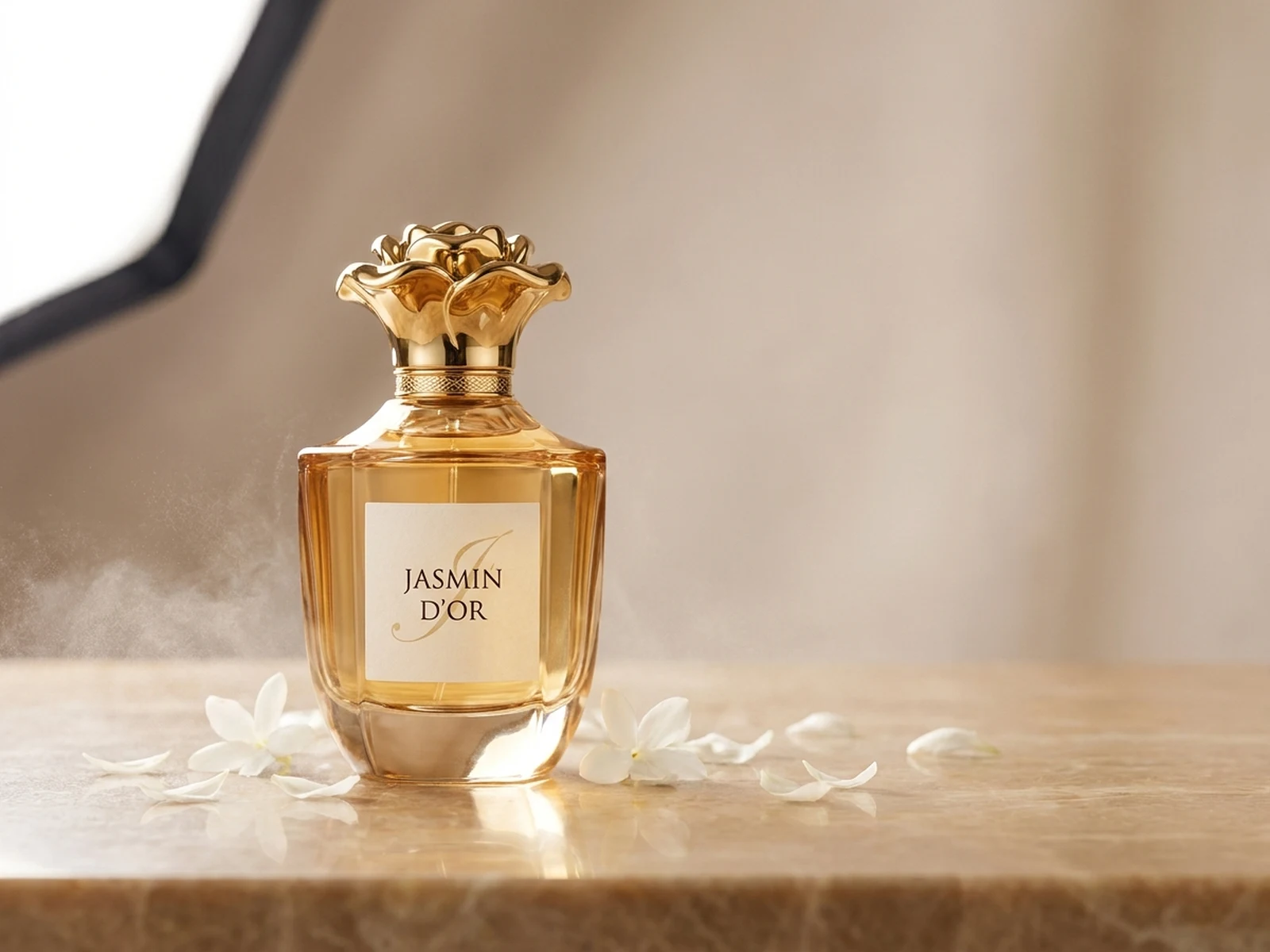
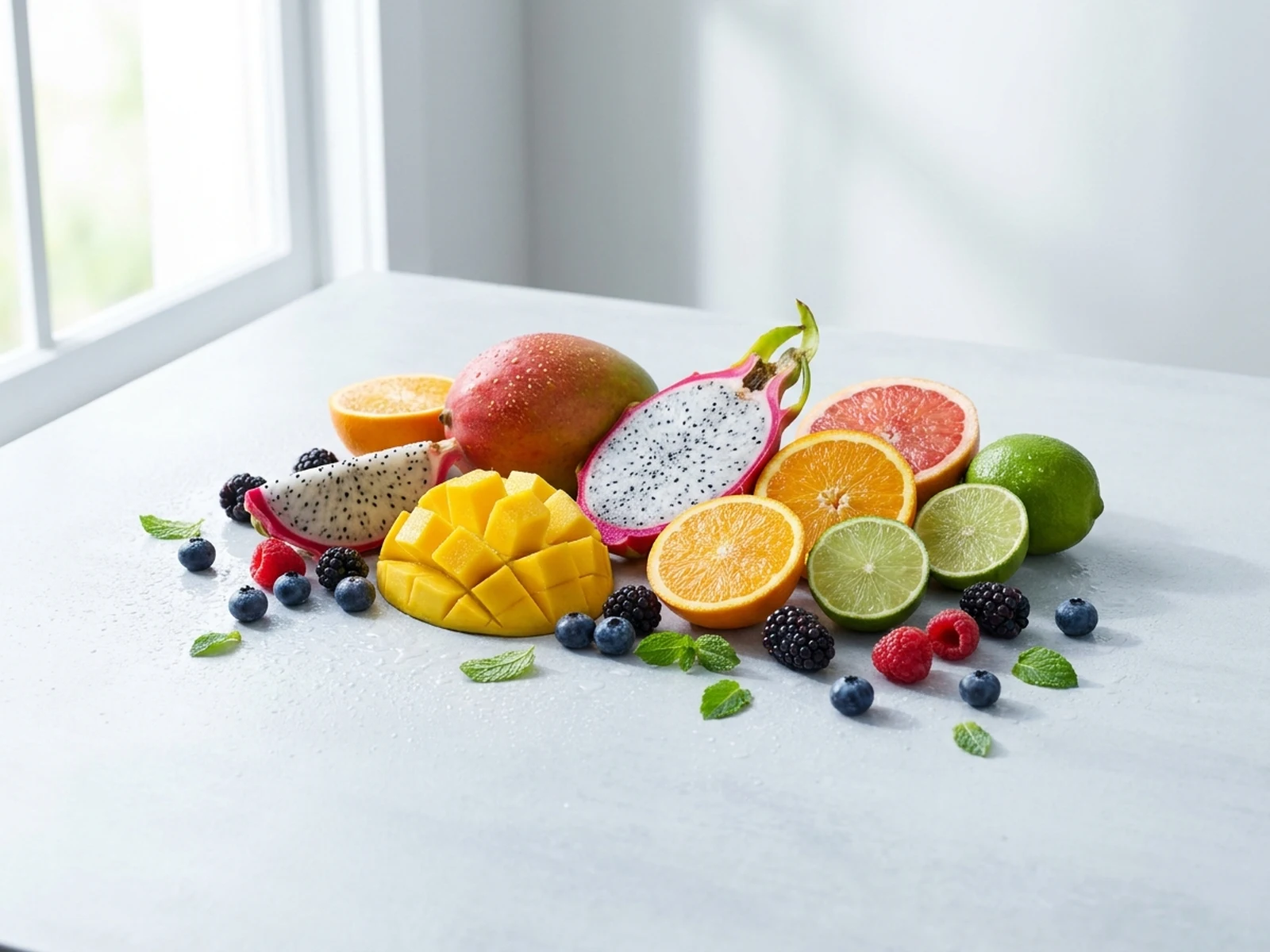
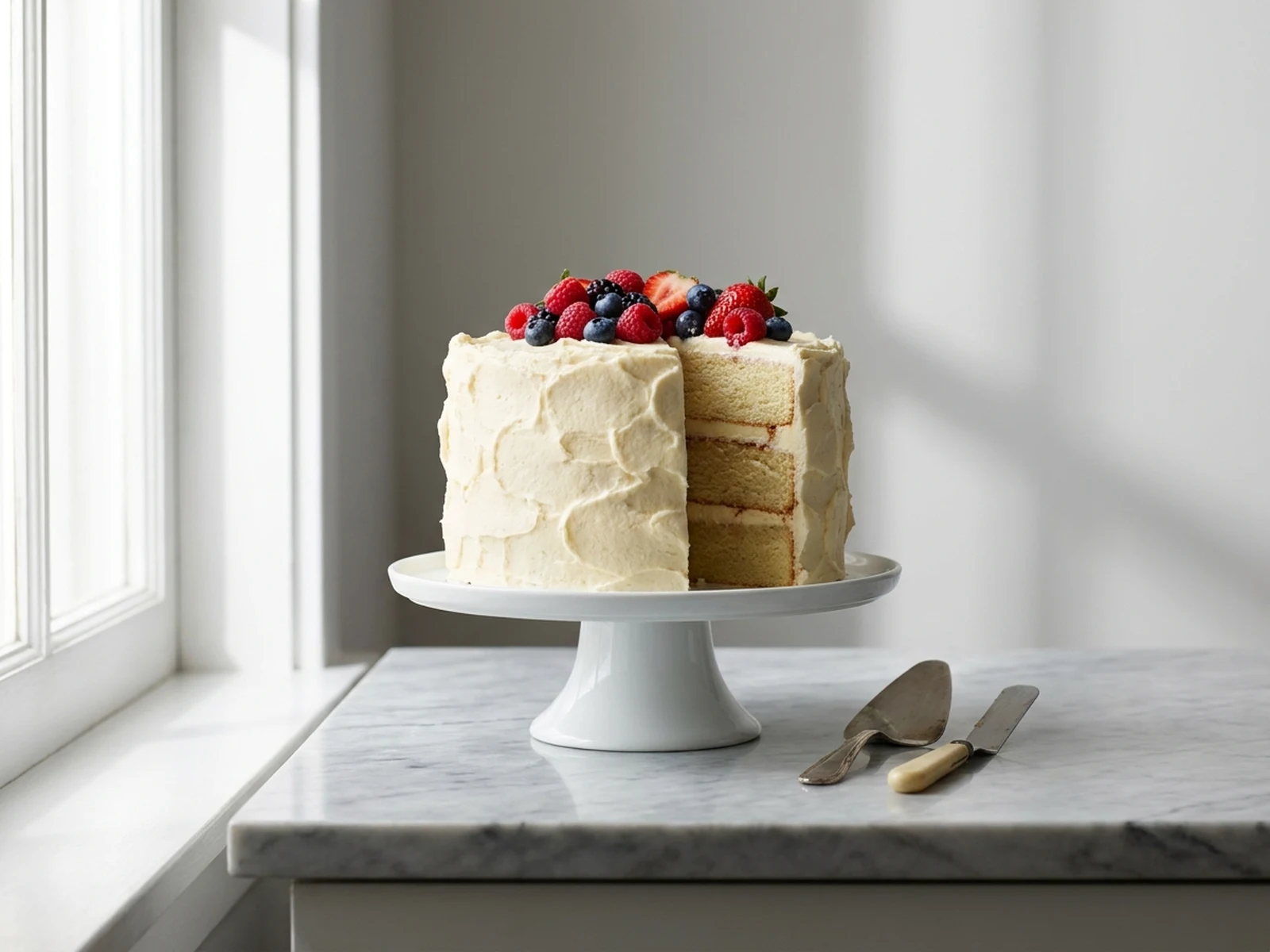
Create product photos, apparel concepts, catalog flat lays, and ecommerce-ready image directions.
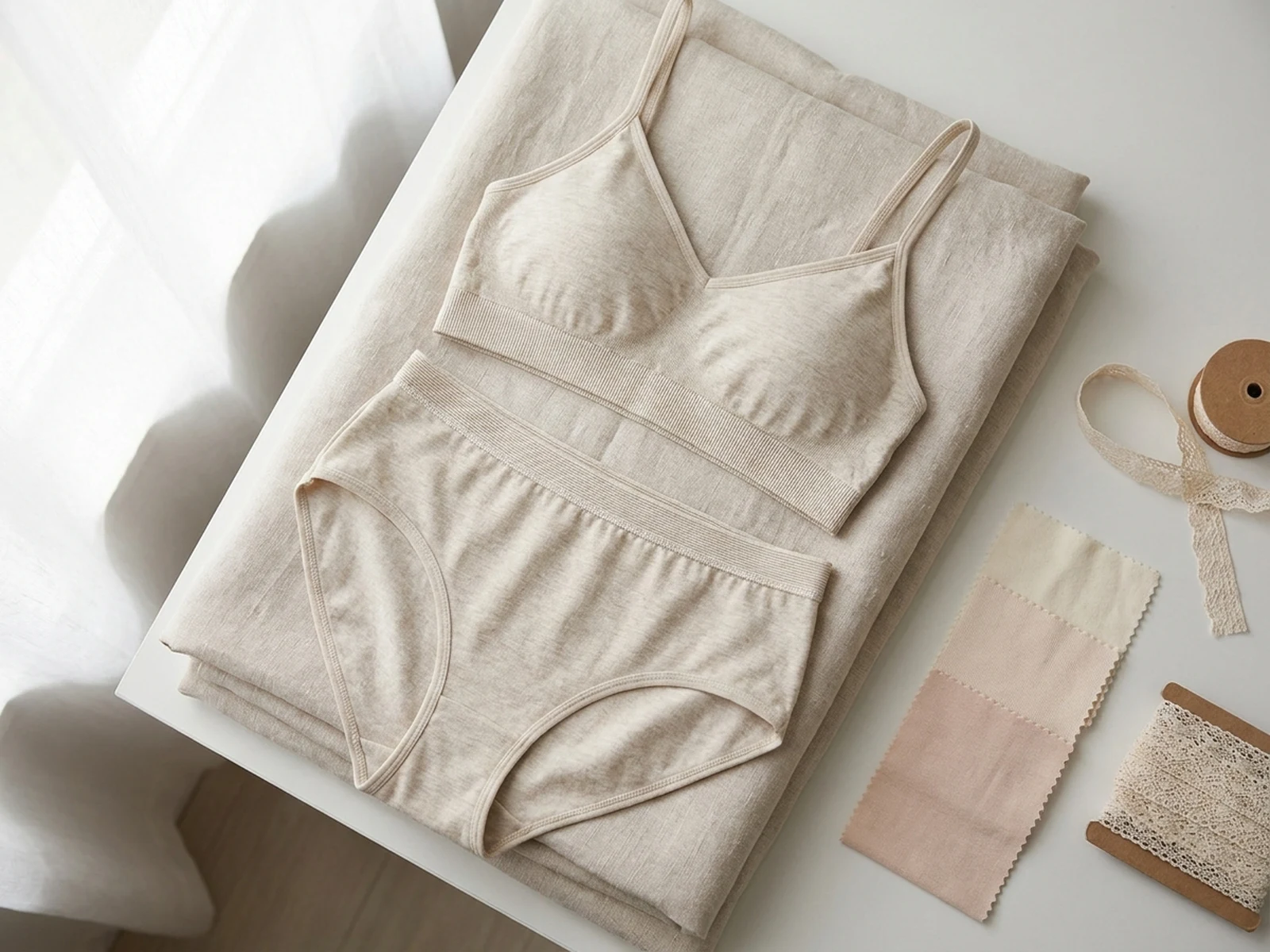
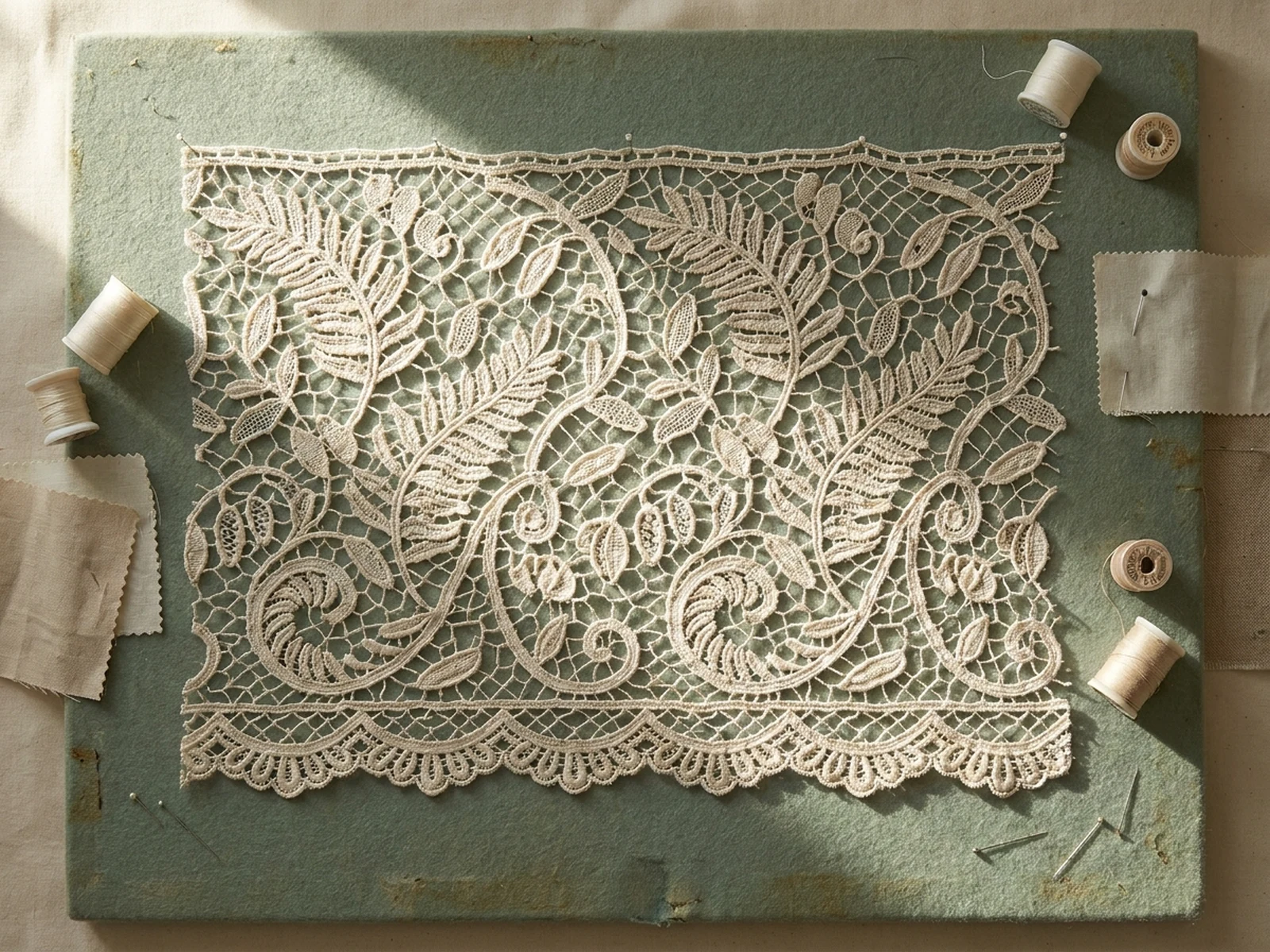
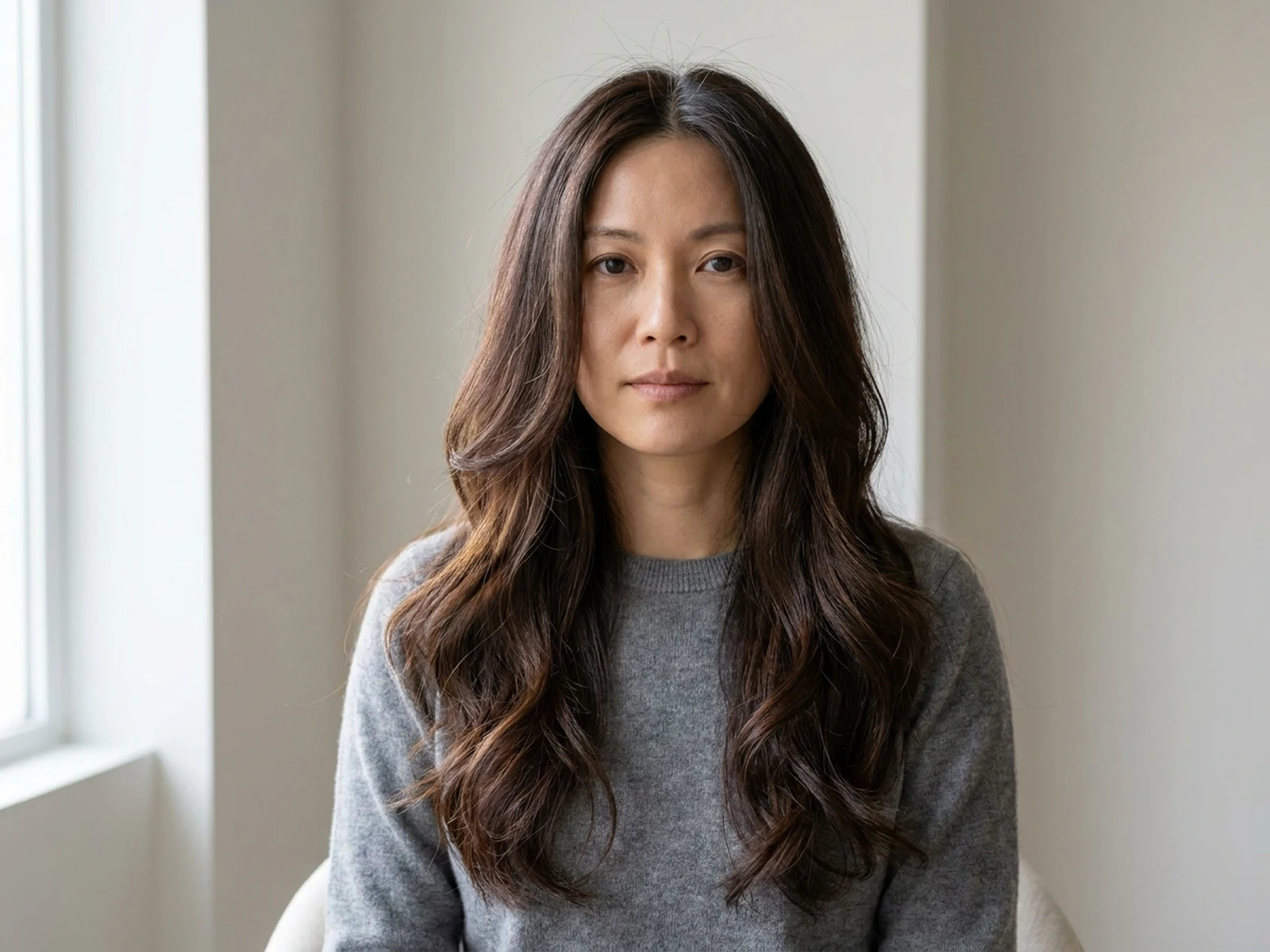
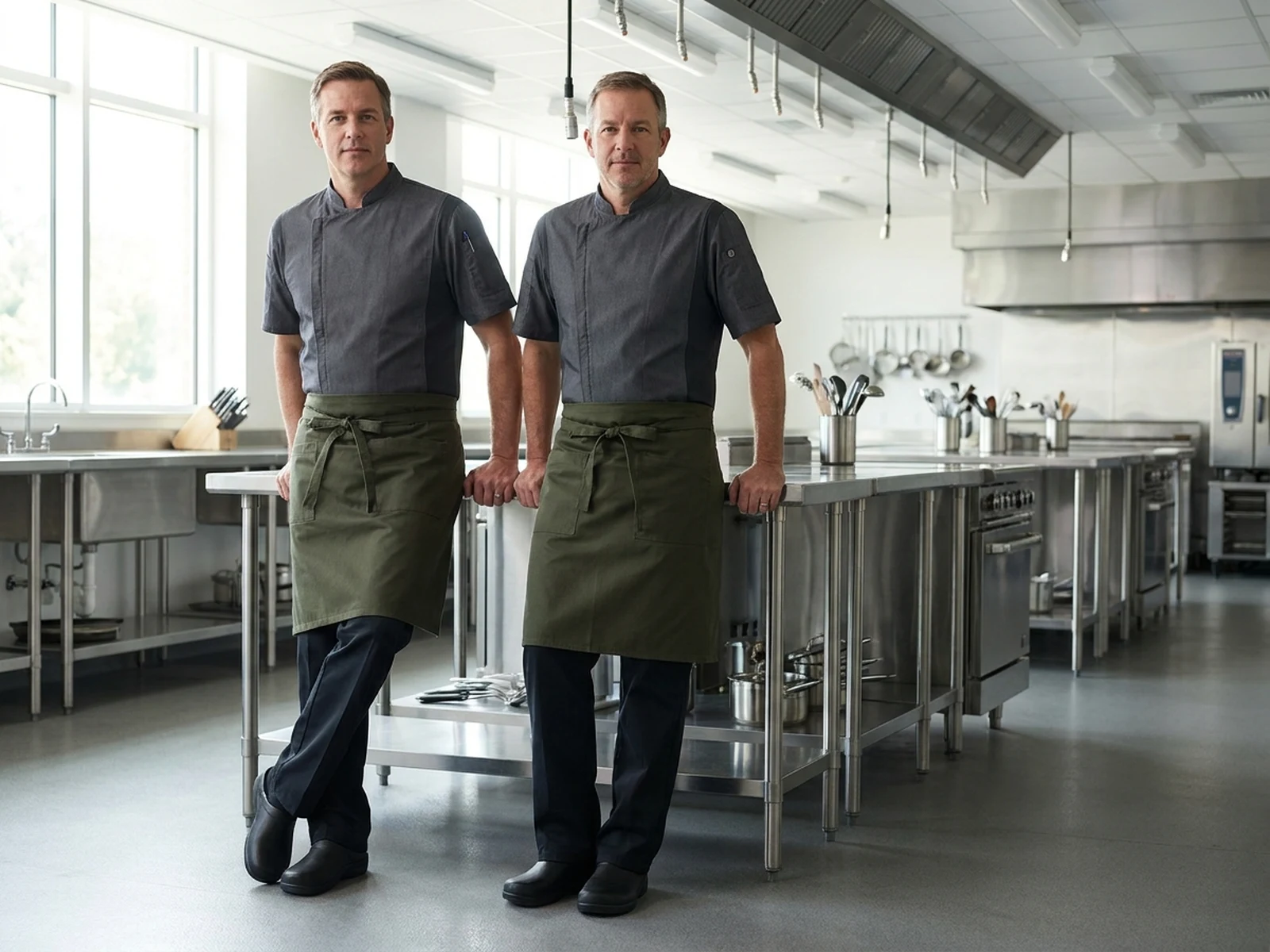
Create apparel concepts, outfit ideas, hairstyles, beauty portraits, and publishable fashion visuals.
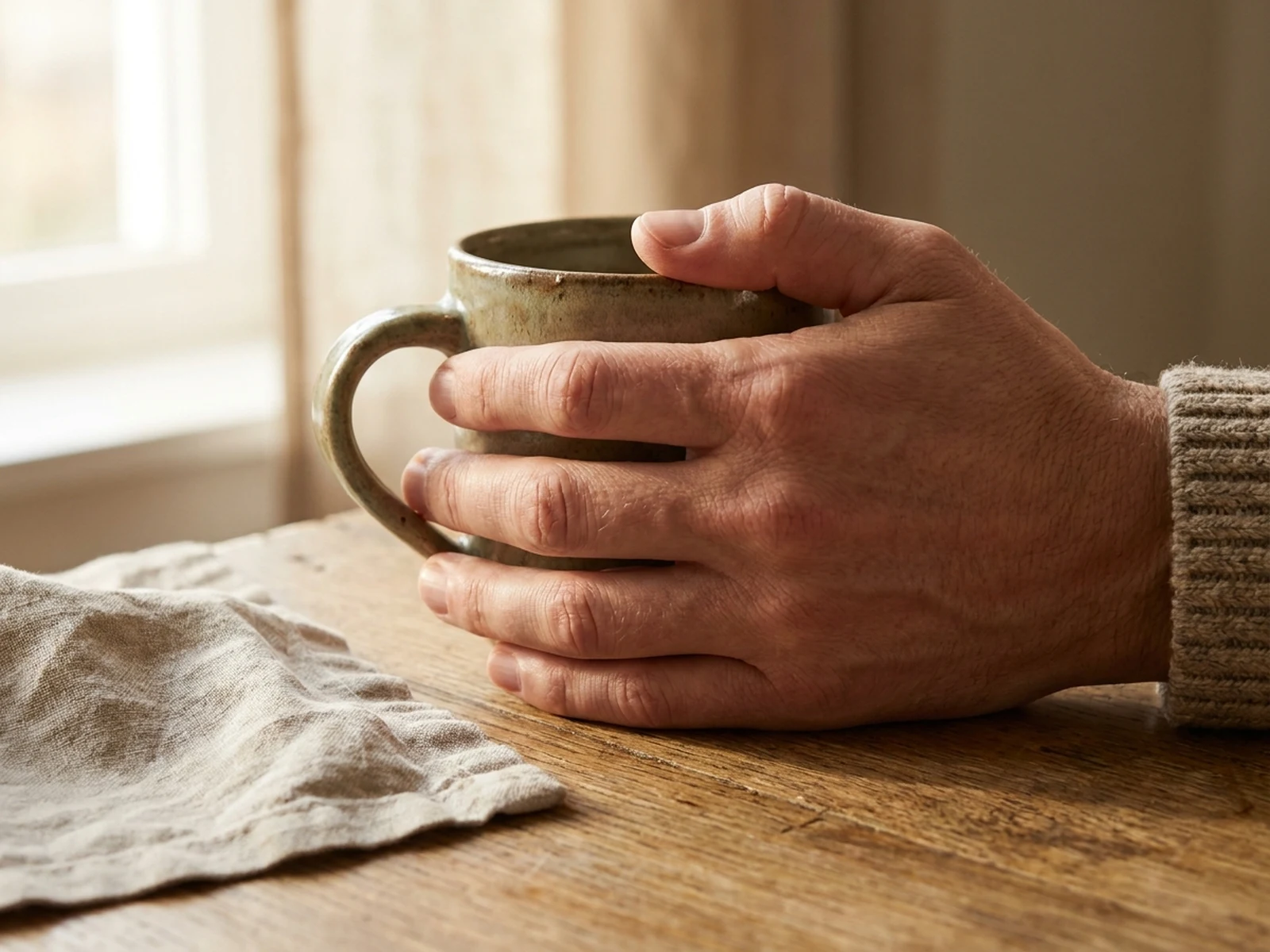
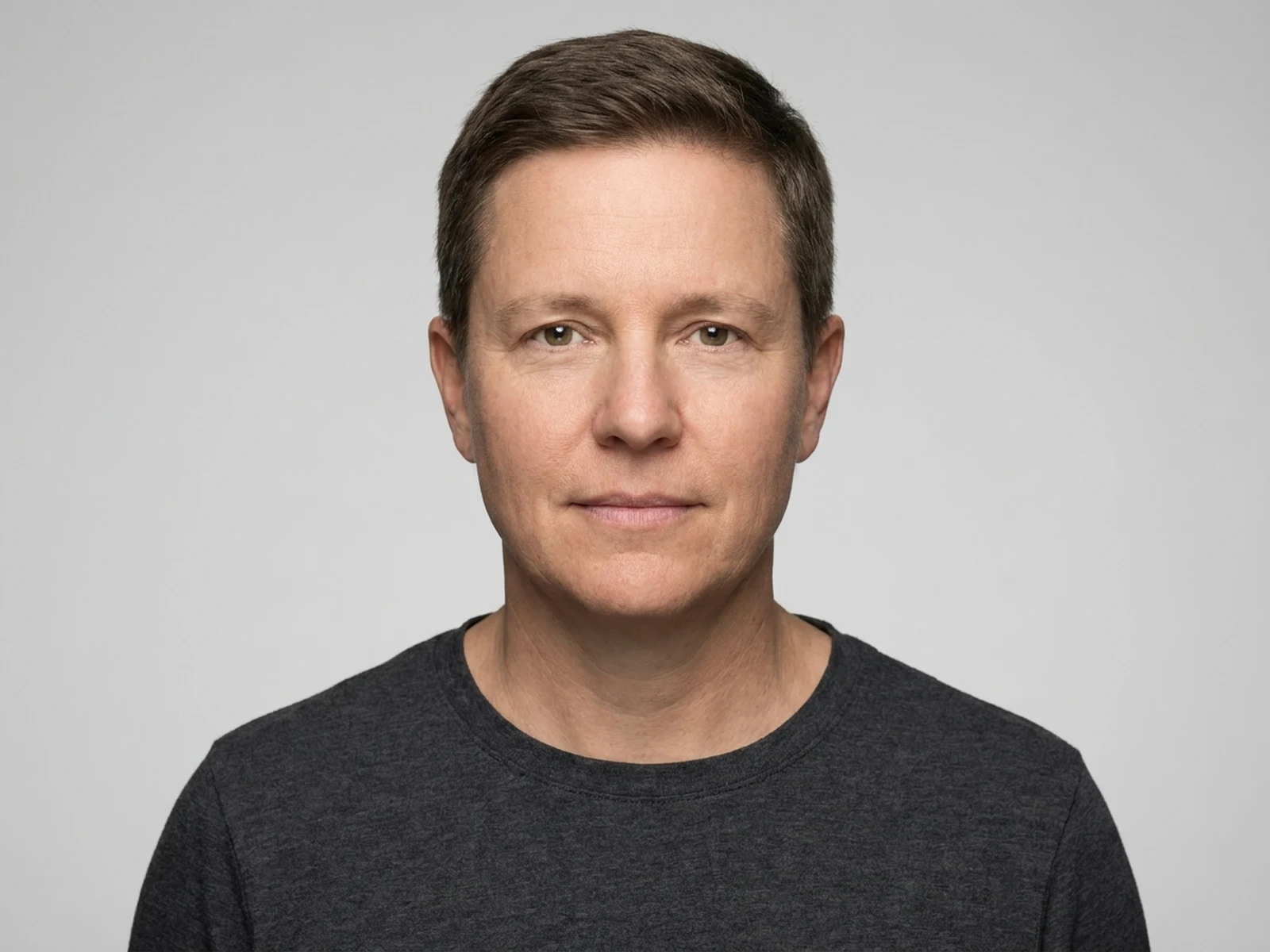
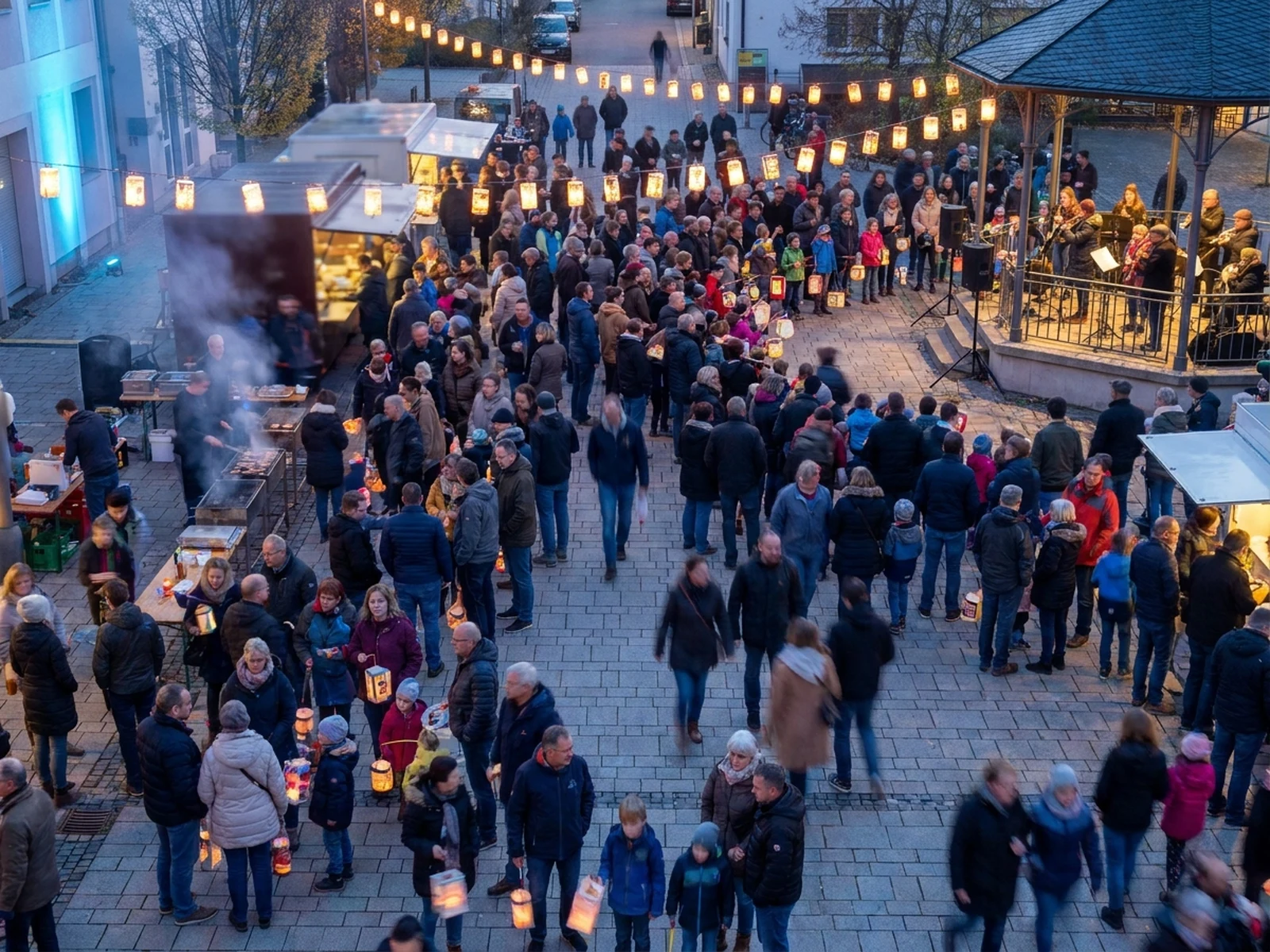
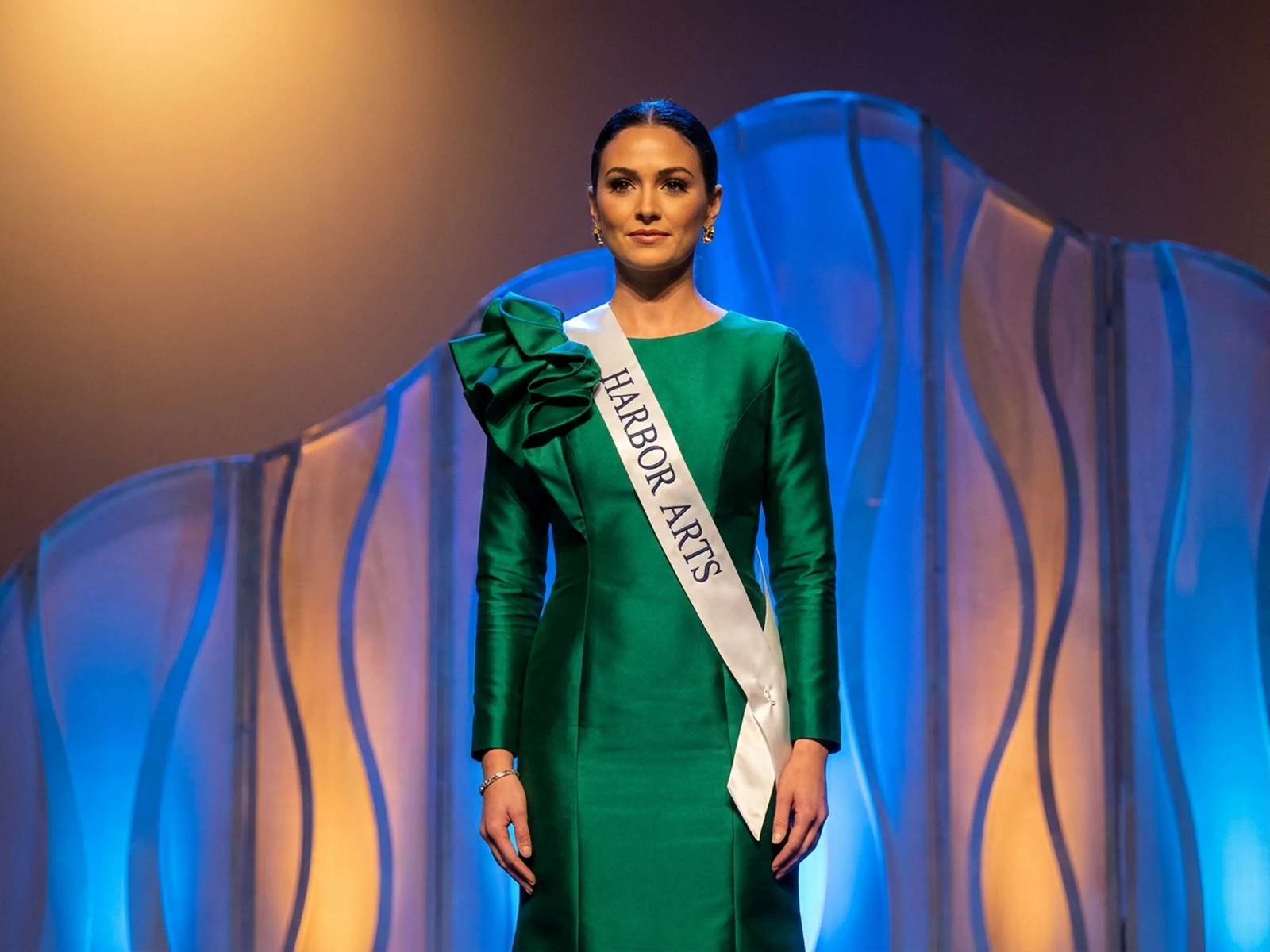
Create profile images, family portraits, creator avatars, and people-focused visual directions.
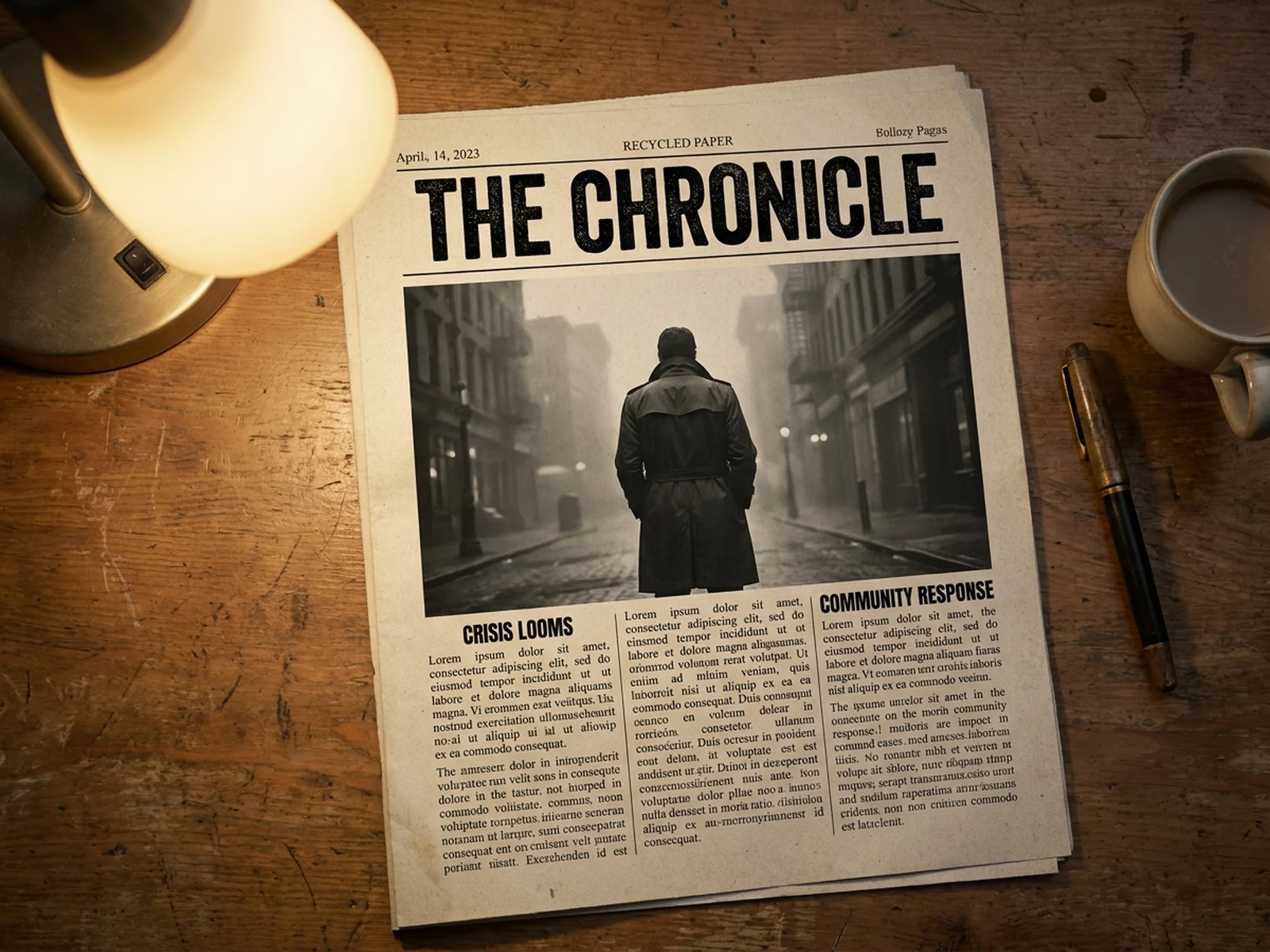
Move from one campaign idea into ad creatives, social posts, posters, thumbnails, and launch visuals.
Generate reusable visual assets such as pattern sheets, graphic layouts, textures, icons, and design boards.
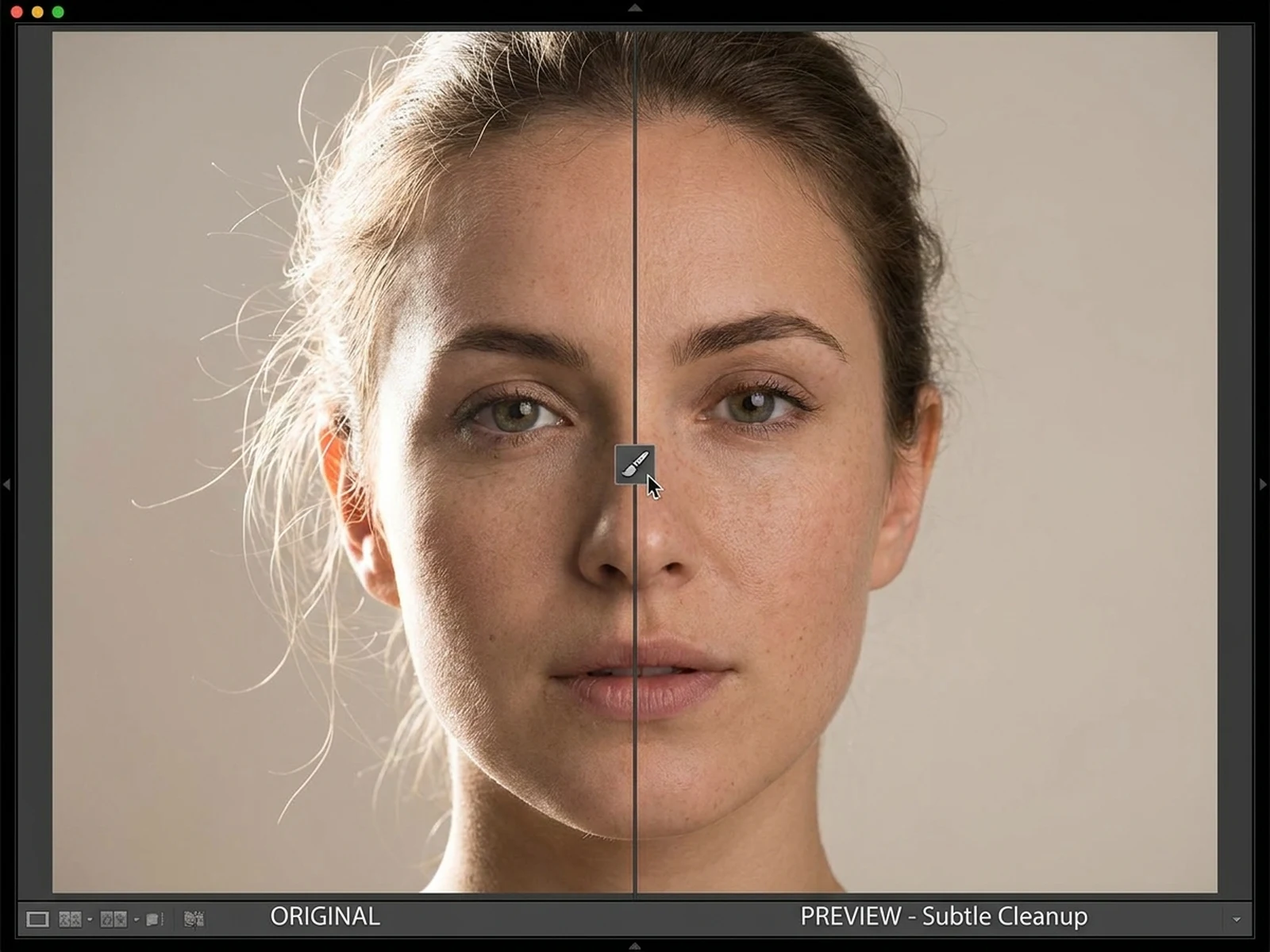
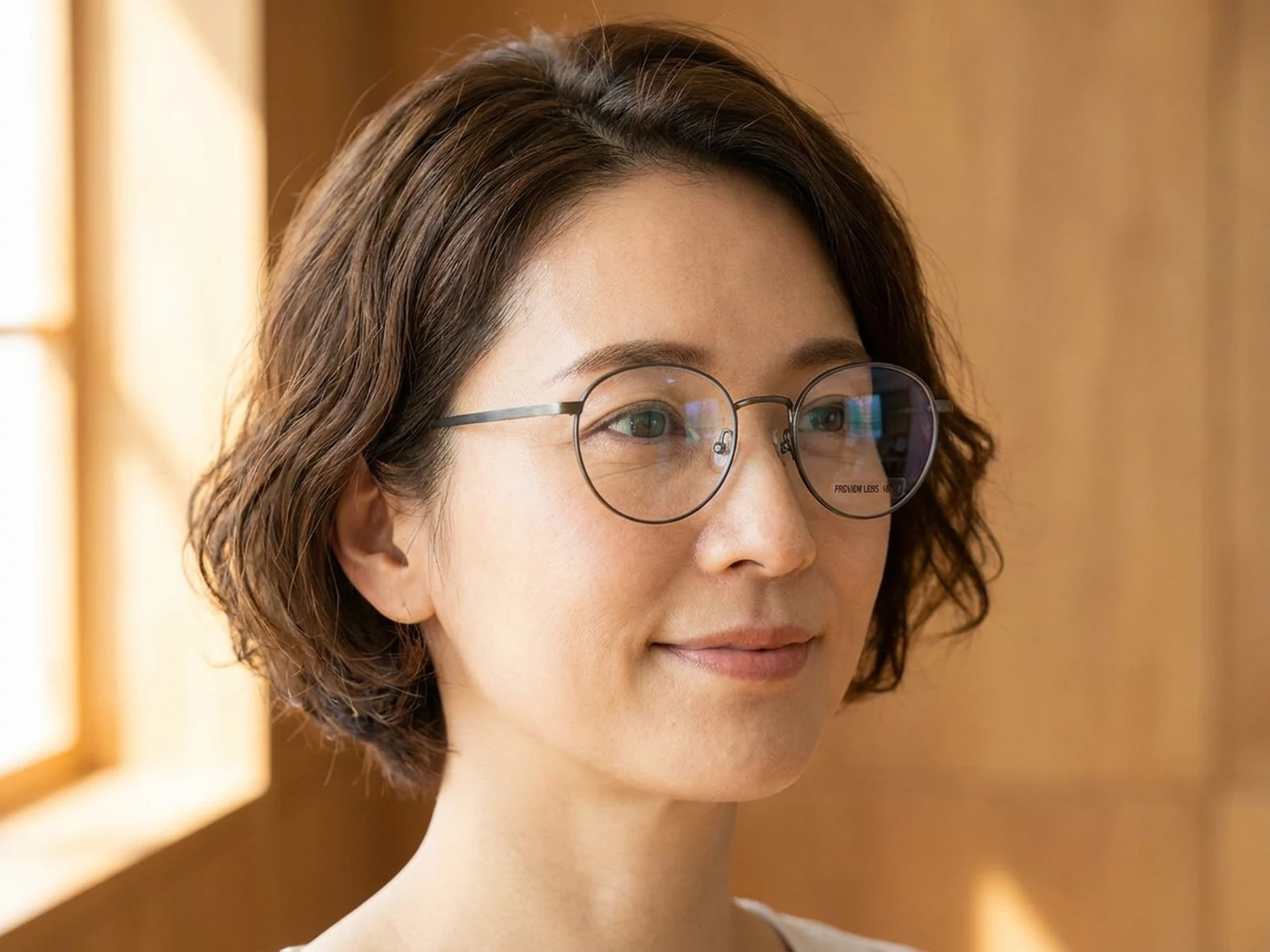
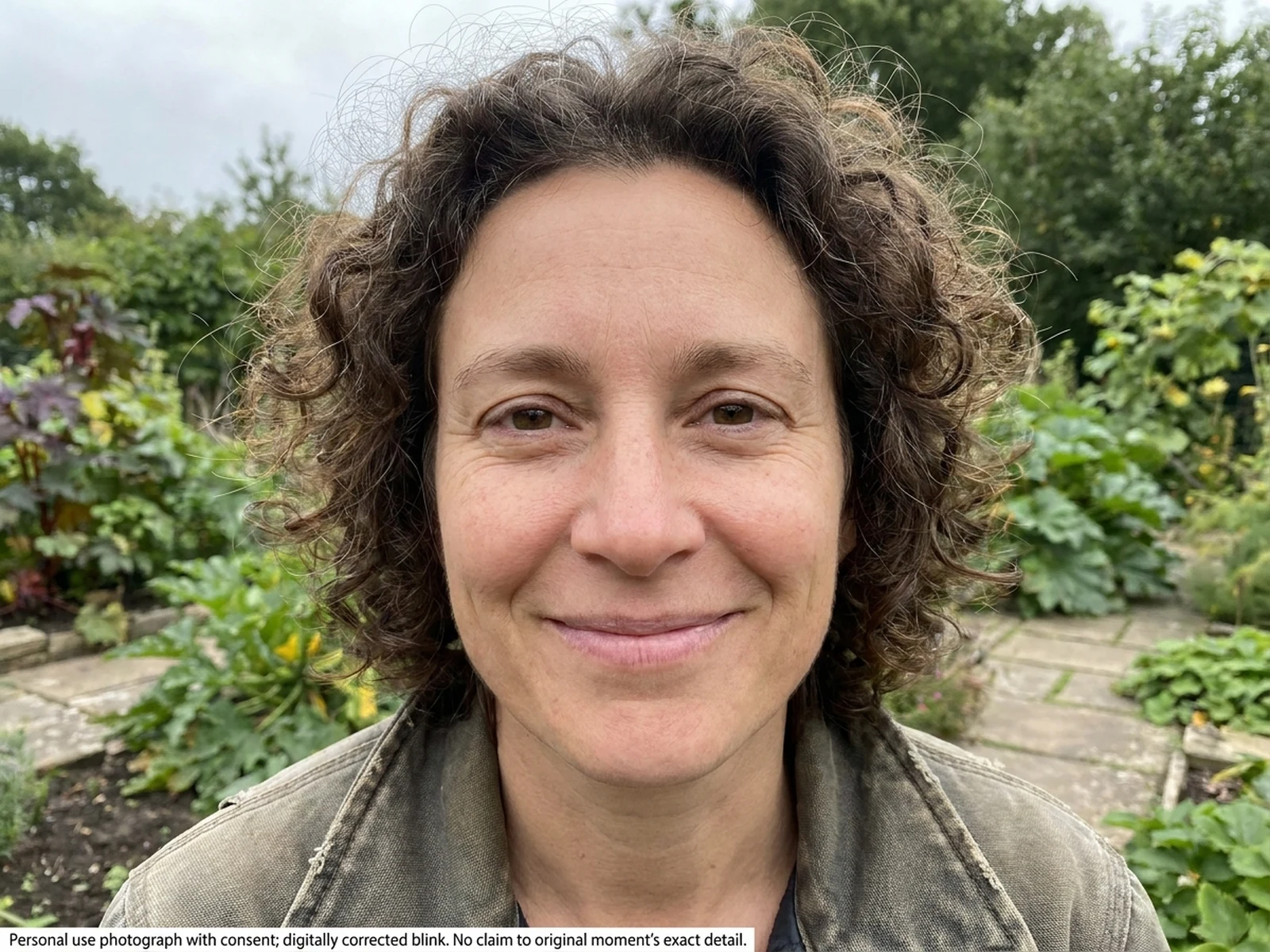
Use focused image tools for cleanup, replacement, retouching, recolor, and reference-guided photo edits.
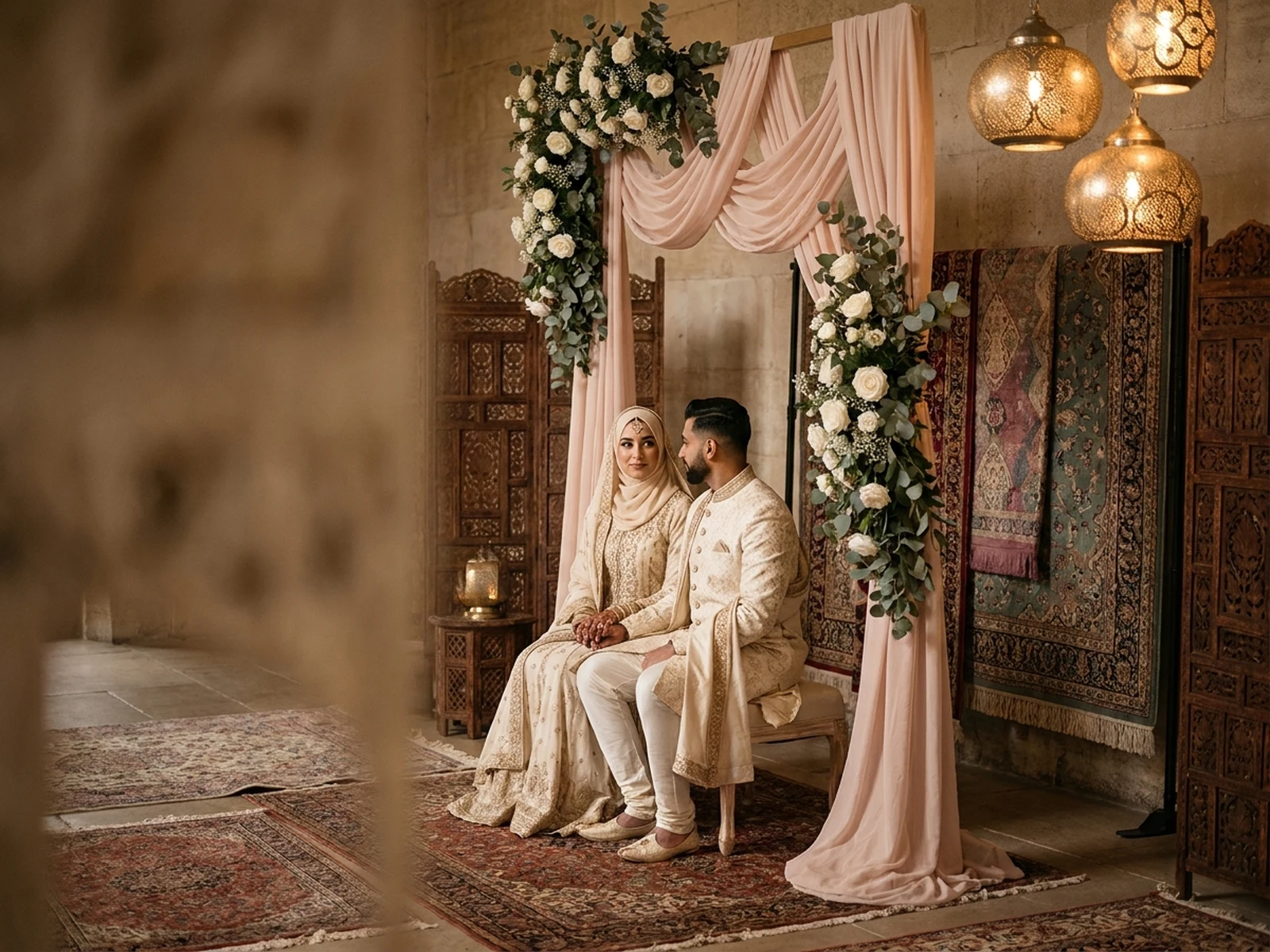
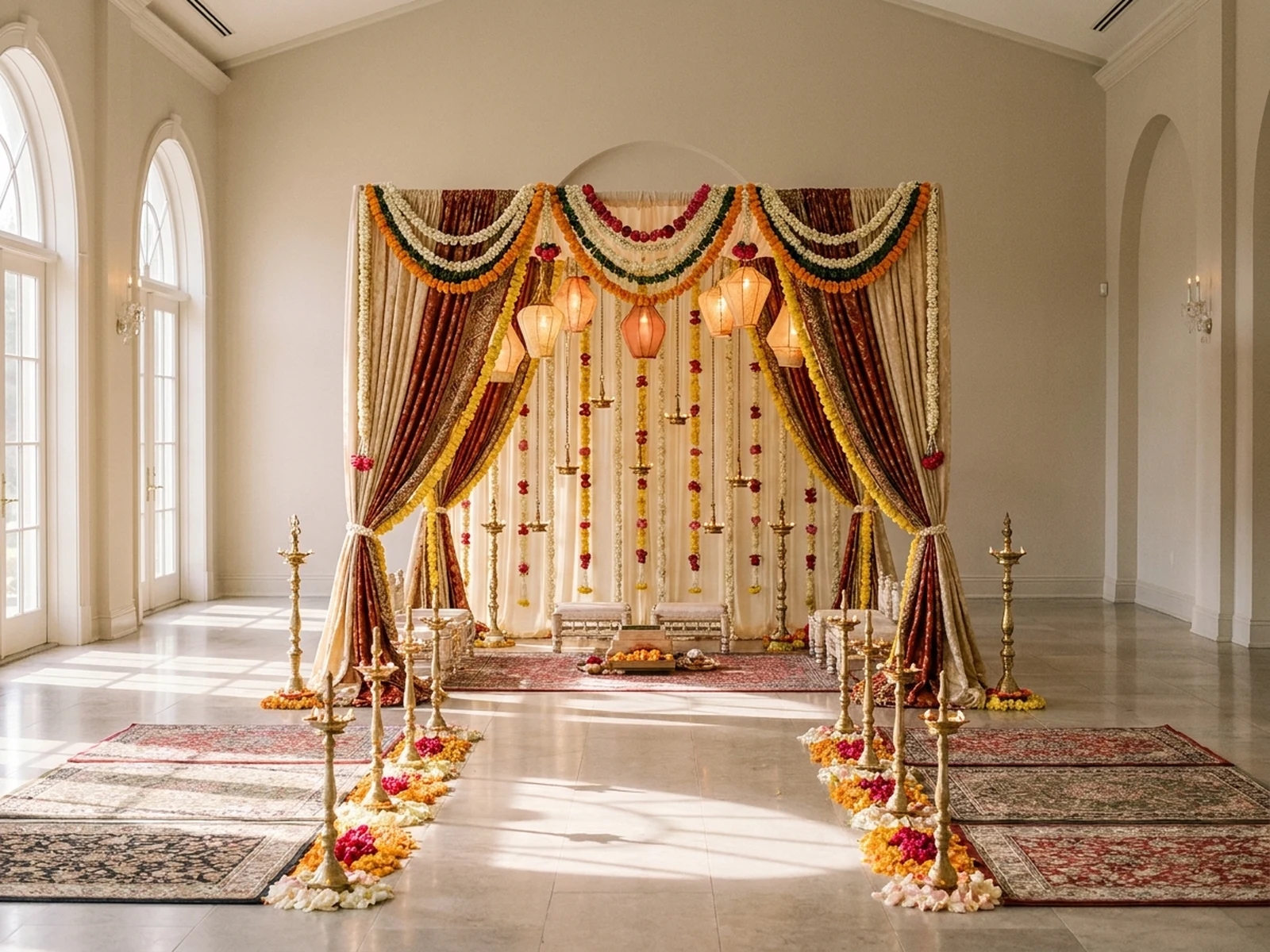
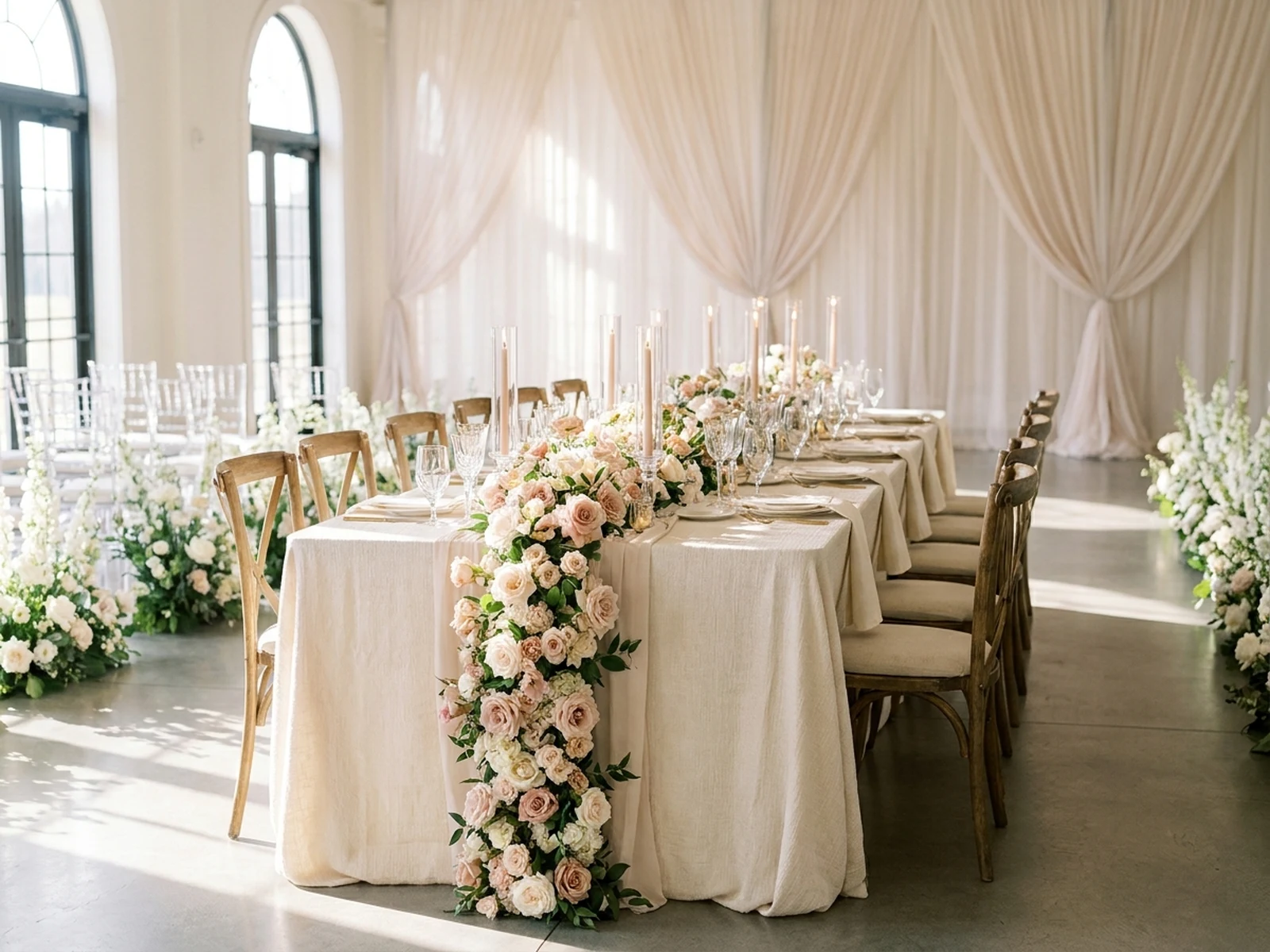
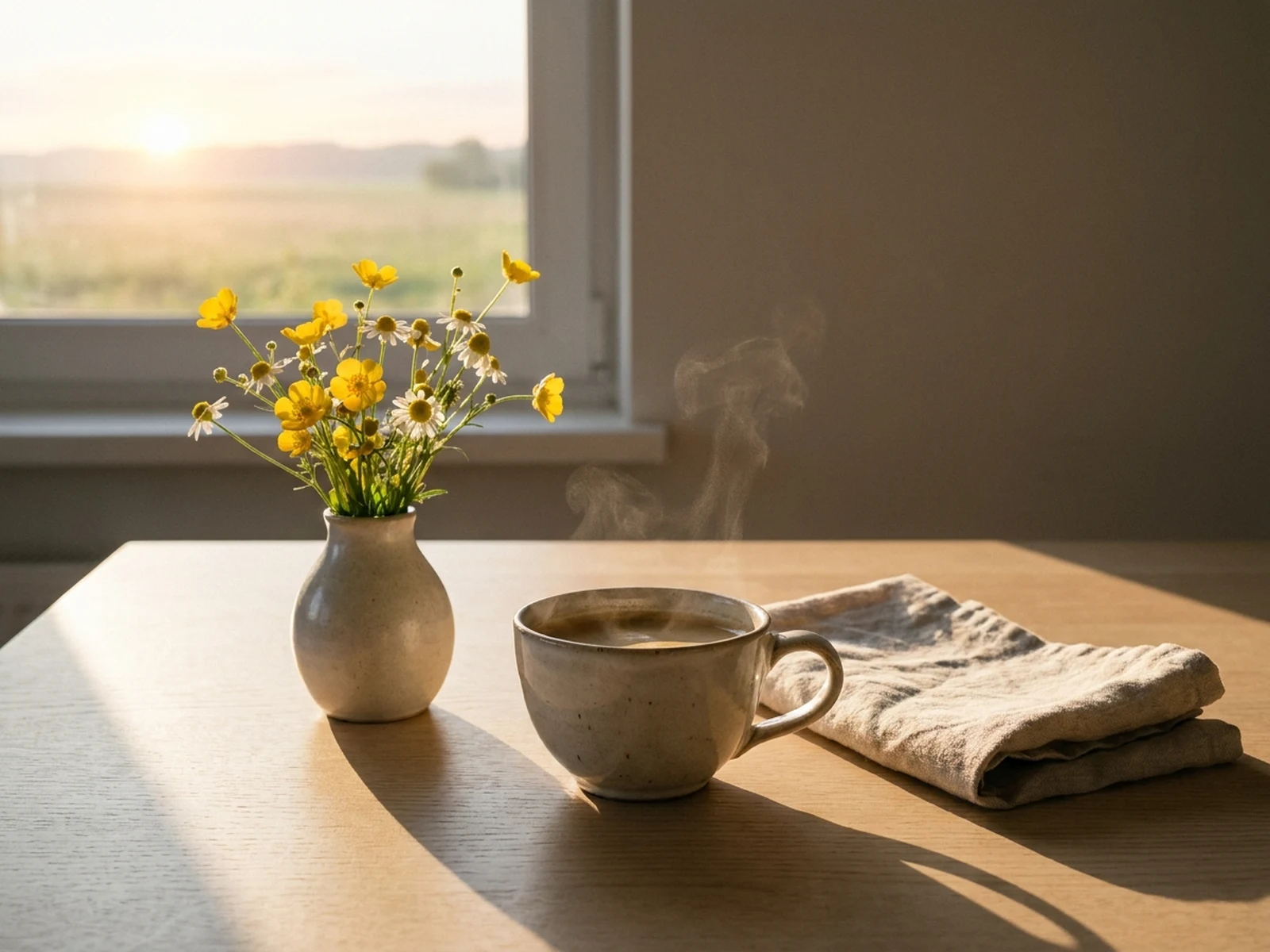
Create wedding visuals, invitations, seasonal cards, celebration posts, and event planning mood boards.
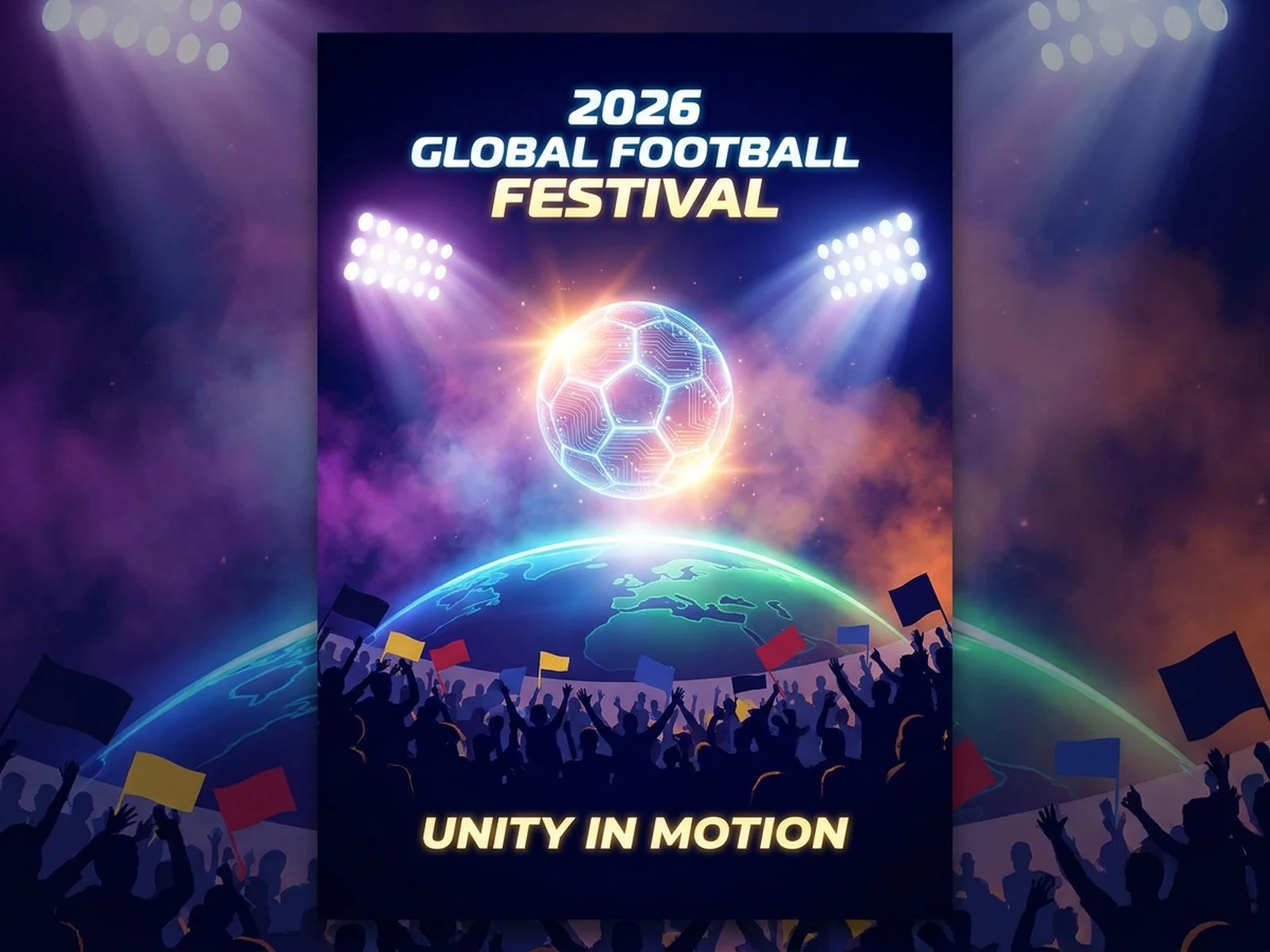
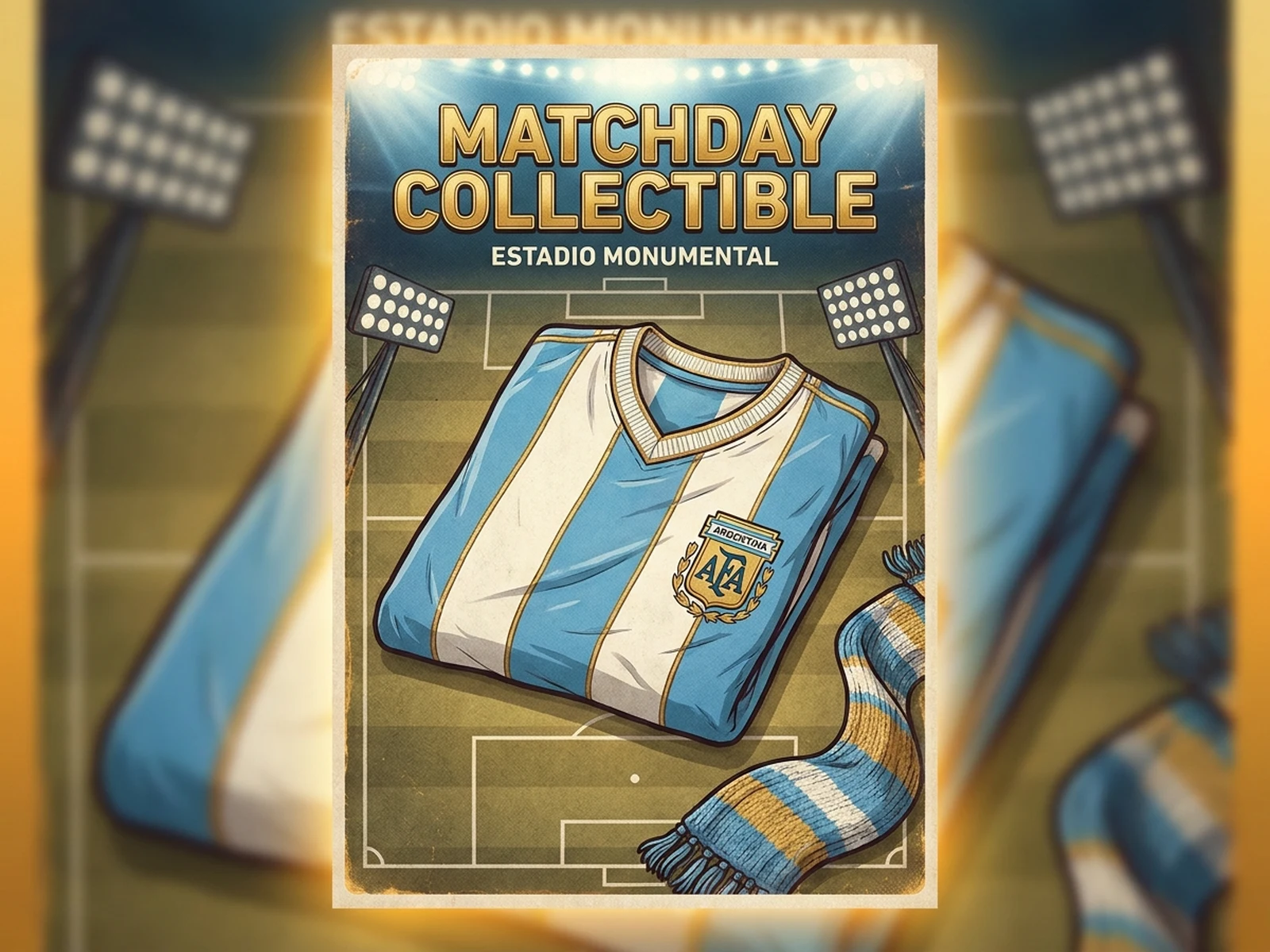
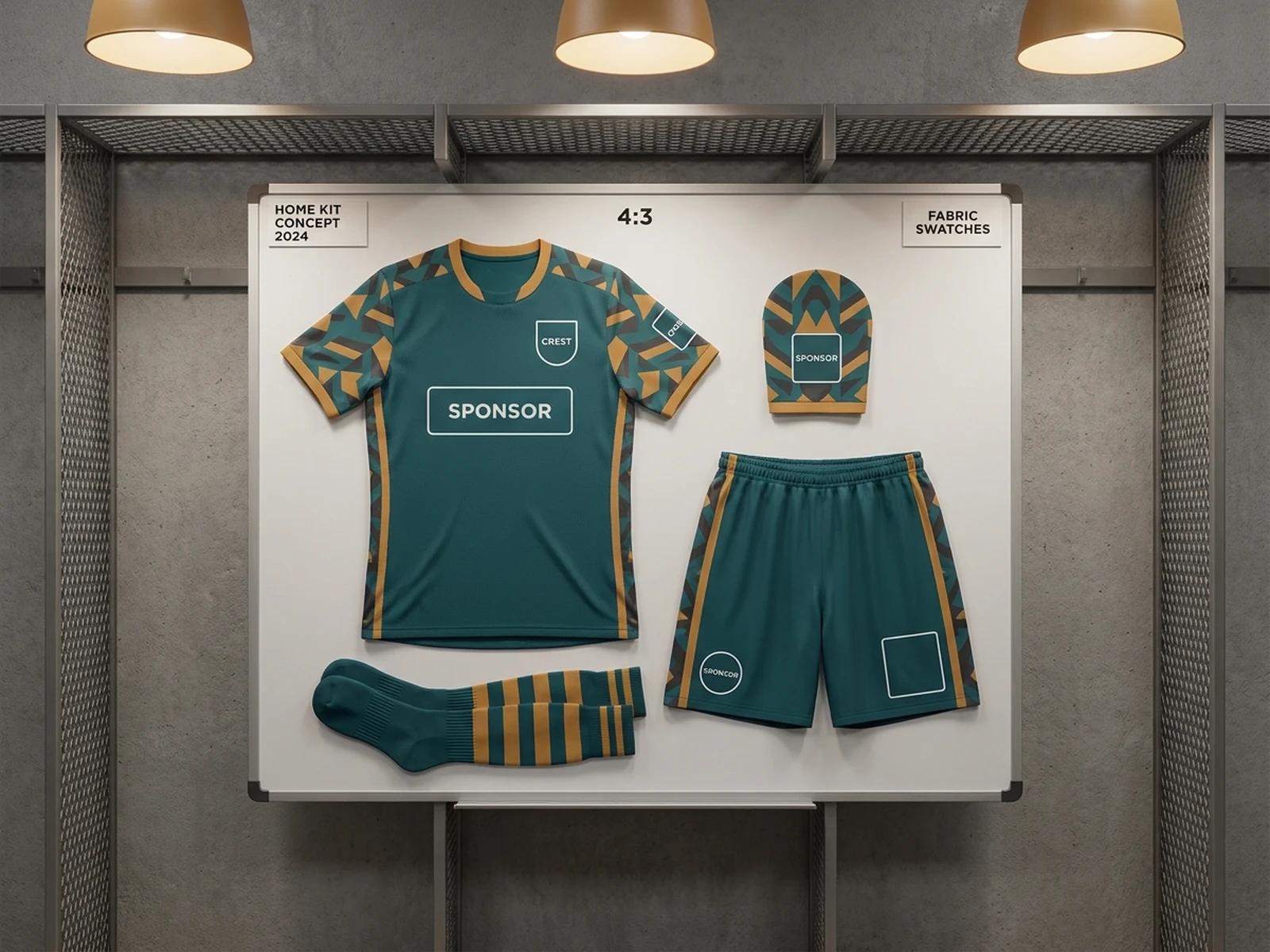
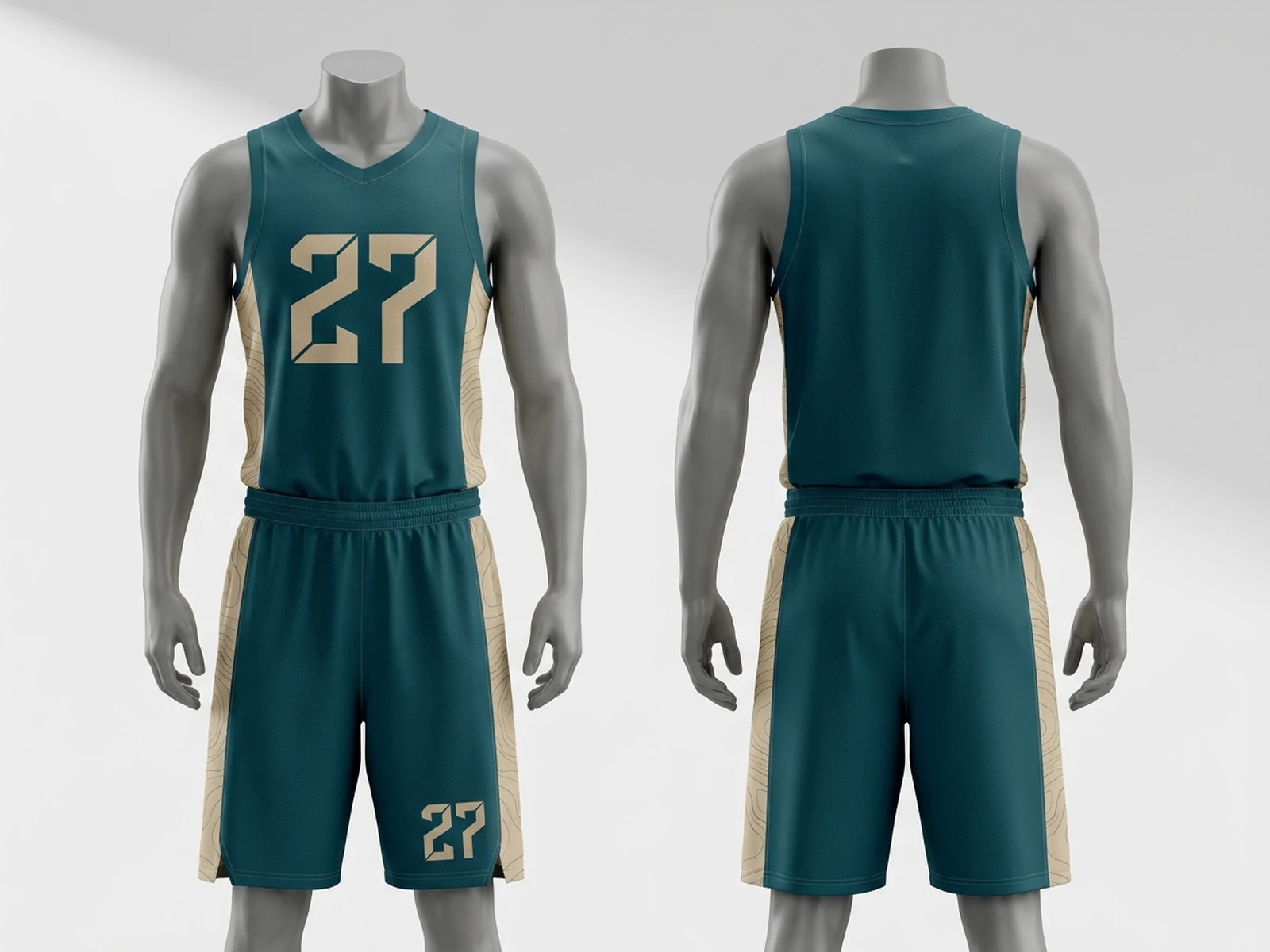
Generate fan posters, matchday visuals, jersey concepts, and sports-themed social assets.
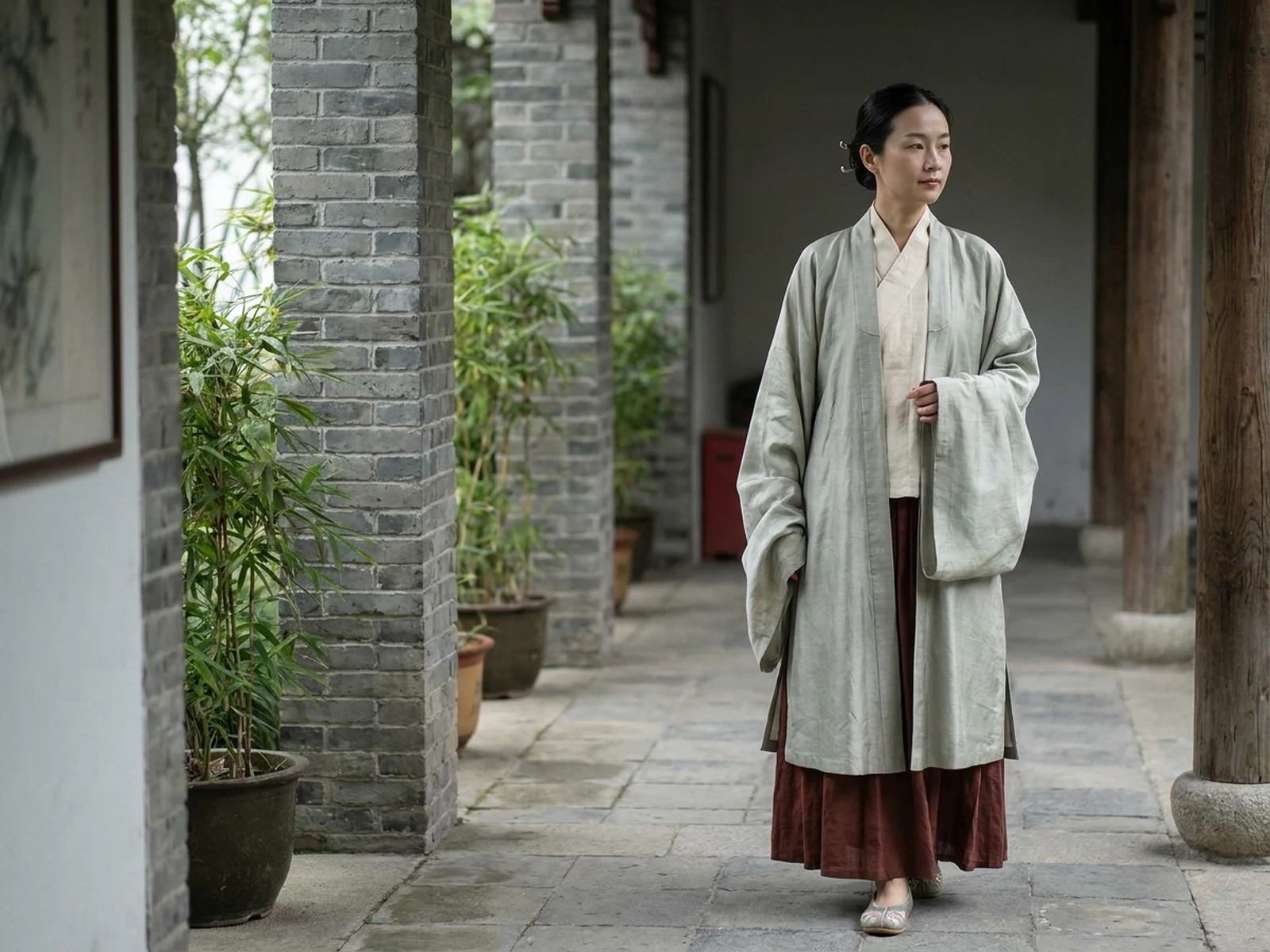
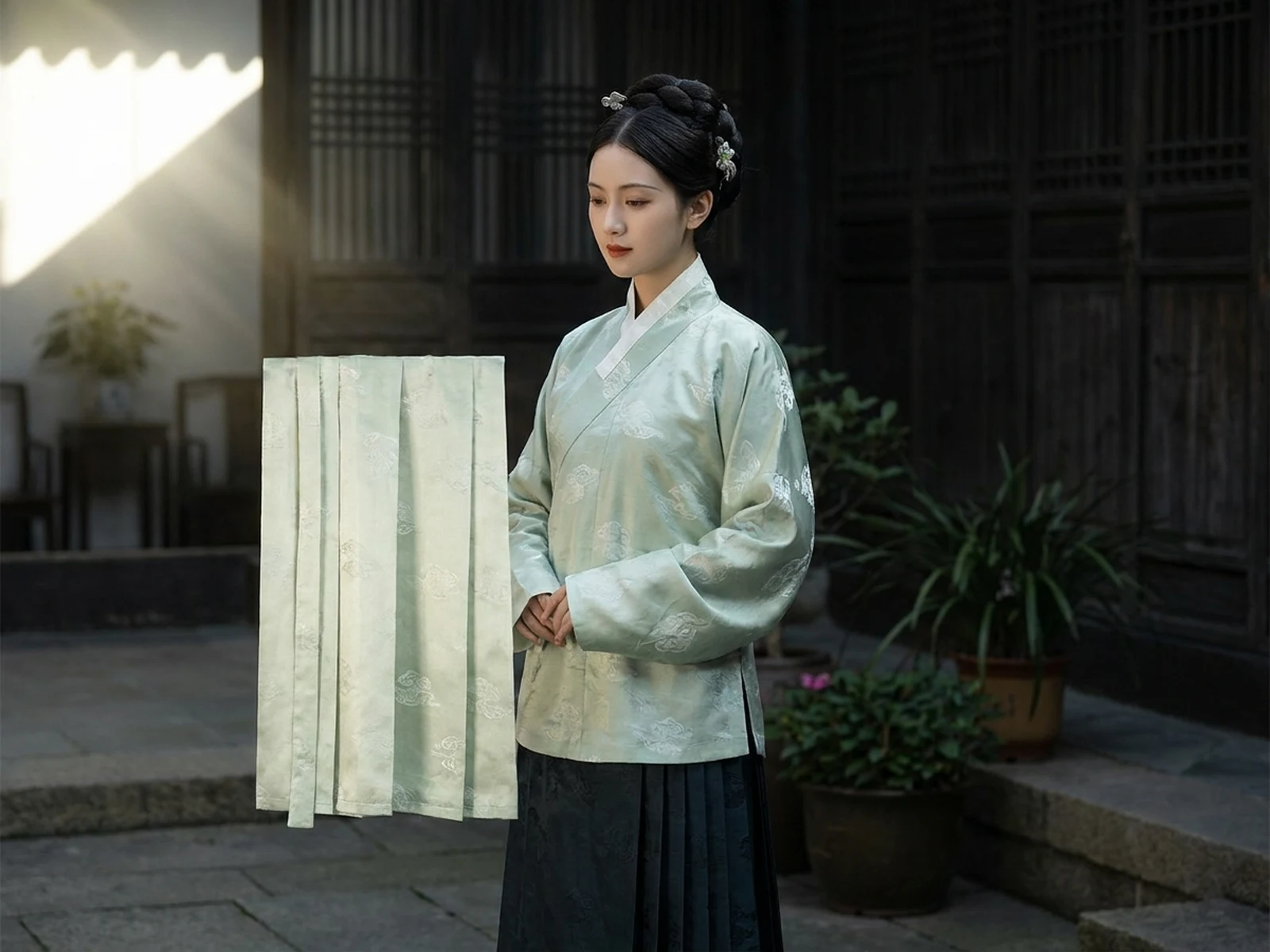
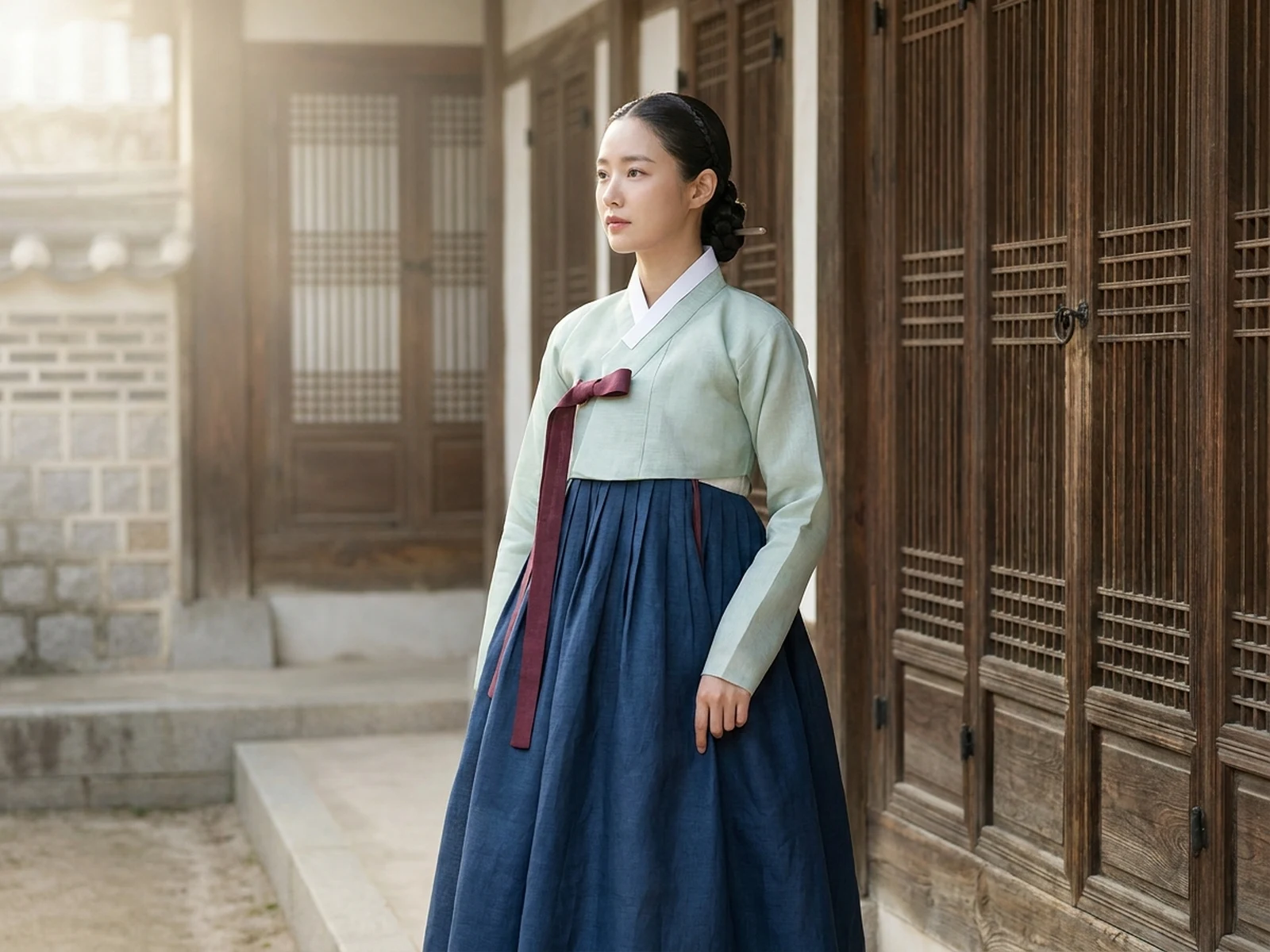
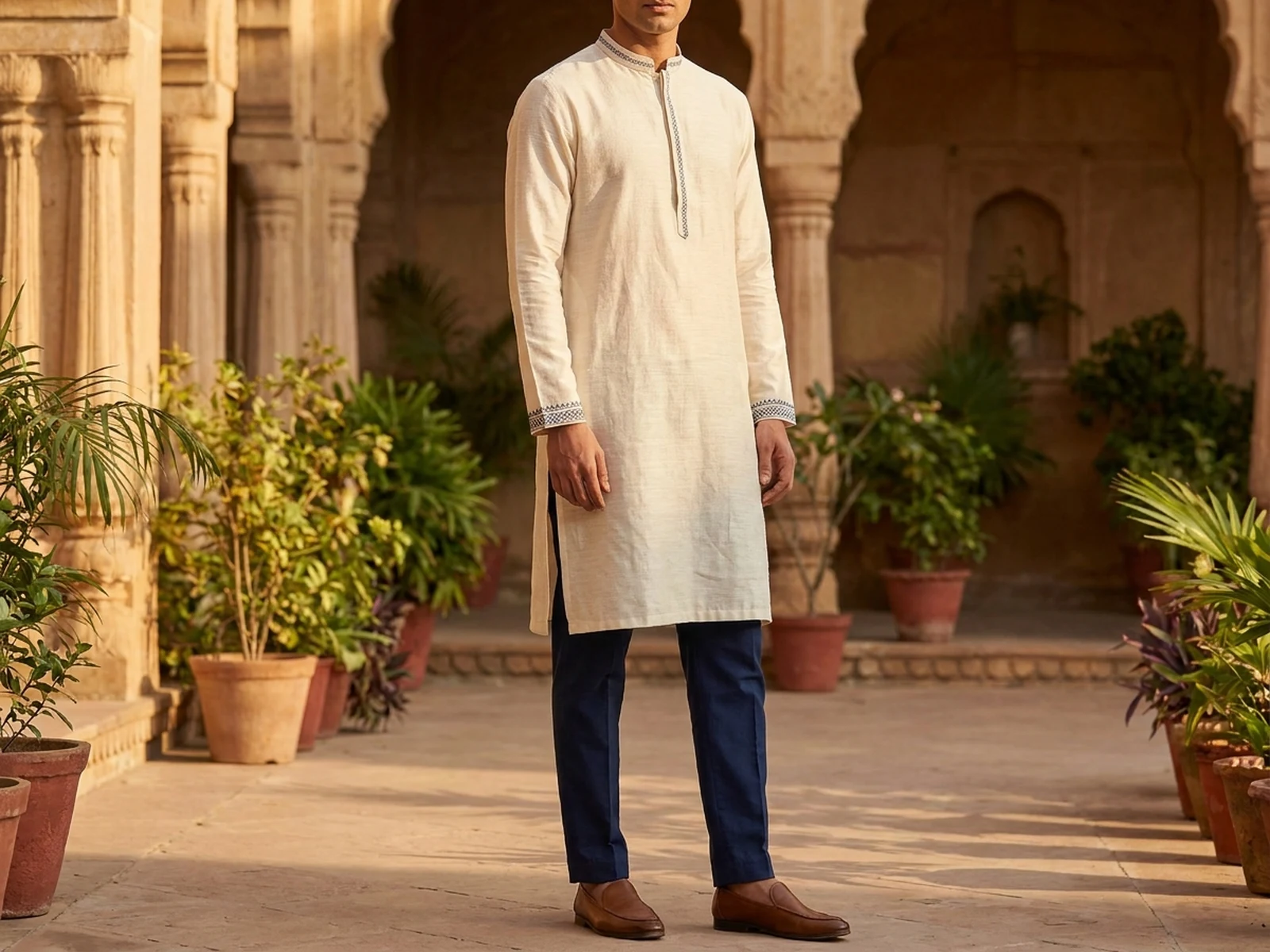
Build respectful visual prompts for cultural attire, modest fashion, heritage scenes, and identity-aware portraits.
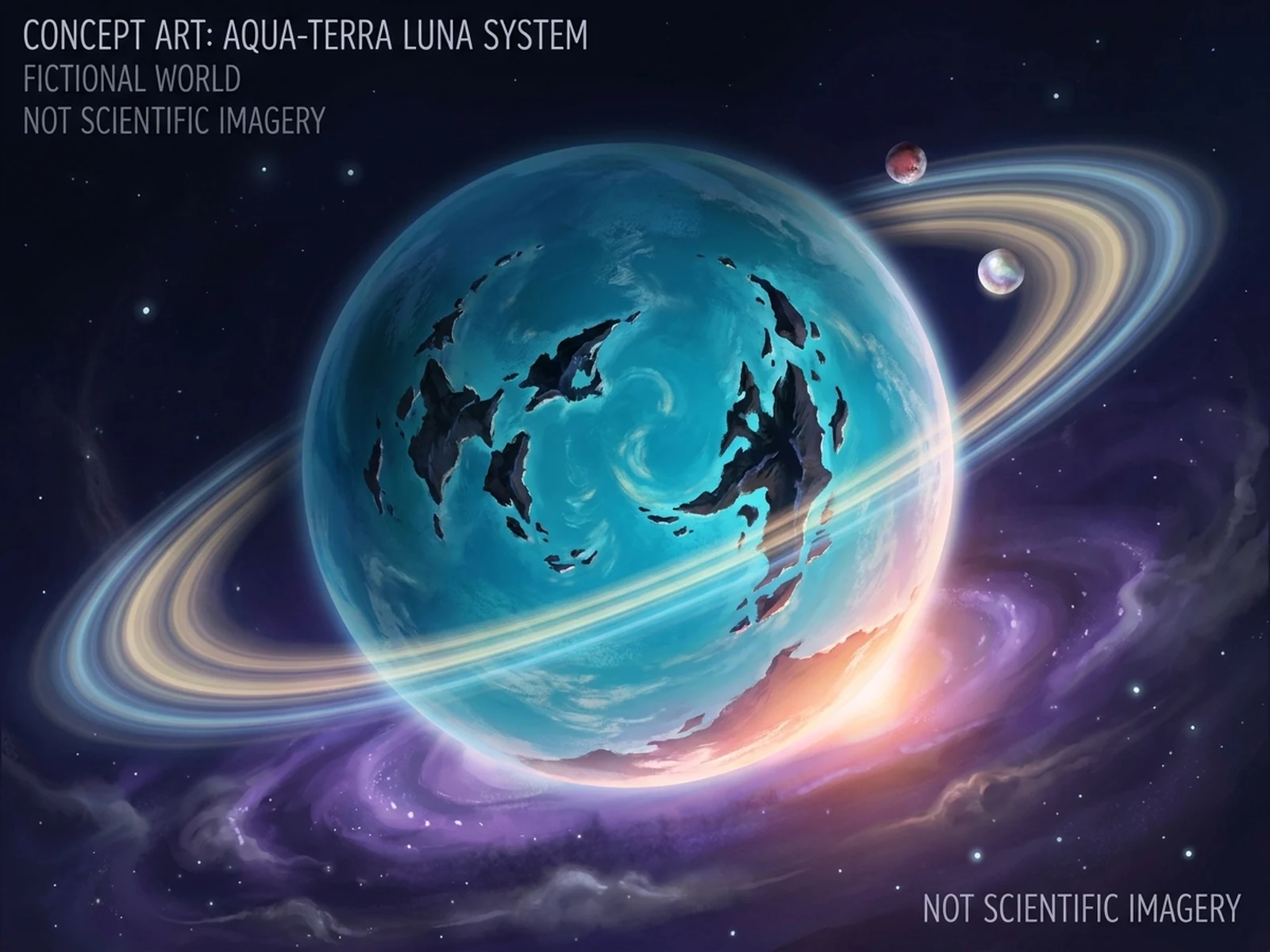
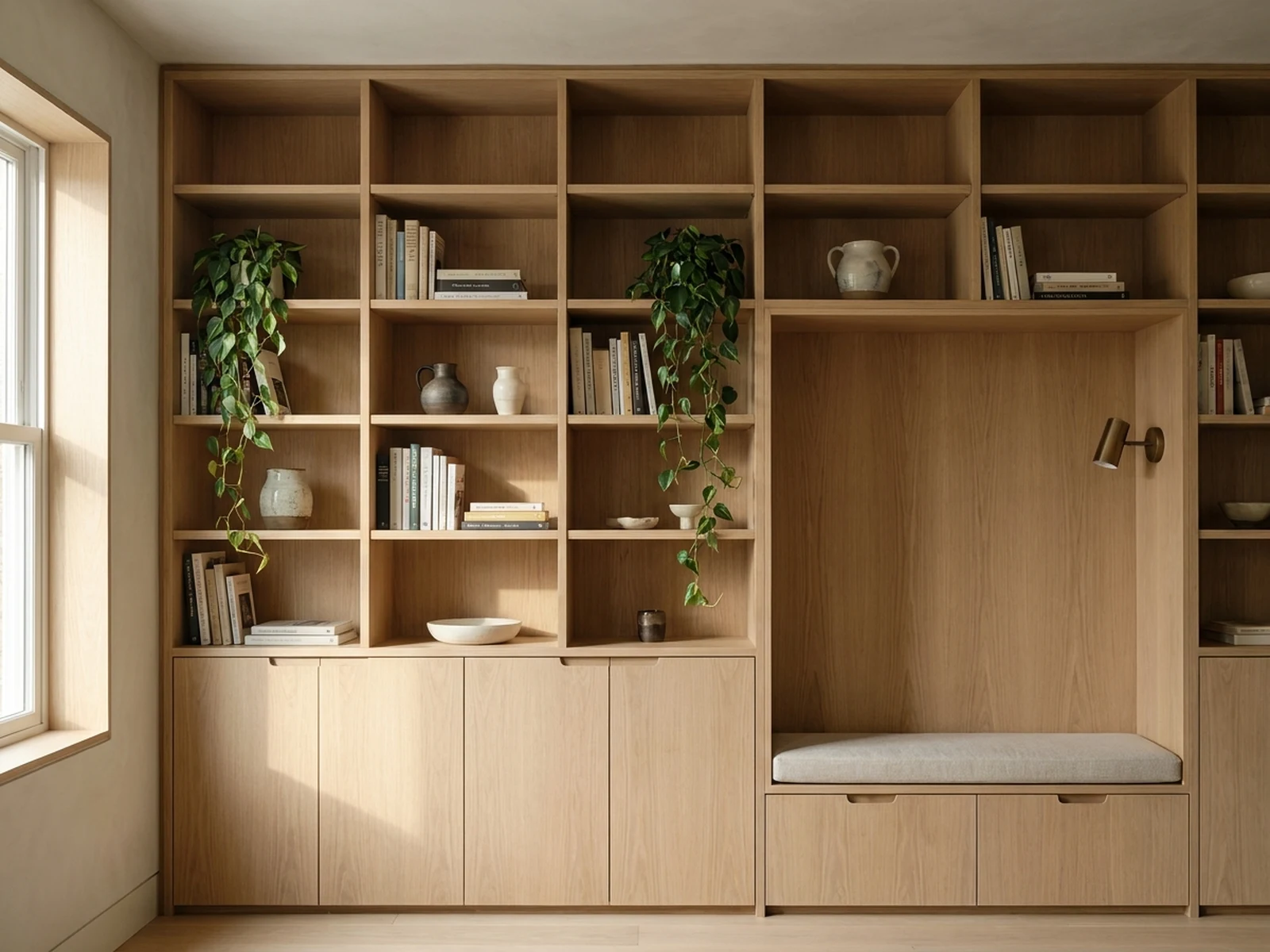
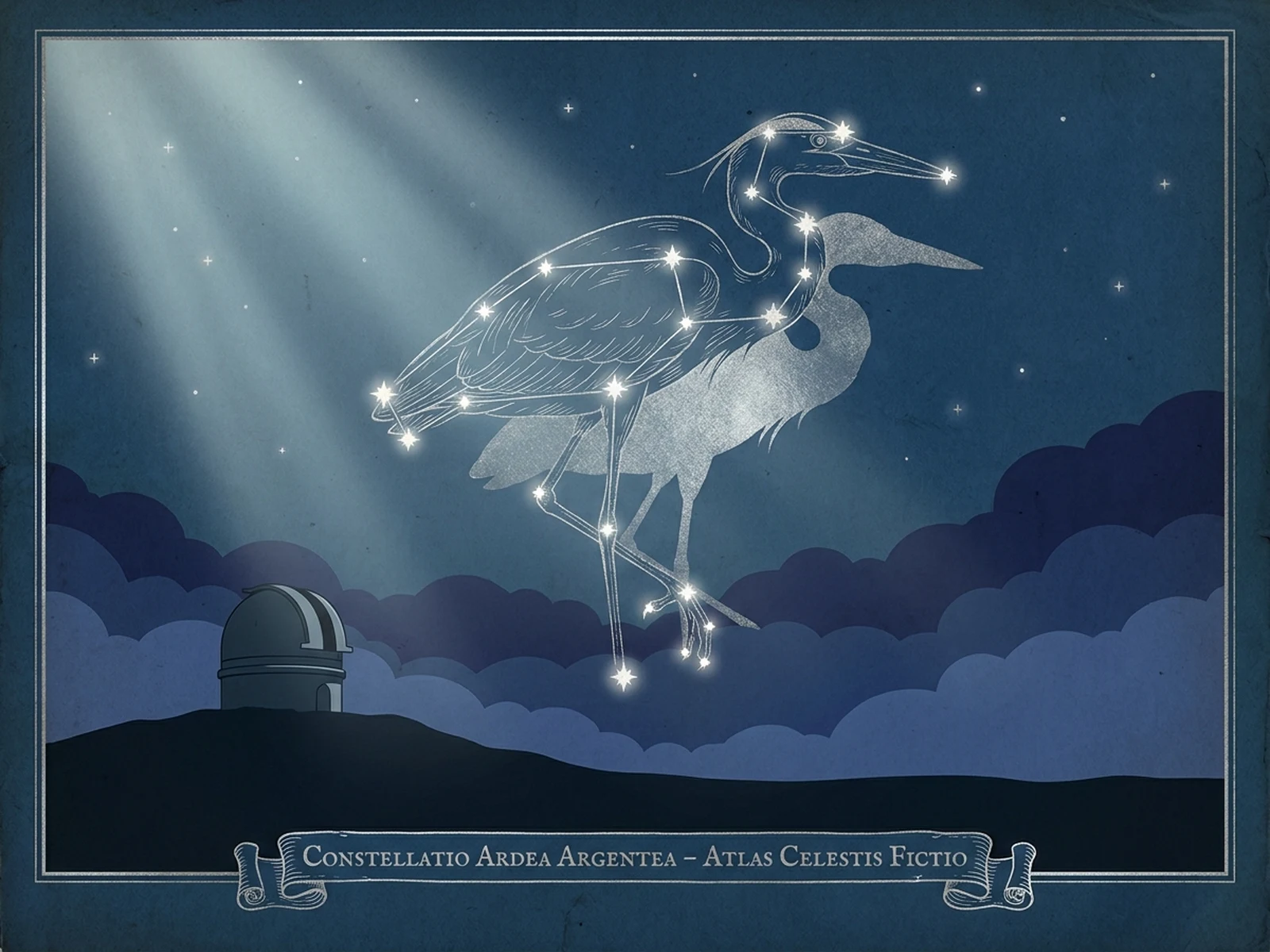
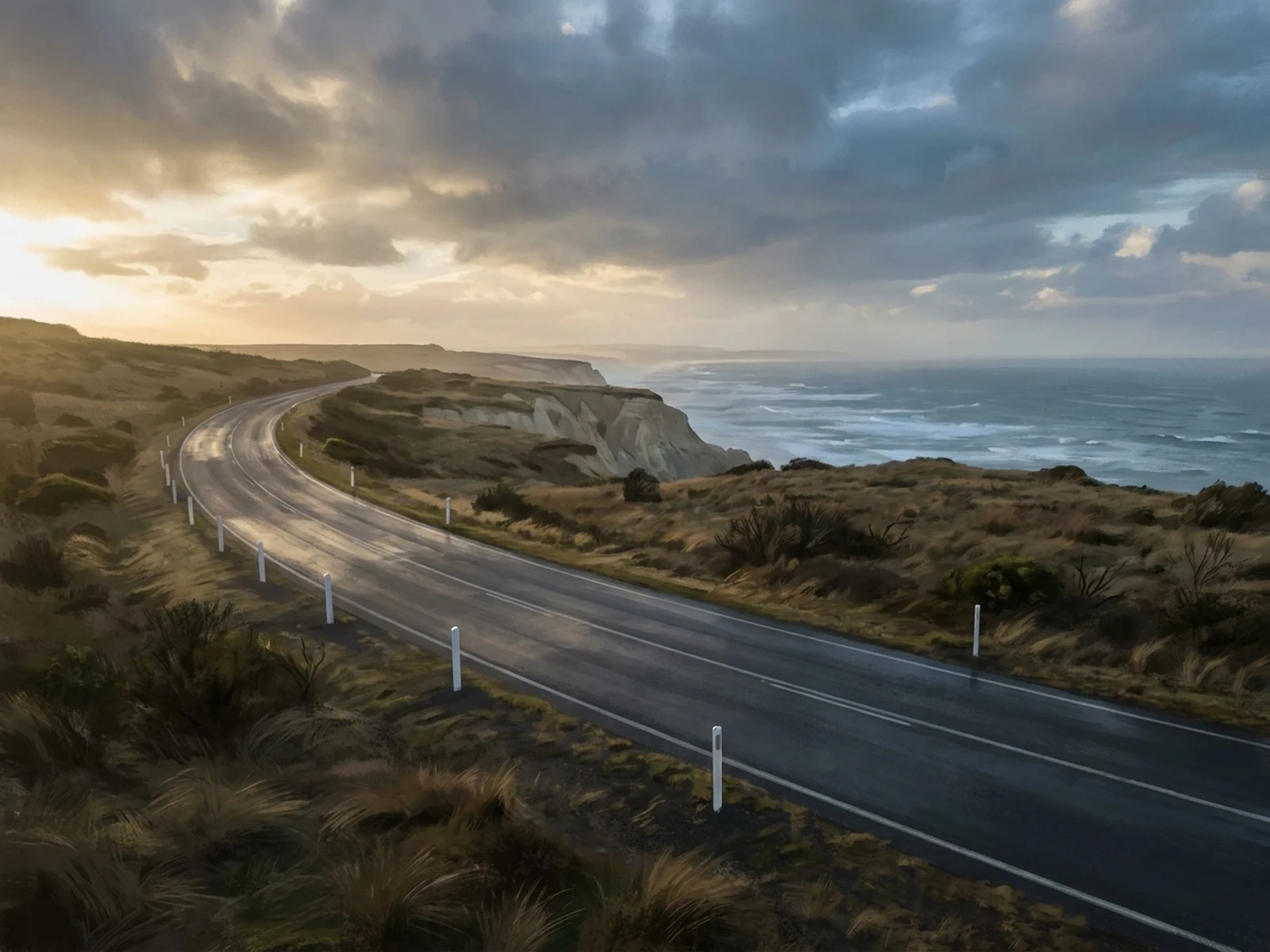
Explore interiors, cities, landscapes, motorcycles, props, devices, and object-led scene concepts.
A premium skincare bottle on wet stone, soft morning window light, fresh botanical details, clean ecommerce hero composition.
Add material, lighting, background, and channel so product images stay specific.
A bold social graphic for a new productivity app launch, crisp device mockup, green and brass accents, editorial layout, clear empty space for headline copy.
Mention the channel and where text may be added later.
A cinematic campaign poster for a summer sale, reflective sunglasses, sunlit street scene, high contrast composition, clean typography space.
Reserve empty space for copy when the asset will be finished in a design tool.
A reusable image prompt should be specific enough for Omnilyra and familiar image workflows such as Nano Banana, Seedream, Image 2, Stable Diffusion, Midjourney, and Flux.
Name the product, person, object, or scene, then explain what the image should make the viewer notice or understand.
State whether the output is for ecommerce, ads, social media, thumbnails, posters, landing pages, or launch campaigns.
Choose crop, negative space, focal point, camera angle, aspect ratio, and any space needed for later copy.
Describe lighting, color, texture, brand mood, realism level, and details the model should avoid.
Read a practical tutorial before you turn this page into a reusable generation workflow.
Start with the product, object, person, or scene, then add the channel, audience, message, and visual style.
Choose model, style, aspect ratio, resolution, and optional reference images before generating the image direction.
Keep the prompt, settings, and references together so one campaign can produce consistent image variants.
Describe the subject, selling point, composition, lighting, style, and output ratio so the image generator starts from a clear creative brief.
Upload reference images when the result needs to preserve product details, brand cues, pose, layout, or a specific visual mood.
Create image directions for product pages, paid ads, social feeds, thumbnails, posters, ecommerce banners, and launch campaigns.
Static assets are easier to compare across hooks, product angles, backgrounds, layouts, and design directions.
Product photos, ad visuals, social images, posters, and thumbnails need a clear focus, stable composition, and readable visual hierarchy.
Set the color, lighting, material, background, and composition first, then keep generating consistent image variants for the same campaign.
You can create product photos, ad creatives, social media images, posters, thumbnails, ecommerce visuals, landing page images, and campaign concepts.
Yes. You can start from a text prompt and add reference images when you need stronger control over product details, composition, mood, or brand consistency.
The prompt structure is designed to work across Omnilyra image workflows and familiar model names such as Nano Banana, Seedream, Image 2, Stable Diffusion, Midjourney, and Flux.
Yes. The workflow includes ratios, reference images, and prompt examples for paid ads, social posts, launch visuals, and reusable marketing assets.
Image generation is best for one strong still asset, such as a product photo, ad visual, poster, or thumbnail. Video generation is better when the idea needs camera movement, pacing, sound, or a sequence of scenes.
Add more detail about the subject, channel, lighting, material, composition, brand cues, and what the final image should be used for, then generate another variation.