AI ad creative testing workflow for paid social
Plan AI ad creative tests with hypotheses, prompt variants, visual hierarchy, placement rules, and a simple readout workflow for paid social campaigns.
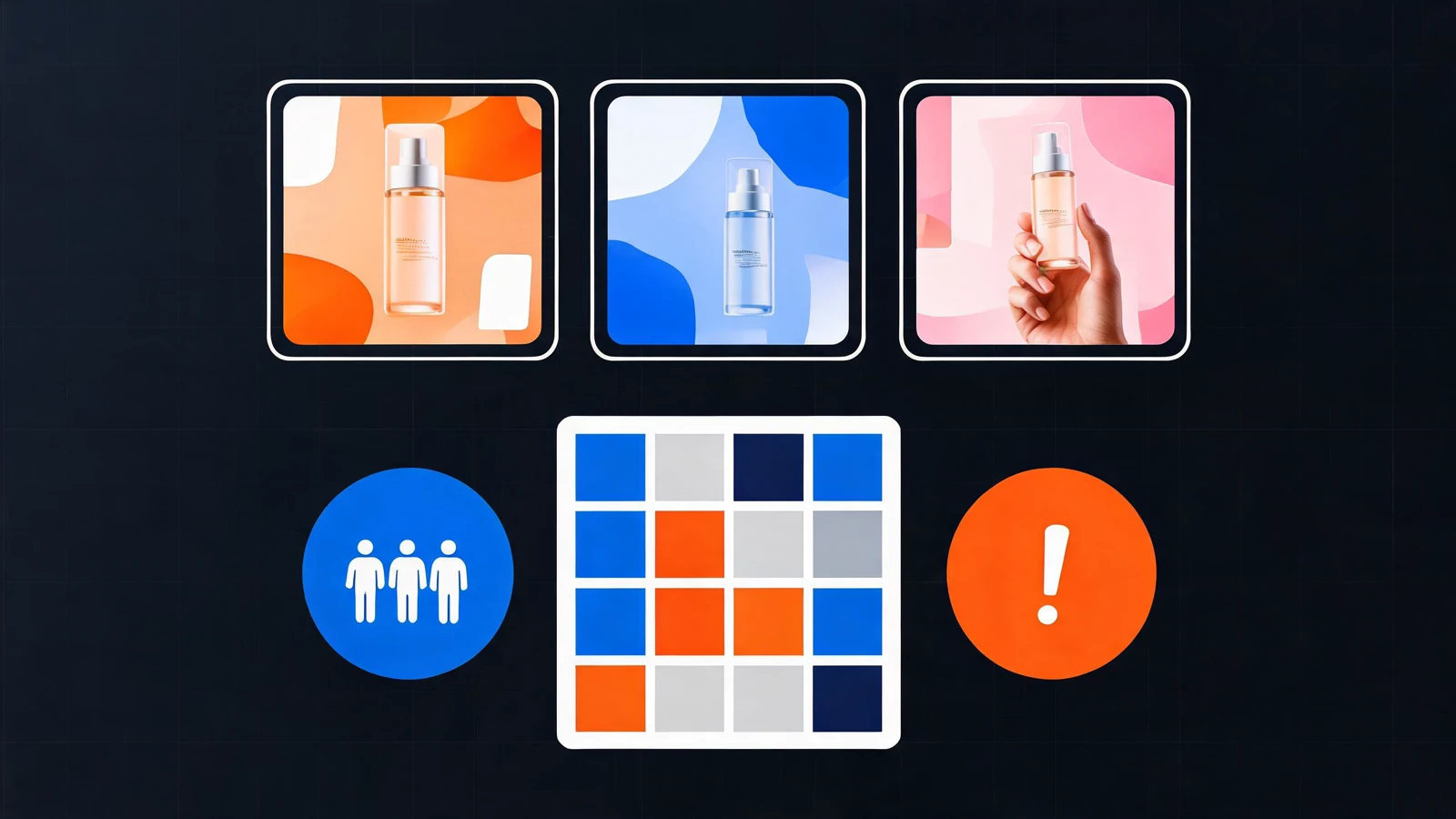
AI ad creative testing is only useful when each image answers a clear question. If every version changes the product angle, background, offer, crop, and headline space at once, you may get attractive ads, but you will not know what actually worked.
The better workflow is to treat every AI ad creative prompt like a testable hypothesis. You define the message, control the variables, generate a small batch, and use the results to write the next prompt with more confidence.
Turn every creative into a hypothesis
Start with the business question before opening the generator. A paid social test should ask something specific:
- Does the audience respond more to the pain point or the outcome?
- Does the product need a clinical mood, lifestyle mood, or offer-led layout?
- Should the first visual cue be the product, the use moment, the problem, or the proof?
- Does the campaign need more room for headline copy or more product detail?
The AI ad creative generator can create many directions quickly, but speed only helps if the test is structured. A prompt that says "premium skincare ad" is vague. A prompt that says "calming serum for sensitive skin, blue-green cooling cue, top third reserved for redness relief headline" is a hypothesis.
Split the prompt into four layers
A strong AI ad creative prompt has four layers: message, product, layout, and placement.
- Message: the promise, pain point, offer, proof, or emotional payoff.
- Product: what must stay accurate, including packaging, label, material, and scale.
- Layout: where the product, proof, offer, CTA space, and background sit.
- Placement: feed, story, vertical ad, square carousel, landing page retargeting, or email banner.
When one layer is unclear, the model fills the gap with guesswork. When all four layers are clear, the output becomes easier to judge and easier to refine.
Build a small test matrix
Do not generate a random pile of ads. Build a compact matrix with one controlled difference.
For example, keep the same product, crop, and audience, then test three message angles:
- Problem-led: show the friction before the product solves it.
- Benefit-led: show the result or emotional payoff.
- Offer-led: make the bundle, discount, or launch date easy to place.
Or keep the same message and test three visual treatments:
- Clean studio product focus.
- Lifestyle use moment.
- Comparison-style layout with proof space.
This keeps the batch small enough to review. It also gives you a reason to keep or discard each direction.
Separate concept tests from production polish
Early AI ad creative tests do not need perfect final artwork. They need readable composition, clear product focus, and enough difference to compare. Use AI to test layout, hook, angle, and hierarchy first.
Once a direction wins, move into production polish:
- Add stricter product references.
- Match brand colors more closely.
- Remove props that distract from the message.
- Reserve exact headline and CTA space.
- Recreate the winning composition across the required sizes.
This avoids wasting time perfecting an idea before you know whether the angle is worth keeping.
Read the results before writing the next prompt
The most important step happens after generation. Do not just pick the prettiest image. Judge each result against the hypothesis:
- Can the viewer understand the message in one glance?
- Is the product visible enough for the placement?
- Does the layout leave room for final copy?
- Is the scene believable for the audience?
- Which single variable made the strongest difference?
Then write the next prompt from what you learned. If the benefit-led version is clearer, keep that message and test a new crop. If the lifestyle version feels more credible, keep the scene and test a stronger product angle.
Extend the workflow to video
The same testing logic works for motion. For short paid social clips, keep the hypothesis stable and change only the motion lever: first frame, reveal speed, camera movement, final product frame, or CTA space.
Use the AI ad video generator for motion tests, and use the AI short video prompt structure when you need a tighter timeline.
Example creative brief and prompt
Brief:
- Audience: people with sensitive skin.
- Hypothesis: a cooling visual cue will make redness relief easier to understand.
- Product: calming skincare serum.
- Placement: 9:16 paid social story.
- Constraint: top third reserved for final headline text.
Prompt:
Paid social ad creative for a calming skincare serum, audience is people with sensitive skin, product bottle centered on cool stone, blue-green cooling light, top third has clean space for "calm redness fast" headline, crisp product detail, premium but clinical mood, 9:16 vertical crop, no generated text.
Next step
Choose one campaign and write three prompts that share the same audience, product, and placement. Change only the message angle. Generate the batch, compare it against the hypothesis, then turn the winning direction into a polished creative set.