Choose image or video
Decide whether the job needs a still visual, cover, or ad image, or motion, pacing, and story.
Create the visual assets a campaign needs from one idea: product shots, ad creatives, social posts, short videos, demo clips, and storyboard concepts. Start with a prompt and references, then generate variations for launches, ecommerce pages, paid ads, and everyday content production.
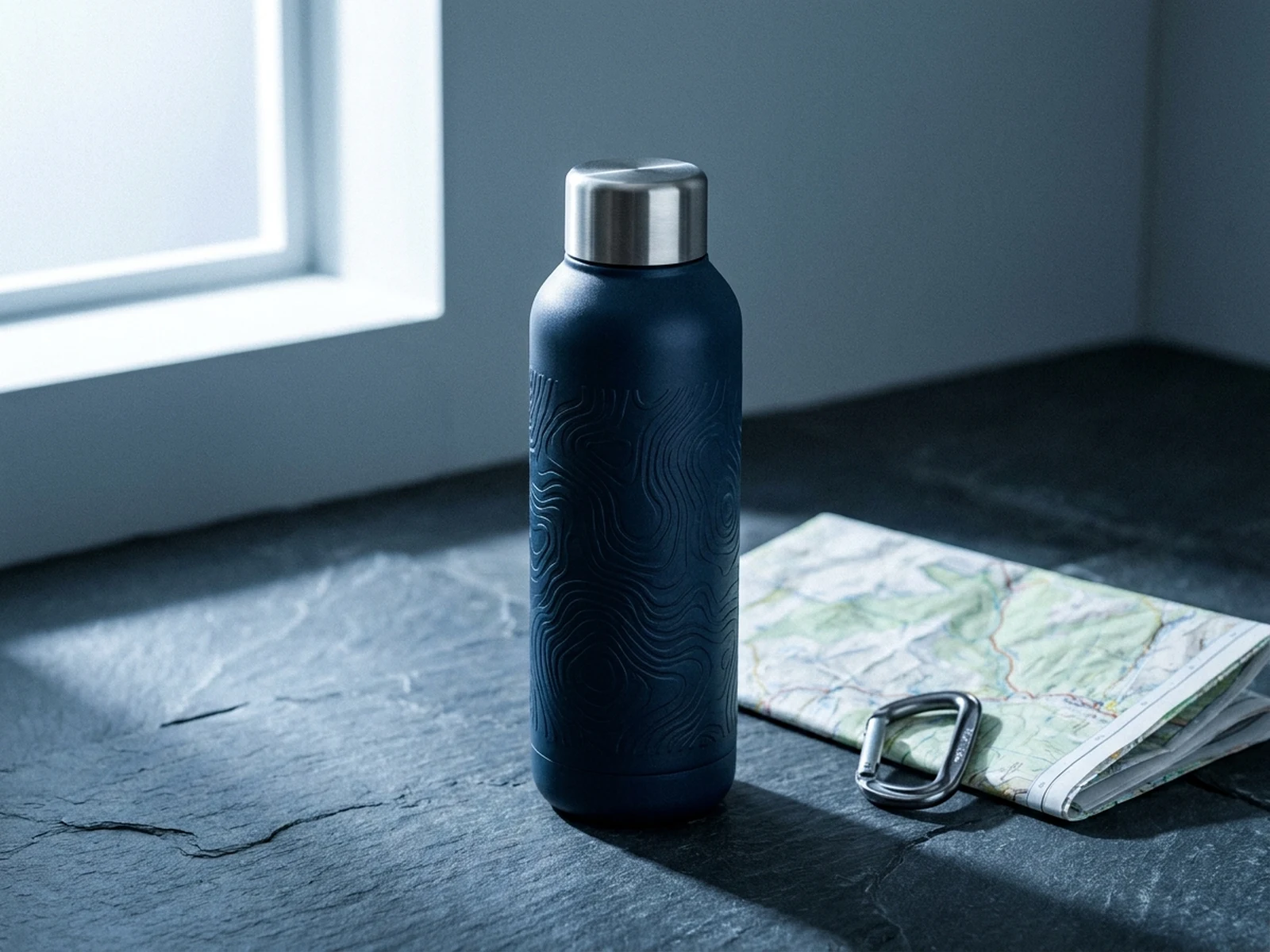
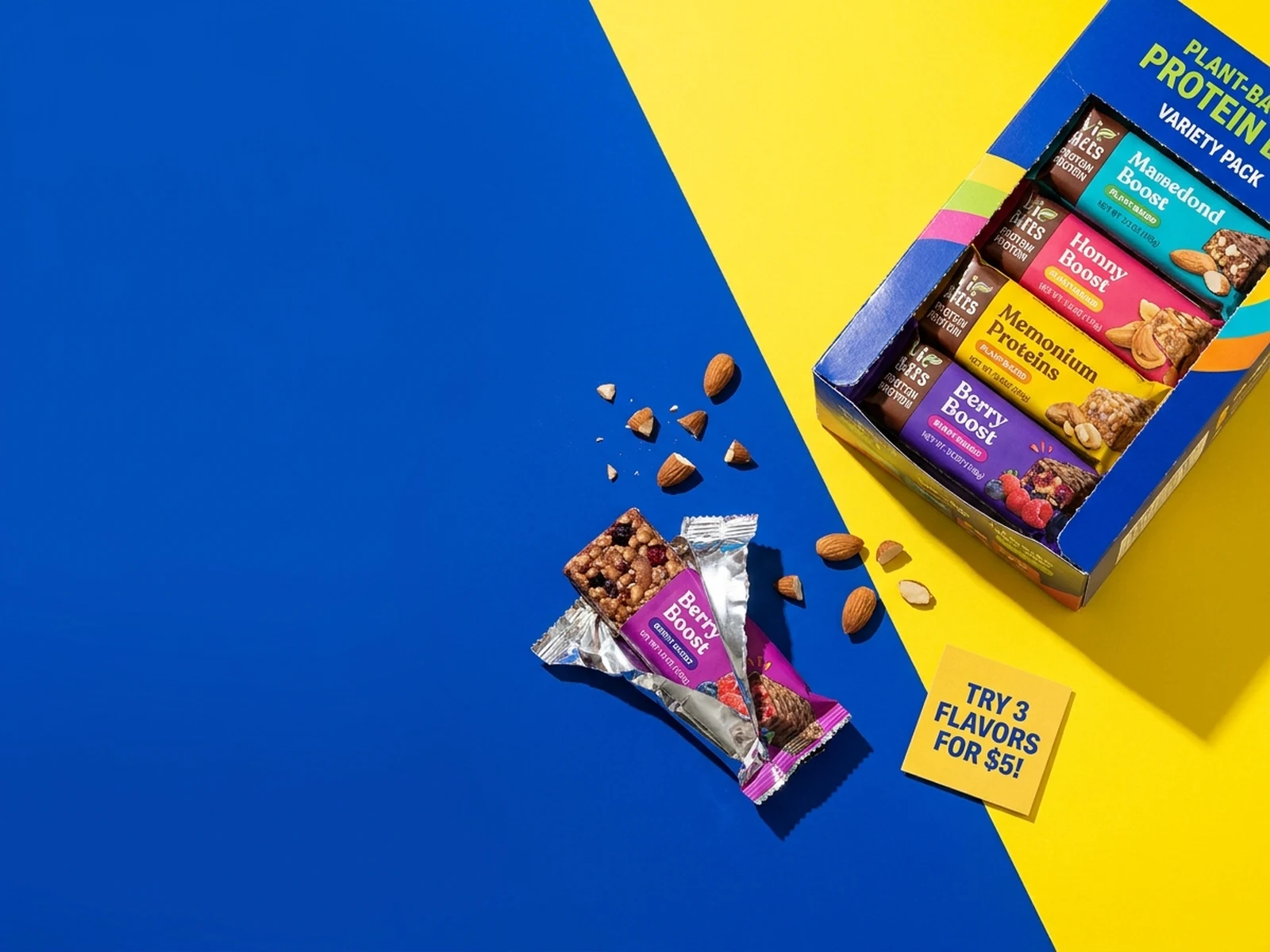
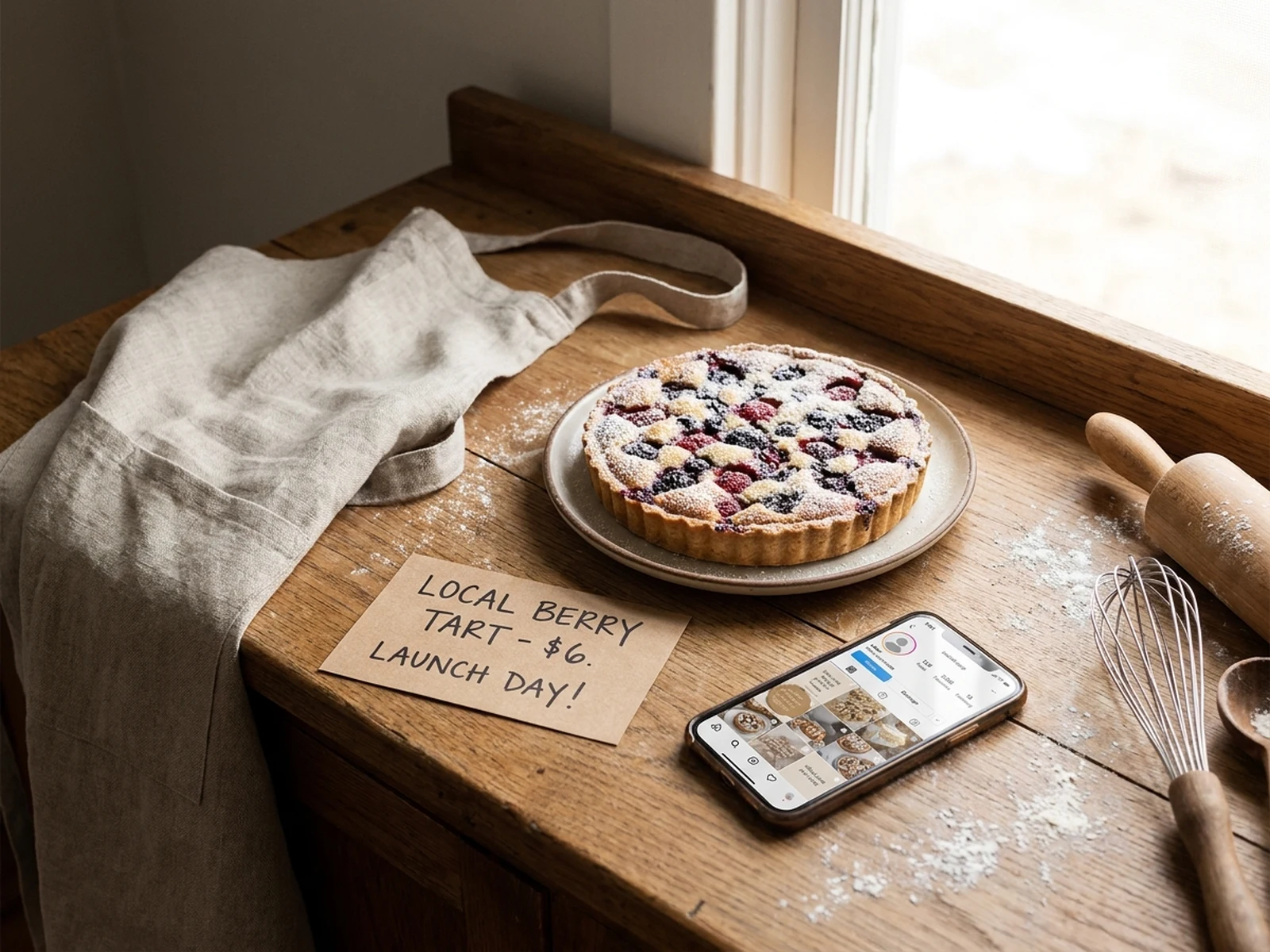
Create product shots, ad concepts, posters, thumbnails, and social images with prompts, references, and format choices in one place.
Turn product benefits, campaign hooks, and scene ideas into short videos, product demos, ad video directions, and storyboard concepts.
Use this structure to turn one idea into prompts you can refine across Omnilyra's connected image and video models, including Nano Banana, Veo, Seedream, Seedance, Image 2, Sora, Stable Diffusion, Midjourney, Flux, and Kling AI.
Name the product, person, or scene and the selling point it needs to communicate.
Say whether it is for ecommerce, ads, social, or a launch, and name the target audience.
Define style, lighting, composition, color, material, and brand cues.
For video, add first frame, camera movement, pace, duration, sound, and final frame.
Decide whether the job needs a still visual, cover, or ad image, or motion, pacing, and story.
Enter the subject, use case, style, channel, and constraints so the generator knows what the asset needs to do.
Upload reference images and choose ratio, quality, duration, audio, and other controls before generating.
Save a reusable direction, then create variants for different platforms, campaigns, or versions.
For light testing, prompt practice, and smaller image or video batches.
For creators producing product shots, ad concepts, social images, and short video tests regularly.
For larger campaign batches, heavier video experimentation, and concentrated launch production.
Omnilyra currently offers AI image generation and AI video generation entry points for product shots, ad visuals, social images, posters, thumbnails, product demos, short videos, ad videos, and storyboard concepts.
Use the image generator for still assets, covers, product shots, and ad visuals. Use the video generator when the idea needs camera movement, pacing, sound, or multiple scenes.
Commercial usage should follow Omnilyra terms and any plan-specific policies. The product pages and legal pages are the source of truth for commercial rights.
Yes. The workspace supports reference images to preserve product details, visual mood, composition direction, or brand cues.
Omnilyra includes a free entry point for exploring the workspace and prompt structure. Higher generation volume, saved directions, and team collaboration will be part of paid plans.
Omnilyra is built around connected image and video models, including Nano Banana, Veo, Seedream, Seedance, Image 2, Sora, Stable Diffusion, Midjourney, Flux, and Kling AI.
Yes. Omnilyra prompts are written as clear creative briefs, so the subject, style, format, motion, and reference details can be refined across different image and video models without rewriting the idea from scratch.
Add clearer subject details, use case, style constraints, aspect ratio, and output intent, then run the brief through the relevant image or video workspace again.