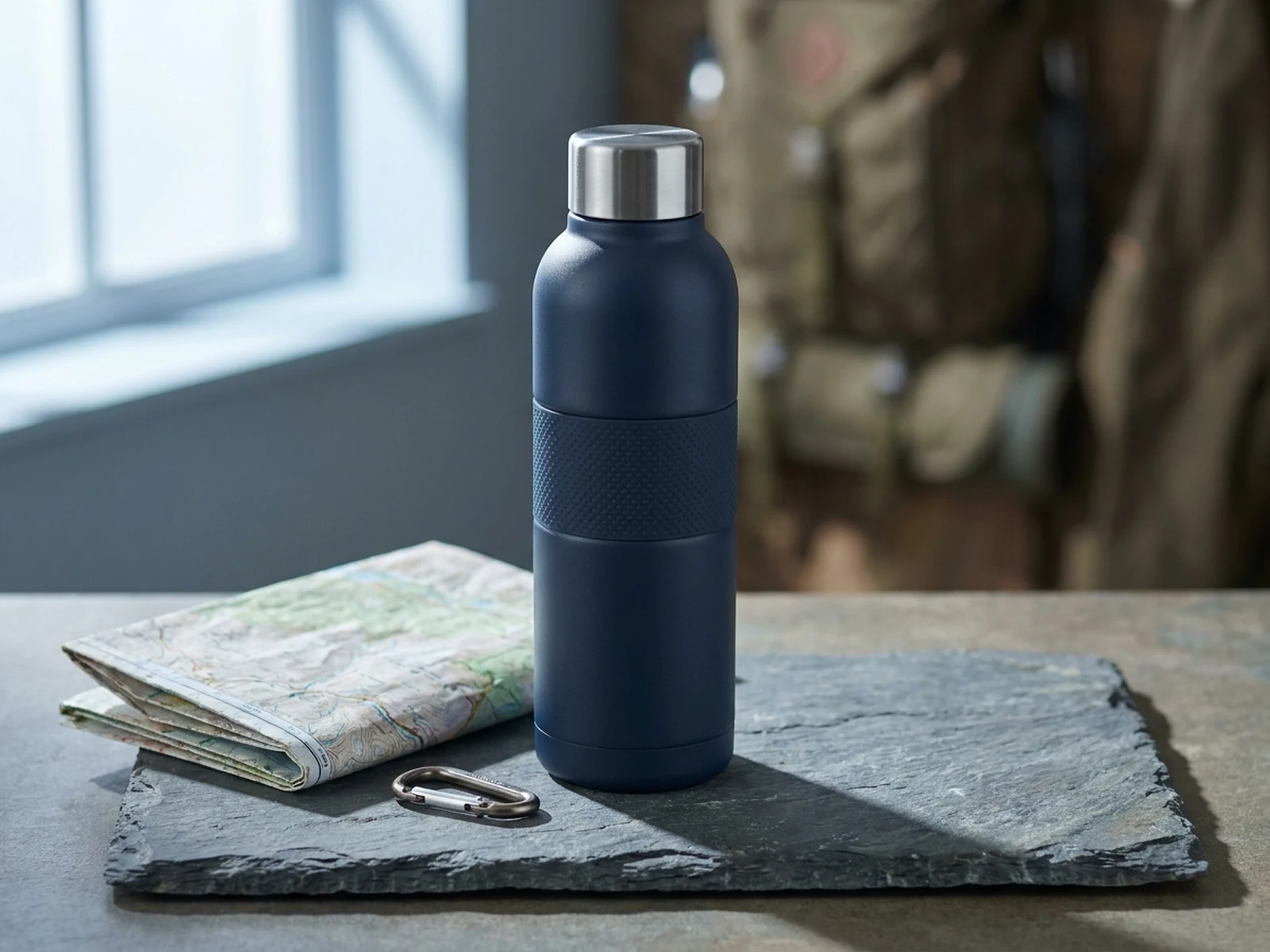
A premium glass serum bottle on pale stone, soft morning window light, clean shadow, small botanical props, centered ecommerce hero image.
Create product photo directions for ecommerce listings, launch campaigns, product pages, ads, and social posts without starting every concept from a new shoot.
Use these prompts as starting points, then adjust product details, channel, crop, and reference files in the workspace.

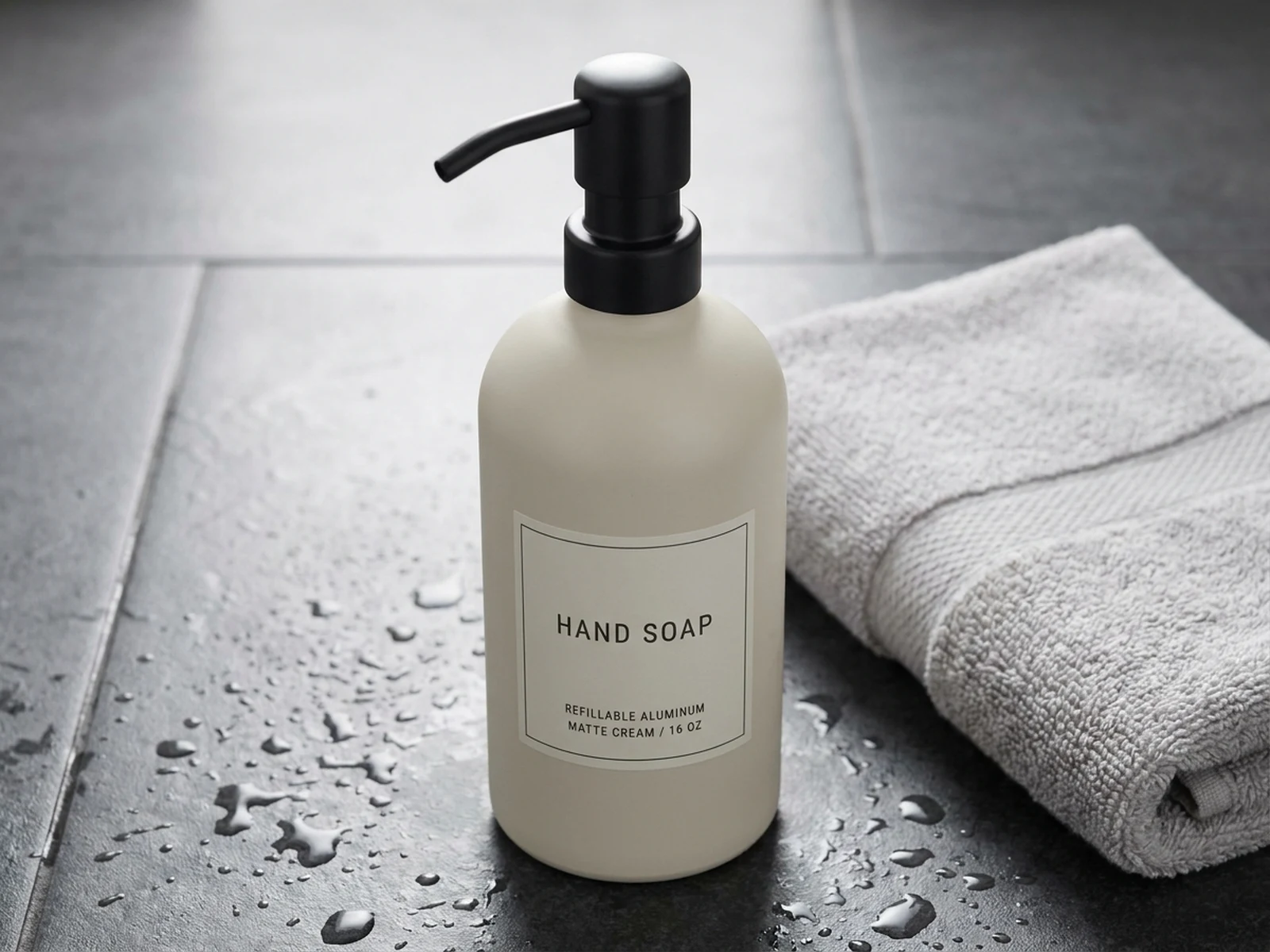
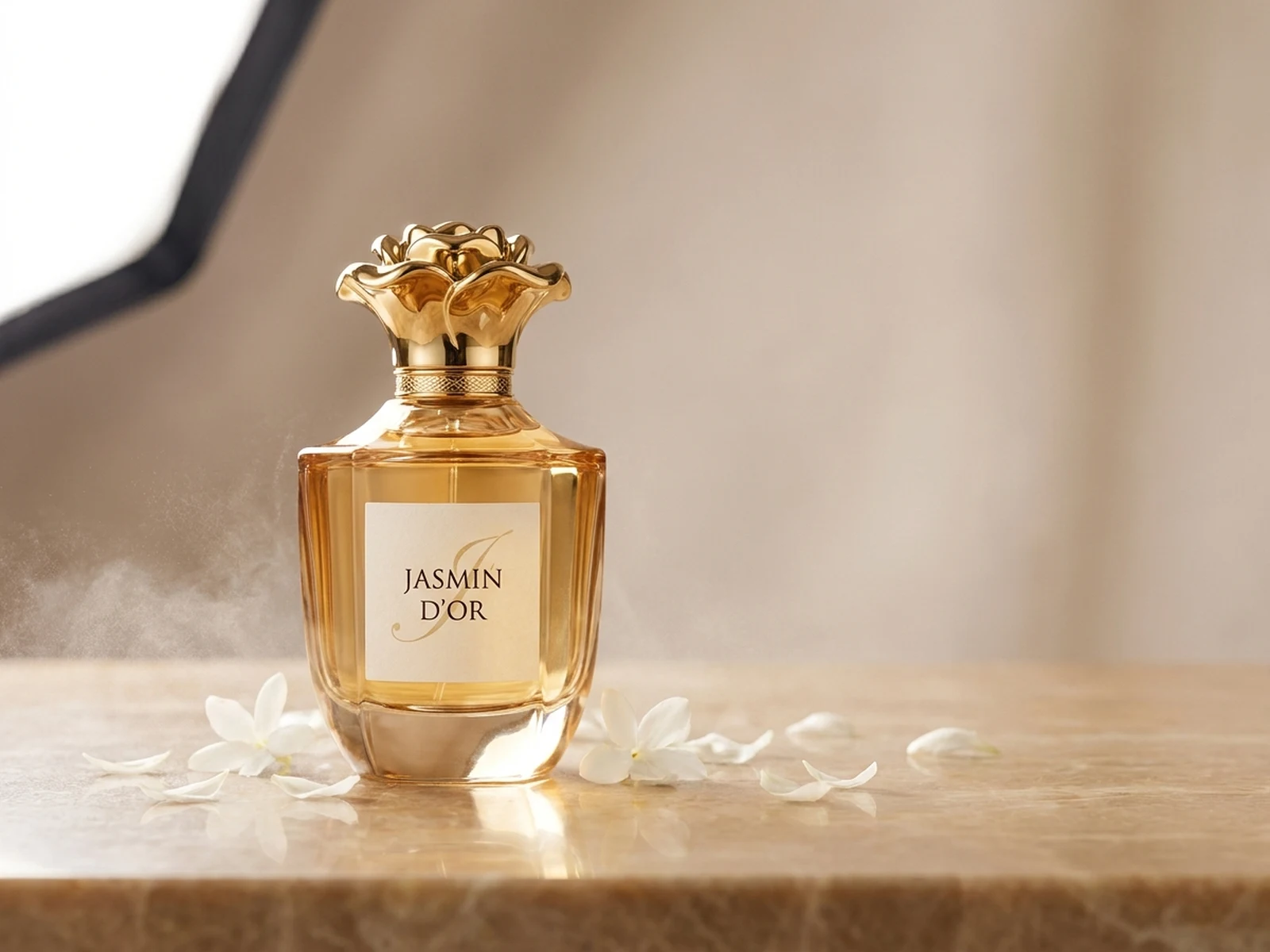
A premium glass serum bottle on pale stone, soft morning window light, clean shadow, small botanical props, centered ecommerce hero image.

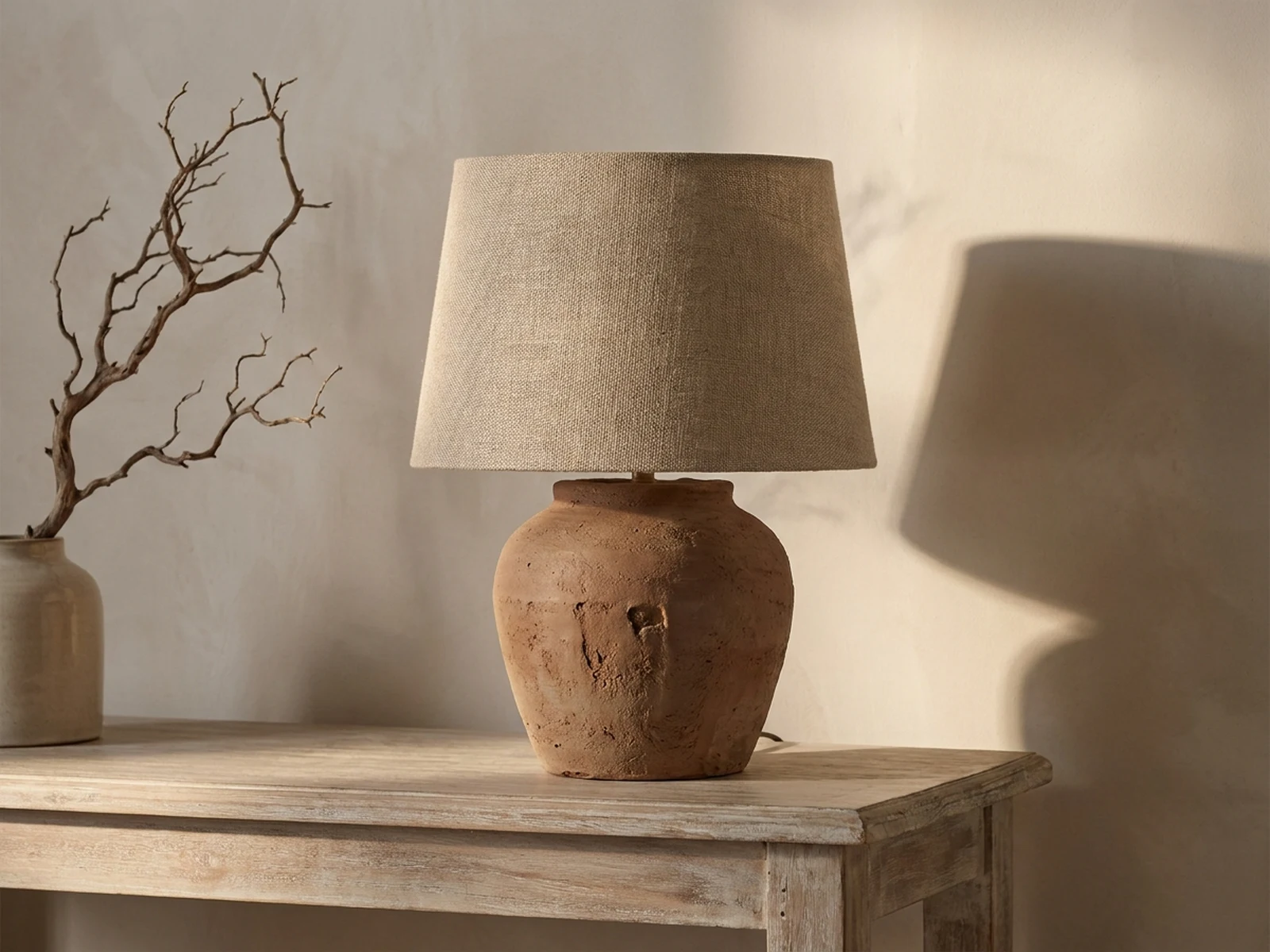
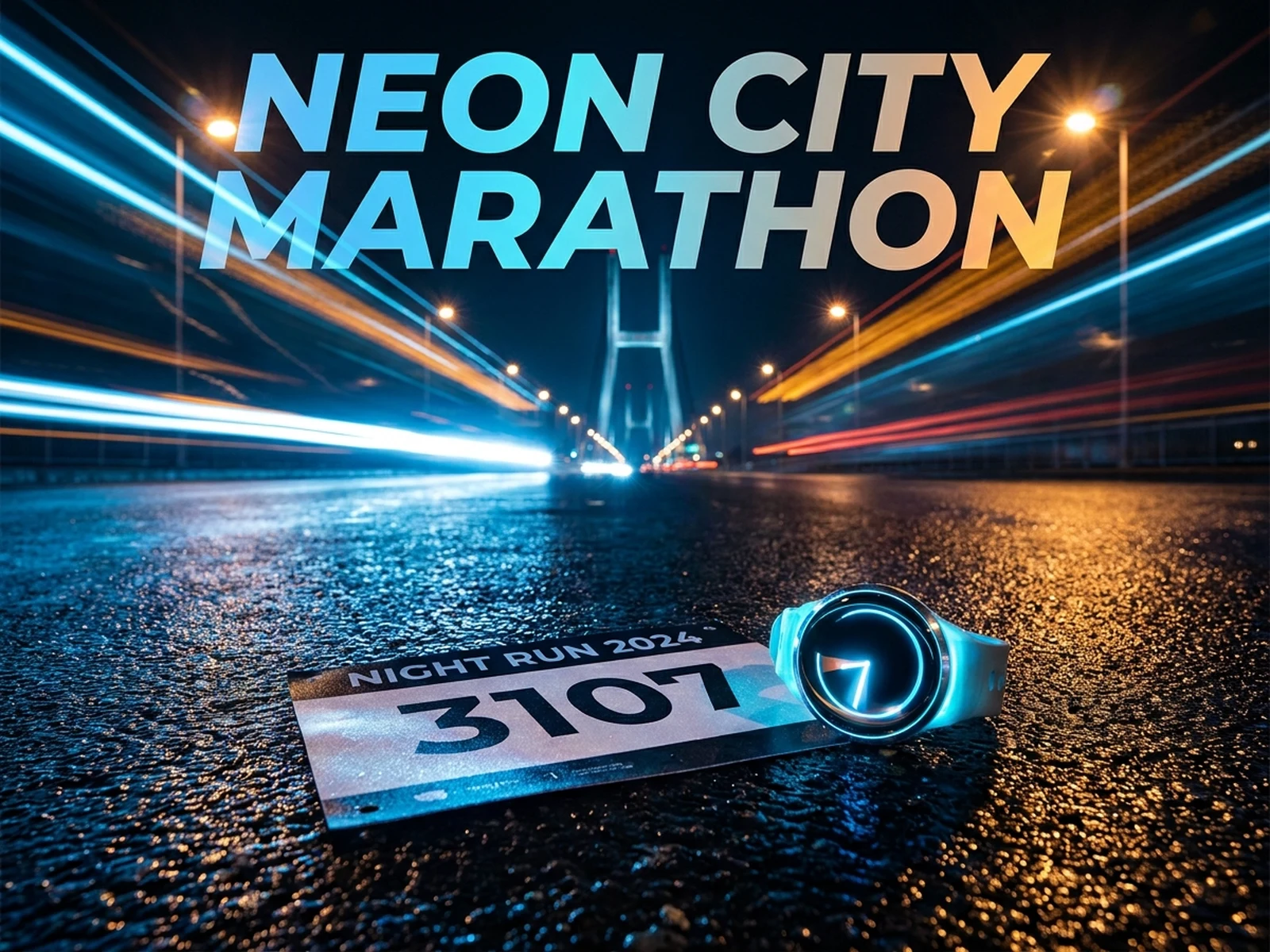
Wireless charging pad on a walnut desk beside a notebook and phone, warm side light, realistic texture, tidy lifestyle product photo.

A matte ceramic coffee dripper photographed from a three-quarter angle on warm limestone, softbox highlight, subtle steam, clean ecommerce catalog crop.
A product photo prompt should make the object inspectable while still giving the image a campaign-ready mood.
Product name, material, color, scale, packaging, and visible details.
Studio surface, lifestyle setting, prop level, background, and depth.
Softbox, window light, rim light, shadow softness, reflection, or natural daylight.
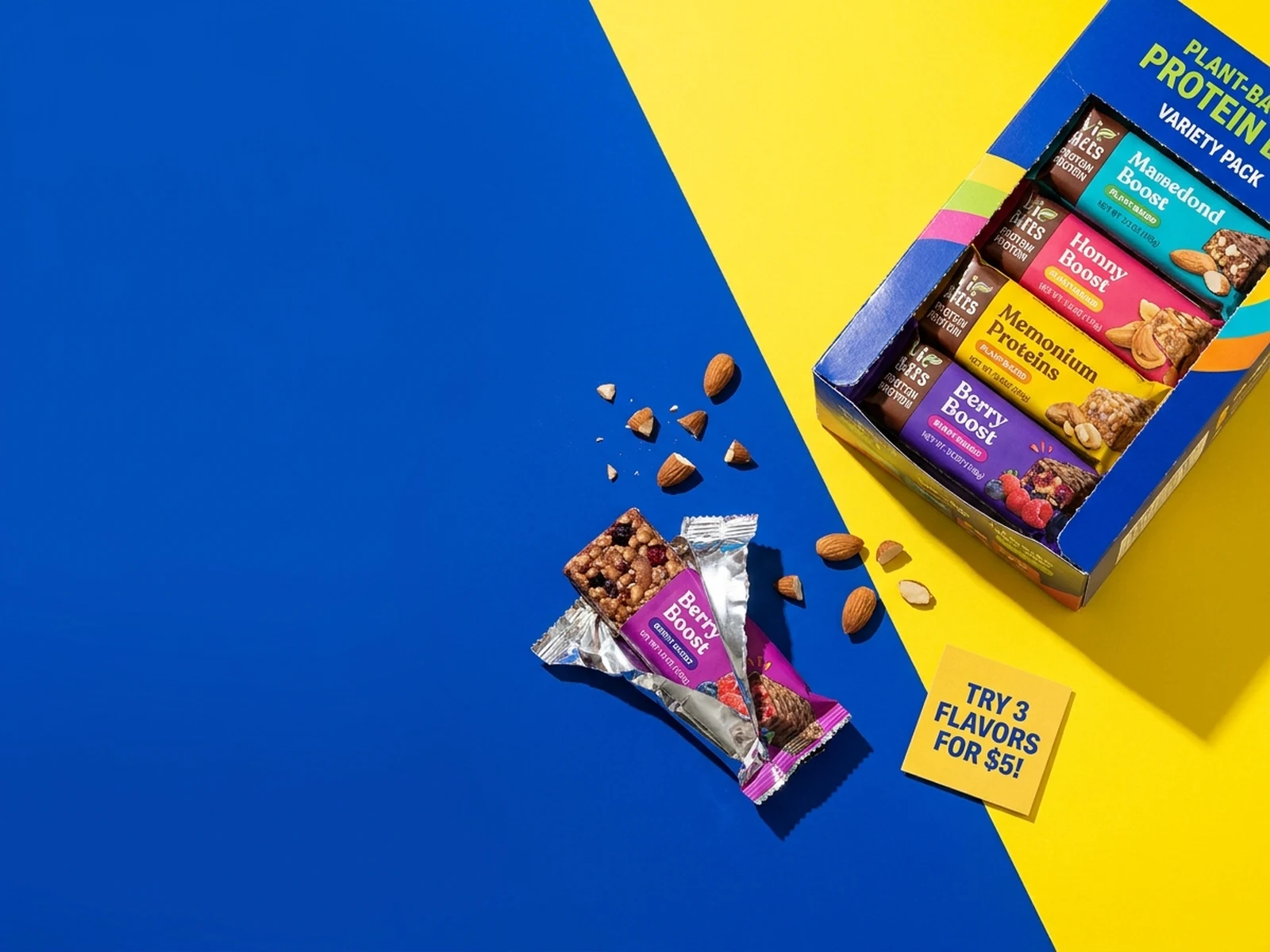
Ecommerce hero, PDP detail, ad image, social crop, banner, or launch teaser.
Read a practical tutorial before you turn this page into a reusable generation workflow.
Use this AI product photo generator workflow to turn the creative intent into steps that are easier to generate, compare, and reuse.
Decide whether the image needs to sell, explain, compare, launch, or support a paid ad test.
Choose format, surface, light, prop density, and reference images before making variants.
Change background, season, angle, or channel while keeping product details and brand cues stable.
Product photo prompts work best when they describe the product role, surface, lighting, crop, and channel instead of only naming a style.
Plan clean backgrounds, controlled shadows, reflective surfaces, and hero compositions for product detail pages.
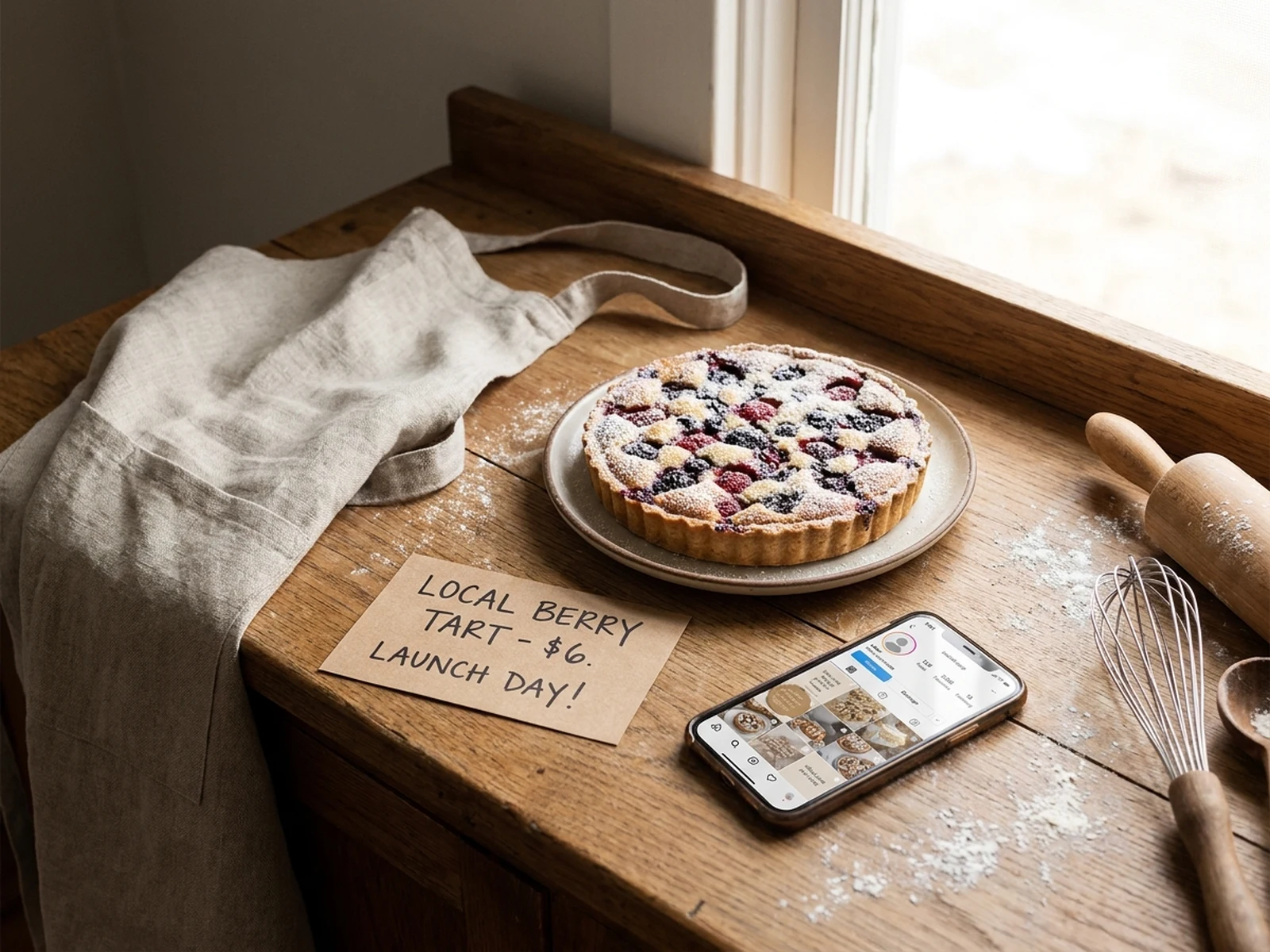
Place products in believable rooms, hands, outdoor scenes, desks, bags, or routines that explain how the item is used.
Reuse subject, lighting, format, and background language so a catalog or launch campaign stays visually consistent.
These pages are more than keyword swaps: the workspace, examples, structure, and FAQ are all tied to the current search intent.
Each section keeps product detail, crop, and channel requirements visible, so the output is useful for PDPs, ads, and launch pages.
Upload support lets teams start from a packaging shot or catalog image while controlling the new scene from the prompt.
Model, style, format and quality options can be locked per page to keep campaign variants consistent.
Keep exploring image-focused long-tail pages for ads, social posts, and cover visuals.

Turn product benefits into paid social image hooks and testable creative variants.
Try now
Create reusable visual directions for launches, carousels, and community posts.
Try now
Build stronger focal visuals for covers, campaigns, and video thumbnails.
Try nowThey are best for concept testing, ecommerce variants, campaign planning, and creative exploration. Final regulated or exact product imagery may still need review against the real product.
Include product details, material, surface, lighting, background, format, channel, and whether the image should feel studio, lifestyle, premium, playful, or minimal.
Yes. Reference images help preserve product shape, packaging details, mood, or brand styling across multiple product image variants.