Omnilyra

AI poster and thumbnail generator

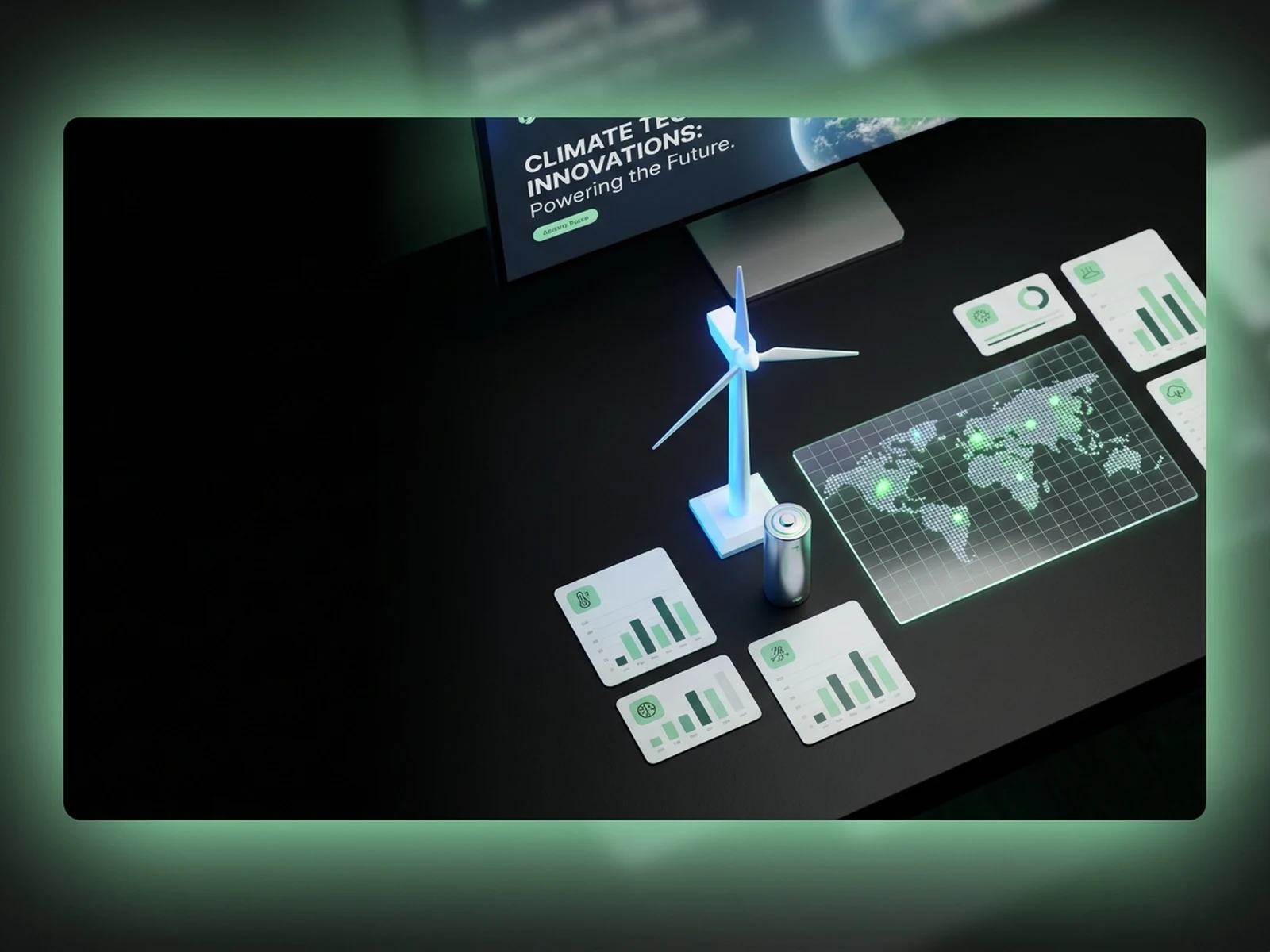
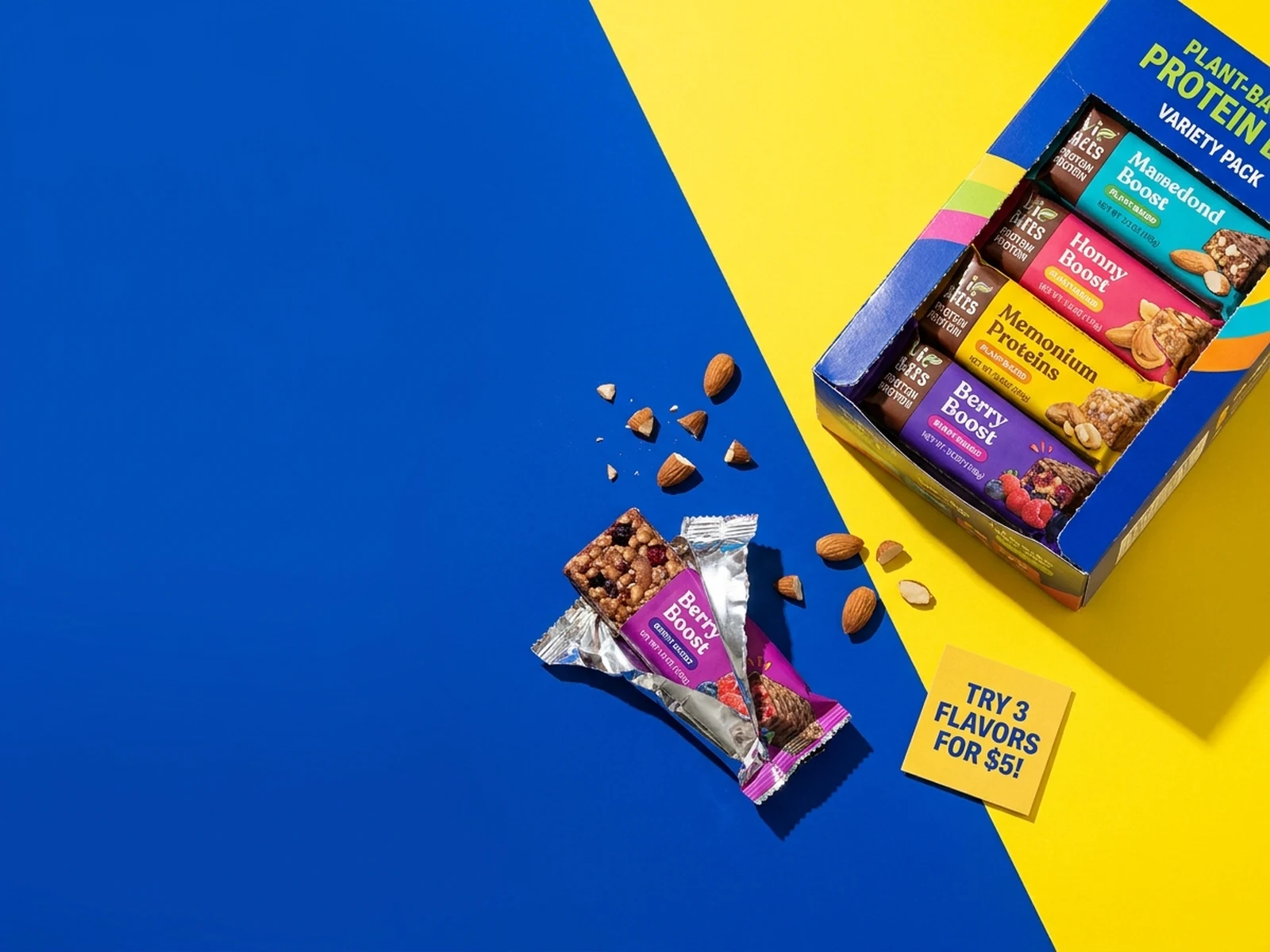
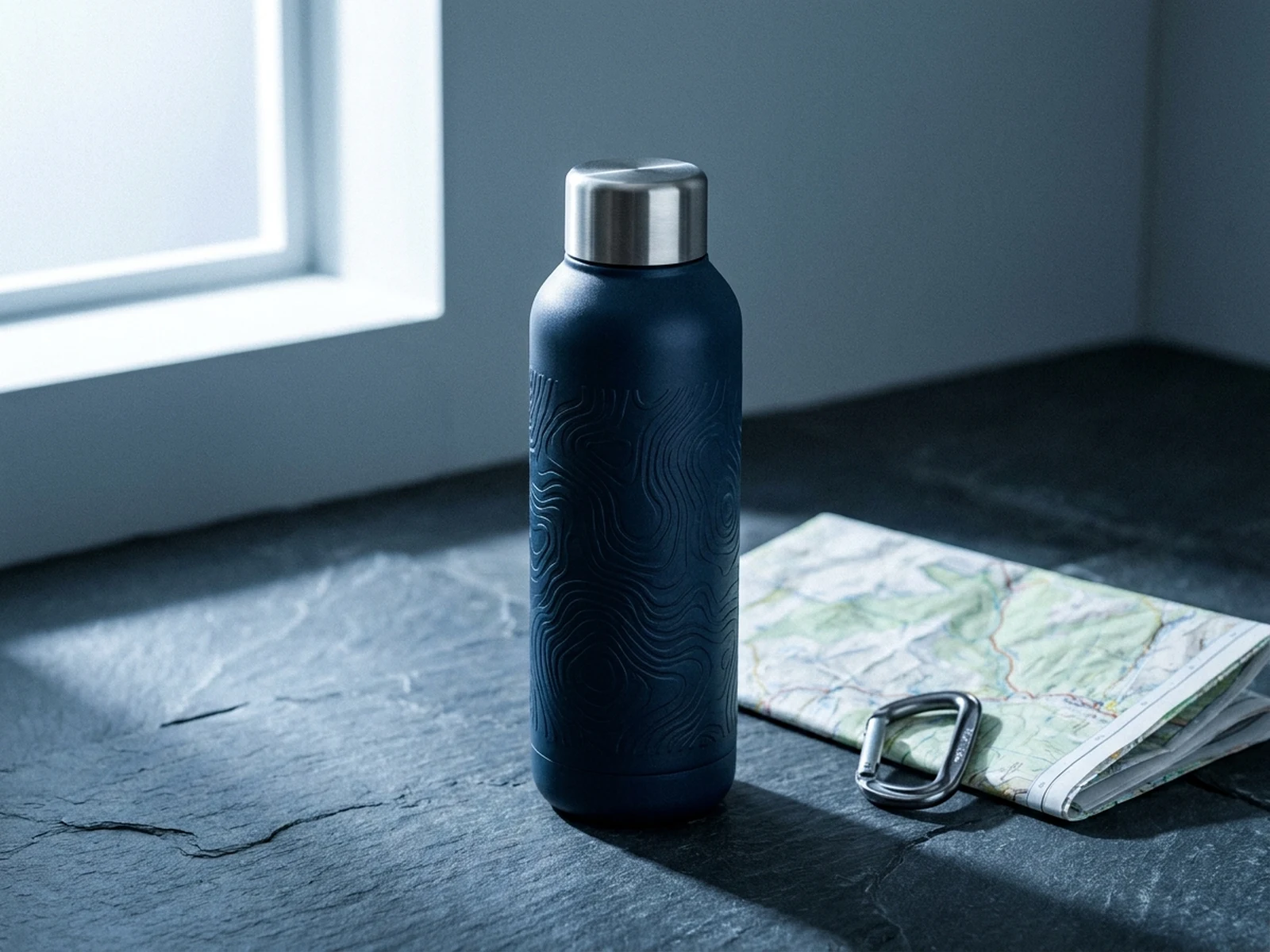
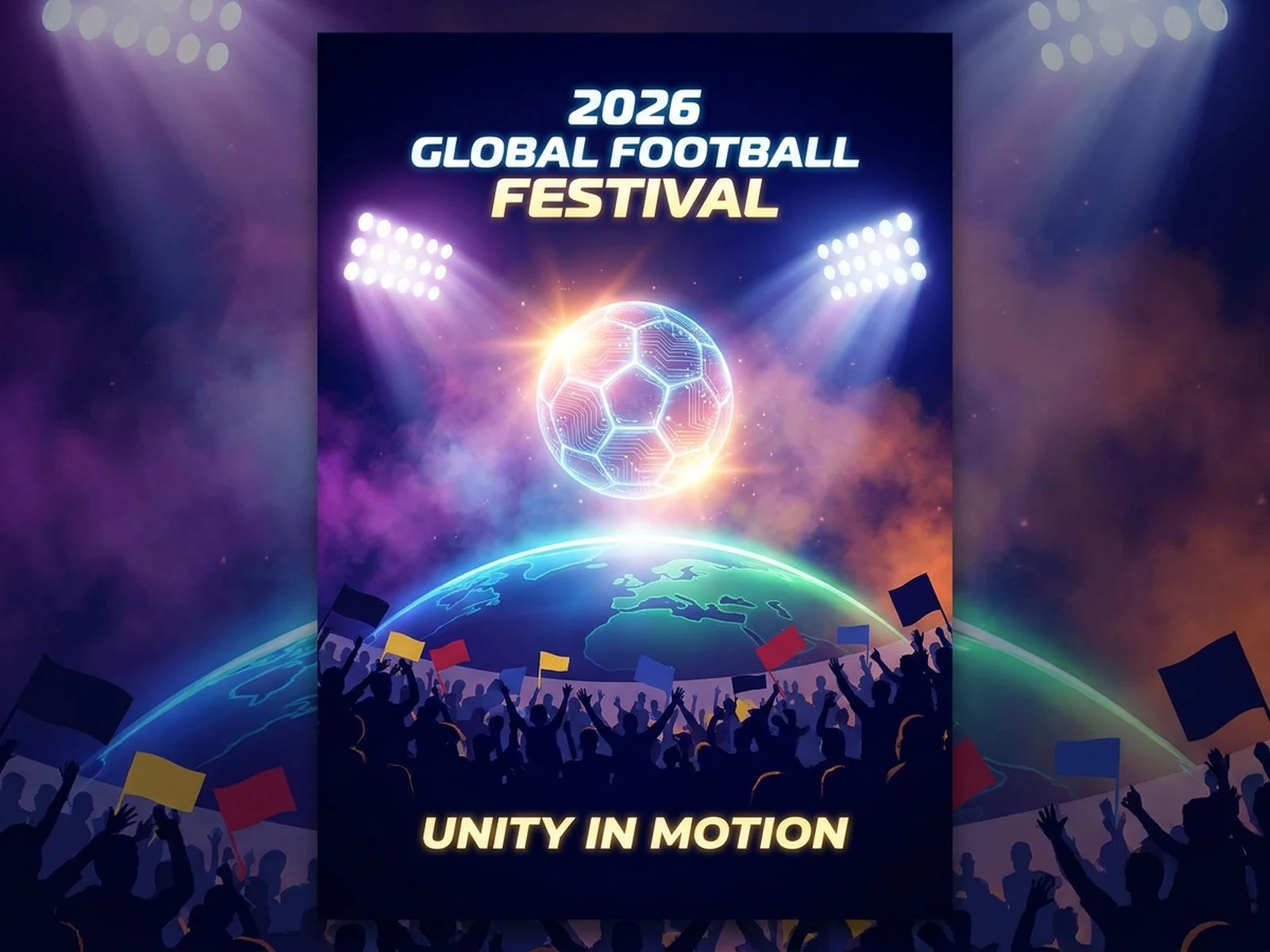
Plan high-impact poster and thumbnail image directions with strong focal points, readable composition, and room for final copy.

Video thumbnailsCampaign postersReadable cover visuals

Poster and thumbnail prompts with clear focal points

Use these prompts to test focal point, title space, crop, and contrast before final layout work.

Poster and thumbnail prompt structure

These prompts need stronger composition rules than ordinary image prompts because the asset must survive small sizes and copy overlays.

Focal point

The face, product, object, or scene that should dominate the first glance.

Contrast

Light, color, scale, emotion, or motion cue that makes the image stop the scroll.

Copy space

Where headline, date, title, or CTA text will sit after generation.

Crop

thumbnail, poster, square cover, or landing page hero crop.

Poster and thumbnail generation workflow

Use this AI poster and thumbnail generator workflow to turn the creative intent into steps that are easier to generate, compare, and reuse.

01

Define the attention job

Decide what the image must make someone notice in the first second.

02

Reserve copy space

Choose the empty area before generation so the final design does not fight the image.

03

Check small-size clarity

Evaluate whether the subject, contrast, and mood still read when the asset is reduced.

Design cover visuals that work at a glance

Poster and thumbnail prompts should prioritize contrast, focal point, emotion, copy space, and thumbnail readability.

Video thumbnails

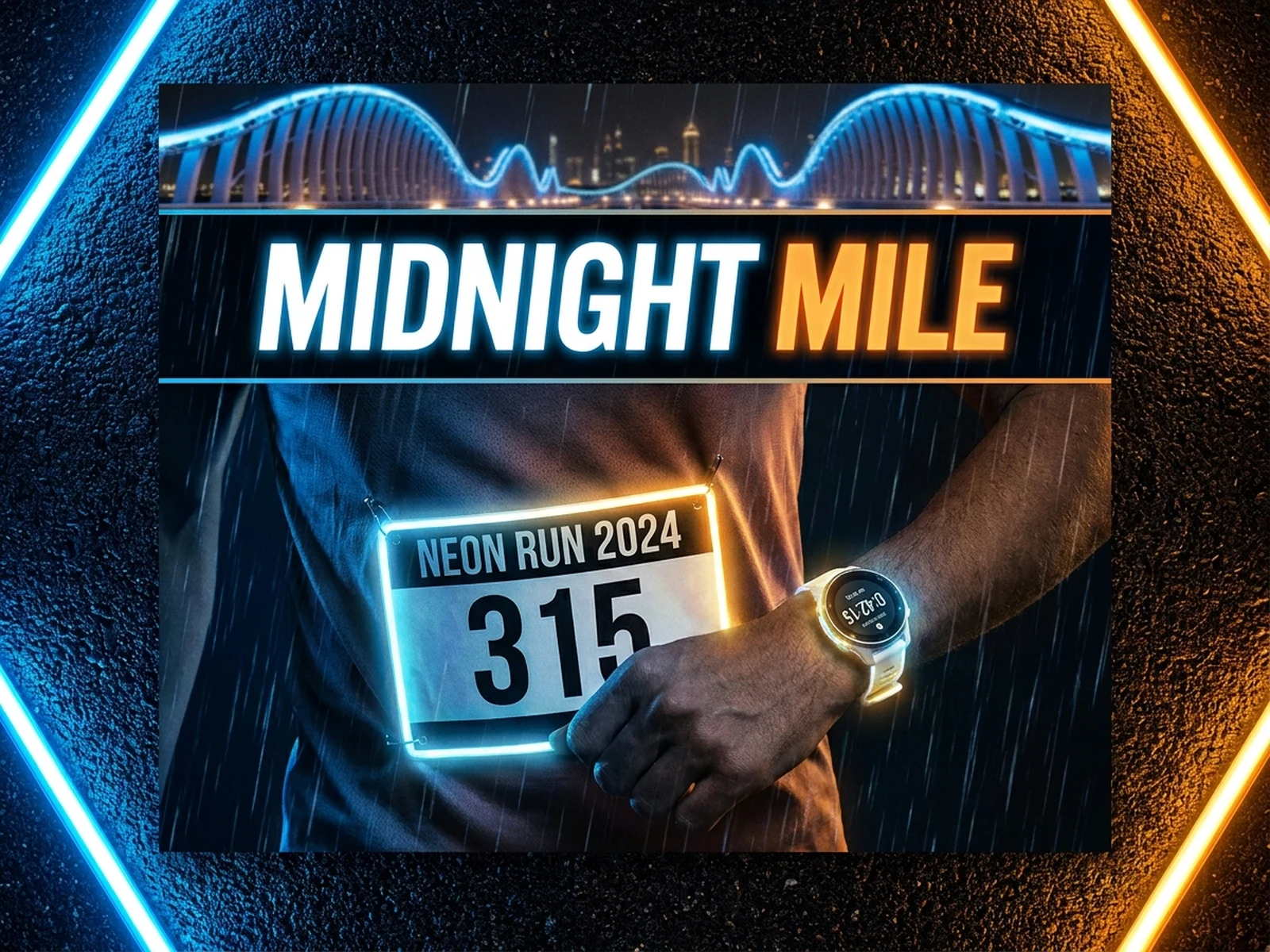
Create frames with a clear subject, expressive contrast, and enough negative space for title treatment.

Campaign posters

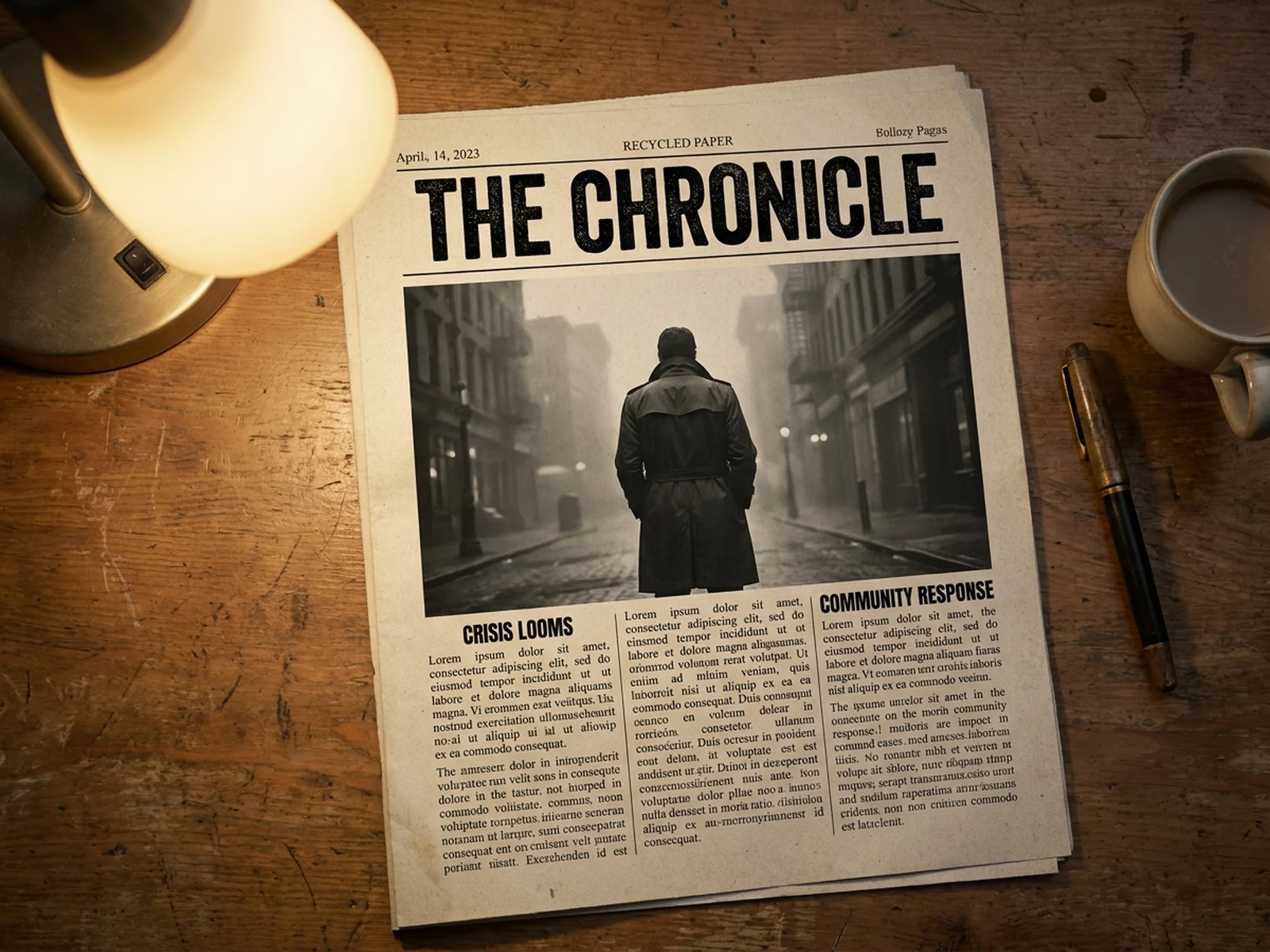
Plan cinematic or editorial compositions for launches, events, promotions, and landing page hero visuals.

Article covers

Build conceptual images that support headlines without making the final design feel crowded.

Why choose Omnilyra for AI poster and thumbnail generator

These pages are more than keyword swaps: the workspace, examples, structure, and FAQ are all tied to the current search intent.

Designed for quick recognition

The template emphasizes focal point, contrast, readable layout, and text-safe space for covers and thumbnails.

Channel-ready ratios

Poster and thumbnail workspaces can hide irrelevant options and keep only the formats the page needs.

Prompt examples with output context

Each example shows the full prompt and result media, making it easier to reuse a proven composition.

Try more image generators

Explore related long-tail workspaces that use the same content type.

AI poster and thumbnail generator FAQ

How do I prompt for readable thumbnails?

Use one focal subject, high contrast, simple background, clear emotion or product angle, and a defined empty area for title text.

Can I create posters without final text?

Yes. It is often better to generate the poster image first with reserved space, then add final typography in a design tool.

What ratio should I use?

Use for video thumbnails, for social posters, for square covers, and widescreen crops for landing page visuals.