OOmnilyra

AI ad creative generator

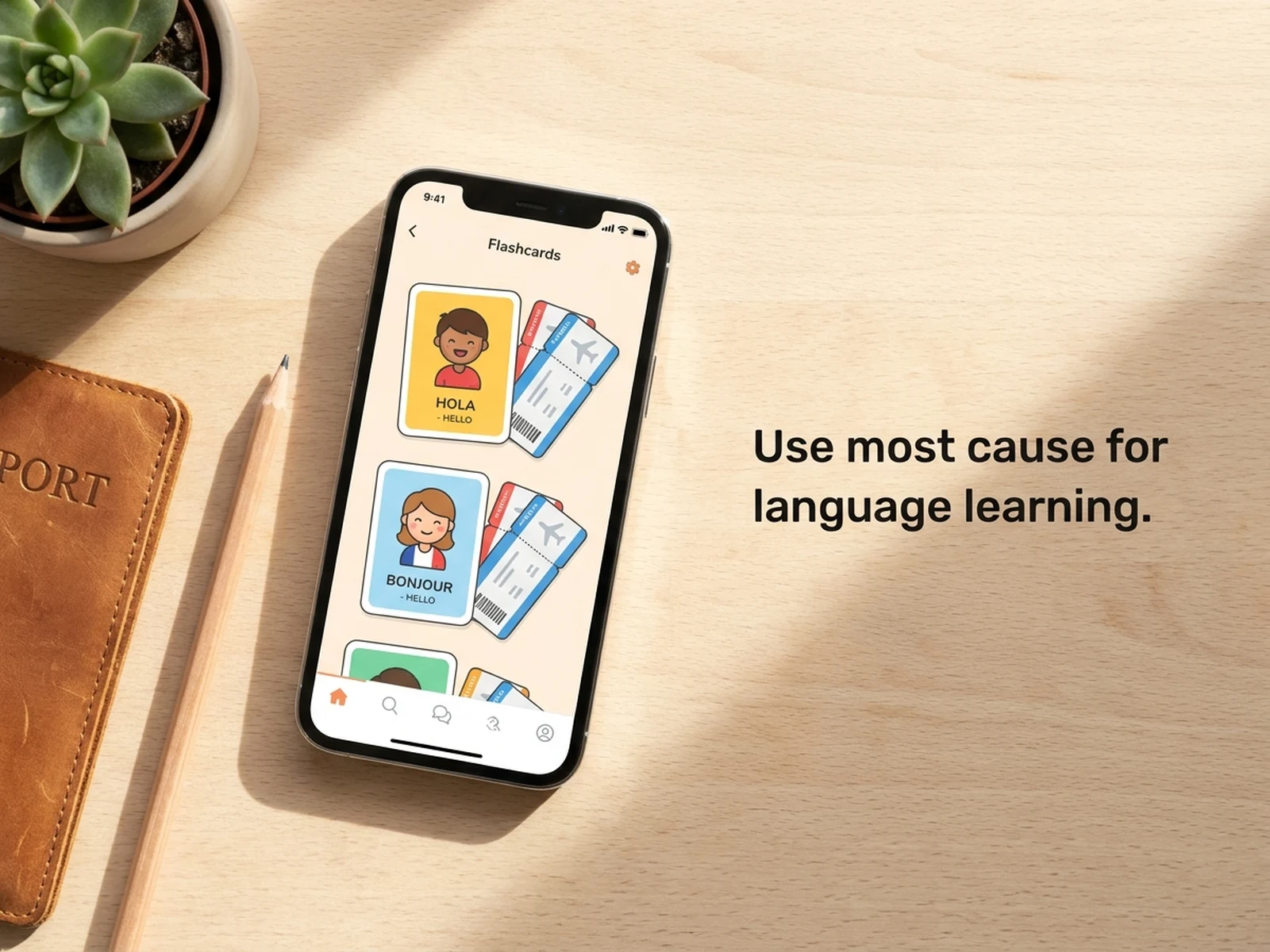
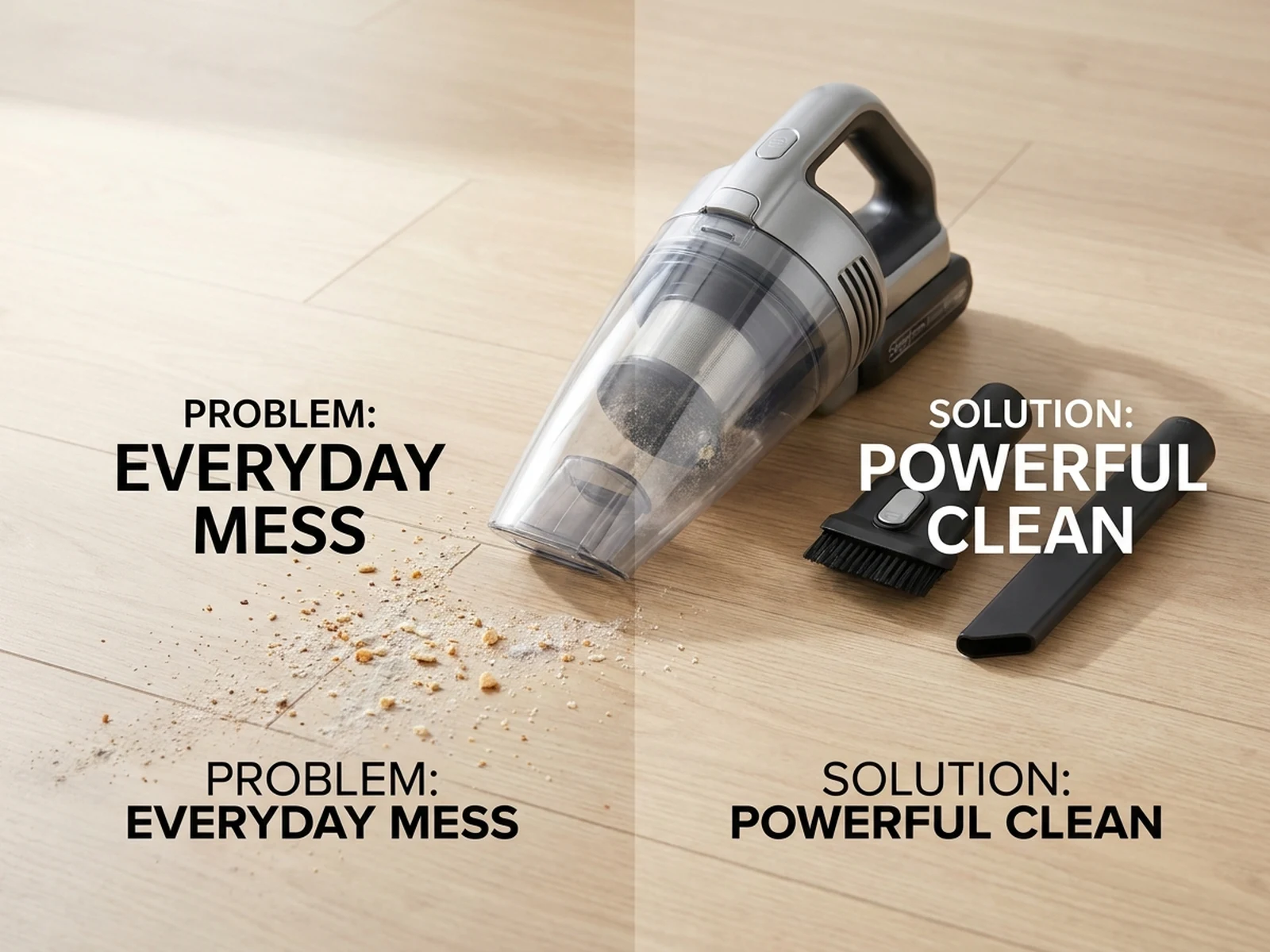
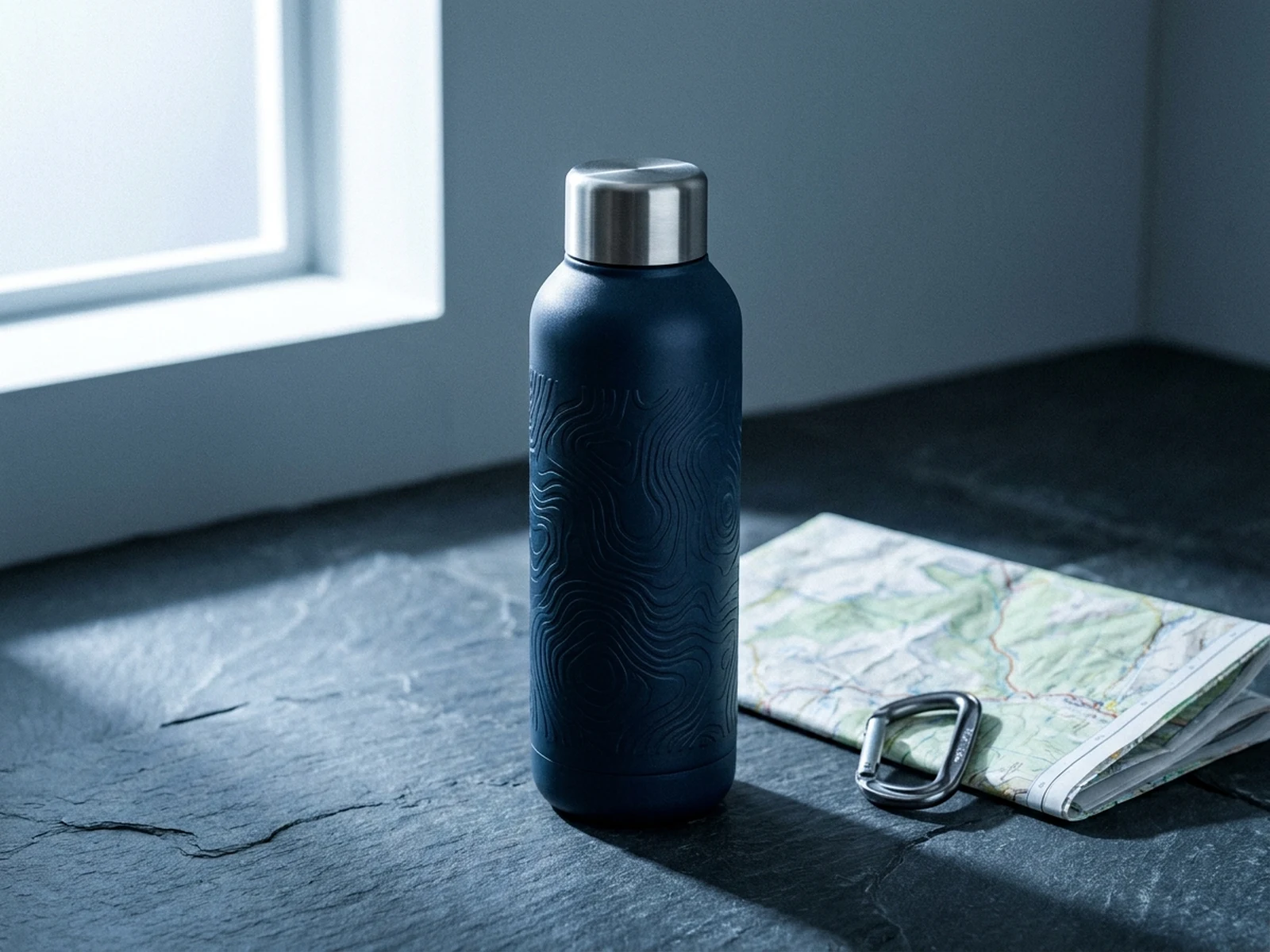
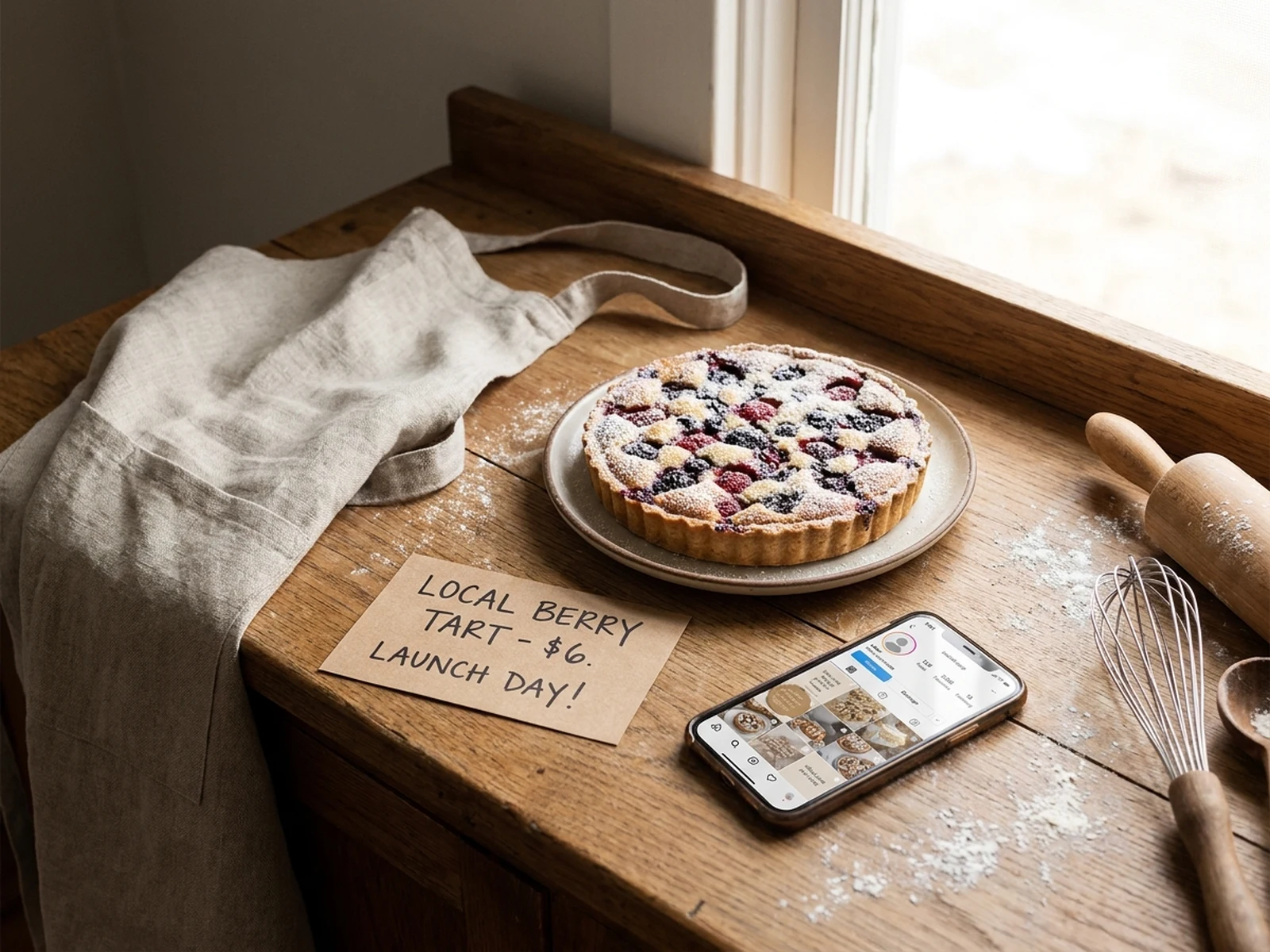
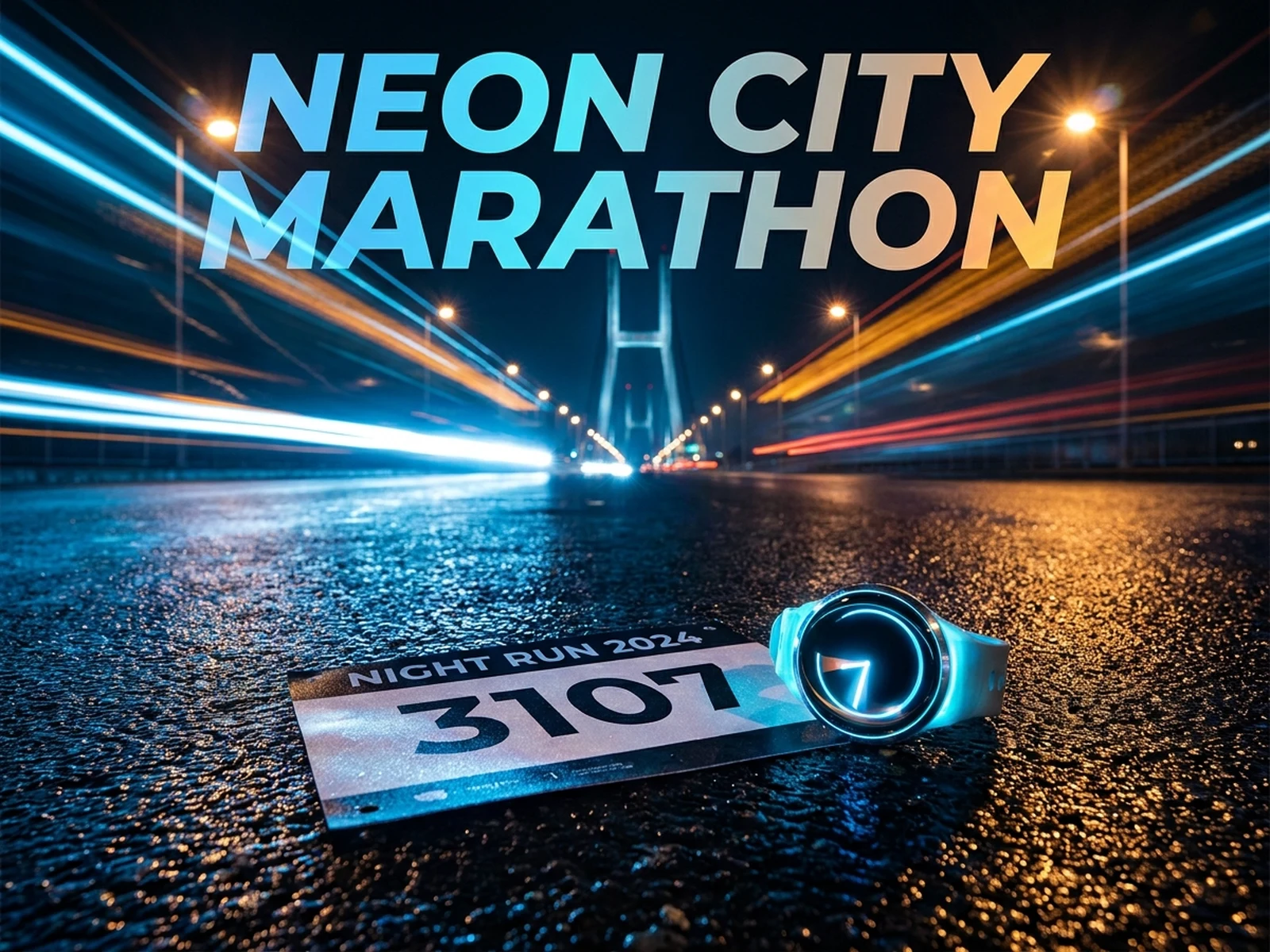
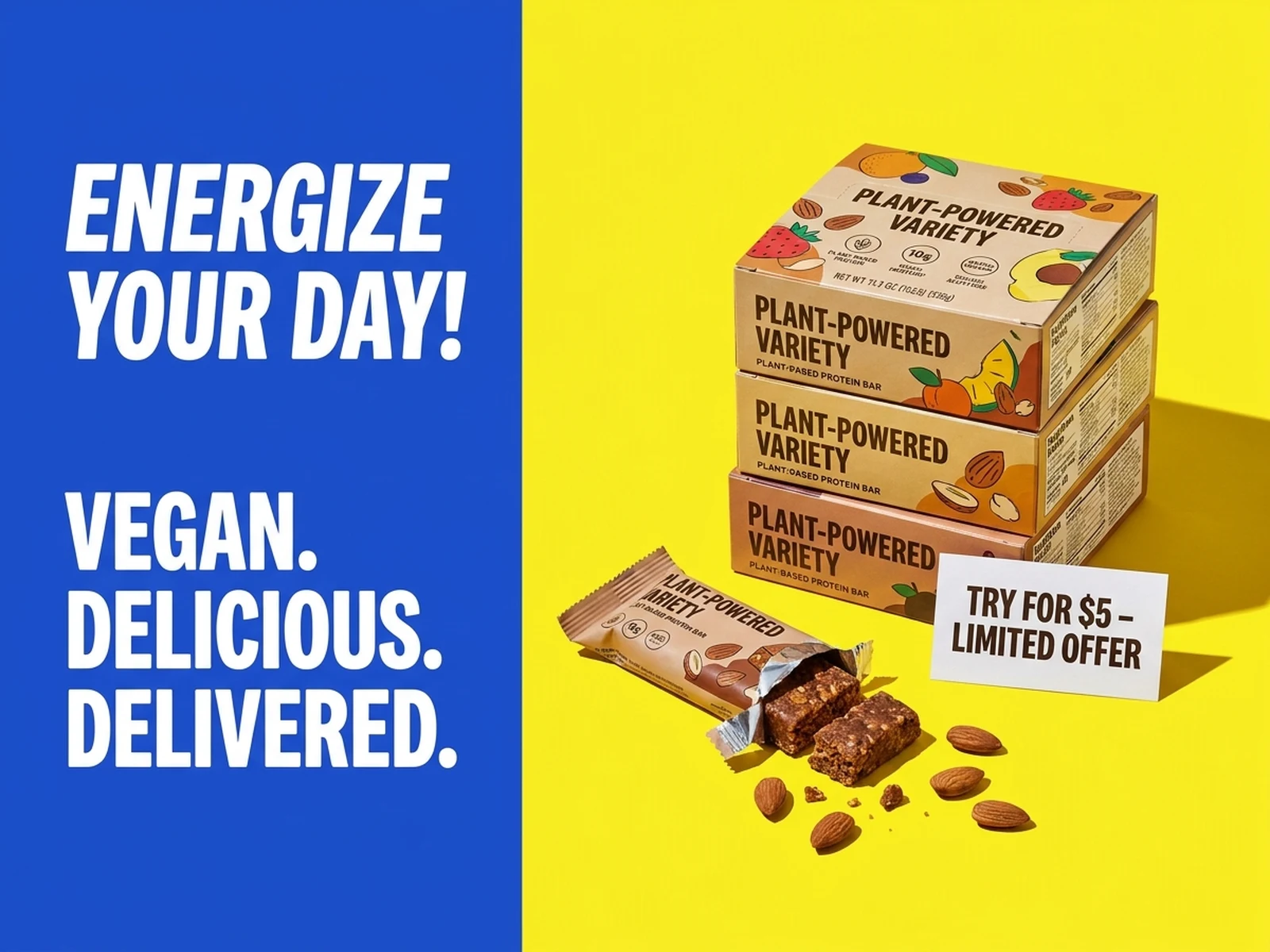
Generate paid social image concepts from a clear campaign hook, product proof, message area, and placement-aware crop before final design.

Paid social hooksOffer and proof visualsControlled A/B variants

Ad creative prompts for hook and offer testing

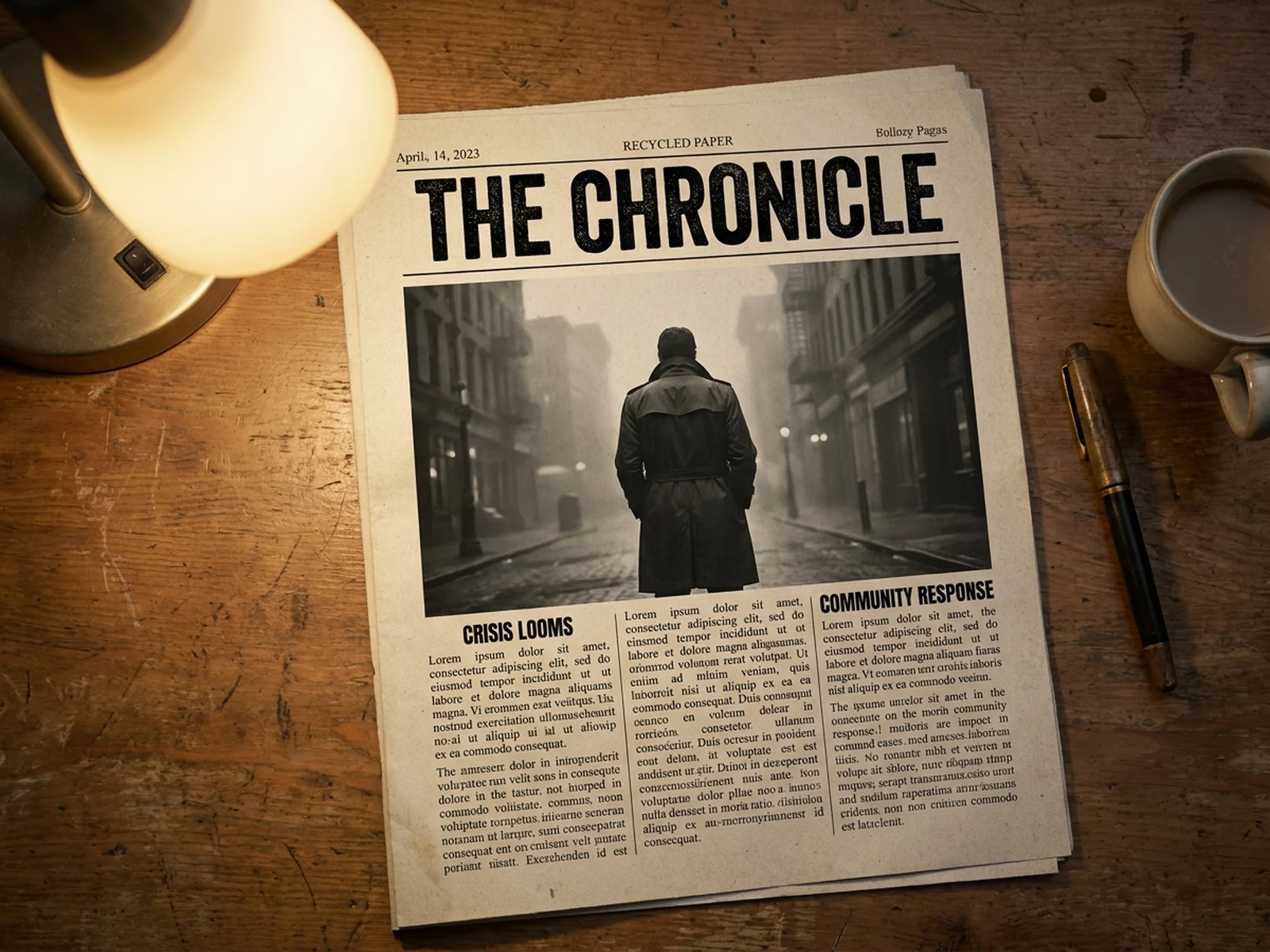
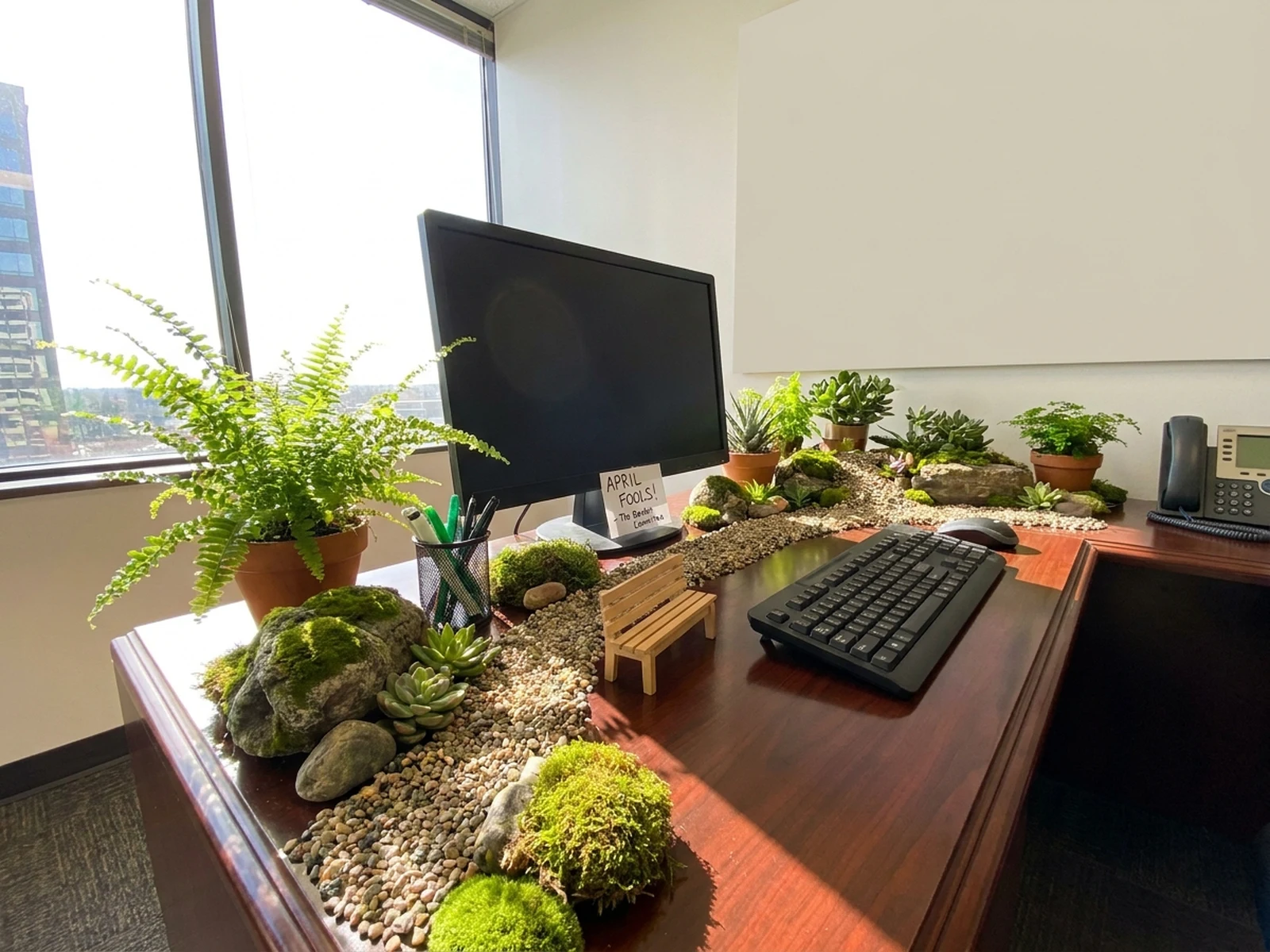
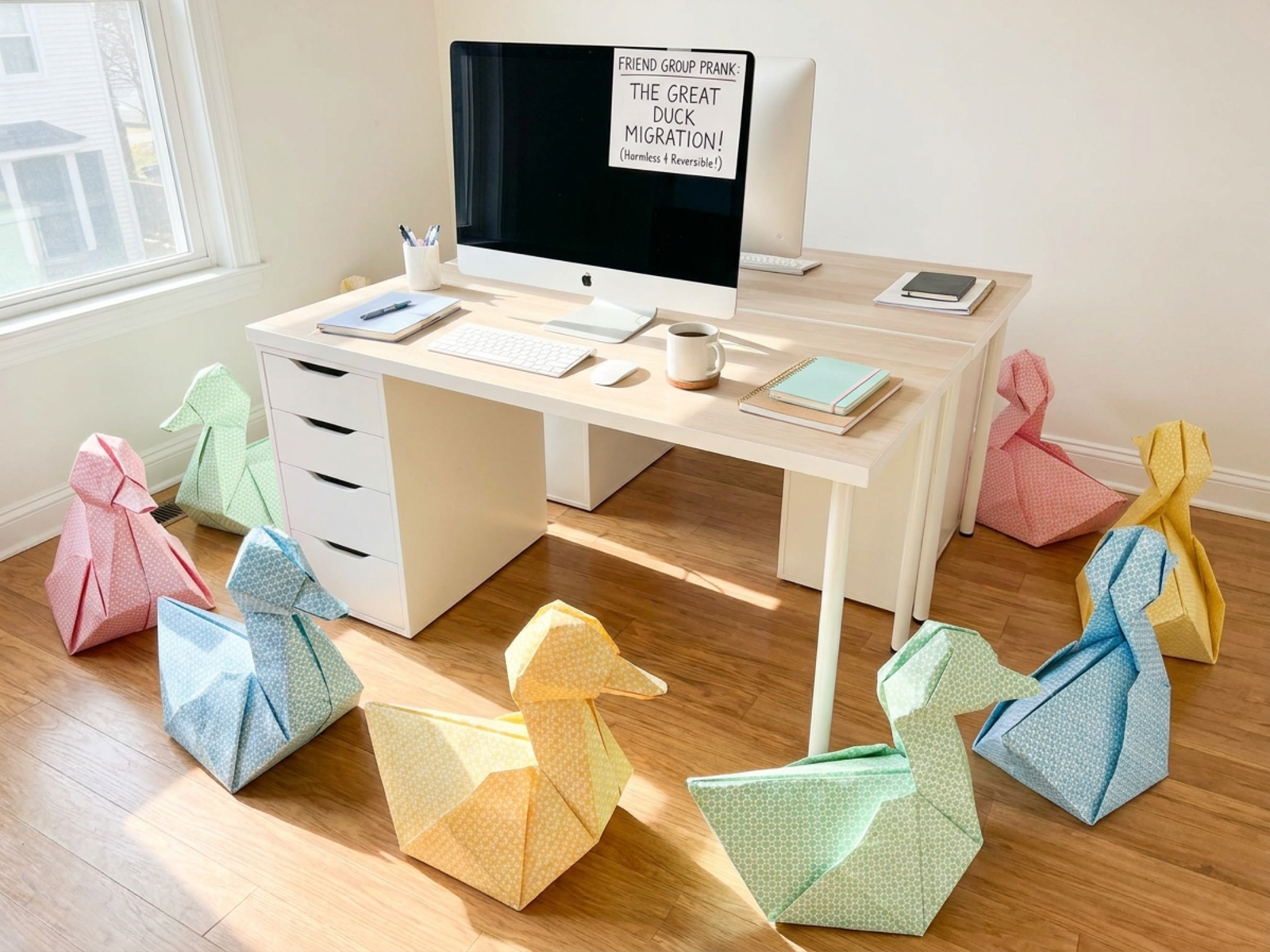
Use these prompts to explore product hooks, proof visuals, app launches, and offer framing before final ad design.

Ad creative prompt structure

An ad creative prompt should turn a campaign hypothesis into a clear visual test.

Subject

Name the product, app screen, offer, proof point, package, or hero prop.

Scene

Set the campaign surface, message area, supporting props, background contrast, and placement context.

Light

Choose crisp commercial light, dramatic contrast, clean daylight, or seasonal ambience.

Output

Define hook angle, paid social format, focal hierarchy, copy area, and conversion goal.

How to generate ad creative variants

Use the AI ad creative generator to separate message testing from final design polish.

01

Write the hypothesis

Choose one hook such as offer, product proof, pain point, status signal, novelty, or seasonal urgency.

02

Build the visual proof

Add product details, props, app screens, packaging, or context that makes the hook believable.

03

Generate controlled variants

Change crop, color field, message area, and prop set while keeping the same core ad angle.

Ad creative use cases

An AI ad creative generator helps teams explore visual angles before media spend or design production.

Paid social tests

Create prompt directions for Meta, TikTok, Pinterest, LinkedIn, or display ad concepts.

Offer and bundle visuals

Show bundles, starter kits, trial cards, subscription boxes, or limited-time campaign frames.

Landing page support

Generate campaign images that match the same hook used in a landing page or product page.

Why choose Omnilyra for ad creatives

Omnilyra keeps campaign hypothesis, visual prompt, and output settings in one focused workspace.

Hook-first workflow

Prompts are built around audience, offer, proof, and placement instead of generic ad style labels.

Fast creative exploration

Generate multiple visual directions before spending design time on final typography and exact claims.

Reference-guided consistency

Use uploads to keep product or brand cues stable while testing new ad creative angles.

Try more image generators

Connect ad creative work with product photos, social images, and cover visuals.

AI ad creative generator FAQ

What should I include in an ad creative prompt?

Include the product, audience, hook, offer, proof point, message area, placement, crop, and the visual mood that fits the campaign.

Can I publish generated ads directly?

Use them for visual exploration and testing direction. Review claims, product accuracy, rights, and platform rules before publishing.

How do I create useful A/B variants?

Keep one hook stable, then vary product scale, background, offer area, prop set, and crop so the test compares one idea at a time.