AI product photo prompts: a practical structure
Use a repeatable AI product photo prompt structure for ecommerce images, campaign visuals, references, controlled variants, and quality checks before use.
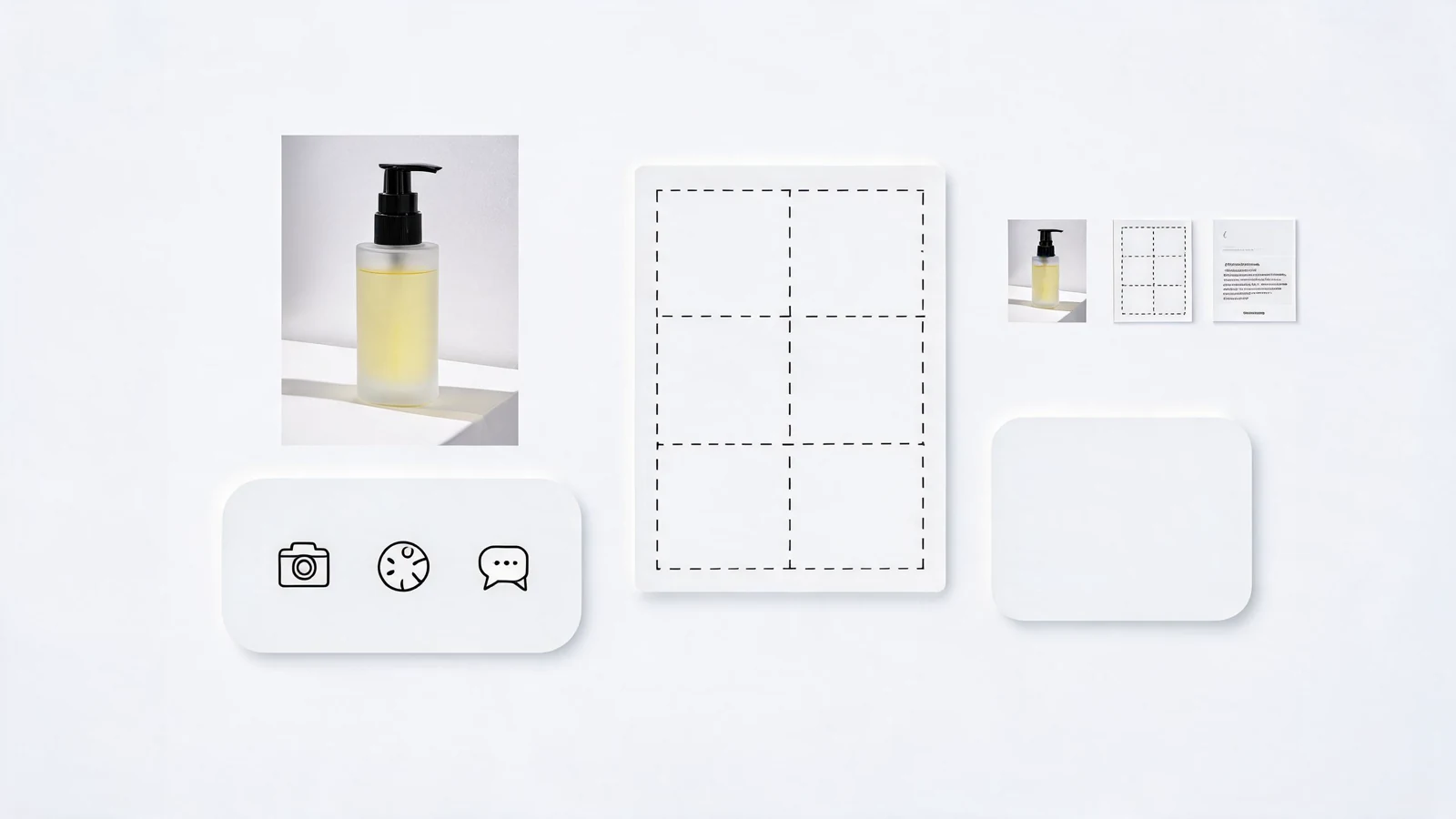
AI product photo prompts work best when they read like a creative brief, not a list of pretty adjectives. The goal is not only to make a product look attractive, but to make the output useful for a listing, landing page, launch campaign, or social post.
The problem is that many prompts start with style before they protect the product. That is how you get beautiful scenes with unclear packaging, invented labels, awkward crops, or props that distract from the item you actually need to sell.
Start with the commercial job
Before writing the prompt, decide what the image needs to do. A clean marketplace thumbnail has a different job than a launch hero image. A retargeting ad has a different job than a product detail image.
For ecommerce, the prompt should protect inspectable product detail: shape, material, scale, label, and key surface cues. For campaign visuals, the prompt can allow more mood, environment, props, and negative space for copy. The AI product photo generator is easiest to control when the channel comes before the style.
Use one sentence to define the job:
- Listing image: show the product clearly and make it trustworthy.
- Product page hero: make the product feel premium while keeping details visible.
- Launch image: introduce a mood, season, bundle, or use case.
- Paid social image: make the scroll-stopping angle obvious in the first second.
- Email or landing page header: leave room for headline and CTA text.
This first decision keeps the rest of the prompt from drifting.
Write the subject before the style
The subject is the part the model must not invent. Write it before mood words, lighting, camera language, or art direction.
Name the product type, material, finish, scale, packaging, visible label, and anything that must remain consistent. If you have a reference image, say exactly what the reference controls: product shape, packaging color, logo placement, label readability, or proportion.
A weak prompt says: "luxury skincare bottle on a marble table." A stronger AI product photo prompt says: "Use the uploaded serum bottle as the product reference, keep the pale green label readable, preserve the pump shape, place the bottle upright on warm limestone, square ecommerce crop."
Style still matters, but it should support the product instead of replacing it.
Use a seven-part prompt structure
Keep the prompt compact, but include the decisions that change the result most:
- Product: object, material, finish, packaging, scale, visible details, and reference rules.
- Surface: table, background, shelf, hand, studio plinth, lifestyle setting, or outdoor scene.
- Light: soft daylight, crisp studio light, rim light, reflection, flat listing light, or dramatic shadow.
- Camera: crop, angle, focal length feeling, product position, and amount of negative space.
- Channel: ecommerce listing, product page hero, paid social ad, email header, marketplace thumbnail, or launch poster.
- Composition: what sits first, second, and third in visual hierarchy.
- Constraints: label readable, product centered, no fake text, no extra objects, no distorted packaging, brand-safe colors.
This structure gives the model fewer chances to invent a random scene. It also makes the prompt easier to reuse across products.
Add references in stages
Reference images are useful, but they should not carry the whole prompt. Treat them as constraints, then describe the desired output in words.
Start with product accuracy. Ask for a plain output that preserves shape, label, color, and scale. Once the product is stable, create separate prompt variants for lifestyle scenes, campaign props, seasonal backgrounds, or social crops.
This staged workflow reduces noisy failures. If the product is wrong, you know the reference instructions need work. If the product is right but the scene is weak, you can improve the setting without changing the product rules.
Turn one prompt into reusable variants
Instead of creating ten unrelated prompts, keep the product and crop stable while changing one variable at a time:
- Surface: white studio surface versus warm stone.
- Light: soft morning light versus crisp retail studio light.
- Crop: centered ecommerce crop versus right-aligned campaign crop.
- Props: no props versus one restrained seasonal prop.
- Channel: product page hero versus square paid social ad.
This turns AI image generation into a useful testing process. The same discipline also helps when you move from product photos into AI ad creative testing, because you can compare one decision instead of guessing why a visual worked.
Product photo prompt template
Use this as a starting point:
AI product photo for [channel]. Product is [object, material, finish, packaging, visible details]. Use [reference image rules if any]. Place it on [surface or setting]. Lighting is [specific light]. Composition is [crop, angle, product position, negative space]. Mood is [brand or campaign direction]. Constraints: [label readable, no fake text, no extra products, preserve shape, clean background].
Example:
Premium glass serum bottle with pale green label, centered on warm limestone surface, soft morning light from the left, clean shadow, minimal botanical prop behind the product, square ecommerce crop, label readable, realistic product photography, no extra text.
From there, change only the surface, crop, lighting, or channel while keeping the product instructions stable.
Before you generate, check these details
Run through this quick checklist before submitting the prompt:
- Does the prompt say what the image is for?
- Is the product described before the style?
- Are reference images given a clear role?
- Is there enough room for final copy if the image needs text later?
- Are important details protected from distortion?
- Is only one major variable changing in this version?
If the answer is yes, the prompt is ready to test. If not, tighten the brief before spending credits.
Next step
Start with one product and write three controlled variants: one clean ecommerce image, one campaign image, and one paid social image. Generate them in Omnilyra, compare the results, then save the prompt pattern that keeps the product accurate while giving you enough creative range.