OOmnilyra

AI Eyes Open Generator for Natural Photo Corrections

Correct a blink or partially closed eyes in your own photo or one the depicted person authorized. The edit is a visual reconstruction, not proof of what happened or how someone looked at that moment.

Authorized portrait editsGaze and light matchingNo evidence claim

AI eyes open prompt examples

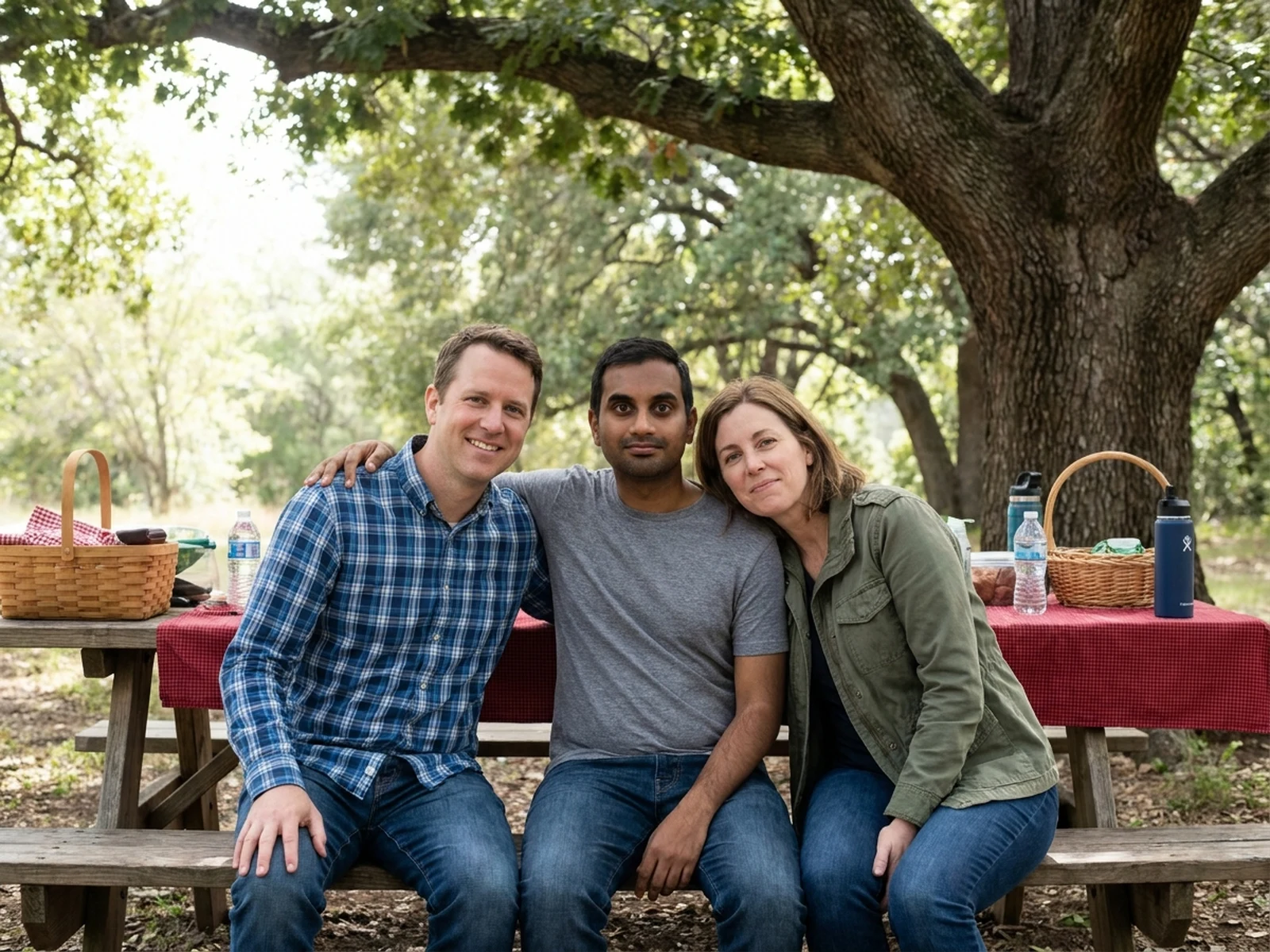
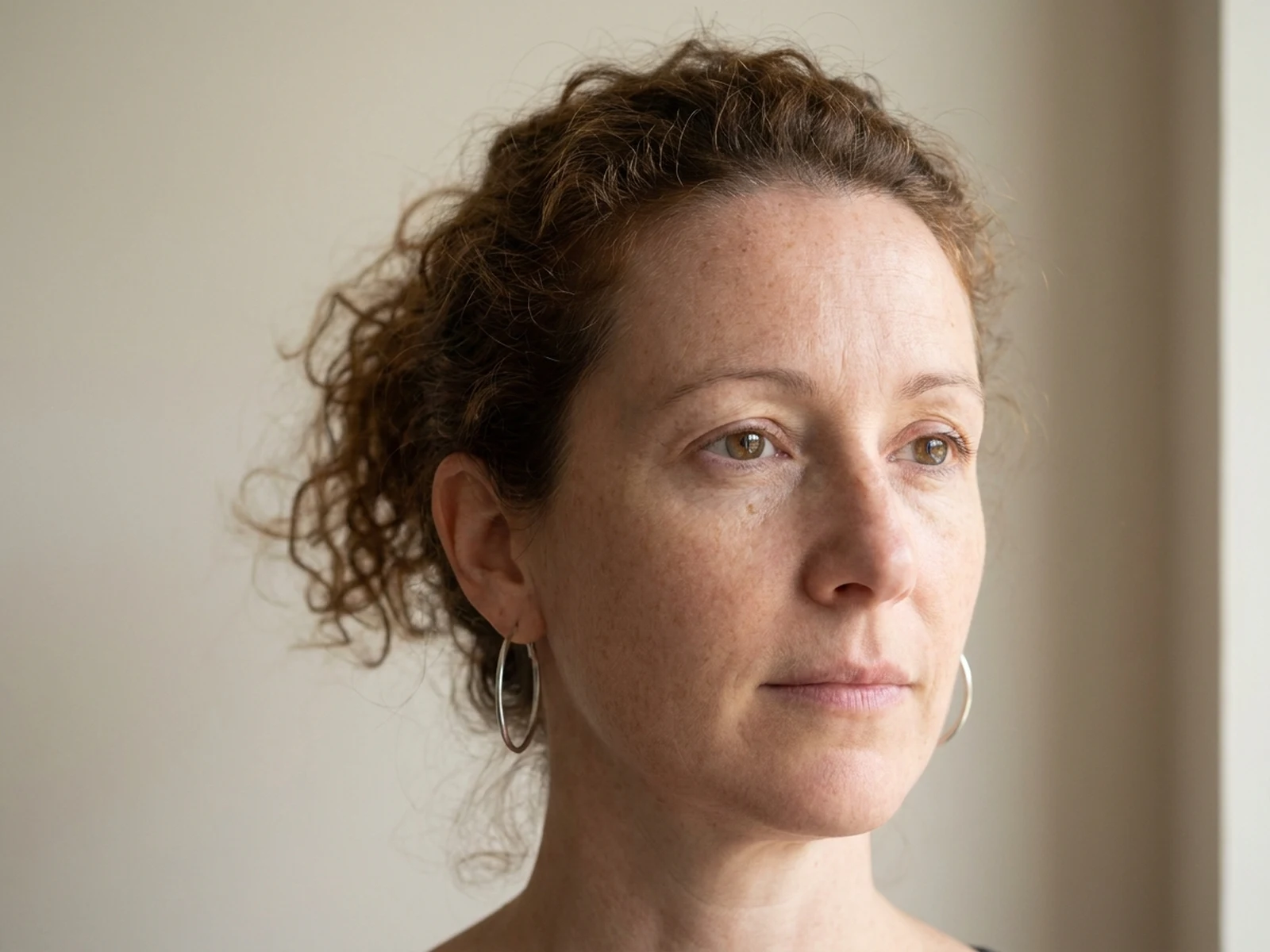
Explore localized blink correction for individual and group portraits while keeping the authorized source intact.

How to structure an eyes-open correction prompt

Limit the edit to the eye region and describe the source gaze, expression, lighting, and identity details to preserve.

Subject

Identify the authorized person and preserve facial geometry, expression, head angle, skin texture, hair, and distinctive features.

Scene

Keep the source clothing, background, people, objects, and event context unchanged.

Light

Match eyelid shadow, iris brightness, pupil size, catchlight shape, direction, and color temperature.

Output

Request a localized, natural blink correction with consistent gaze and no authenticity or evidence claim.

How to use the AI eyes open generator

Confirm authorization, preserve the source portrait, and evaluate the eye edit at both face and full-image scale.

01

Choose an authorized image

Use your own photo or obtain permission from the depicted person for this correction and its planned use.

02

Describe a minimal correction

Keep identity, expression, pose, and context fixed while specifying eyelid opening, gaze, pupils, and catchlights.

03

Review and disclose

Check symmetry, perspective, light, and expression; label the result as edited wherever viewers could mistake it for an untouched record.

Open-eyes photo correction use cases

Recover a more usable personal or creative portrait while respecting consent and the limits of generated detail.

Personal portrait selection

Correct a blink in your own otherwise successful portrait without changing your broader appearance.

Authorized group keepsakes

Apply one localized eye correction when all depicted people have agreed to the edit and sharing context.

Client-approved photo cleanup

Prepare a restrained alternate frame for an authorized portrait session, clearly tracked as an edit.

Why choose Omnilyra for blink corrections

Omnilyra keeps source-preservation notes, eye details, and output settings together for controlled review.

Localized eye direction

Control eyelids, gaze, pupils, catchlights, and perspective instead of regenerating the whole face.

Identity and context preservation

Prompts explicitly retain facial features, expression, pose, clothing, people, objects, and background.

Honest edit framing

Generated eye detail is presented as a visual correction, never proof of the original moment.

Try more authorized photo workspaces

Continue with published tools for facial-hair, perspective, and crop adjustments.

AI Eyes Open Generator FAQ

Can I open closed eyes in any photo?

Only use your own photo or one whose depicted person authorized this edit and its planned sharing context.

Will the generated eyes show what the person really looked like at that moment?

No. The result is a plausible visual reconstruction, not proof or recovery of details that the source did not capture.

How do I keep the correction natural?

Preserve identity and expression, and specify modest lid opening, source-aligned gaze, pupil size, catchlights, perspective, and lighting.

Can I correct one person in a group photo?

Yes, when the image and edit are authorized. Identify only the affected person and preserve every other face and scene detail.