OOmnilyra

AI Crying Generator for Controlled Emotion Portraits

Direct tear level, facial tension, gaze, lighting, and framing for acting references, storyboards, and expression practice—without presenting images as crisis, trauma, or mental-health support.

Adjustable emotion intensityActing and storyboard referencesNo crisis or trauma claims

AI Crying Generator prompt examples

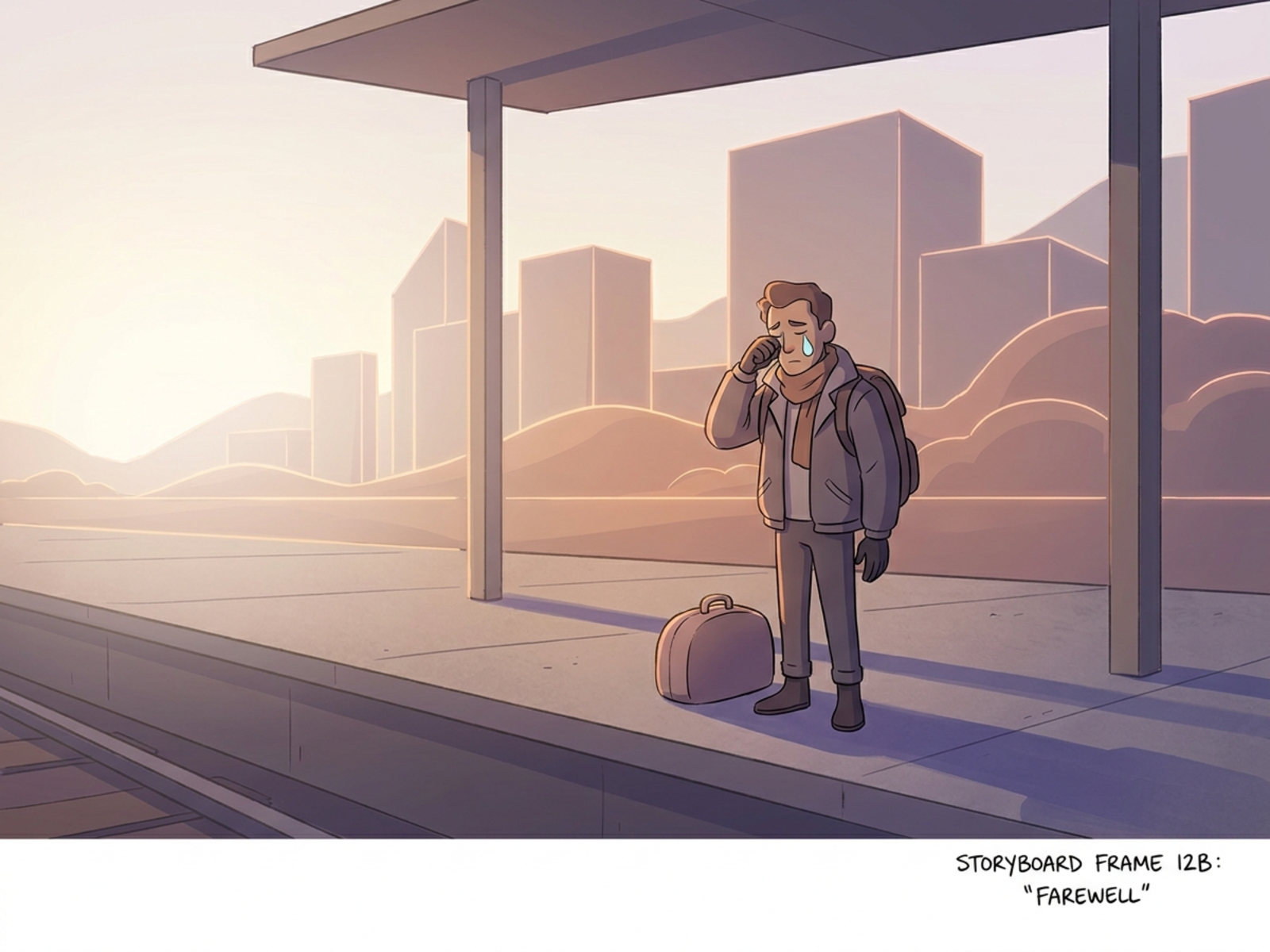
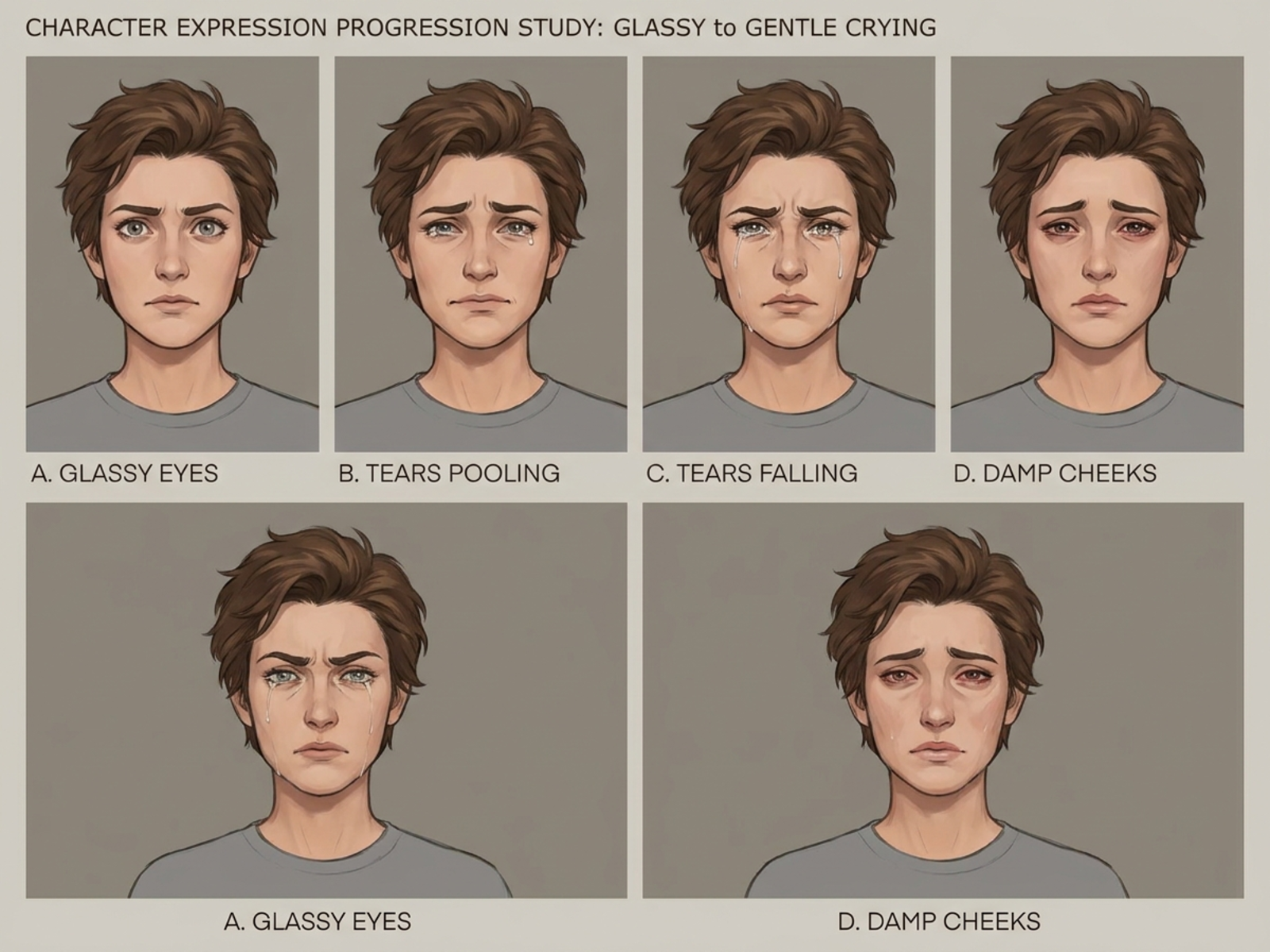
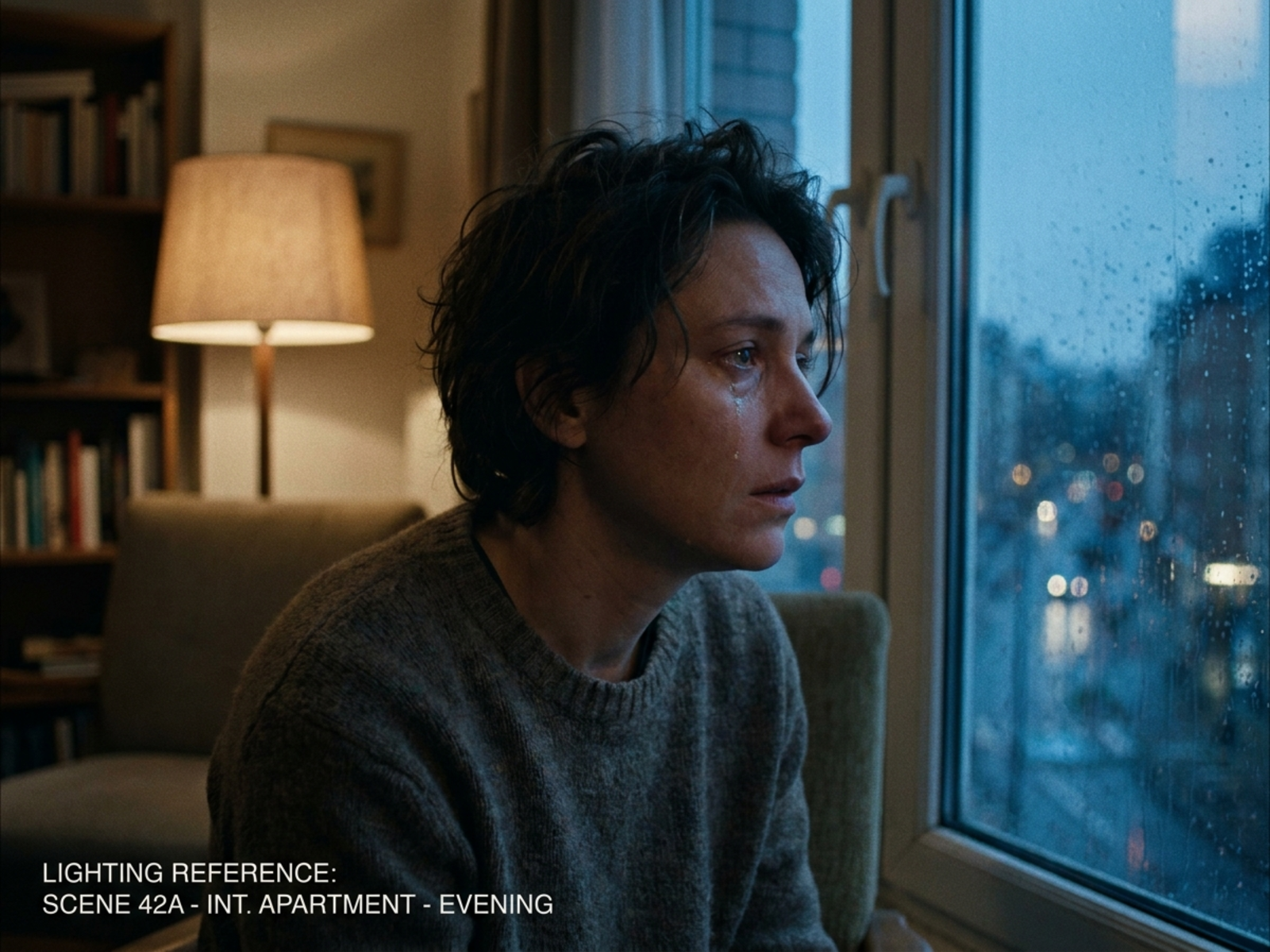
Use different visual languages for performance study, story sequencing, and expression drawing practice.

How to structure a crying portrait prompt

Treat emotion as an observable performance direction with a chosen intensity and visual purpose.

Subject

Define a fictional adult character, tear amount, brow and mouth tension, gaze, gesture, and emotional intensity.

Scene

Choose a safe rehearsal, portrait, domestic, stage, or storyboard context without implying real danger.

Light

Specify direction, contrast, catchlights, and reflections so eyes and tear tracks remain readable.

Output

Request an acting close-up, storyboard beat, expression sheet, illustration reference, or cinematic portrait.

How to use the AI Crying Generator

Set the intended reference use first, then direct expression anatomy and visual intensity in measurable terms.

01

Choose the emotion level

Distinguish glassy eyes, restrained tears, active crying, or recovery, and keep the scene clearly staged or fictional.

02

Describe visible performance cues

Direct eyelids, brows, mouth, jaw, gaze, shoulders, tear amount, and hand gesture instead of using only a broad emotion word.

03

Frame for the creative task

Use a close-up for acting detail, a medium shot for body language, or a wider composition for storyboard context.

AI Crying Generator use cases

The workspace serves controlled creative references, not diagnosis, trauma reconstruction, or crisis response.

Acting and performance reference

Study readable facial cues, camera distance, and light for a staged emotional beat.

Storyboards and previsualization

Place a fictional emotional moment within a safe narrative scene before production or illustration.

Expression drawing practice

Build consistent character sheets that compare tear levels, facial tension, and recovery expressions.

Why choose Omnilyra for emotion studies

Structured controls help separate facial performance, scene context, and output format for repeatable creative work.

Controllable intensity

Prompts can specify subtle moisture, one tear, active crying, or post-cry calm without escalating the narrative.

Reference continuity

Permitted uploads can preserve a fictional character, makeup plan, or camera angle across expression variants.

Safety-aware creative scope

The page focuses on staged emotion and makes no promise to assess, resolve, or represent a real crisis.

Try more image workspaces

Continue with published tools for portraits, story framing, and shareable layouts.

AI Crying Generator FAQ

What can the AI Crying Generator create?

It can create staged crying portraits, acting references, fictional storyboard beats, and expression-practice sheets with controllable intensity.

Can it help with a real emotional crisis?

No. It is an image-generation workspace, not mental-health, emergency, diagnostic, or trauma support. Seek appropriate human or professional help for real concerns.

How do I control how intense the crying looks?

Describe tear count or visibility, eyelids, brows, mouth, jaw, gaze, breathing, posture, light, and camera distance.

Can I upload an expression reference?

Yes, when you have permission to use it. References can guide character continuity or pose but should not be used to exploit a real person's distress.