OOmnilyra

AI Crowd Generator for Fictional and Authorized Groups

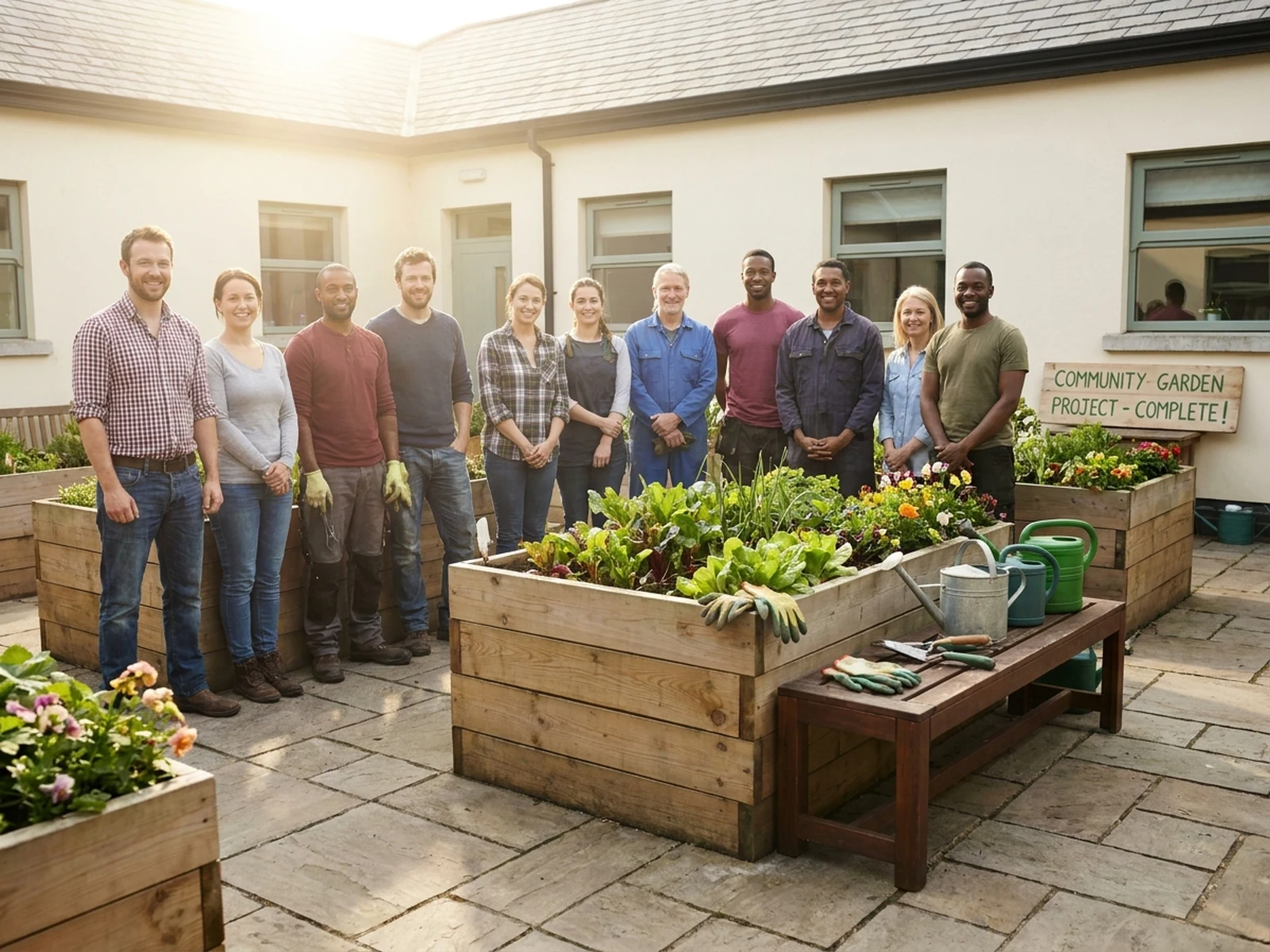
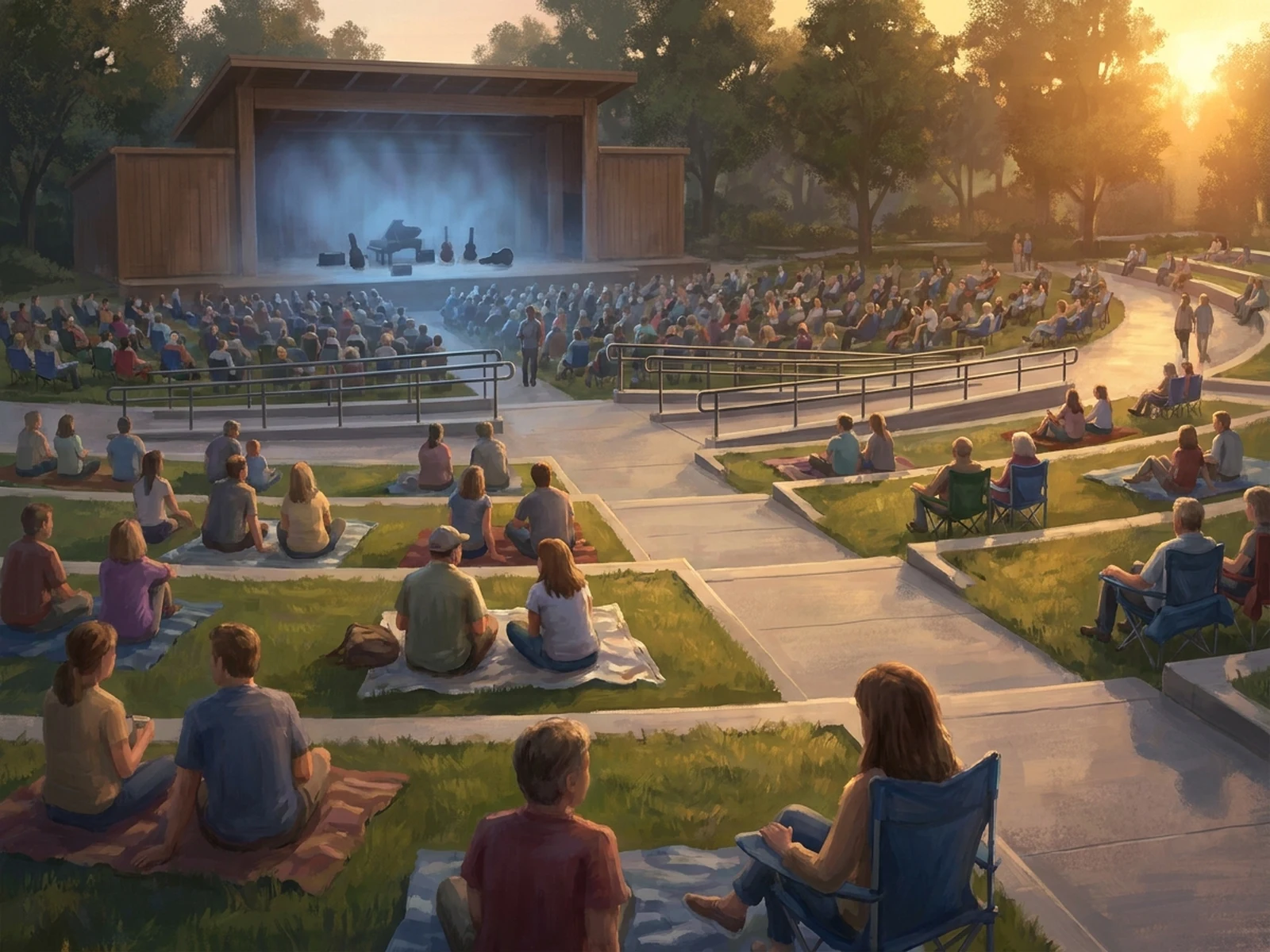
Stage varied group density, movement, spacing, and viewpoint for fictional scenes or people who have consented—never for surveillance, face recognition, or identifying real individuals.

Fictional or consented groupsDensity and movement controlNo surveillance use

Safe AI crowd prompt examples

These prompts focus on fictional staging, collective activity, and readable event flow rather than identifiable individuals.

How to structure an AI crowd prompt

Crowd prompts should define collective behavior and space while protecting consent, privacy, and individual dignity.

Subject

State that the group is fictional or authorized, then describe size, adult or mixed-age context, wardrobe range, and shared activity.

Scene

Define an invented or permitted venue, activity zones, circulation, density, accessibility, and non-identifiable background detail.

Light

Choose event, daylight, stage, or illustrative lighting that clarifies clusters and movement without singling out faces.

Output

Request event concept art, an authorized group portrait, editorial illustration, atmosphere frame, or circulation diagram.

How to use the AI Crowd Generator

Set the permission boundary first, then compose the group around a shared event or spatial goal.

01

Confirm fictional or authorized use

Use invented people and venues, or obtain meaningful permission from every real person represented in an uploaded reference.

02

Plan group activity and flow

Describe density, clusters, shared actions, clear paths, accessible zones, camera height, and background detail.

03

Check privacy and representation

Remove personal data and unintended stereotypes; do not use outputs for recognition, tracking, or claims about real people.

AI crowd scene use cases

Safe crowd generation supports visual storytelling, event concepts, and spatial communication without monitoring people.

Fictional event visualization

Preview atmosphere, density, activity zones, and camera angles for invented festivals, concerts, and scenes.

Authorized group portraits

Develop composition ideas for teams or communities when every depicted participant has consented.

Editorial and planning illustration

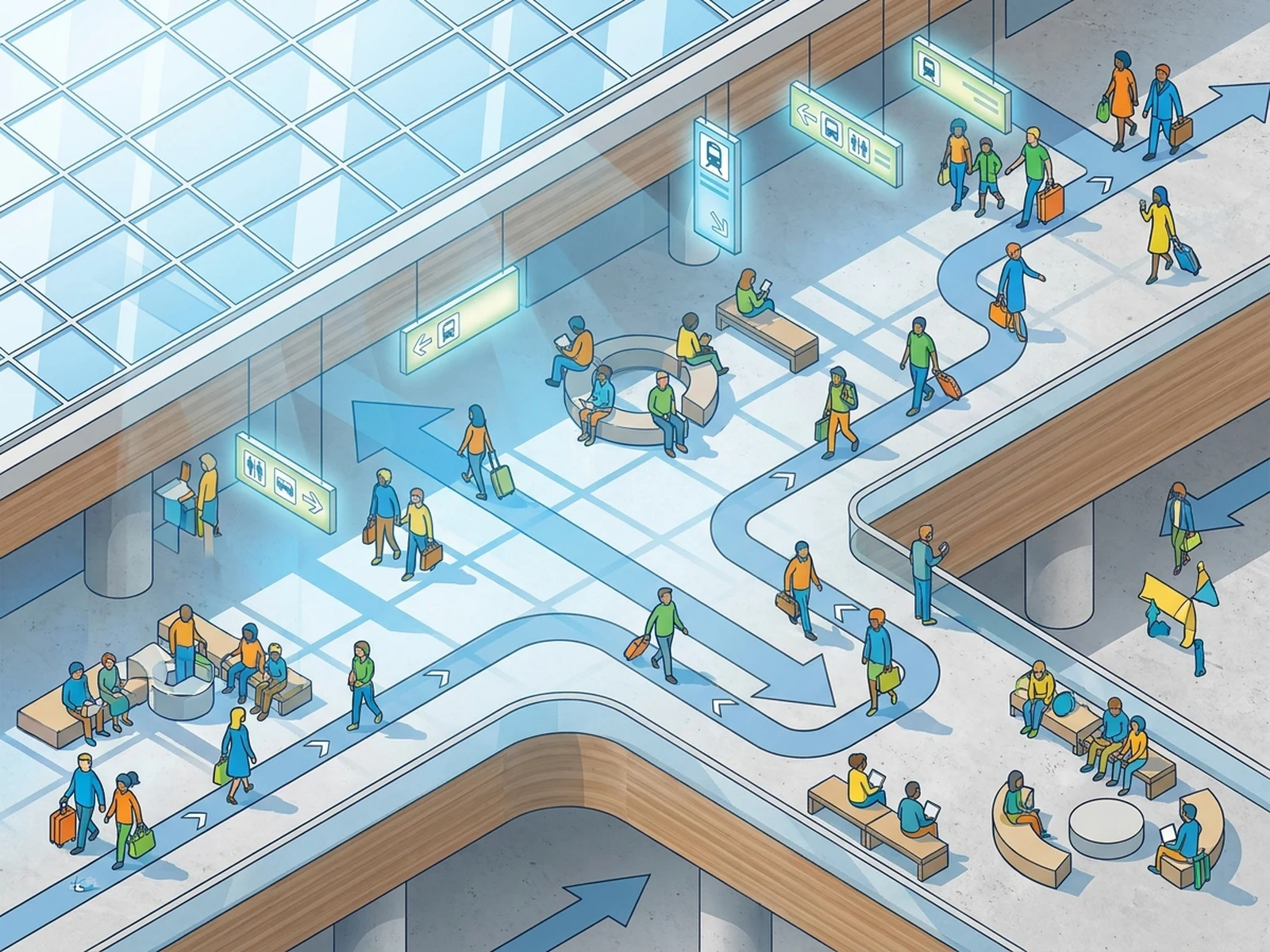
Show public-space use, circulation, and collective behavior with stylized non-identifiable figures.

Why choose Omnilyra for crowd compositions

The workspace keeps group staging controls alongside explicit boundaries for consent and privacy.

Collective-scene controls

Direct group size, density, activity clusters, pathways, wardrobe rhythm, and viewpoint.

Privacy-aware prompting

Prompts prioritize fictional or authorized groups and reject surveillance, recognition, and identity inference.

Flexible visual formats

Create wide event scenes, authorized portraits, isometric diagrams, and editorial illustrations.

Try more image workspaces

Continue creating fictional group and event visuals with published Omnilyra tools.

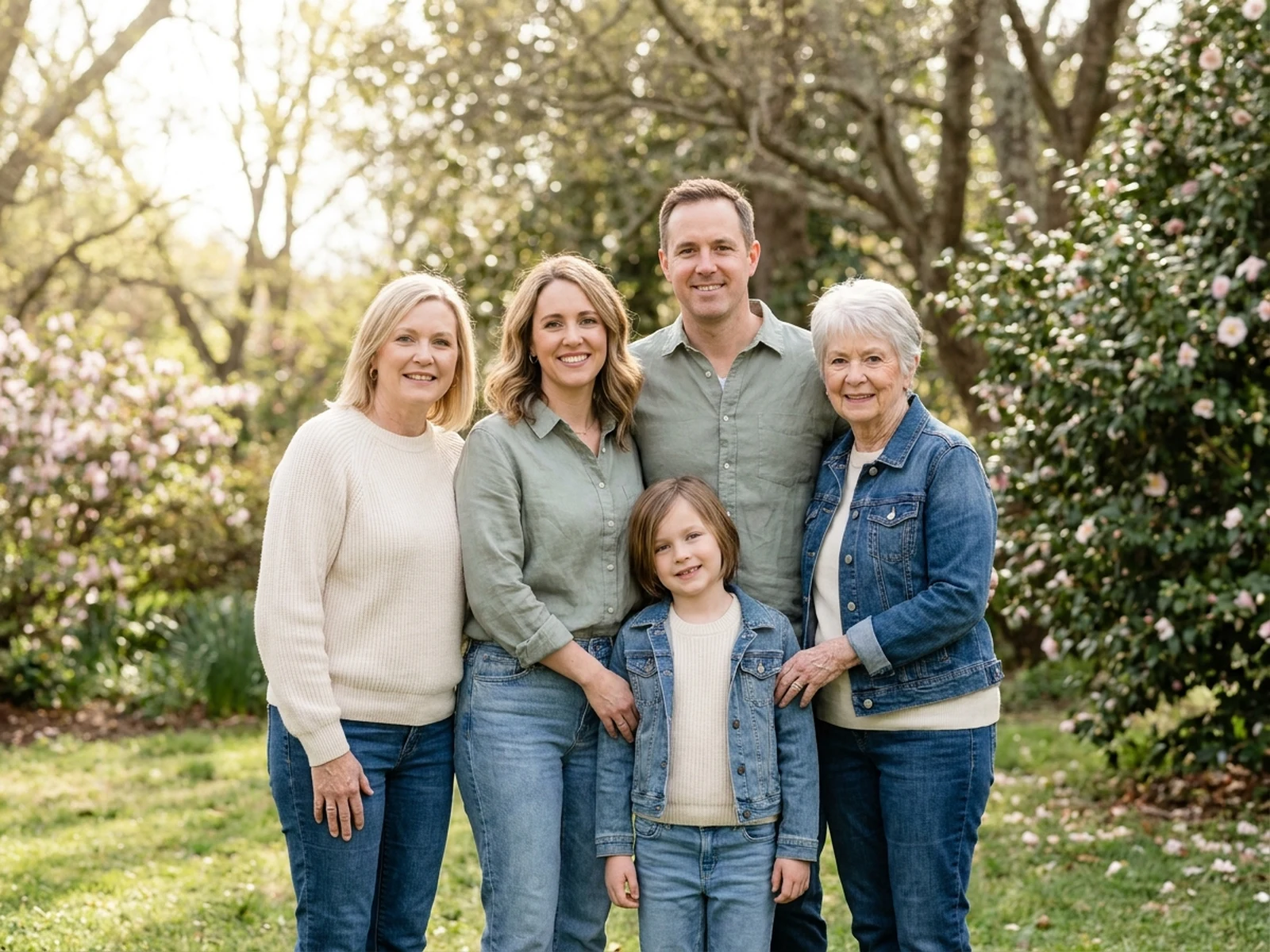
Original multigenerational family group in a warm garden portrait

Create warm family portraits, coordinated group photos, holiday scenes, multigenerational keepsakes, and natural lifestyle compositions while controlling subject, scene, light, composition, and output format.

Try now

AI Family Photo Generator

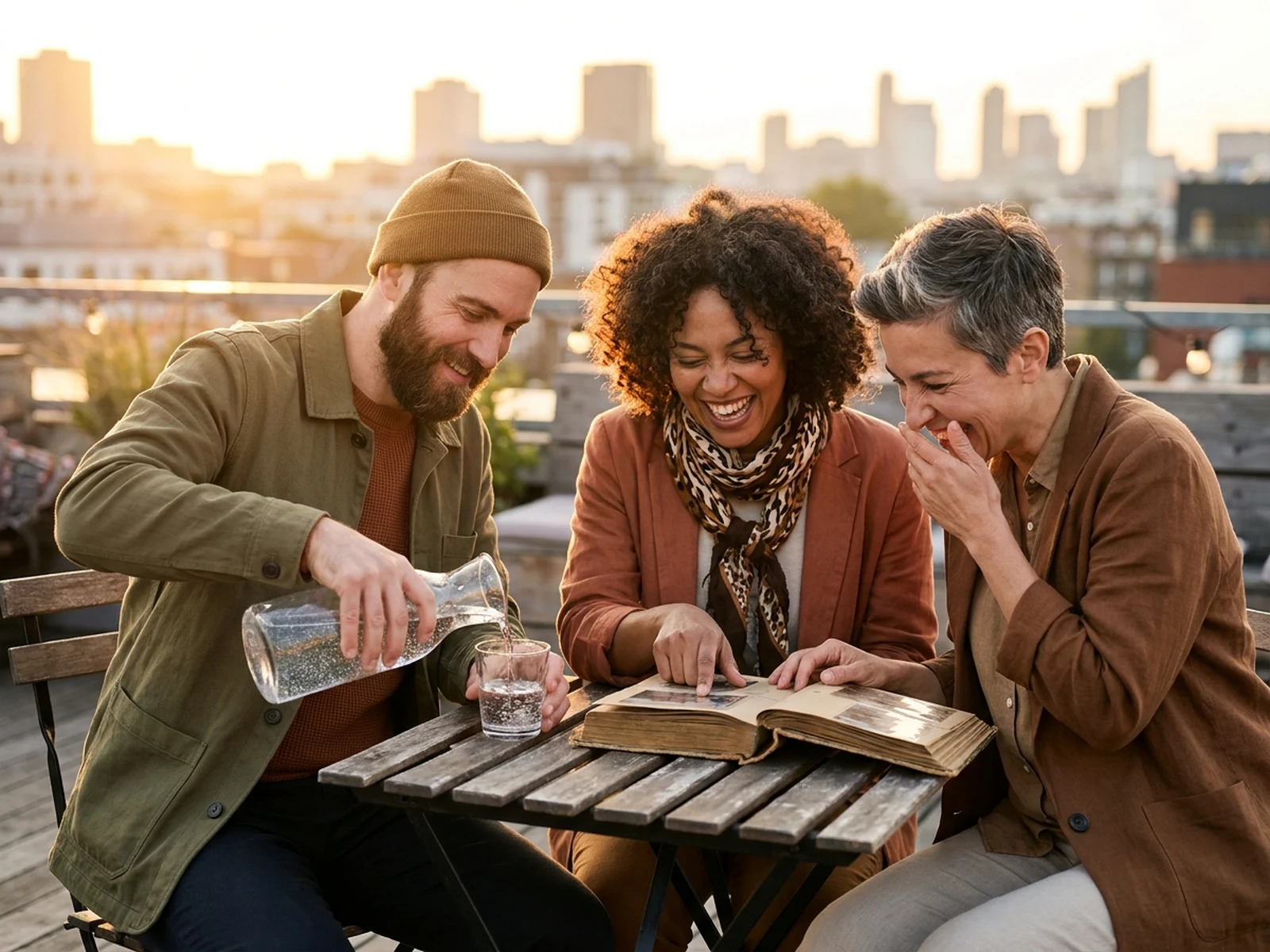
Three fictional adult friends sharing a candid rooftop moment

Design candid portraits, reunions, travel memories, and illustrated keepsakes with fictional adults or images every depicted person has authorized. Preserve identity, avoid inventing real relationships, and label composites clearly.

Try now

AI Friendship Generator for Meaningful Shared Moments

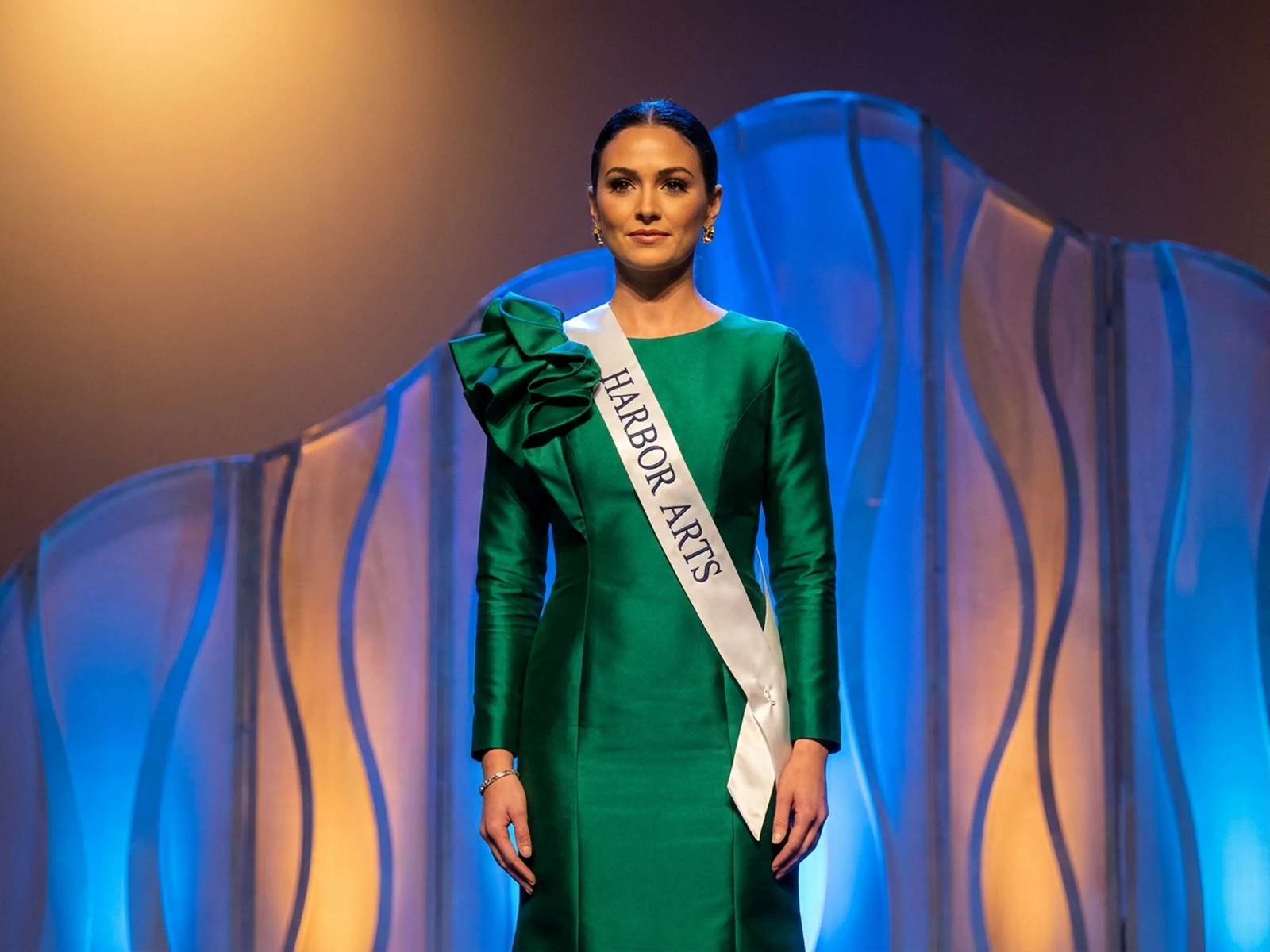
Fictional adult pageant participant presenting an original emerald stage look

Develop original adult presentation looks, stage settings, sashes, portraits, and program visuals while centering confidence, craft, and communication—not body ranking or appearance judgments.

Try now

AI Pageant Generator for Fictional Adult Stage Concepts

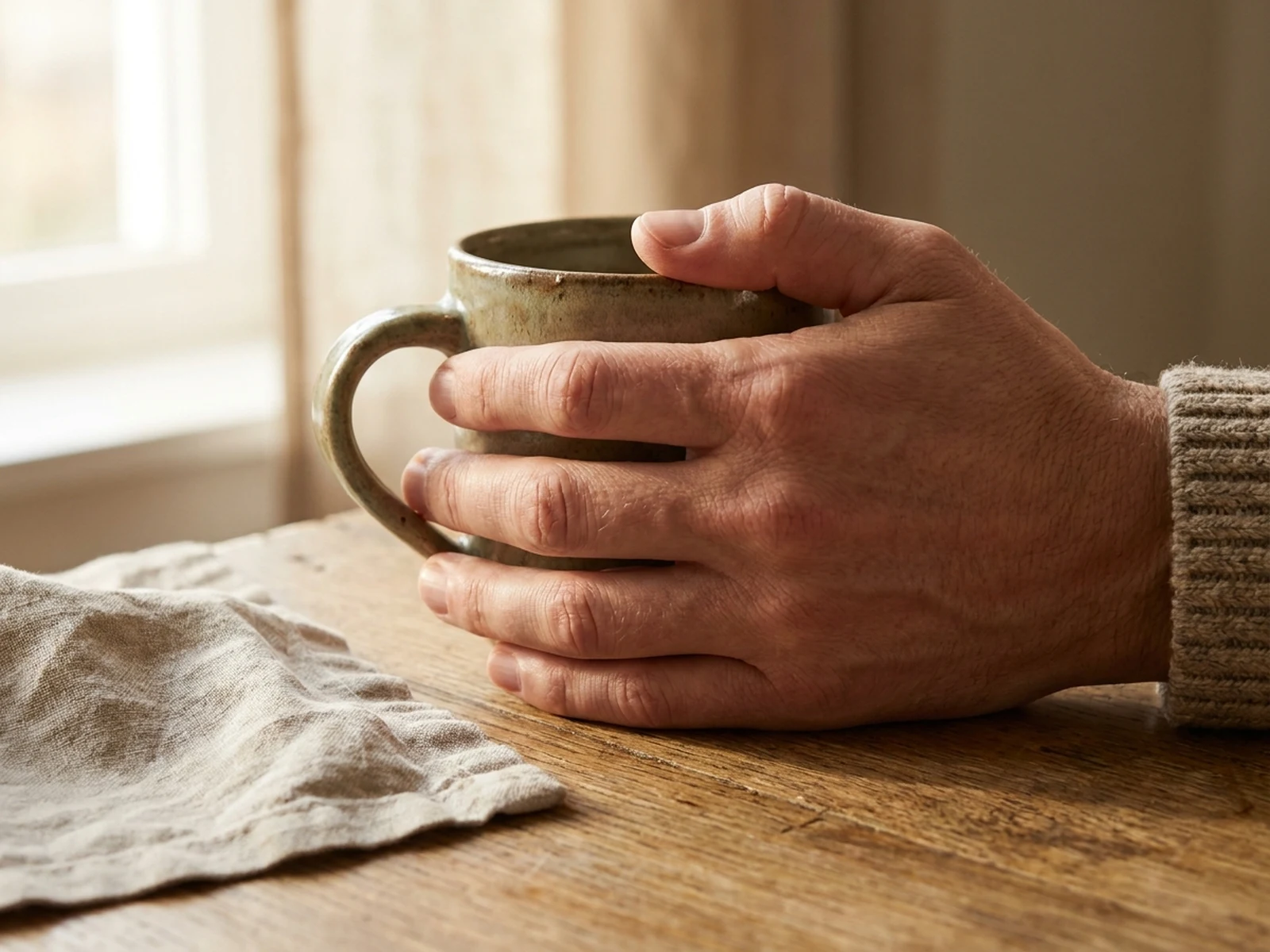
Natural hand gesture study for an authorized lifestyle image

Create hand references for original characters or correct visible hand anatomy in your own and authorized images, with careful control over fingers, joints, grip, perspective, and light.

Try now

AI Human Hand Generator for Natural Gesture Studies

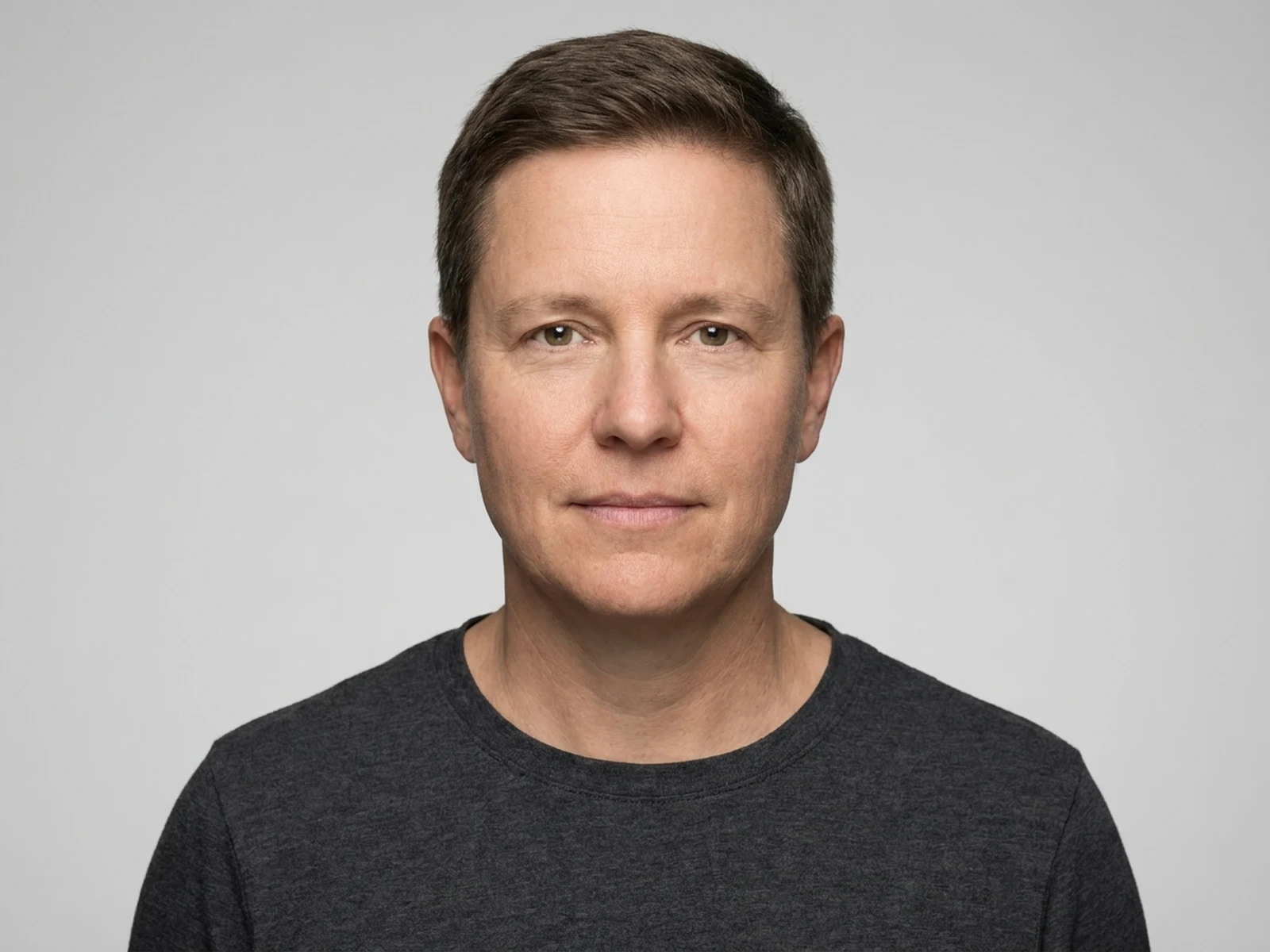
Professional neutral-background headshot layout preview

Prepare a clean, neutral-background professional portrait preview from your own or an authorized photo. This workspace does not create identification documents or guarantee any government, passport, visa, or licensing standard.

Try now

AI ID Photo Generator for Headshot Layout Previews

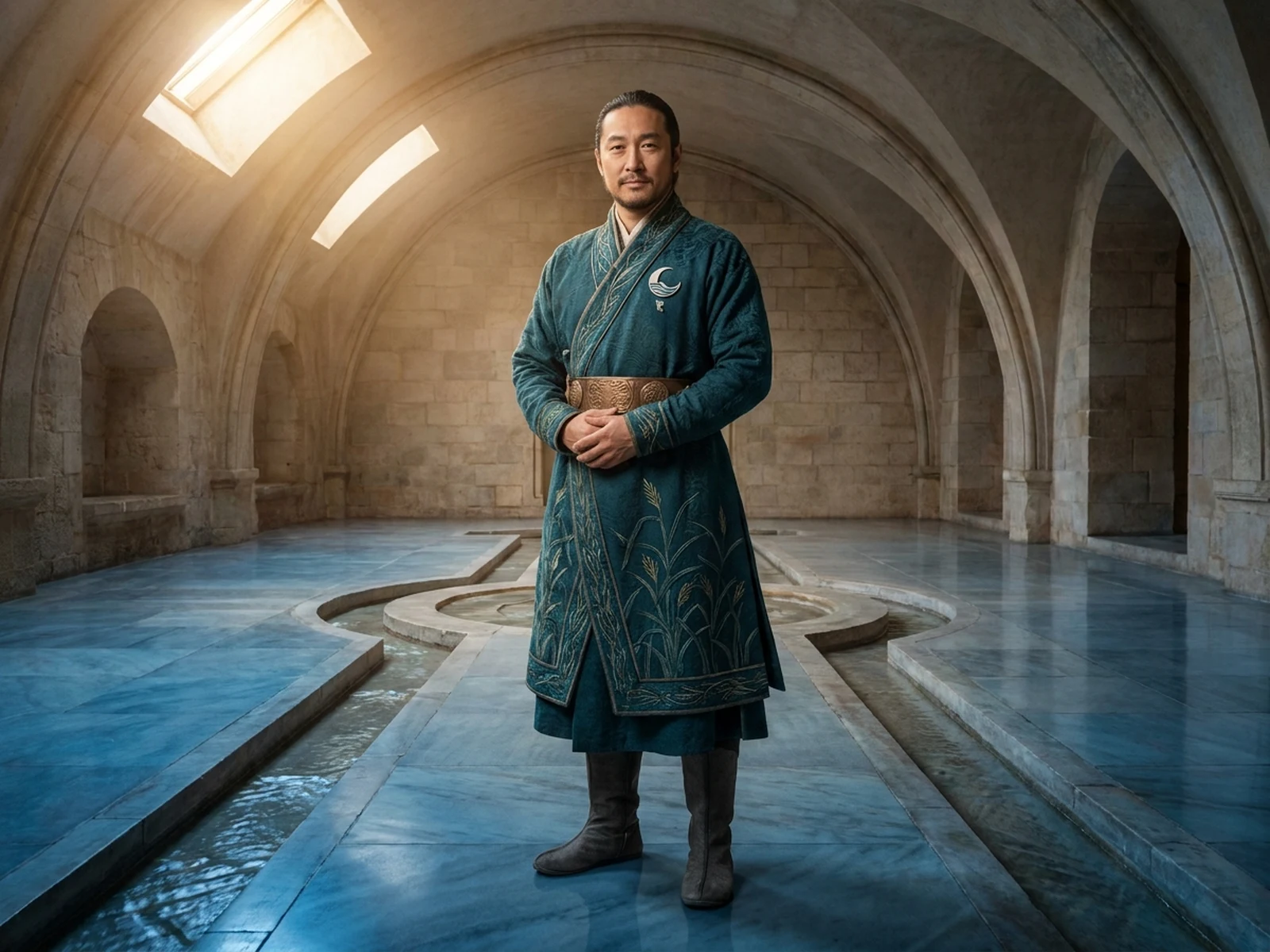
Original fictional emperor of a river kingdom in ceremonial attire

Design fictional adult sovereigns, ceremonial attire, court settings, symbols, and realm lore. Keep every character original rather than depicting a real ruler, living person, political figure, or protected screen character.

Try now

AI Emperor Generator for Original Historical Fantasy

AI Crowd Generator FAQ

Can I use the AI Crowd Generator to identify people in a photo?

No. Do not use it for face recognition, surveillance, tracking, identity inference, or extracting personal information from real groups.

What should an AI crowd prompt include?

Include fictional or authorized status, approximate size, shared activity, density, age context, wardrobe range, zones, accessibility, lighting, viewpoint, and output style.

Can I upload a real group photo?

Only when you have permission from everyone depicted and a legitimate creative purpose. Avoid personal data and do not use the result to analyze participants.

How do I make a large crowd readable?

Organize people into activity clusters, vary density, preserve circulation paths, choose an elevated view, and emphasize wardrobe color rhythm over individual faces.