OOmnilyra

AI Family Photo Generator

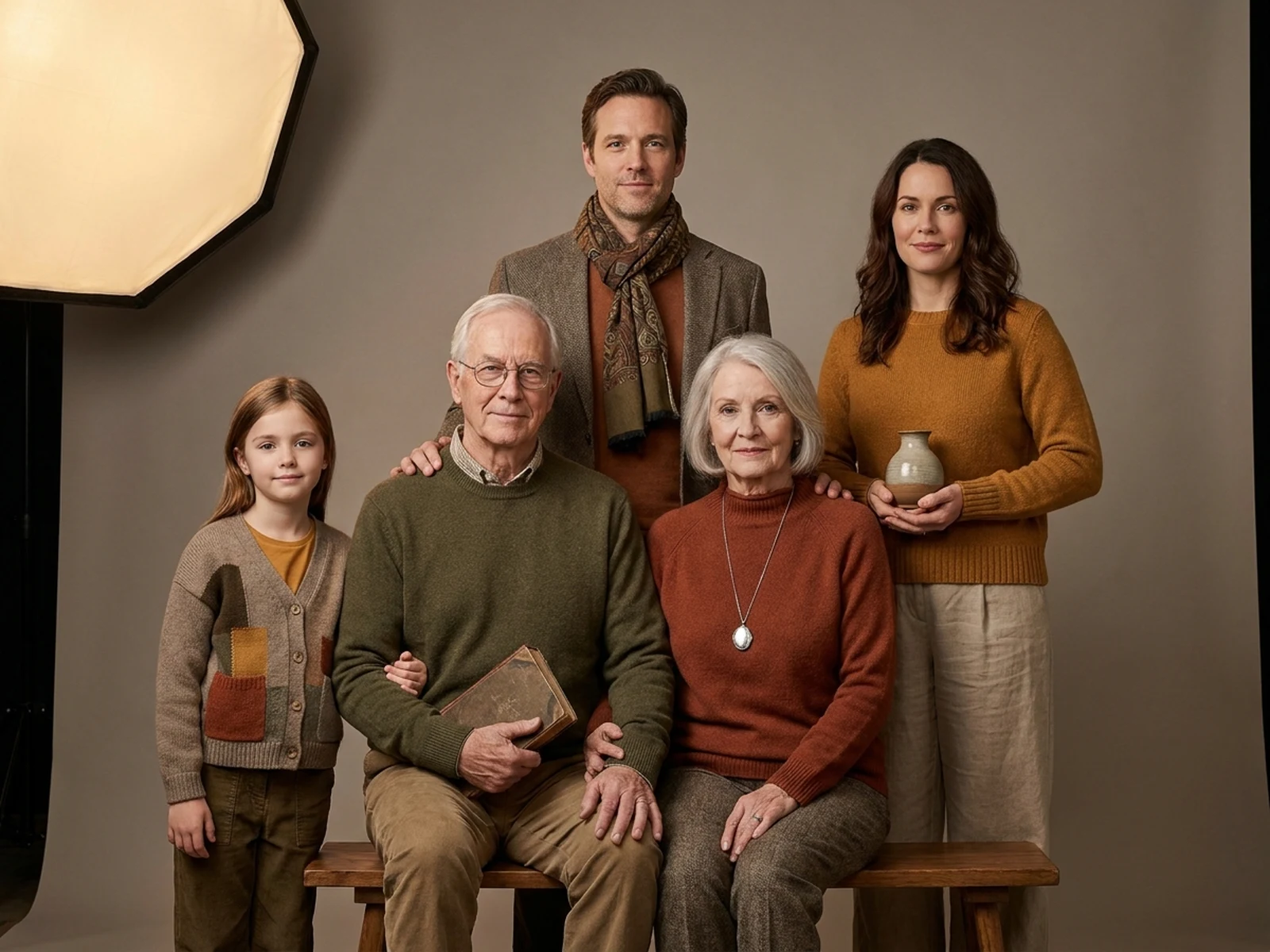
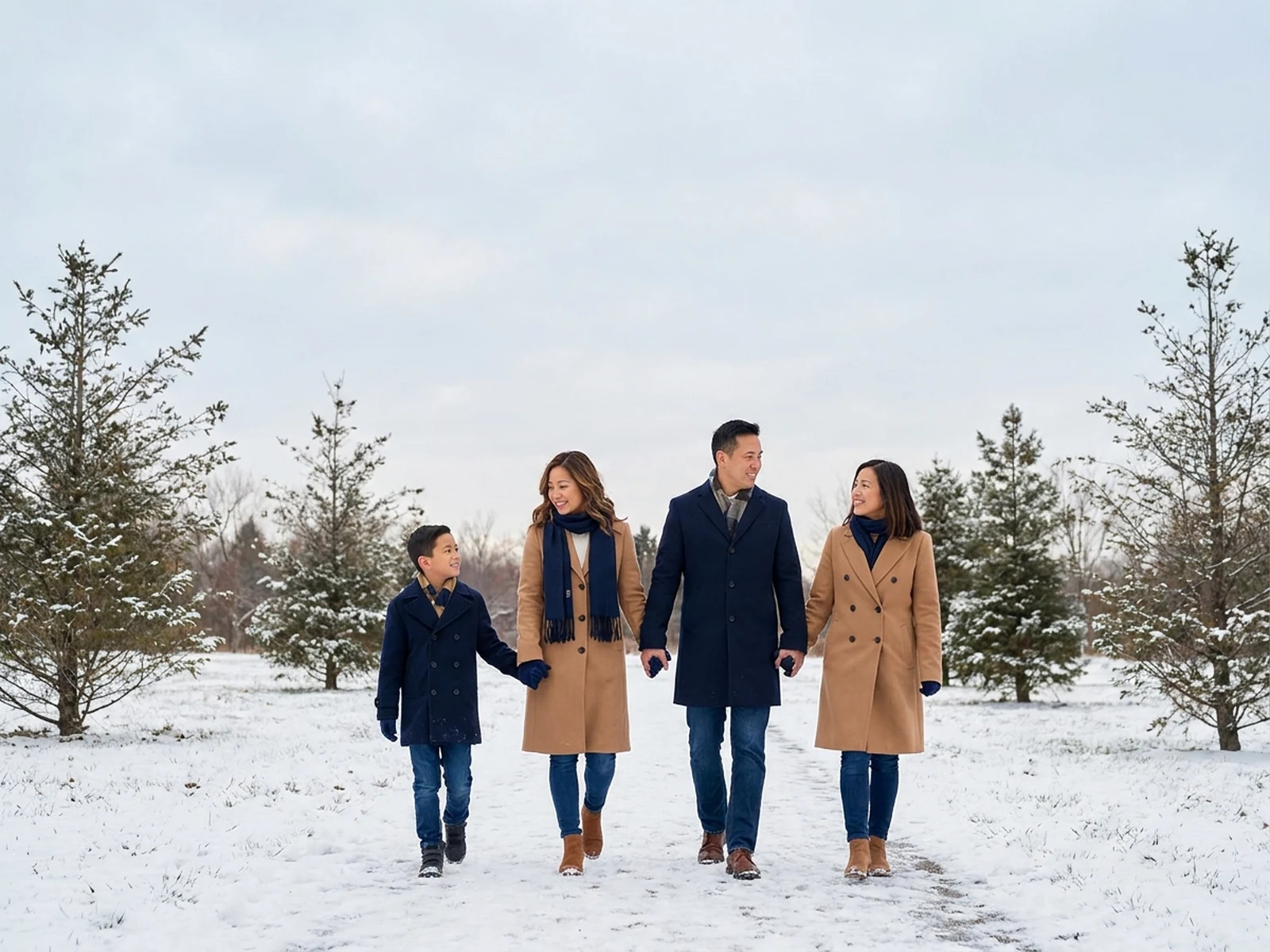
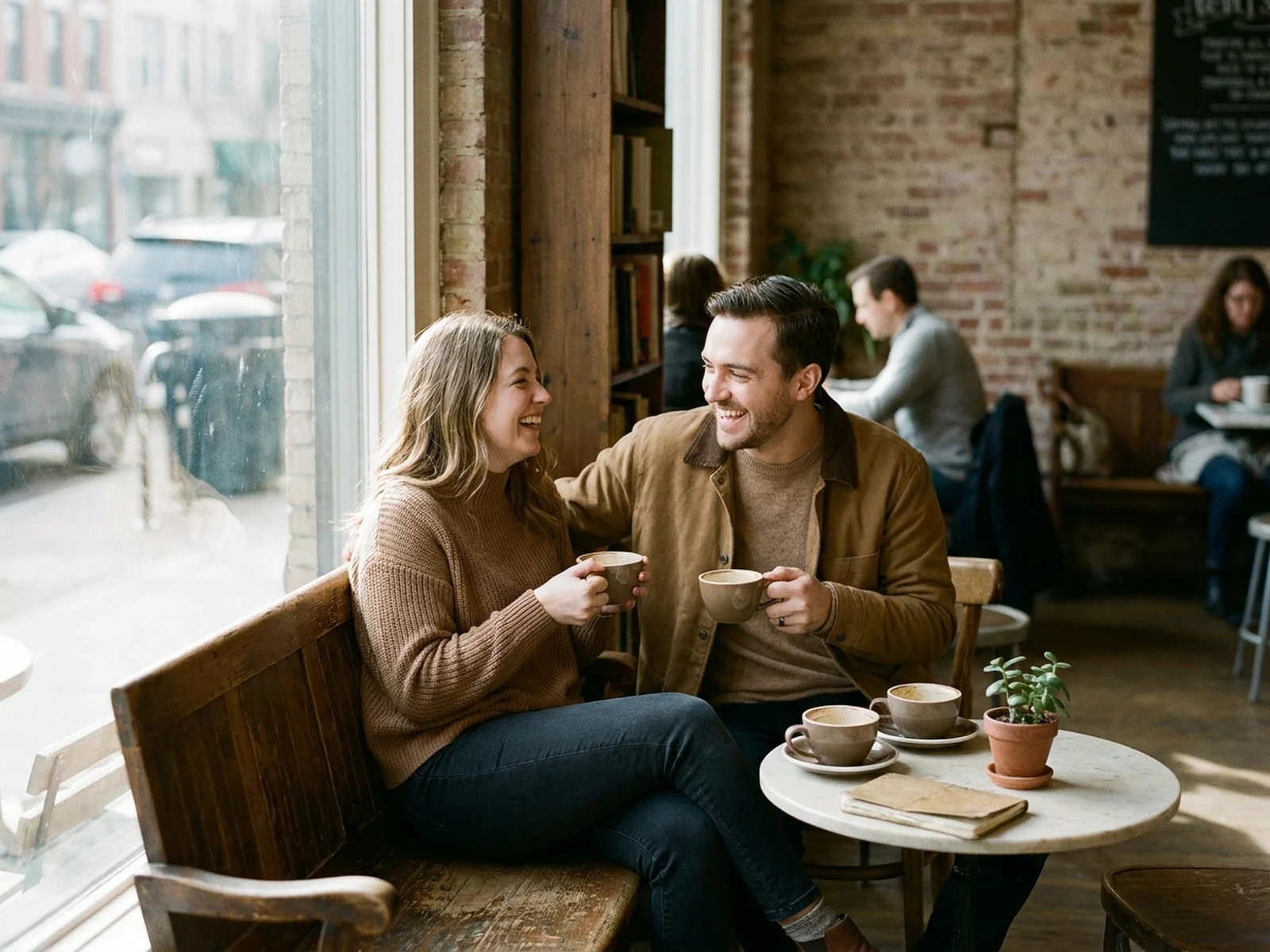
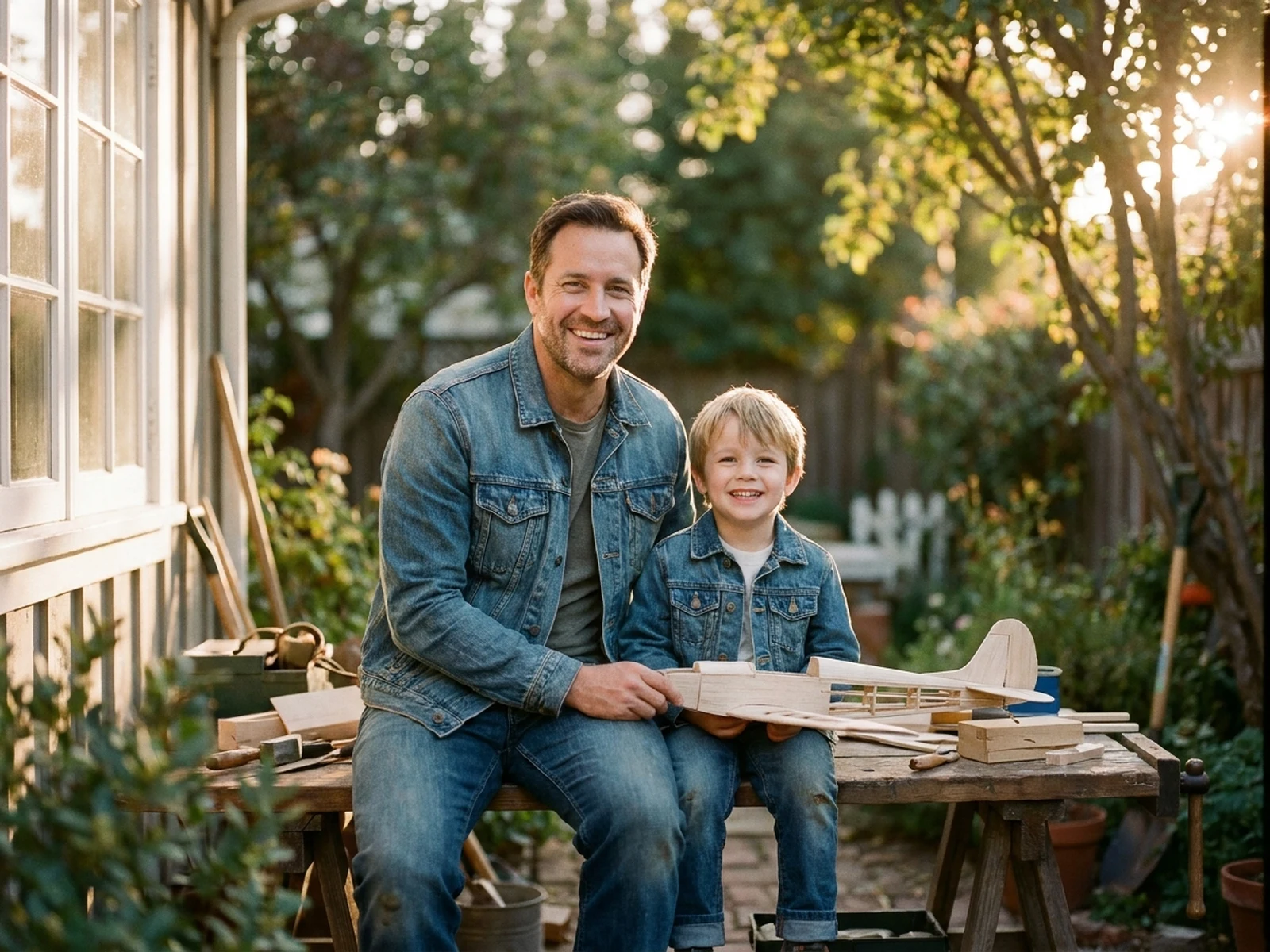
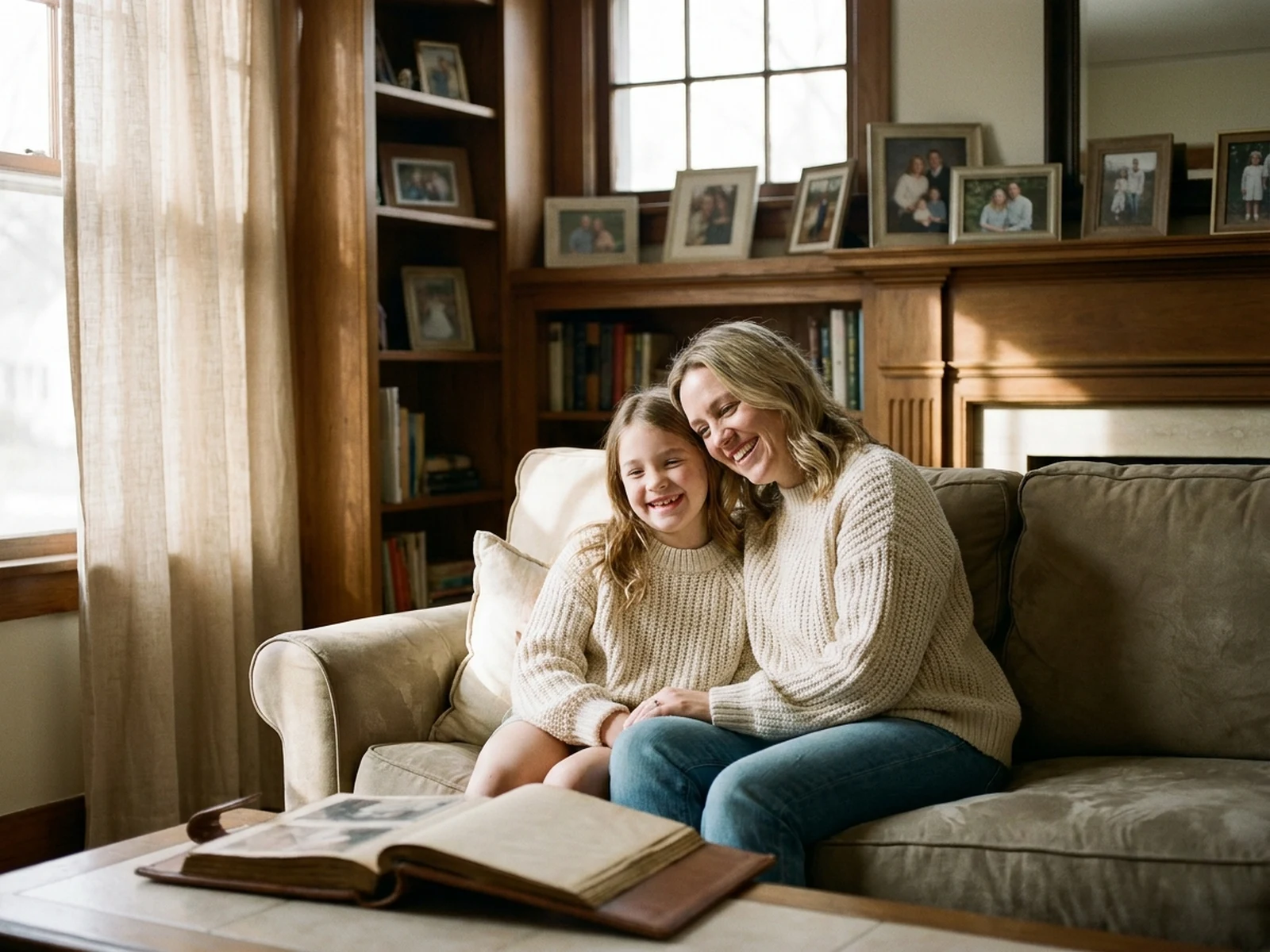
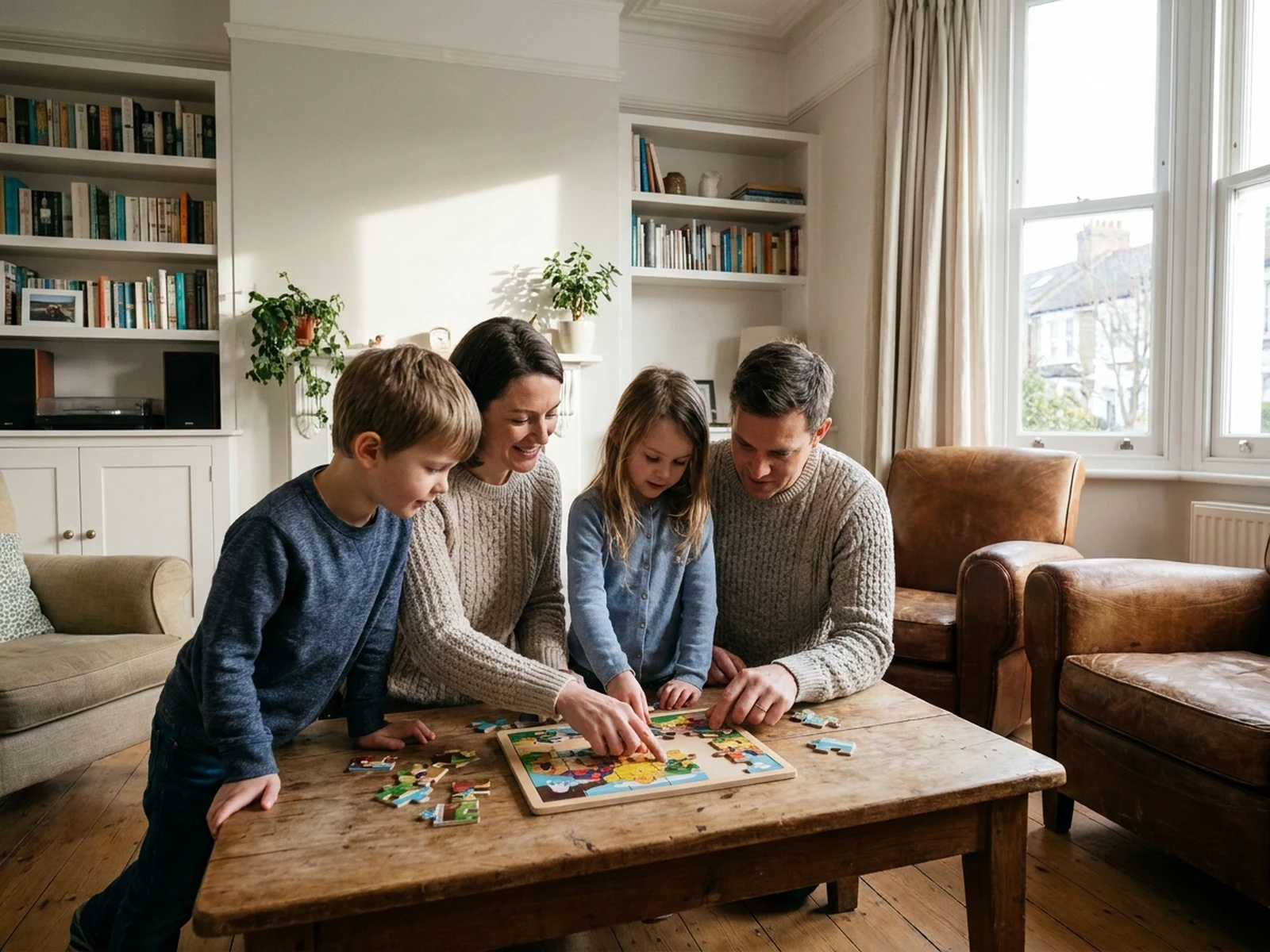
Create warm family portraits, coordinated group photos, holiday scenes, multigenerational keepsakes, and natural lifestyle compositions while controlling subject, scene, light, composition, and output format.

Consent-aware referencesNatural group posingPrint and card formats

AI Family Photo Generator prompt examples

Start with these prompts, then adjust subject, scene, light, composition, and references in the workspace.

AI Family Photo Generator prompt structure

A structured prompt makes the result easier to compare, reuse, and refine.

Subject

Permitted family members, relationship grouping, facial cues, ages, coordinated clothing, pose, gaze, and natural interaction.

Scene

Bright home, garden, neutral studio, holiday table, outdoor walk, or multigenerational living-room setting.

Light

Soft window light, open-shade daylight, warm holiday glow, balanced skin tones, and gentle group shadows.

Output

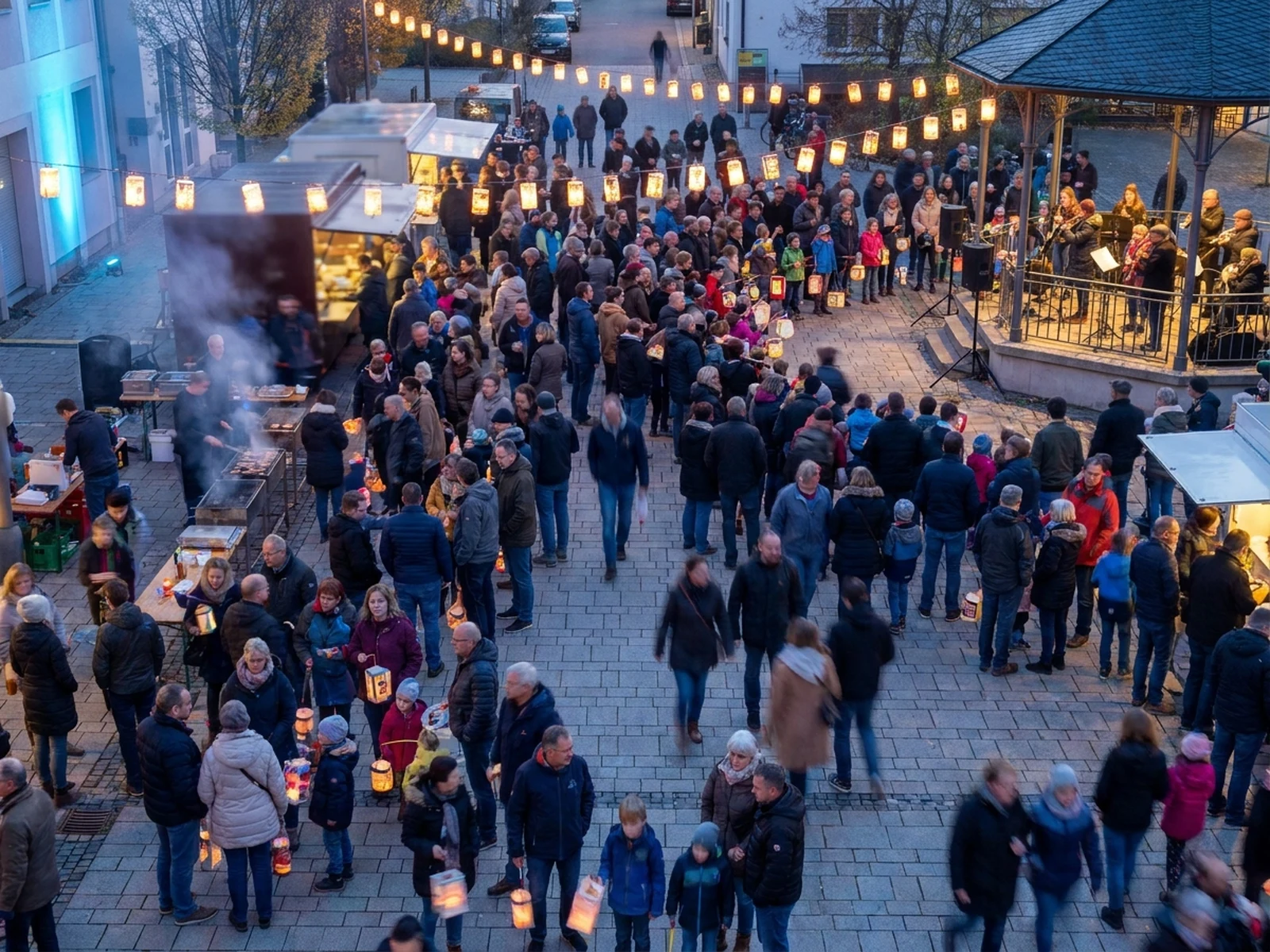
Family portrait, holiday card image, wall-print composition, multigenerational photo, lifestyle scene, or social keepsake.

How to use the AI Family Photo Generator

Define one concrete goal, lock the visual variables, and then create channel-ready variants.

01

Define the exact result

Choose one target from Family portrait, holiday card image, wall-print composition, multigenerational photo, lifestyle scene, or social keepsake.

02

Lock the visual variables

Specify Permitted family members, relationship grouping, facial cues, ages, coordinated clothing, pose, gaze, and natural interaction. Then set Bright home, garden, neutral studio, holiday table, outdoor walk, or multigenerational living-room setting.

03

Generate useful variants

Change angle, palette, composition, or channel format while keeping the core subject and reference cues consistent.

AI Family Photo Generator use cases

These workflows focus on warm family portraits, coordinated group photos, holiday scenes, multigenerational keepsakes, and natural lifestyle compositions.

Coordinated family portraits

Plan clothing palettes, seating order, gaze, and spacing before a real or generated portrait session.

Holiday card scenes

Create warm seasonal backdrops with uncluttered areas for greetings added in a design tool.

Multigenerational keepsakes

Build respectful compositions that keep every permitted person visible and naturally connected.

Why choose Omnilyra for AI Family Photo Generator

The workspace keeps prompts, references, examples, and output controls in one workflow.

Built around the search intent

The examples and workflow directly support warm family portraits, coordinated group photos, holiday scenes, multigenerational keepsakes, and natural lifestyle compositions.

Reference-guided control

Upload permitted references to preserve key visual cues while changing scene and format.

Reusable output system

Create Family portrait, holiday card image, wall-print composition, multigenerational photo, lifestyle scene, or social keepsake. from the same reusable workspace.

Try more image workspaces

Continue with related image generation, editing, and campaign workflows.

AI Family Photo Generator FAQ

What can the AI Family Photo Generator create?

It can create warm family portraits, coordinated group photos, holiday scenes, multigenerational keepsakes, and natural lifestyle compositions.

What should the prompt include?

Include Permitted family members, relationship grouping, facial cues, ages, coordinated clothing, pose, gaze, and natural interaction. Then add Bright home, garden, neutral studio, holiday table, outdoor walk, or multigenerational living-room setting.

Can I upload a reference image?

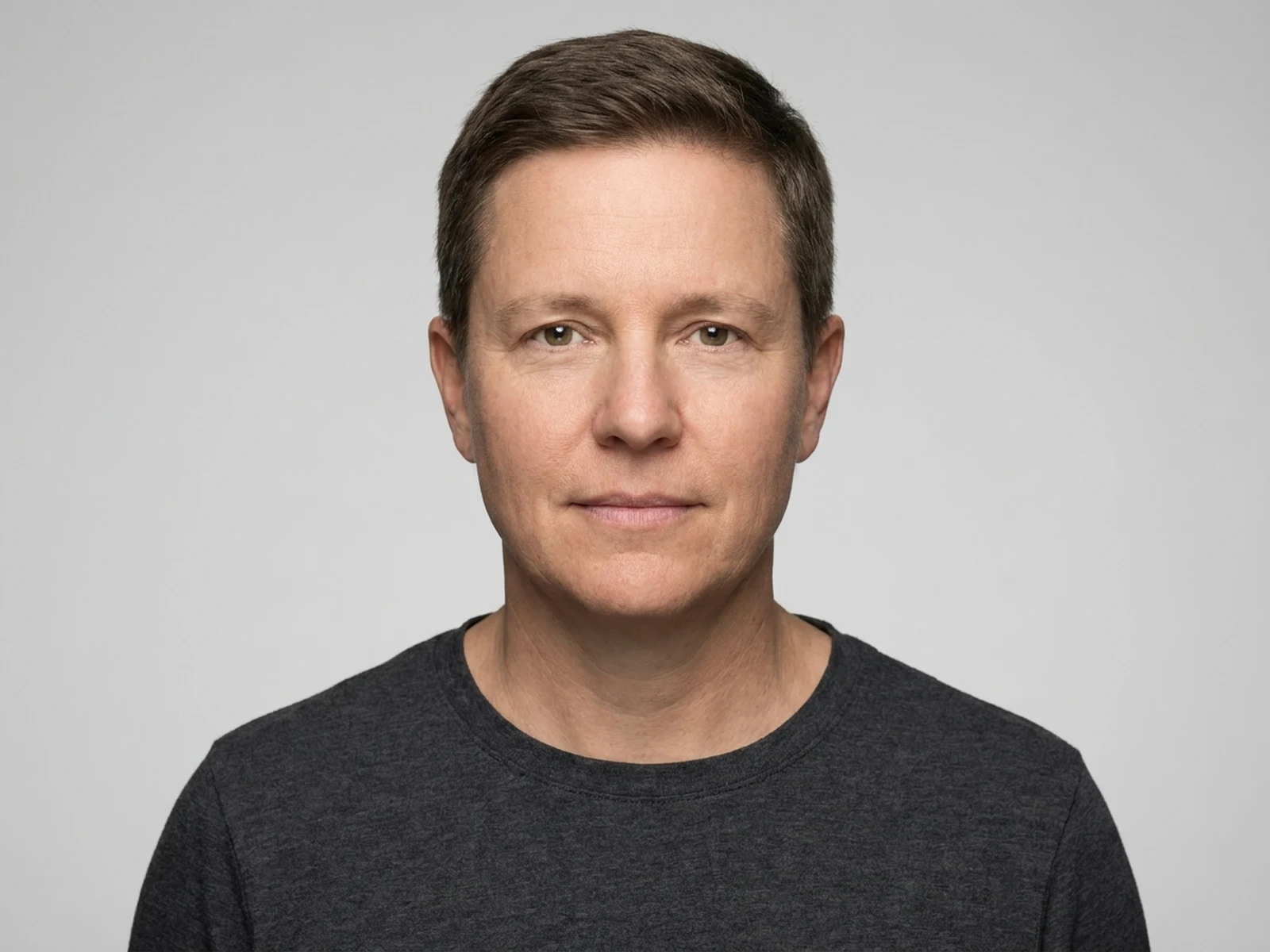
Yes. Upload only images you have permission to use to guide subject, palette, material, pose, or layout consistency.

What should I review before using the result?

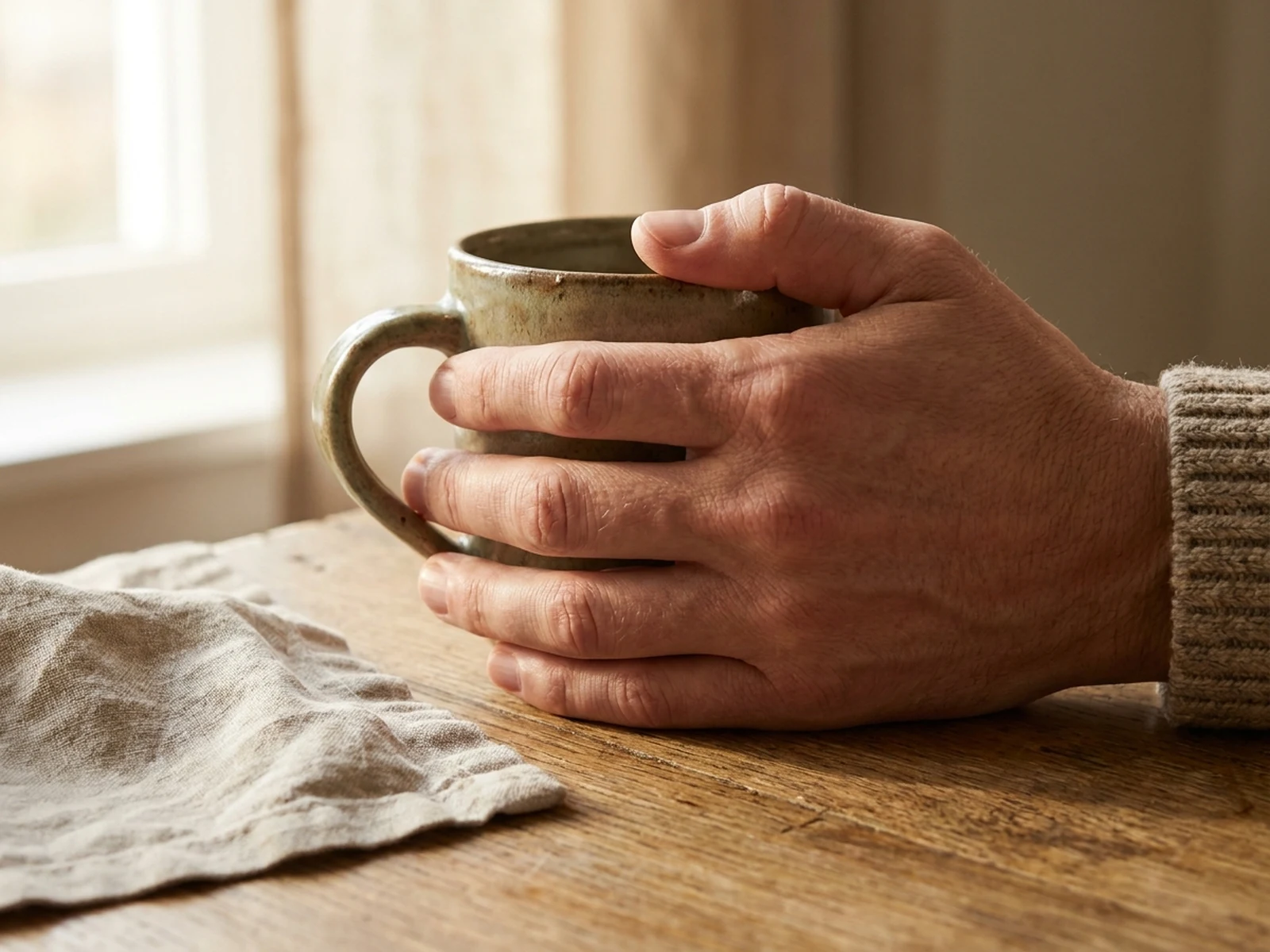
Use only images you have permission to upload, obtain guardian consent for minors, preserve identity respectfully, and review faces and hands before sharing.