OOmnilyra

Photo Zoomer for Composition, Crop, and Clarity Previews

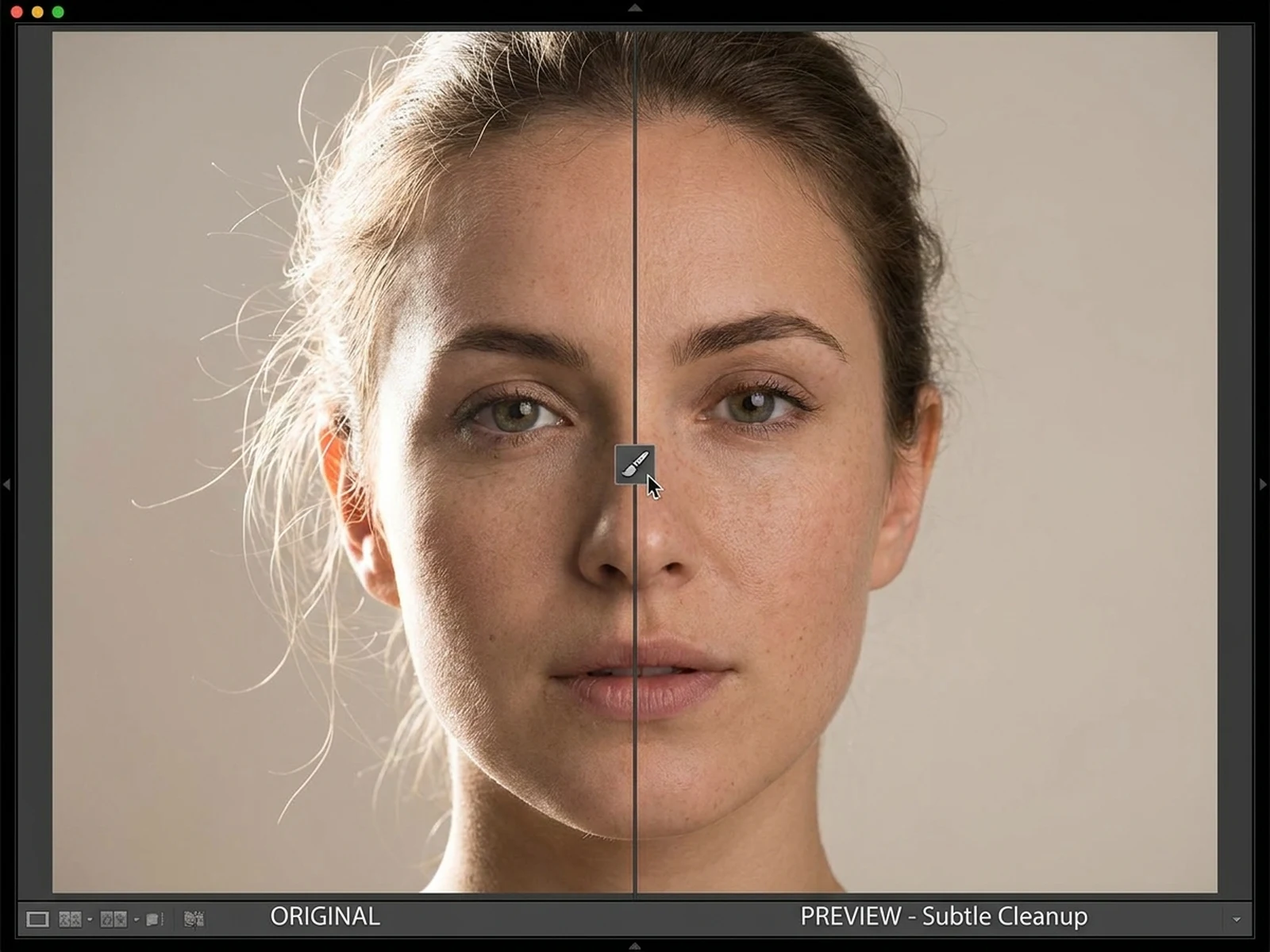
Upload a photo to explore a tighter composition, crop emphasis, and clarity-enhanced preview. AI can improve visual presentation, but it cannot recover real evidence details that were never captured in the source.

Composition-aware zoomCrop and clarity previewsNo forensic recovery claims

Photo zoomer prompt examples

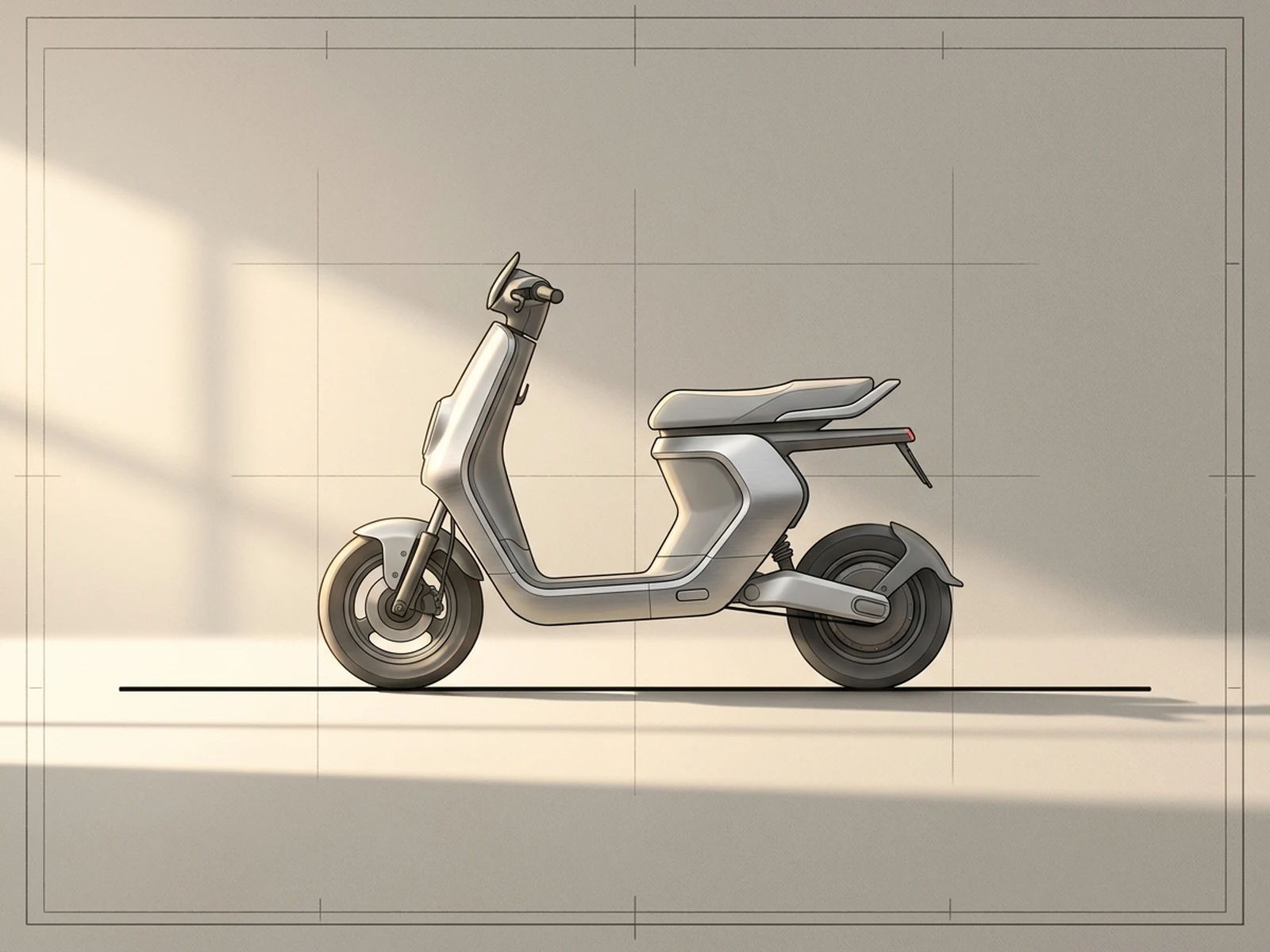
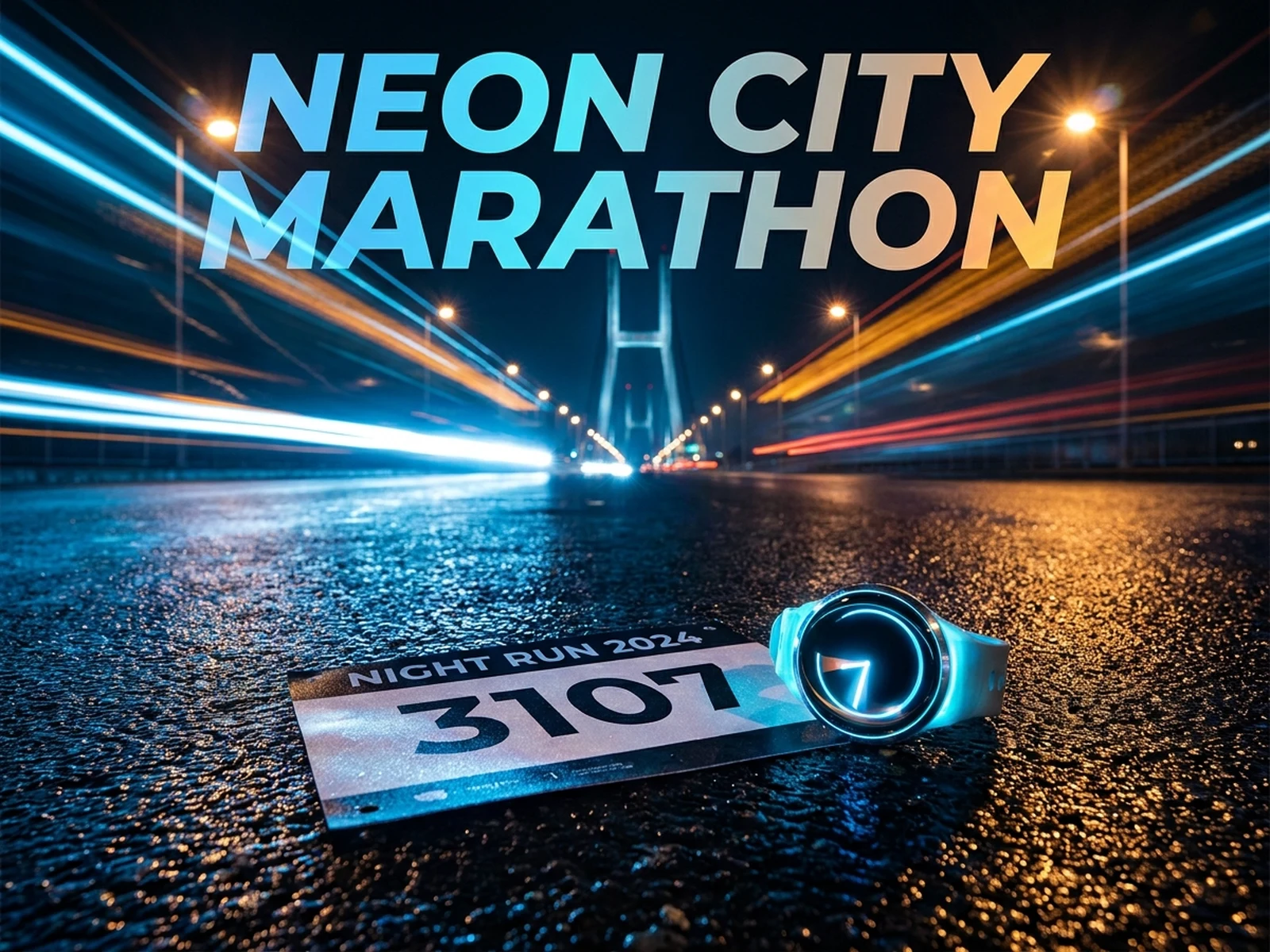
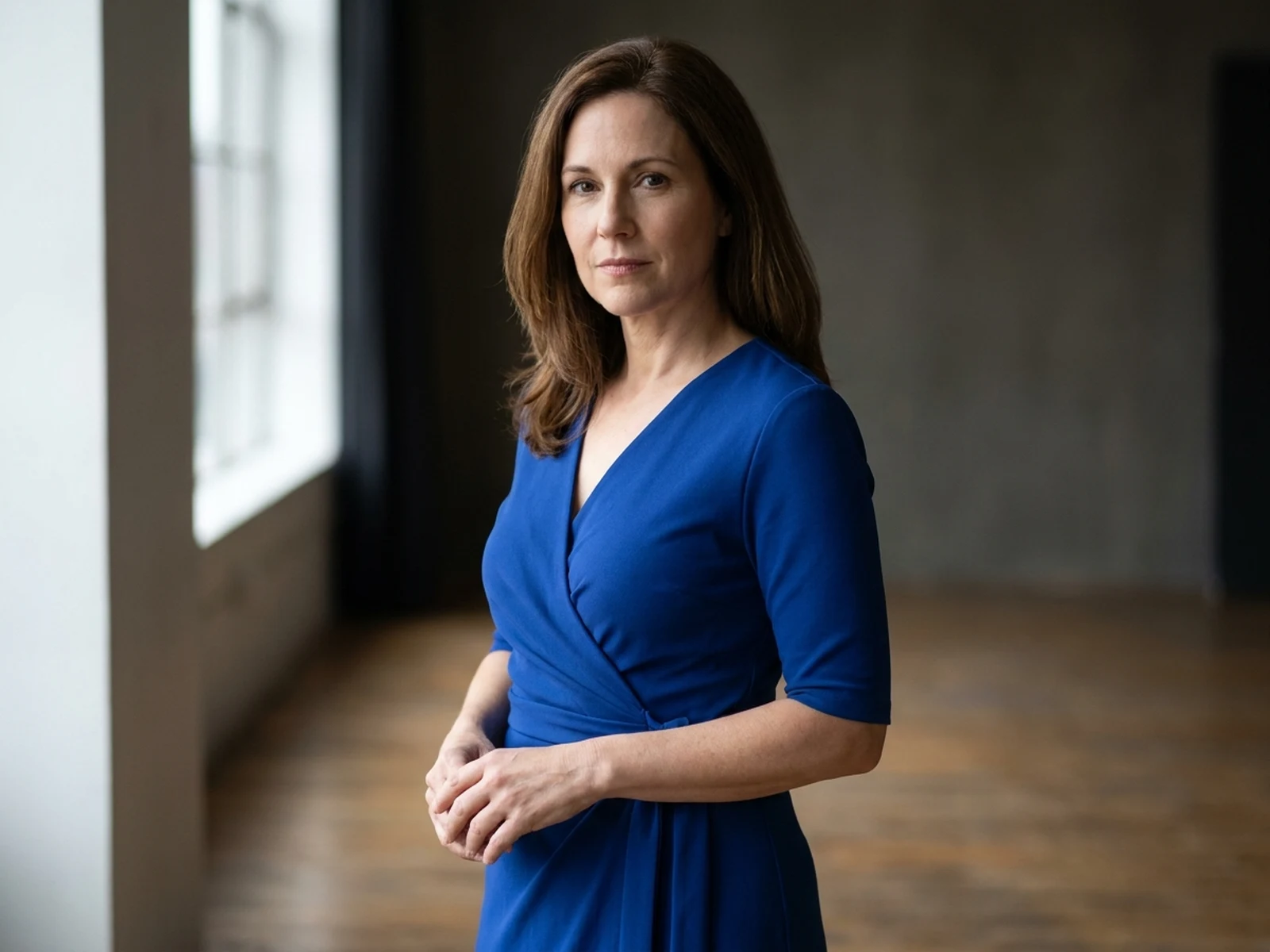
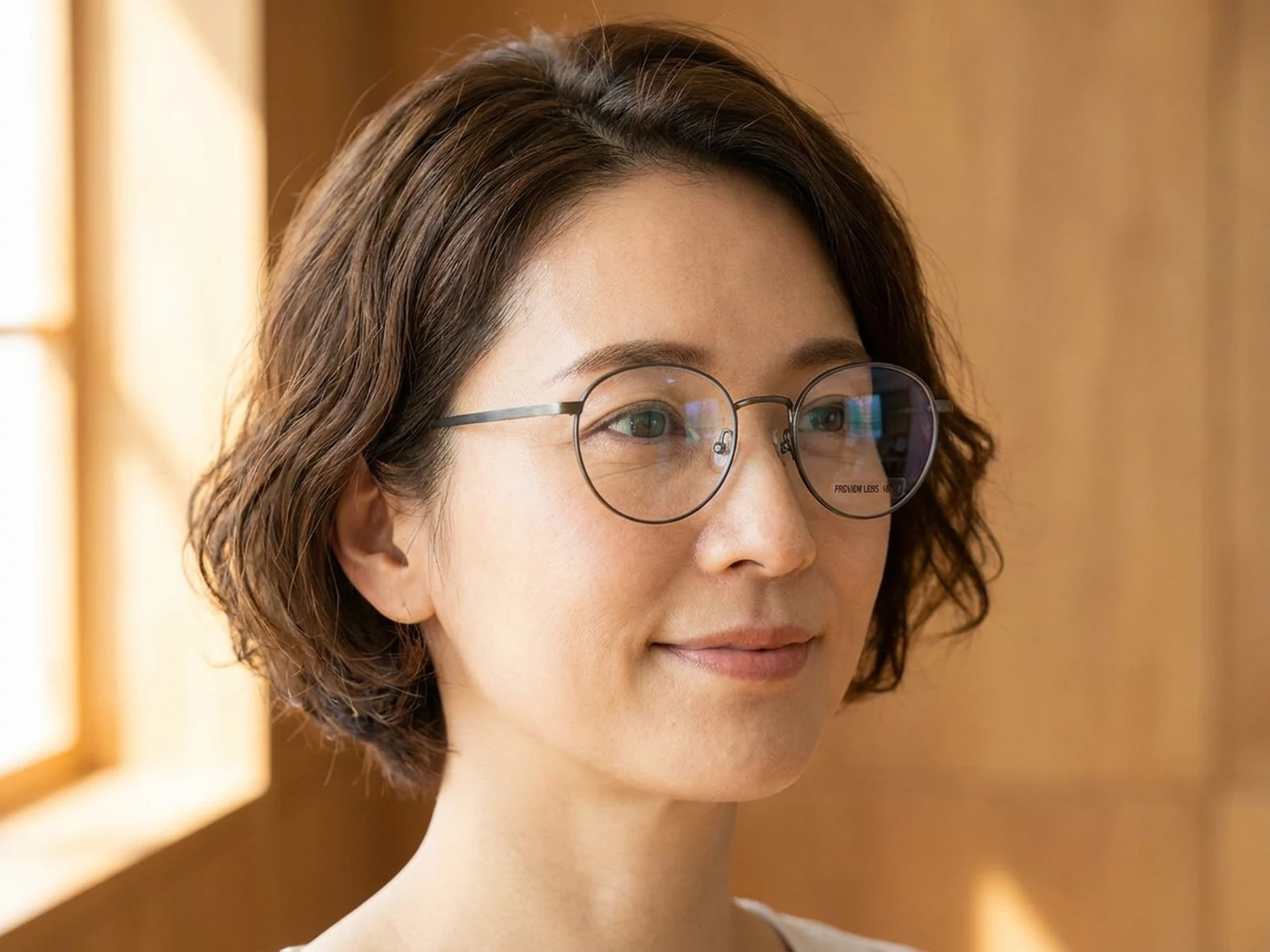
These prompts cover editorial reframing, product enlargement, and archival crop cleanup without presenting generated detail as recovered fact.

Photo zoomer prompt structure

A useful zoom prompt defines the visible subject, target frame, acceptable enhancement, and details that must remain uncertain.

Subject

Name the visible person, object, animal, or region to emphasize and the source features that must remain faithful.

Scene

Describe how much original environment, surface, or contextual background the tighter crop should retain.

Light

Preserve source light direction, shadow placement, reflections, grain, and atmospheric conditions.

Output

Set the crop ratio, focal placement, clarity strength, texture treatment, and explicit limits on invented detail.

How to use the photo zoomer

Start with the best source, choose a composition goal, and evaluate enhancement as a visual interpretation rather than recovered truth.

01

Upload the best original

Use the highest-resolution source you have and avoid screenshots or repeatedly compressed copies when possible.

02

Define the focal crop

Name the subject, target aspect ratio, placement, and amount of surroundings to keep so zooming improves composition instead of merely enlarging pixels.

03

Review clarity honestly

Compare the preview with the source and treat newly synthesized texture as an estimate, never as proof of a face, plate, sign, or event detail.

Photo zoomer use cases

Use enlargement for clearer communication and layout decisions, not forensic reconstruction or surveillance claims.

Editorial reframing

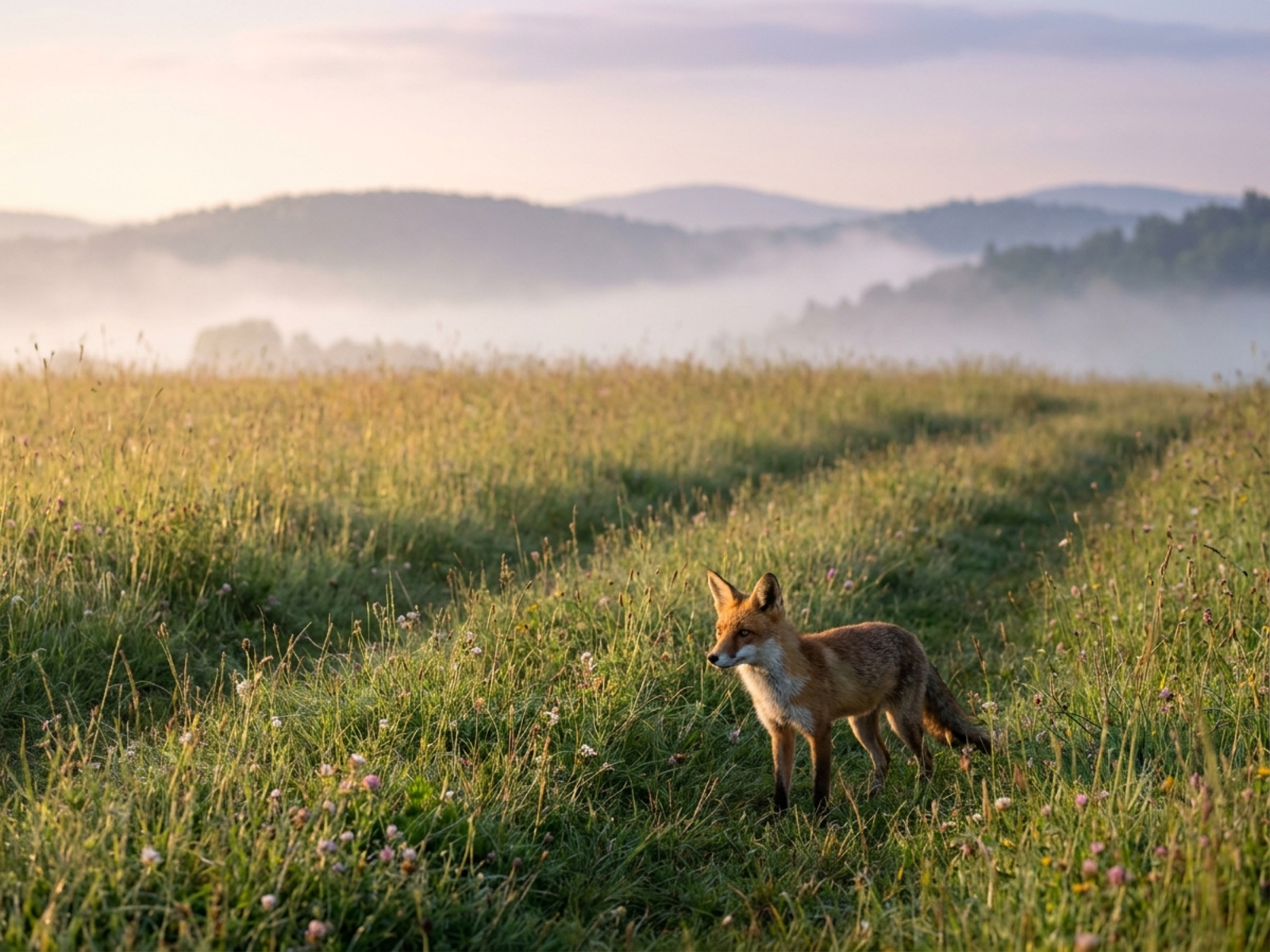
Turn a wide travel, event, or wildlife photo into a subject-led crop while retaining enough setting for context.

Catalog detail previews

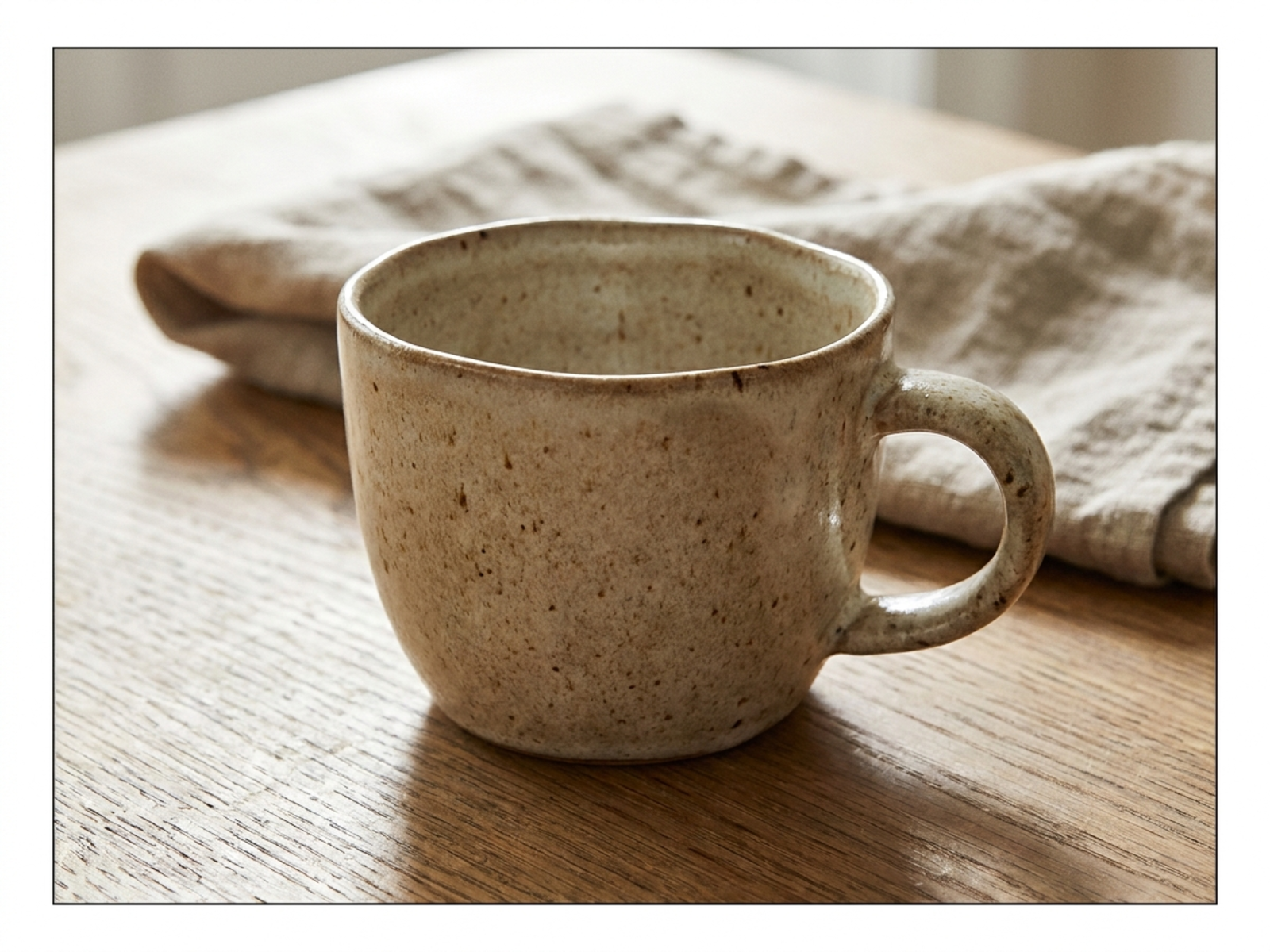
Enlarge visible material, finish, or craft details for product layouts without fabricating labels or specifications.

Personal archive crops

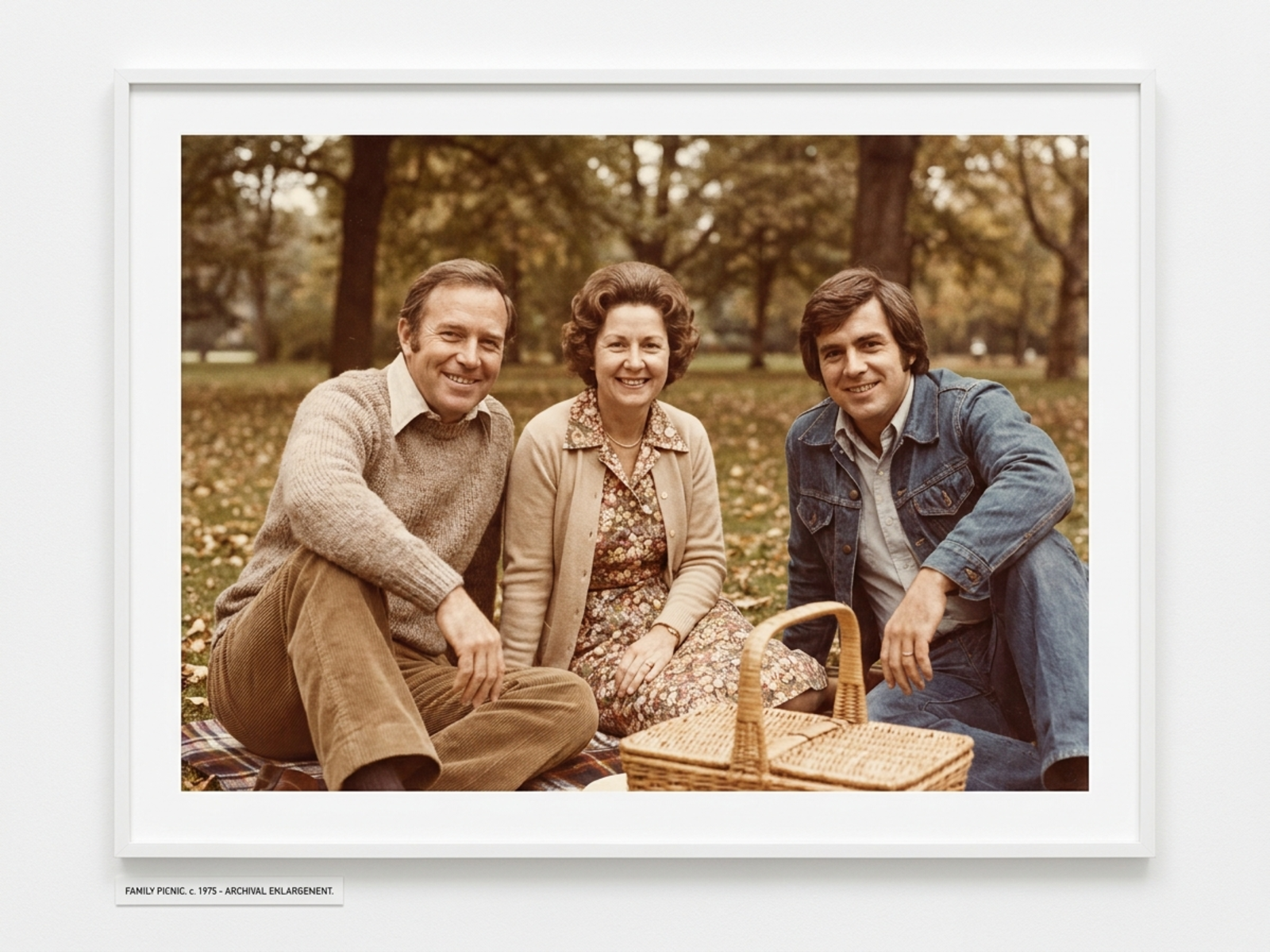
Reframe scanned family images and reduce distracting borders while preserving the source's natural grain and uncertainty.

Why choose Omnilyra as a photo zoomer

Omnilyra combines source uploads, composition instructions, enhancement limits, and output controls in one reviewable brief.

Crop-first direction

Prompts prioritize focal placement and retained context, helping the zoom serve a concrete layout goal.

Source-aware constraints

You can protect visible shapes, texture, light, and grain while telling the model not to invent unreadable or unseen facts.

Flexible preview formats

Compare portrait, square, landscape, and wide crops in 2K or 4K for publishing and design review.

Try more image editing workspaces

Continue with published tools for perspective, detail correction, and campaign-ready crops.

Photo Zoomer FAQ

Can a photo zoomer make a small subject easier to see?

Yes. It can create a tighter crop and clarity-enhanced preview, especially from a good source, but generated micro-detail may be interpretive rather than original.

Can AI recover a face, license plate, or sign that was not captured clearly?

No. AI cannot recover true evidence that is absent from the source; it may synthesize plausible pixels, which must not be treated as forensic or surveillance proof.

What should I include in the prompt?

Name the focal subject, crop ratio, placement, context to retain, source texture and light to preserve, enhancement strength, and details the model must not invent.

Does a higher output resolution guarantee more real detail?

No. 2K or 4K output can provide a cleaner presentation, but resolution alone does not create authentic source information.