OOmnilyra

AI Change Dress Clothes for Outfit Previews

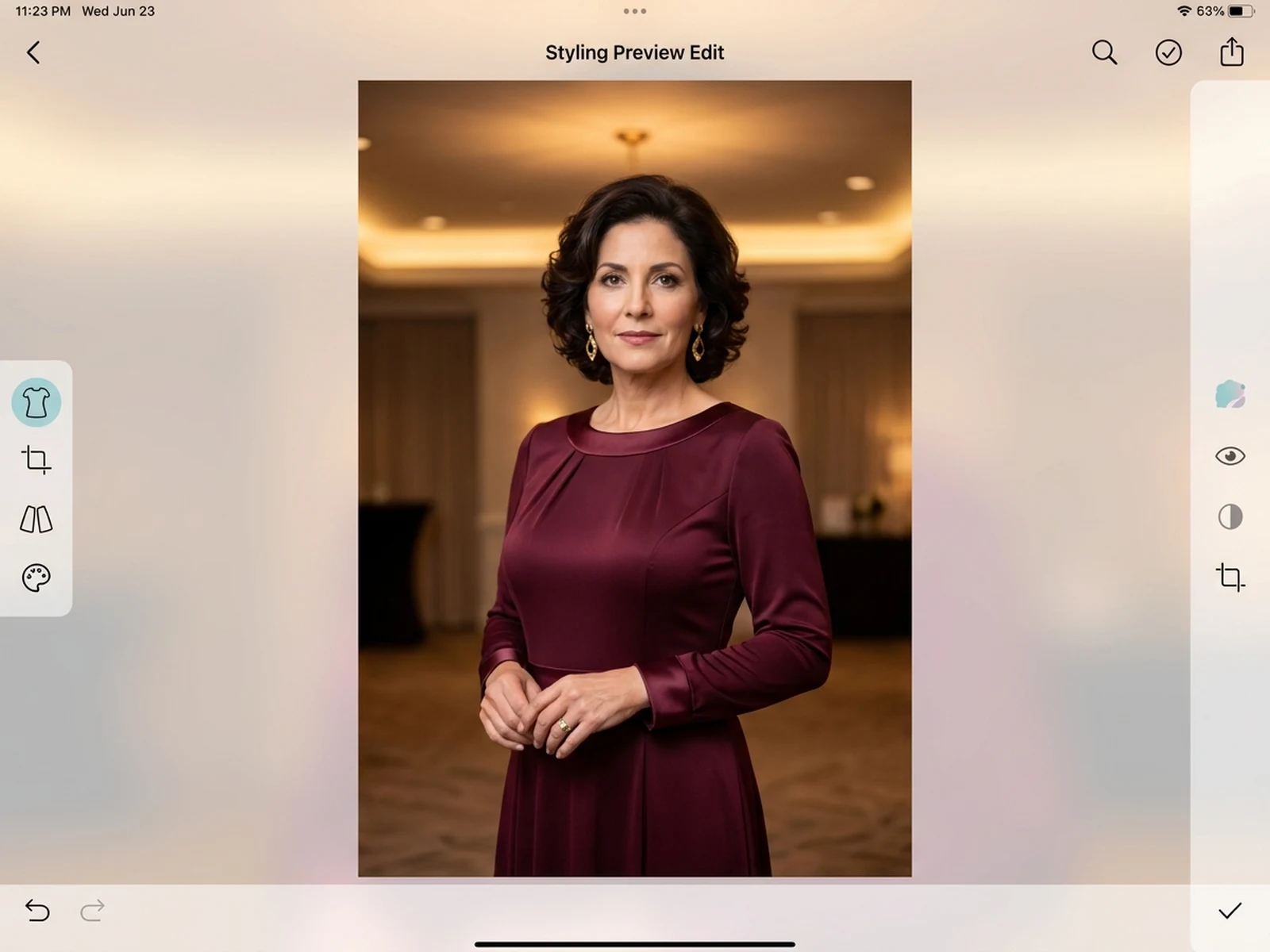
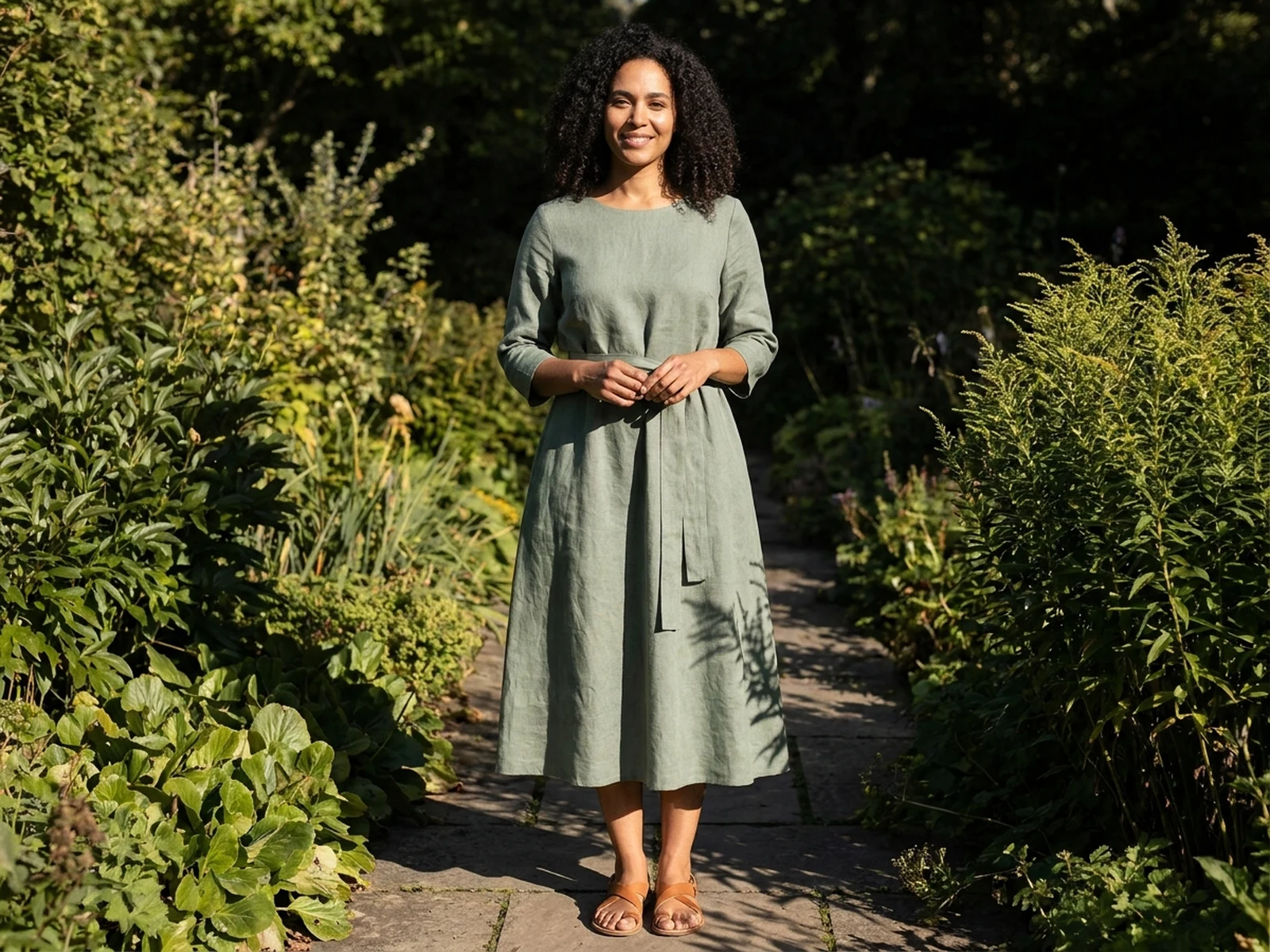
Try a new dress silhouette, fabric, or color in a photo of yourself or someone who authorized the edit. The result is a visual preview, not proof of identity, ownership, or a real event.

Authorized photo editsPose-aware garment previewsNo identity claims

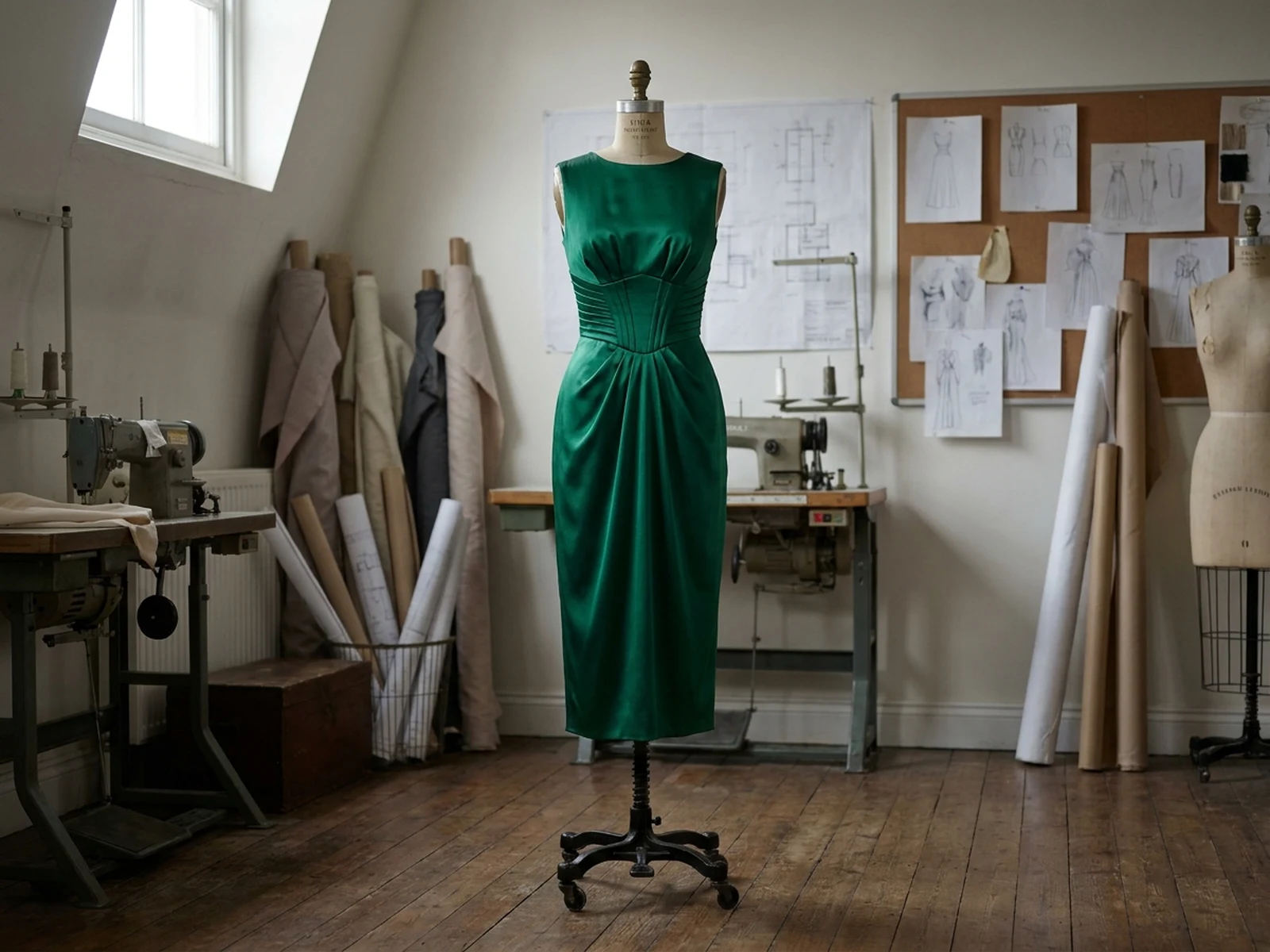
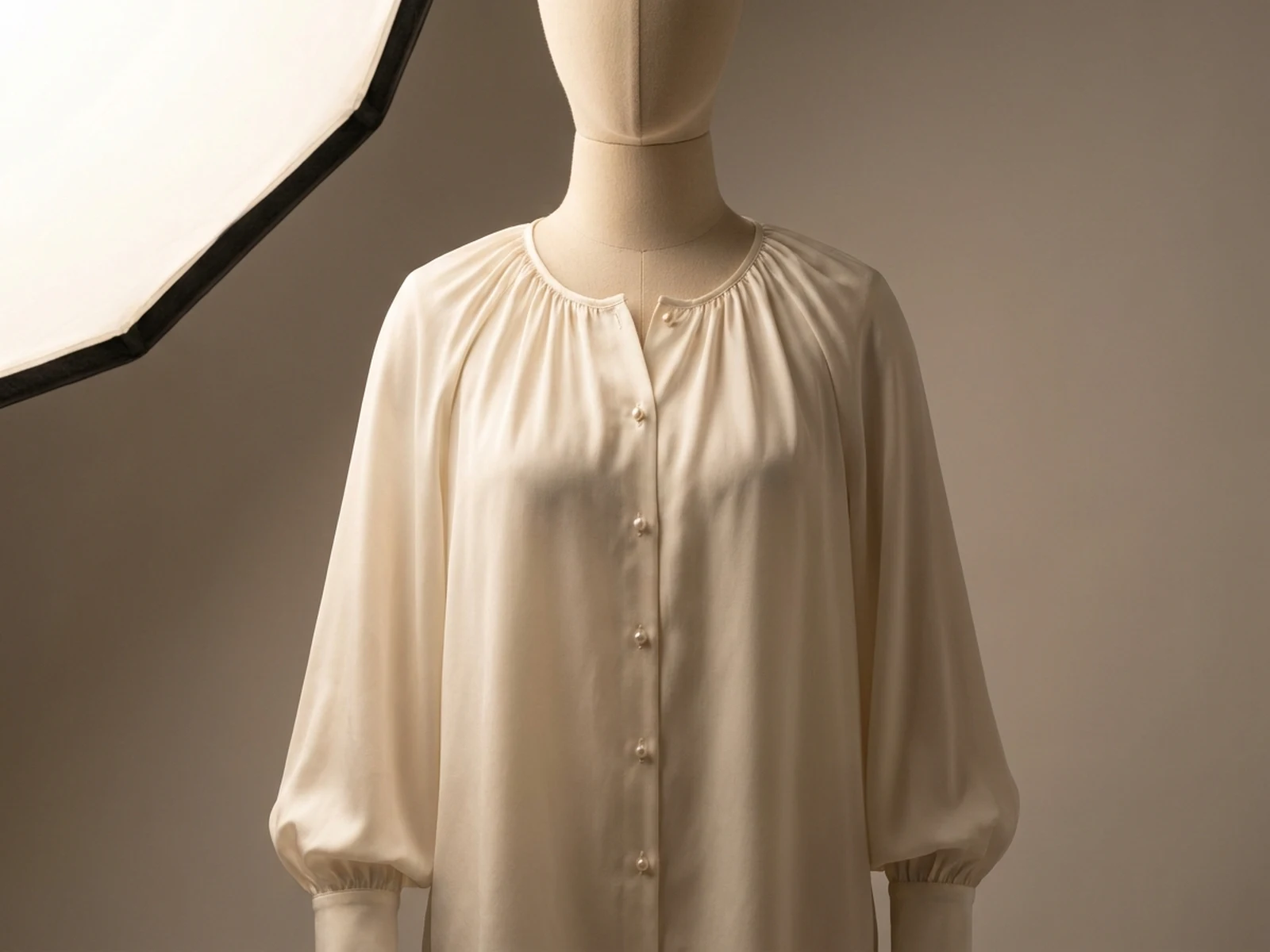
AI dress change prompt examples

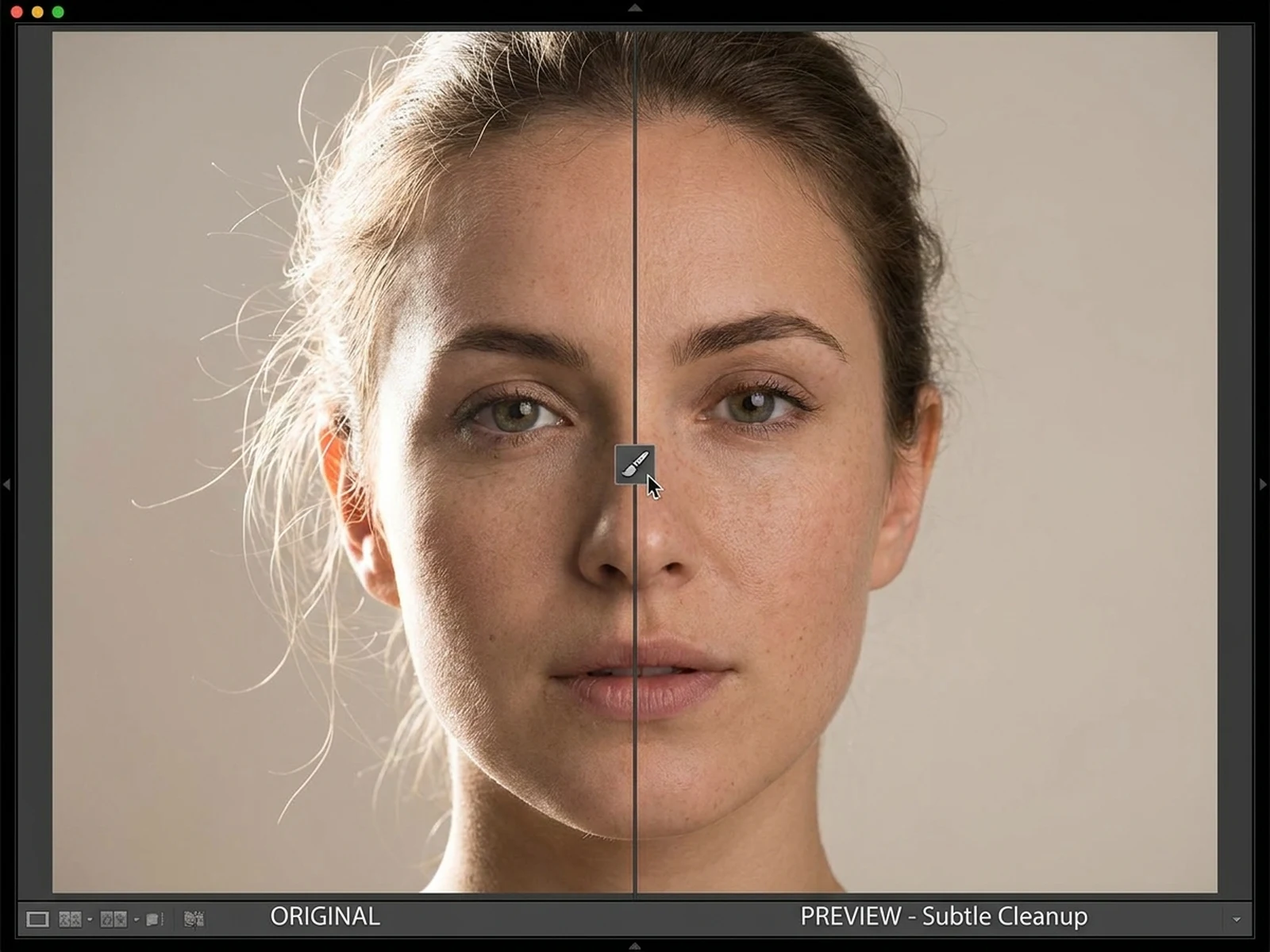
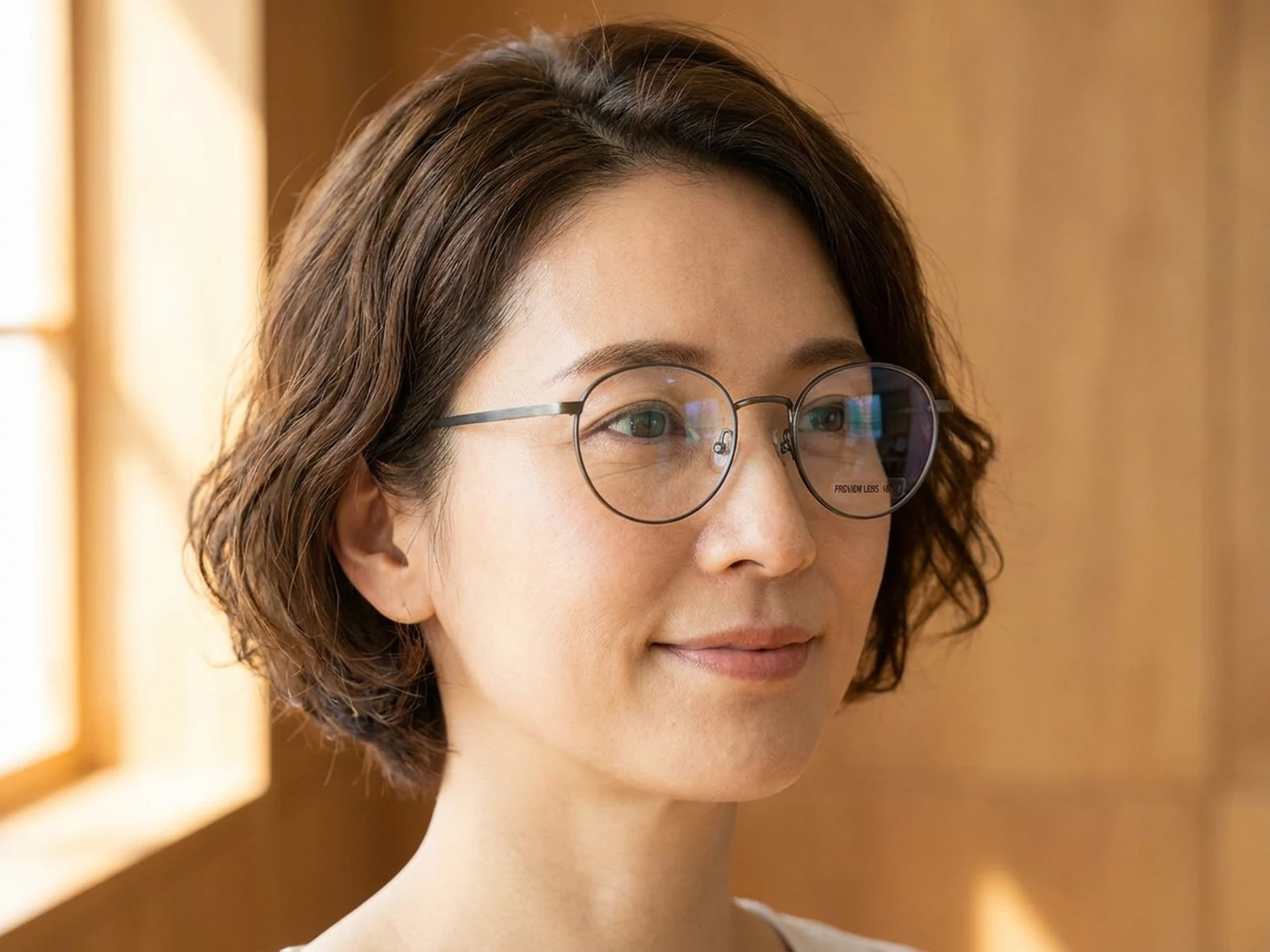
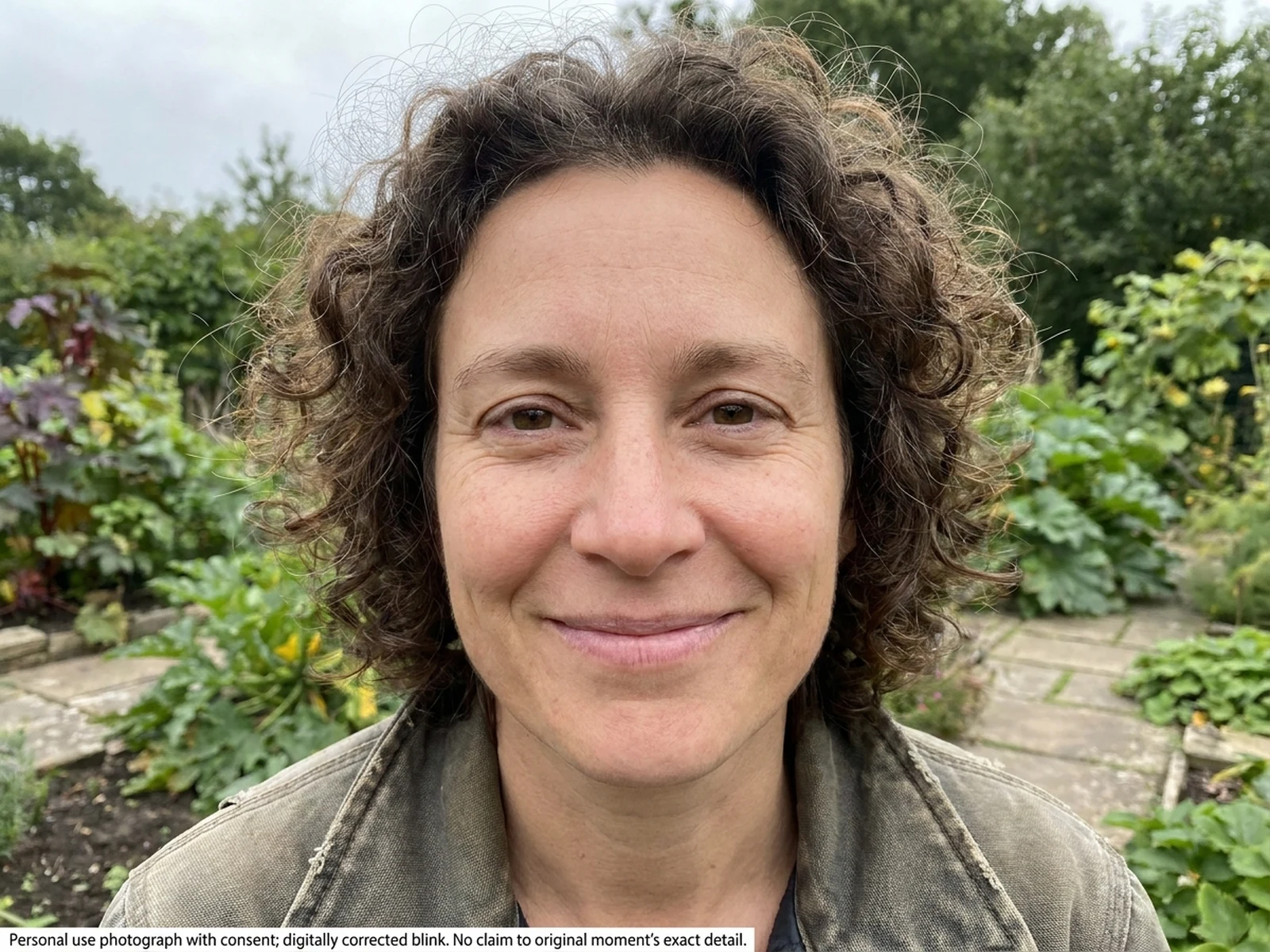
Explore practical wardrobe previews that preserve the authorized source photo's person and environment.

How to structure an outfit-change prompt

Separate source details that must remain fixed from the new garment details you want to preview.

Subject

Identify the authorized person, preserved face, pose, proportions, hands, and the replacement garment's cut, fabric, and color.

Scene

Keep the original background and visible objects unless you have a clear, permitted reason to change them.

Light

Match the source direction, intensity, reflections, contact shadows, and fabric folds.

Output

Specify the crop and request a respectful outfit visualization that does not claim the edit depicts a real event.

How to change dress clothes with AI

Use a permitted source, define one wardrobe change, and compare the result against the original.

01

Confirm permission

Use your own image or obtain the depicted person's authorization for the edit and intended sharing context.

02

Describe garment and constants

Name the dress, material, fit, length, and color, then list face, pose, body proportions, hands, and background to preserve.

03

Review realism and disclosure

Inspect edges, folds, occlusion, and shadows, and label shared results as edited when context could be misunderstood.

Outfit-change preview use cases

Use clothing edits for personal styling and authorized creative planning, not impersonation or false evidence.

Personal wardrobe planning

Compare dress silhouettes, colors, and layers on your own photo before choosing a look.

Authorized styling consultations

Prepare client-approved visual options while keeping the original person and context intact.

Costume and editorial mockups

Explore permitted wardrobe directions for a shoot before sourcing or tailoring real garments.

Why choose Omnilyra for dress changes

Omnilyra keeps garment direction, source-preservation notes, and image controls together.

Garment-specific prompts

Control silhouette, fabric, hem, sleeves, layers, and fit instead of requesting a vague clothing swap.

Source-aware editing

Preserve pose, hands, body proportions, light, and background for a more coherent preview.

Consent-forward workflow

Upload guidance limits edits to yourself or people who authorized the image and intended use.

Try more fashion image workspaces

Continue with published tools for original garments and authorized appearance previews.

AI Change Dress Clothes FAQ

Whose photo can I use to change clothes?

Use your own photo or an image whose depicted person authorized this edit and its intended sharing context.

Will an outfit edit prove someone wore the dress?

No. It is a generated visual preview and must not be presented as proof of identity, ownership, attendance, or real-world behavior.

What should stay fixed in the prompt?

State that the face, hair, body proportions, pose, hands, background, and source lighting should remain consistent while only clothing changes.

Which outputs are supported?

The Seedream 5.0 workspace supports the listed portrait, square, landscape, and wide ratios in 2K or 4K.