OOmnilyra

Remove Beard From Photo With a Natural AI Edit Preview

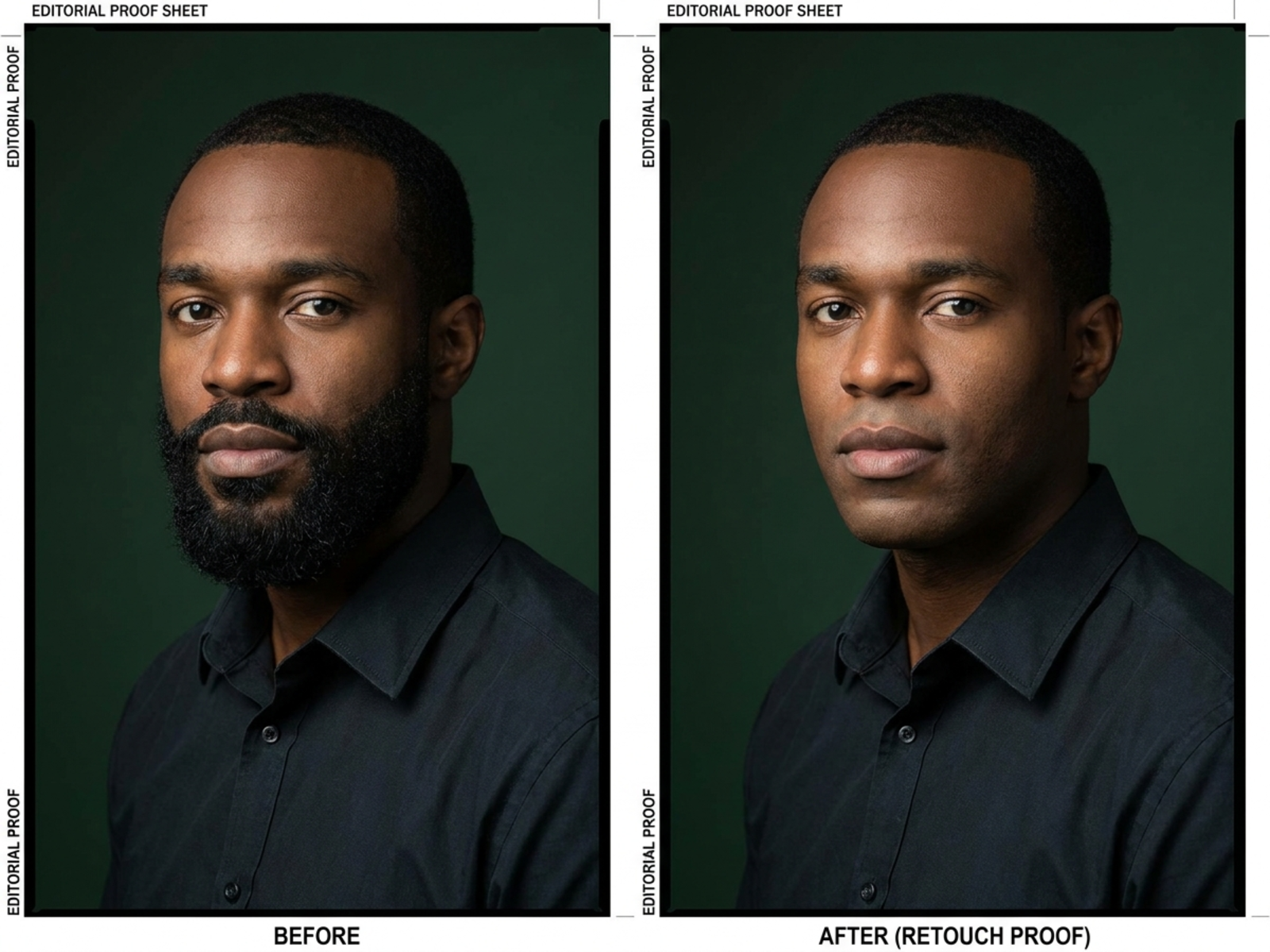
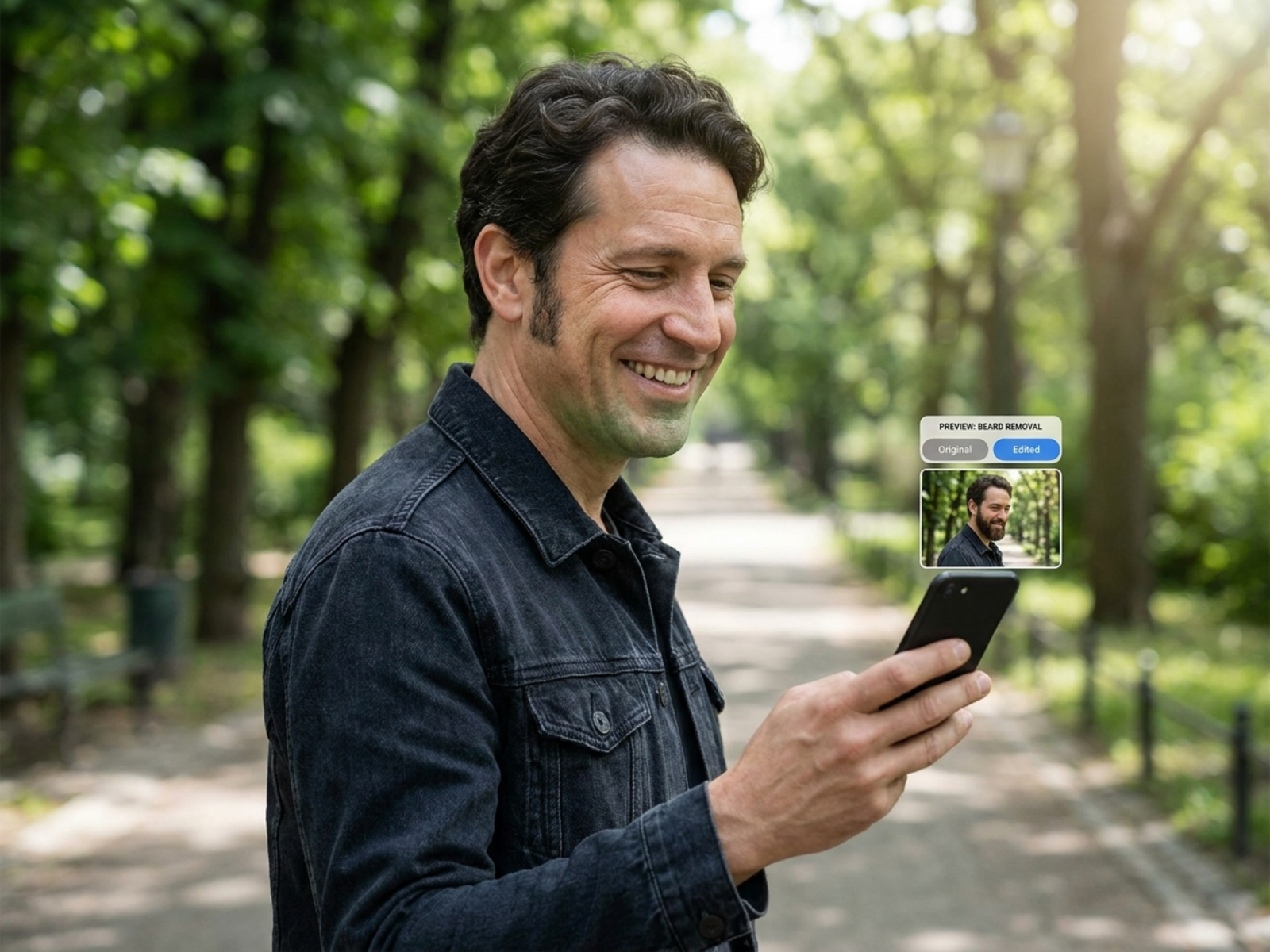
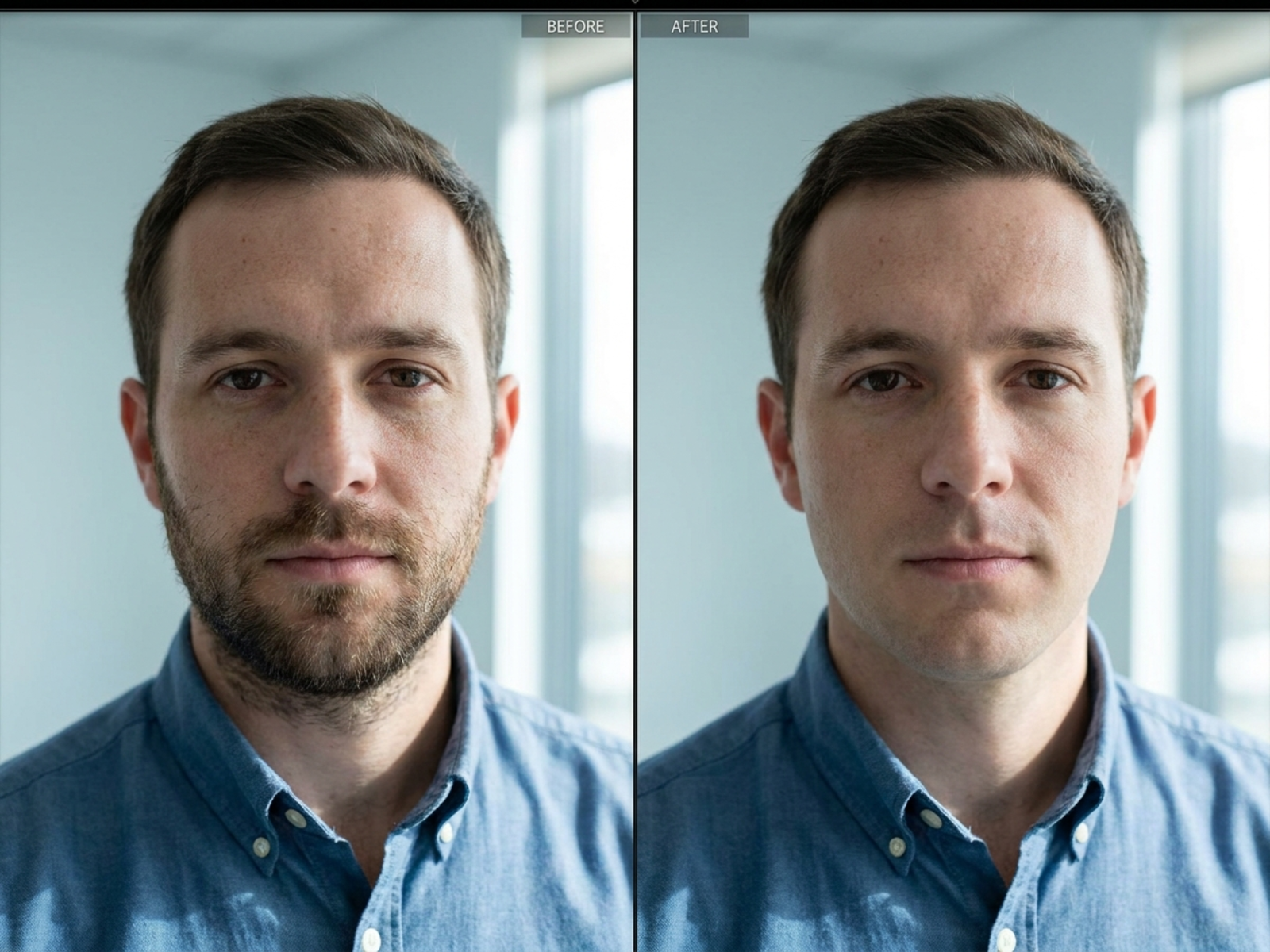
Upload an original portrait and preview beard removal while protecting identity, face shape, skin texture, hairline, expression, and existing light. This is a cosmetic edit workflow, not a forensic or deceptive identity-change tool.

Upload-first beard removalIdentity and texture protectionCosmetic preview, not forensics

Natural beard removal prompt examples

Use these independent prompts to define facial-hair boundaries while preserving the source portrait's recognizable features and visual continuity.

Remove beard from photo prompt structure

A responsible edit prompt names the facial hair to remove, the source details to lock, and the natural continuity to inspect.

Subject

Identify the beard or stubble boundary and explicitly protect identity, face shape, expression, hairline, pores, and skin tone.

Scene

Keep the source background, clothing, pose, and camera perspective unless a separate authorized change is needed.

Light

Preserve key-light direction, catchlights, jaw and neck shadows, skin highlights, and environmental color bounce.

Output

Request a natural cosmetic preview with believable skin continuity, no facial reshaping, and no identity substitution.

How to remove a beard from a photo

Treat beard removal as a narrow, reference-based retouch rather than a newly generated identity.

01

Upload the authorized original

Choose a clear portrait you own or have permission to edit, with the beard edge, jaw, neck, and surrounding skin visible.

02

Lock protected facial details

State that identity, face shape, pores, skin tone, expression, hairline, clothing, background, and original light must remain unchanged.

03

Inspect the preview

Review the jaw edge, upper lip, sideburn transition, skin texture, and shadows; do not present the result as forensic evidence or authentic documentation.

Beard removal edit preview use cases

This workspace is for consent-based grooming and creative review, distinct from generating a new beard style.

Grooming decision preview

Compare a clean-shaven look before an actual grooming change while keeping the source portrait recognizable.

Portrait retouch planning

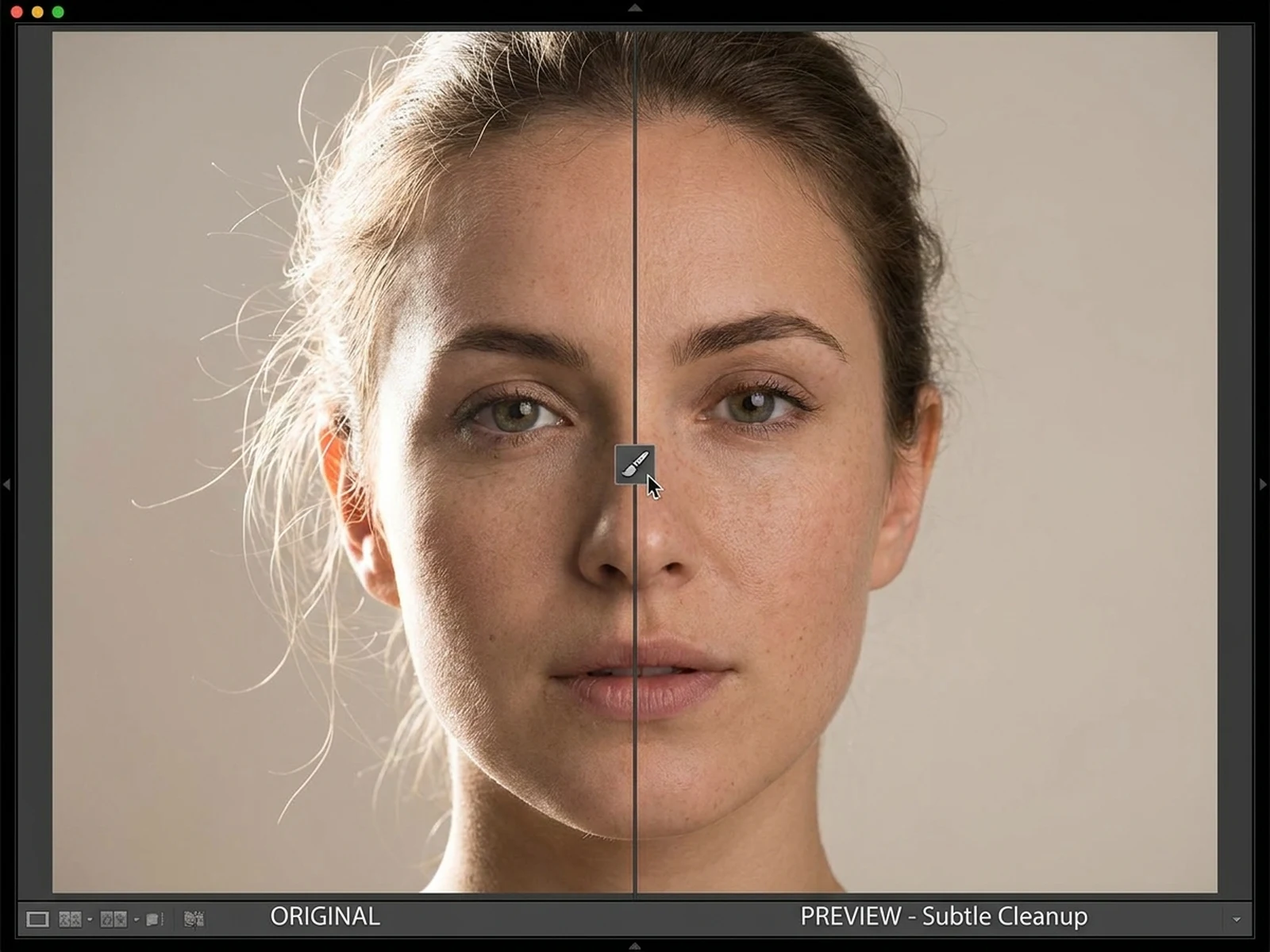
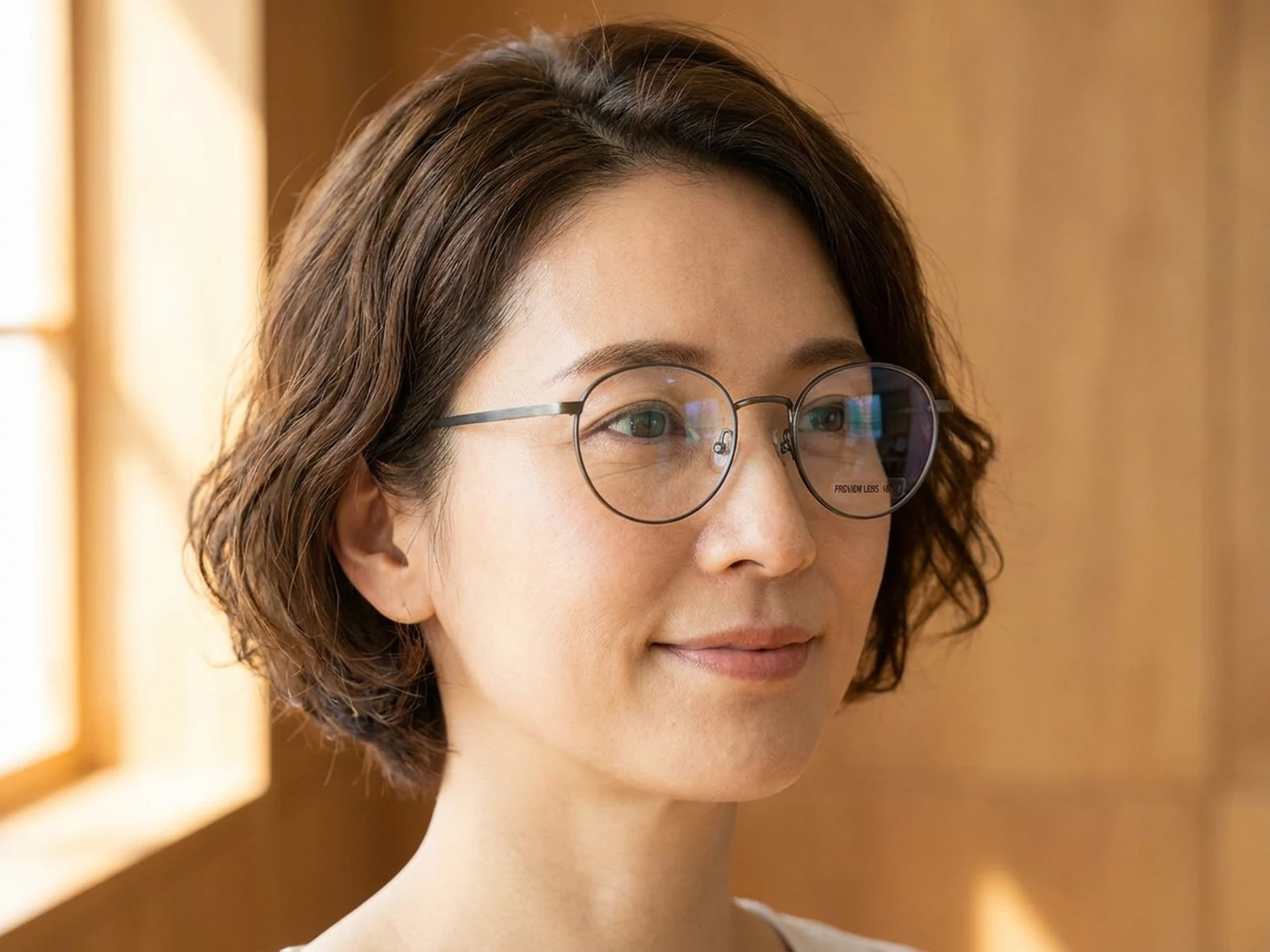
Prepare a narrow edit brief for personal portraits, profile photos, or authorized editorial images.

Continuity review

Check how beard removal affects visible skin, jaw shadows, and sideburn transitions before a final retouch.

Why choose Omnilyra for beard removal previews

The workspace keeps the uploaded source, protected details, prompt, and output settings visible together.

Removal-focused workflow

Unlike an AI beard generator that invents facial-hair styles, this page directs a bounded removal edit from an uploaded image.

Explicit identity safeguards

Prompts foreground face shape, expression, skin texture, hairline, and lighting so accidental transformation is easier to spot.

Reviewable high-resolution proofs

Use 2K or 4K previews and multiple crops to inspect texture and shadow continuity before responsible use.

Try more image editing workspaces

Explore published tools for facial-hair styling, portrait cleanup, and controlled image corrections.

Remove Beard From Photo FAQ

Can I upload a portrait to preview beard removal?

Yes. Upload a portrait you own or are authorized to edit, then describe the beard area and the identity, face shape, texture, hairline, expression, and light that must stay unchanged.

Is this the same as an AI beard generator?

No. This workflow removes existing facial hair from a reference image; an AI beard generator adds or designs new facial-hair styles.

Can the result prove what someone really looks like without a beard?

No. It is an AI cosmetic preview, not forensic evidence, identity verification, or an authentic record of an unseen appearance.

How do I keep the edit natural?

Protect facial geometry and source lighting, then inspect pores, upper-lip texture, jaw edges, sideburn transitions, and neck shadows at high resolution.