OOmnilyra

AI Theater Generator

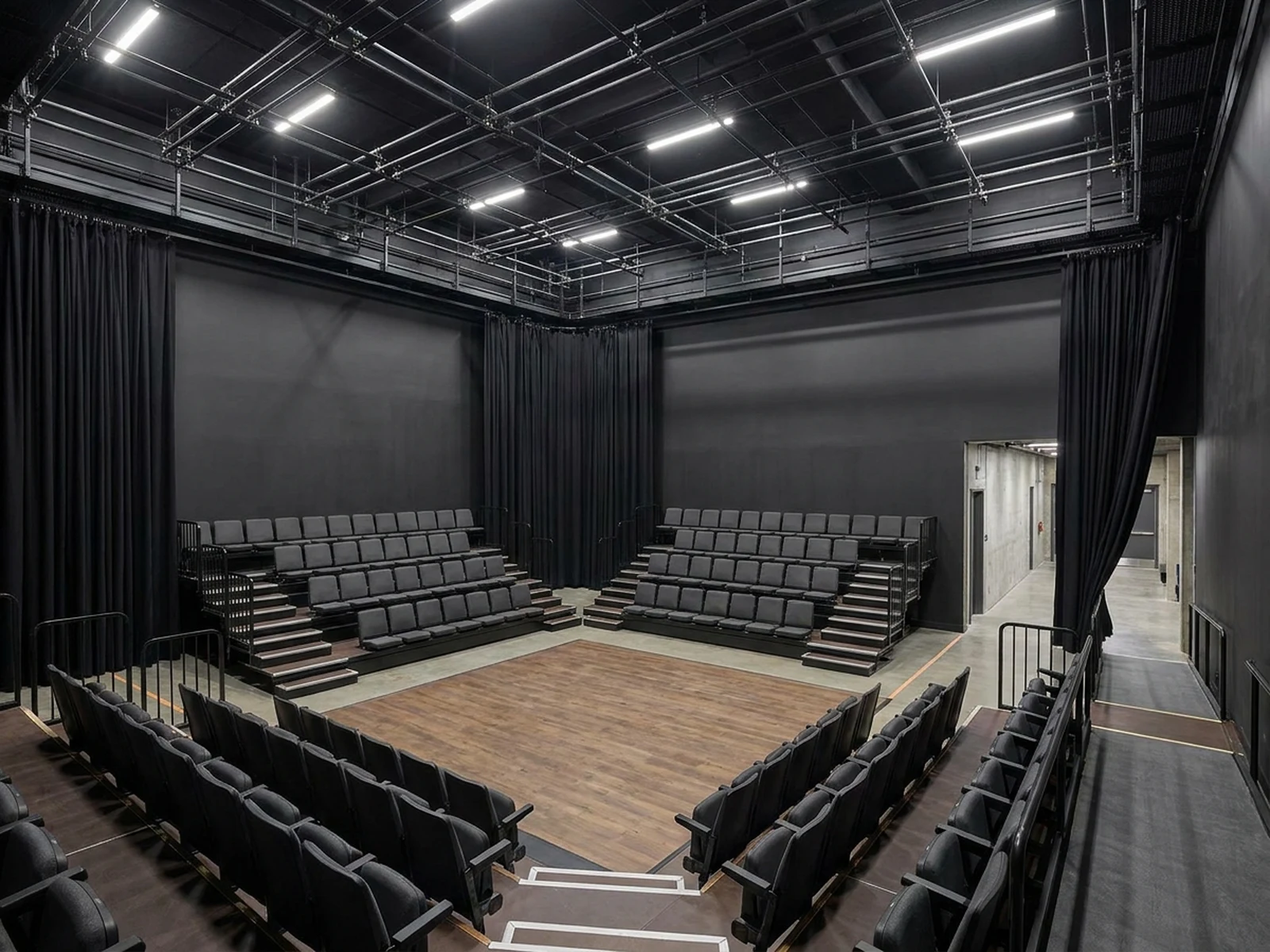
Create original theater interiors, stage concepts, auditorium layouts, set-design studies, performance lighting, and presentation images while controlling subject, scene, light, composition, and output format.

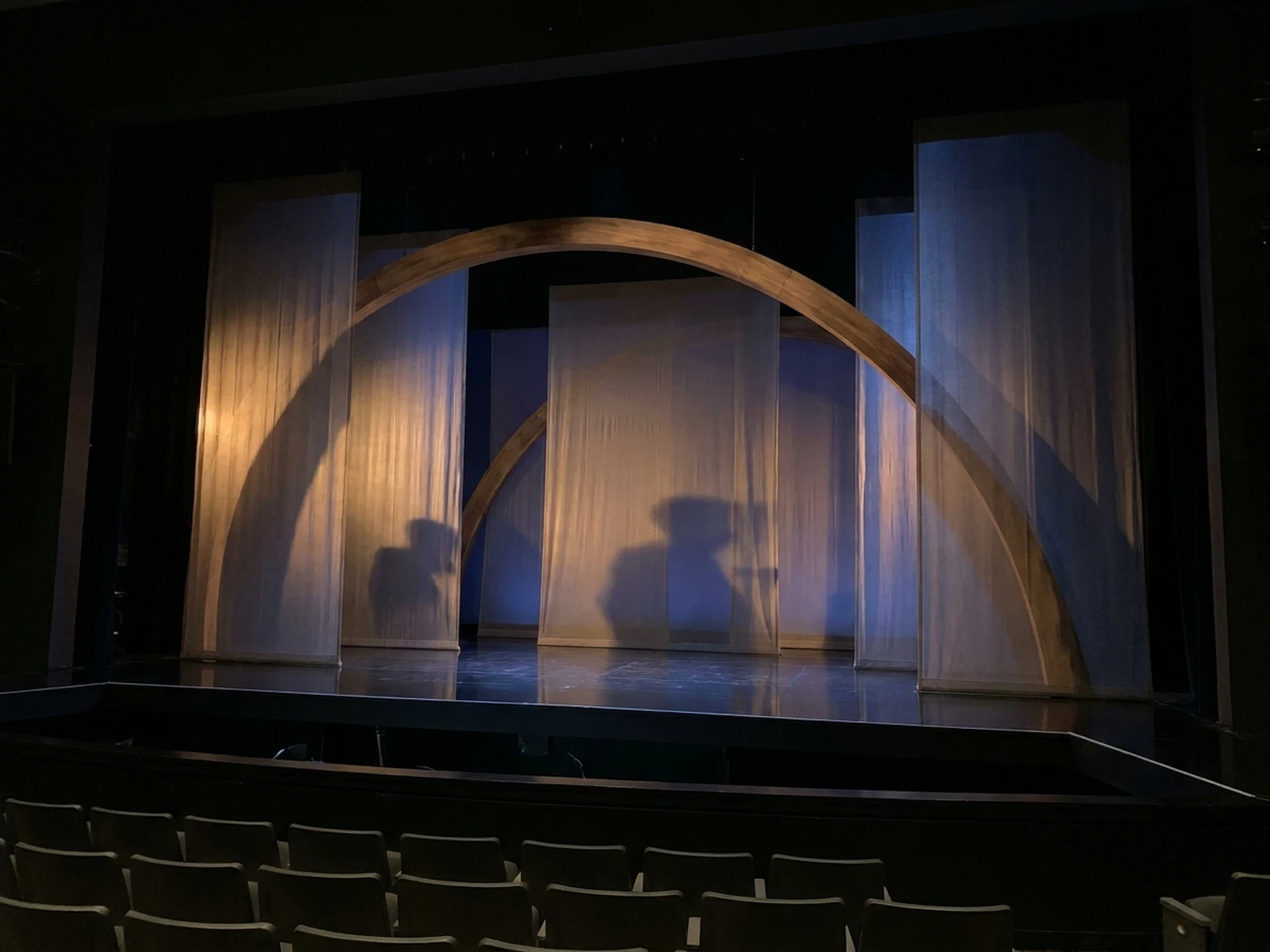
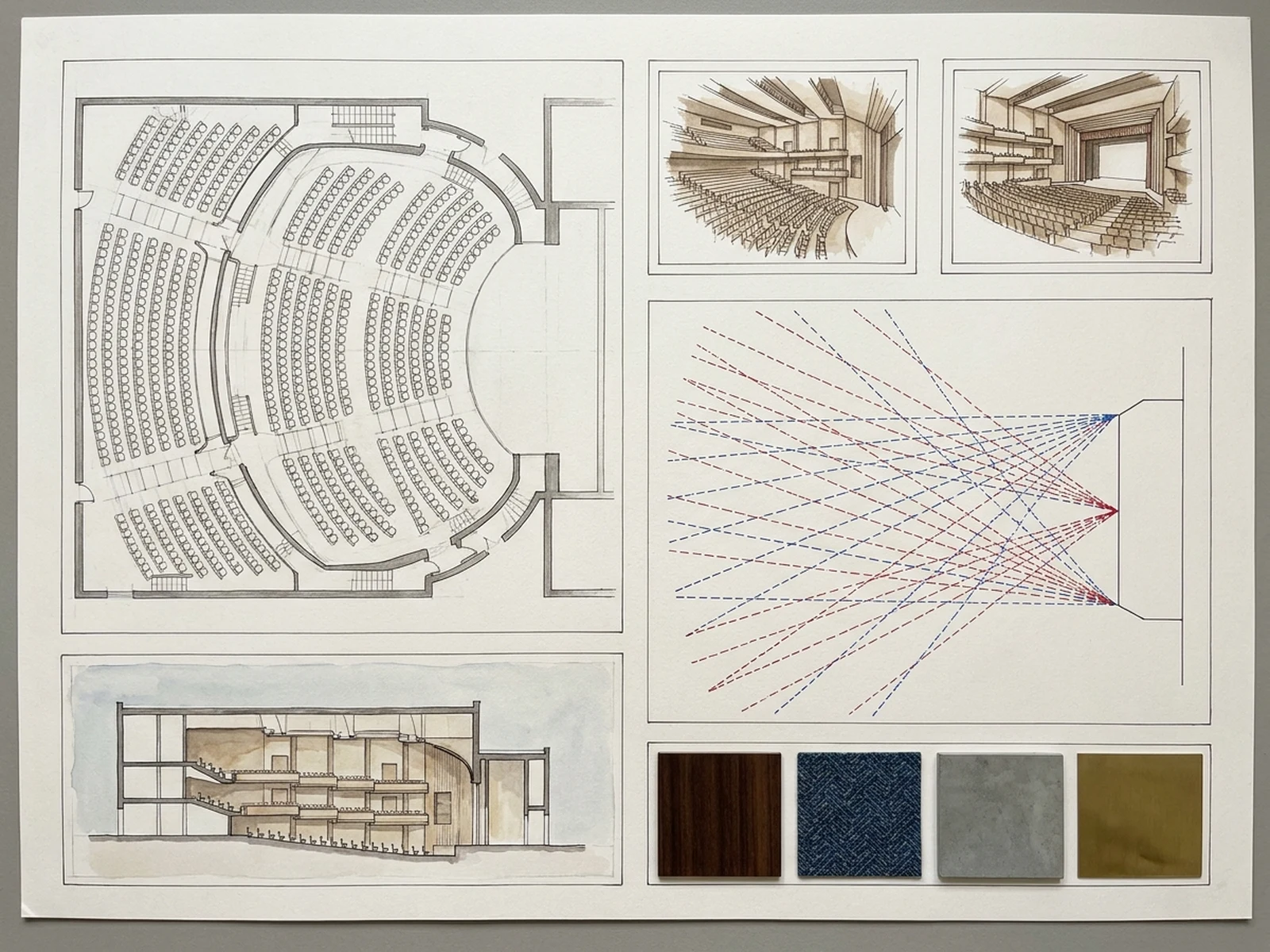
Stage and audience conceptsSightline-aware layoutsPerformance lighting studies

AI Theater Generator prompt examples

Start with these prompts, then adjust subject, scene, light, composition, and references in the workspace.

AI Theater Generator prompt structure

A structured prompt makes the result easier to compare, reuse, and refine.

Subject

Theater type, audience capacity, stage format, sightlines, seating geometry, acoustical surfaces, circulation, lighting, and set concept.

Scene

Proscenium auditorium, black-box theater, community stage, lobby, rehearsal room, set board, or lighting study.

Light

Practical aisle light, focused stage wash, warm house light, controlled contrast, material readability, and clear sightlines.

Output

Auditorium hero, stage-set keyframe, seating study, lobby concept, lighting board, or architectural presentation image.

How to use the AI Theater Generator

Define one concrete goal, lock the visual variables, and then create channel-ready variants.

01

Define the exact result

Choose one target from Auditorium hero, stage-set keyframe, seating study, lobby concept, lighting board, or architectural presentation image.

02

Lock the visual variables

Specify Theater type, audience capacity, stage format, sightlines, seating geometry, acoustical surfaces, circulation, lighting, and set concept. Then set Proscenium auditorium, black-box theater, community stage, lobby, rehearsal room, set board, or lighting study.

03

Generate useful variants

Change angle, palette, composition, or channel format while keeping the core subject and reference cues consistent.

AI Theater Generator use cases

These workflows focus on original theater interiors, stage concepts, auditorium layouts, set-design studies, performance lighting, and presentation images.

Auditorium planning

Compare seating geometry, aisles, stage relationship, and material atmosphere before technical design.

Stage set concepts

Create original scenic worlds for fictional performances without copying protected productions.

Lighting exploration

Preview color temperature, beam direction, stage zones, silhouettes, and audience contrast.

Why choose Omnilyra for AI Theater Generator

The workspace keeps prompts, references, examples, and output controls in one workflow.

Built around the search intent

The examples and workflow directly support original theater interiors, stage concepts, auditorium layouts, set-design studies, performance lighting, and presentation images.

Reference-guided control

Upload permitted references to preserve key visual cues while changing scene and format.

Reusable output system

Create Auditorium hero, stage-set keyframe, seating study, lobby concept, lighting board, or architectural presentation image. from the same reusable workspace.

Try more image workspaces

Continue with related image generation, editing, and campaign workflows.

AI Theater Generator FAQ

What can the AI Theater Generator create?

It can create original theater interiors, stage concepts, auditorium layouts, set-design studies, performance lighting, and presentation images.

What should the prompt include?

Include Theater type, audience capacity, stage format, sightlines, seating geometry, acoustical surfaces, circulation, lighting, and set concept. Then add Proscenium auditorium, black-box theater, community stage, lobby, rehearsal room, set board, or lighting study.

Can I upload a reference image?

Yes. Upload only images you have permission to use to guide subject, palette, material, pose, or layout consistency.

What should I review before using the result?

Generated theaters are concepts; licensed professionals must verify structure, acoustics, accessibility, egress, fire safety, seating, rigging loads, and local code compliance.