OOmnilyra

AI Shelves Generator for Storage and Display Ideas

Explore built-ins, modular units, retail shelving, and styled bookcases by defining dimensions, materials, load purpose, spacing, room context, and viewing angle.

Built-in and modular layoutsMaterial and spacing controlHome and retail concepts

AI shelving prompt examples

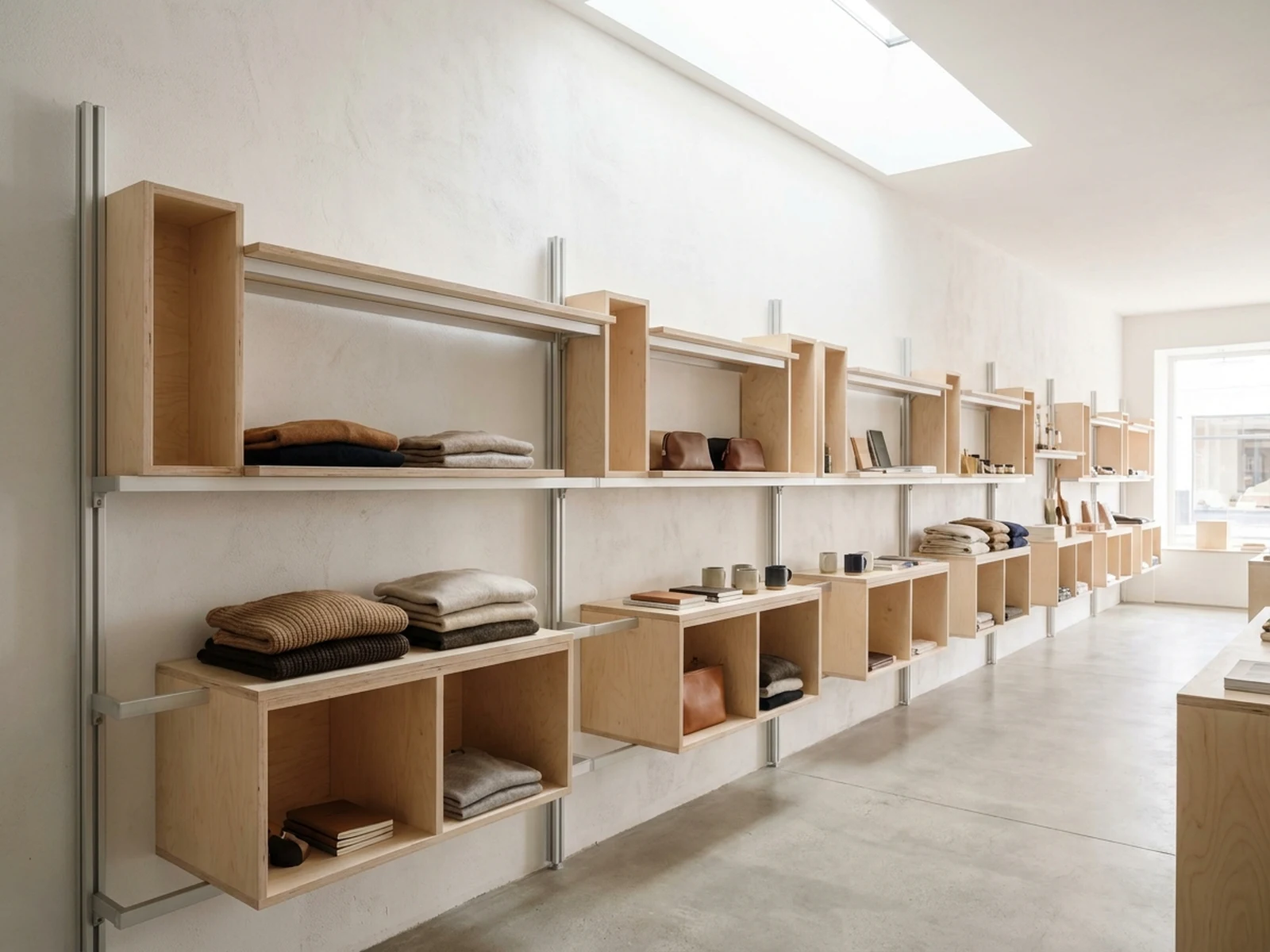
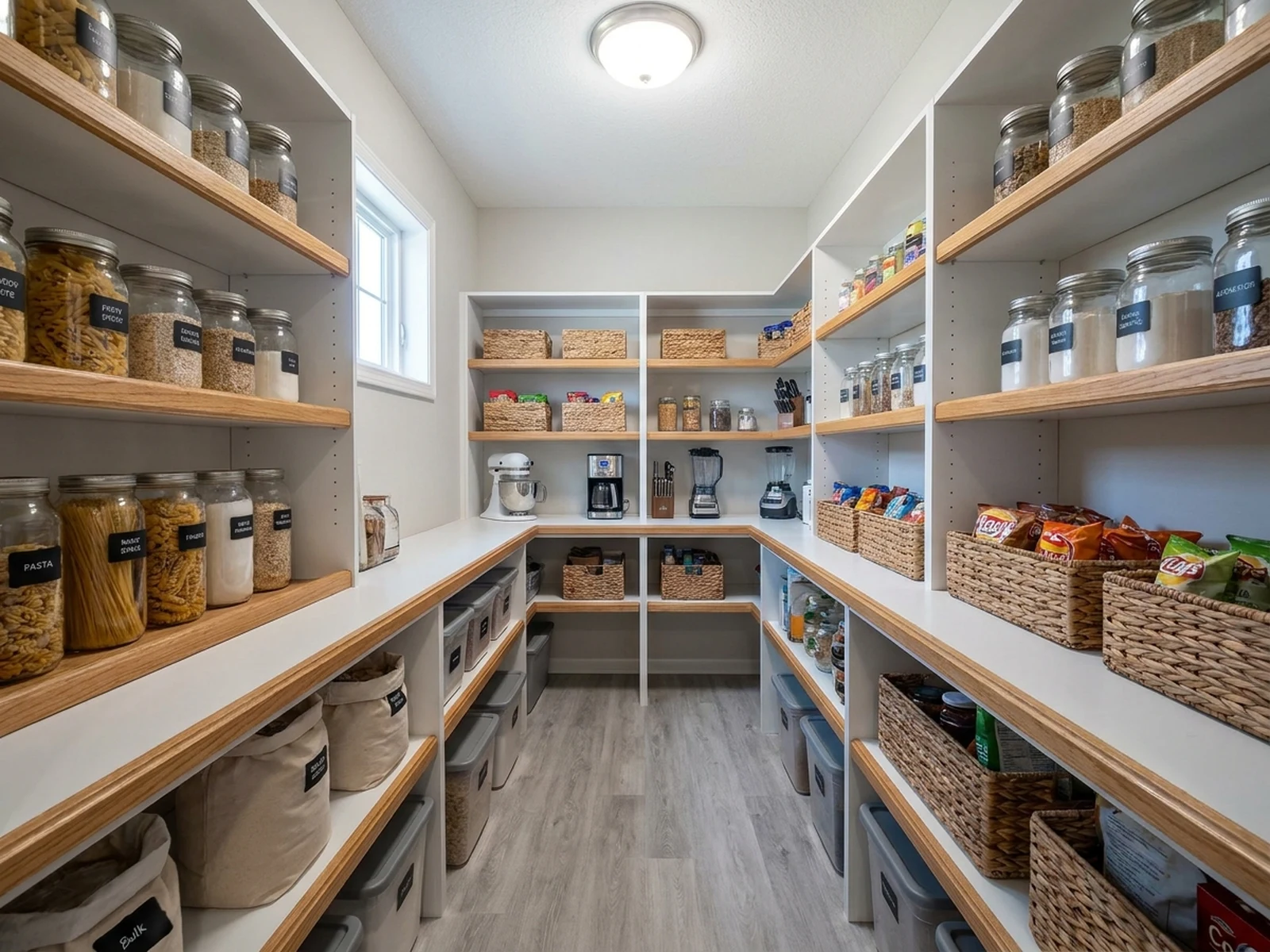
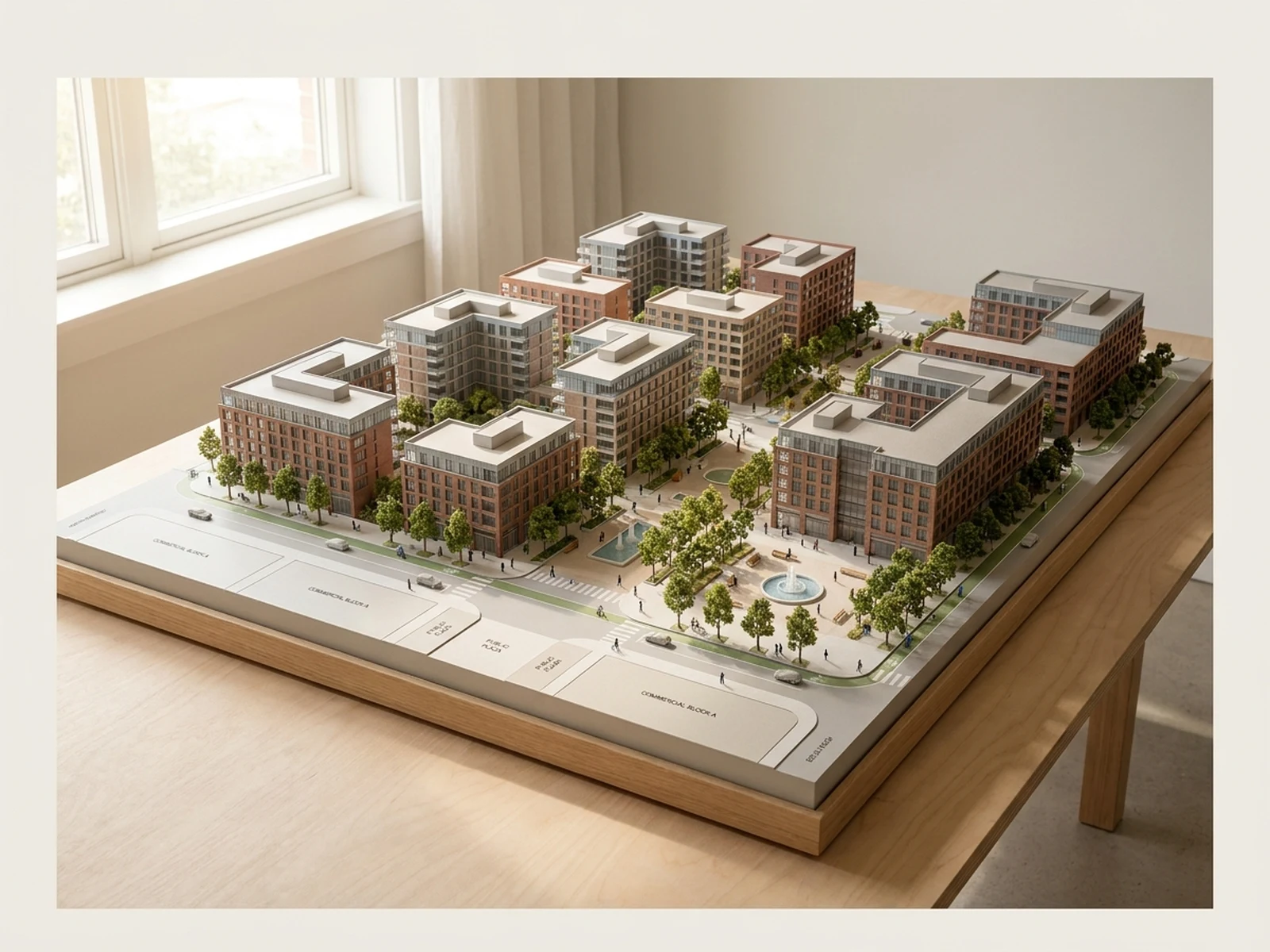
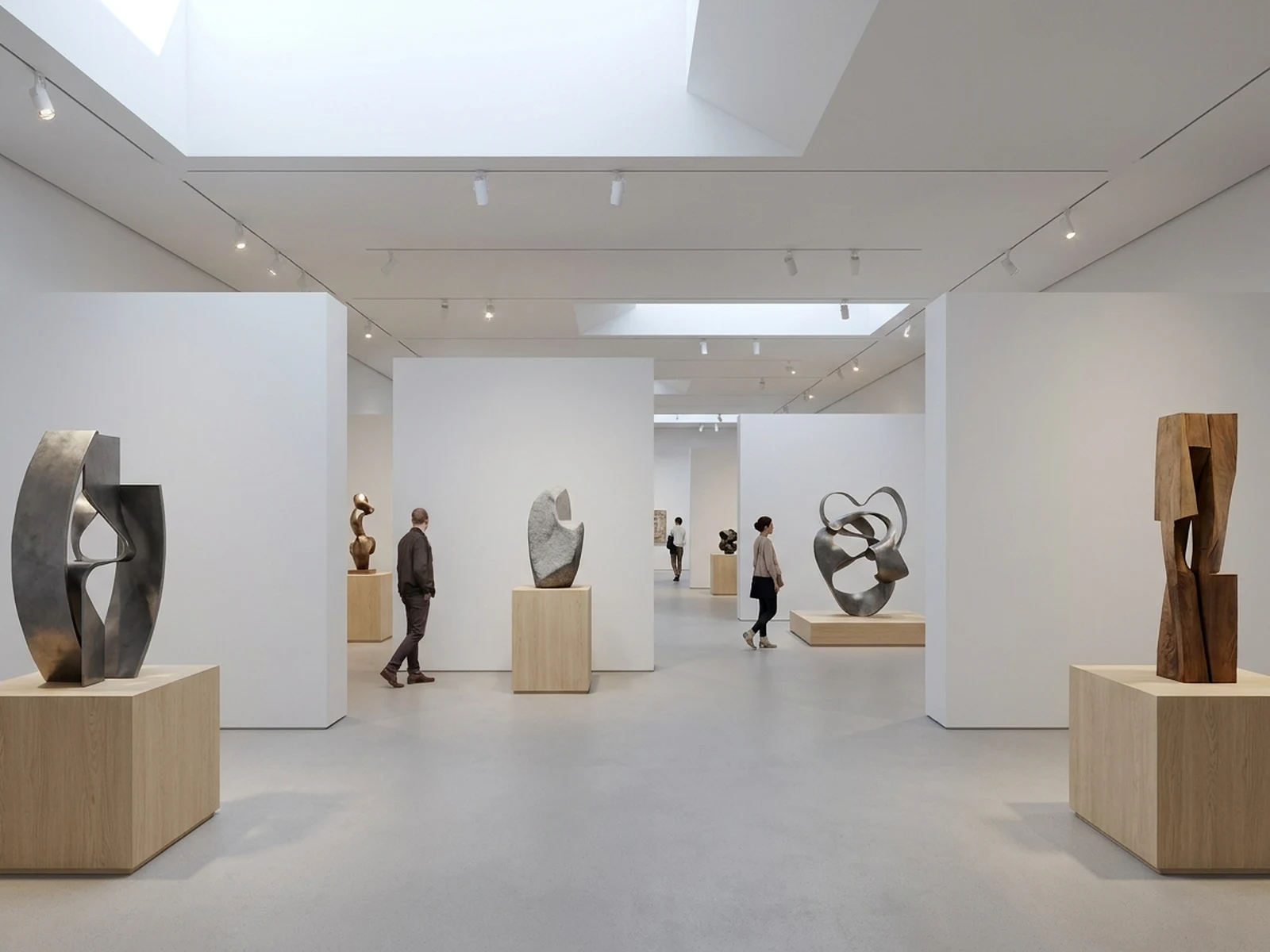
Compare storage types by changing structure, objects, material, circulation, and the level of styling.

How to structure an AI shelves prompt

Useful shelf concepts connect visual style to storage volume, access, support, and room circulation.

Subject

Specify built-in, wall-mounted, freestanding, modular, or retail shelves with material and approximate proportions.

Scene

Describe the room, wall conditions, stored objects, styling density, access needs, and adjacent furniture.

Light

Choose daylight and practical lighting that reveal shelf depth, joinery, finishes, and object visibility.

Output

Request an interior elevation, three-quarter room view, retail display concept, pantry plan, or styled bookcase.

How to use the AI Shelves Generator

Start with storage needs, then add structure and style before reviewing feasibility separately.

01

Inventory the storage

List object sizes, quantities, display priorities, closed-storage needs, and frequently reached items.

02

Define the shelf system

Choose bay widths, heights, depth, supports, doors, material, finish, and relationship to the room.

03

Validate the concept

Use the image for ideation, then have dimensions, wall fixing, loads, accessibility, and local code checked.

AI shelving design use cases

The generator supports early visual decisions for homes, studios, shops, and organization projects.

Residential built-ins

Compare media walls, reading niches, bookcases, pantry shelves, and mixed open-closed storage.

Retail merchandising

Plan product hierarchy, module rhythm, aisle clearance, and unbranded display concepts.

Small-space organization

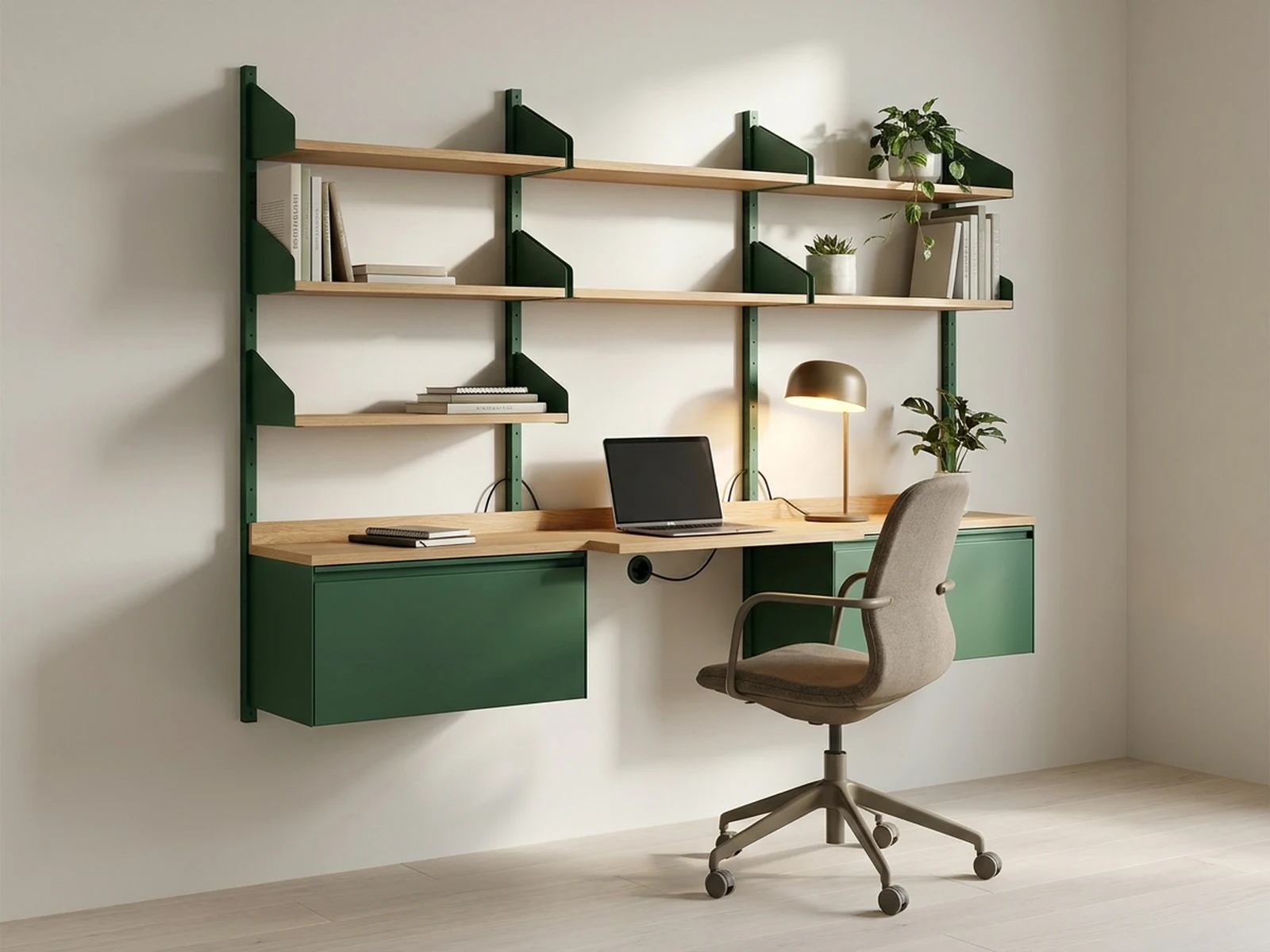
Explore vertical storage, desk combinations, corners, and adjustable systems before detailed design.

Why choose Omnilyra for shelf concepts

Structured prompts keep storage function and room context as visible as material and styling.

Function-led visualization

Direct what the shelves hold, how users reach it, and where closed storage or open display belongs.

Reference-guided room fit

A permitted room photo or sketch can anchor openings, proportions, palette, and adjacent furniture.

Multiple design contexts

Move from a residential built-in to a pantry, studio wall, or retail display in the same workspace.

Try more image workspaces

Continue planning rooms, displays, and presentation imagery with published tools.

AI Shelves Generator FAQ

Can the AI Shelves Generator provide construction-ready plans?

No. It creates visual concepts. A qualified designer, fabricator, or engineer must verify measurements, spans, loads, fixings, materials, and local requirements.

What should a shelving prompt include?

Include shelf type, approximate dimensions, material, supports, doors, object categories, room context, light, viewing angle, and desired styling density.

Can I redesign shelves in my own room photo?

Yes, if you own or are authorized to use the image. Include reliable measurements separately and verify the final design on site.

Can it create retail shelving concepts?

Yes. Describe product size, stock level, display hierarchy, module flexibility, accessibility, and circulation while keeping branding original or authorized.