OOmnilyra

AI Road Generator for Scenic Concept Art

Visualize fictional highways, rural lanes, city streets, and story routes for art direction and mood exploration. Outputs are conceptual images—not civil engineering drawings, traffic plans, survey data, or safety guidance.

Fictional route conceptsScene and mood explorationNot engineering guidance

AI road prompt examples

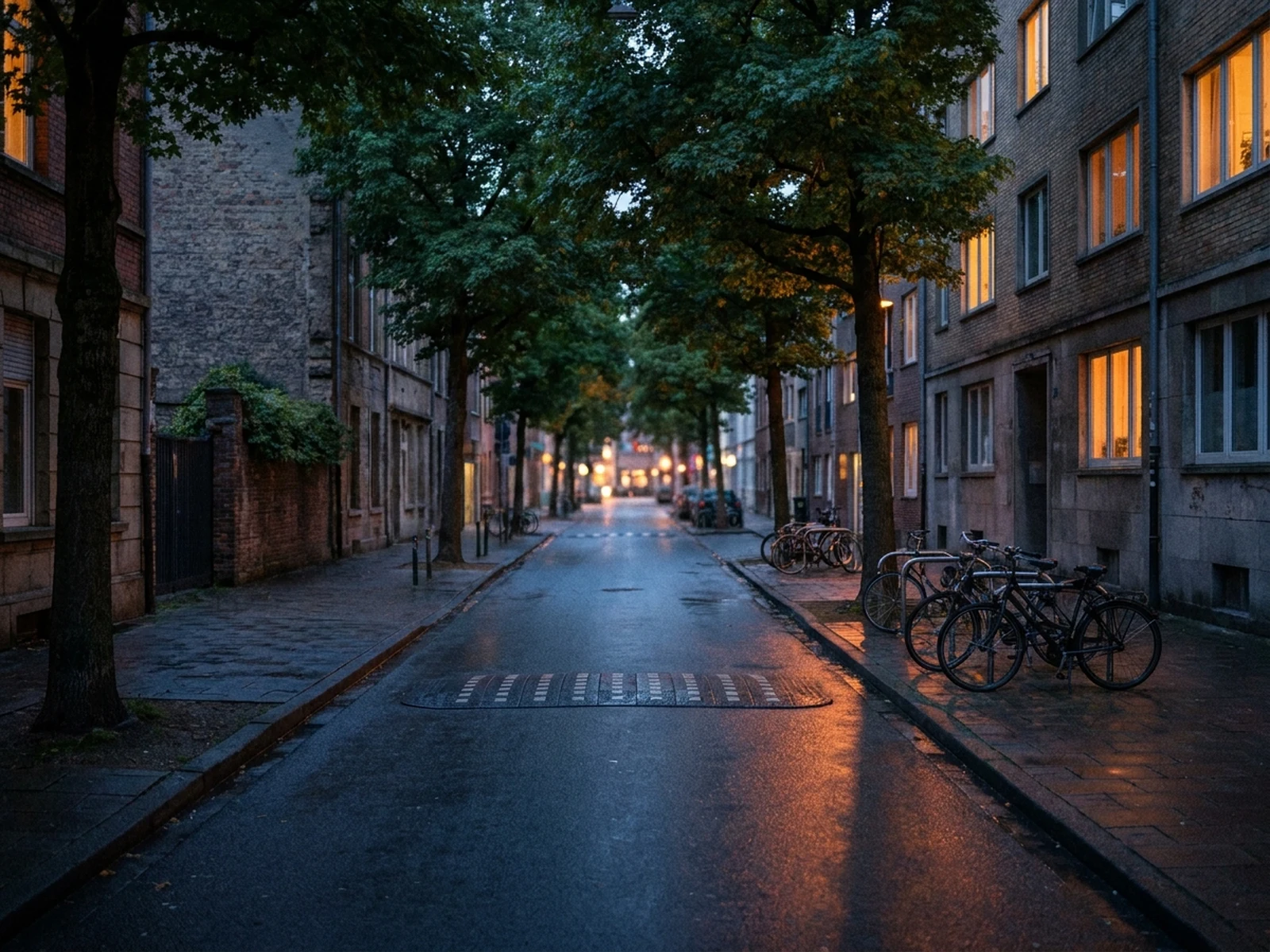
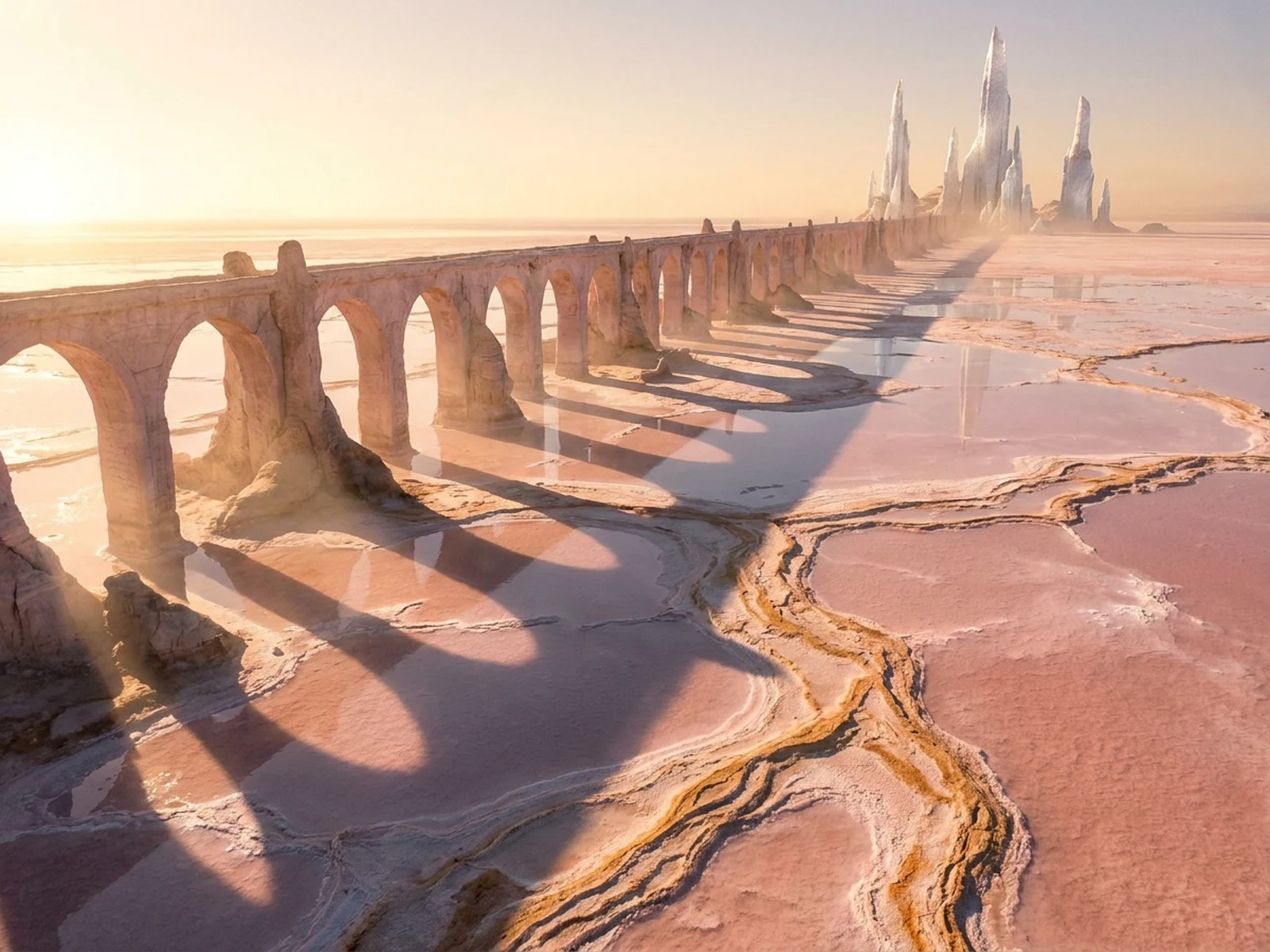
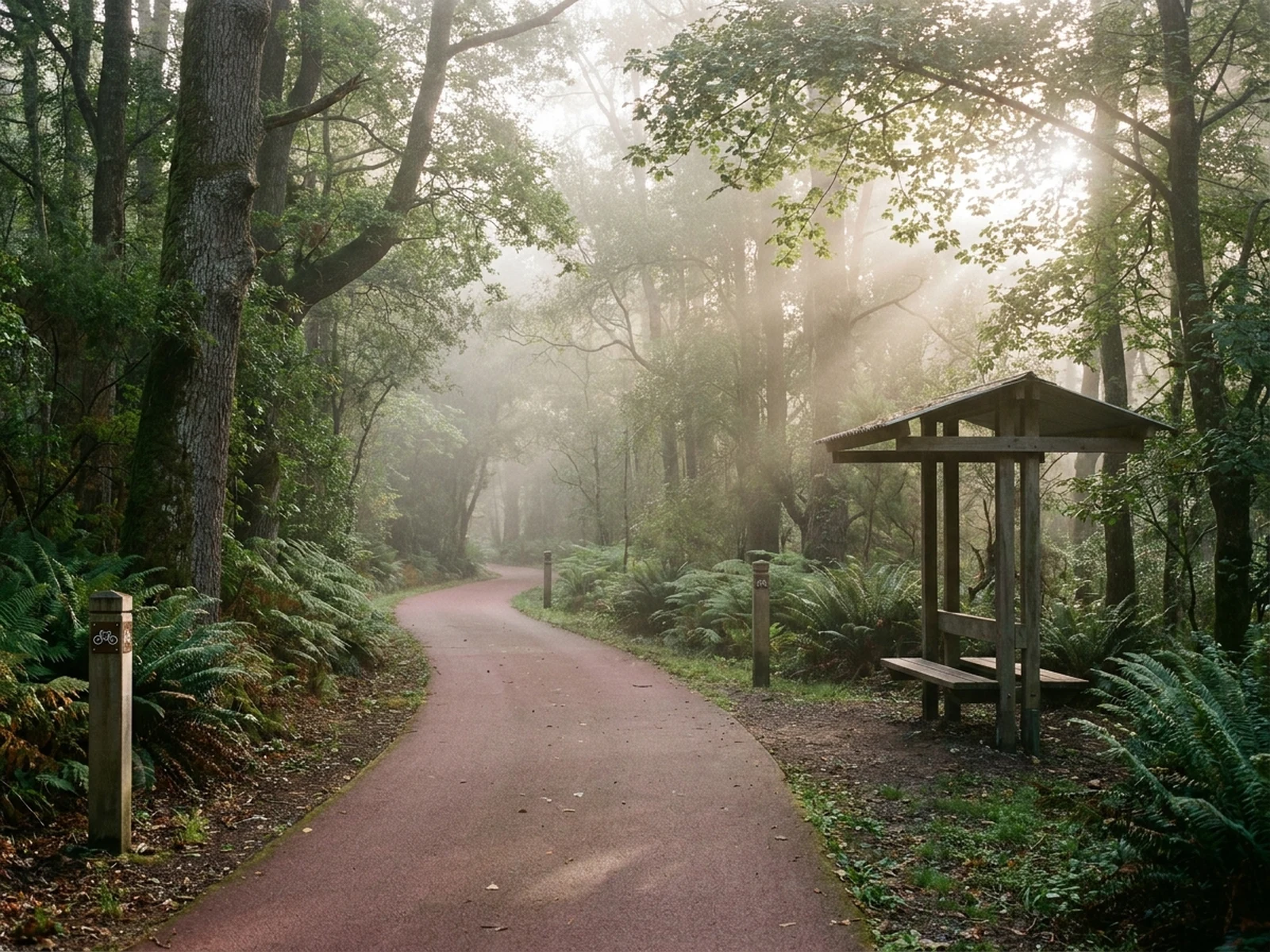
Explore rural, urban, and fantastical routes as clearly labeled visual concepts.

How to structure a road concept prompt

Describe visual route character while excluding unsupported technical instructions.

Subject

Name a fictional road or path type, visible surface, broad width impression, curve, generic markers, and traffic mood.

Scene

Choose coast, forest, neighborhood, desert, mountain, rain, snow, future city, or fantasy landscape.

Light

Use sunrise, overcast, blue hour, fog, street glow, or reflected rain light to shape depth and surface mood.

Output

Request environment concept art, a cinematic establishing shot, story route, mood board, or fictional map illustration.

How to use the AI Road Generator

Define the storytelling role of the route before adding terrain and atmosphere.

01

Choose a fictional route

Specify road or path type, visual surface, curve, surrounding terrain, season, weather, and time of day.

02

Set the camera and mood

Direct viewpoint, leading lines, horizon, traffic density, light, color, and environmental storytelling.

03

Keep outputs conceptual

Never use generated imagery for alignment, dimensions, drainage, signage, accessibility, construction, traffic control, or safety decisions.

AI road generator use cases

Support creative development for fictional scenes and presentation mood boards.

Film and game environments

Create establishing shots and route concepts that connect original locations and story beats.

Travel-style campaign art

Develop evocative fictional drives and landscapes without making route or location claims.

Streetscape mood boards

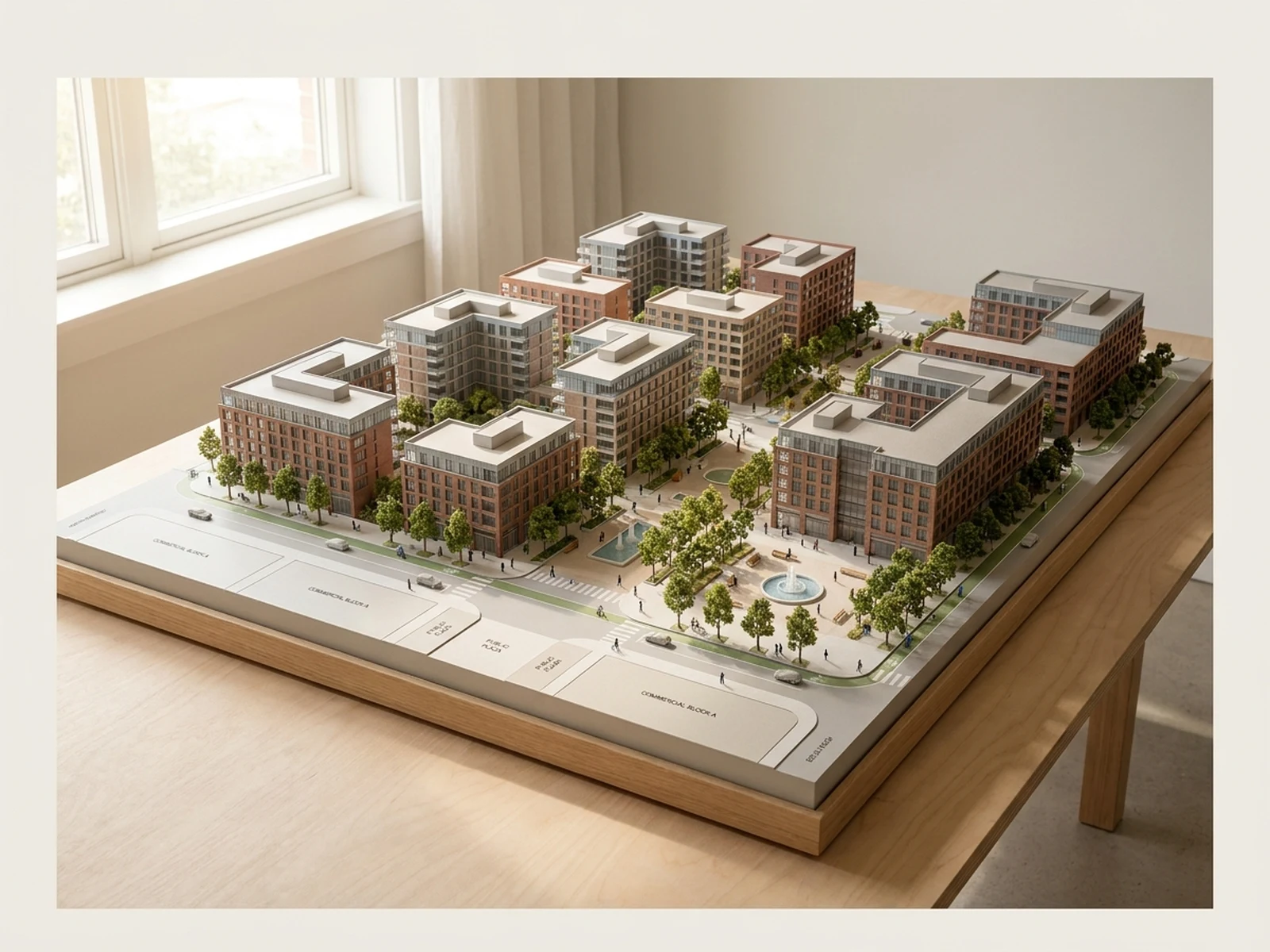
Compare atmosphere, greenery, material appearance, weather, and camera direction at a non-technical level.

Why choose Omnilyra for road concept visuals

Structured prompts coordinate route shape, terrain, weather, light, and narrative while preserving technical boundaries.

Environment control

Direct road character, landscape, season, weather, viewpoint, and visual depth.

Multiple story genres

Move between realistic mood, cinematic travel, stylized urban scenes, and original fantasy worlds.

Explicit non-engineering scope

Page guidance separates visual concepts from professional design, regulation, and public-safety work.

Try more image workspaces

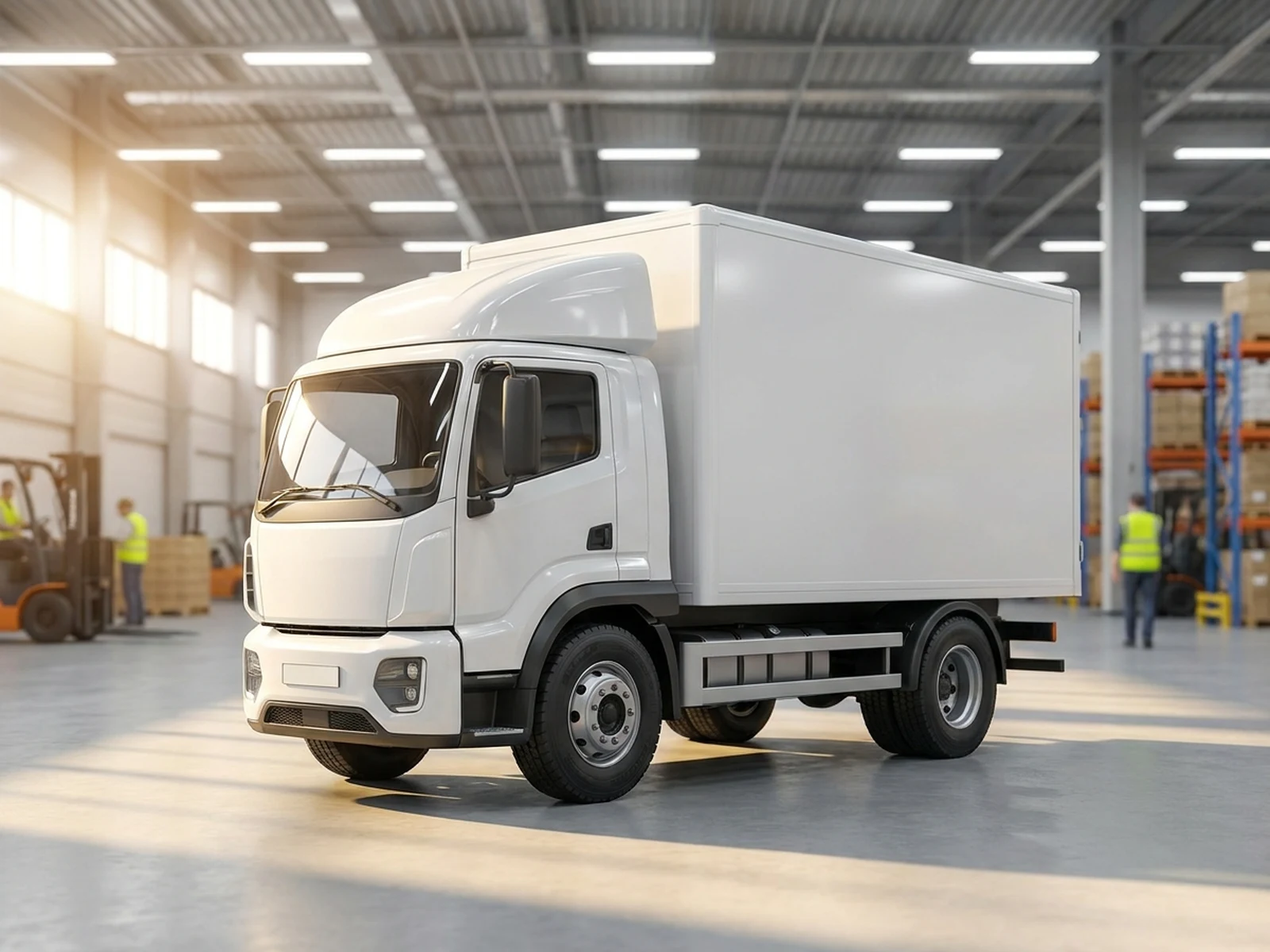
Explore published tools for city, vehicle, and scene visualization.

AI Road Generator FAQ

Can the AI Road Generator design a buildable road?

No. Generated images are visual concepts and do not provide surveyed geometry, dimensions, grading, drainage, pavement, accessibility, traffic, utilities, or safety engineering.

What should a road concept prompt include?

Include route type, fictional location, surface appearance, terrain, weather, time, viewpoint, traffic mood, composition, and visual style.

Can I use an aerial site photo?

Only if you are authorized to use it, and only for conceptual visualization. Real planning requires current verified data and qualified professionals.

Can generated road signs or markings be followed?

No. They may be inaccurate. Follow official local signs, laws, standards, and qualified transportation guidance.