OOmnilyra

AI Exhibition Generator

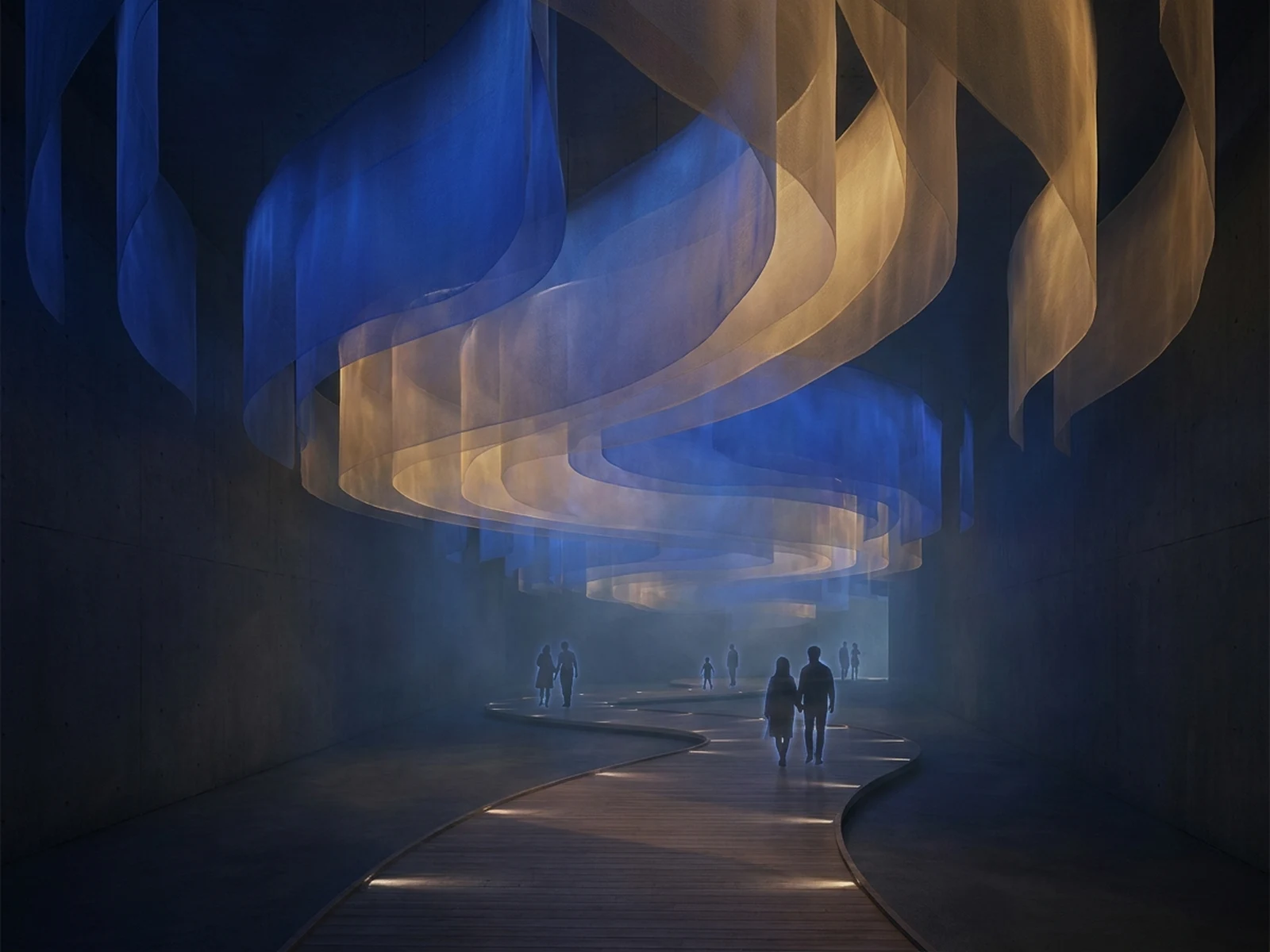
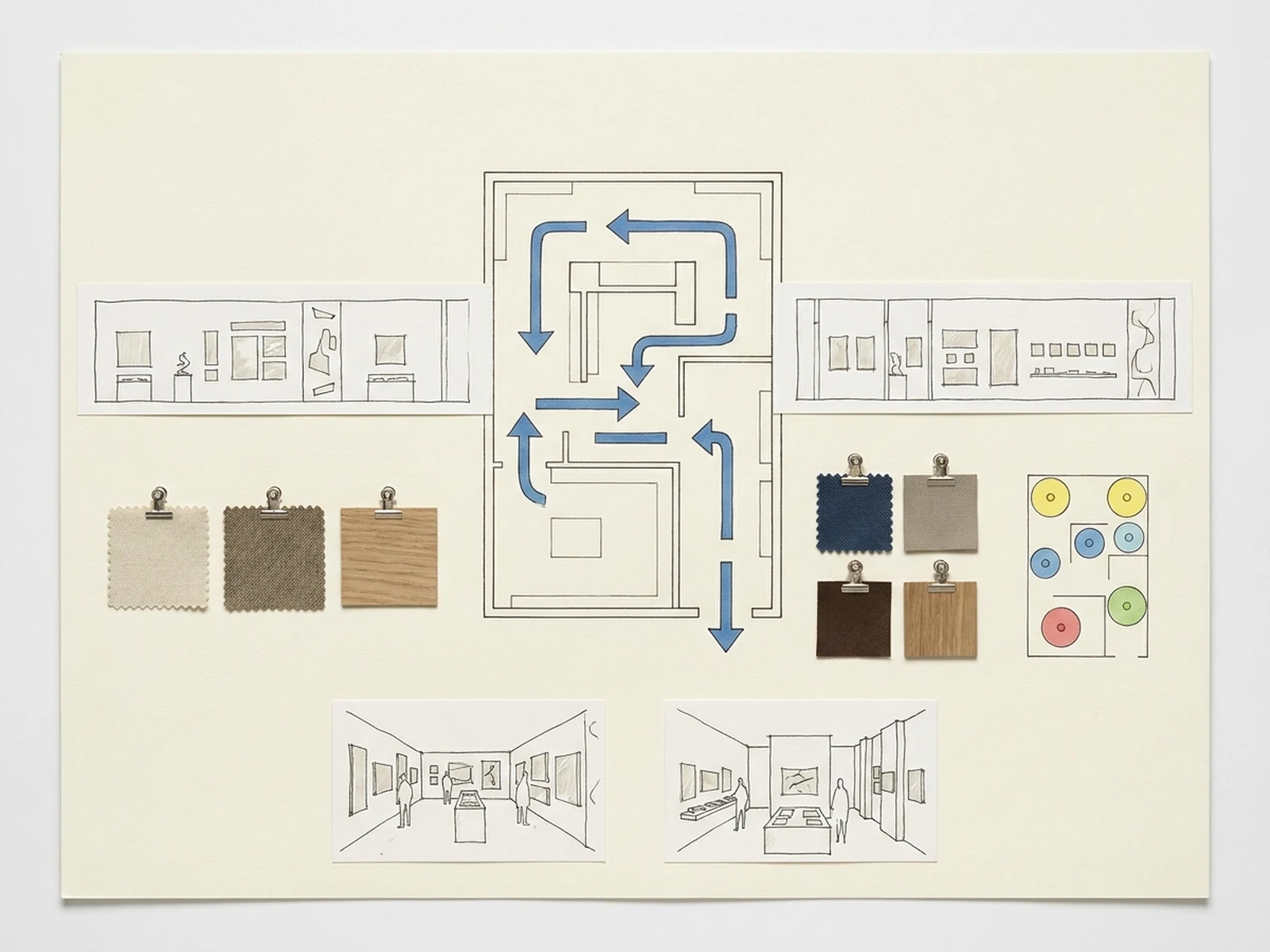
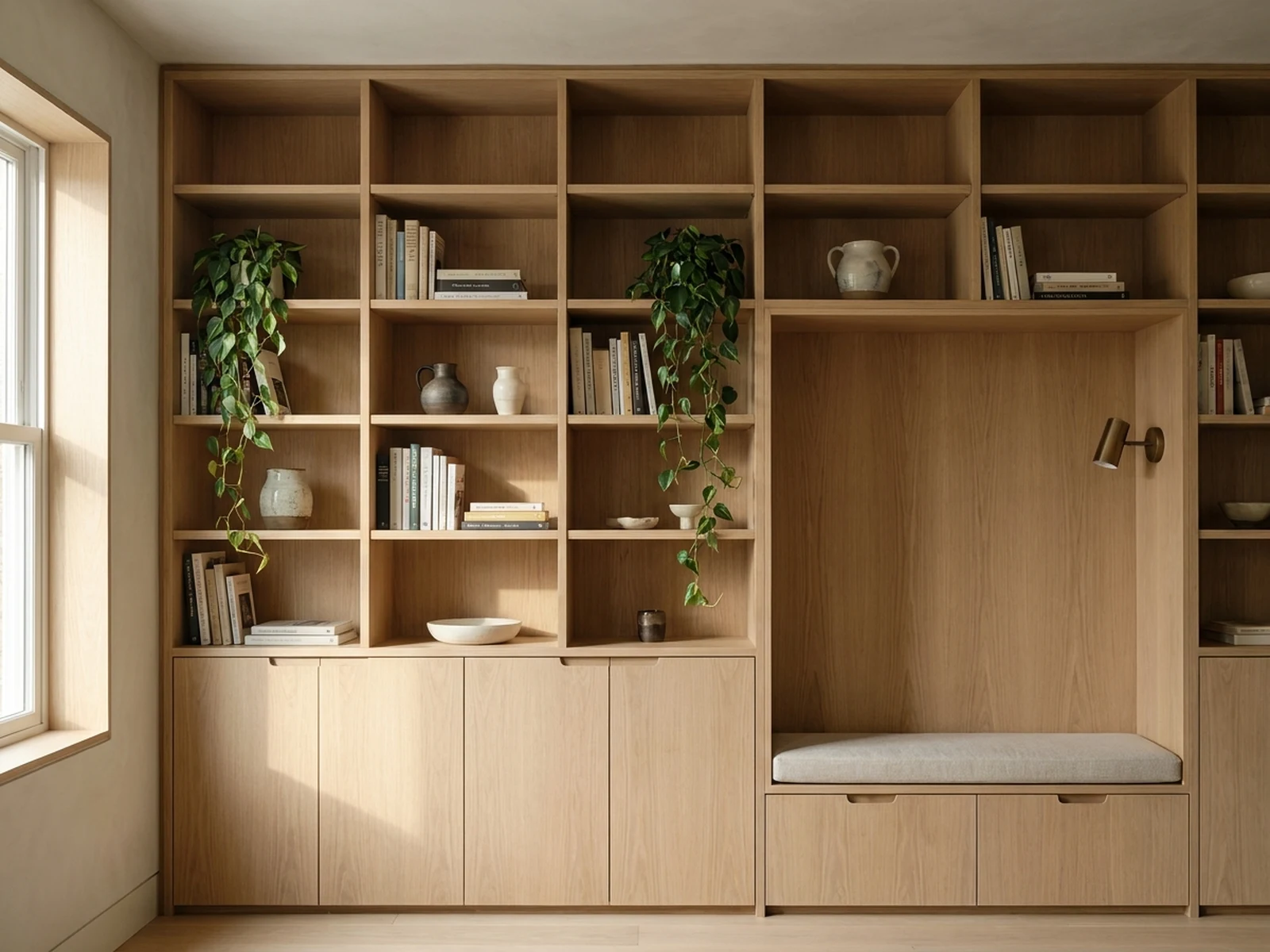
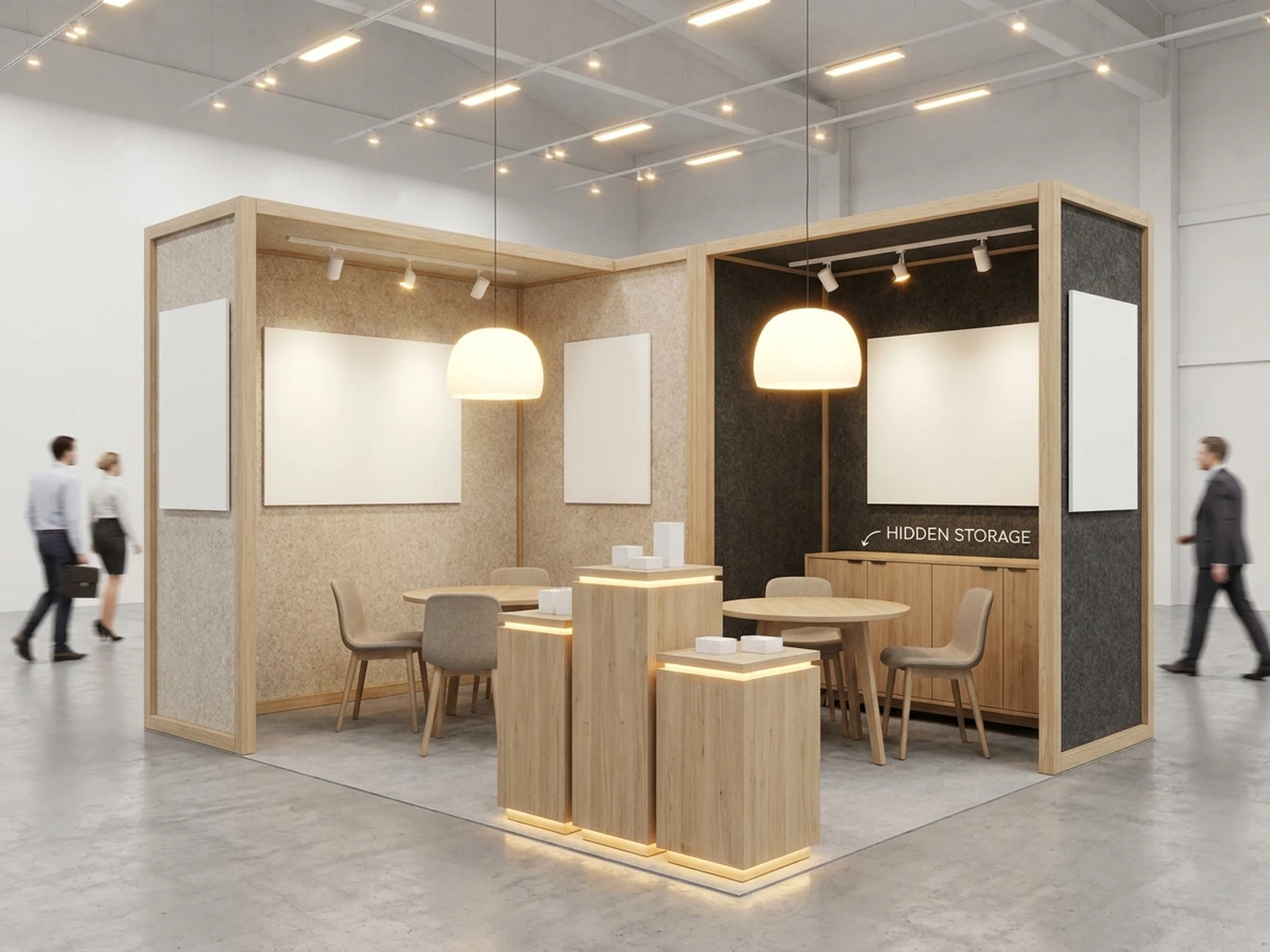
Create exhibition layouts, gallery interiors, booth concepts, visitor-flow boards, and event presentation visuals while controlling subject, scene, light, composition, and output format.

Gallery and booth conceptsDisplay and lighting systemsVisitor-flow presentation

AI Exhibition Generator prompt examples

Start with these prompts, then adjust subject, scene, light, composition, and references in the workspace.

AI Exhibition Generator prompt structure

A structured prompt makes the result easier to compare, reuse, and refine.

Subject

Exhibition type, objects or artworks, display system, wall height, plinths, graphics zones, materials, and visitor scale.

Scene

Museum gallery, trade-show booth, pop-up installation, design exhibition, outdoor pavilion, or planning board.

Light

Track lighting, ambient daylight, display accents, projection glow, material reflections, and safe circulation visibility.

Output

Interior concept, booth render, floor-plan board, visitor-flow diagram, hero view, material palette, or pitch image.

How to use the AI Exhibition Generator

Define one concrete goal, lock the visual variables, and then create channel-ready variants.

01

Define the exact result

Choose one target from Interior concept, booth render, floor-plan board, visitor-flow diagram, hero view, material palette, or pitch image.

02

Lock the visual variables

Specify Exhibition type, objects or artworks, display system, wall height, plinths, graphics zones, materials, and visitor scale. Then set Museum gallery, trade-show booth, pop-up installation, design exhibition, outdoor pavilion, or planning board.

03

Generate useful variants

Change angle, palette, composition, or channel format while keeping the core subject and reference cues consistent.

AI Exhibition Generator use cases

These workflows focus on exhibition layouts, gallery interiors, booth concepts, visitor-flow boards, and event presentation visuals.

Gallery concept planning

Explore wall systems, plinths, object spacing, light, and narrative sequence before detailing.

Trade-show booths

Create brand-neutral booth layouts, demo zones, storage, meeting areas, and visitor approaches.

Pitch and review boards

Combine hero views, floor plans, materials, and visitor-flow diagrams for stakeholder discussion.

Why choose Omnilyra for AI Exhibition Generator

The workspace keeps prompts, references, examples, and output controls in one workflow.

Built around the search intent

The examples and workflow directly support exhibition layouts, gallery interiors, booth concepts, visitor-flow boards, and event presentation visuals.

Reference-guided control

Upload permitted references to preserve key visual cues while changing scene and format.

Reusable output system

Create Interior concept, booth render, floor-plan board, visitor-flow diagram, hero view, material palette, or pitch image. from the same reusable workspace.

Try more image workspaces

Continue with related image generation, editing, and campaign workflows.

AI Exhibition Generator FAQ

What can the AI Exhibition Generator create?

It can create exhibition layouts, gallery interiors, booth concepts, visitor-flow boards, and event presentation visuals.

What should the prompt include?

Include Exhibition type, objects or artworks, display system, wall height, plinths, graphics zones, materials, and visitor scale. Then add Museum gallery, trade-show booth, pop-up installation, design exhibition, outdoor pavilion, or planning board.

Can I upload a reference image?

Yes. Upload only images you have permission to use to guide subject, palette, material, pose, or layout consistency.

What should I review before using the result?

Generated layouts are concepts; verify structure, fire safety, accessibility, egress, lighting, crowd capacity, and venue rules with qualified teams.