OOmnilyra

AI roller coaster generator

Visualize original roller coaster concepts, themed environments, track silhouettes, ride posters, and planning boards before detailed design or production.

Original ride conceptsTrack and environment studiesTheme park campaign visuals

Roller coaster prompts for concepts and campaigns

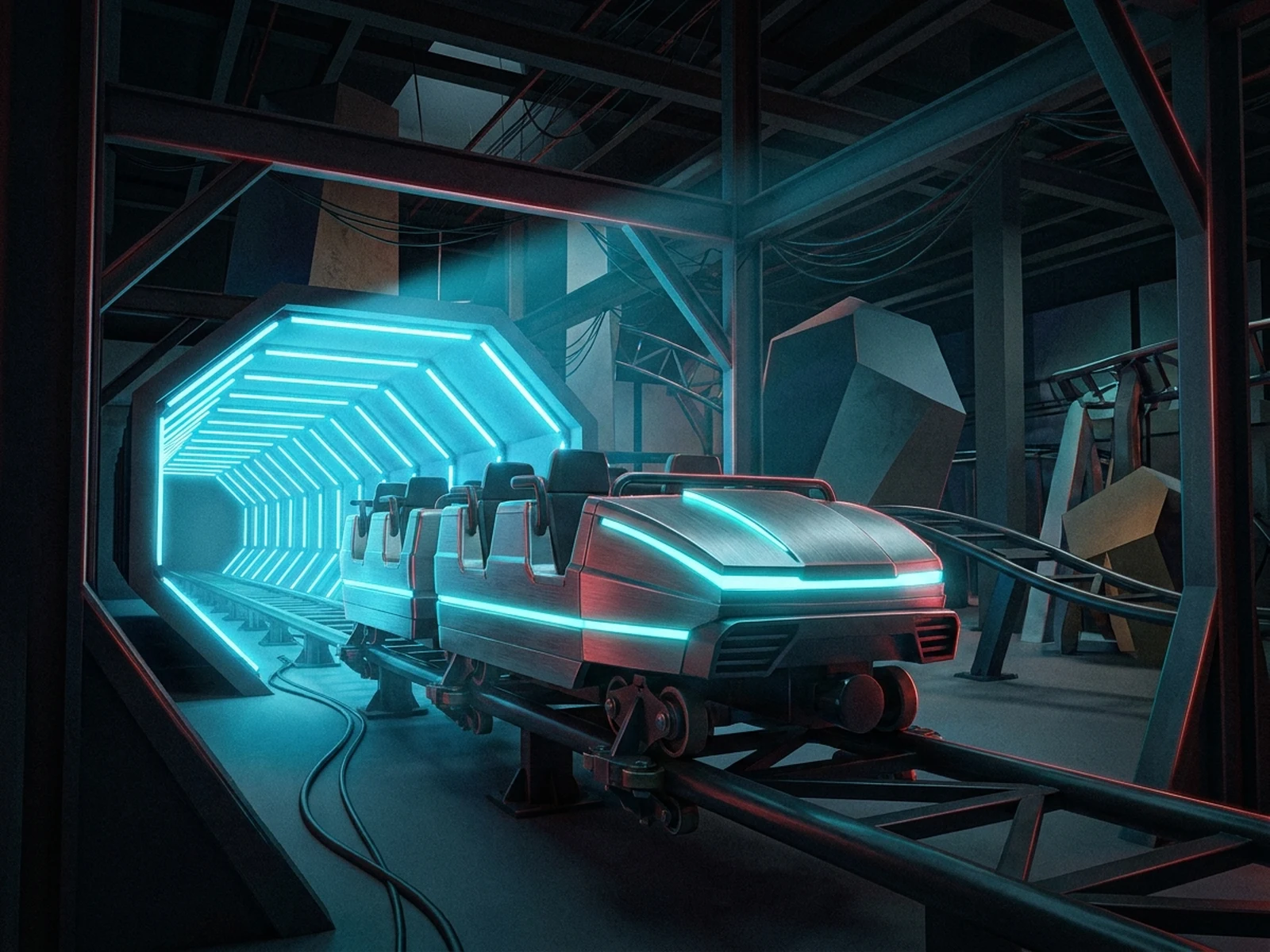
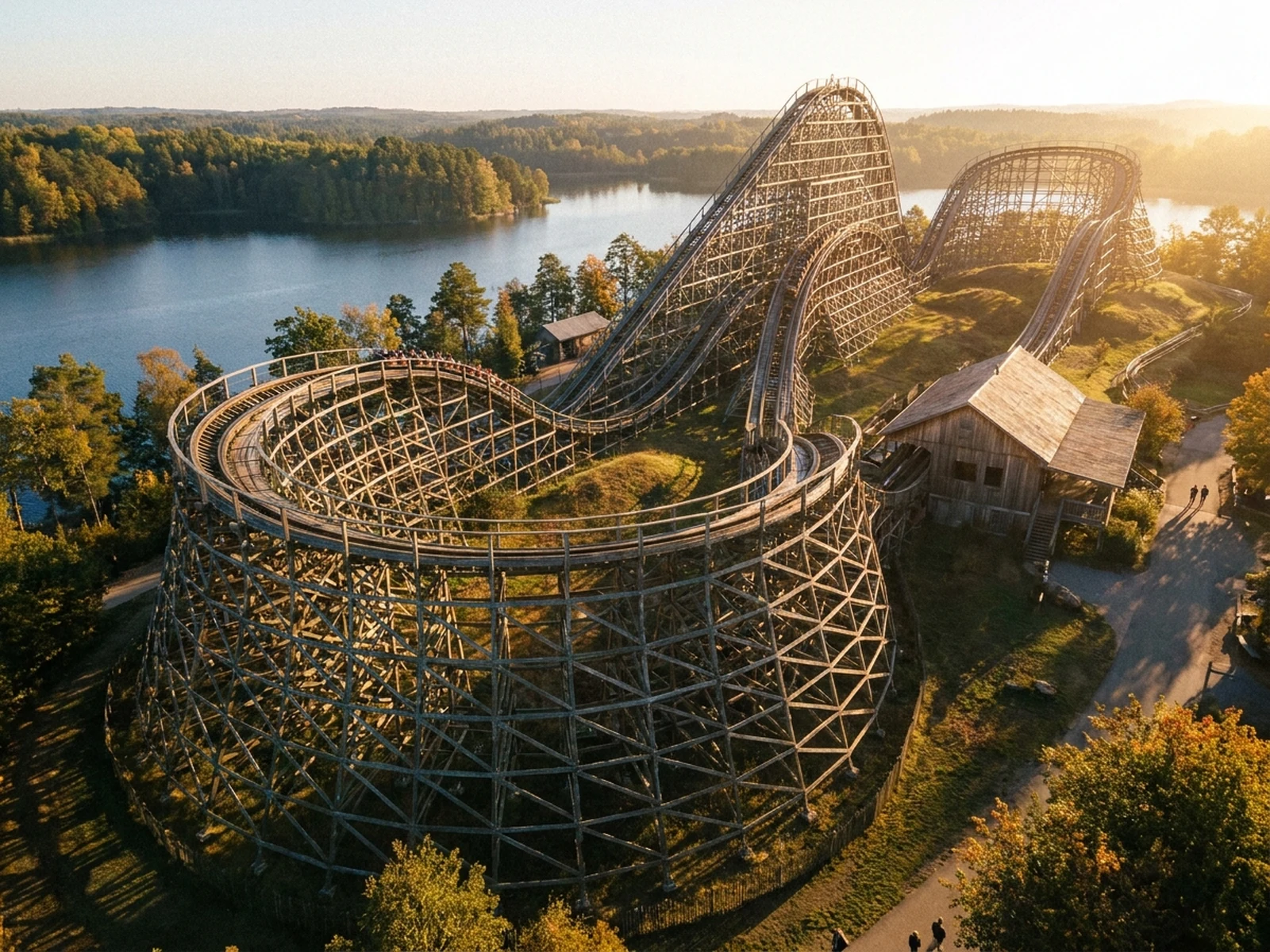
Explore steel, wooden, indoor, and master-plan directions by changing track movement, environment, viewpoint, and output format.

Roller coaster prompt structure

A useful coaster prompt connects ride motion, environment, scale, and viewpoint instead of naming only a visual theme.

Subject

Steel, wooden, family, launch, suspended, or indoor coaster; train form; track elements; supports; and station cues.

Scene

Terrain, trees, water, indoor set, station, queue, pedestrian paths, scenic density, and surrounding park context.

Light

Sun direction, indoor practical lights, metallic highlights, structural shadows, atmospheric haze, and time of day.

Output

Concept view, planning board, ride poster, environment study, track silhouette, pitch image, or attraction mood board.

How to create an AI roller coaster concept

Treat the output as early visualization, not an engineering drawing or safety approval.

01

Define the ride experience

Choose family, thrill, scenic, indoor, launch, wooden, or steel direction and name the signature track moments.

02

Set scale and environment

Describe terrain, station, paths, landscape buffers, viewpoint, support structure, and surrounding attraction context.

03

Generate review formats

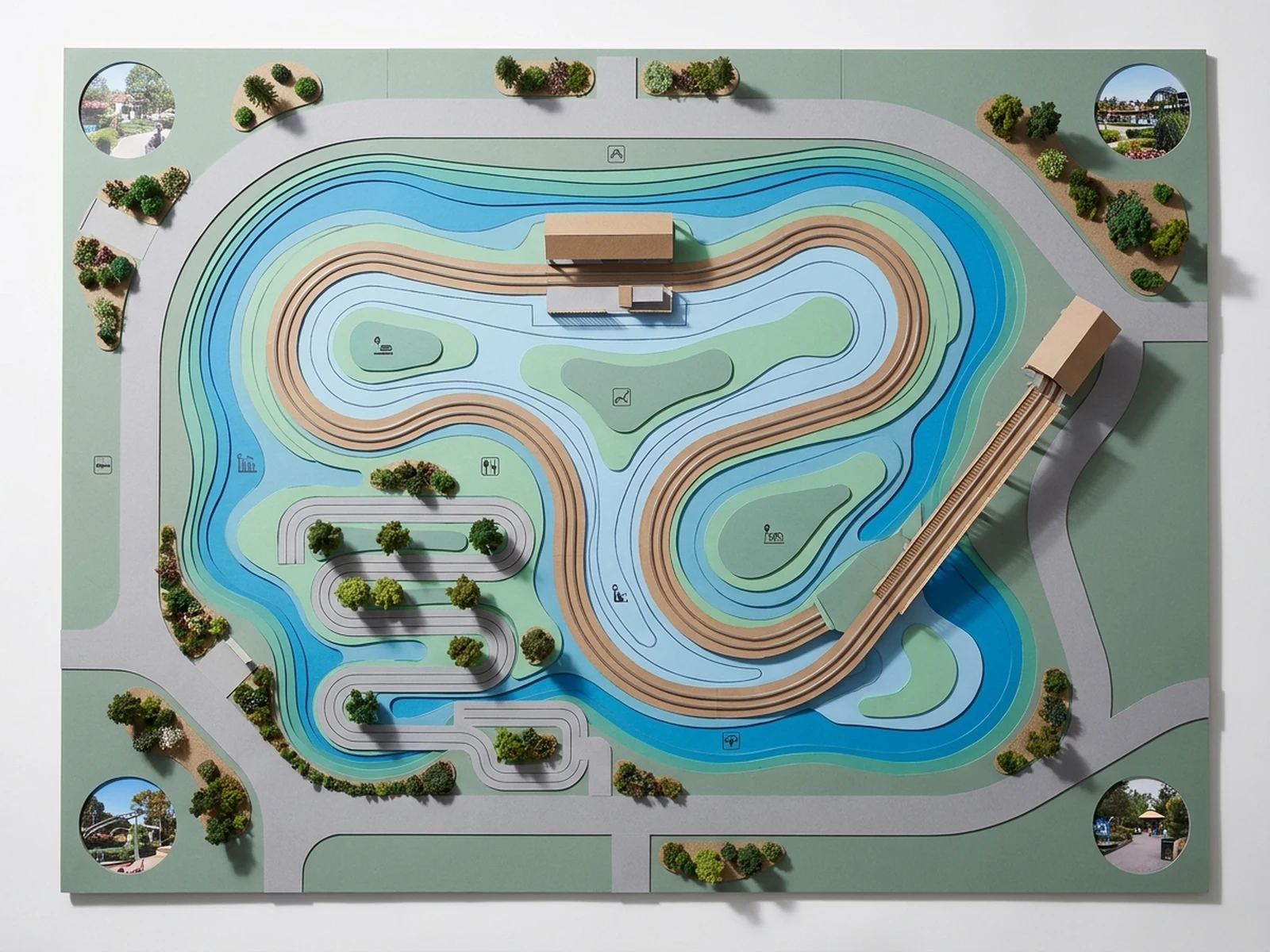
Create elevated concepts, track silhouettes, planning boards, and campaign posters for discussion before technical design.

Roller coaster visuals for planning and storytelling

Use generated images to communicate early ideas while leaving engineering, accessibility, operations, and safety to qualified professionals.

Attraction concept development

Compare ride types, track silhouettes, materials, station forms, and themed environment directions.

Theme park planning boards

Explore relationships among track, queue, station, landscape, paths, and nearby visitor areas.

Pitch and campaign images

Create original mood visuals and ride posters for internal reviews, proposals, and early audience testing.

Why choose Omnilyra for roller coaster concepts

The workspace keeps ride details, environment references, viewpoint, and presentation intent together.

Built for spatial ideas

Prompt fields make track form, terrain, station, scale, and surrounding context explicit.

Reference-guided exploration

Upload sketches and site references to compare several coherent directions around the same brief.

Multiple review outputs

Move between environment views, planning boards, silhouettes, and posters without losing the core concept.

Try more scene and planning generators

Continue with related environment, object, and campaign workflows.

AI roller coaster generator FAQ

What can an AI roller coaster generator create?

It can create early ride concepts, track silhouettes, themed environments, planning boards, pitch images, and original campaign posters.

Can generated images be used as engineering plans?

No. They are concept visuals only. Structural design, forces, clearance, evacuation, accessibility, operations, and safety require qualified engineering review.

What should I include in a roller coaster prompt?

Include ride type, signature track elements, train and support style, terrain, station, landscape, viewpoint, light, scale, and output format.

Can I upload a site plan or track sketch?

Yes. A sketch or terrain reference can guide visual exploration, but generated geometry must not be treated as construction-ready data.