OOmnilyra

AI sewing pattern generator

Generate clean sewing pattern sheets, garment planning boards, craft layouts, and reference visuals for fashion, tailoring, and DIY projects.

Pattern sheet conceptsGarment planning boardsCraft reference visuals

Sewing pattern prompts for garments and craft boards

Use these prompts to generate pattern sheets, project boards, and craft-ready visual references.

Sewing pattern prompt structure

Sewing pattern prompts need clear garment type, pattern parts, material cues, and a readable design board.

Subject

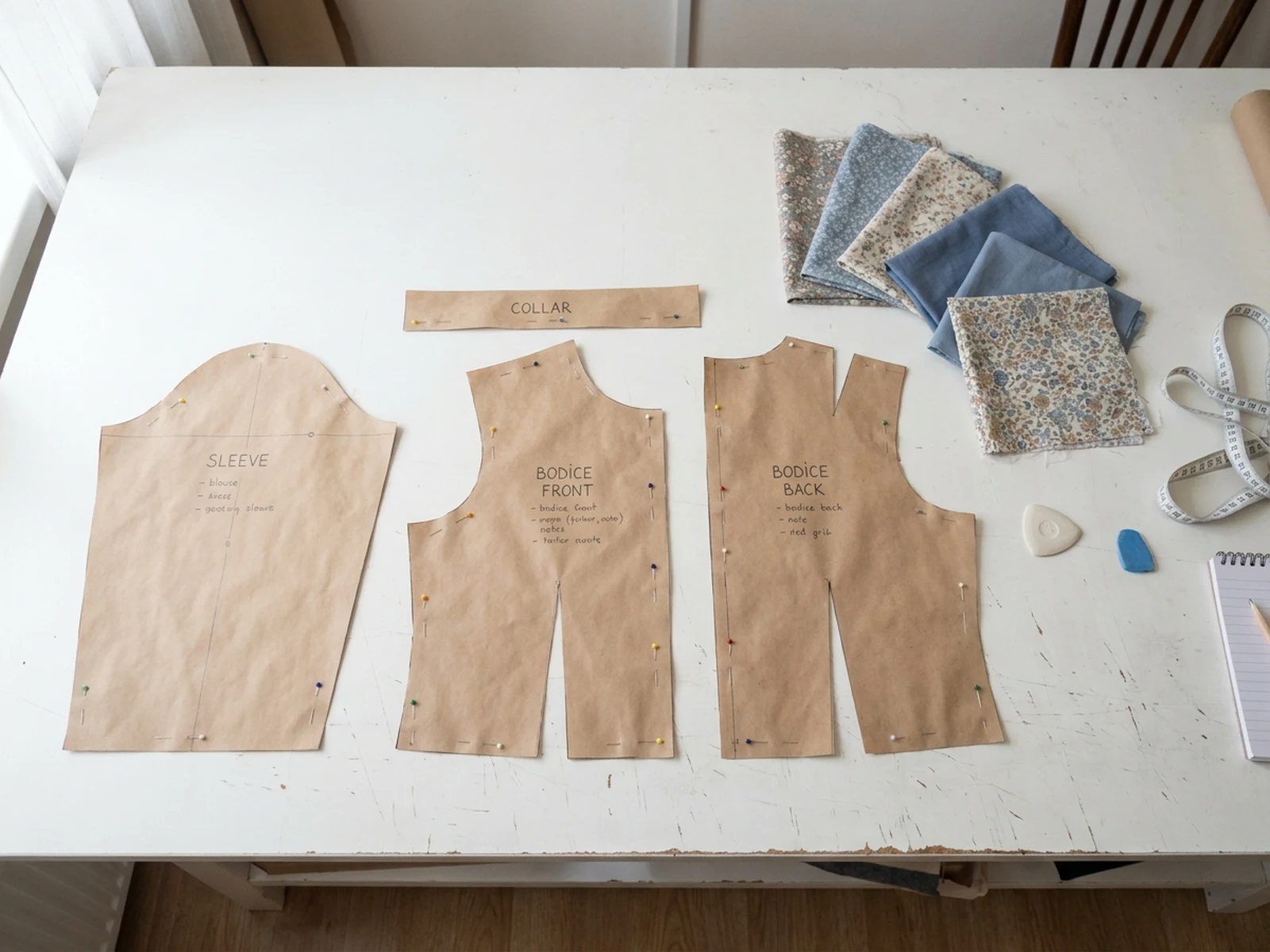
Garment type, pattern pieces, seam guides, fabric swatches, tools, and visible construction details.

Scene

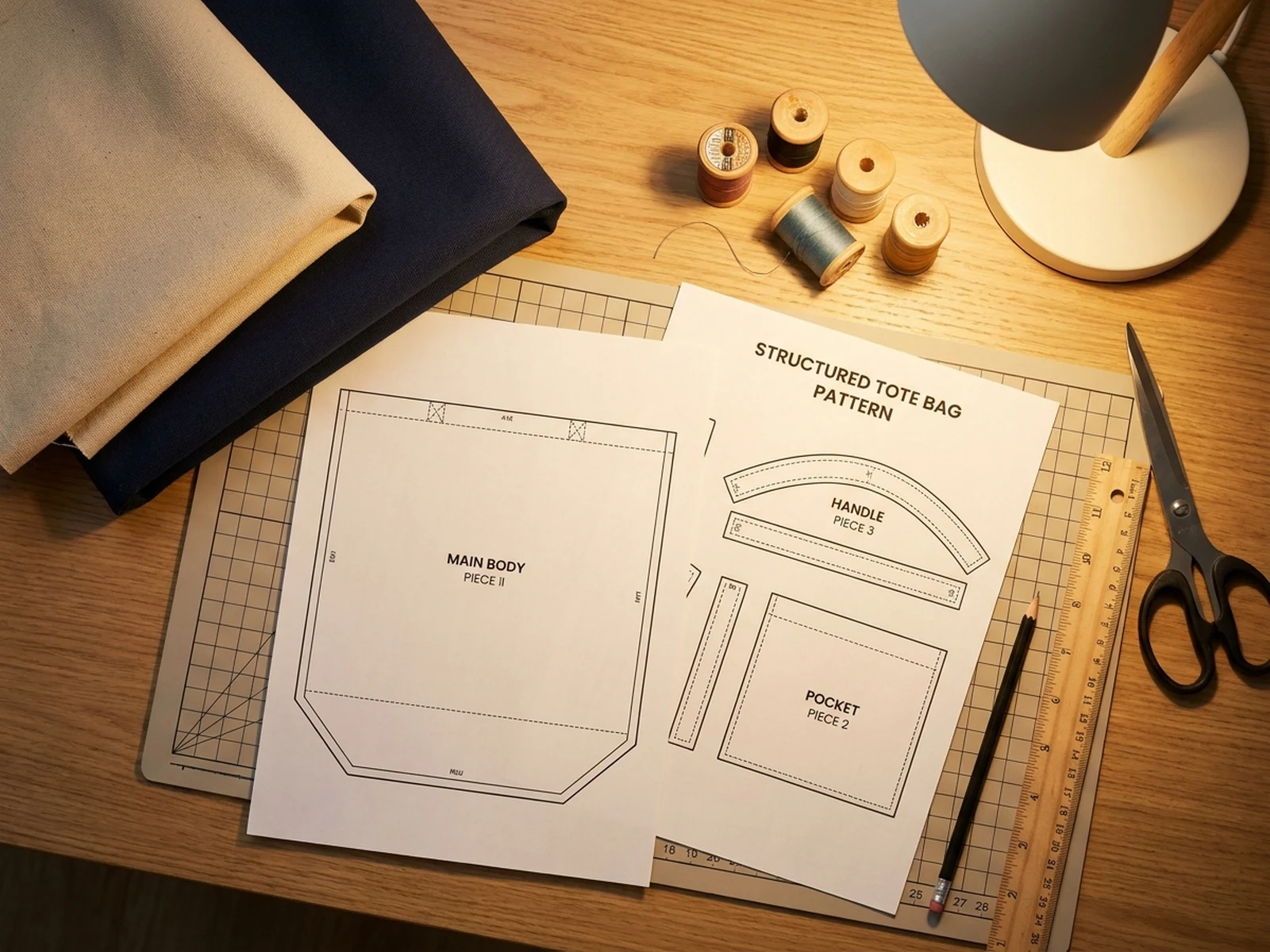
Cutting table, craft desk, atelier board, paper pattern layout, or tidy workshop surface.

Light

Overhead studio light, window light, drafting table light, shadow softness, and paper texture detail.

Output

Pattern sheet, tailoring board, craft reference image, DIY project layout, or fashion planning visual.

How to use the AI sewing pattern generator

Turn a sewing idea into a visual reference that can guide discussion, planning, or design exploration.

01

Name the garment or craft item

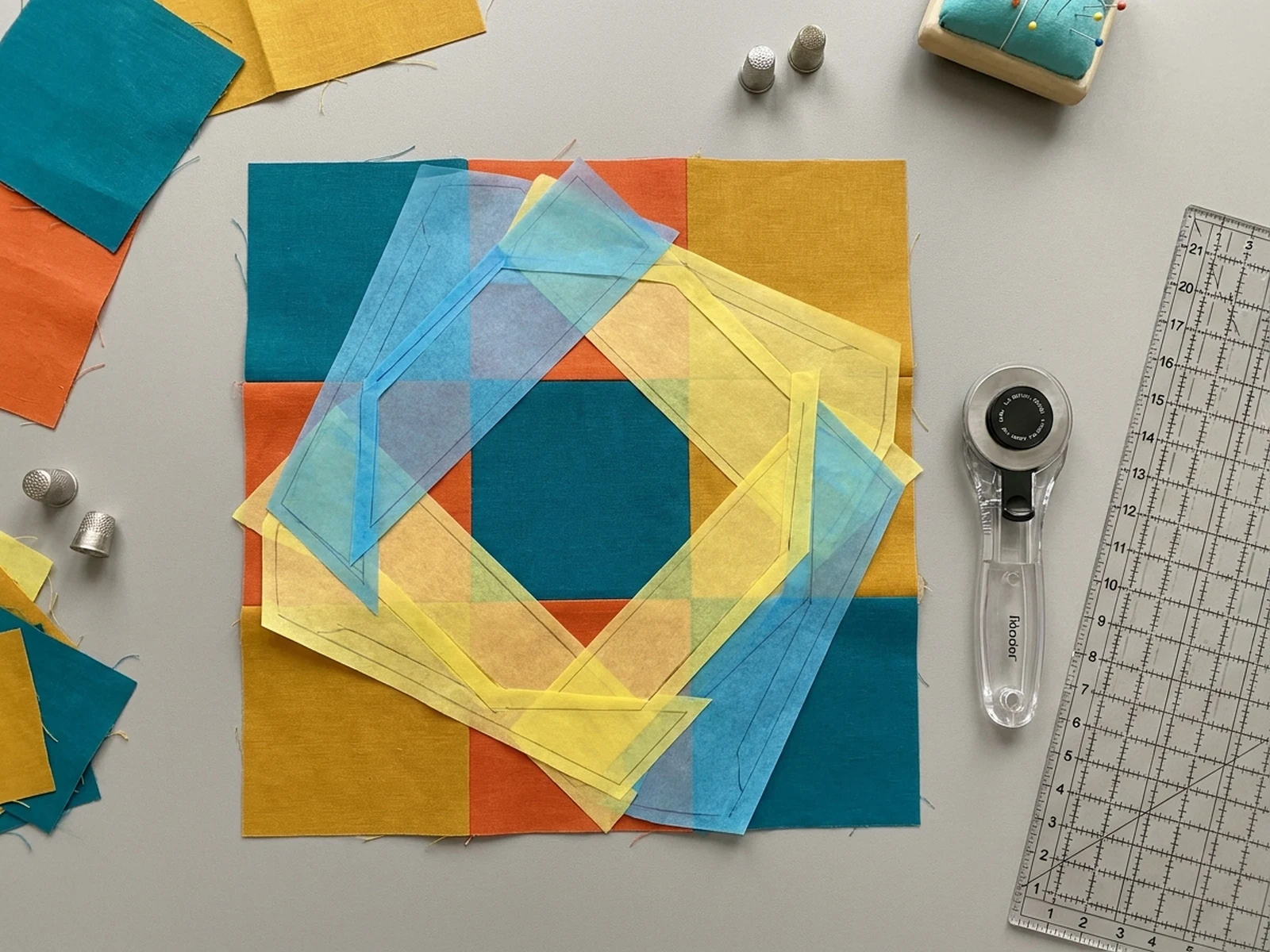
Start with dress, blouse, tote, quilt block, apron, or accessory so the pattern pieces have a clear purpose.

02

Add pattern details

Describe paper pieces, seam guides, fabric swatches, labels, tools, and how clean the layout should feel.

03

Generate planning variants

Explore alternate cuts, fabric palettes, presentation boards, and craft desk arrangements.

Plan sewing projects with visual pattern boards

This generator is for visual planning, mood boards, and design communication rather than technical drafting precision.

Garment concept boards

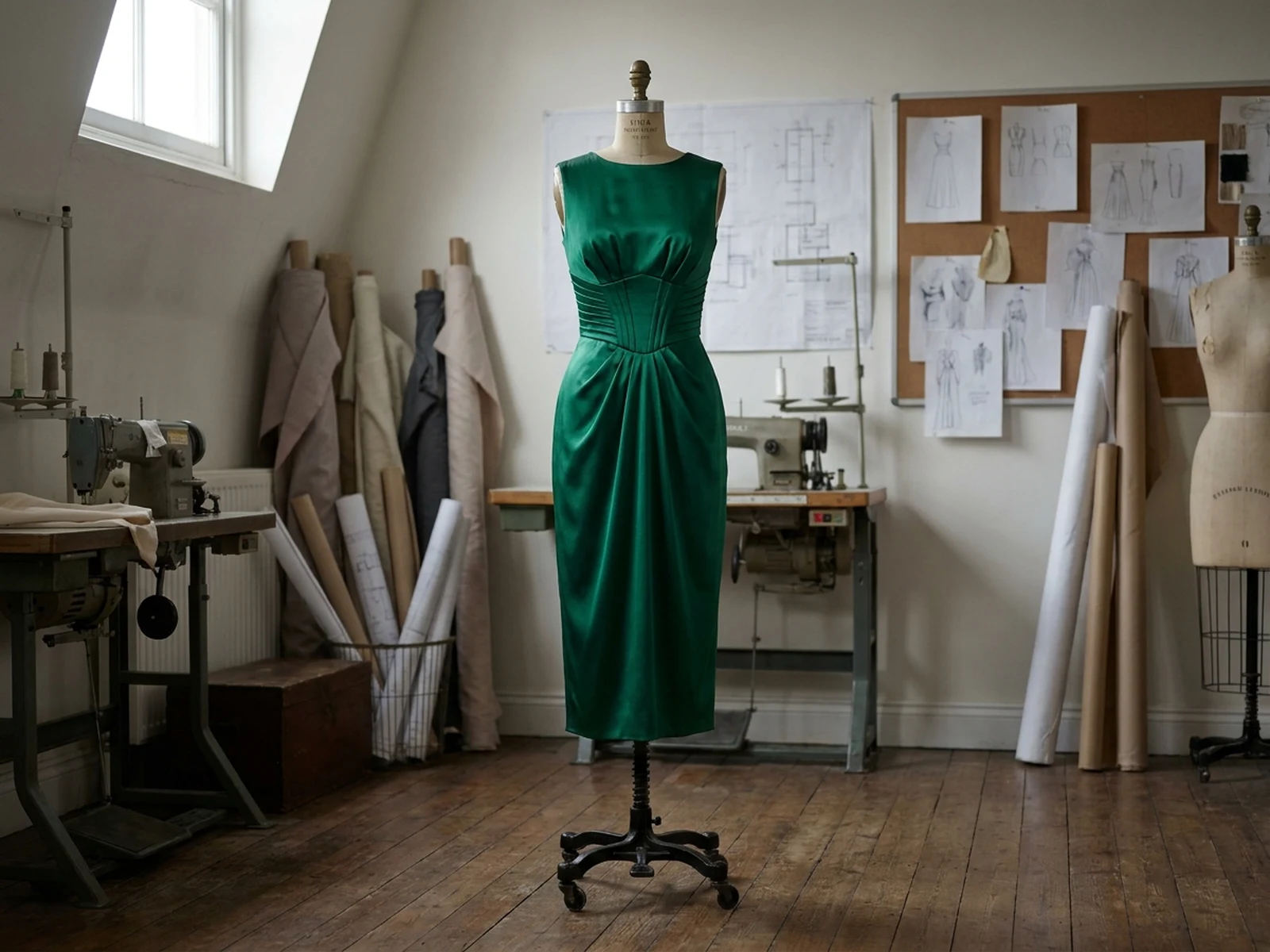
Show silhouettes, pattern pieces, fabric pairings, and construction mood in one visual.

DIY craft references

Create clean project boards for bags, aprons, quilting, costume pieces, and home sewing ideas.

Tutorial thumbnails

Generate eye-catching sewing visuals for lessons, blog posts, and social previews.

Why choose Omnilyra for sewing pattern visuals

Omnilyra helps translate sewing intent into organized images that are easy to compare and reuse.

Prompted for pattern clarity

The structure keeps garment type, pieces, fabric, and output format visible.

Useful for pre-production

Create quick visual references before drafting, photographing, or commissioning assets.

Reference-friendly workflow

Upload sketches or fabric photos to keep the generated board close to the project direction.

Try more image generators

Explore adjacent image generators for fashion, product presentation, and campaign visuals.

AI sewing pattern generator FAQ

Can an AI sewing pattern generator create production-ready patterns?

It is best for visual concepts, planning boards, and design references. Technical sewing patterns should still be drafted and checked by a pattern maker.

What should I include in the sewing prompt?

Include garment type, pattern pieces, fabric, construction details, workspace surface, light direction, and the intended image use.

Can I upload fabric or sketch references?

Yes. References help guide color, texture, silhouette, and layout consistency.