OOmnilyra

AI Black and White Illustration Generator

Turn a scene, object, or editorial idea into original monochrome line art, ink texture, woodcut-inspired graphics, or clean spot illustrations.

Line and ink controlStrong negative spacePrint-focused concepts

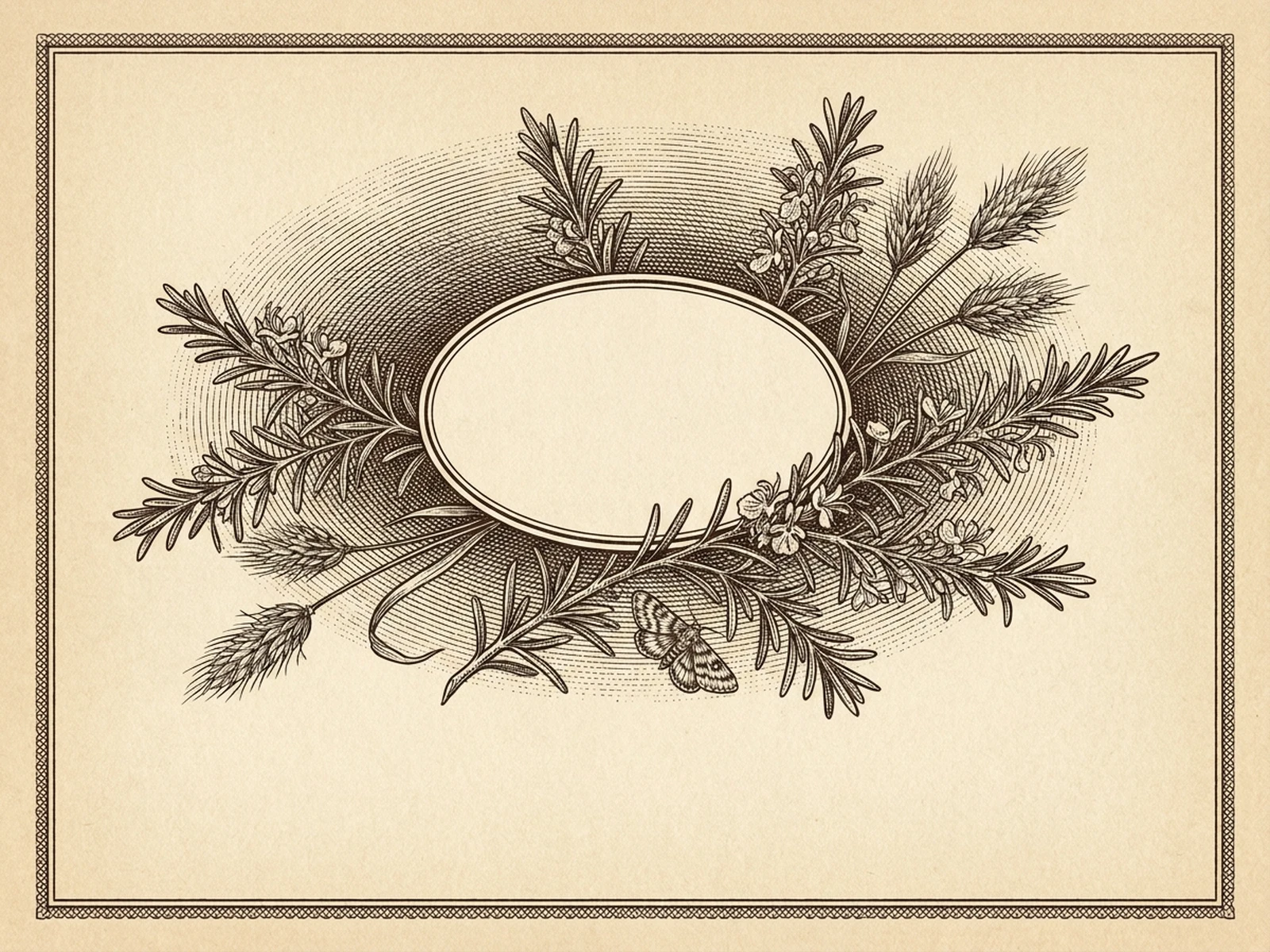
Black and white illustration prompt examples

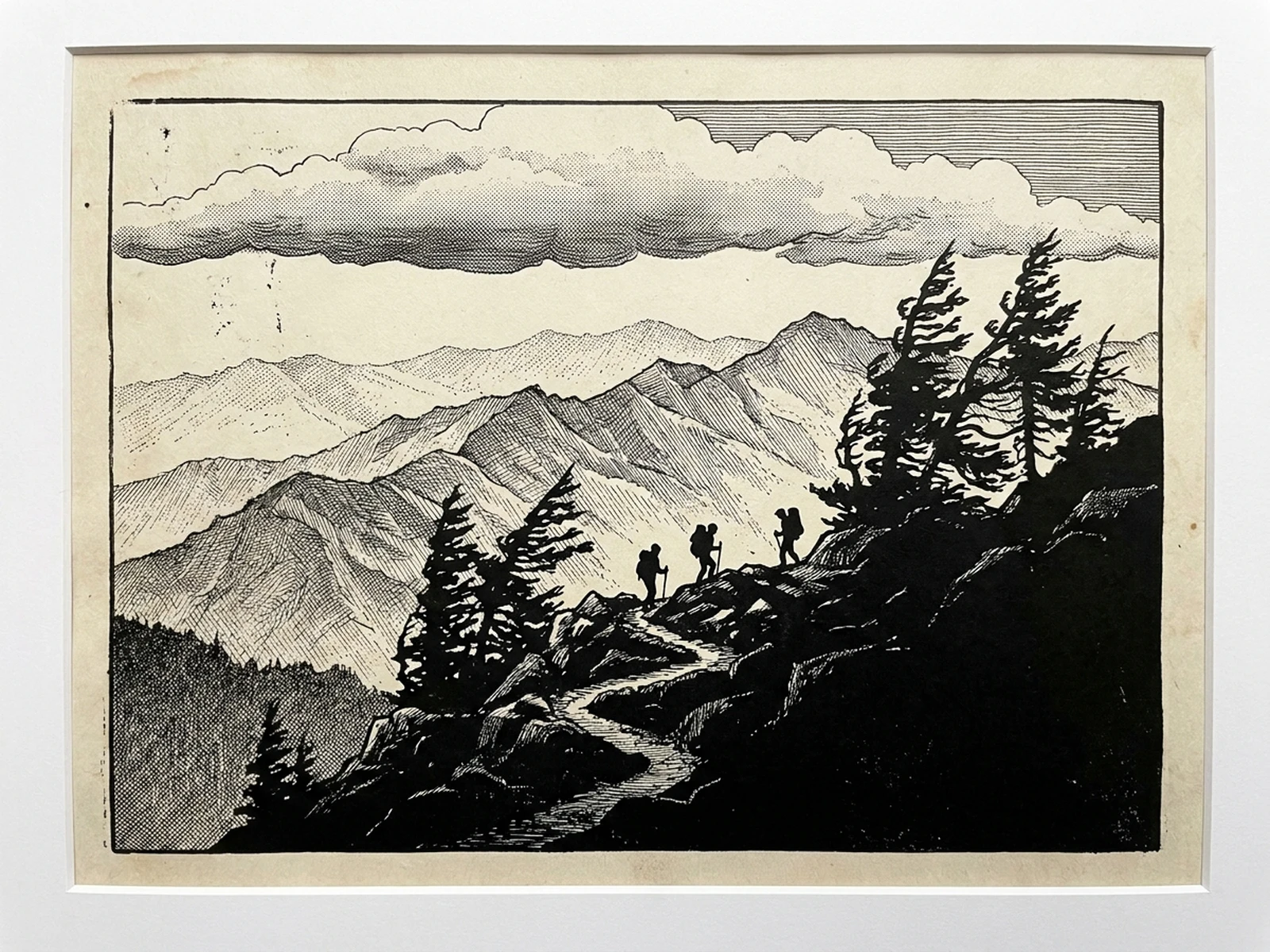
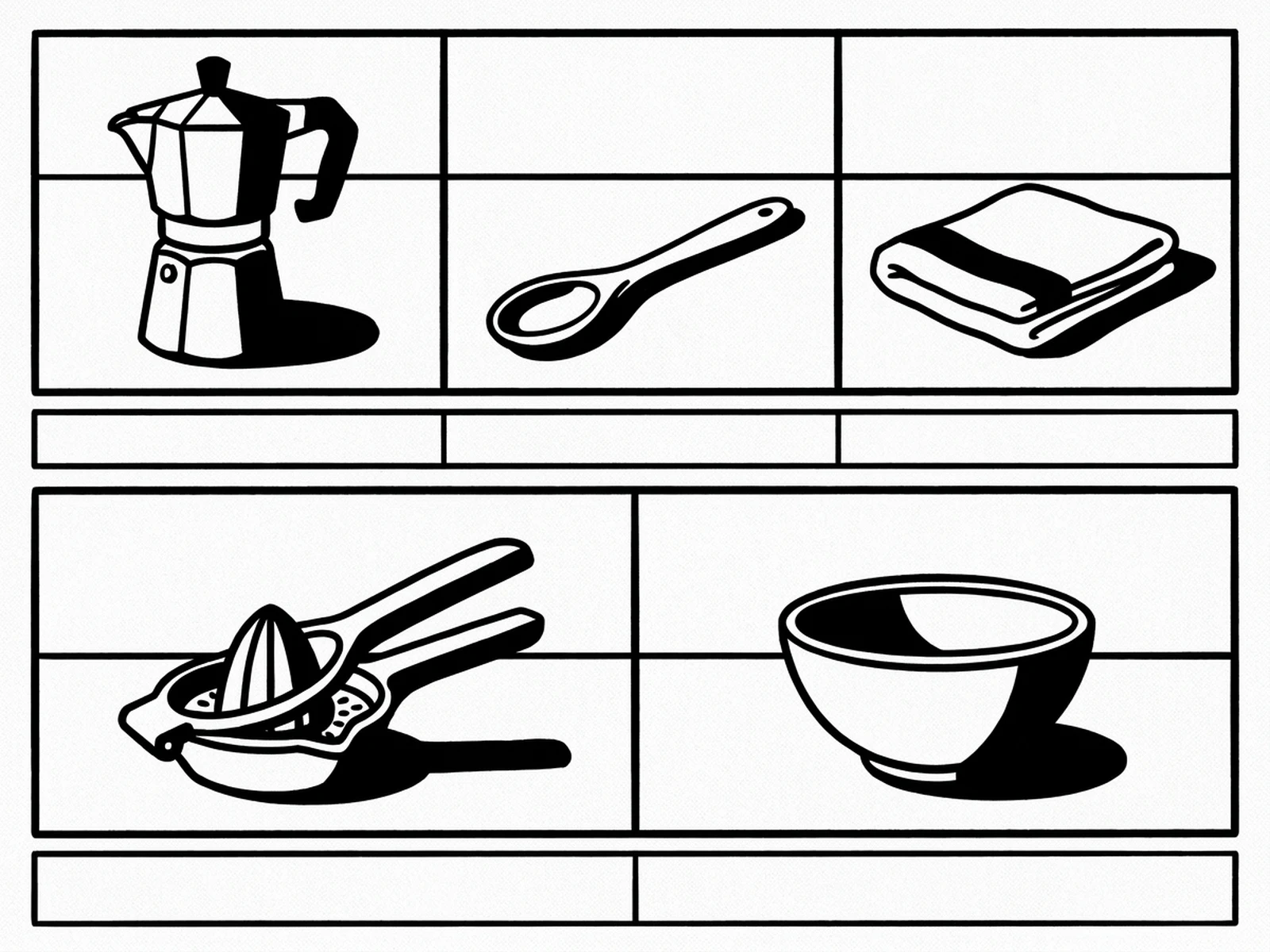
Compare clean line art, dramatic ink shapes, and textured print-inspired approaches.

How to structure a monochrome illustration prompt

Translate color and light into line, texture, solid shapes, and deliberate negative space.

Subject

Name original people, objects, plants, architecture, and the details essential for recognition.

Scene

Describe depth, surfaces, background density, and the amount of clean white space.

Light

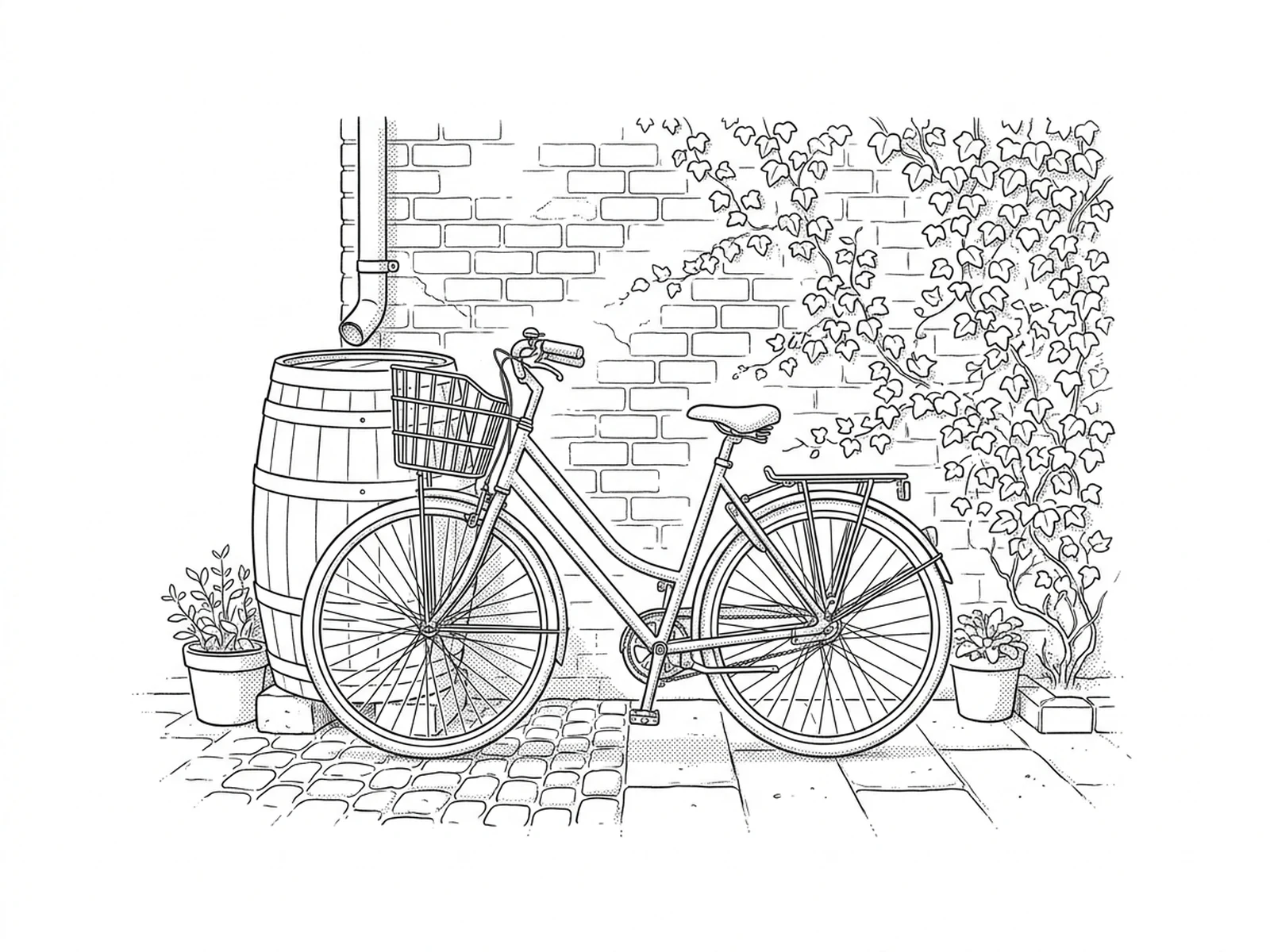
Explain how light becomes contour, hatching, stippling, gray-free shadow masses, or paper texture.

Output

Choose line art, pen and ink, screen print, woodcut-inspired graphics, or editorial spot art and set the crop.

How to use the black and white illustration generator

Start with a readable silhouette, choose one monochrome language, and refine contrast for the output size.

01

Simplify the visual idea

Identify the subject, essential props, focal point, and details that can be removed.

02

Choose a mark-making system

Specify contour weight, hatching, stippling, solid blacks, paper grain, and negative-space targets.

03

Test at final scale

Review thin lines, shadow fill, white gaps, and legibility at the intended print, web, or thumbnail size.

Black and white illustration use cases

Create flexible monochrome visuals for editorial, packaging concepts, learning materials, and print projects.

Editorial spot illustrations

Build compact scene or object art with open areas for headlines and captions added later.

Print and zine graphics

Explore high-contrast compositions suited to limited-color printing and textured paper.

Instructional visuals

Create clear object collections and process scenes where silhouette and hierarchy matter.

Why choose Omnilyra for monochrome art

Omnilyra keeps subject, line system, contrast, crop, and output resolution in one reusable brief.

Monochrome-specific control

Direct contour, hatch, stipple, solid black, white space, and grain rather than merely removing color.

Format flexibility

Develop spot art, full scenes, collections, poster graphics, and print-plate concepts.

Original visual direction

Describe medium and mark-making traits without copying a living artist or protected graphic.

Try more illustration workspaces

Continue with published tools for brushwork, stick figures, and paper-cut graphics.

AI Black and White Illustration Generator FAQ

Can I choose between line art and ink texture?

Yes. Specify contour weight, hatching, stippling, solid black shapes, paper grain, and the desired amount of white space.

Can I ask for a specific artist's exact style?

Describe broader medium and mark-making traits instead of requesting imitation of a living artist or copying protected work.

Will the output work for printing?

It can support print concepting, but a designer should verify resolution, line weight, trapping, contrast, paper, and production settings.

Does black and white mean grayscale?

Not necessarily. You can request pure two-value black and white, fine line art, or a broader monochrome range depending on the project.