OOmnilyra

AI Brushstrokes Generator

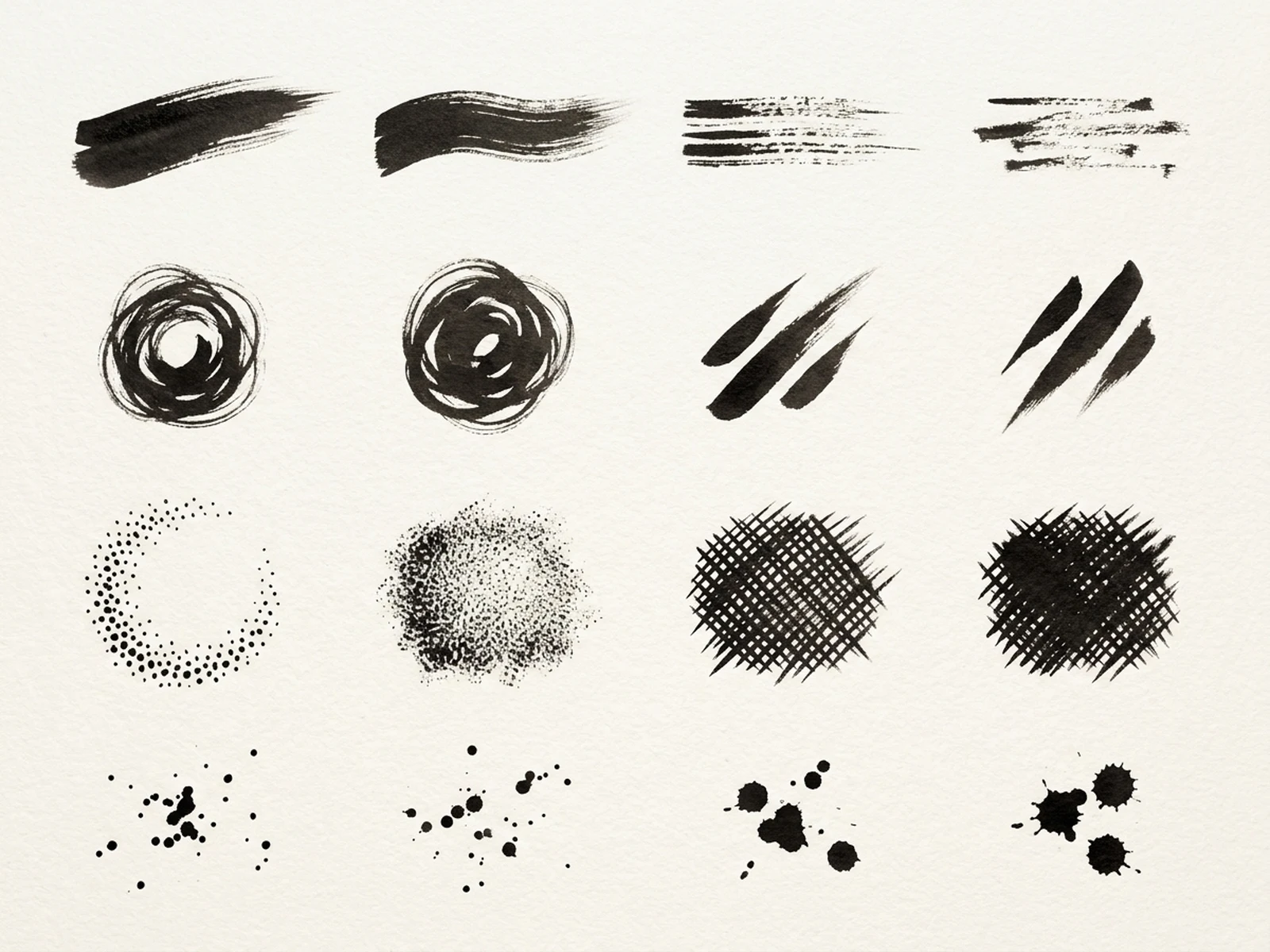
Create original brushstroke assets, paint texture sheets, ink marks, dry-brush edges, campaign overlays, and art-direction references while controlling subject, scene, light, composition, and output format.

Original mark-makingMedium-specific textureAsset-sheet formats

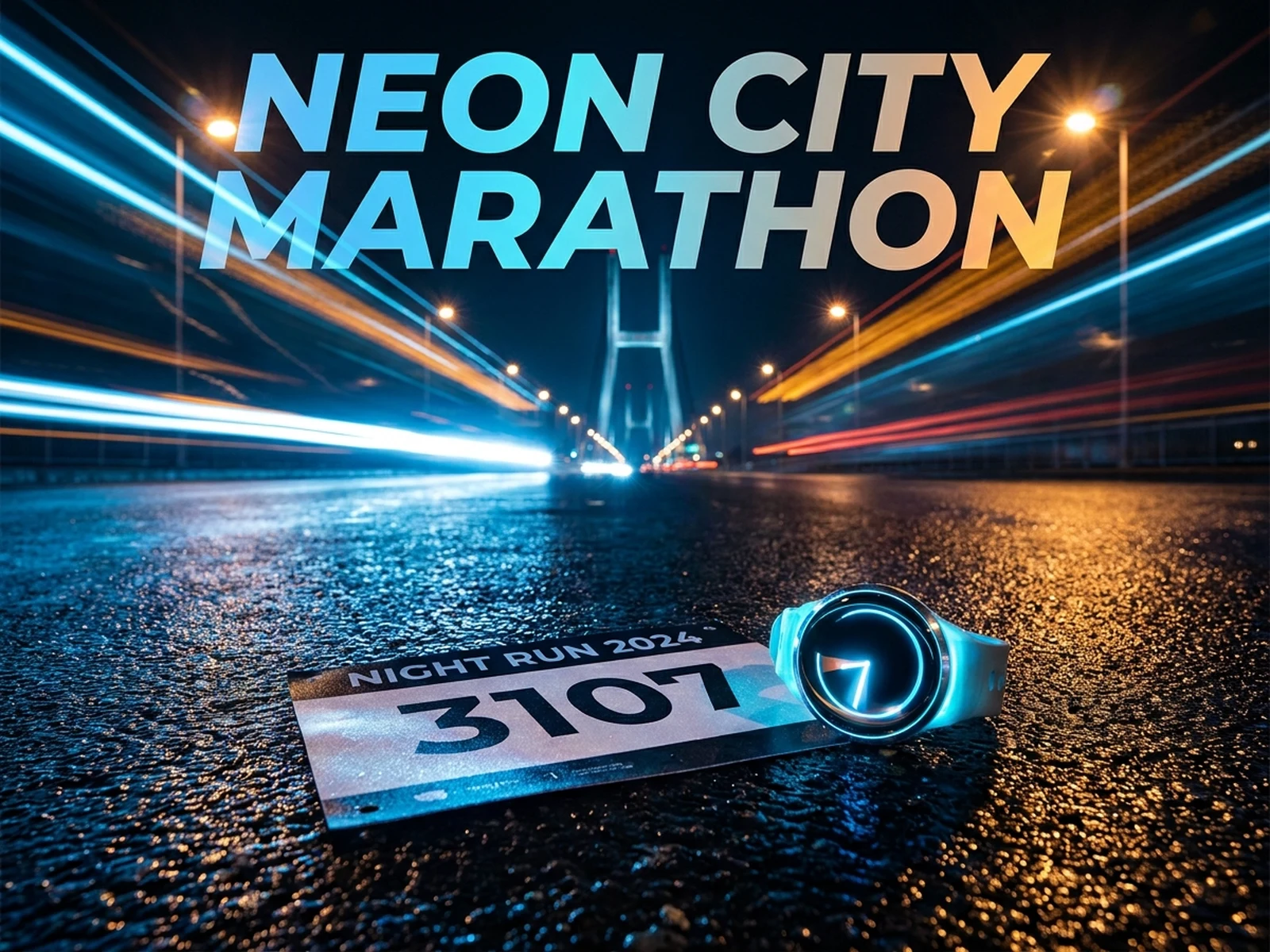
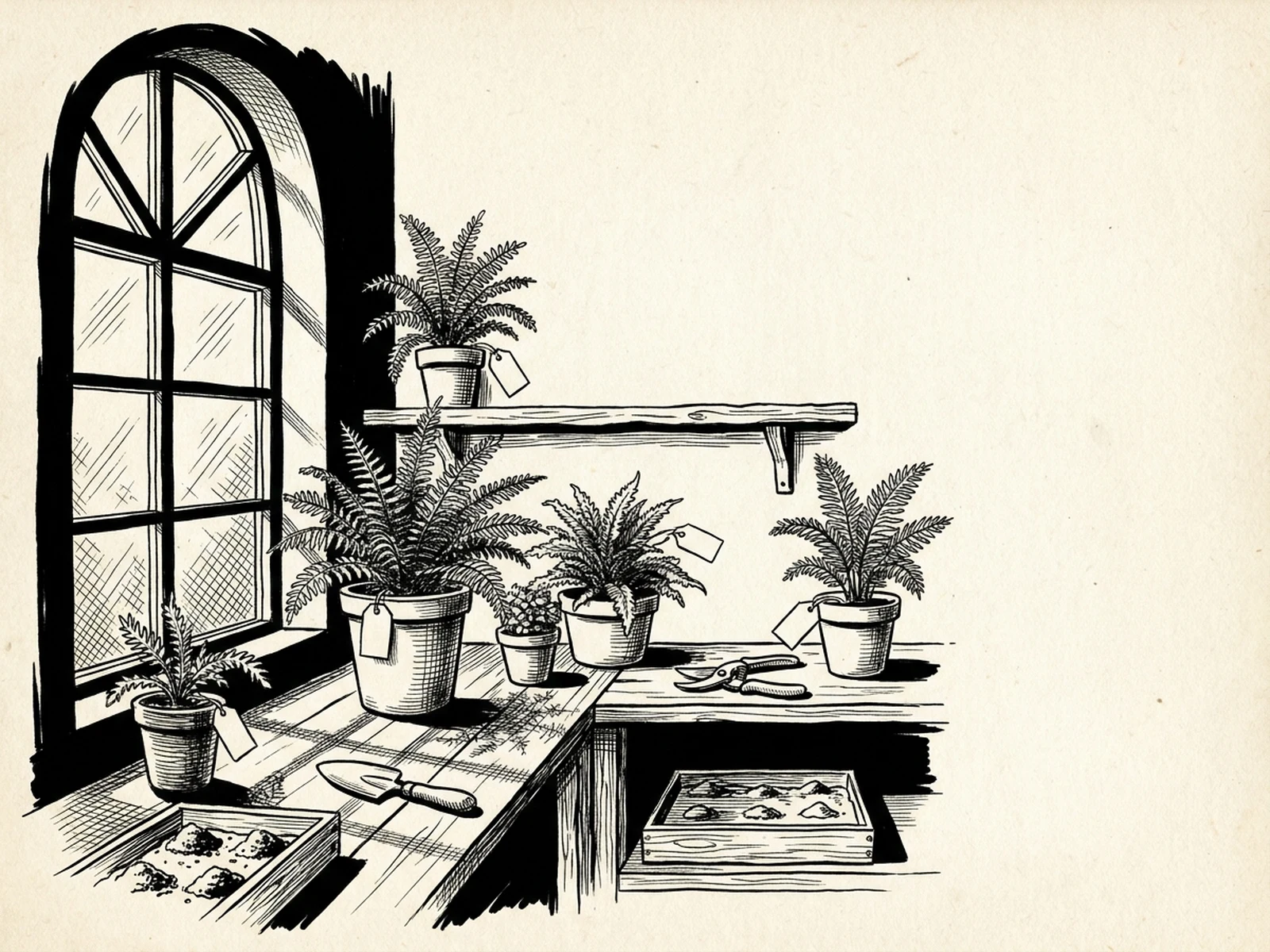
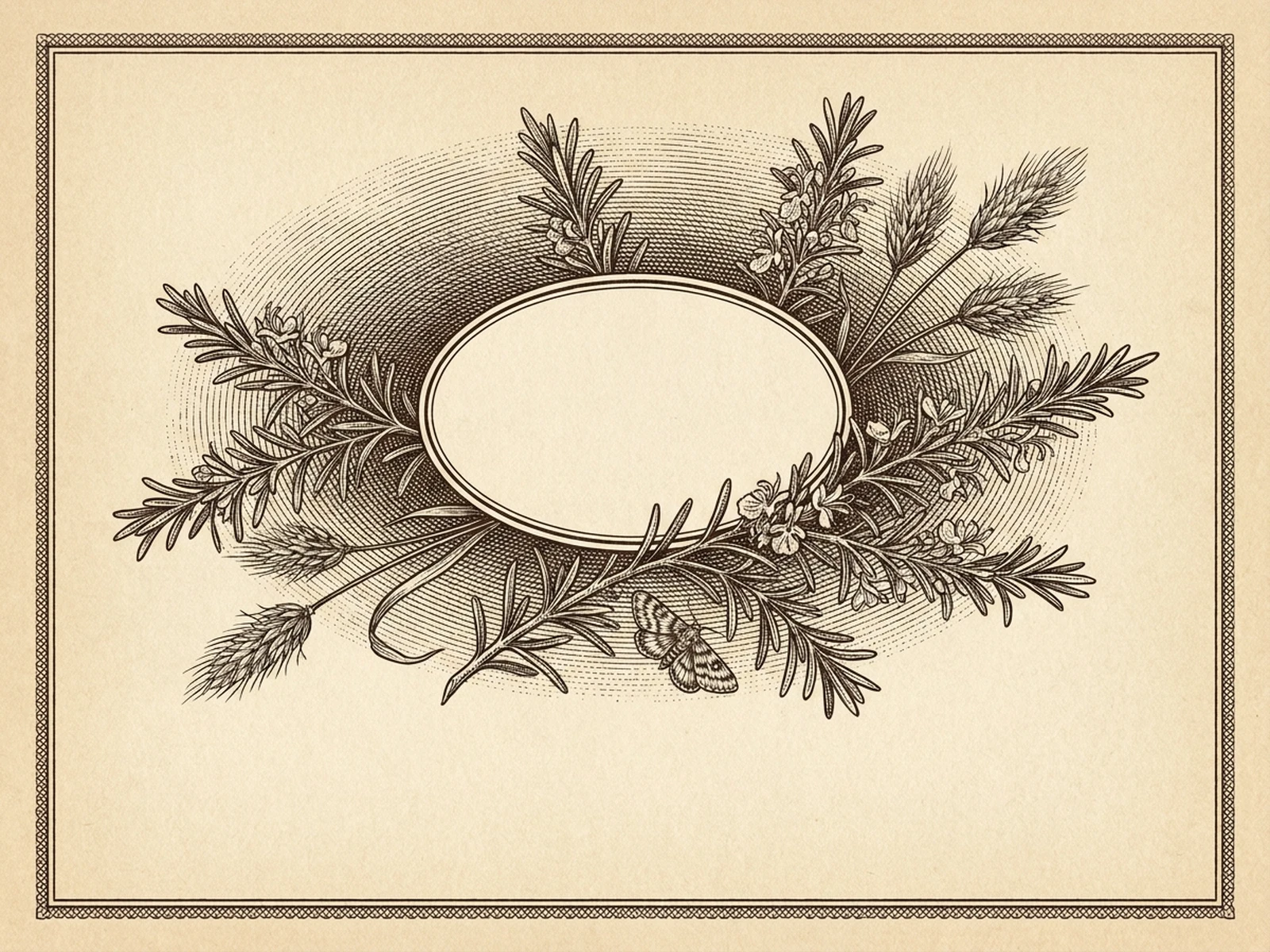
AI Brushstrokes Generator prompt examples

Start with these prompts, then adjust subject, scene, light, composition, and references in the workspace.

AI Brushstrokes Generator prompt structure

A structured prompt makes the result easier to compare, reuse, and refine.

Subject

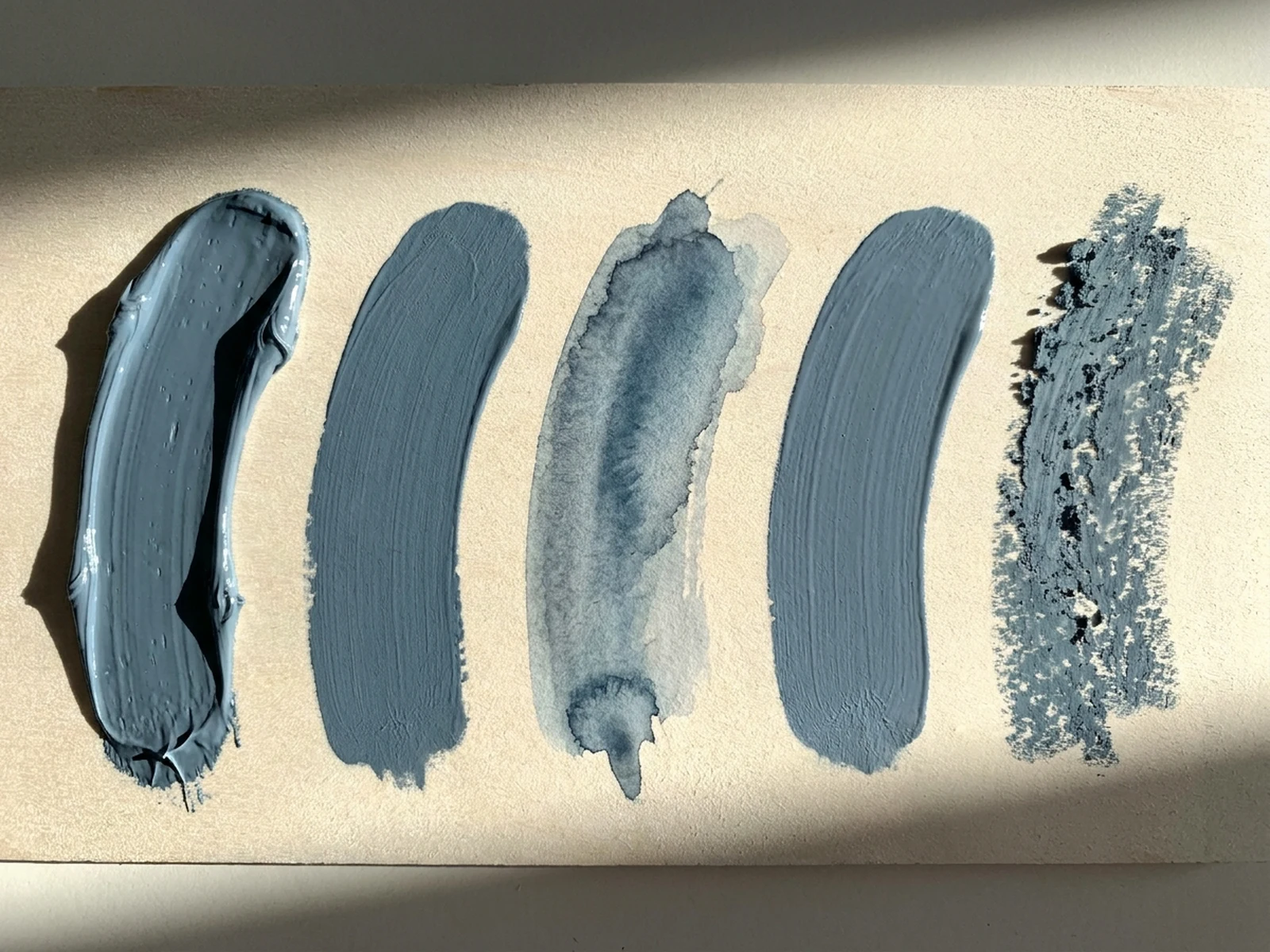
Brush type, medium, stroke direction, pressure, edge, opacity, pigment load, texture, palette, and asset separation.

Scene

Clean asset sheet, textured paper, paint-test table, ink study, poster mockup, or isolated composition board.

Light

Even overhead light, raking texture light, pigment sheen, paper grain readability, and clean separation.

Output

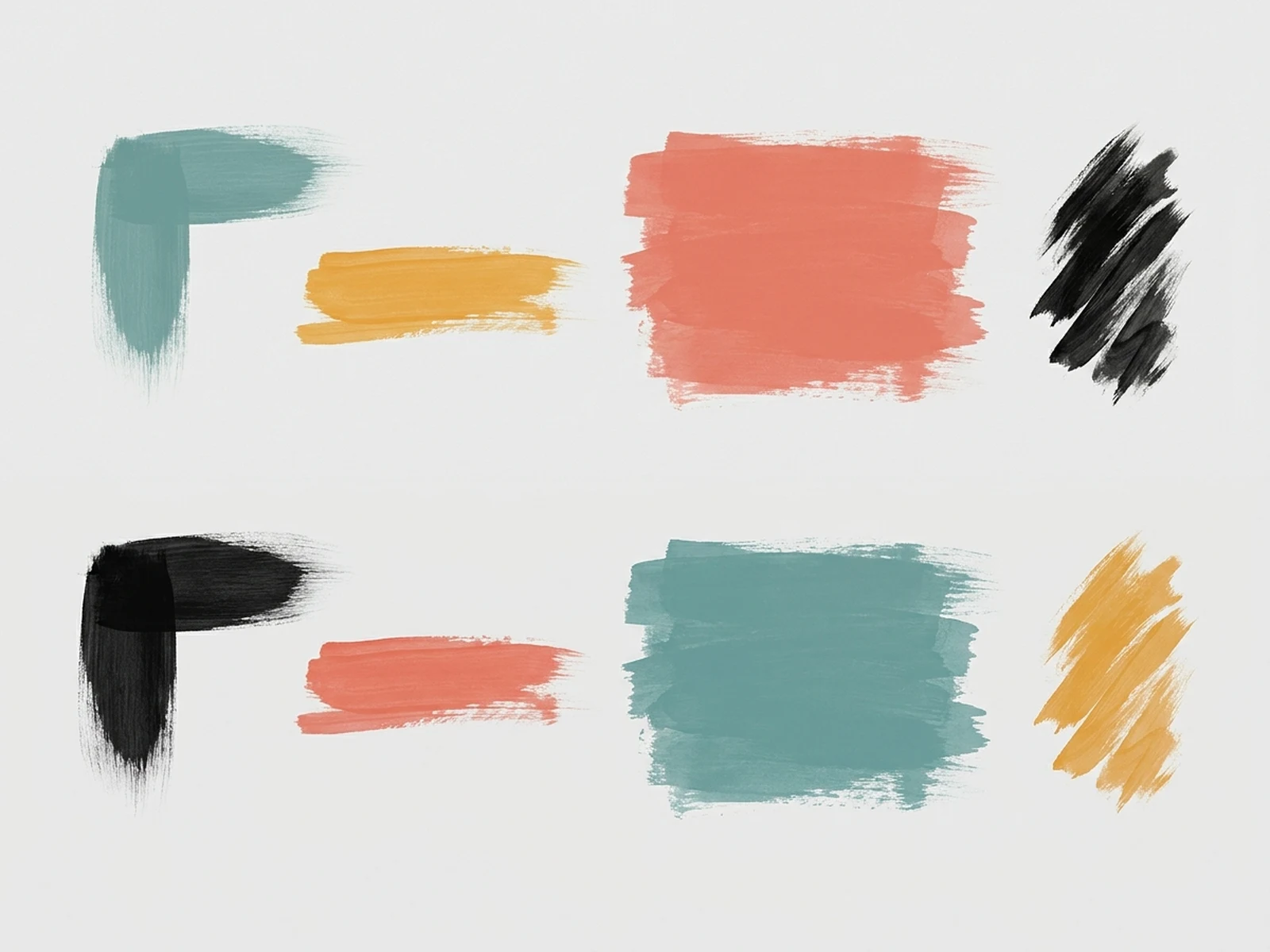
Stroke pack, ink sheet, dry-brush texture, paint swatch board, poster overlay, or visual identity reference.

How to use the AI Brushstrokes Generator

Define one concrete goal, lock the visual variables, and then create channel-ready variants.

01

Define the exact result

Choose one target from Stroke pack, ink sheet, dry-brush texture, paint swatch board, poster overlay, or visual identity reference.

02

Lock the visual variables

Specify Brush type, medium, stroke direction, pressure, edge, opacity, pigment load, texture, palette, and asset separation. Then set Clean asset sheet, textured paper, paint-test table, ink study, poster mockup, or isolated composition board.

03

Generate useful variants

Change angle, palette, composition, or channel format while keeping the core subject and reference cues consistent.

AI Brushstrokes Generator use cases

These workflows focus on original brushstroke assets, paint texture sheets, ink marks, dry-brush edges, campaign overlays, and art-direction references.

Graphic overlay assets

Create isolated marks for posters, social graphics, packaging, and editorial compositions.

Art-direction studies

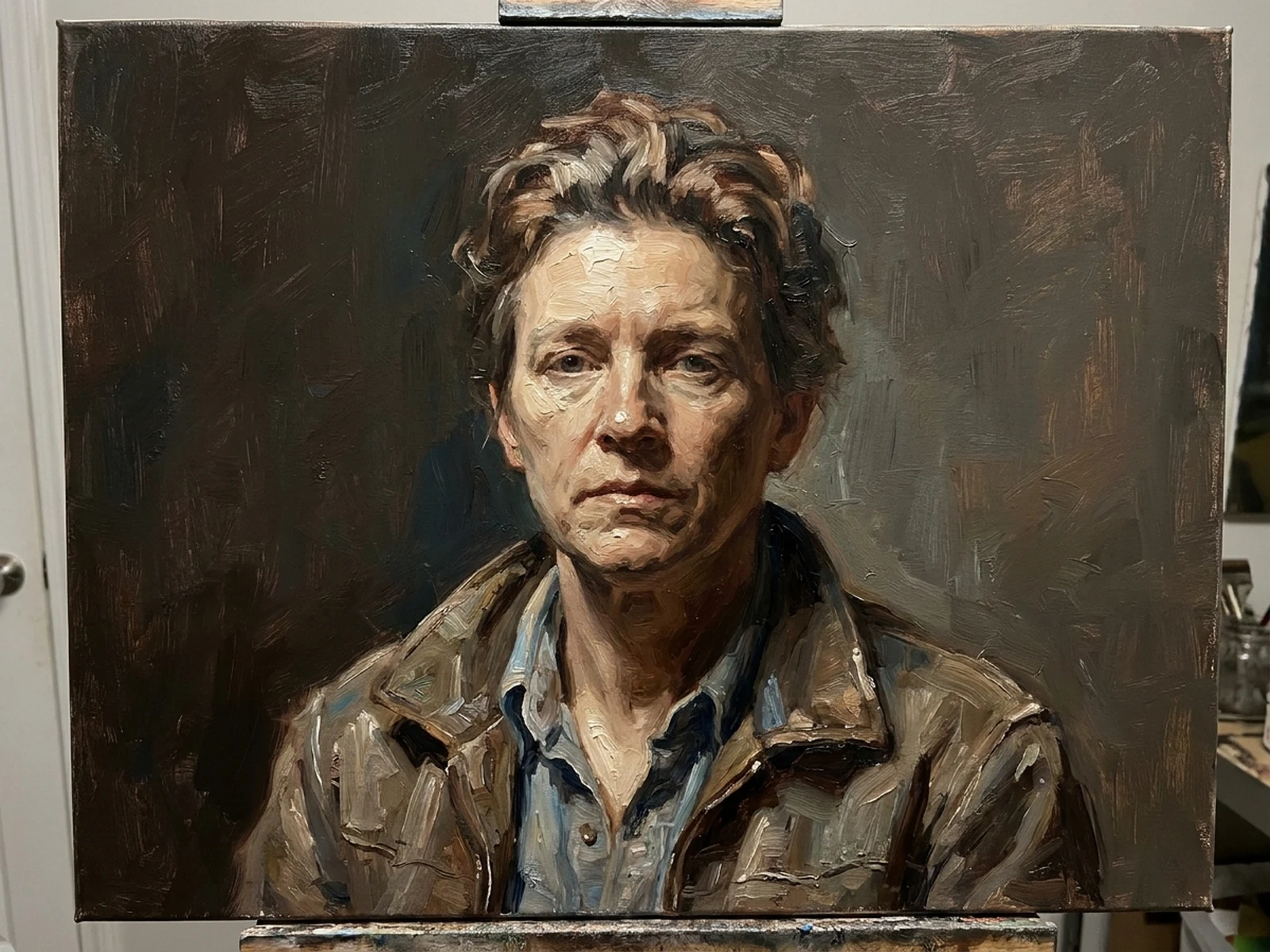
Compare ink, acrylic, gouache, oil, and dry-media behavior without imitating a named artist.

Texture libraries

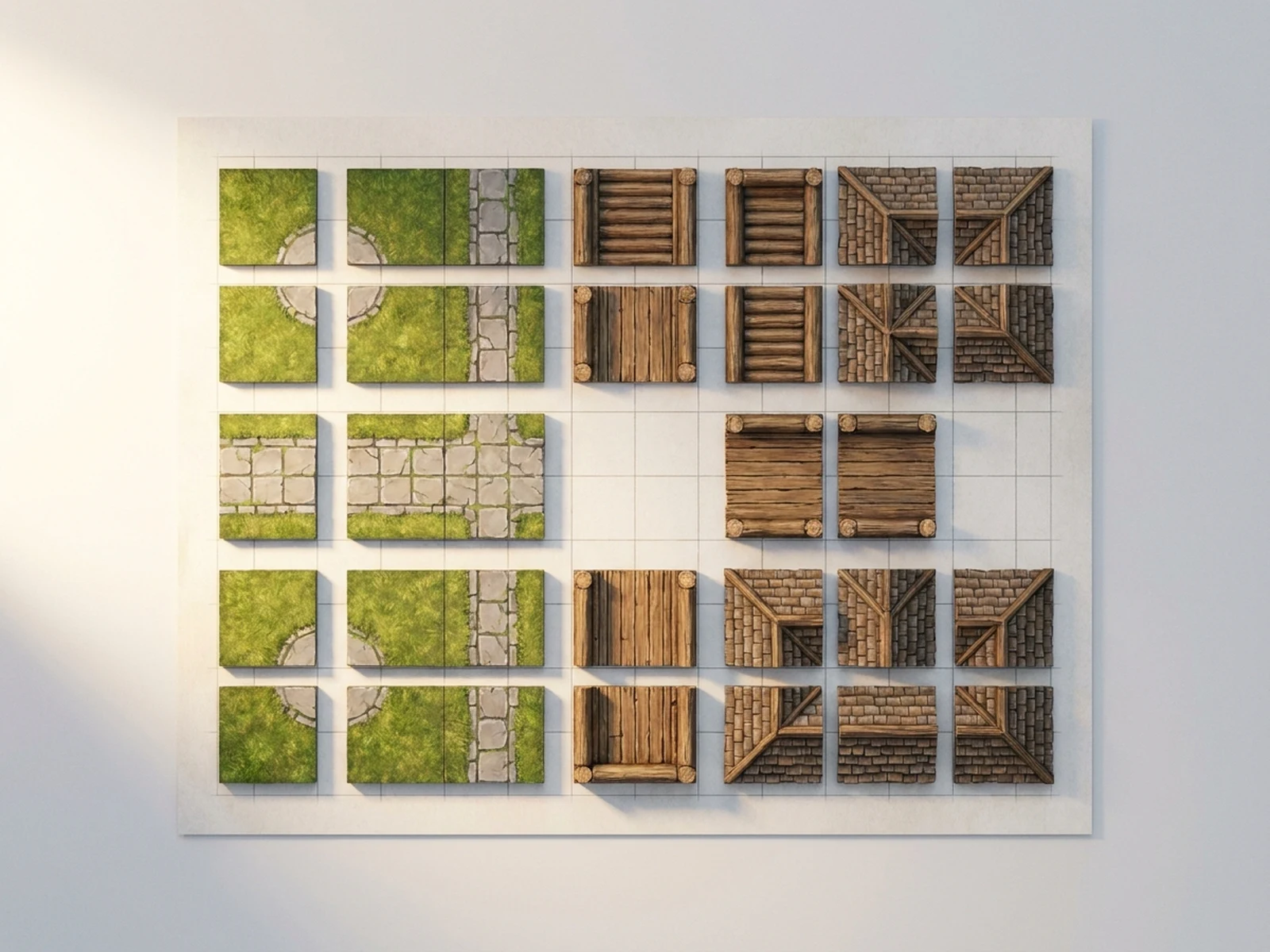
Build coherent sets with controlled edge, density, direction, and palette for reuse across a campaign.

Why choose Omnilyra for AI Brushstrokes Generator

The workspace keeps prompts, references, examples, and output controls in one workflow.

Built around the search intent

The examples and workflow directly support original brushstroke assets, paint texture sheets, ink marks, dry-brush edges, campaign overlays, and art-direction references.

Reference-guided control

Upload permitted references to preserve key visual cues while changing scene and format.

Reusable output system

Create Stroke pack, ink sheet, dry-brush texture, paint swatch board, poster overlay, or visual identity reference. from the same reusable workspace.

Try more image workspaces

Continue with related image generation, editing, and campaign workflows.

AI Brushstrokes Generator FAQ

What can the AI Brushstrokes Generator create?

It can create original brushstroke assets, paint texture sheets, ink marks, dry-brush edges, campaign overlays, and art-direction references.

What should the prompt include?

Include Brush type, medium, stroke direction, pressure, edge, opacity, pigment load, texture, palette, and asset separation. Then add Clean asset sheet, textured paper, paint-test table, ink study, poster mockup, or isolated composition board.

Can I upload a reference image?

Yes. Upload only images you have permission to use to guide subject, palette, material, pose, or layout consistency.

What should I review before using the result?

Keep marks original, avoid prompts that copy a living artist's signature style, and verify transparency, resolution, edges, color mode, and licensing before production use.