OOmnilyra

Photo to Oil Painting Converter

Create reference-guided oil-painting interpretations, portrait studies, landscape canvases, pet paintings, and gift concepts while controlling subject, scene, light, composition, and output format.

Reference-guided paintingBrush and canvas controlPortrait and landscape styles

Photo to Oil Painting Converter prompt examples

Start with these prompts, then adjust subject, scene, light, composition, and references in the workspace.

Photo to Oil Painting Converter prompt structure

A structured prompt makes the result easier to compare, reuse, and refine.

Subject

Uploaded image subject, likeness permission, focal detail, palette, brush scale, canvas texture, edge treatment, and background simplification.

Scene

Portrait canvas, landscape painting, pet study, still life, gallery mockup, or before-and-after presentation.

Light

Painted light direction, impasto highlights, shadow color, canvas sheen, brush texture, and preserved facial readability.

Output

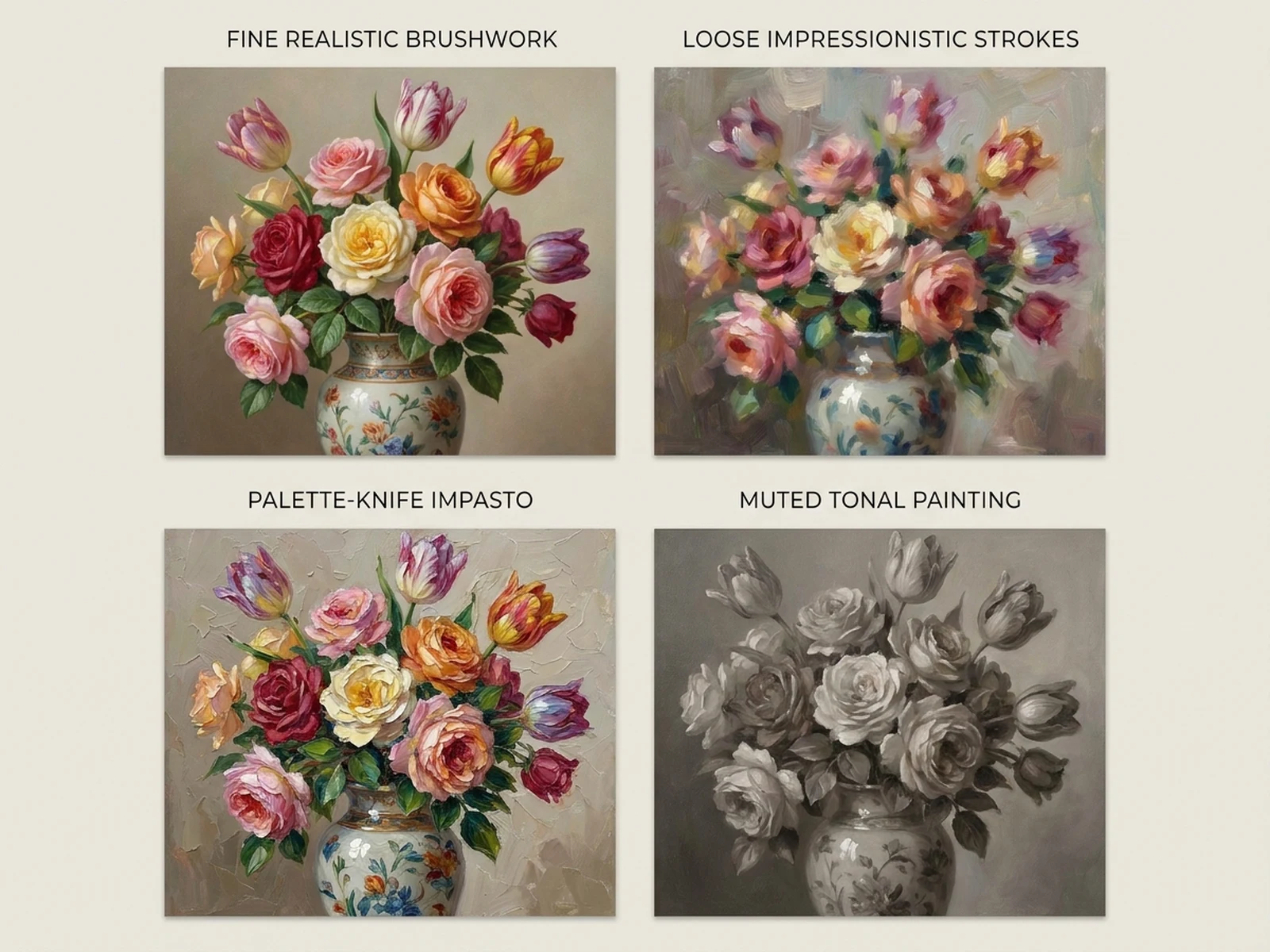
Oil portrait, landscape canvas, pet painting, gift print concept, gallery mockup, or style-comparison board.

How to use the Photo to Oil Painting Converter

Define one concrete goal, lock the visual variables, and then create channel-ready variants.

01

Define the exact result

Choose one target from Oil portrait, landscape canvas, pet painting, gift print concept, gallery mockup, or style-comparison board.

02

Lock the visual variables

Specify Uploaded image subject, likeness permission, focal detail, palette, brush scale, canvas texture, edge treatment, and background simplification. Then set Portrait canvas, landscape painting, pet study, still life, gallery mockup, or before-and-after presentation.

03

Generate useful variants

Change angle, palette, composition, or channel format while keeping the core subject and reference cues consistent.

Photo to Oil Painting Converter use cases

These workflows focus on reference-guided oil-painting interpretations, portrait studies, landscape canvases, pet paintings, and gift concepts.

Personal portrait paintings

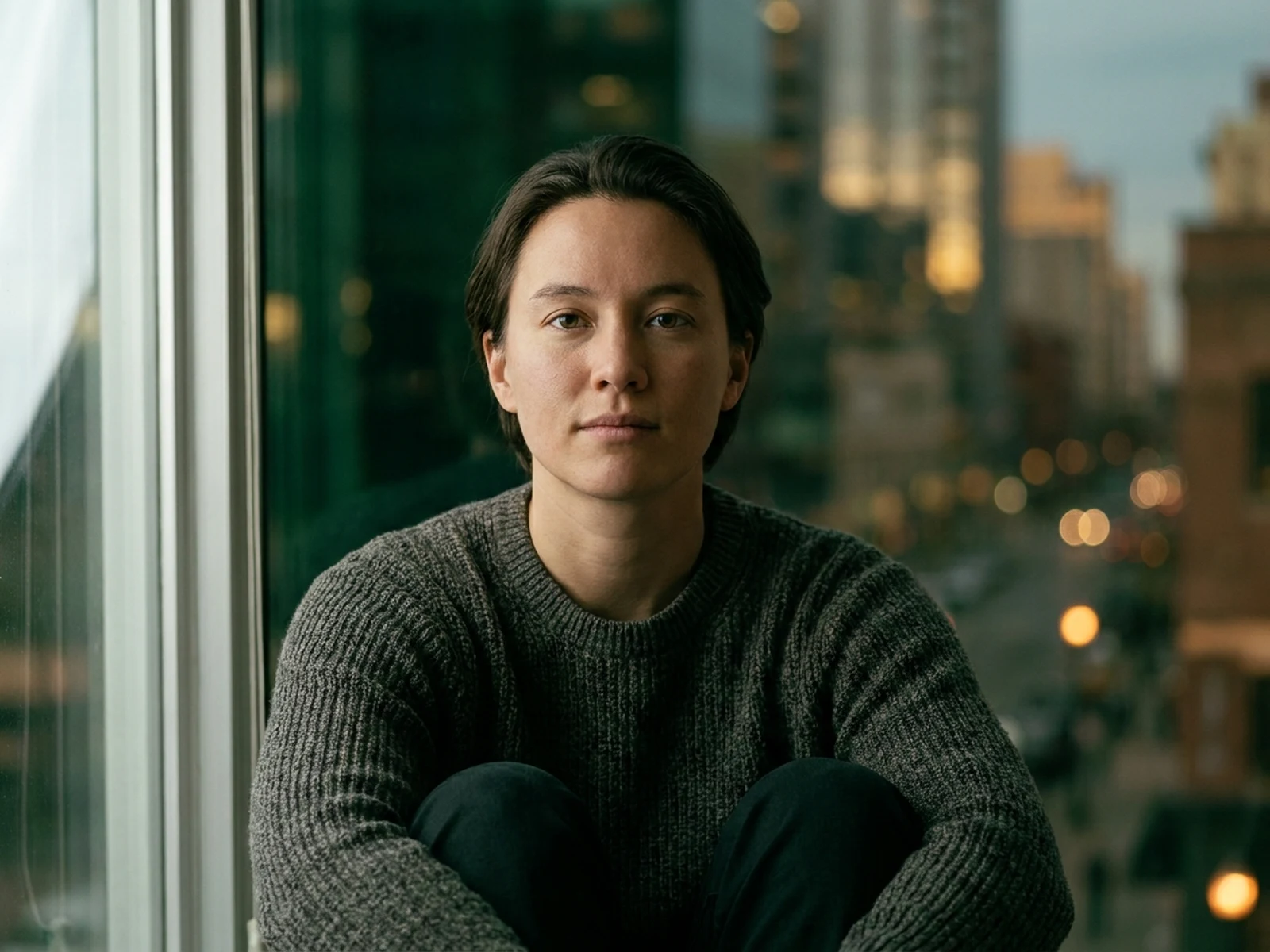
Translate a permitted portrait into painterly color, brushwork, and canvas directions while preserving key cues.

Landscape and travel art

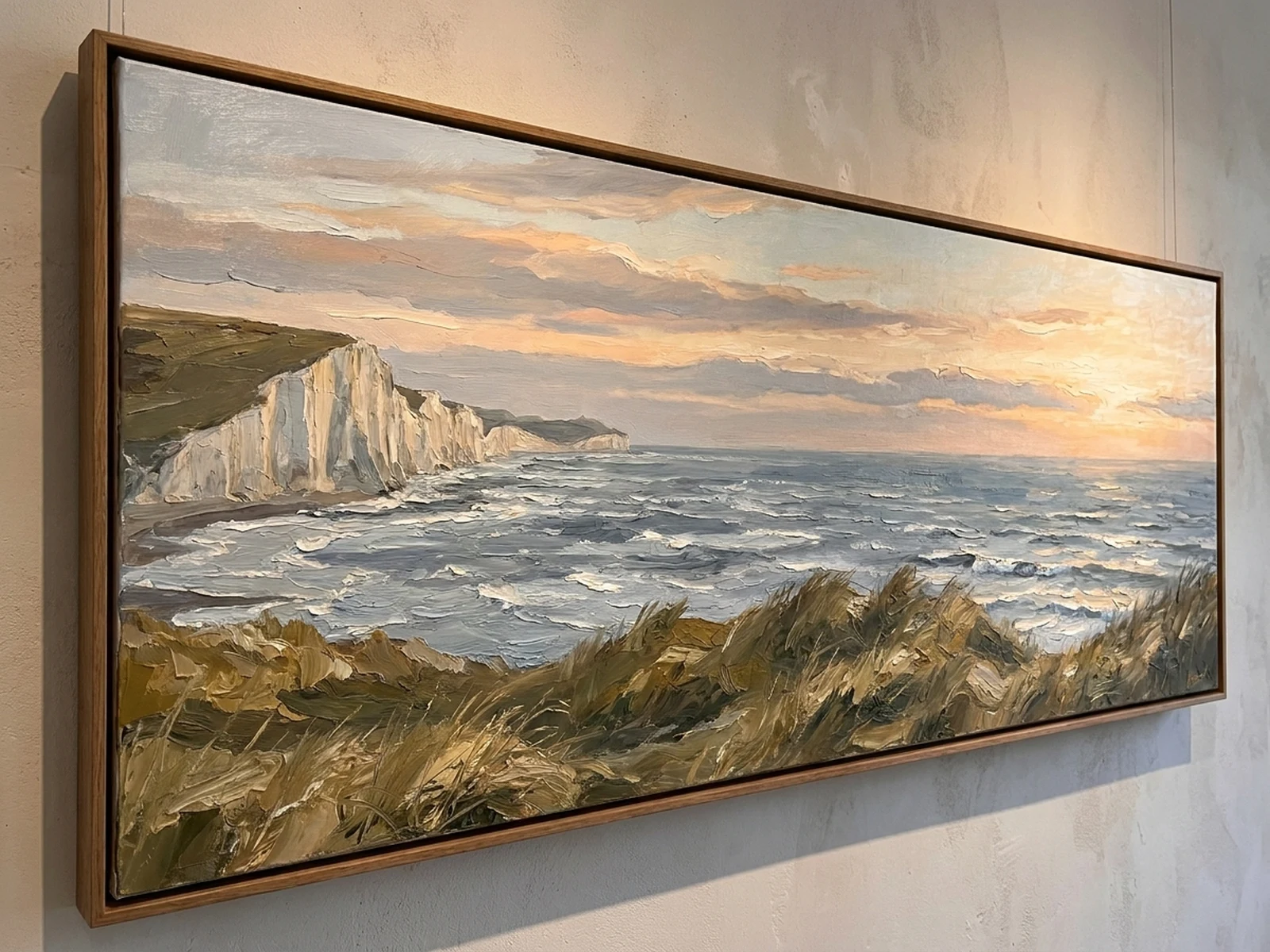
Turn scenic photos into atmospheric canvas concepts with controlled palette and brush scale.

Pet and gift concepts

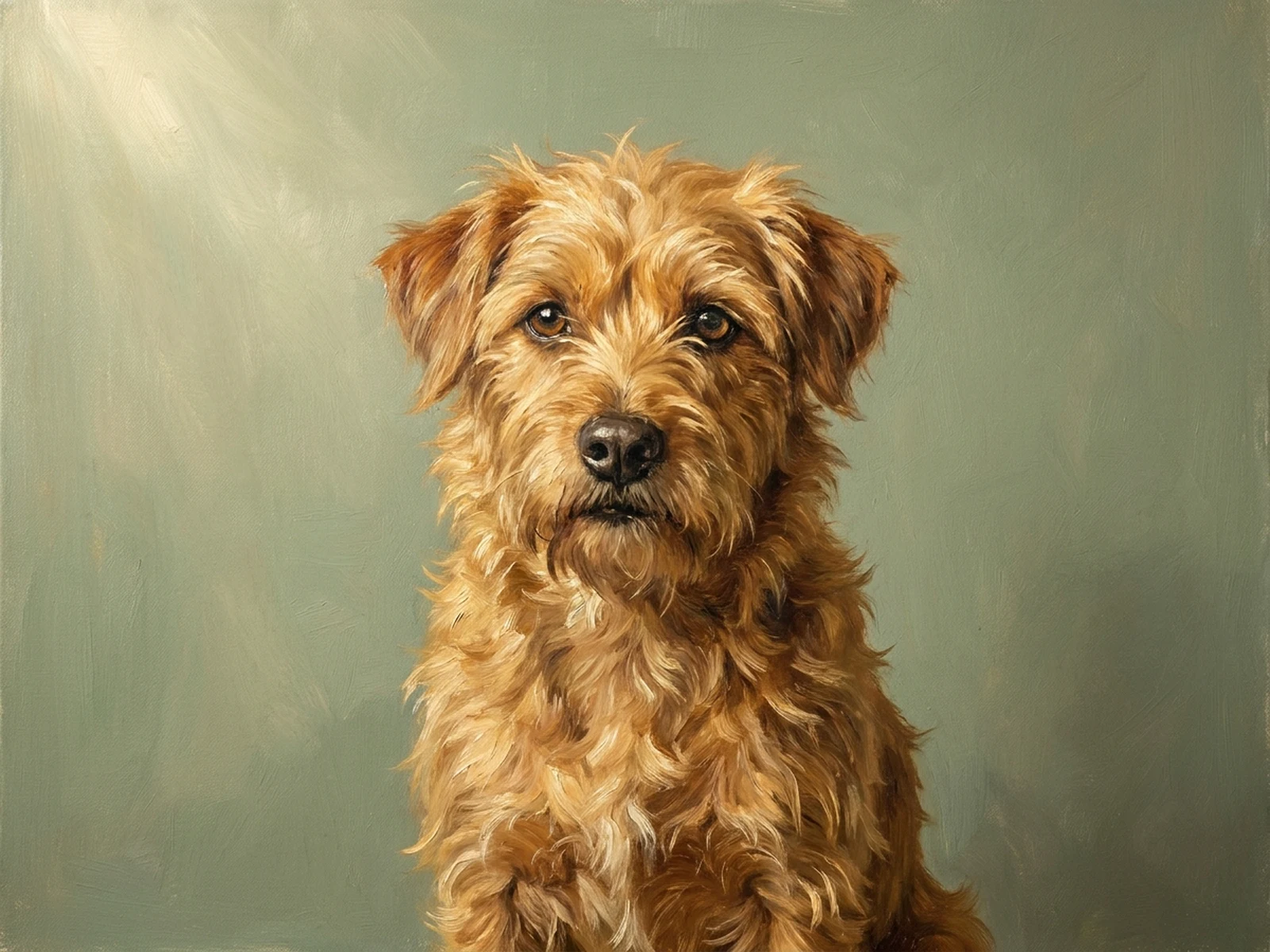
Create warm pet paintings and framed-print mockups for personal gift planning.

Why choose Omnilyra for Photo to Oil Painting Converter

The workspace keeps prompts, references, examples, and output controls in one workflow.

Built around the search intent

The examples and workflow directly support reference-guided oil-painting interpretations, portrait studies, landscape canvases, pet paintings, and gift concepts.

Reference-guided control

Upload permitted references to preserve key visual cues while changing scene and format.

Reusable output system

Create Oil portrait, landscape canvas, pet painting, gift print concept, gallery mockup, or style-comparison board. from the same reusable workspace.

Try more image workspaces

Continue with related image generation, editing, and campaign workflows.

Photo to Oil Painting Converter FAQ

What can the Photo to Oil Painting Converter create?

It can create reference-guided oil-painting interpretations, portrait studies, landscape canvases, pet paintings, and gift concepts.

What should the prompt include?

Include Uploaded image subject, likeness permission, focal detail, palette, brush scale, canvas texture, edge treatment, and background simplification. Then add Portrait canvas, landscape painting, pet study, still life, gallery mockup, or before-and-after presentation.

Can I upload a reference image?

Yes. Upload only images you have permission to use to guide subject, palette, material, pose, or layout consistency.

What should I review before using the result?

Upload only images you have permission to transform, avoid requests to copy a living artist’s signature style, and review likeness and print color before sharing.