OOmnilyra

AI Engraving Generator for Etched Illustration Concepts

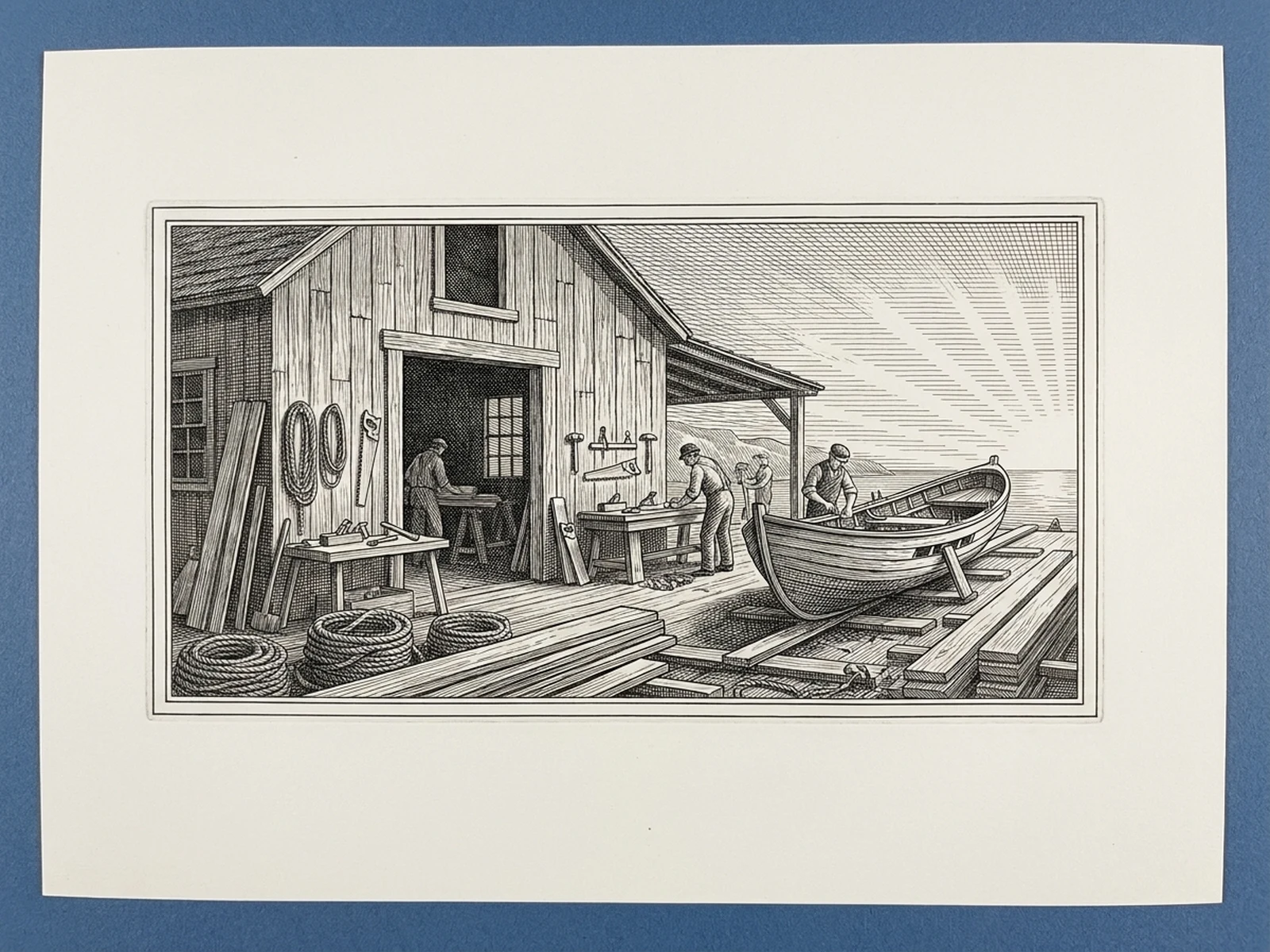
Develop original crosshatched scenes, botanical plates, decorative marks, and material mockups inspired by engraving techniques without copying existing artwork or official seals.

Controlled hatch directionOriginal etched compositionsPrint and material mockups

AI engraving prompt examples

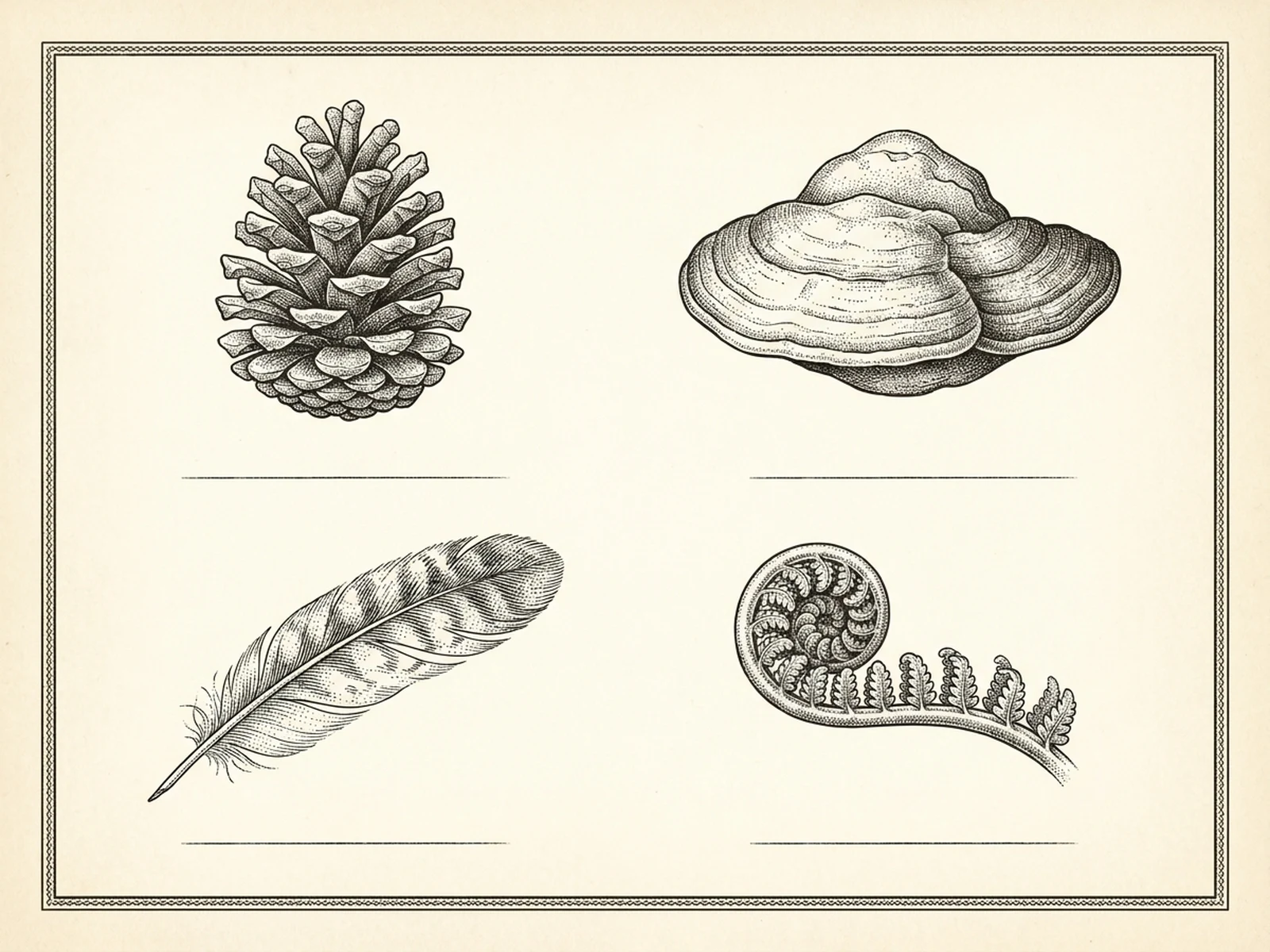
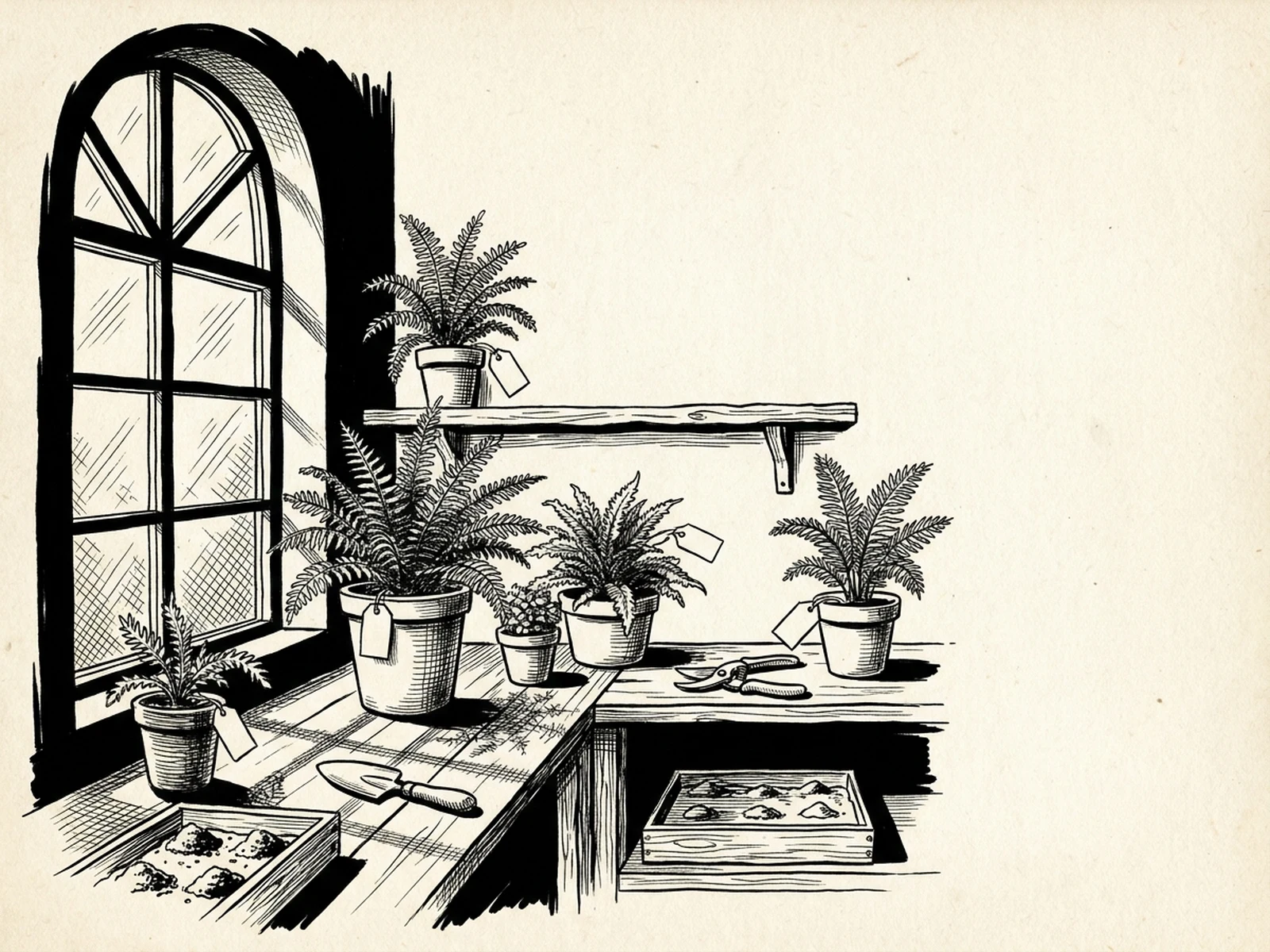
Explore botanical, architectural, and object-led engraving directions with distinct line systems.

How to structure an engraving prompt

Connect light and volume to a deliberate system of contours, hatching, stipple, and line density.

Subject

Describe original objects, plants, architecture, border motifs, and the contour details that must remain readable.

Scene

Choose paper, a print plate, metal sample, label layout, field-guide board, or fictional narrative setting.

Light

Set a light direction and translate highlights and shadows into hatch angle, spacing, crosshatching, or stipple.

Output

Specify etched illustration, material mockup, decorative emblem, or print plate plus blank text areas and originality limits.

How to use the AI engraving generator

Start with an original silhouette, build a line system, and prepare the concept for specialist production review.

01

Define the engraving subject

Choose a fresh botanical, object, architecture, or fictional scene and remove unnecessary details.

02

Direct the mark structure

Specify contours, hatch direction, density, crosshatching, stipple, border, and blank label zones.

03

Review the target material

Check line spacing and contrast at final size, then ask a printmaker or engraver to prepare safe production artwork.

Engraving-style artwork use cases

Build detailed monochrome concepts for publishing, packaging, decor, and material exploration.

Editorial and book plates

Create original narrative vignettes and field-guide layouts with controlled caption space.

Packaging artwork concepts

Develop non-branded botanical frames and object emblems before adding verified typography.

Material engraving mockups

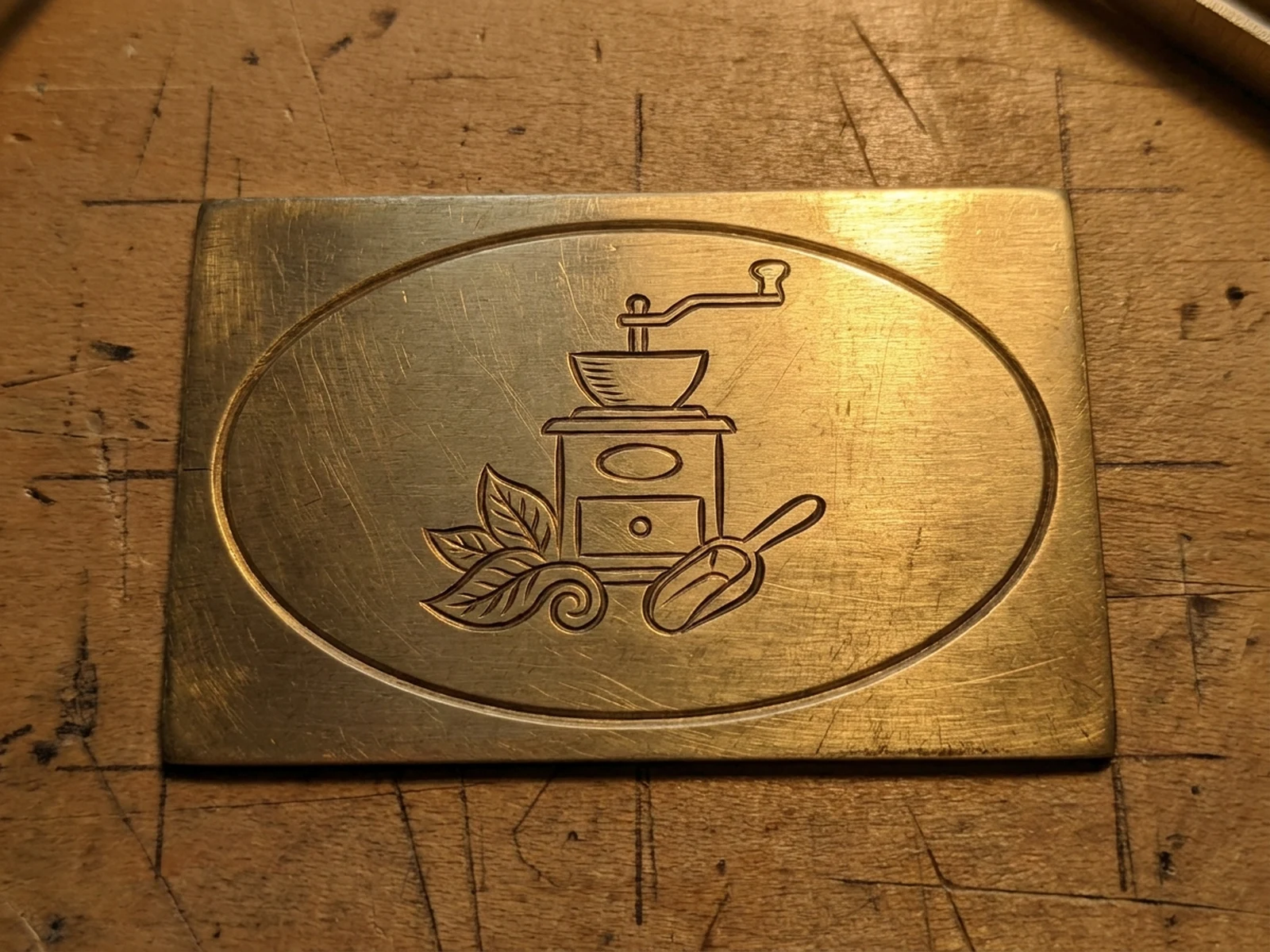
Preview how original line art may sit on brass, wood, glass, or paper without treating it as machine-ready output.

Why choose Omnilyra for engraving concepts

Omnilyra makes line technique, substrate, composition, and output format explicit in one prompt.

Technique-aware control

Direct contours, hatch direction, line density, stipple, crosshatching, and borders.

Concept-to-material previews

Compare print plates, labels, paper art, and etched-material mockups in flexible ratios.

Originality safeguards

Prompts exclude copied art, currency, certificates, institutional seals, signatures, and trademarks.

Try more graphic design workspaces

Continue with published tools for monochrome illustration, brush texture, and badge concepts.

AI Engraving Generator FAQ

What engraving styles can I explore?

You can direct contour engraving, parallel hatching, crosshatching, stipple, etched-label art, and material mockups.

Can I recreate currency, certificates, or official seals?

No. Create original decorative and editorial artwork without banknote layouts, credentials, institutional seals, or authority marks.

Can I upload historical artwork?

Only when you have the rights or it is legitimately reusable. Request a new composition and verify provenance before commercial use.

Is the generated image ready for a laser or engraving machine?

No. A specialist must rebuild vectors or toolpaths and verify line width, depth, material, scale, safety, and machine settings.