OOmnilyra

Rain Drops Generator for Atmospheric Visuals

Build macro droplets, rain-streaked windows, wet streets, and fresh botanical scenes with precise surface tension, reflections, depth of field, and weather mood. Keep hazardous-weather imagery clearly fictional and never use it as safety or forecasting evidence.

Controlled droplet detailSurface-aware reflectionsFictional weather visualization

Rain drops prompt examples

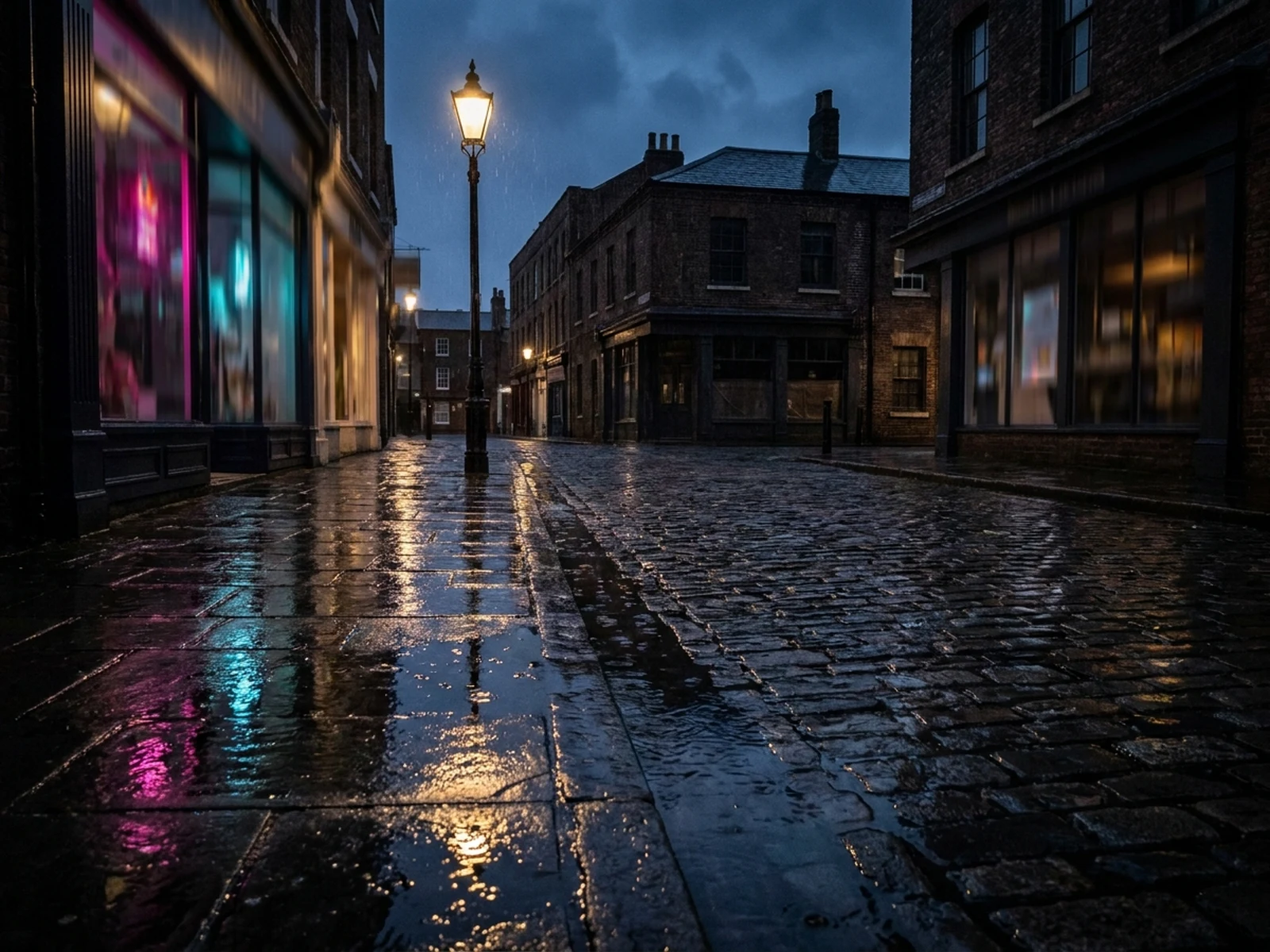
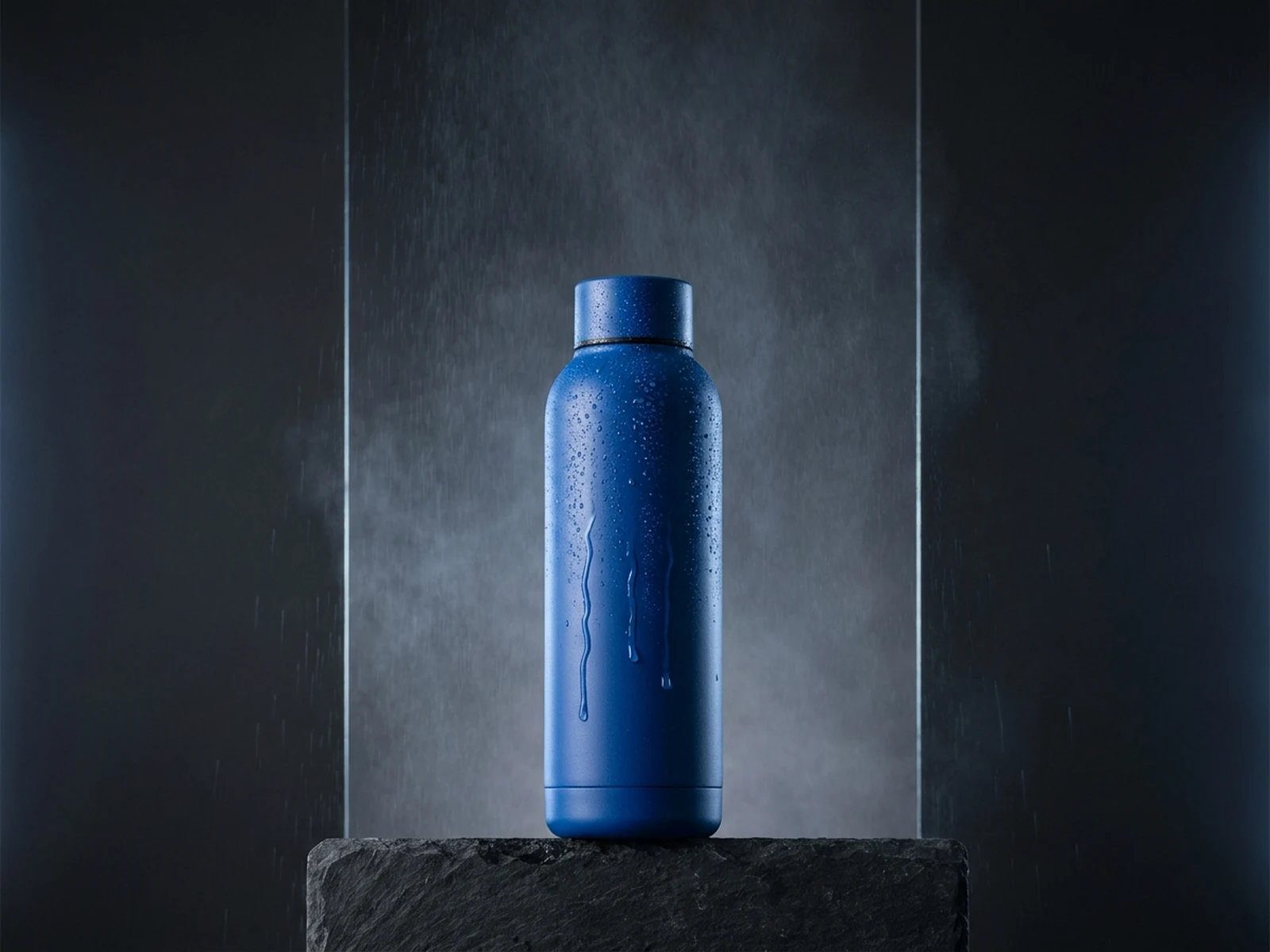
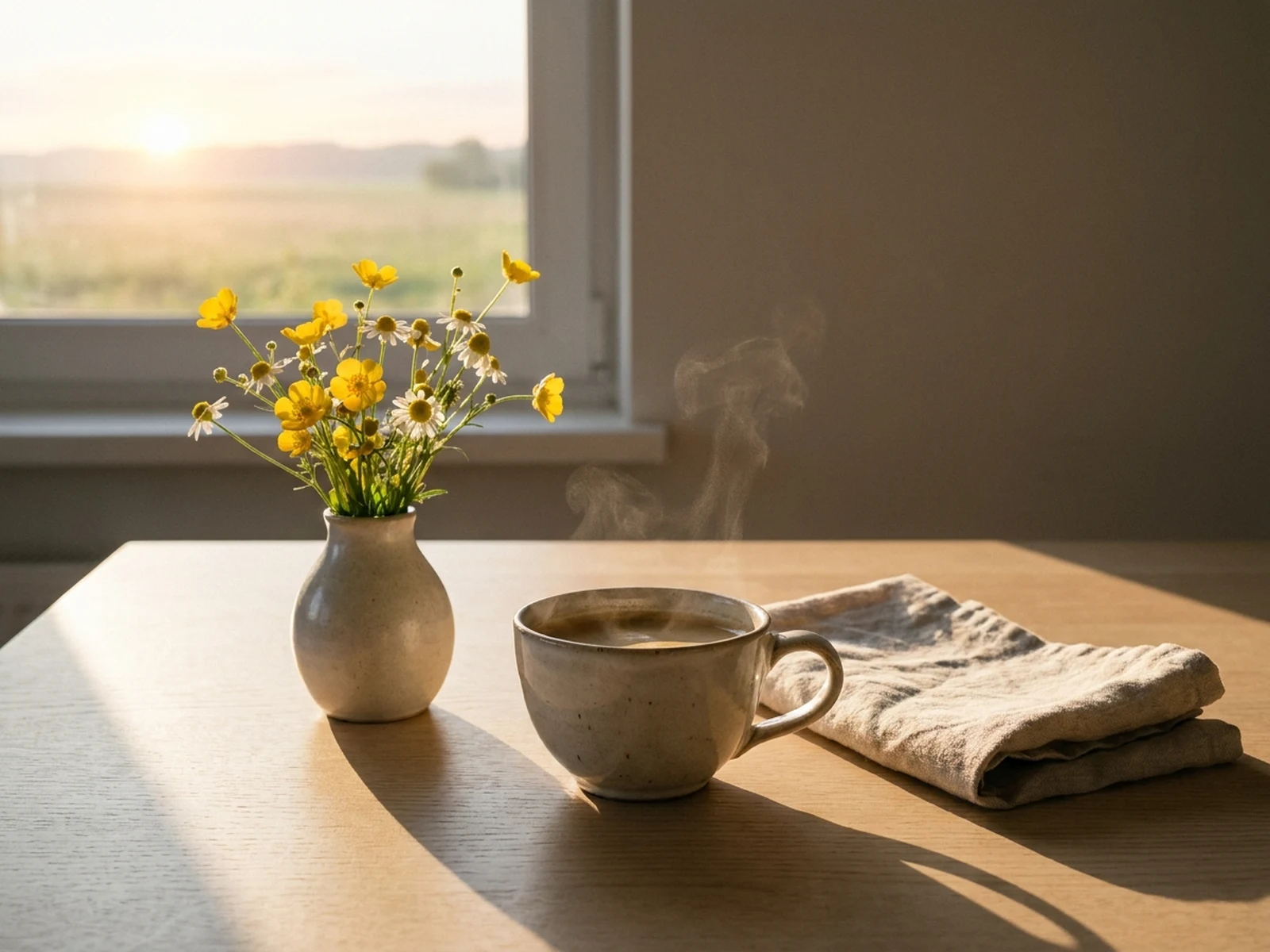
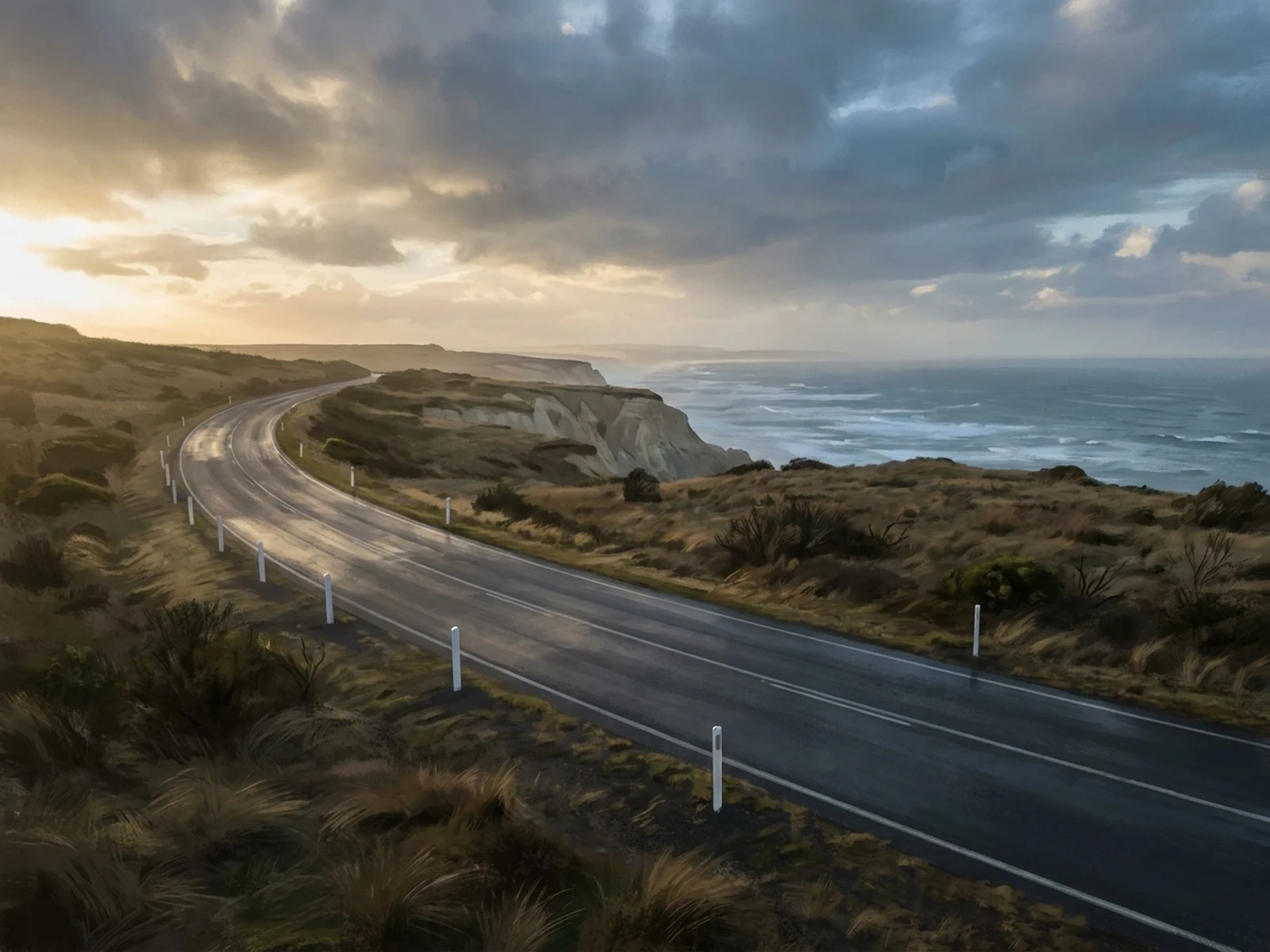
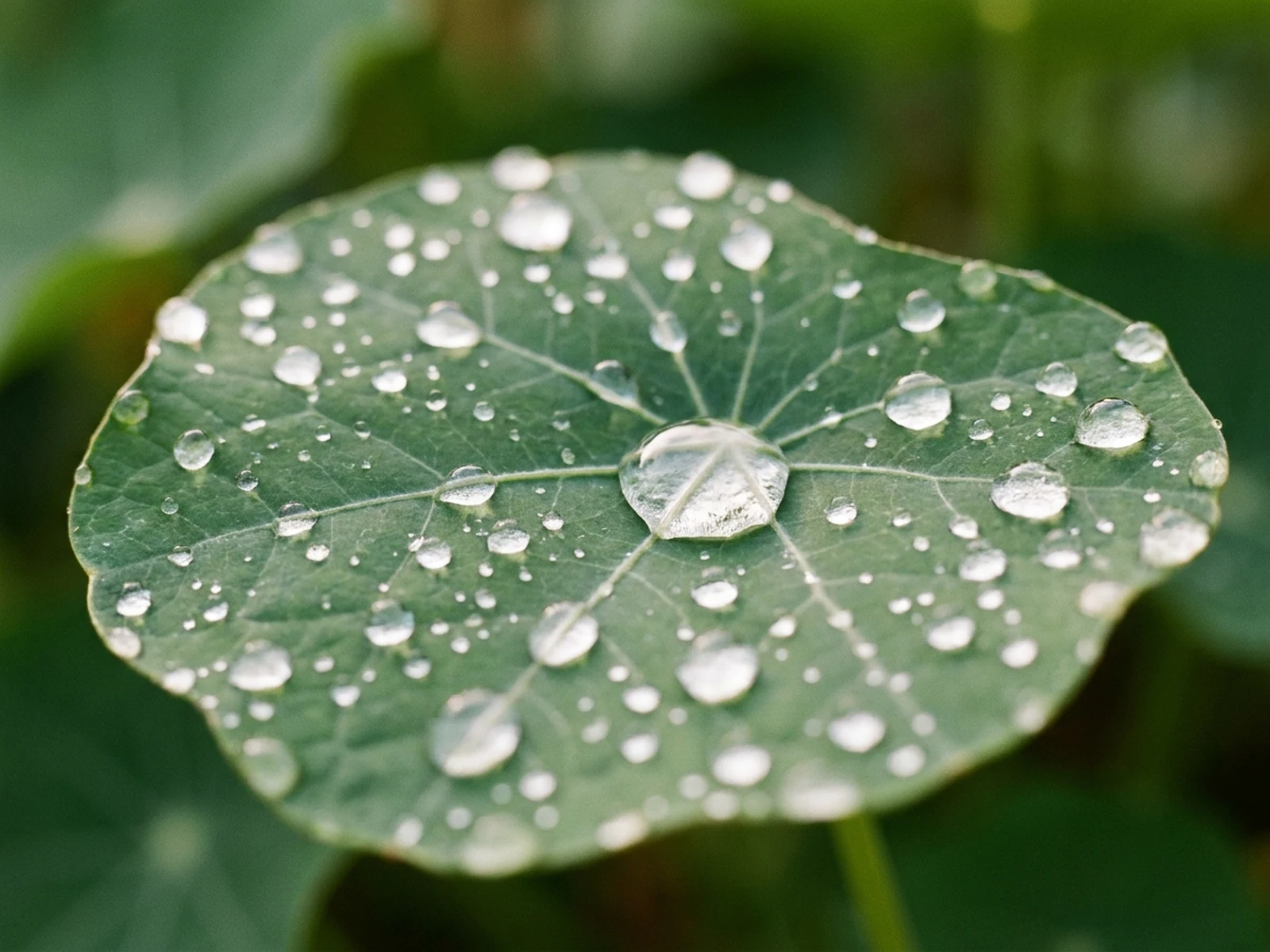
Compare window macro, botanical, and night-street rain treatments.

How to structure a rain drops prompt

Tie droplet behavior to a specific material, light source, and focus plane.

Surface

Name glass, leaf, metal, fabric, pavement, skin-safe prop, or another surface and describe its texture and angle.

Water behavior

Specify bead size, density, trails, rivulets, splash, puddles, ripples, and physically believable gravity direction.

Light and focus

Describe reflected colors, highlight shape, background bokeh, lens distance, depth of field, and focal droplets.

Output

Request a macro study, wet-window portrait layer, botanical image, street atmosphere, texture plate, or product backdrop.

How to use the Rain Drops Generator

Choose a surface first, then direct the water pattern and reflected environment.

01

Define the wet material

State whether droplets bead, spread, absorb, streak, splash, or collect according to the surface.

02

Control visual depth

Separate sharp foreground droplets from a readable but softened background and identify the intended focal plane.

03

Keep claims grounded

Do not use generated rain to document real weather, property damage, product waterproofing, road conditions, or travel safety.

Rain drops generator use cases

Create weather atmosphere, texture references, and controlled commercial concepts.

Window and portrait overlays

Develop foreground droplet layers with clear focus and reflected color for atmospheric compositions.

Botanical macro studies

Explore water beads, leaf veins, soft daylight, and shallow depth without claiming scientific accuracy.

Wet product concepts

Visualize droplets and splash lighting on unbranded objects without making performance claims.

Why choose Omnilyra for rain drop visuals

Structured prompts connect water physics, surfaces, reflections, focus, and responsible context.

Droplet-level direction

Control bead scale, density, trails, splash, puddles, ripples, gravity, and surface tension appearance.

Atmospheric lighting

Shape tiny reflections, bokeh, rim highlights, wet pavement glow, and foreground-background separation.

Clear evidentiary boundary

Generated weather scenes remain visual concepts, not forecasts, safety reports, or proof of conditions.

Try more image workspaces

Explore published tools for roads, outdoor spaces, and color-rich atmosphere.

Rain Drops Generator FAQ

Can I add rain drops to my own photo?

Yes, if you own the image or have permission to edit it. Preserve private details and specify which surface should become wet.

How do I make droplets look realistic?

Describe varied bead sizes, gravity direction, surface response, reflected highlights, a clear focus plane, and a few merged trails rather than uniform dots.

Can generated rain show real road safety?

No. Never use a generated scene to assess visibility, flooding, traction, property damage, or current weather.

What should a rain drops prompt include?

Include surface material, angle, droplet scale and density, trails or splash, reflected scene, rain intensity, lighting, lens, depth of field, and output use.