OOmnilyra

AI Saree Generator for Region-Aware Styling

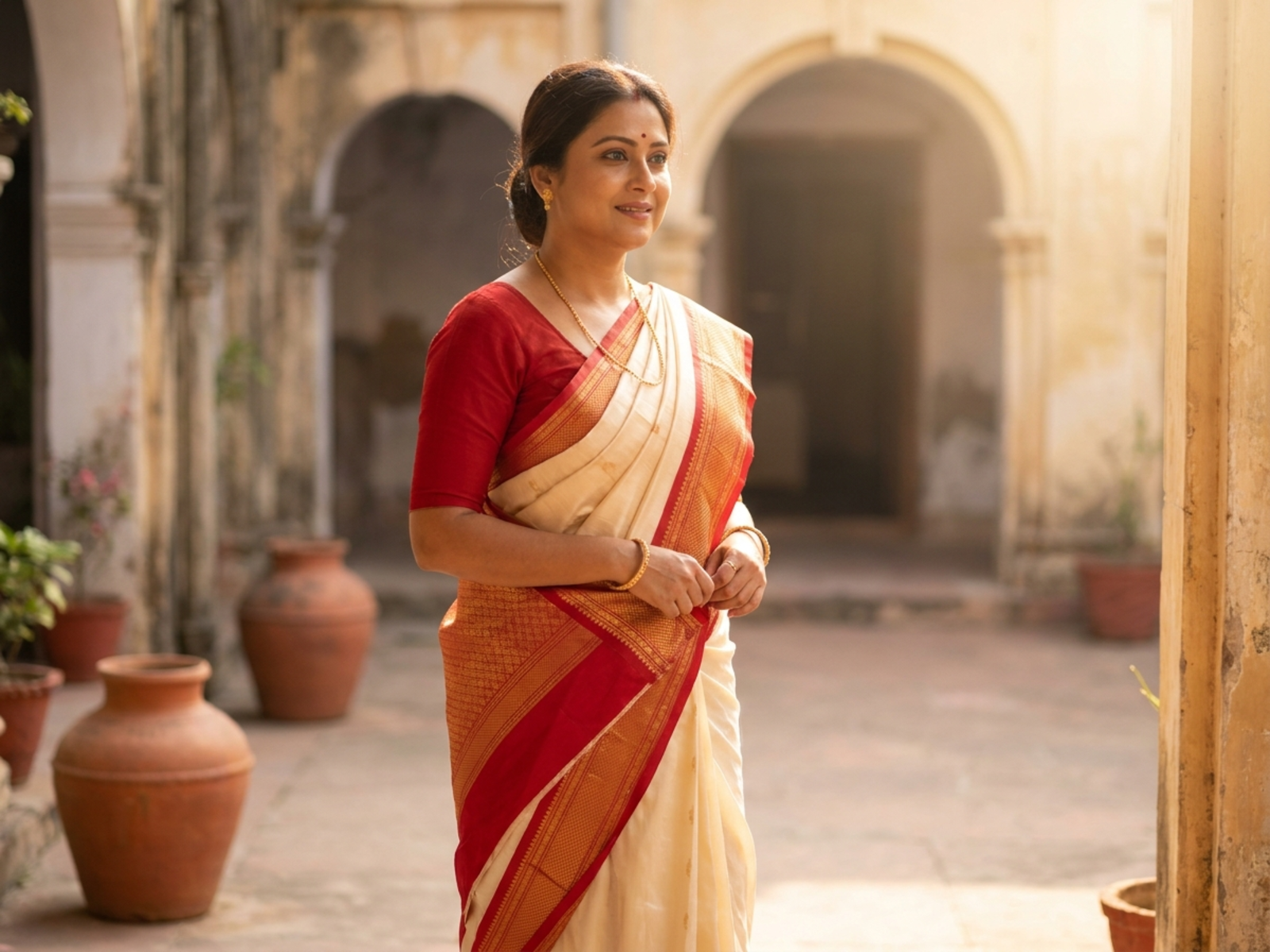
Develop respectful saree visuals by naming the drape, textile, region, occasion, blouse, accessories, and setting instead of relying on a single generic cultural look.

Drape-specific directionTextile-aware detailEveryday to occasion styling

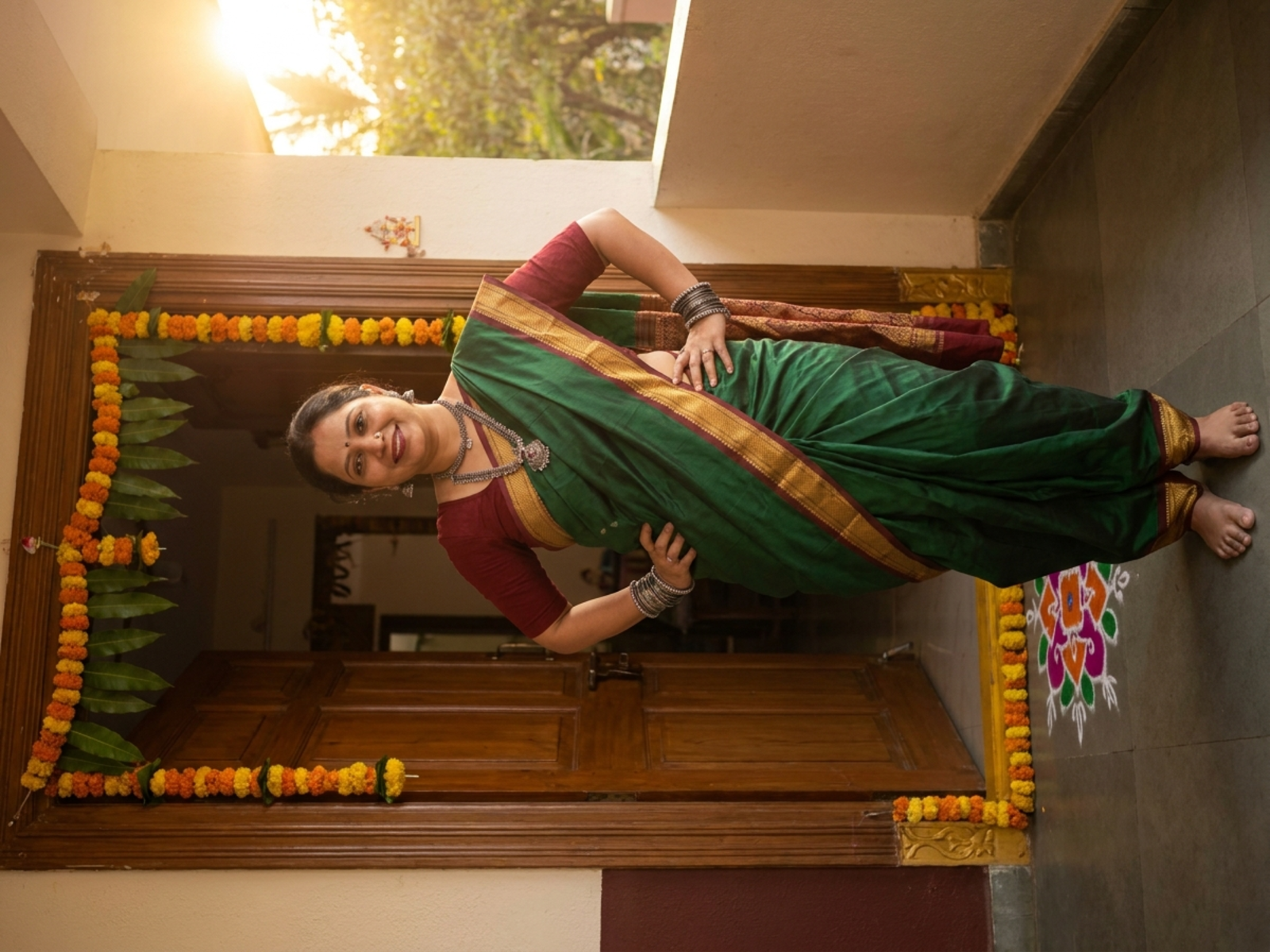
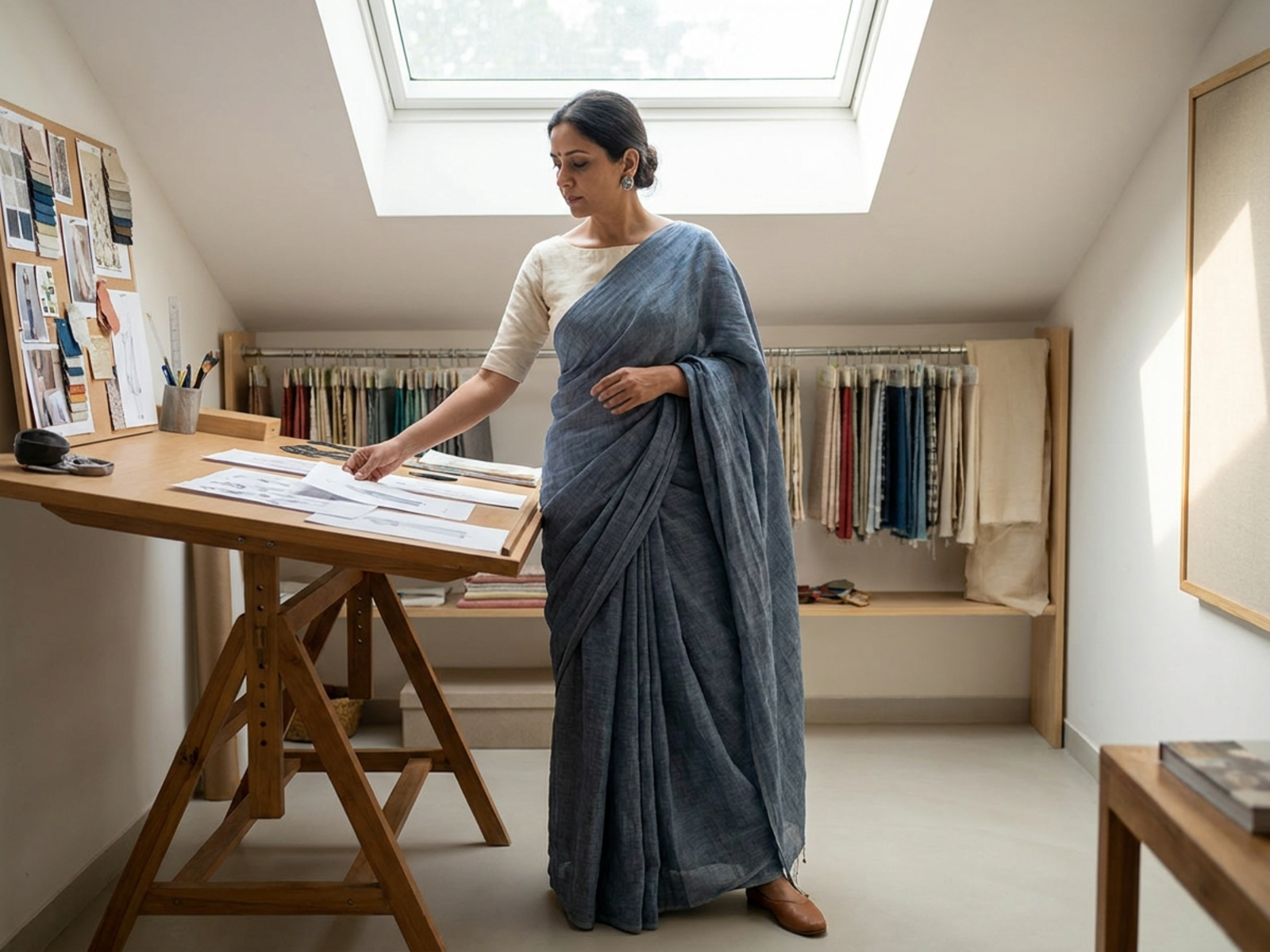
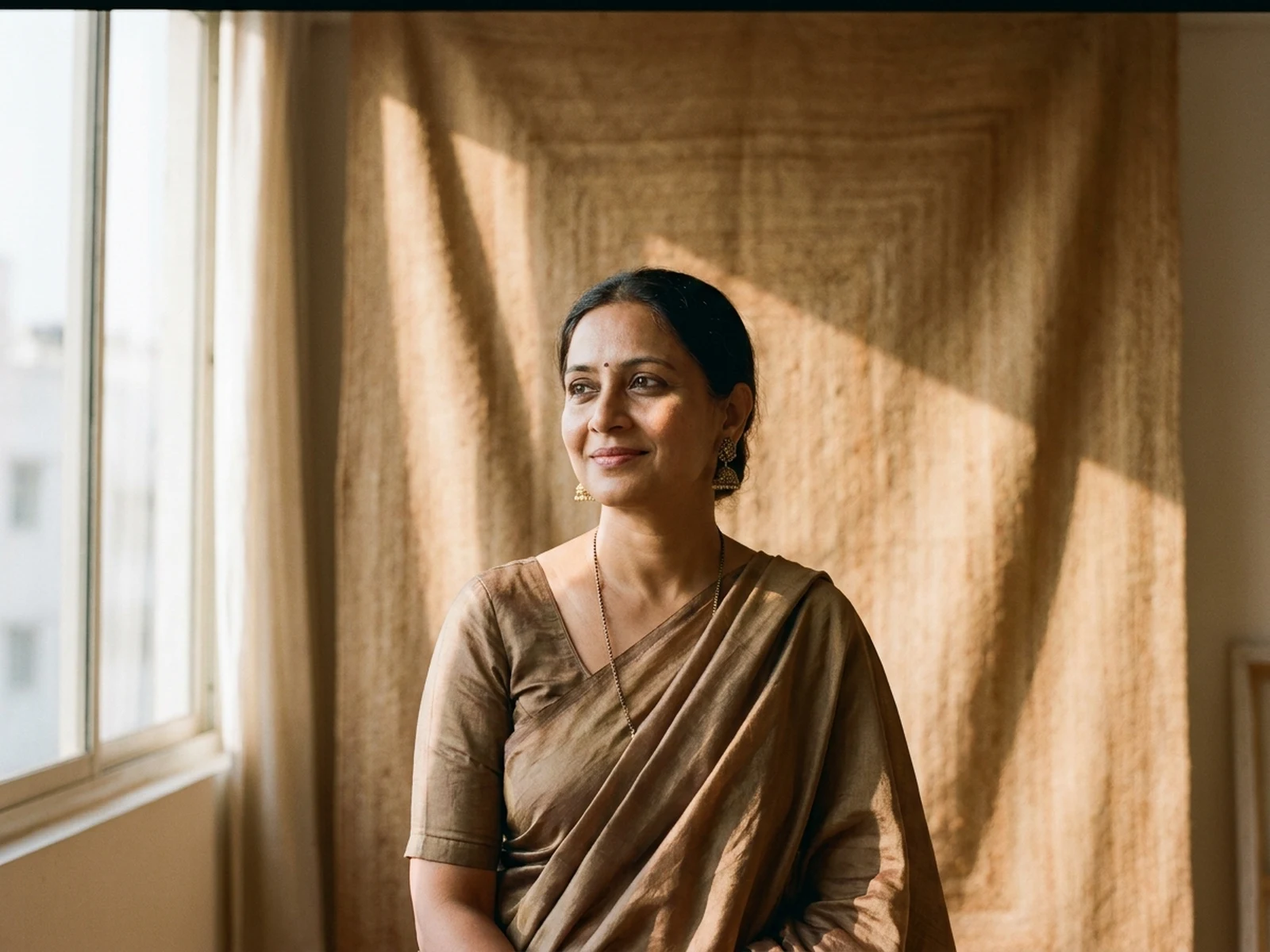
AI Saree Generator prompt examples

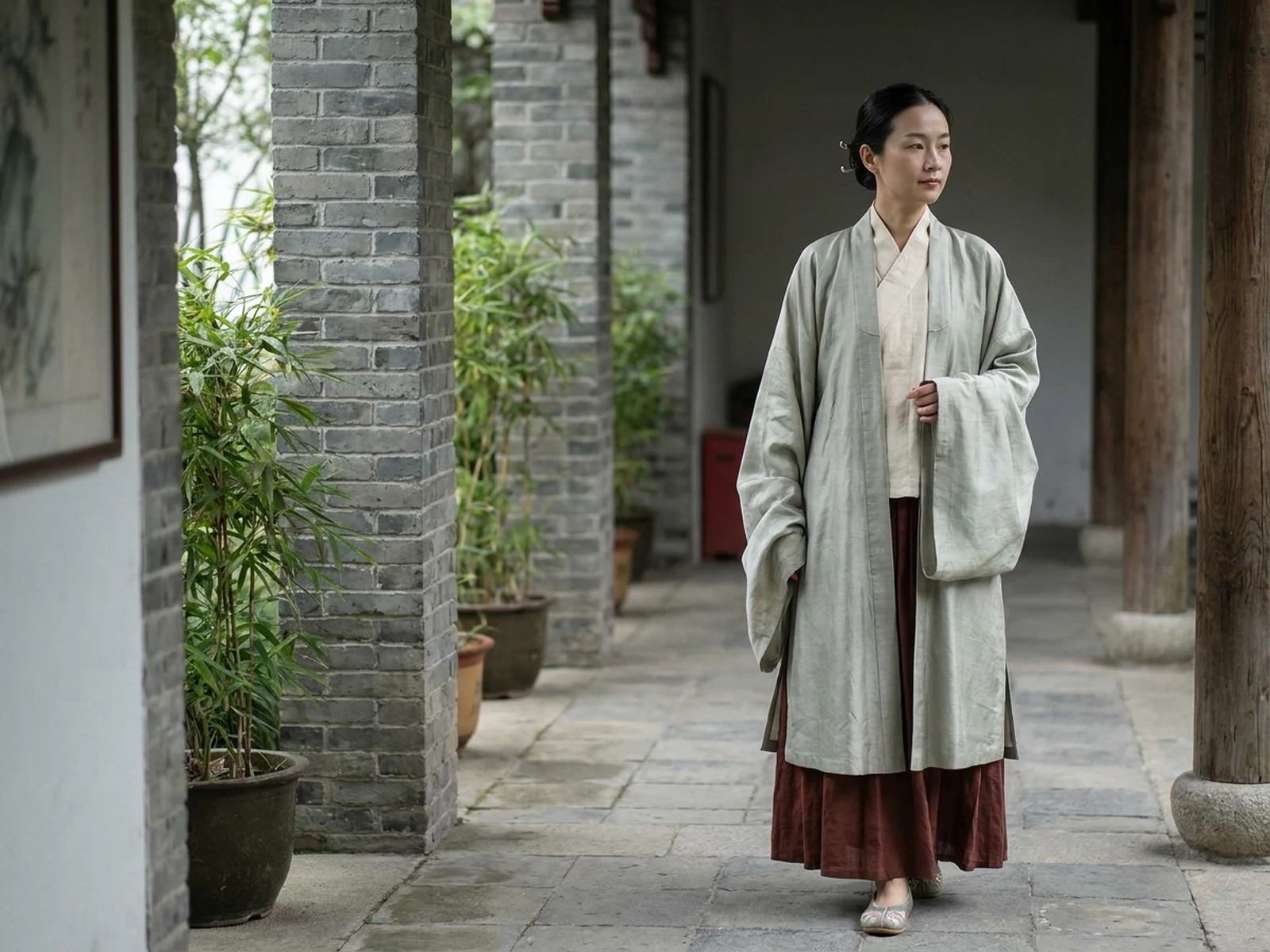
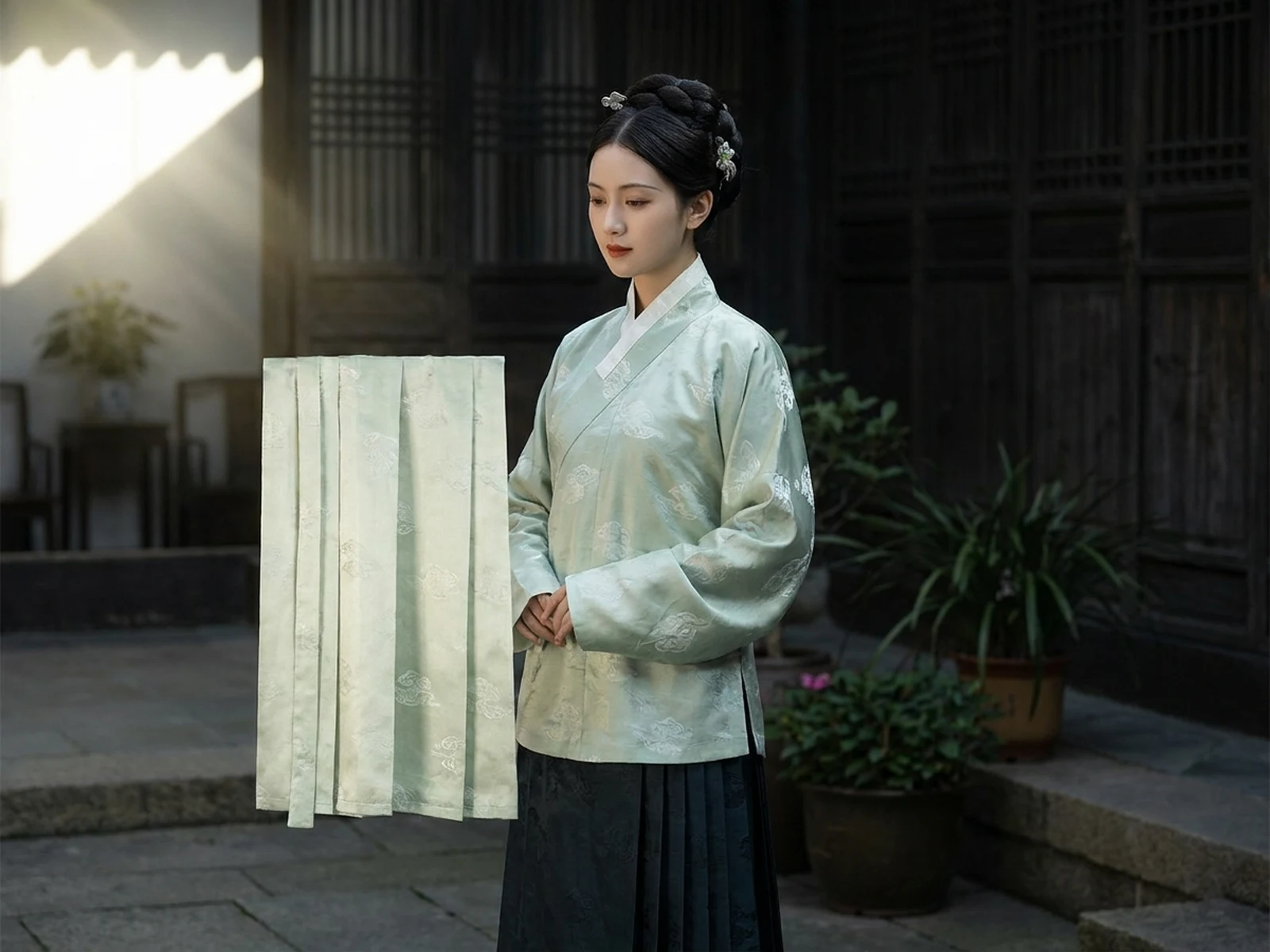
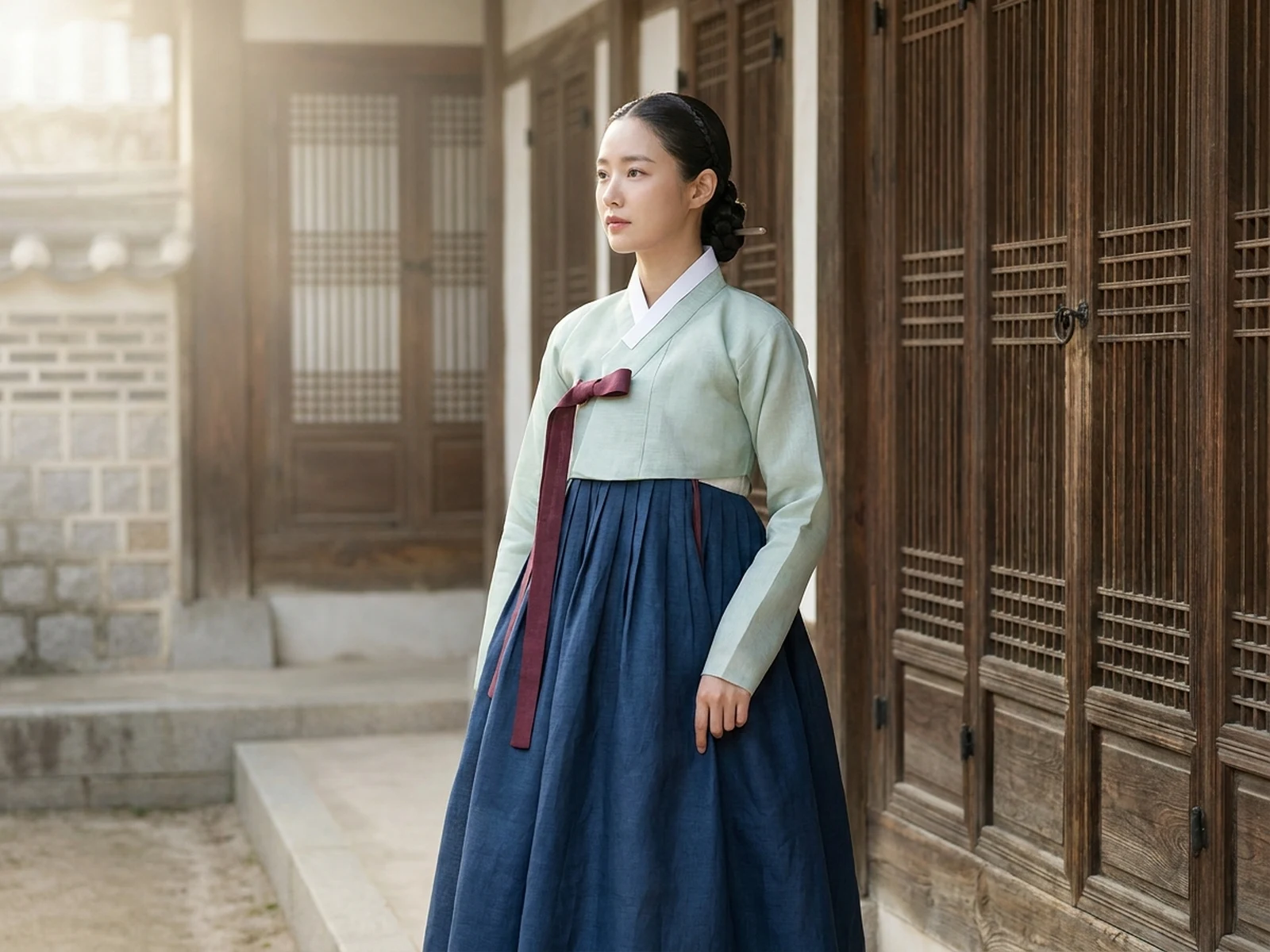
These examples separate regional drapes, fabric behavior, and occasions rather than treating saree styling as interchangeable.

How to structure an AI saree prompt

Specific garment and context language produces more meaningful results than broad regional shorthand.

Subject

Name the adult wearer, saree textile, weave, border, color, drape method, blouse, and selected accessories.

Scene

Place the look in a relevant everyday, professional, festive, ceremonial, studio, or editorial environment.

Light

Choose light that reveals pleats, weave, sheen, transparency, and fabric weight without flattening detail.

Output

Request a full drape study, textile close-up, fashion portrait, lookbook frame, or occasion mood board.

How to use the AI Saree Generator

Build the prompt from garment facts and wearer context, then review each result for drape coherence and respectful detail.

01

Choose the drape and textile

Specify a documented drape direction and a plausible fabric, weave, border, palette, and pallu behavior.

02

Define occasion and styling

State whether the look is for work, daily life, a festival, a family event, an editorial, or another clear setting.

03

Review garment consistency

Check pleats, pallu path, blouse, hands, accessories, and fabric weight before adapting the image to new crops.

AI Saree Generator use cases

Use the workspace for visual planning that respects the breadth of saree traditions and contemporary wear.

Drape and textile exploration

Compare regionally informed drapes, fabrics, borders, and blouse choices for research-led mood boards.

Occasion look planning

Visualize attire for daily wear, work, festivals, engagements, receptions, performances, and editorial shoots.

Fashion storytelling

Create lookbook, magazine, social, and campaign concepts that foreground garment construction and wearer agency.

Why choose Omnilyra for saree visuals

A structured workspace makes it easier to preserve textile and drape decisions while changing setting or output format.

More specific cultural direction

Prompts can distinguish drape, region, fabric, and occasion instead of compressing Indian dress into one stereotype.

Reference-guided textile control

Permitted uploads can anchor weave, border, palette, or garment construction across visual variants.

Useful fashion formats

Generate full-length portraits, fabric studies, lookbook frames, and campaign-ready compositions from one brief.

Try more image workspaces

Continue with published portrait, layout, and campaign tools.

AI Saree Generator FAQ

Can the AI Saree Generator create different regional drapes?

Yes. Name the drape and region carefully, describe visible construction, and review the output rather than relying on generic cultural labels.

What should an AI saree prompt include?

Include fabric, weave, border, drape method, blouse, accessories, occasion, setting, light, composition, and output style.

Can I create everyday saree looks instead of wedding images?

Yes. The workspace supports professional, casual, festive, editorial, performance, and ceremonial contexts without limiting sarees to weddings.

Can I upload a garment reference?

Yes, when you have permission to use it. A reference can help preserve textile, border, palette, or drape details.