OOmnilyra

AI Puppet Maker

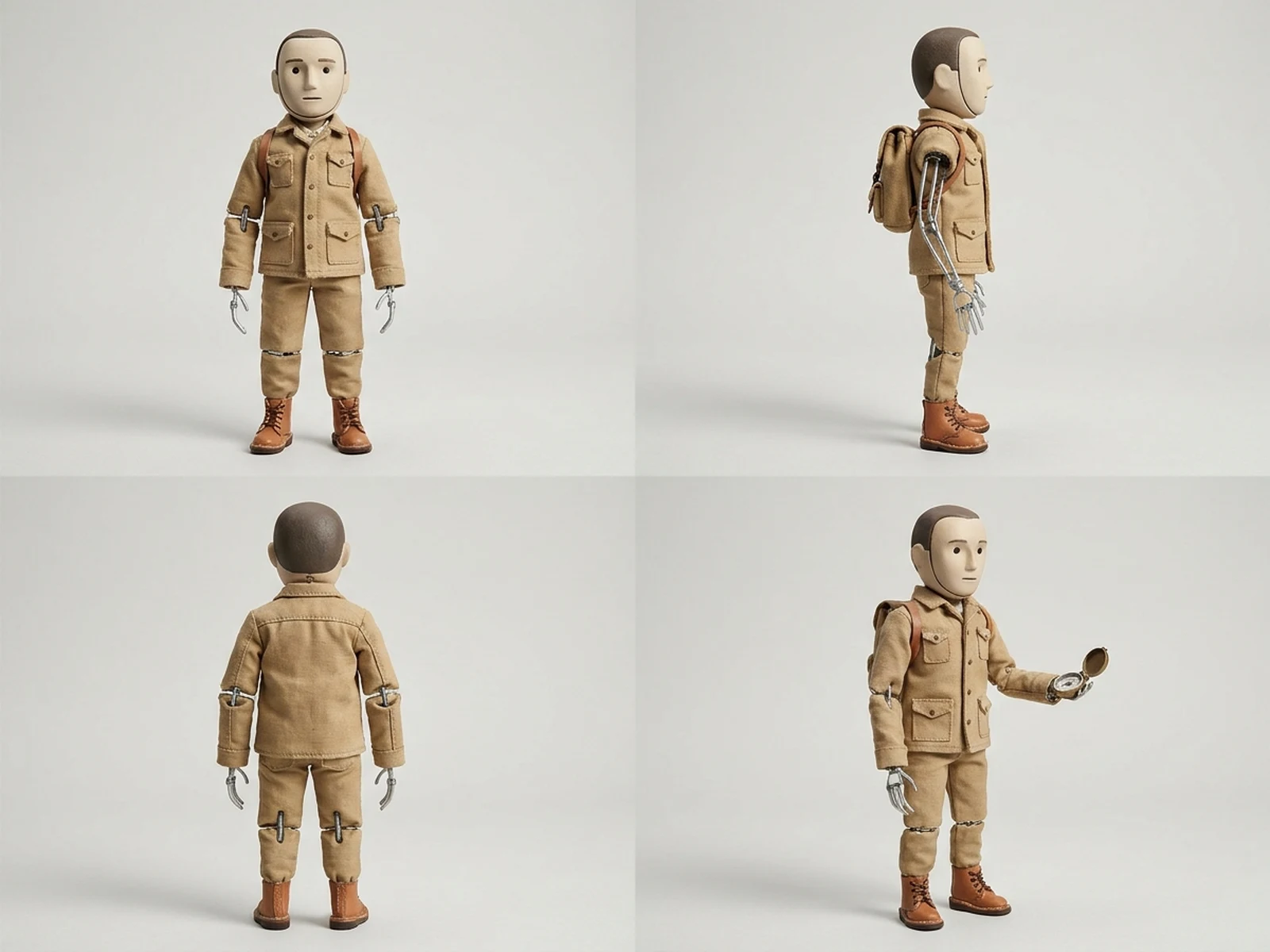
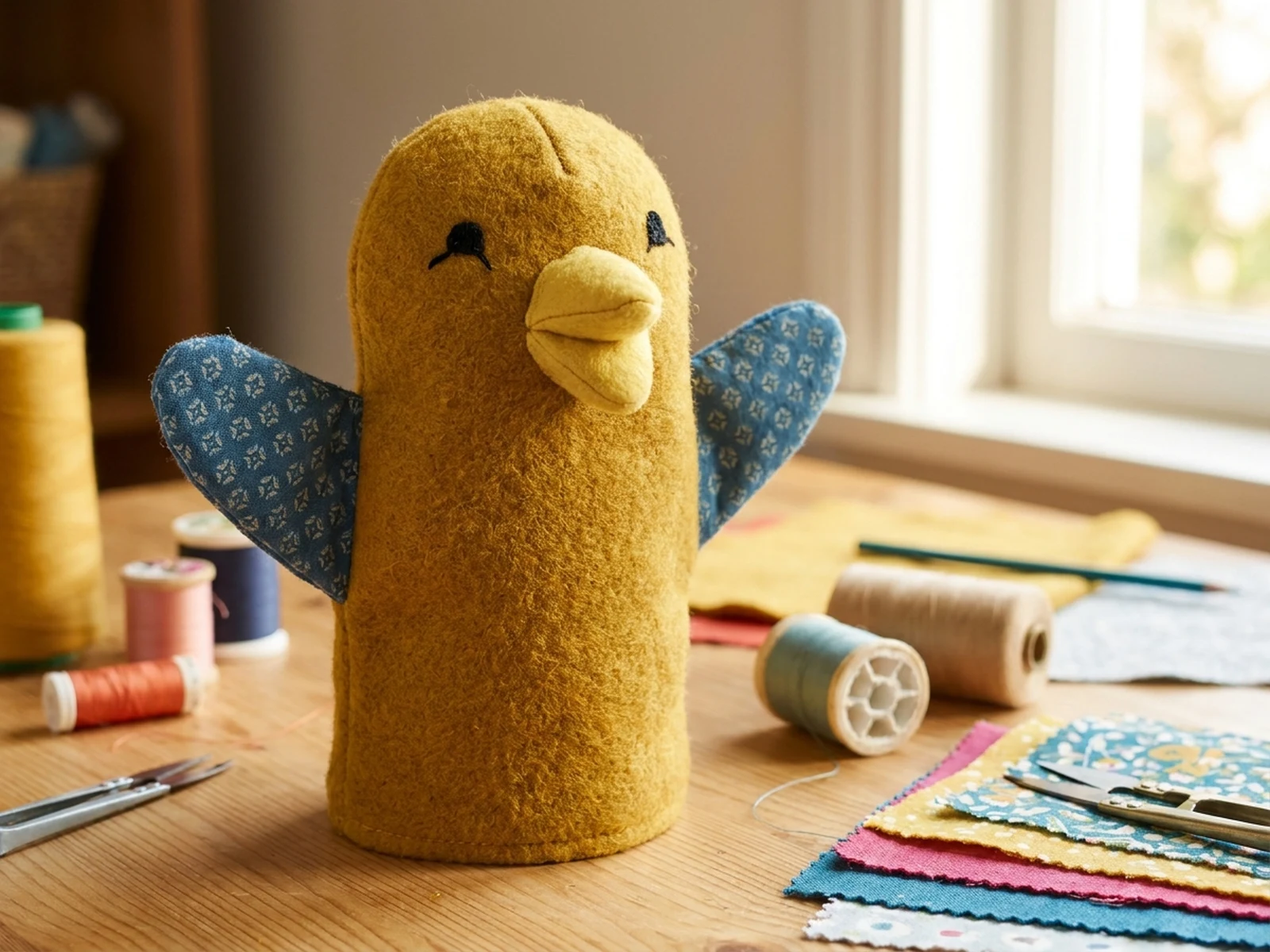
Create original puppet characters, marionette concepts, hand-puppet designs, stop-motion figures, craft references, and performance scenes while controlling subject, scene, light, composition, and output format.

Original puppet charactersConstruction-aware conceptsCraft and stage formats

AI Puppet Maker prompt examples

Start with these prompts, then adjust subject, scene, light, composition, and references in the workspace.

AI Puppet Maker prompt structure

A structured prompt makes the result easier to compare, reuse, and refine.

Subject

Puppet type, original character, scale, head construction, joints, control method, fabric, surface finish, expression, and durability cues.

Scene

Craft workbench, miniature stage, neutral turnaround sheet, puppet theater, stop-motion set, or material board.

Light

Warm workshop light, theatrical spotlight, soft model-sheet light, visible joint detail, and tactile material shadows.

Output

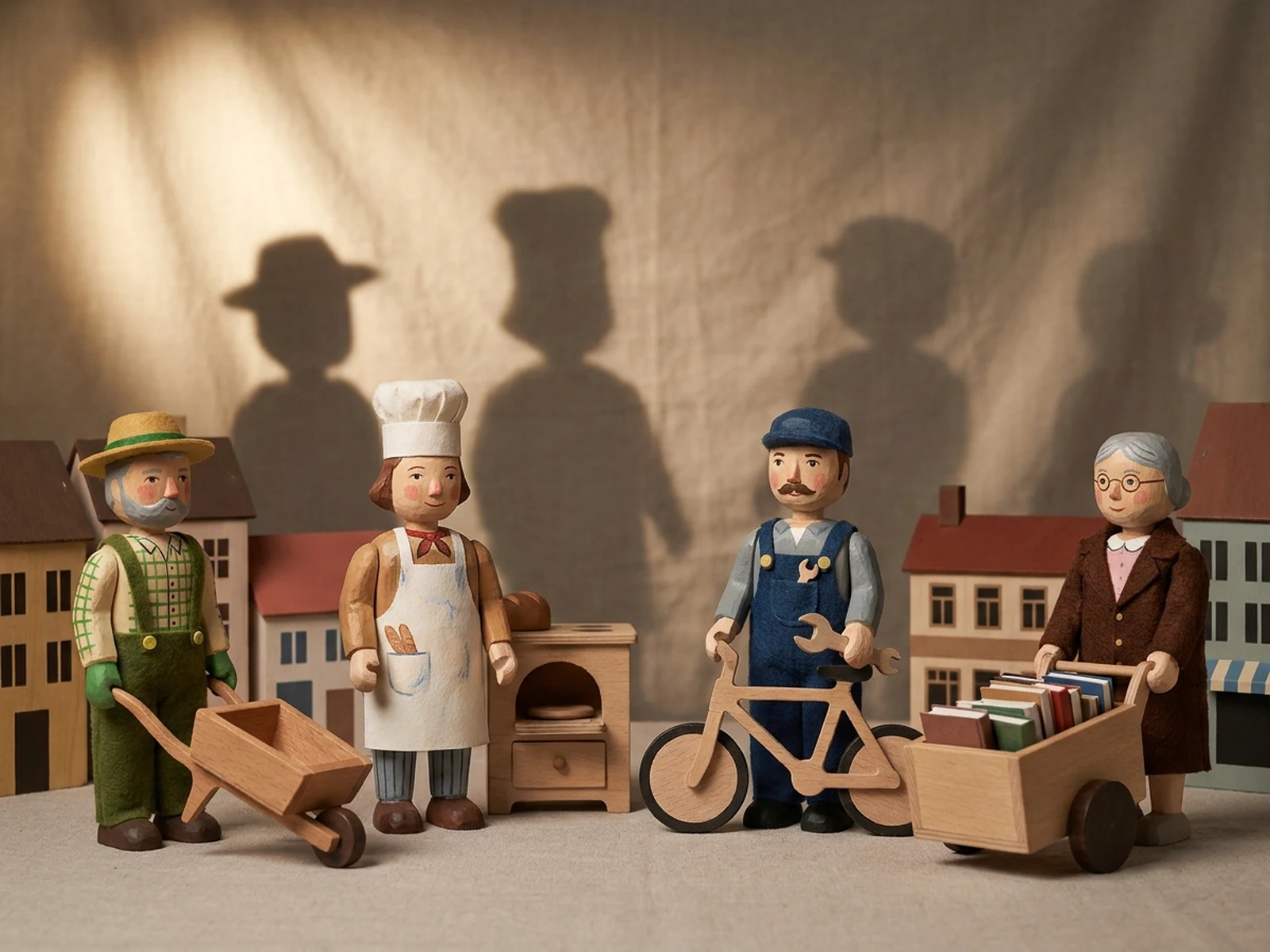
Puppet hero, construction sheet, material study, stage scene, character lineup, or stop-motion reference.

How to use the AI Puppet Maker

Define one concrete goal, lock the visual variables, and then create channel-ready variants.

01

Define the exact result

Choose one target from Puppet hero, construction sheet, material study, stage scene, character lineup, or stop-motion reference.

02

Lock the visual variables

Specify Puppet type, original character, scale, head construction, joints, control method, fabric, surface finish, expression, and durability cues. Then set Craft workbench, miniature stage, neutral turnaround sheet, puppet theater, stop-motion set, or material board.

03

Generate useful variants

Change angle, palette, composition, or channel format while keeping the core subject and reference cues consistent.

AI Puppet Maker use cases

These workflows focus on original puppet characters, marionette concepts, hand-puppet designs, stop-motion figures, craft references, and performance scenes.

Puppet character design

Explore original proportions, faces, costumes, control methods, and material combinations before fabrication.

Construction references

Create front, side, joint, hand-control, and material views for maker discussions.

Performance scenes

Preview small stage, classroom, and stop-motion environments around an original puppet cast.

Why choose Omnilyra for AI Puppet Maker

The workspace keeps prompts, references, examples, and output controls in one workflow.

Built around the search intent

The examples and workflow directly support original puppet characters, marionette concepts, hand-puppet designs, stop-motion figures, craft references, and performance scenes.

Reference-guided control

Upload permitted references to preserve key visual cues while changing scene and format.

Reusable output system

Create Puppet hero, construction sheet, material study, stage scene, character lineup, or stop-motion reference. from the same reusable workspace.

Try more image workspaces

Continue with related image generation, editing, and campaign workflows.

AI Puppet Maker FAQ

What can the AI Puppet Maker create?

It can create original puppet characters, marionette concepts, hand-puppet designs, stop-motion figures, craft references, and performance scenes.

What should the prompt include?

Include Puppet type, original character, scale, head construction, joints, control method, fabric, surface finish, expression, and durability cues. Then add Craft workbench, miniature stage, neutral turnaround sheet, puppet theater, stop-motion set, or material board.

Can I upload a reference image?

Yes. Upload only images you have permission to use to guide subject, palette, material, pose, or layout consistency.

What should I review before using the result?

Keep characters original and verify joints, strings, small parts, materials, balance, fire safety, and age suitability before building or using a physical puppet.