OOmnilyra

AI Notebook Generator

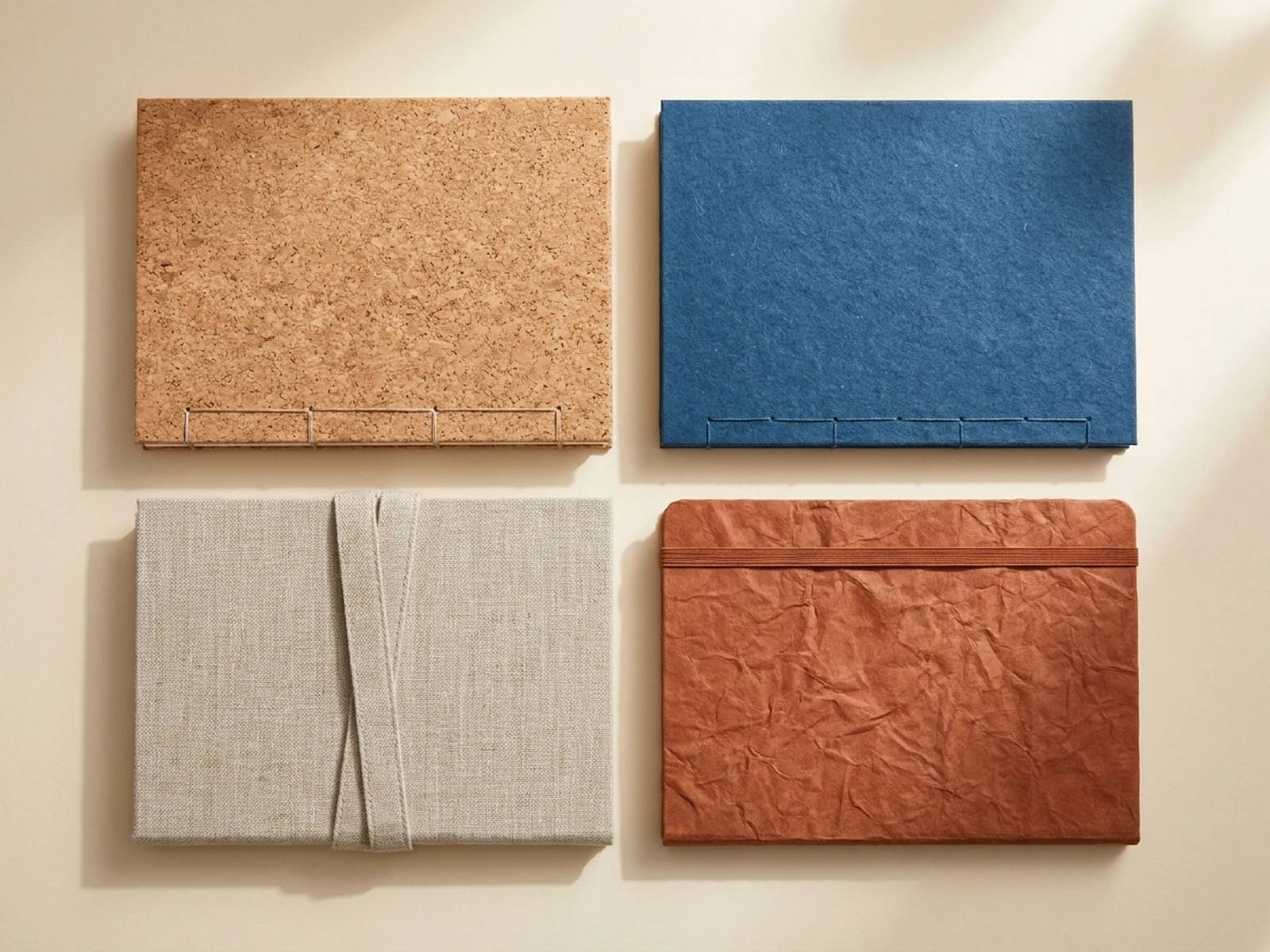
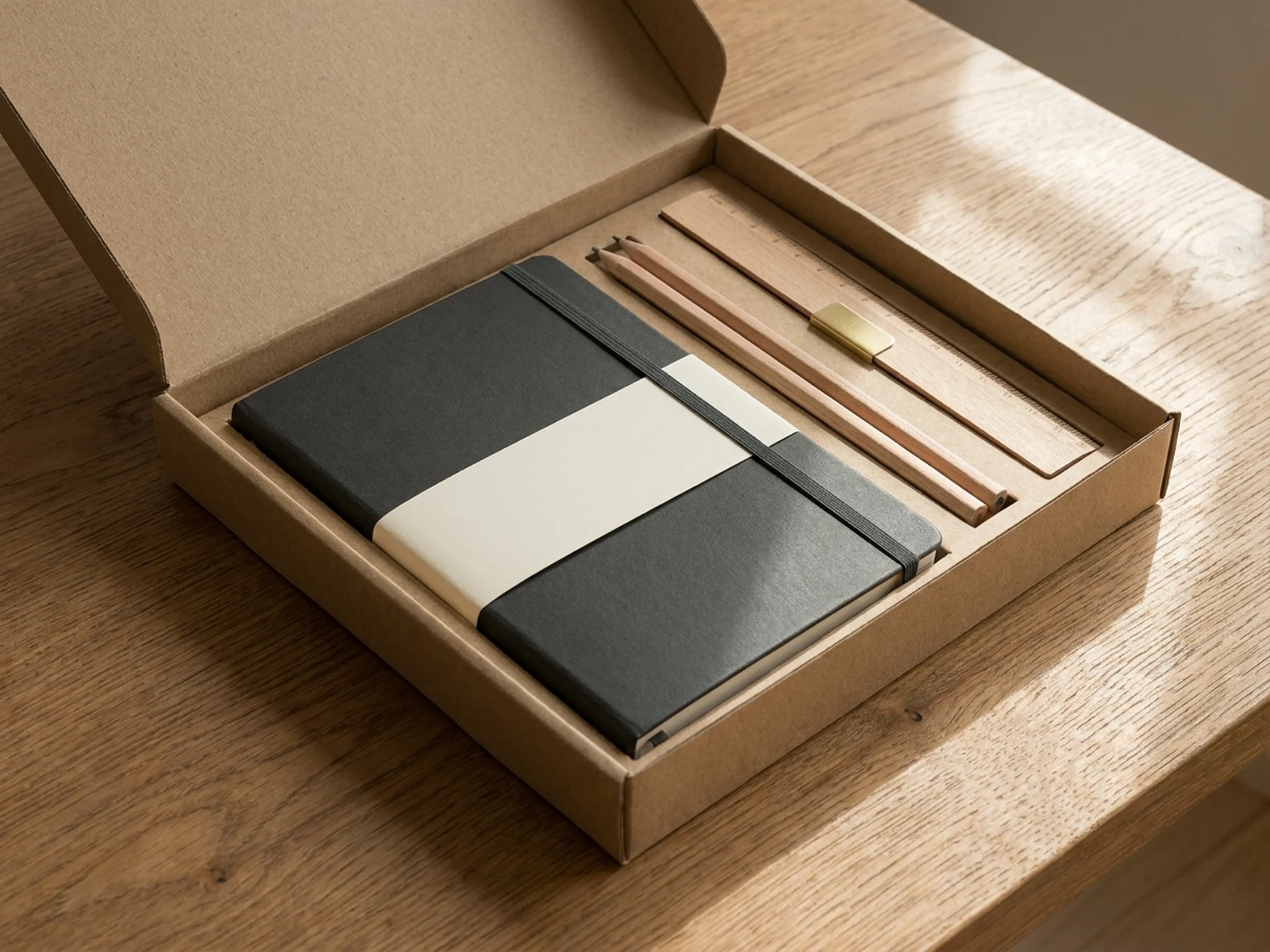
Create original notebook covers, stationery systems, page-layout concepts, journal mockups, material variants, and product images while controlling subject, scene, light, composition, and output format.

Cover and binding conceptsPage-system planningStationery product images

AI Notebook Generator prompt examples

Start with these prompts, then adjust subject, scene, light, composition, and references in the workspace.

AI Notebook Generator prompt structure

A structured prompt makes the result easier to compare, reuse, and refine.

Subject

Notebook format, binding, cover material, closure, page ruling, paper tone, edge treatment, accessory system, and use case.

Scene

Stationery studio, desk flat lay, open-page layout, material board, gift set, ecommerce surface, or workshop table.

Light

Soft desk light, even top light, paper-edge highlights, material texture, legible blank grids, and clean product shadows.

Output

Cover concept, open spread, journal system, product hero, gift set, material comparison, or binding reference.

How to use the AI Notebook Generator

Define one concrete goal, lock the visual variables, and then create channel-ready variants.

01

Define the exact result

Choose one target from Cover concept, open spread, journal system, product hero, gift set, material comparison, or binding reference.

02

Lock the visual variables

Specify Notebook format, binding, cover material, closure, page ruling, paper tone, edge treatment, accessory system, and use case. Then set Stationery studio, desk flat lay, open-page layout, material board, gift set, ecommerce surface, or workshop table.

03

Generate useful variants

Change angle, palette, composition, or channel format while keeping the core subject and reference cues consistent.

AI Notebook Generator use cases

These workflows focus on original notebook covers, stationery systems, page-layout concepts, journal mockups, material variants, and product images.

Notebook product design

Compare sizes, covers, bindings, closures, paper tones, and edge details before prototyping.

Journal page systems

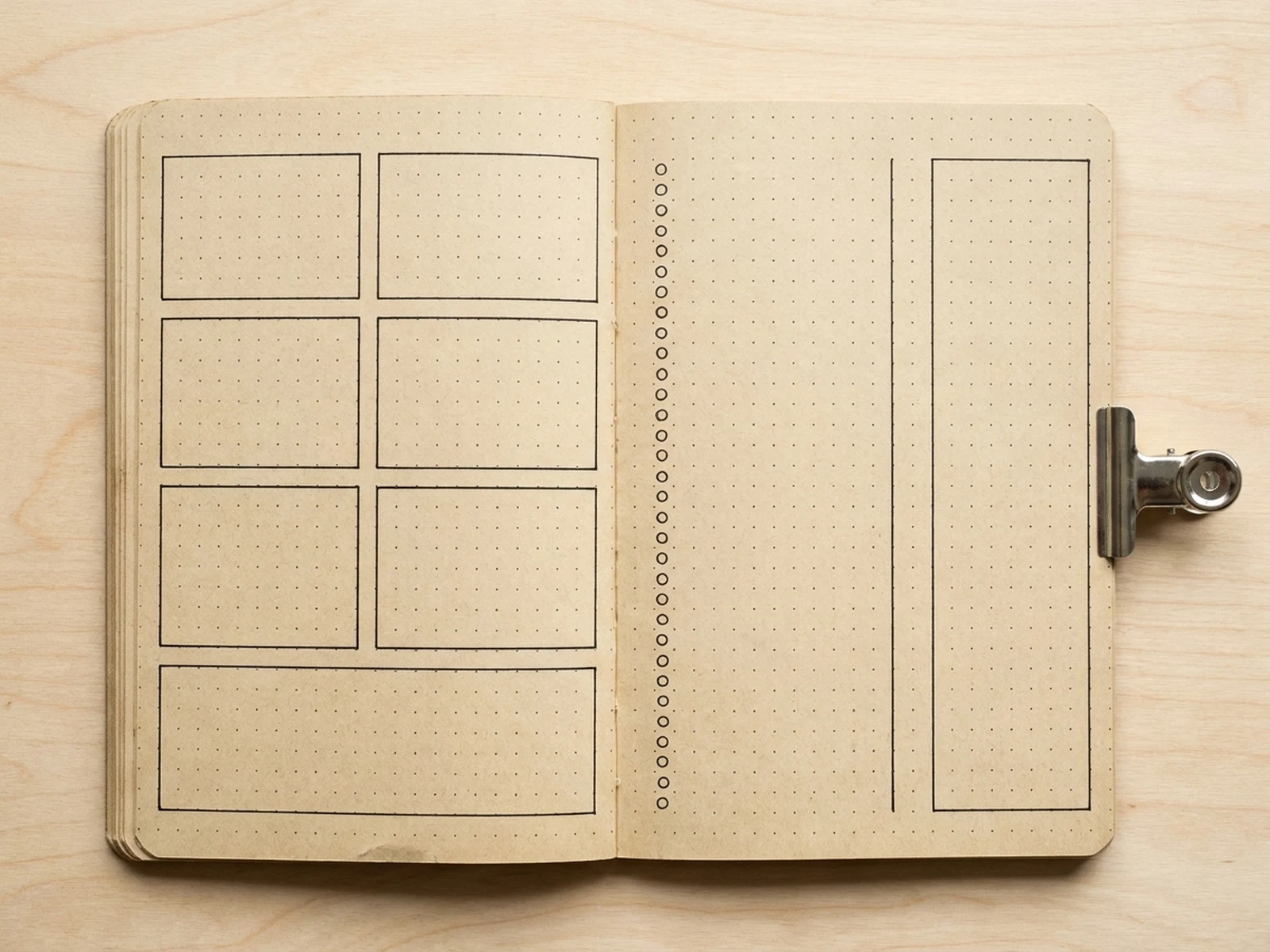
Plan blank, ruled, dot-grid, habit, project, and reflection spreads with usable hierarchy.

Ecommerce presentation

Create clean closed, open, detail, bundle, and desk-scene views for stationery listings.

Why choose Omnilyra for AI Notebook Generator

The workspace keeps prompts, references, examples, and output controls in one workflow.

Built around the search intent

The examples and workflow directly support original notebook covers, stationery systems, page-layout concepts, journal mockups, material variants, and product images.

Reference-guided control

Upload permitted references to preserve key visual cues while changing scene and format.

Reusable output system

Create Cover concept, open spread, journal system, product hero, gift set, material comparison, or binding reference. from the same reusable workspace.

Try more image workspaces

Continue with related image generation, editing, and campaign workflows.

AI Notebook Generator FAQ

What can the AI Notebook Generator create?

It can create original notebook covers, stationery systems, page-layout concepts, journal mockups, material variants, and product images.

What should the prompt include?

Include Notebook format, binding, cover material, closure, page ruling, paper tone, edge treatment, accessory system, and use case. Then add Stationery studio, desk flat lay, open-page layout, material board, gift set, ecommerce surface, or workshop table.

Can I upload a reference image?

Yes. Upload only images you have permission to use to guide subject, palette, material, pose, or layout consistency.

What should I review before using the result?

Generated notebooks are design concepts; verify page usability, binding strength, paper behavior, print tolerances, accessibility, materials, and production cost with physical prototypes.