OOmnilyra

AI Fabric Generator

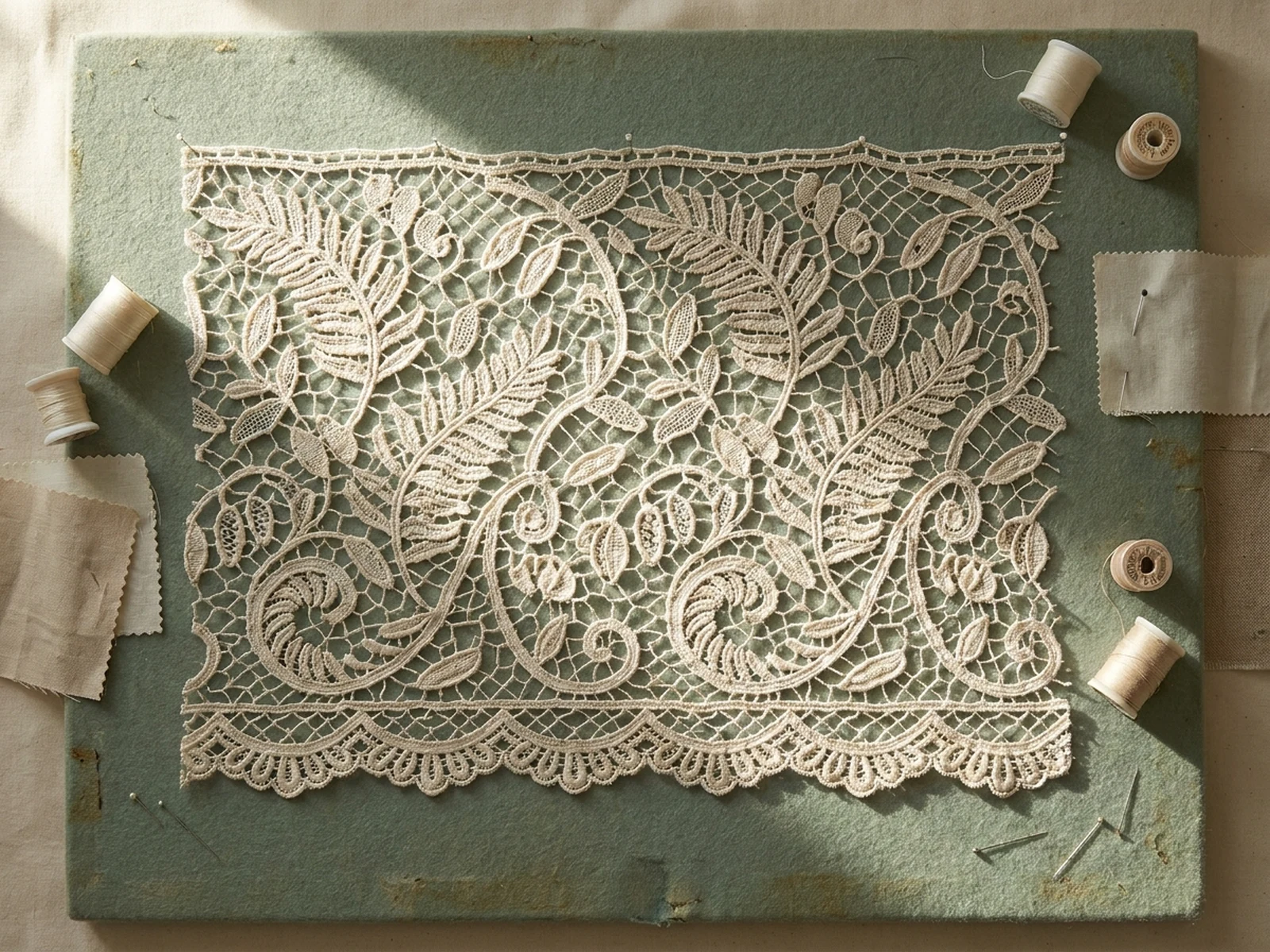
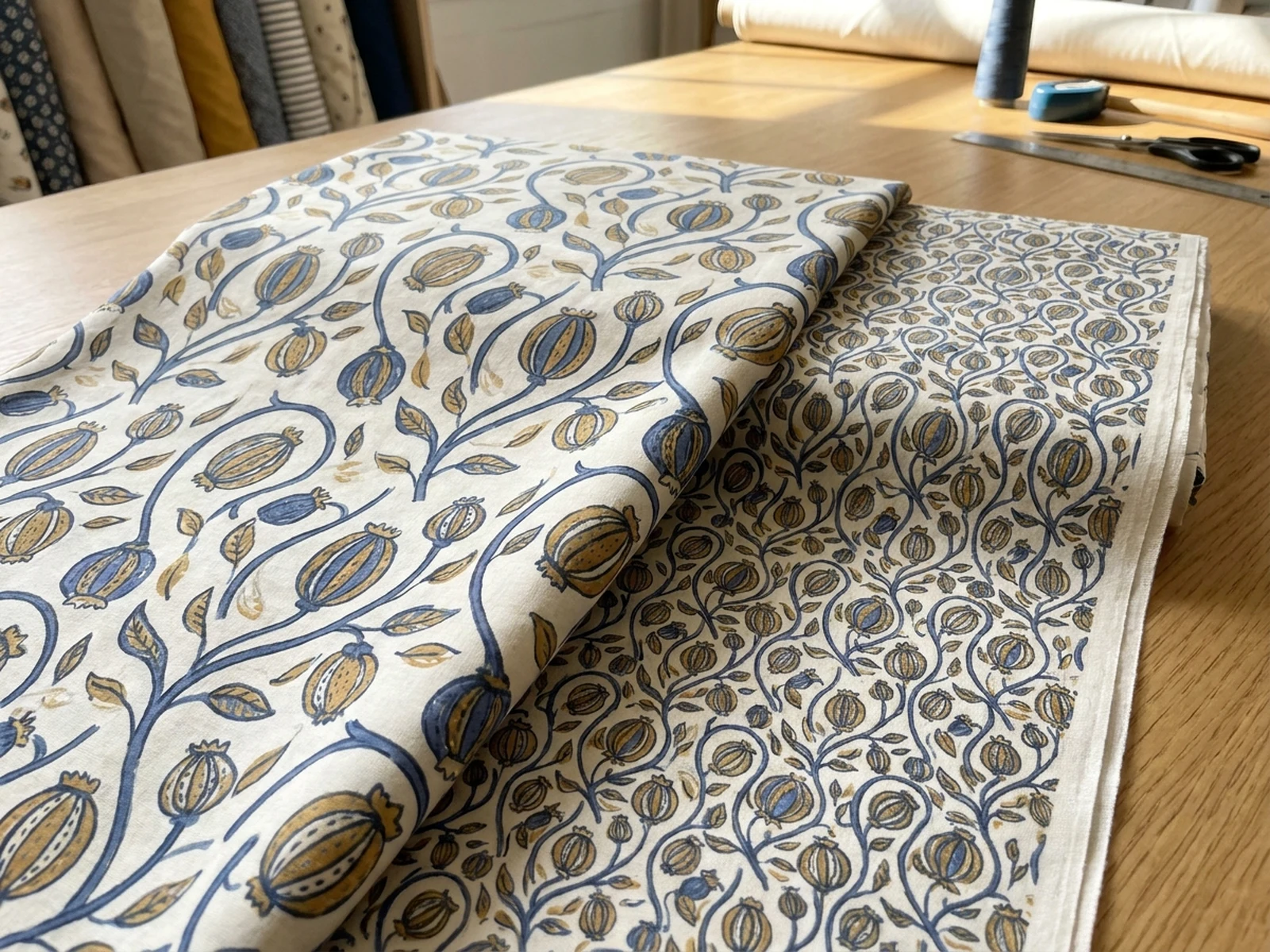
Create original fabric concepts, repeat patterns, weave studies, material swatches, apparel mockups, and textile collection boards while controlling subject, scene, light, composition, and output format.

Weave and texture controlRepeat-ready pattern ideasDrape and garment previews

AI Fabric Generator prompt examples

Start with these prompts, then adjust subject, scene, light, composition, and references in the workspace.

AI Fabric Generator prompt structure

A structured prompt makes the result easier to compare, reuse, and refine.

Subject

Fiber type, weave or knit, weight, drape, repeat scale, surface texture, finish, color palette, and intended garment.

Scene

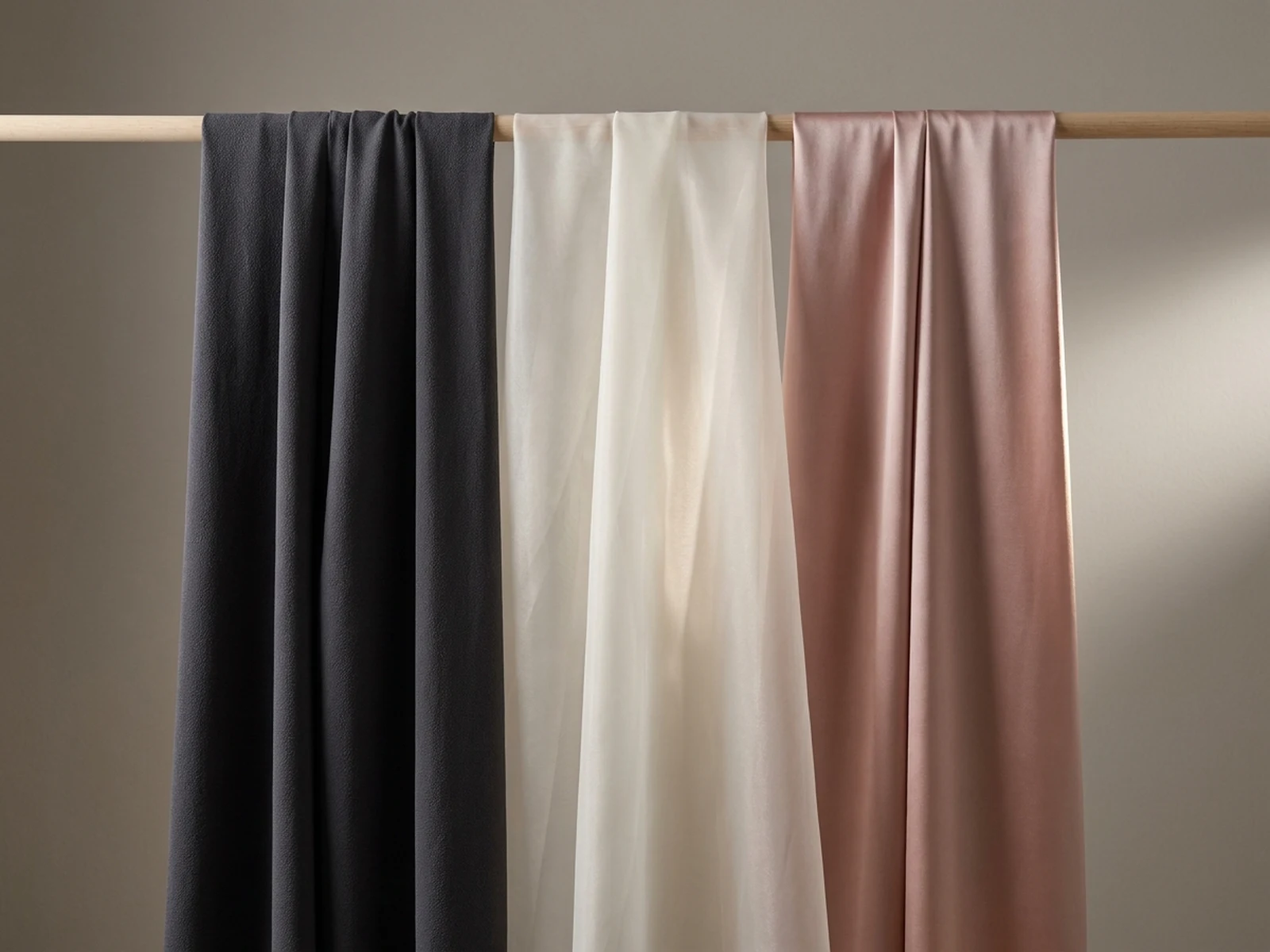
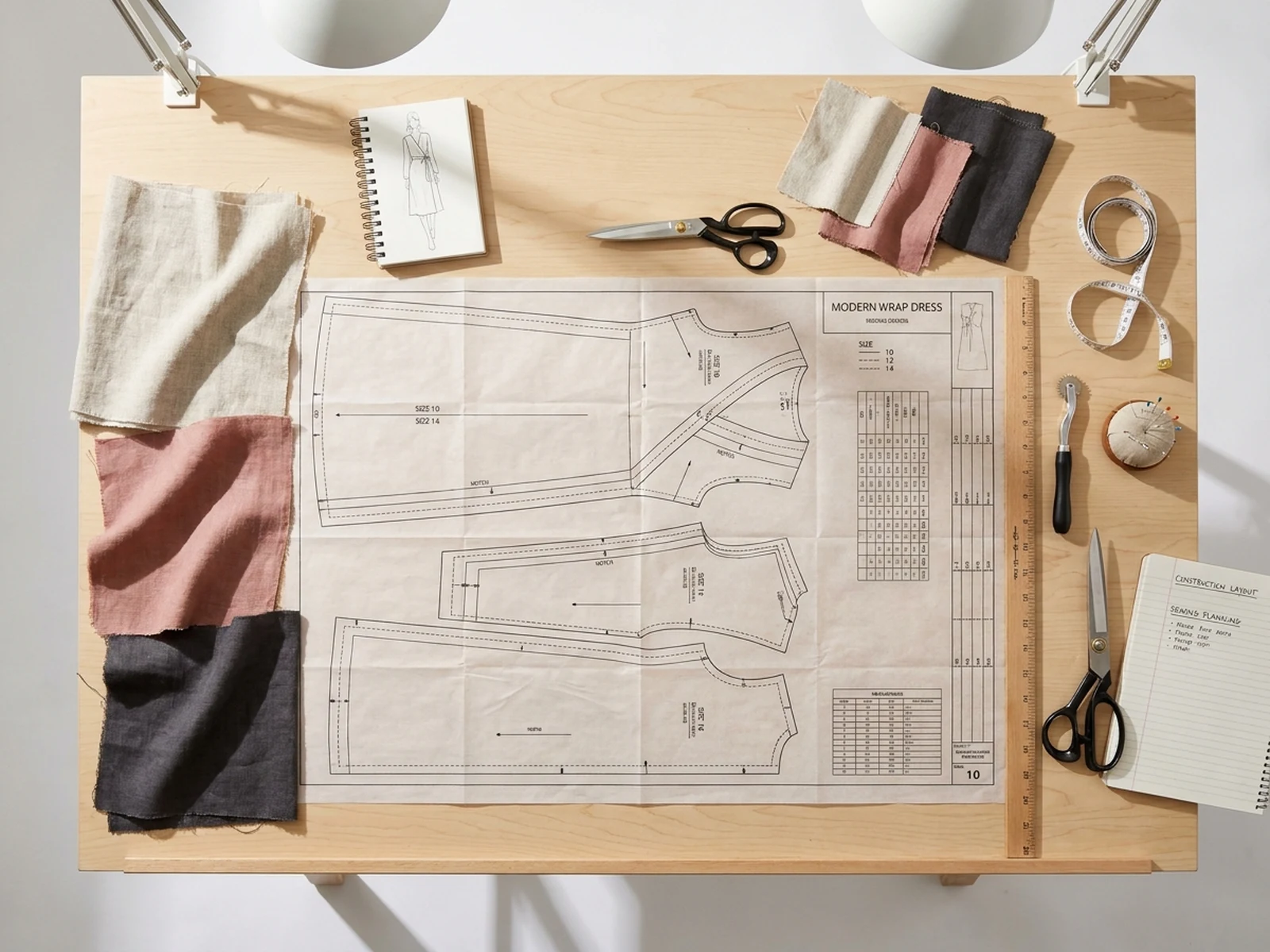
Textile table, hanging drape test, macro weave setup, swatch library, garment mockup, or collection presentation board.

Light

Raking side light, even color-check light, translucent backlight, fiber highlights, and readable folds.

Output

Swatch sheet, repeat pattern, drape study, macro texture, garment preview, collection board, or ecommerce material image.

How to use the AI Fabric Generator

Define one concrete goal, lock the visual variables, and then create channel-ready variants.

01

Define the exact result

Choose one target from Swatch sheet, repeat pattern, drape study, macro texture, garment preview, collection board, or ecommerce material image.

02

Lock the visual variables

Specify Fiber type, weave or knit, weight, drape, repeat scale, surface texture, finish, color palette, and intended garment. Then set Textile table, hanging drape test, macro weave setup, swatch library, garment mockup, or collection presentation board.

03

Generate useful variants

Change angle, palette, composition, or channel format while keeping the core subject and reference cues consistent.

AI Fabric Generator use cases

These workflows focus on original fabric concepts, repeat patterns, weave studies, material swatches, apparel mockups, and textile collection boards.

Textile collection planning

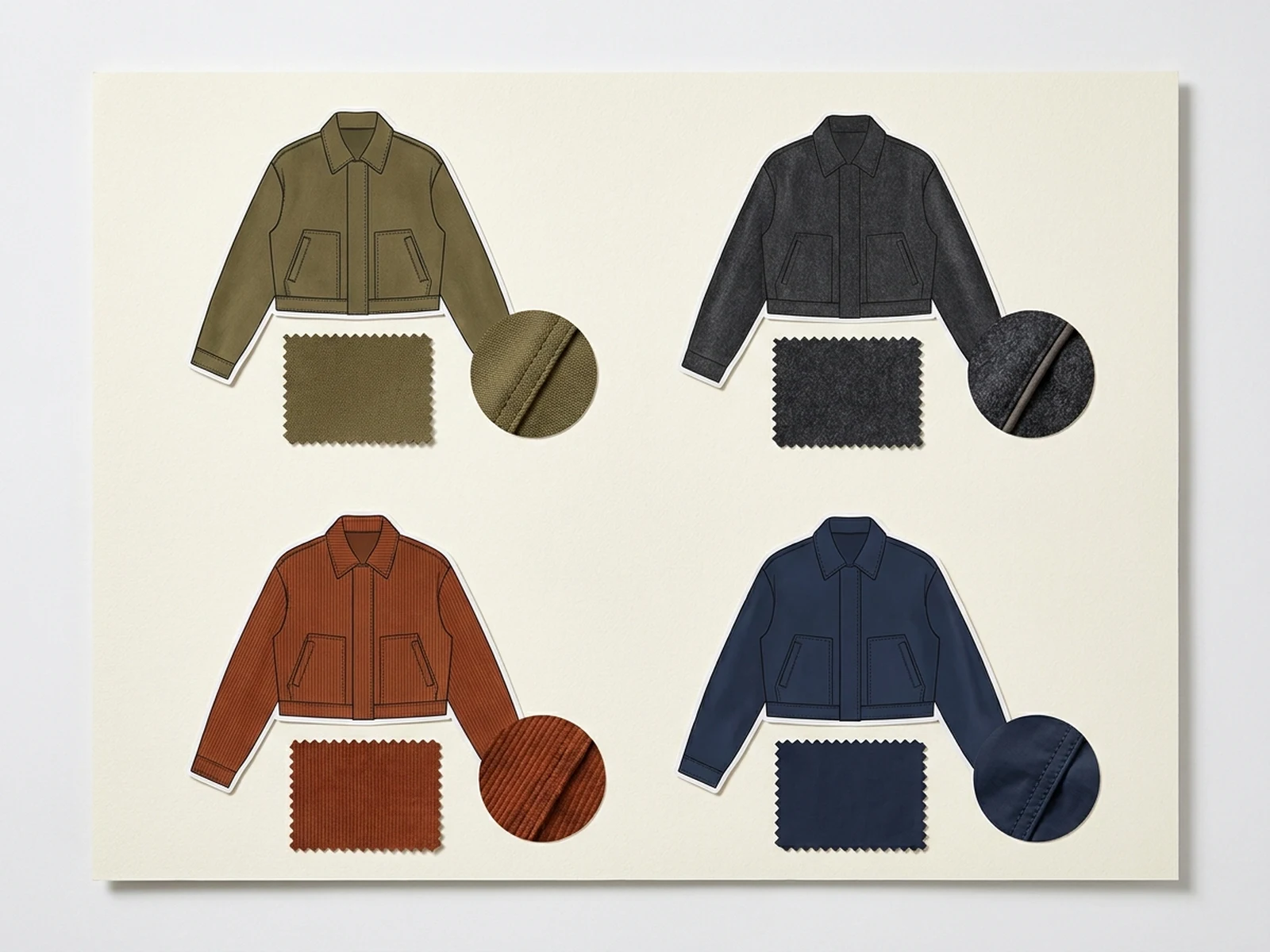
Compare fibers, structures, finishes, and palettes before sampling or supplier discussions.

Repeat pattern development

Explore original motifs at realistic scales and check how repeats behave across larger surfaces.

Garment material previews

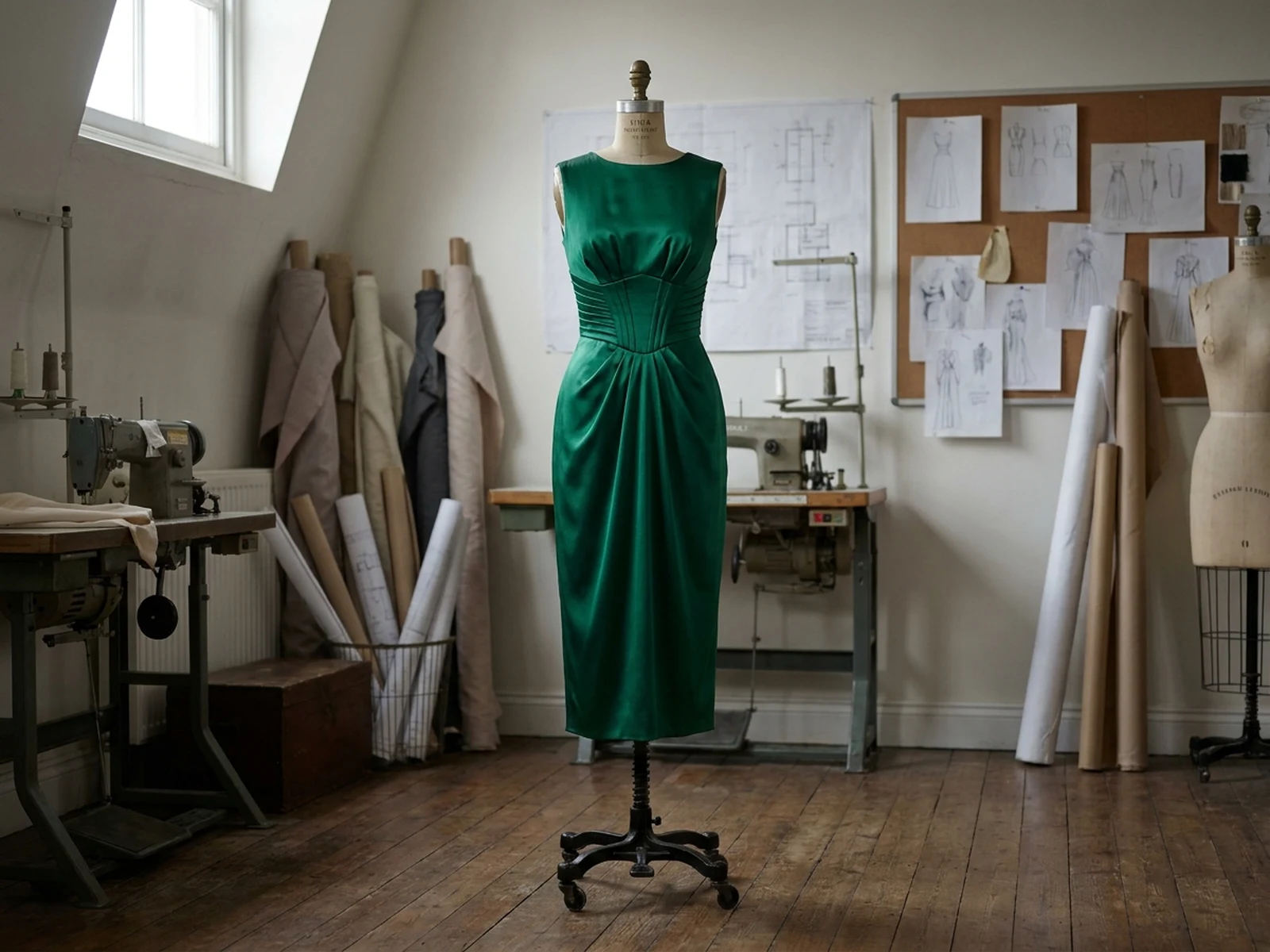
Place textile directions on simple apparel forms to evaluate drape, scale, and visual weight.

Why choose Omnilyra for AI Fabric Generator

The workspace keeps prompts, references, examples, and output controls in one workflow.

Built around the search intent

The examples and workflow directly support original fabric concepts, repeat patterns, weave studies, material swatches, apparel mockups, and textile collection boards.

Reference-guided control

Upload permitted references to preserve key visual cues while changing scene and format.

Reusable output system

Create Swatch sheet, repeat pattern, drape study, macro texture, garment preview, collection board, or ecommerce material image. from the same reusable workspace.

Try more image workspaces

Continue with related image generation, editing, and campaign workflows.

AI Fabric Generator FAQ

What can the AI Fabric Generator create?

It can create original fabric concepts, repeat patterns, weave studies, material swatches, apparel mockups, and textile collection boards.

What should the prompt include?

Include Fiber type, weave or knit, weight, drape, repeat scale, surface texture, finish, color palette, and intended garment. Then add Textile table, hanging drape test, macro weave setup, swatch library, garment mockup, or collection presentation board.

Can I upload a reference image?

Yes. Upload only images you have permission to use to guide subject, palette, material, pose, or layout consistency.

What should I review before using the result?

Generated fabrics are design references; verify repeat alignment, fiber behavior, colorfastness, drape, durability, and production feasibility with real samples.