OOmnilyra

AI Chef Attire Generator for Functional Uniform Concepts

Explore original chef jackets, aprons, trousers, headwear, closures, pockets, and textile choices for different kitchen roles using fictional adults or authorized references.

Functional garment detailsOriginal unbranded uniformsAuthorized attire previews

AI chef attire prompt examples

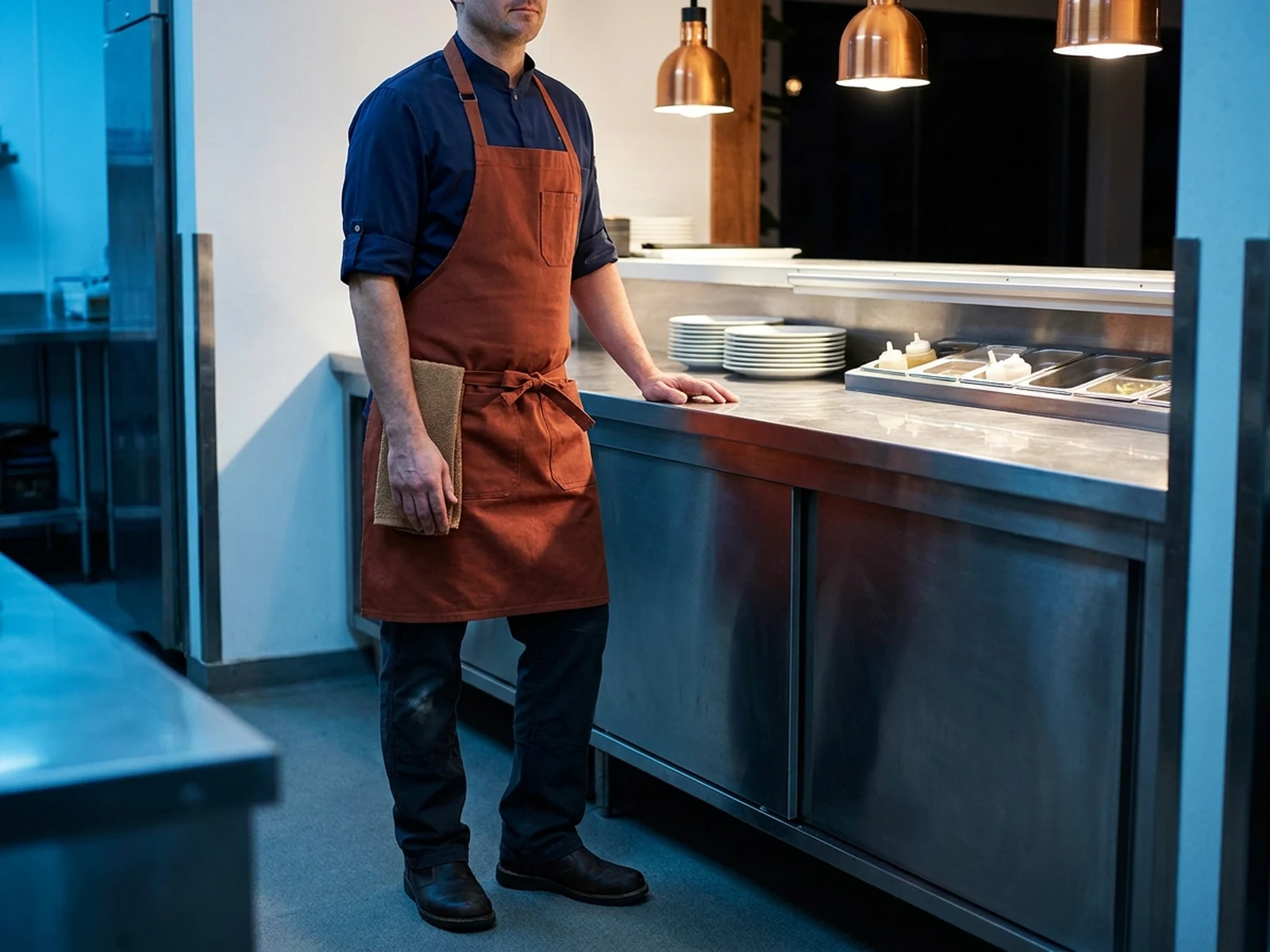
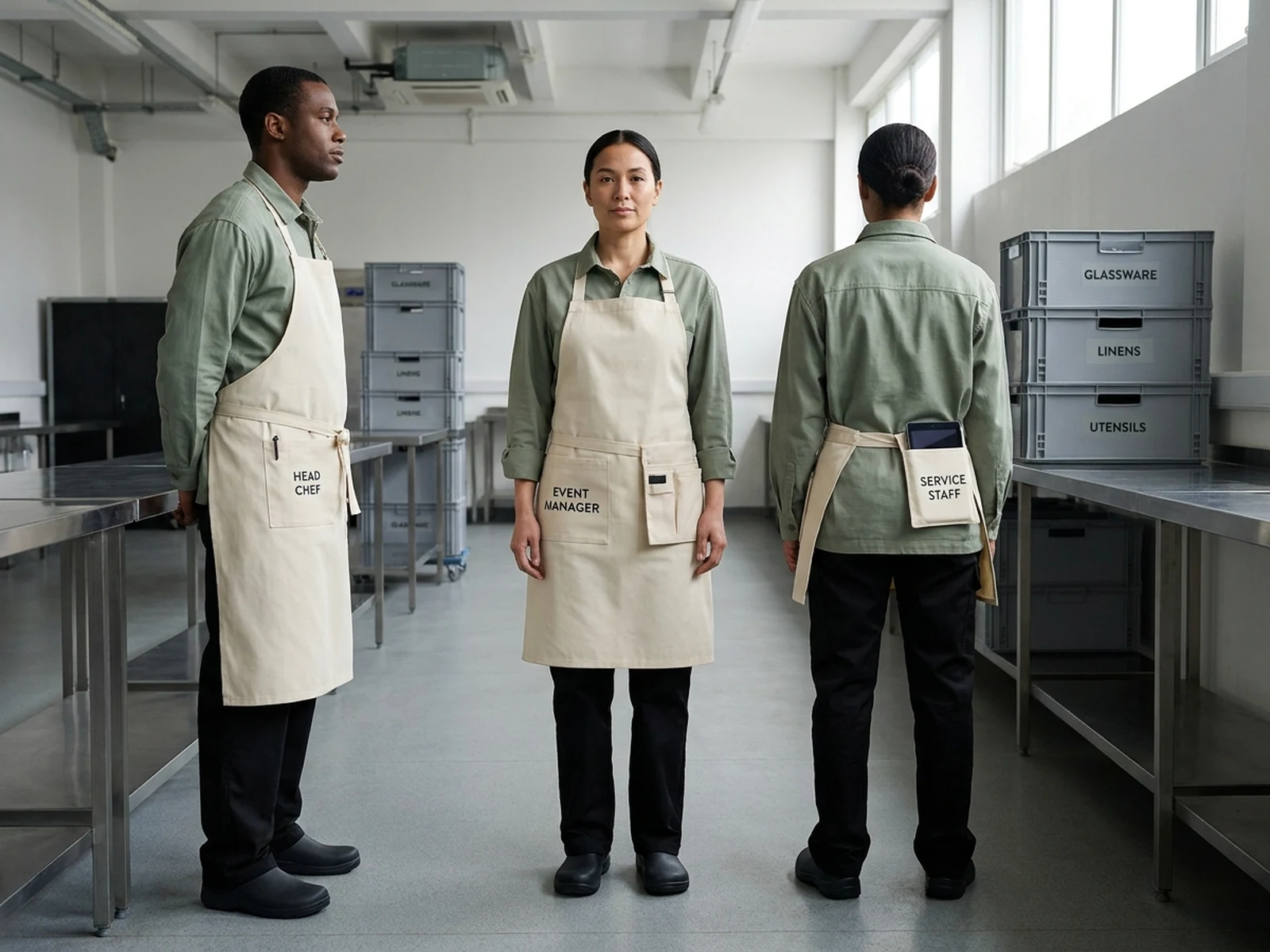
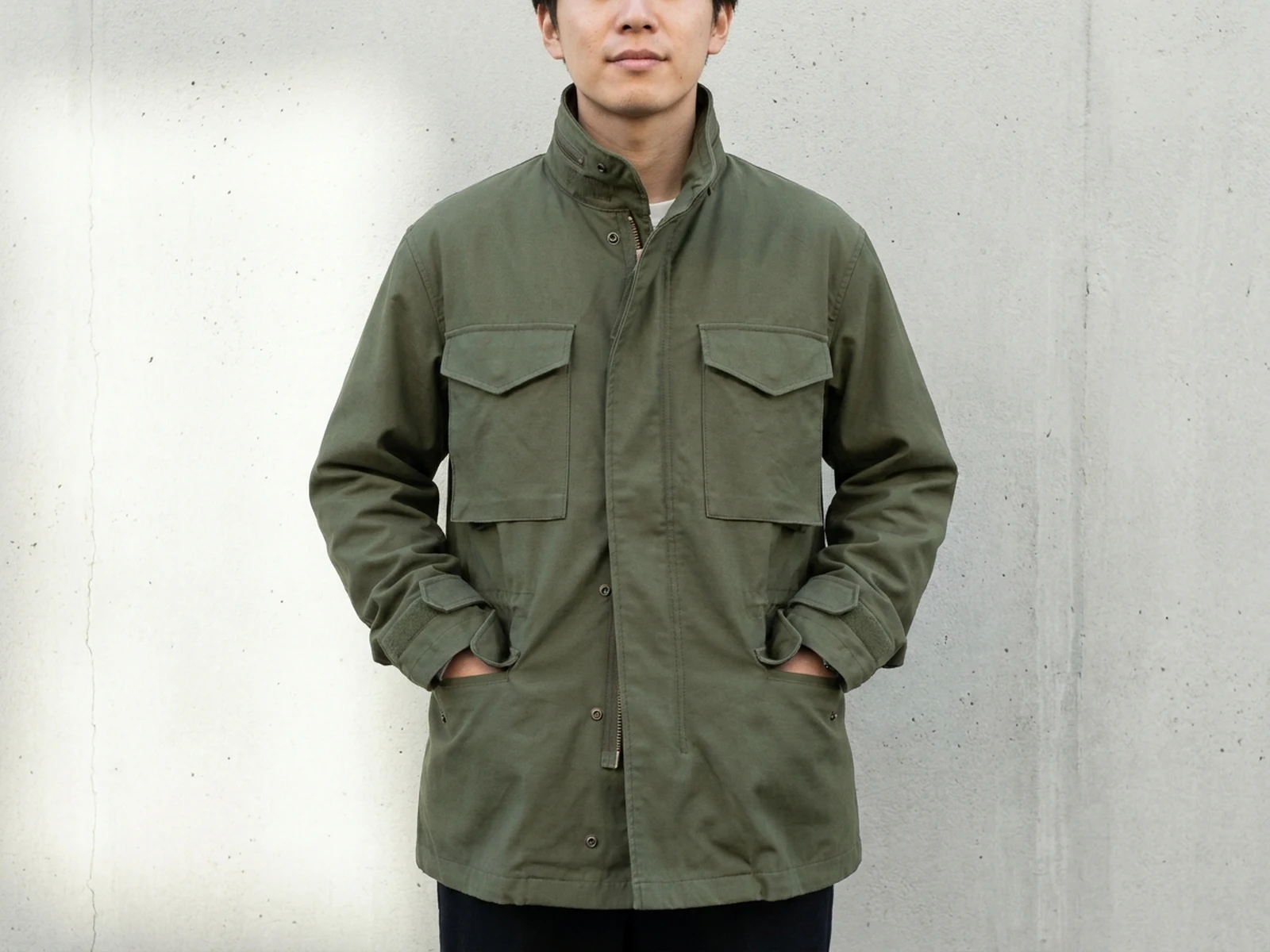
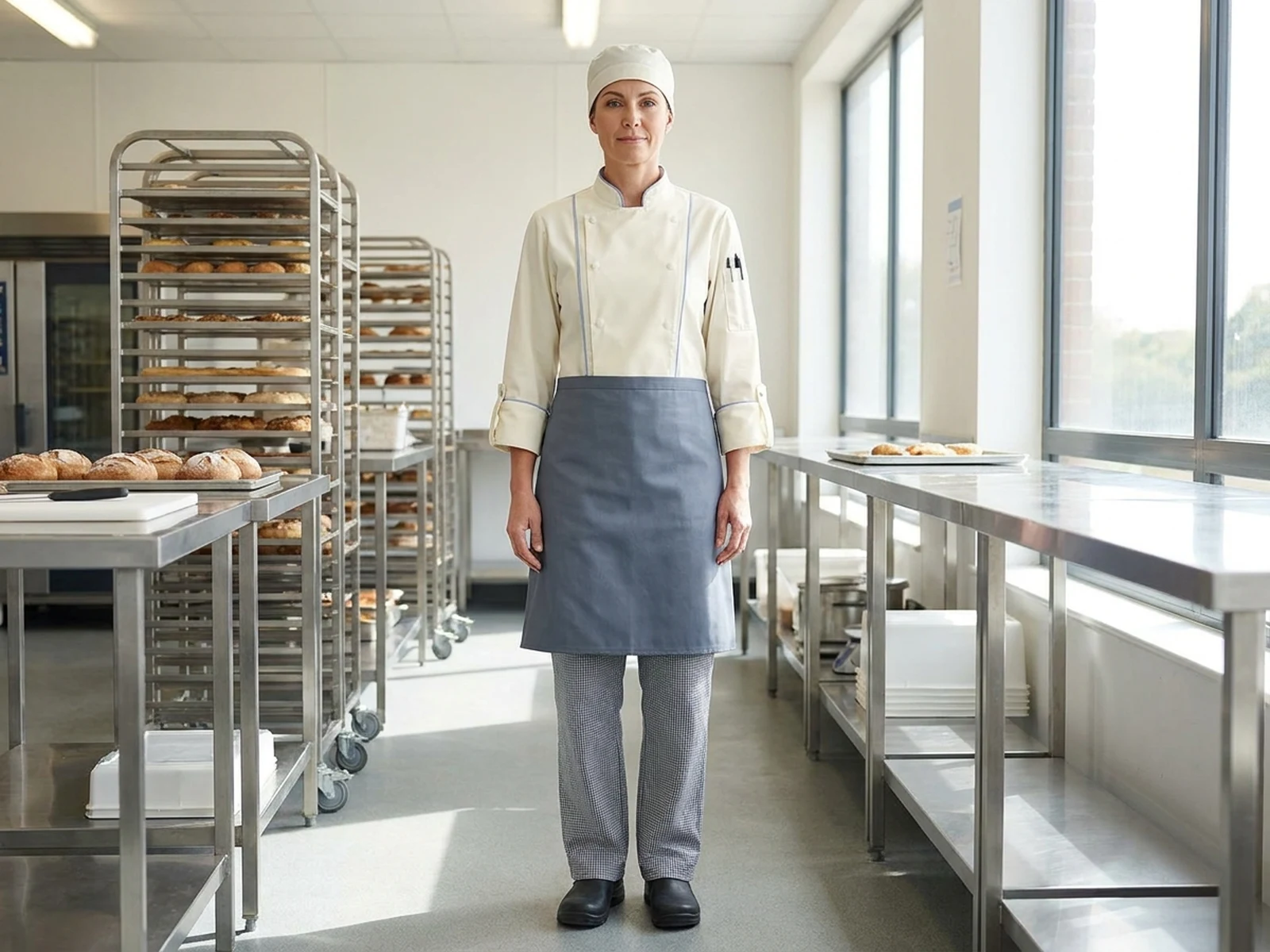
These concepts connect original uniform styling to specific roles, movement, storage, and service environments.

How to structure an AI chef attire prompt

Chef uniform prompts should balance visual identity with coverage, movement, storage, cleaning, and workplace requirements.

Subject

Name the fictional adult or authorized wearer, kitchen role, jacket cut, sleeves, closure, apron, trousers, headwear, and footwear.

Scene

Choose a teaching kitchen, bakery, open pass, prep area, catering space, or clean apparel studio with safe conditions.

Light

Use light that reveals seams, pocket placement, fabric weight, breathability panels, closures, and apron length.

Output

Request a uniform portrait, flat lay, front-side-back sheet, role system, fabric study, or hospitality lookbook.

How to use the AI Chef Attire Generator

Begin with job tasks and workplace rules, then build an original garment system around them.

01

Define the kitchen role

List heat, movement, guest contact, storage, hygiene, laundering, identification, and layering needs.

02

Specify the uniform system

Choose jacket, sleeves, closure, ventilation, pockets, apron, trousers, headwear, footwear, colors, and unbranded details.

03

Validate for real work

Treat the image as a concept and verify fit, textiles, safety, hygiene, accessibility, and local workplace requirements.

AI chef attire concept use cases

Role-specific uniform visualization supports hospitality teams, apparel designers, training programs, and fictional productions.

Restaurant uniform development

Compare original kitchen and open-service looks across head chef, line, pastry, prep, and support roles.

Catering team systems

Coordinate colors and textiles while varying apron length, pockets, and role identification.

Hospitality apparel pitches

Create front, side, back, flat-lay, and on-person concepts before technical design and sampling.

Why choose Omnilyra for chef uniform concepts

Structured prompts keep work function, garment construction, authorization, and original identity aligned.

Role-specific garment control

Direct closures, sleeves, ventilation, pockets, aprons, trousers, headwear, and footwear for each task.

Authorized reference editing

Permitted staff references can preserve identity and posture while testing attire; fictional adults work without uploads.

Team-system visualization

Develop coordinated role variants and useful front-side-back presentations within one workspace.

Try more image workspaces

Continue exploring original apparel, textile, and hospitality visuals with published tools.

AI Chef Attire Generator FAQ

Can the AI Chef Attire Generator create production-ready uniforms?

It creates visual concepts. Apparel professionals and workplace stakeholders must verify patterns, sizing, textile performance, laundering, safety, hygiene, accessibility, and local rules.

What should a chef attire prompt include?

Include role, jacket cut, sleeves, closure, ventilation, pockets, apron, trousers, headwear, footwear, textile, colors, workplace, light, and output view.

Can I edit a real employee’s uniform in a photo?

Only with that adult’s authorization and a legitimate workplace purpose. Preserve dignity and identity, and do not infer private information from the image.

Can I add a restaurant logo?

Only if you own or are authorized to use it. Otherwise keep the uniform unbranded and use original, non-infringing graphic elements.