OOmnilyra

AI Necklaces Generator for Original Jewelry Visuals

Explore original pendant, chain, bead, collar, and layered necklace concepts, then present them as catalog images or authorized styling previews. Generated visuals are design references, not manufacturing specifications or gemstone authentication.

Original jewelry conceptsCatalog and styling viewsAuthorized edits only

AI necklace prompt examples

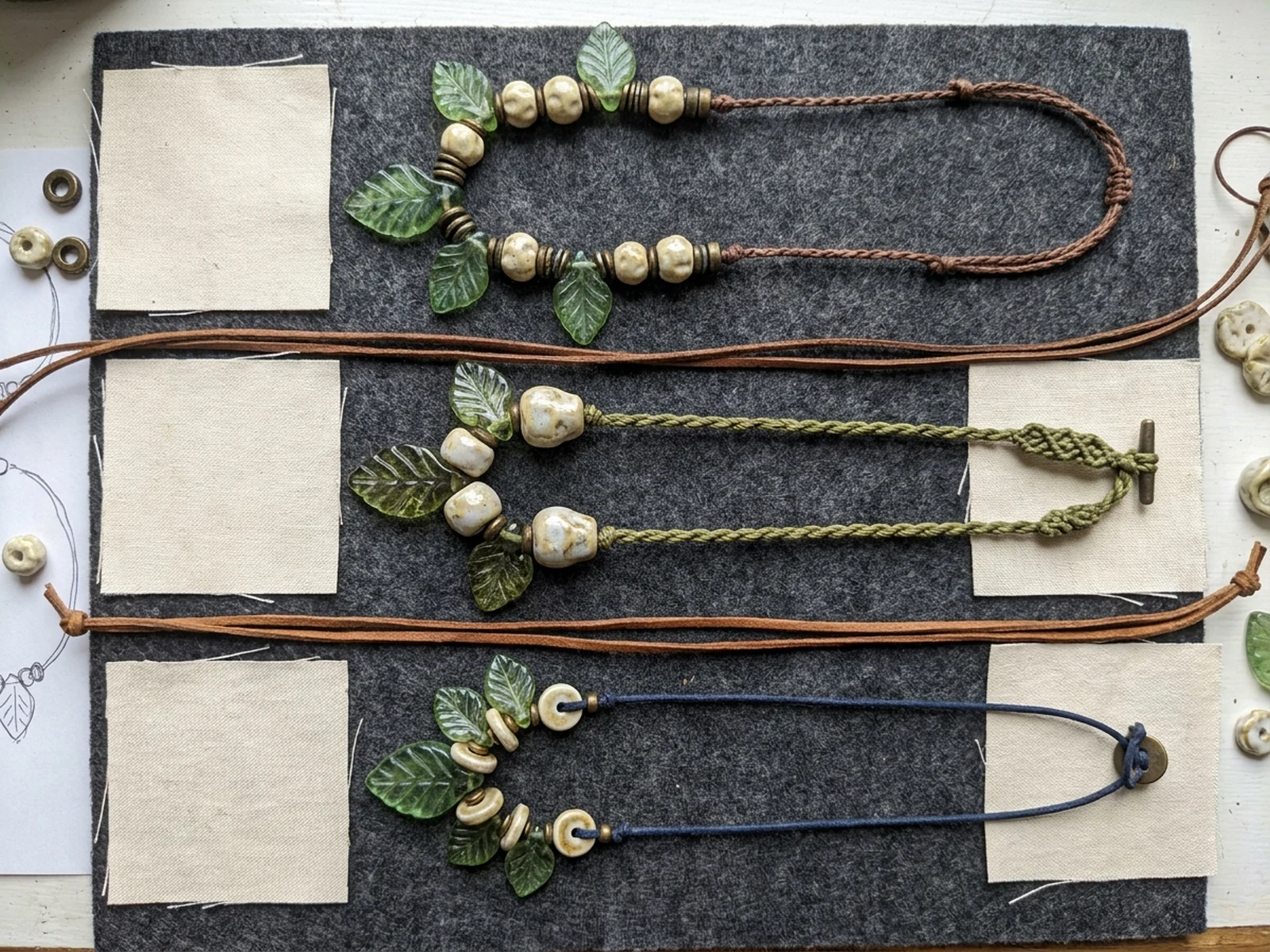
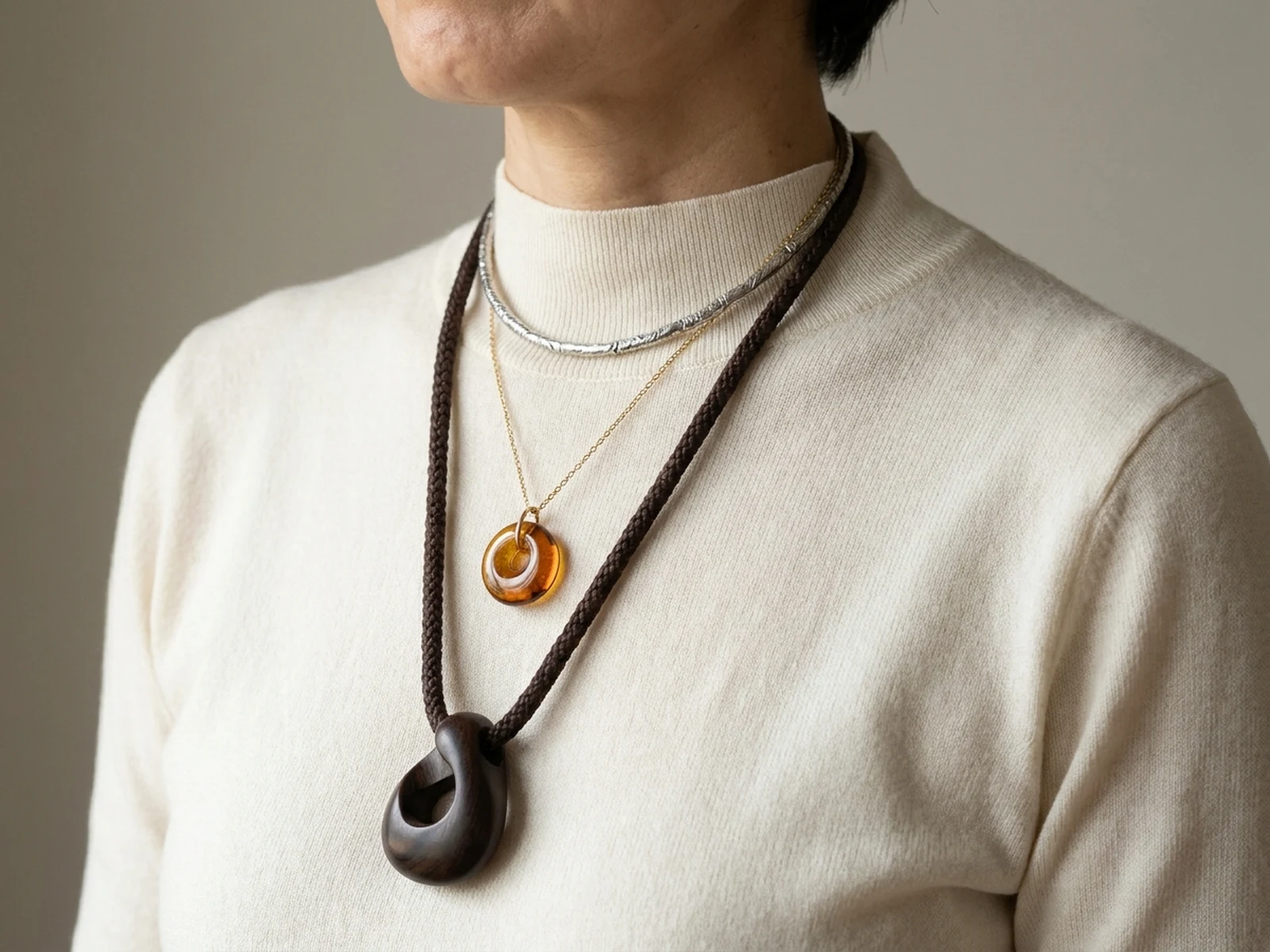
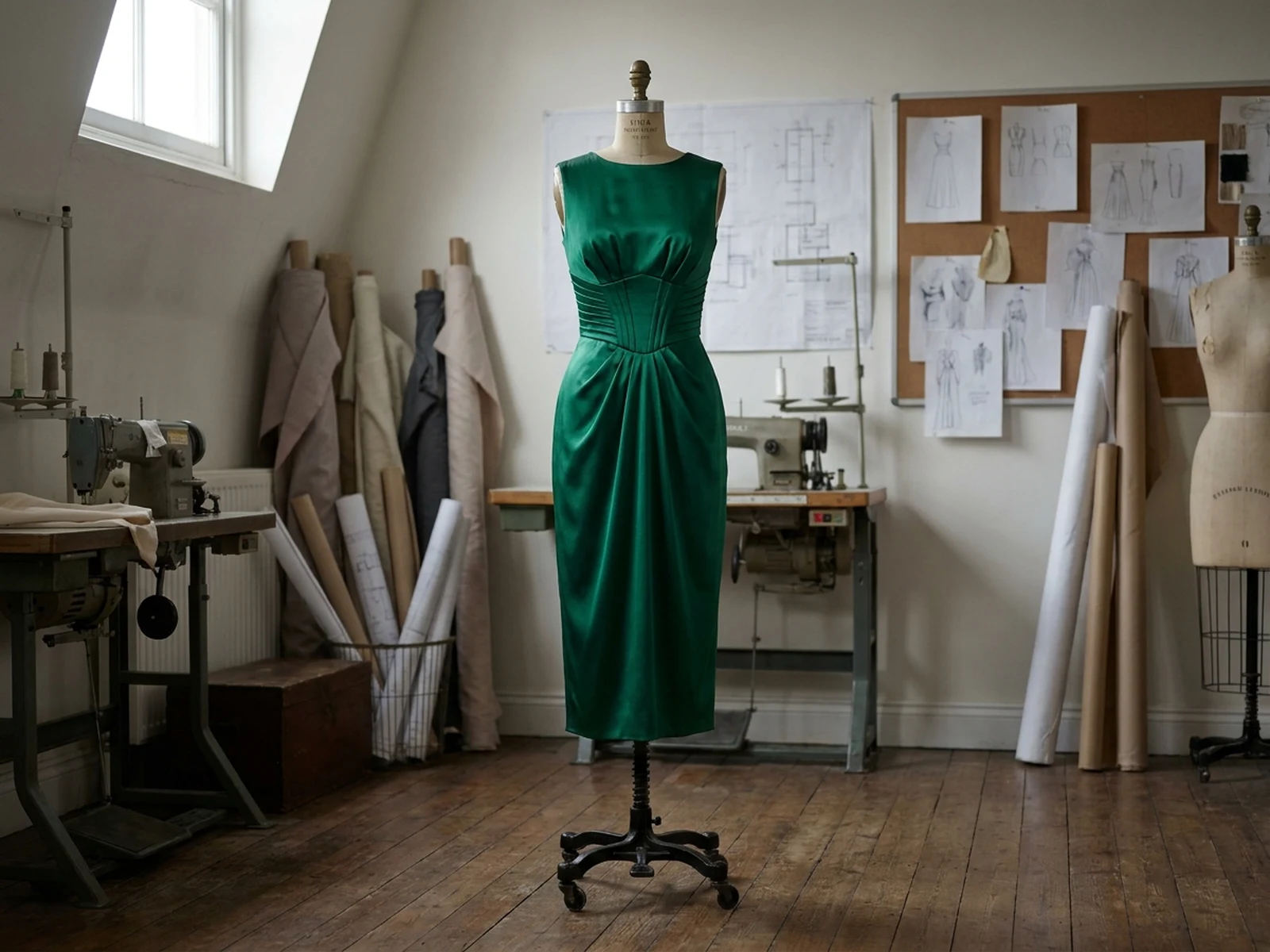
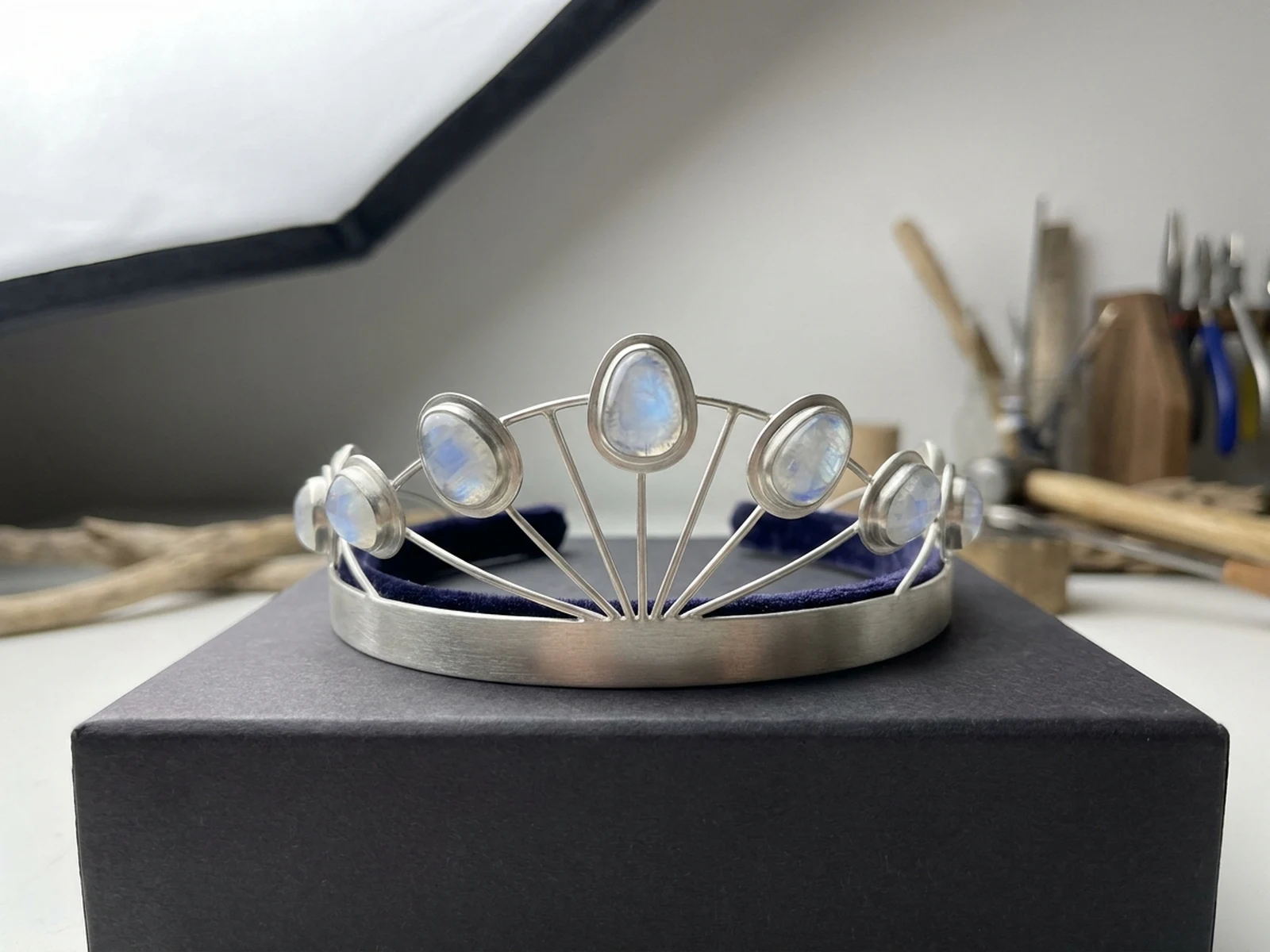
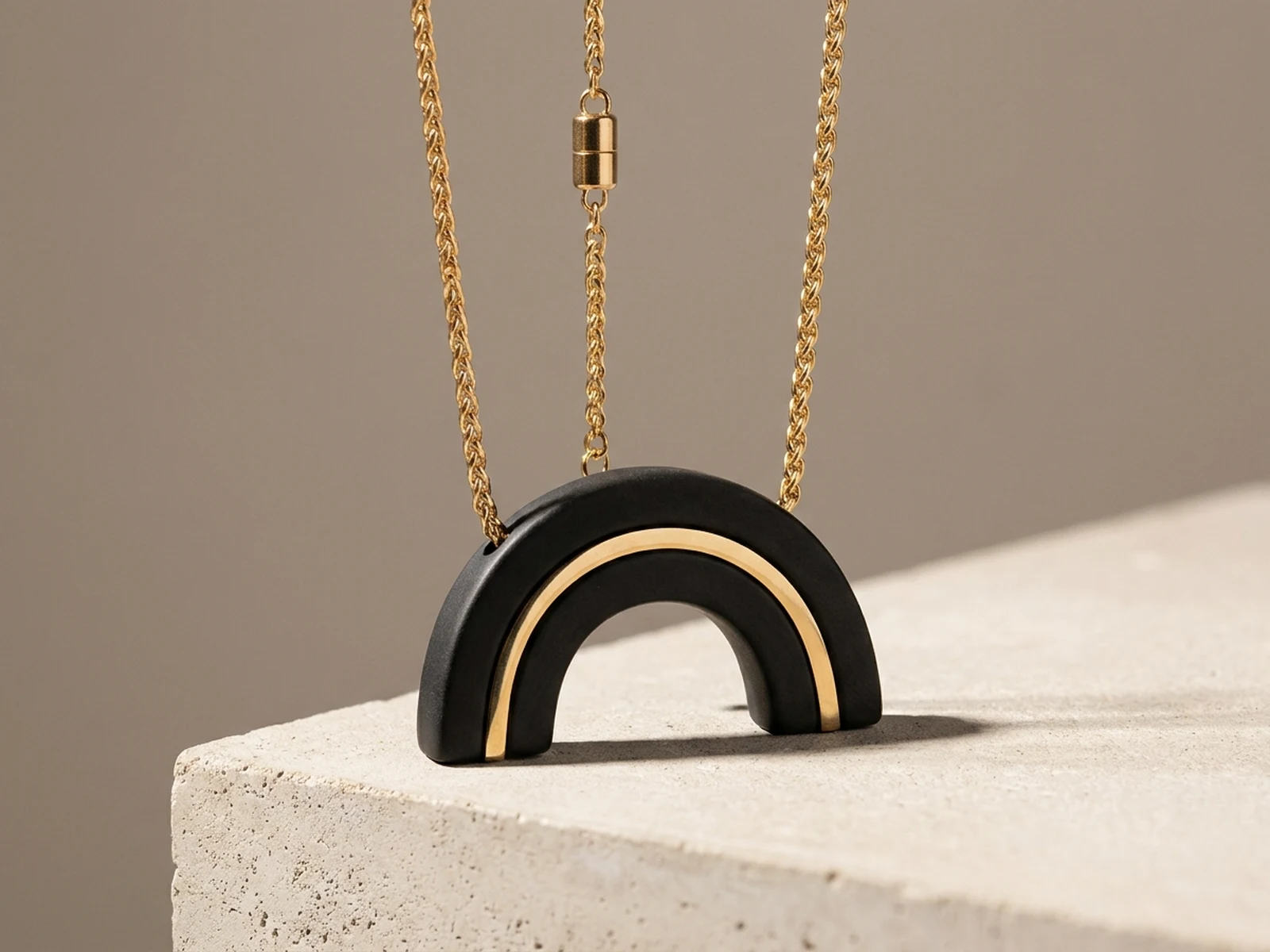
Compare distinct pendant, bead, and authorized on-person presentation directions.

How to structure a necklace prompt

Make form, material, scale, closure, and presentation explicit.

Subject

Name necklace type, pendant or bead forms, chain construction, materials, finish, clasp, length category, and original details.

Scene

Choose linen, stone, felt, a seamless catalog set, a collection board, or an authorized adult styling photo.

Light

Direct highlights for polished metal, matte ceramic, glass translucency, bead texture, and clear chain separation.

Output

Request a catalog hero, macro detail, full-chain layout, collection board, packaging concept, or authorized try-on preview.

How to use the AI Necklaces Generator

Start from an original jewelry brief, then choose a view that answers a specific design or merchandising question.

01

Define necklace construction

Describe links, beads, pendant, setting, clasp, finish, length category, color balance, and intended wearer or display.

02

Choose the presentation

Select flat lay, plinth, macro, collection board, or consented adult styling view with precise light and crop.

03

Verify real-world details

Have jewelry professionals confirm measurements, materials, fastening, wearability, value, and production feasibility.

AI necklace generator use cases

Support visual ideation and presentation without replacing jewelry design documentation or authentication.

Original jewelry ideation

Compare pendant, chain, bead, clasp, proportion, and finish combinations before technical development.

Catalog art direction

Plan surfaces, reflections, full-chain layouts, macro crops, and collection consistency.

Authorized styling previews

Preview necklace layering and neckline balance on consenting adults without changing identity or body shape.

Why choose Omnilyra for necklace concepts

Structured prompts connect small jewelry details to useful catalog and styling outputs.

Material-aware lighting

Control reflections and translucency across metal, ceramic, glass, stone-like materials, cord, and wood.

Multiple presentation views

Move between isolated product, full layout, collection board, macro, and authorized on-person concepts.

Originality and consent

Keep motifs unbranded and require permission for any real wearer's image.

Try more image workspaces

Explore published tools for product, fashion, and material visualization.

AI Necklaces Generator FAQ

Can the AI Necklaces Generator create production-ready designs?

No. It creates visual concepts. A jewelry professional must verify measurements, settings, chain strength, closures, materials, safety, cost, and manufacturability.

Can it identify a gemstone or its value?

No. Generated images cannot authenticate stones, metal purity, provenance, or value; use qualified gemological and appraisal services.

Can I add a necklace to a real person's photo?

Only with that adult's permission and a legitimate styling purpose. Preserve identity and body shape, and label the result as a preview.

What should a necklace prompt include?

Include necklace type, materials, links or beads, pendant, clasp, length, surface, light, camera angle, and output format.