OOmnilyra

AI Crown Generator

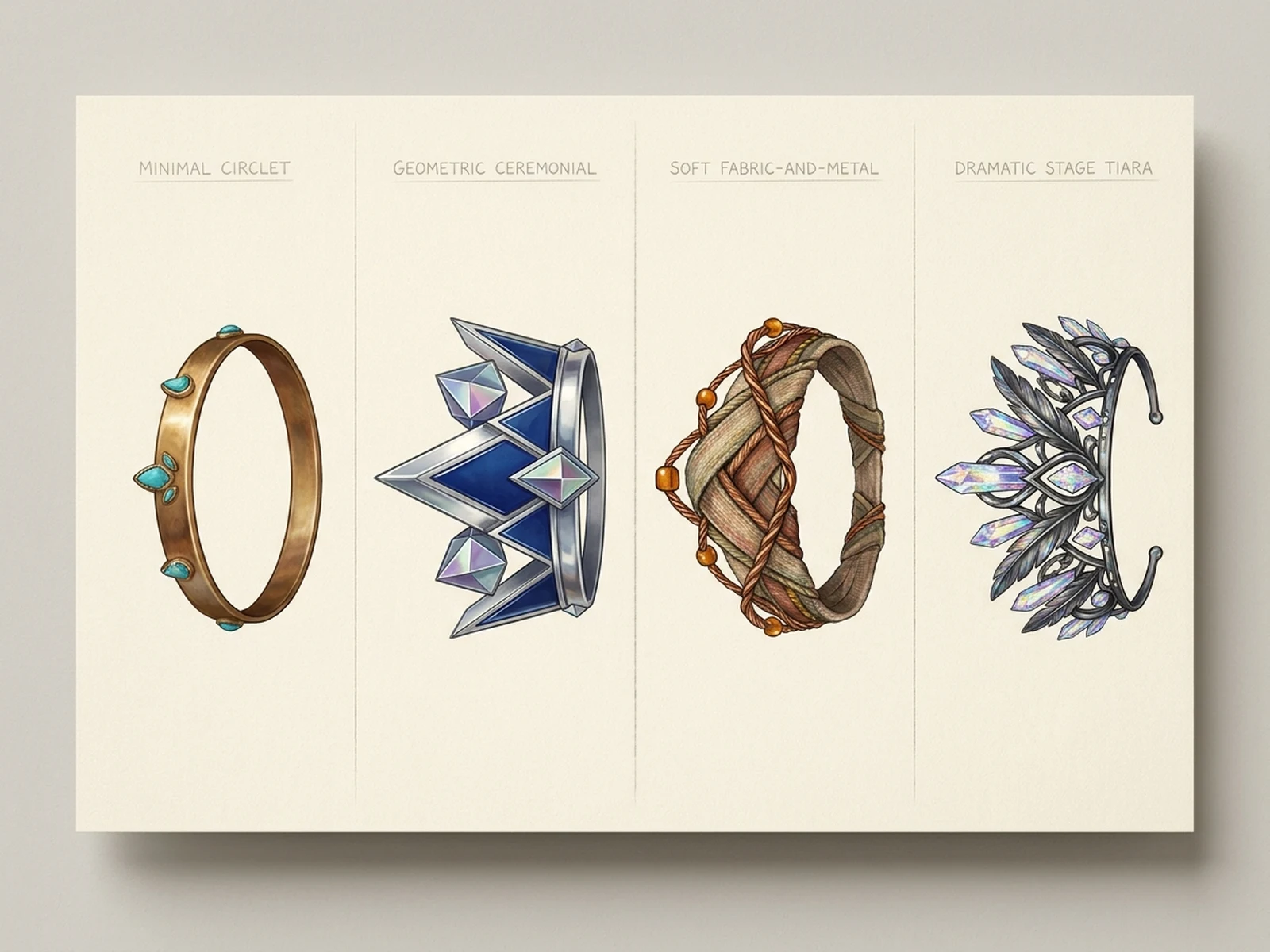
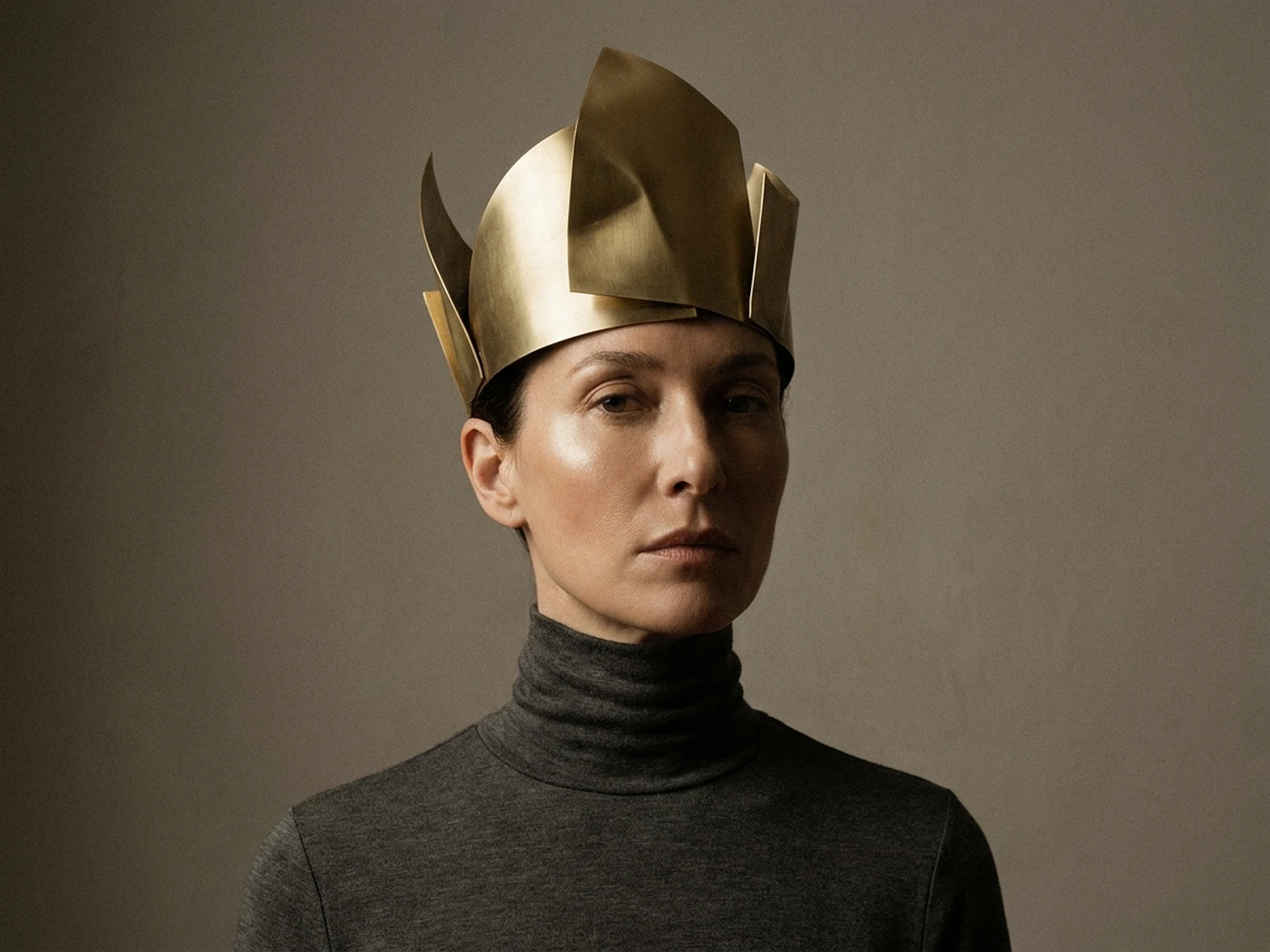
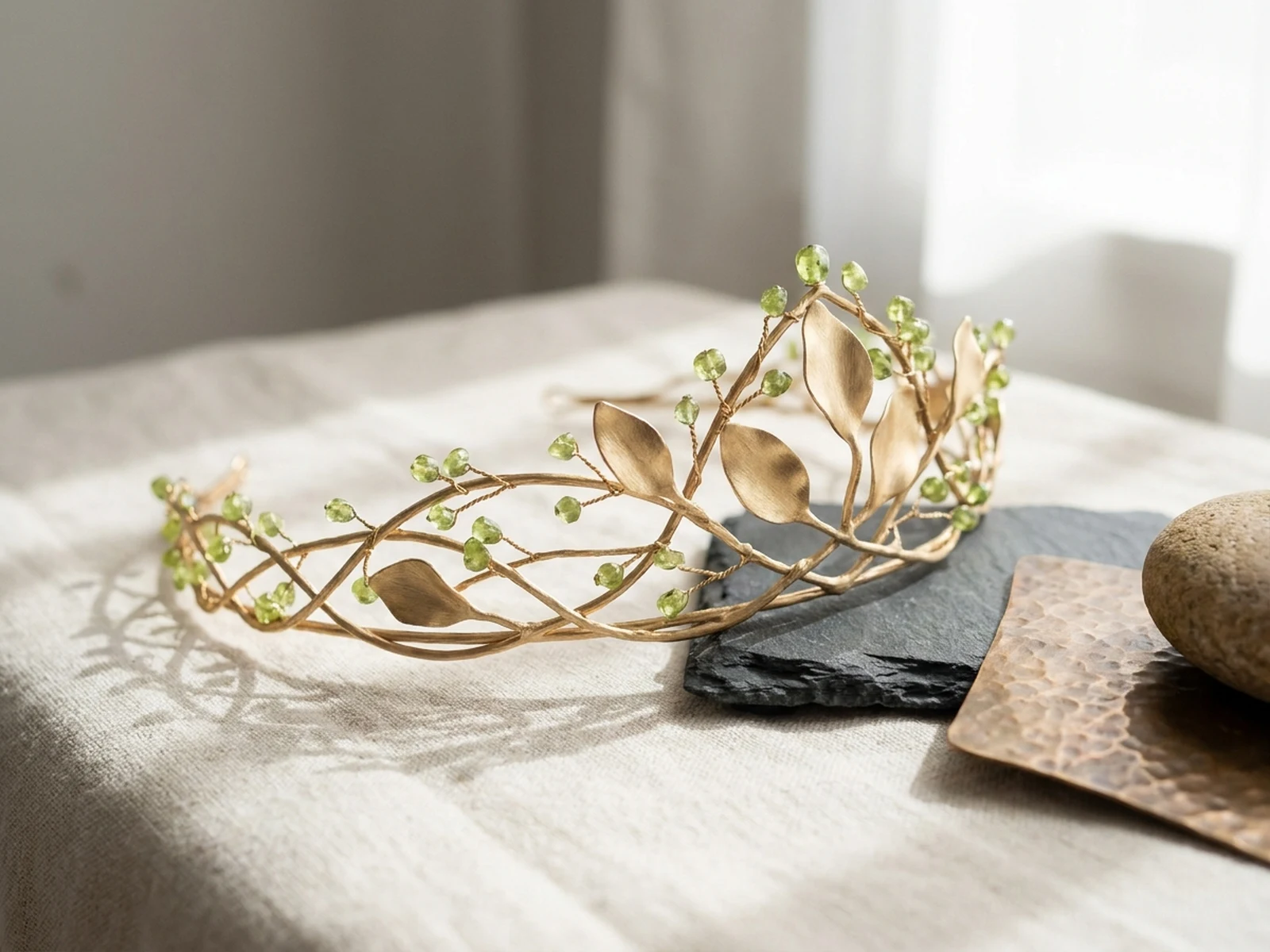
Create original crown and tiara concepts, jewelry detail studies, ceremonial costume pieces, fantasy accessories, and product presentation images while controlling subject, scene, light, composition, and output format.

Original jewelry motifsMetal and gemstone controlProduct and costume formats

AI Crown Generator prompt examples

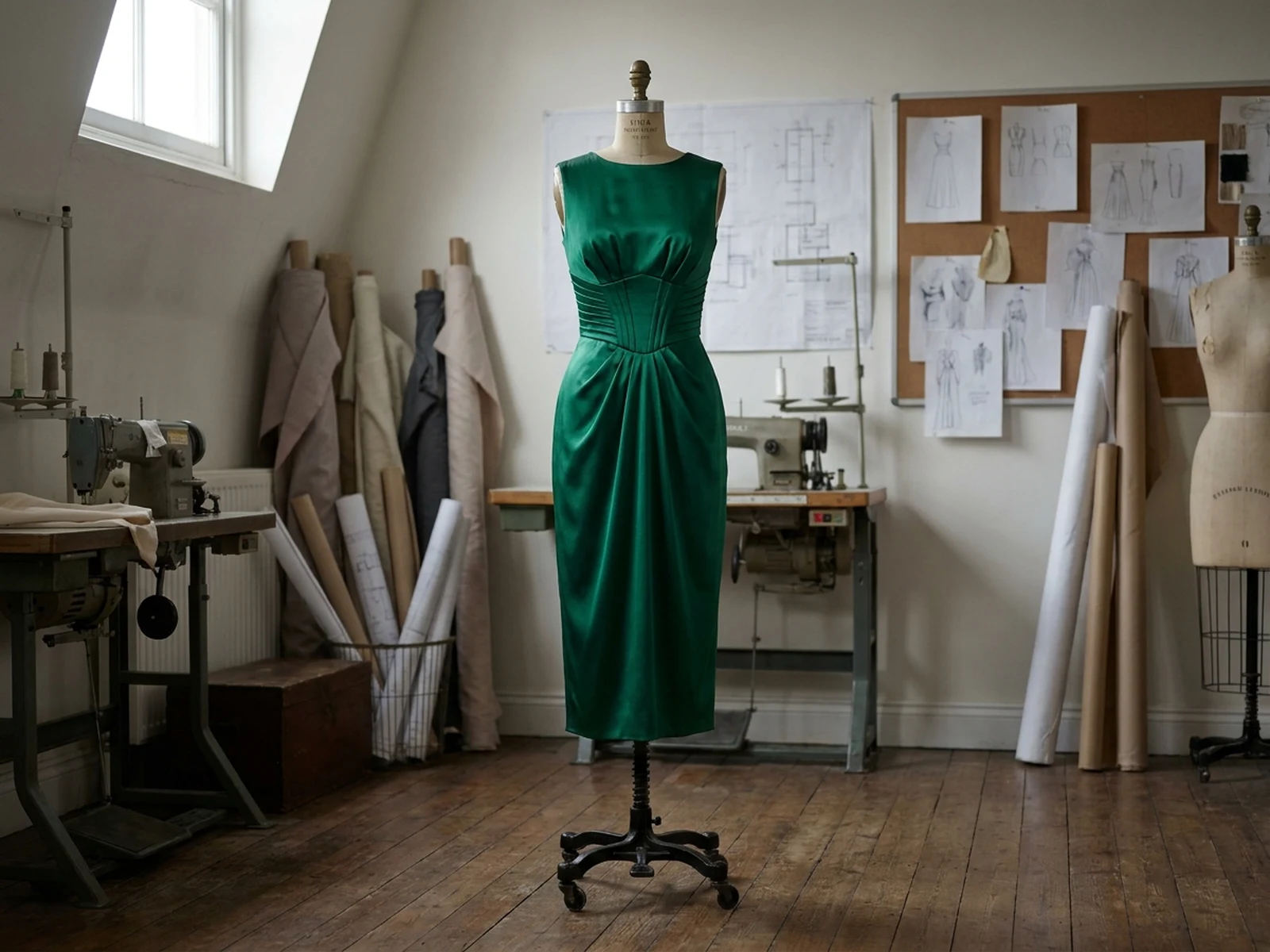
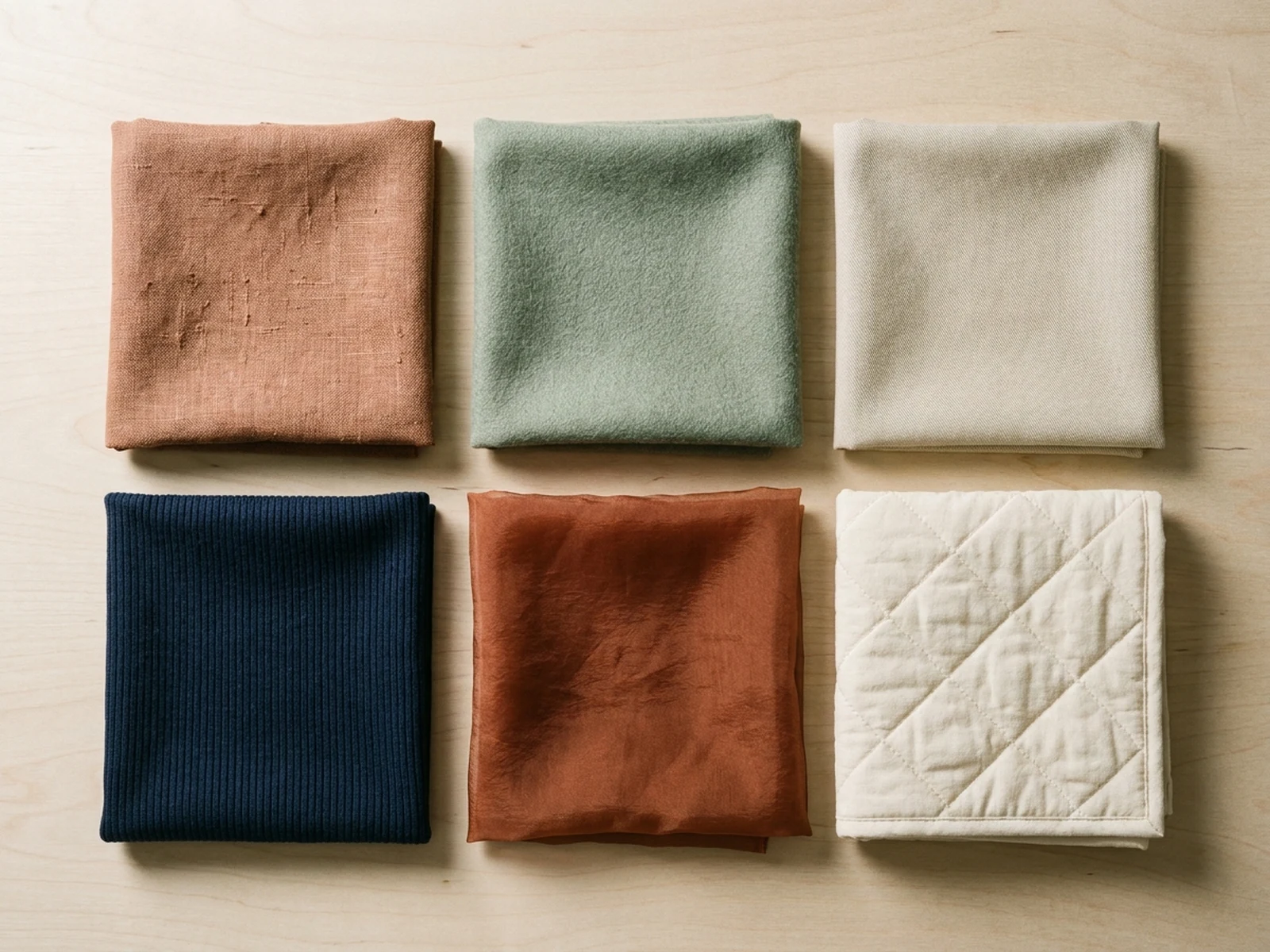
Start with these prompts, then adjust subject, scene, light, composition, and references in the workspace.

AI Crown Generator prompt structure

A structured prompt makes the result easier to compare, reuse, and refine.

Subject

Crown type, silhouette, metal, gemstones, setting method, motif, scale, weight impression, fastening, and wearer context.

Scene

Jewelry studio, velvet display, costume board, mannequin portrait, museum-style case, or artisan workbench.

Light

Controlled jewel highlights, soft metal reflections, dark-field rim light, gemstone transparency, and clean product shadows.

Output

Jewelry hero, tiara sketch, material board, costume portrait, collection lineup, or fabrication reference.

How to use the AI Crown Generator

Define one concrete goal, lock the visual variables, and then create channel-ready variants.

01

Define the exact result

Choose one target from Jewelry hero, tiara sketch, material board, costume portrait, collection lineup, or fabrication reference.

02

Lock the visual variables

Specify Crown type, silhouette, metal, gemstones, setting method, motif, scale, weight impression, fastening, and wearer context. Then set Jewelry studio, velvet display, costume board, mannequin portrait, museum-style case, or artisan workbench.

03

Generate useful variants

Change angle, palette, composition, or channel format while keeping the core subject and reference cues consistent.

AI Crown Generator use cases

These workflows focus on original crown and tiara concepts, jewelry detail studies, ceremonial costume pieces, fantasy accessories, and product presentation images.

Jewelry concept design

Explore original silhouettes, settings, materials, and focal stones before detailed CAD development.

Costume accessories

Create crowns and tiaras that coordinate with an original stage, fantasy, or editorial wardrobe.

Product presentation

Build clean velvet, acrylic, and museum-style views for pitches, catalogs, and campaign planning.

Why choose Omnilyra for AI Crown Generator

The workspace keeps prompts, references, examples, and output controls in one workflow.

Built around the search intent

The examples and workflow directly support original crown and tiara concepts, jewelry detail studies, ceremonial costume pieces, fantasy accessories, and product presentation images.

Reference-guided control

Upload permitted references to preserve key visual cues while changing scene and format.

Reusable output system

Create Jewelry hero, tiara sketch, material board, costume portrait, collection lineup, or fabrication reference. from the same reusable workspace.

Try more image workspaces

Continue with related image generation, editing, and campaign workflows.

AI Crown Generator FAQ

What can the AI Crown Generator create?

It can create original crown and tiara concepts, jewelry detail studies, ceremonial costume pieces, fantasy accessories, and product presentation images.

What should the prompt include?

Include Crown type, silhouette, metal, gemstones, setting method, motif, scale, weight impression, fastening, and wearer context. Then add Jewelry studio, velvet display, costume board, mannequin portrait, museum-style case, or artisan workbench.

Can I upload a reference image?

Yes. Upload only images you have permission to use to guide subject, palette, material, pose, or layout consistency.

What should I review before using the result?

Keep motifs original, avoid copying real regalia or protected insignia, and verify weight, fit, sharp edges, stone security, and fabrication feasibility before making a wearable piece.