OOmnilyra

AI Car Parts Generator for Catalog and Concept Visuals

Create unbranded automotive component concepts, catalog images, exploded-view illustrations, and presentation boards. Outputs are visual concepts—not engineering dimensions, safety certification, fitment confirmation, or repair instructions.

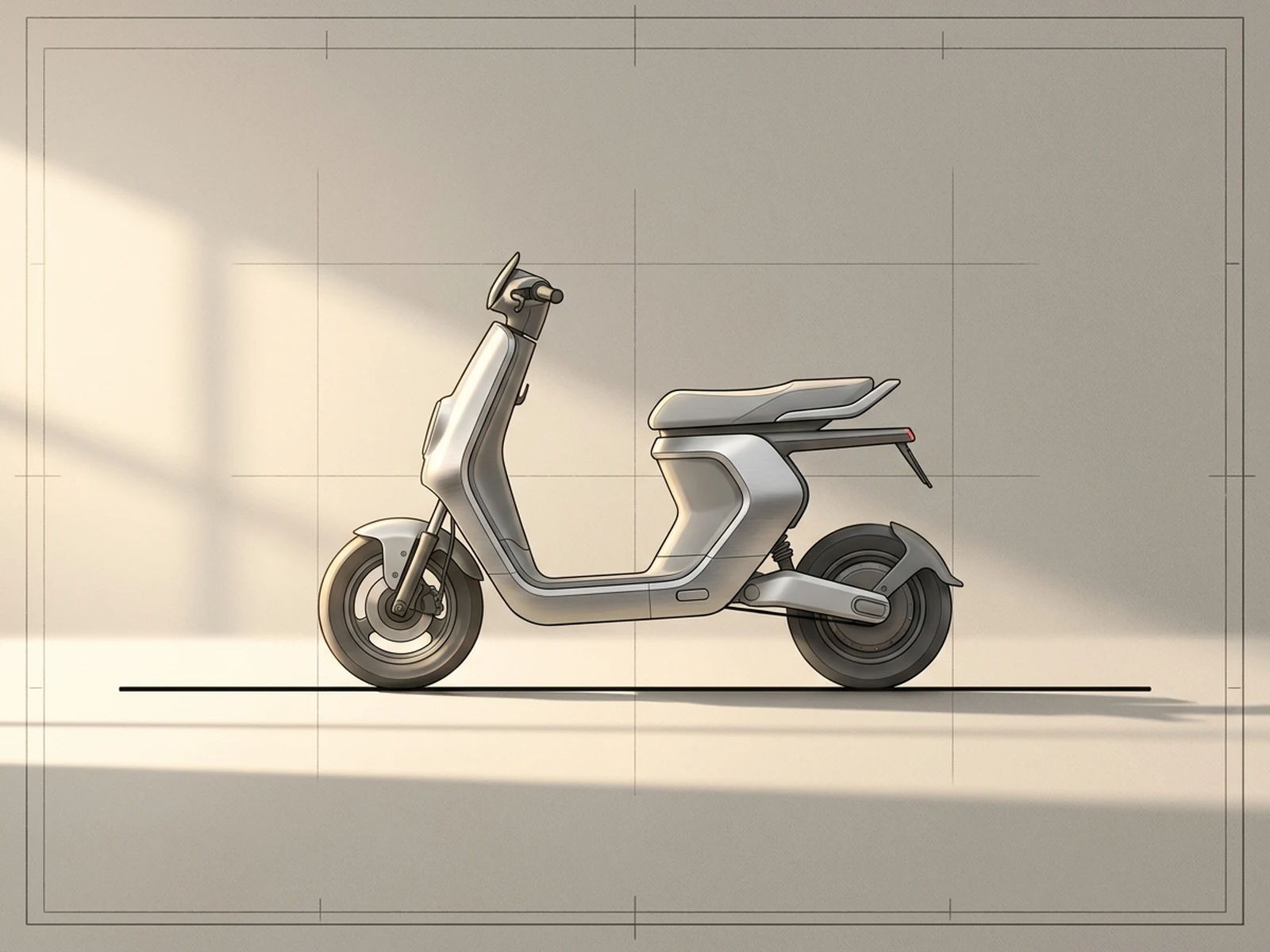
Unbranded component conceptsCatalog and exploded viewsNot engineering or repair guidance

AI car parts generator prompt examples

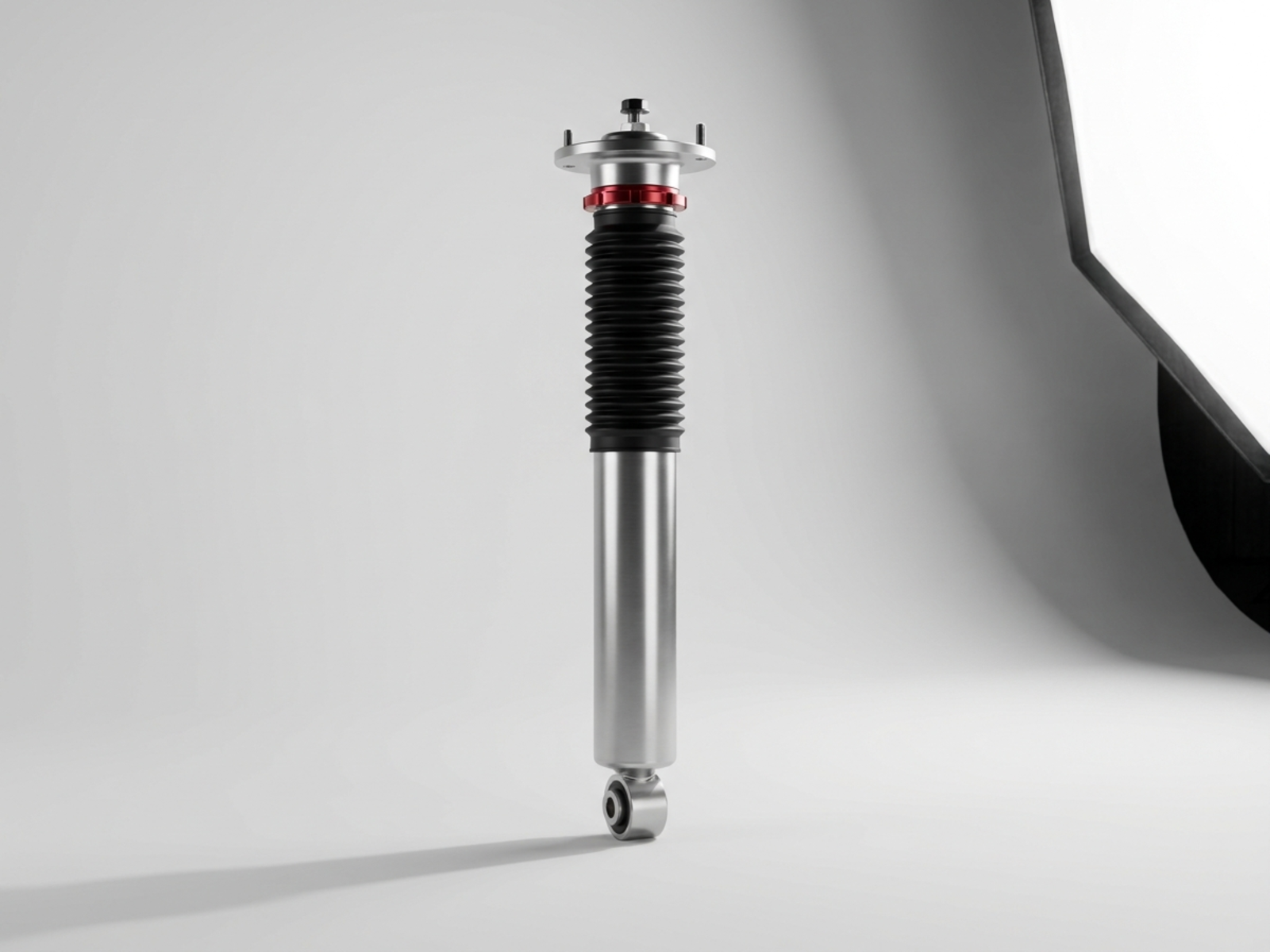
Use these prompts for distinct catalog, exploded-view, and presentation-board directions while keeping the output explicitly conceptual.

AI car parts generator prompt structure

A useful concept prompt describes visual form and presentation while avoiding unsupported technical or safety claims.

Subject

Name a generic component concept, visible subparts, materials, finish, color, and level of visual separation without specifying unverified dimensions.

Scene

Choose a seamless catalog sweep, concept board, material table, exploded presentation, or clean studio display.

Light

Define reflections and shadow separation for metal, polymer, glass, rubber, carbon composite, or painted surfaces.

Output

Request a catalog hero, exploded concept, variation sheet, CMF board, or presentation visual clearly marked for non-technical use.

How to use the AI car parts generator

Direct visual concept work first, then route any real component decision to qualified engineering and service documentation.

01

Choose a visual deliverable

Define whether you need an unbranded catalog image, exploded presentation, material study, or stakeholder concept board.

02

Describe visible design cues

Specify surfaces, materials, finish, camera angle, separation, and background while excluding real logos and unsupported technical specifications.

03

Label the output as conceptual

Do not use generated imagery for measurement, fitment, fabrication, certification, diagnosis, installation, or repair; consult verified manufacturer data and qualified professionals.

AI car parts generator use cases

These workflows support communication and visual exploration rather than engineering authority.

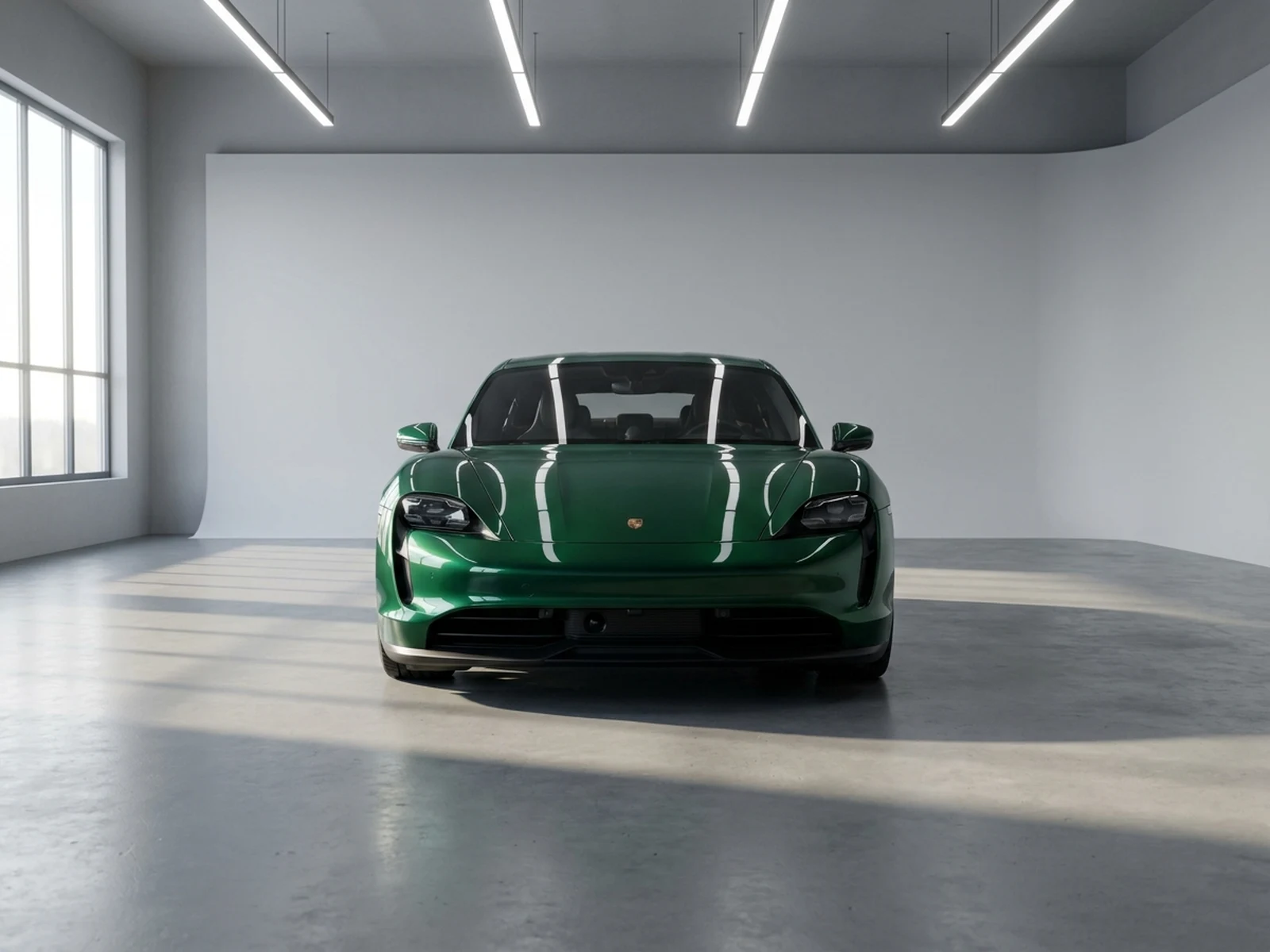
Catalog concept imagery

Preview clean component hero shots and category layouts before commissioned photography or finalized product data.

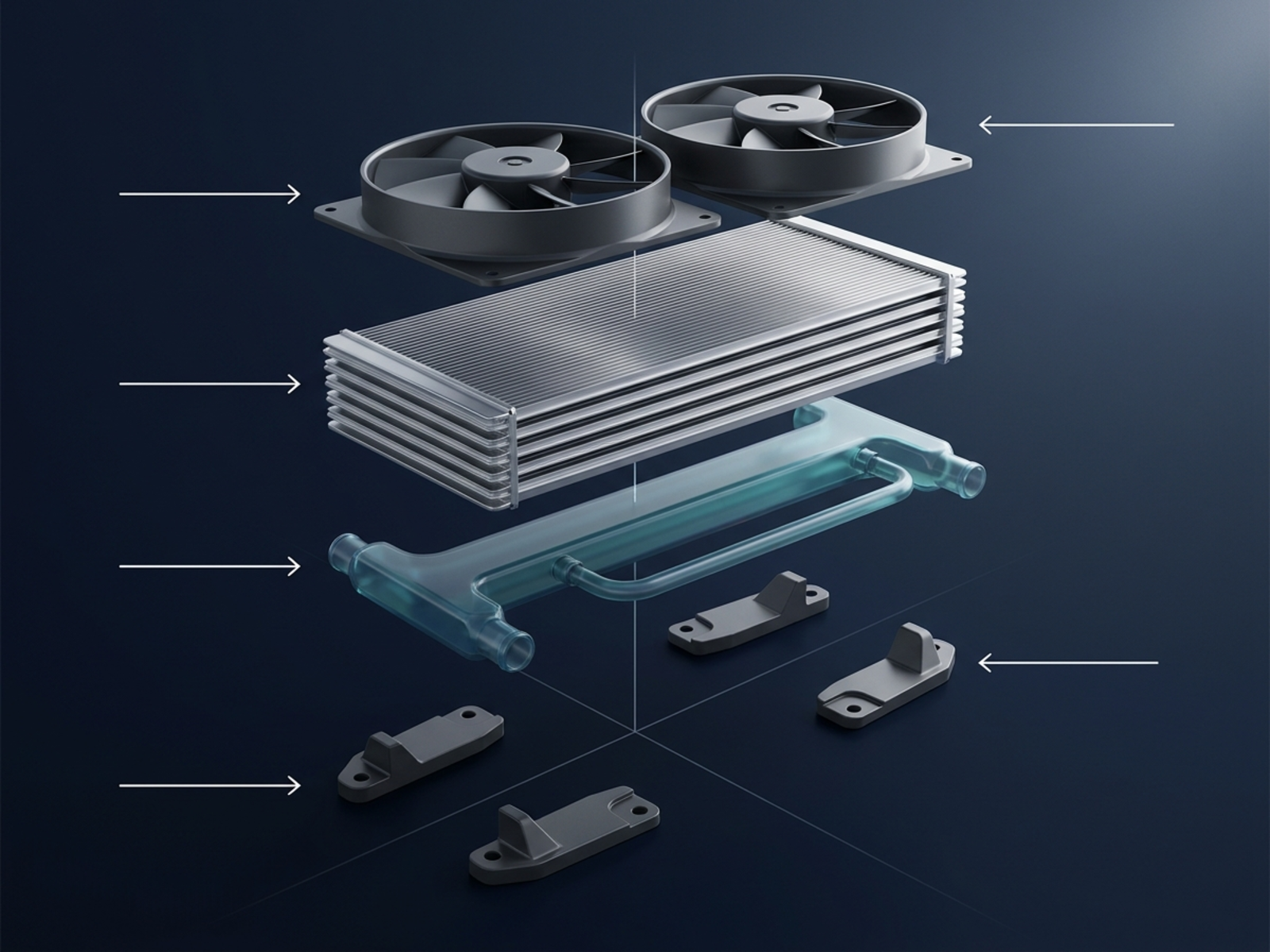
Exploded presentation visuals

Communicate a high-level relationship between conceptual layers without depicting an assembly or repair procedure.

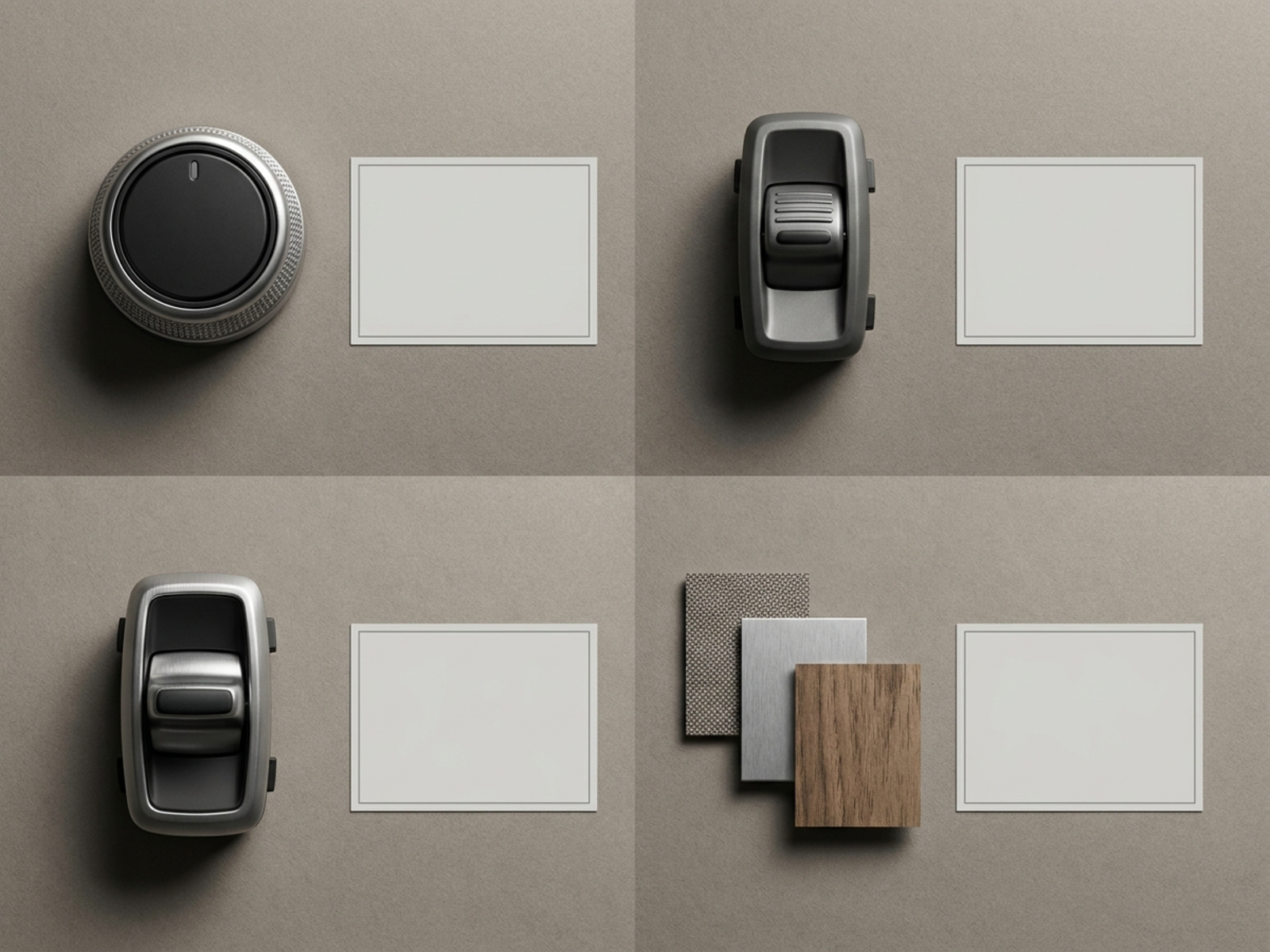
Design and CMF boards

Compare generic materials, finishes, control families, and visual directions for presentations and early reviews.

Why choose Omnilyra for car parts concept images

The workspace organizes component prompts, references, materials, camera direction, and presentation formats with clear non-technical boundaries.

Multiple visual formats

Move from catalog hero to exploded concept or design board while keeping a coherent unbranded visual language.

Material-aware direction

Structured prompts make metal, polymer, glass, rubber, paint, and composite finishes easier to compare.

Explicit safety limits

Page guidance separates concept imagery from dimensions, fitment, certification, maintenance, and safety-critical decisions.

Try more image concept workspaces

Explore published tools for automotive presentation, product imagery, and alternate visual views.

AI Car Parts Generator FAQ

What can an AI car parts generator create?

It can create conceptual component images, catalog visuals, exploded presentation views, material studies, and design boards for creative review.

Can I use the output as an engineering drawing or dimension reference?

No. Generated images do not provide verified dimensions, tolerances, materials, loads, fitment, or manufacturing specifications.

Can the images guide vehicle repair or installation?

No. Use official service information, verified parts catalogs, appropriate safety procedures, and qualified automotive professionals for diagnosis, installation, and repair.

Can I include real manufacturer logos?

Avoid real brand logos and certification marks. Use original, generic components and add authorized identity elements later through a controlled design workflow.