OOmnilyra

AI Warrior Generator

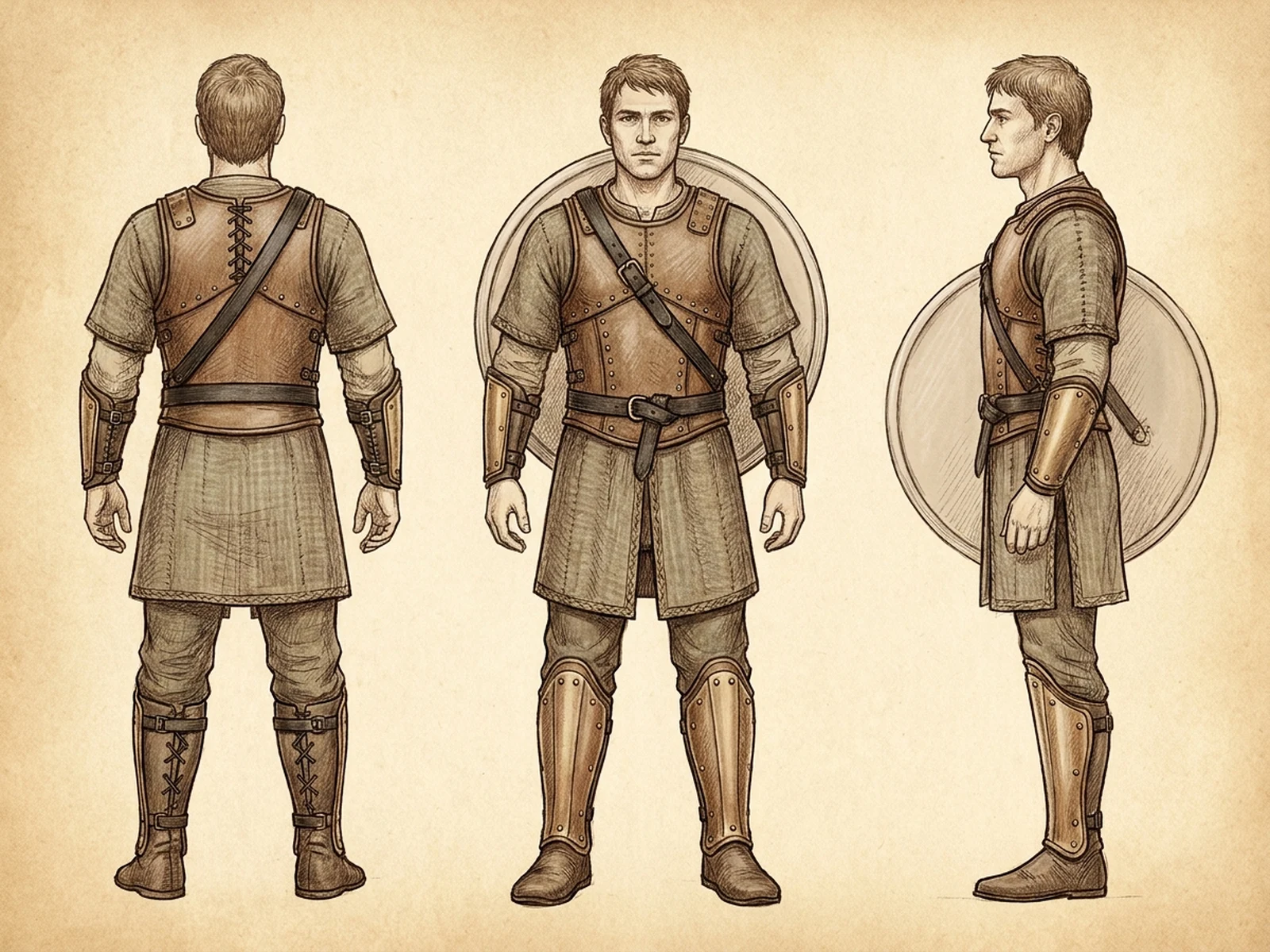
Create original adult warrior portraits, armor concepts, heroic character sheets, fantasy campaign art, and non-graphic story scenes while controlling subject, scene, light, composition, and output format.

Original adult heroesArmor construction controlNon-graphic story scenes

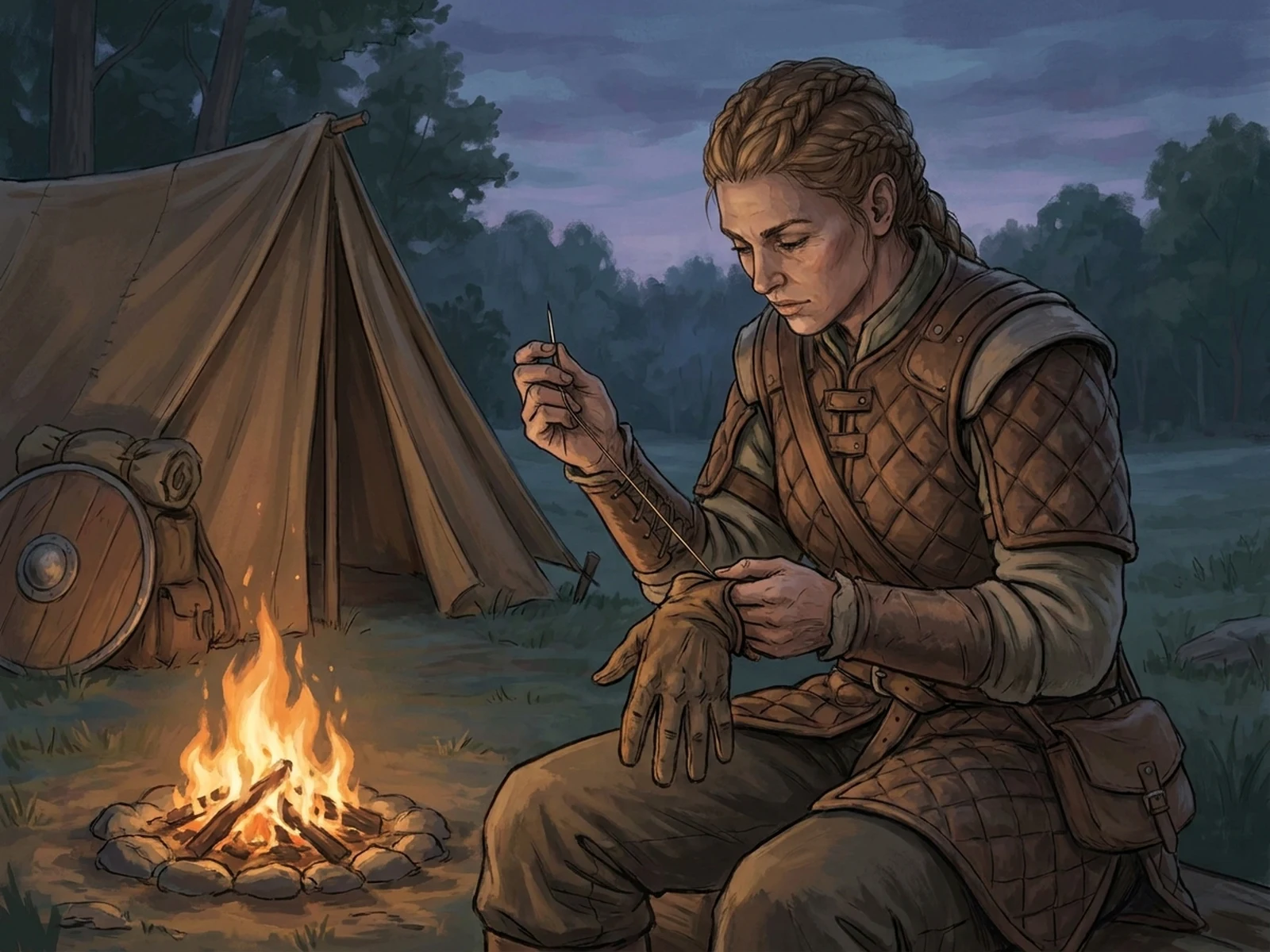
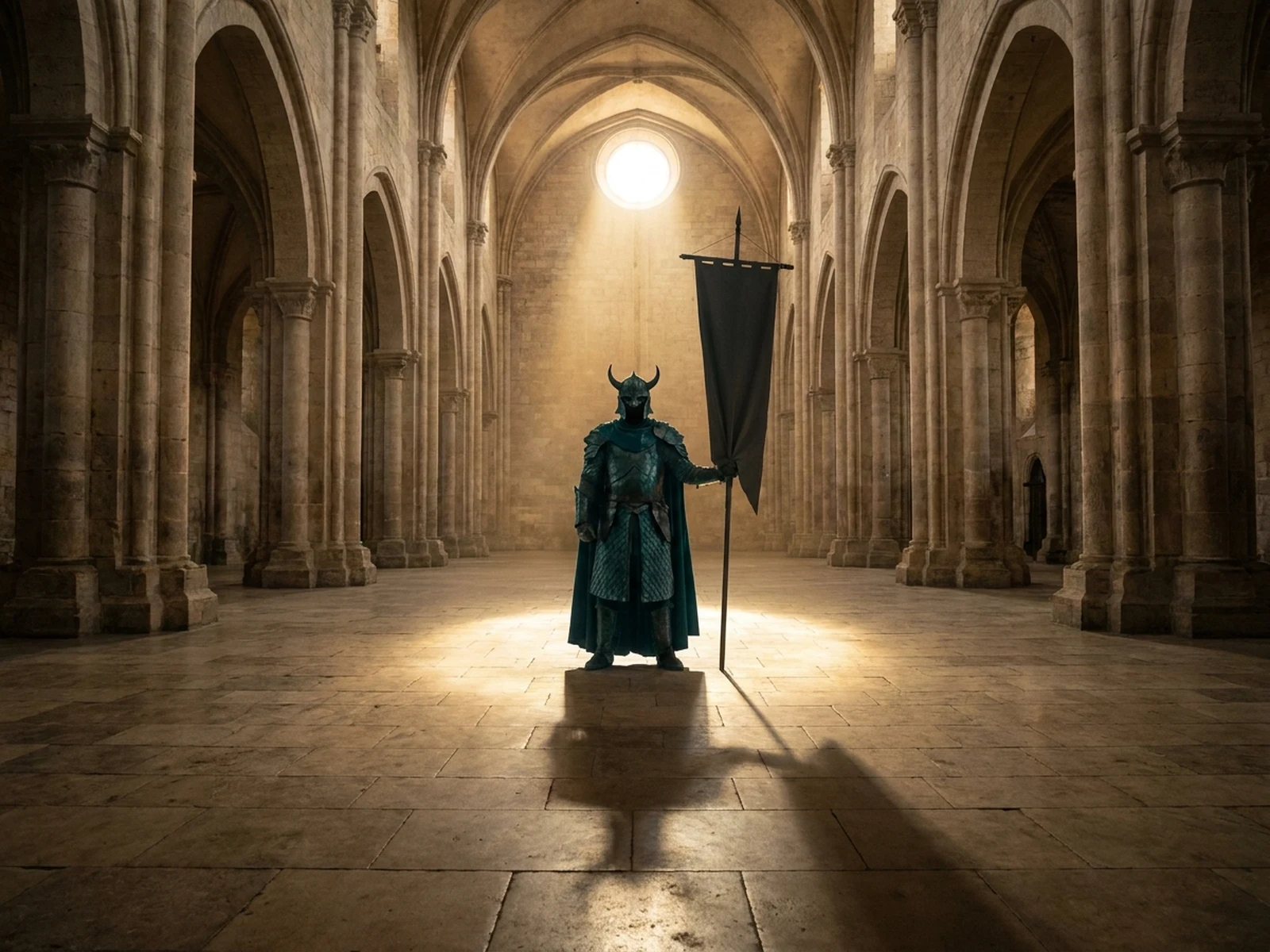
AI Warrior Generator prompt examples

Start with these prompts, then adjust subject, scene, light, composition, and references in the workspace.

AI Warrior Generator prompt structure

A structured prompt makes the result easier to compare, reuse, and refine.

Subject

Original adult warrior, cultural inspiration, armor materials, practical layers, stance, expression, equipment, and silhouette.

Scene

Neutral character studio, mountain pass, guarded city gate, quiet camp, ceremonial hall, or concept sheet.

Light

Dramatic side light, dawn atmosphere, firelit metal reflections, clear face light, and readable armor construction.

Output

Character portrait, armor sheet, campaign poster, tabletop reference, story keyframe, or costume mood board.

How to use the AI Warrior Generator

Define one concrete goal, lock the visual variables, and then create channel-ready variants.

01

Define the exact result

Choose one target from Character portrait, armor sheet, campaign poster, tabletop reference, story keyframe, or costume mood board.

02

Lock the visual variables

Specify Original adult warrior, cultural inspiration, armor materials, practical layers, stance, expression, equipment, and silhouette. Then set Neutral character studio, mountain pass, guarded city gate, quiet camp, ceremonial hall, or concept sheet.

03

Generate useful variants

Change angle, palette, composition, or channel format while keeping the core subject and reference cues consistent.

AI Warrior Generator use cases

These workflows focus on original adult warrior portraits, armor concepts, heroic character sheets, fantasy campaign art, and non-graphic story scenes.

Character concept art

Explore practical armor, layered clothing, equipment, and silhouettes before a game or story production.

Tabletop references

Create original portraits and stance references for campaigns without copying protected characters.

Heroic campaign art

Build dramatic but non-graphic key visuals with clear focal light and room for later typography.

Why choose Omnilyra for AI Warrior Generator

The workspace keeps prompts, references, examples, and output controls in one workflow.

Built around the search intent

The examples and workflow directly support original adult warrior portraits, armor concepts, heroic character sheets, fantasy campaign art, and non-graphic story scenes.

Reference-guided control

Upload permitted references to preserve key visual cues while changing scene and format.

Reusable output system

Create Character portrait, armor sheet, campaign poster, tabletop reference, story keyframe, or costume mood board. from the same reusable workspace.

Try more image workspaces

Continue with related image generation, editing, and campaign workflows.

AI Warrior Generator FAQ

What can the AI Warrior Generator create?

It can create original adult warrior portraits, armor concepts, heroic character sheets, fantasy campaign art, and non-graphic story scenes.

What should the prompt include?

Include Original adult warrior, cultural inspiration, armor materials, practical layers, stance, expression, equipment, and silhouette. Then add Neutral character studio, mountain pass, guarded city gate, quiet camp, ceremonial hall, or concept sheet.

Can I upload a reference image?

Yes. Upload only images you have permission to use to guide subject, palette, material, pose, or layout consistency.

What should I review before using the result?

Keep characters and cultural motifs original, avoid graphic injury or active violence, and treat armor and poses as visual concepts rather than safety guidance.