OOmnilyra

AI Stick Figure Generator

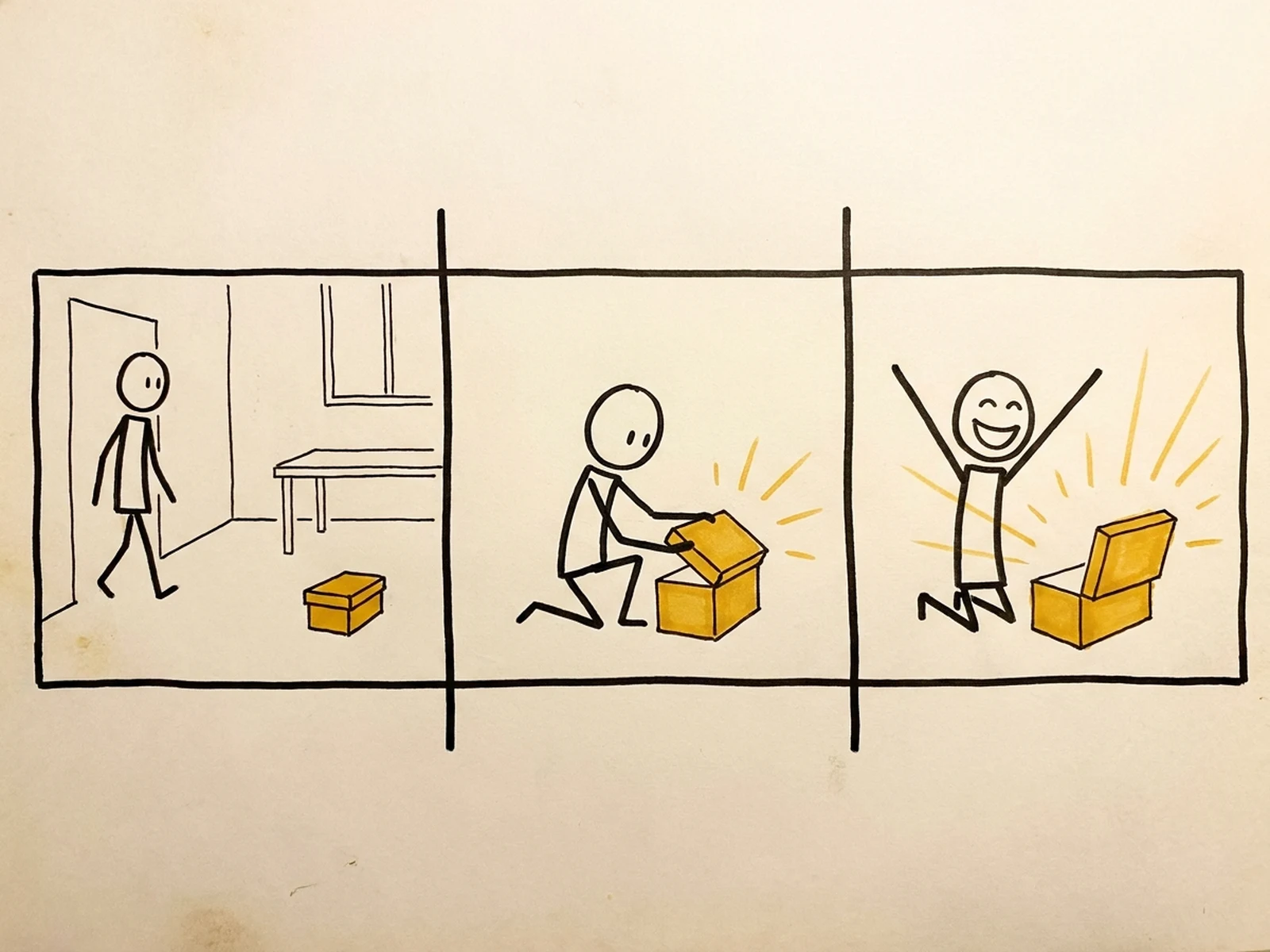
Create stick figure poses, storyboard panels, instruction icons, simple characters, and visual explanation assets while controlling subject, scene, light, composition, and output format.

Clear gesture languageStoryboard-ready panelsReusable icon systems

AI Stick Figure Generator prompt examples

Start with these prompts, then adjust subject, scene, light, composition, and references in the workspace.

AI Stick Figure Generator prompt structure

A structured prompt makes the result easier to compare, reuse, and refine.

Subject

Figure count, body pose, gesture, expression mark, prop, movement, line weight, and character distinction.

Scene

Whiteboard, instruction panel, storyboard frame, icon sheet, presentation slide, or simple environment diagram.

Light

Flat graphic contrast, paper texture, clean shadows for physical notes, and consistent monochrome or accent color.

Output

Pose sheet, storyboard, explainer icon, process diagram, presentation asset, comic strip, or activity card.

How to use the AI Stick Figure Generator

Define one concrete goal, lock the visual variables, and then create channel-ready variants.

01

Define the exact result

Choose one target from Pose sheet, storyboard, explainer icon, process diagram, presentation asset, comic strip, or activity card.

02

Lock the visual variables

Specify Figure count, body pose, gesture, expression mark, prop, movement, line weight, and character distinction. Then set Whiteboard, instruction panel, storyboard frame, icon sheet, presentation slide, or simple environment diagram.

03

Generate useful variants

Change angle, palette, composition, or channel format while keeping the core subject and reference cues consistent.

AI Stick Figure Generator use cases

These workflows focus on stick figure poses, storyboard panels, instruction icons, simple characters, and visual explanation assets.

Storyboard planning

Block actions, camera direction, and timing before illustration or video production.

Explainer graphics

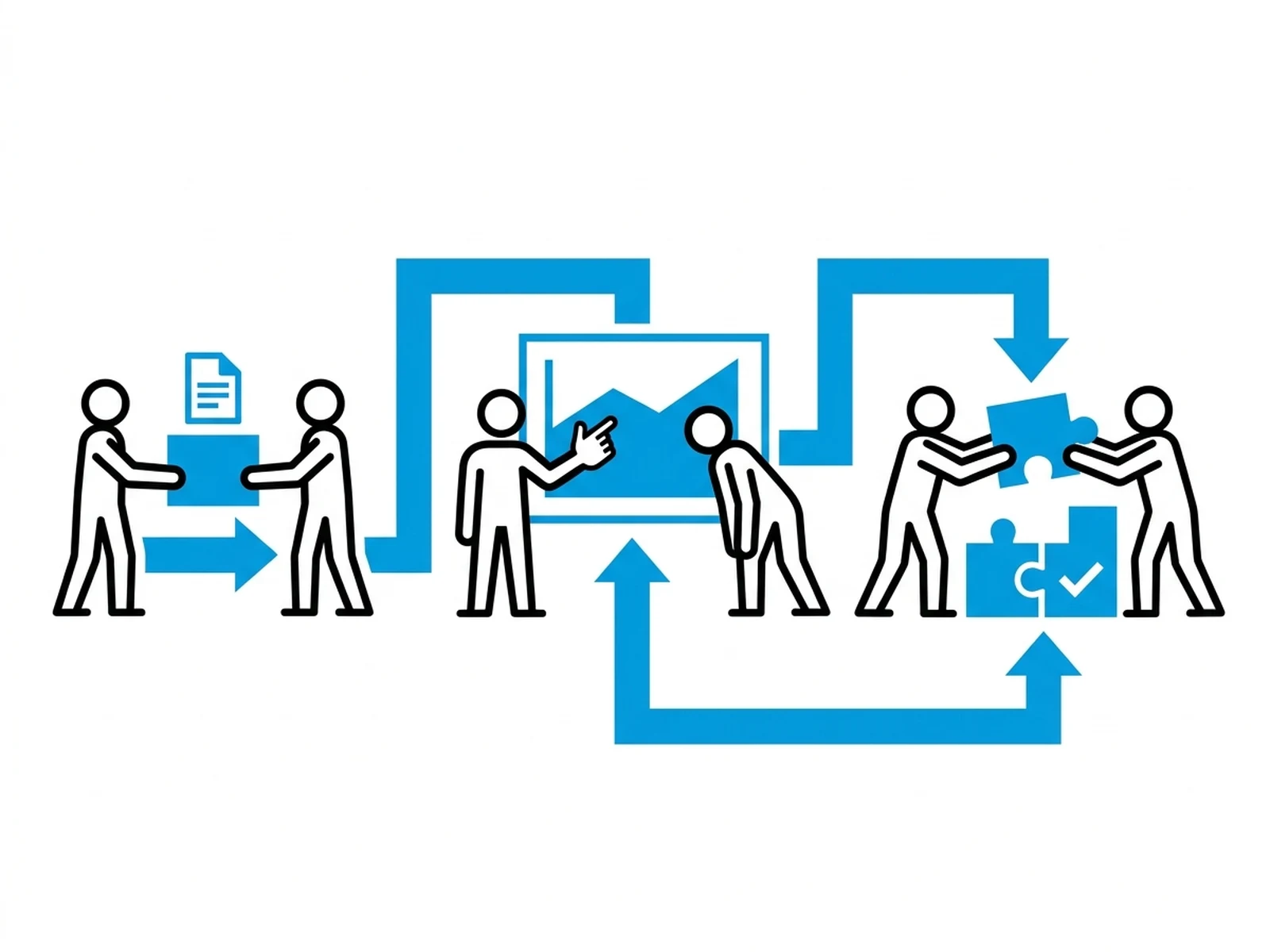
Create simple people, gestures, and process icons for slides, lessons, and documentation.

Activity and comic assets

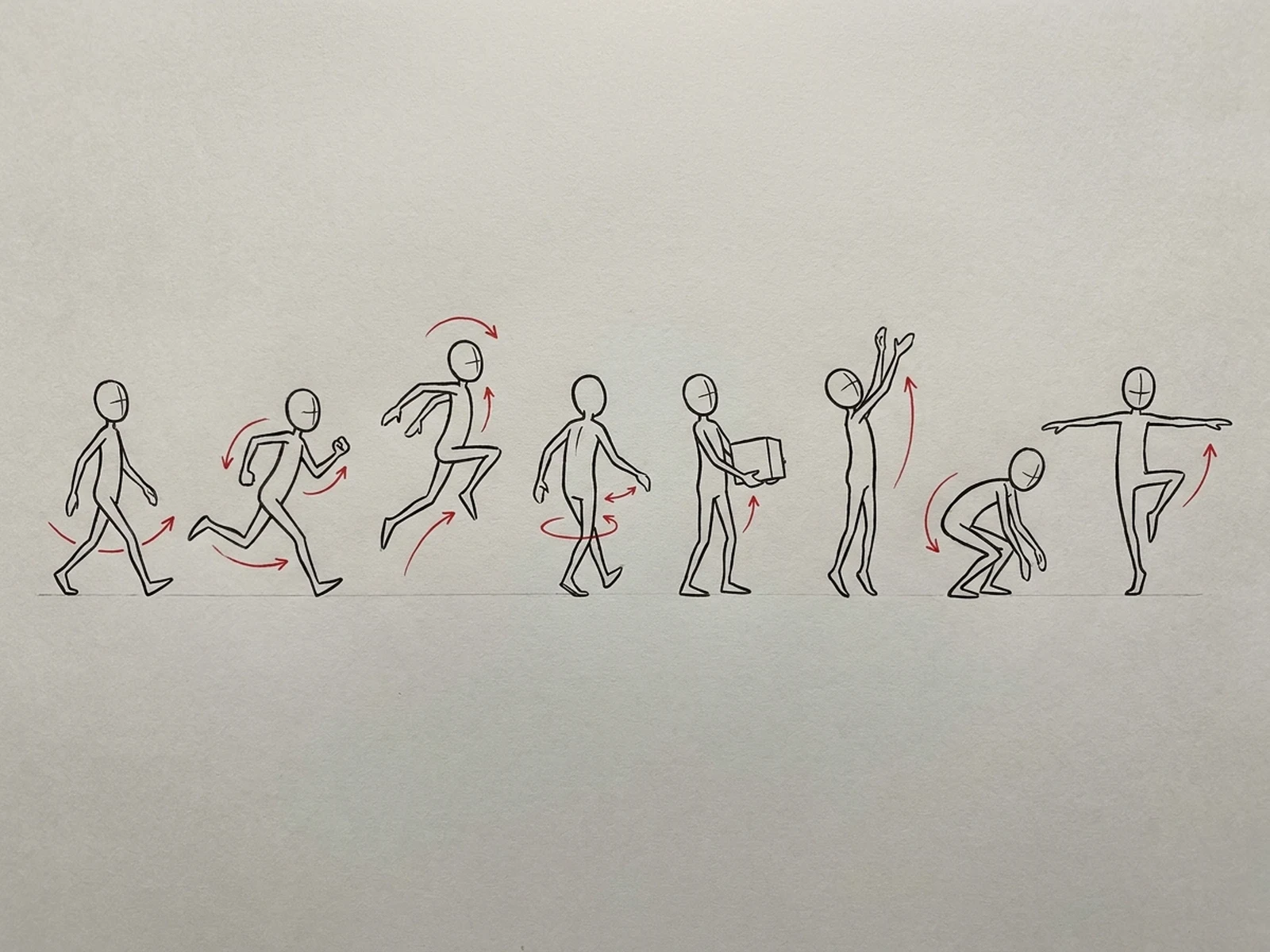
Build pose sheets and short visual sequences that remain easy to edit and redraw.

Why choose Omnilyra for AI Stick Figure Generator

The workspace keeps prompts, references, examples, and output controls in one workflow.

Built around the search intent

The examples and workflow directly support stick figure poses, storyboard panels, instruction icons, simple characters, and visual explanation assets.

Reference-guided control

Upload permitted references to preserve key visual cues while changing scene and format.

Reusable output system

Create Pose sheet, storyboard, explainer icon, process diagram, presentation asset, comic strip, or activity card. from the same reusable workspace.

Try more image workspaces

Continue with related image generation, editing, and campaign workflows.

AI Stick Figure Generator FAQ

What can the AI Stick Figure Generator create?

It can create stick figure poses, storyboard panels, instruction icons, simple characters, and visual explanation assets.

What should the prompt include?

Include Figure count, body pose, gesture, expression mark, prop, movement, line weight, and character distinction. Then add Whiteboard, instruction panel, storyboard frame, icon sheet, presentation slide, or simple environment diagram.

Can I upload a reference image?

Yes. Upload only images you have permission to use to guide subject, palette, material, pose, or layout consistency.

What should I review before using the result?

Use stick figures for communication and planning, then review accessibility, cultural clarity, and final labels in the destination design.