OOmnilyra

AI Pixel Art Generator for Original Game Visuals

Build original sprites, tiles, icons, props, portraits, and scene concepts with deliberate pixel scale, palette, silhouette, and animation states—without copying protected characters or franchise style signatures.

Original characters onlySprites, tiles, and iconsControlled palettes and scale

AI pixel art prompt examples

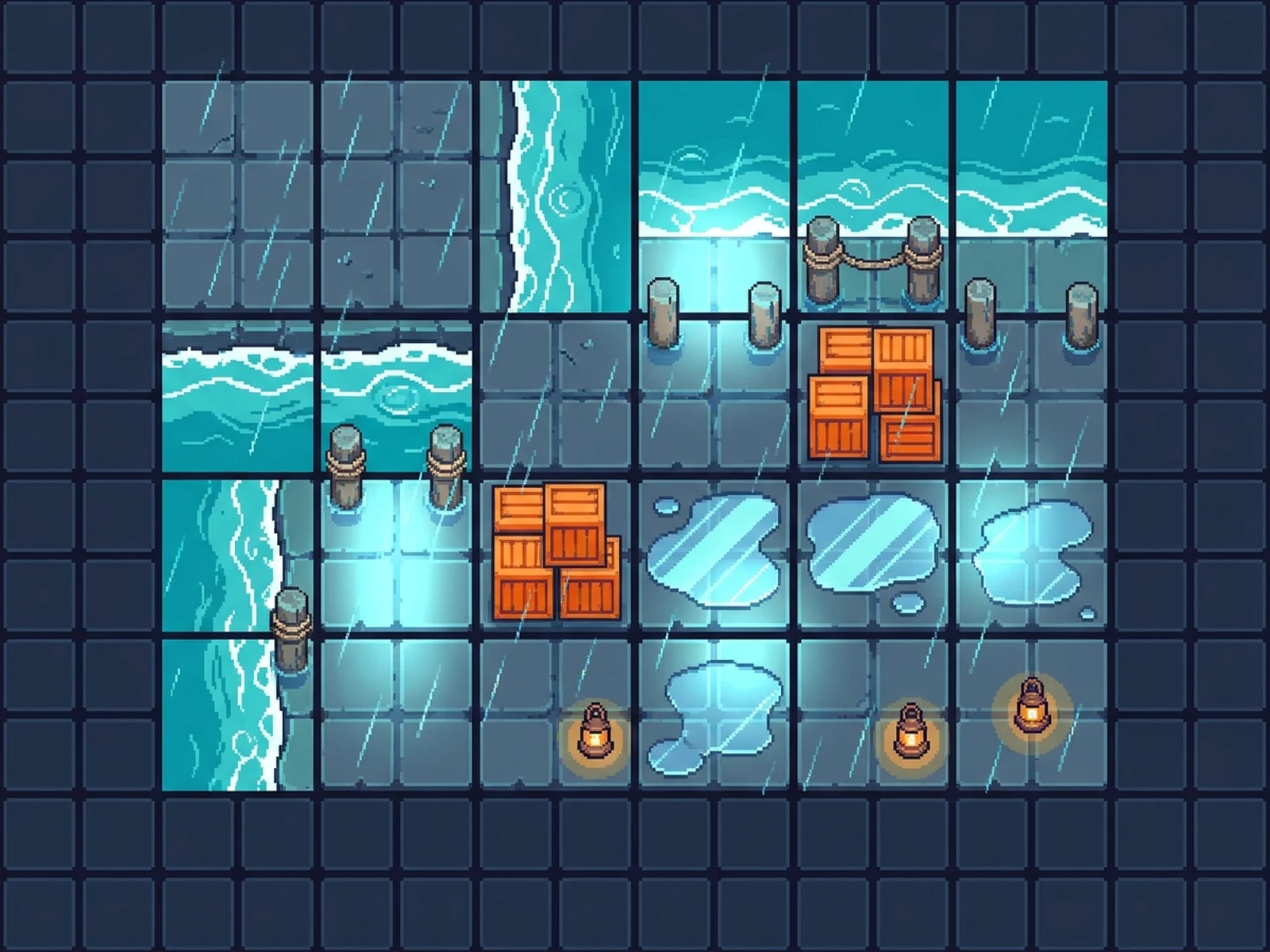
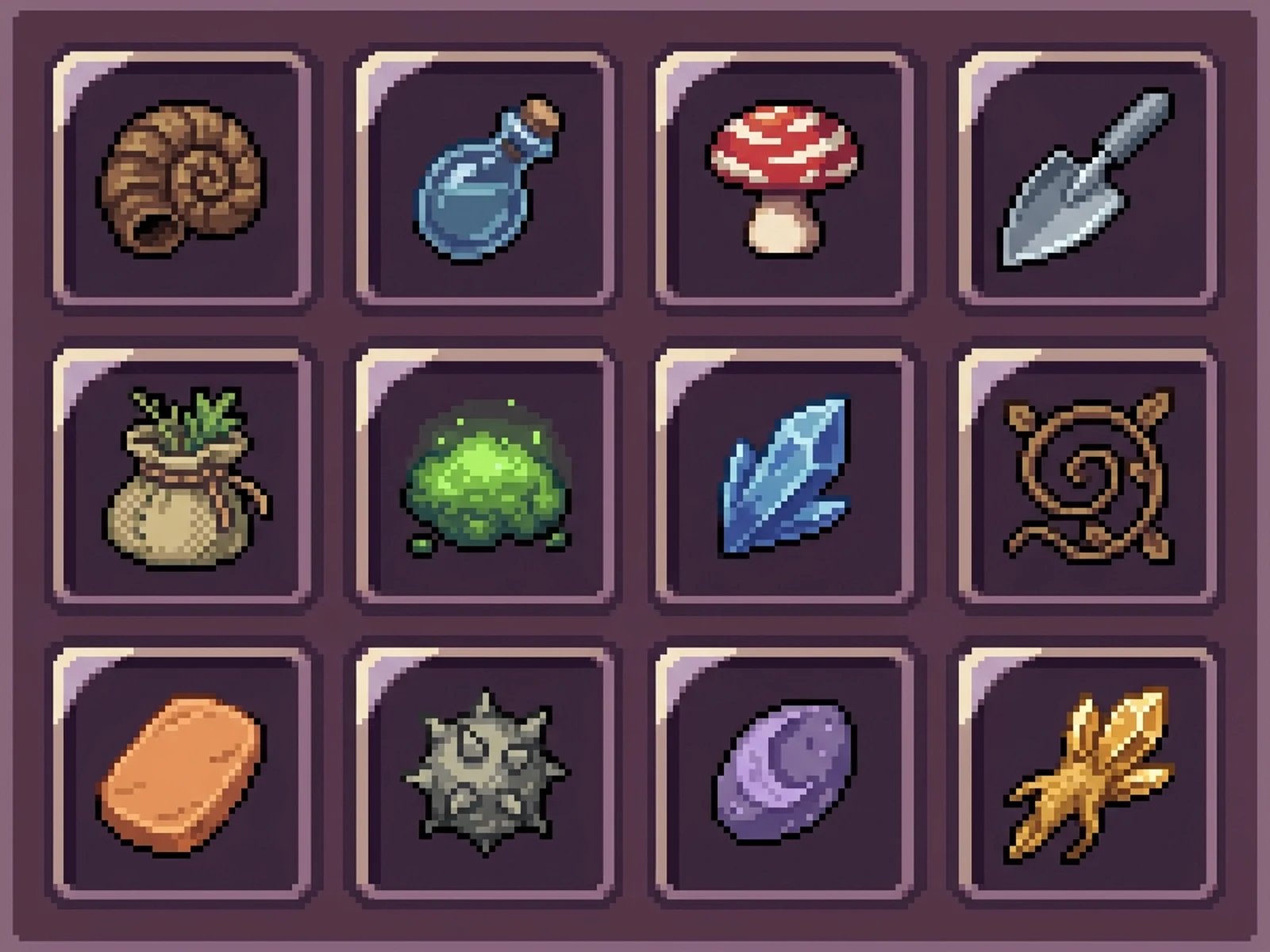
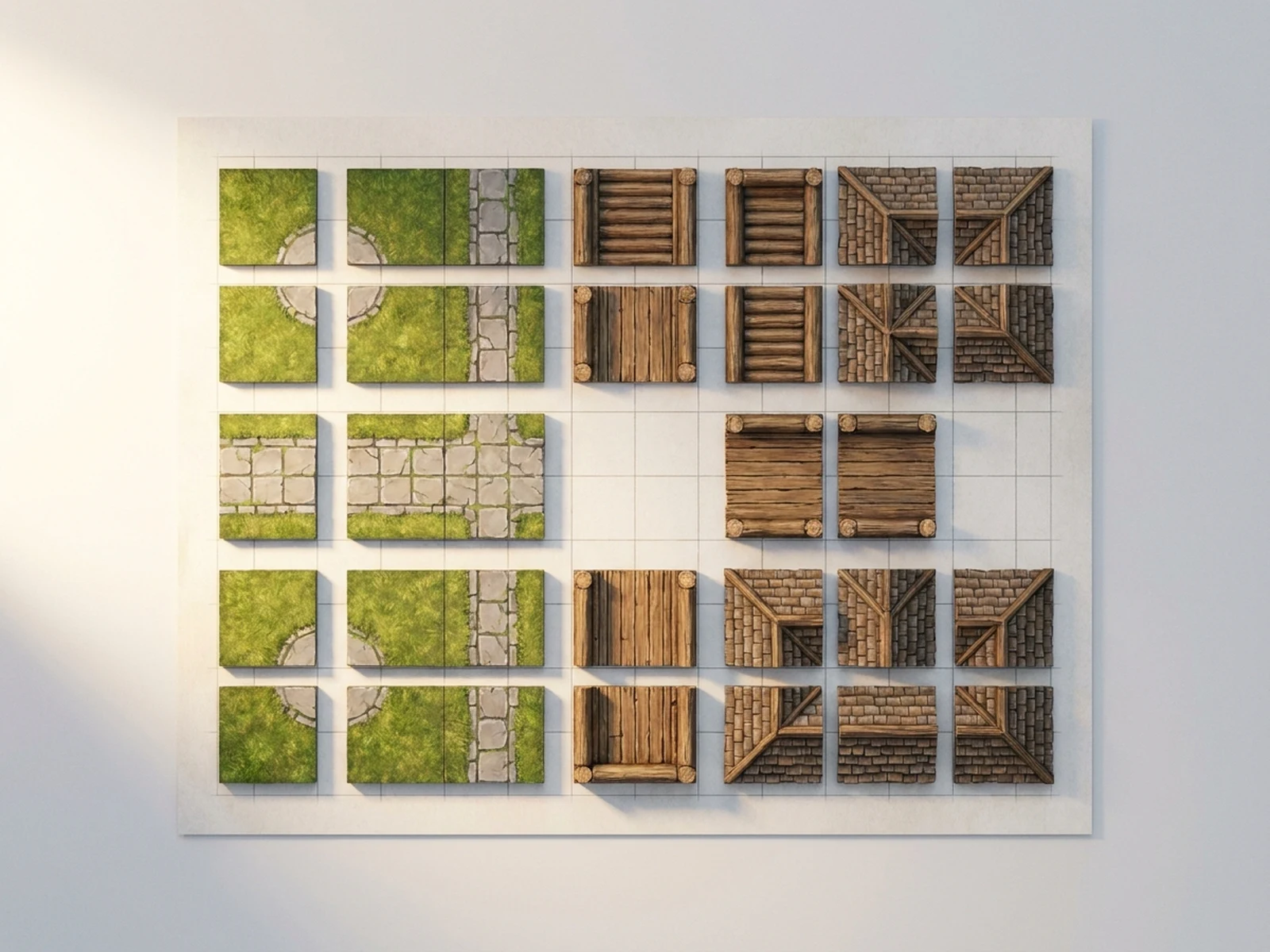
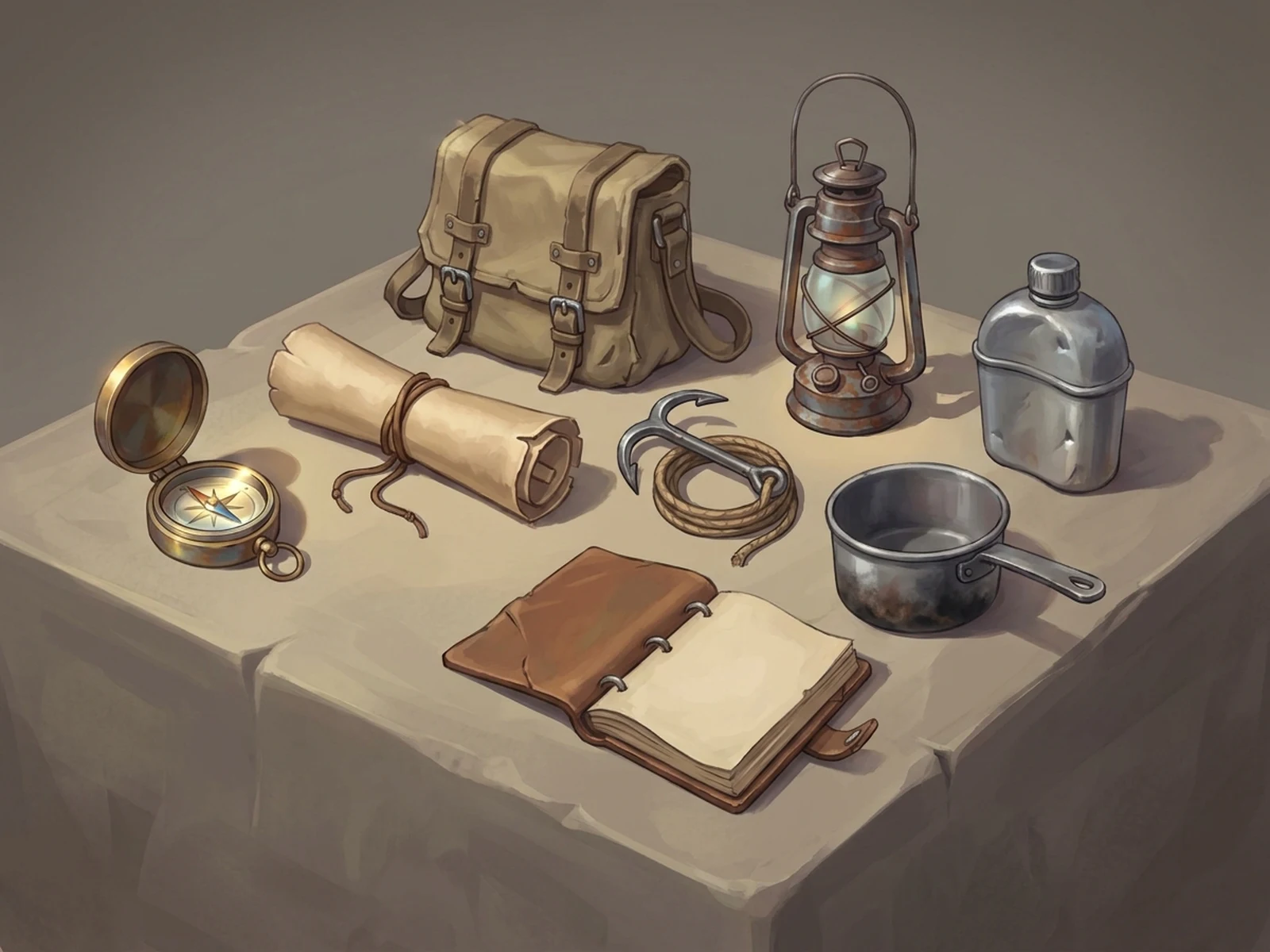
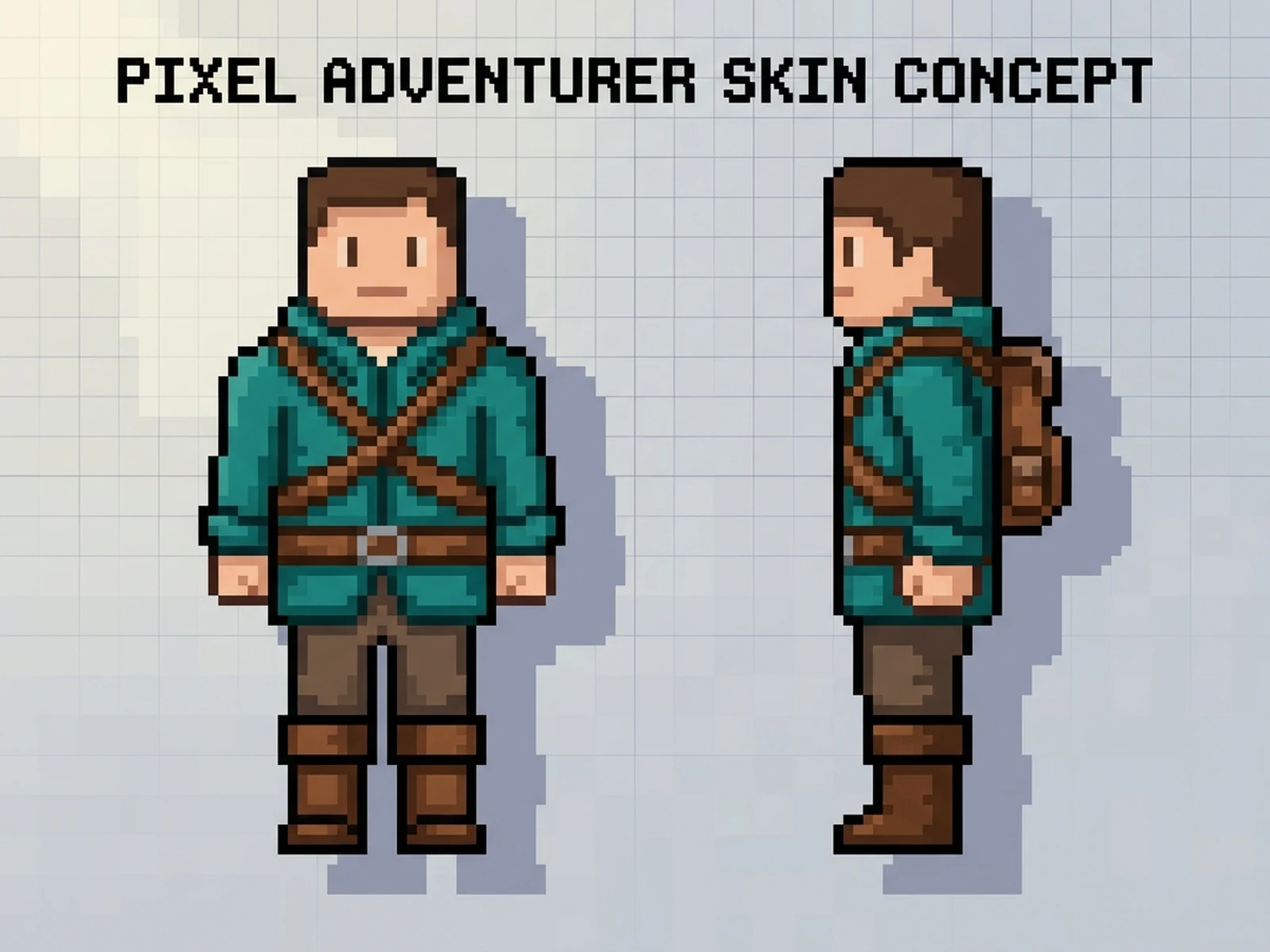
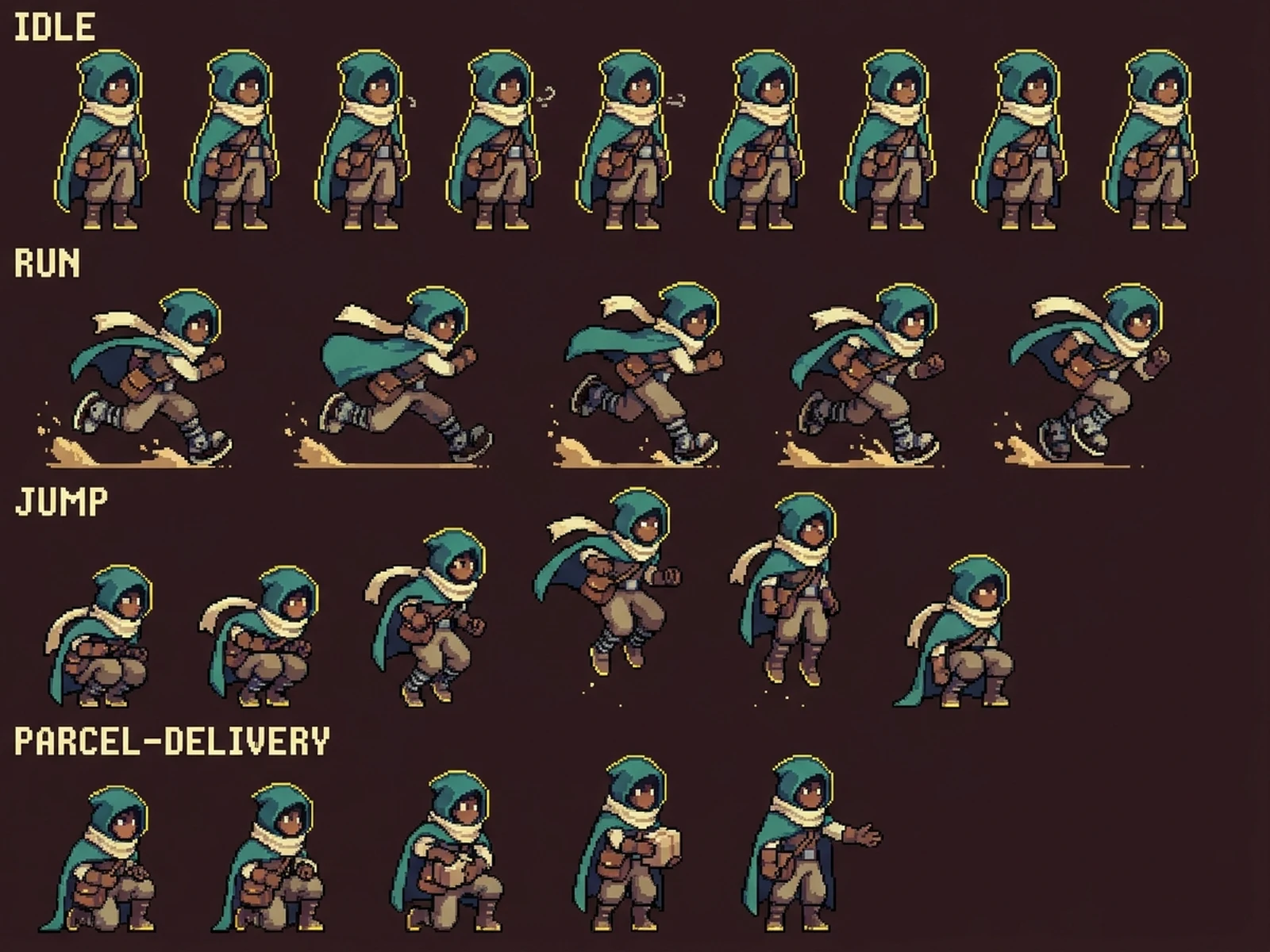
These examples cover character sprites, environment tiles, and interface icons with distinct original systems.

How to structure a pixel art prompt

Pixel art works best when scale, silhouette, palette, asset role, and layout are explicit.

Subject

Describe an original character, prop, icon, or environment with distinctive shapes, materials, colors, and states.

Scene

Choose a sprite sheet, tile atlas, icon board, mock scene, portrait panel, or isolated asset background.

Light

Set a pixel-light direction, number of value steps, rim accents, shadow size, and material highlights.

Output

Specify base pixel dimensions, view, animation poses, grid consistency, palette limit, and 4:3 presentation.

How to use the AI Pixel Art Generator

Design the visual system before generating individual assets.

01

Define an original asset

Write distinctive shape, color, role, equipment, and personality cues without naming a protected character.

02

Lock technical art direction

Choose base pixel scale, view, palette size, outline treatment, light direction, grid, and required states.

03

Review and refine manually

Check pixel clusters, tile seams, animation alignment, readability, originality, and actual engine requirements before use.

AI pixel art generator use cases

Use generated sheets as original concept material for games, interfaces, stories, and creator projects.

Character sprite concepts

Explore readable original silhouettes and pose families before frame-by-frame cleanup.

Tile and prop systems

Plan modular environments, edge rules, object families, and shared palettes.

Icons and interface art

Create coherent inventory, skill, resource, and status icon directions with consistent cells.

Why choose Omnilyra for original pixel art

Structured direction keeps asset role, pixel scale, palette, and originality visible in every generation.

Asset-specific prompts

Direct sprite states, tile grids, icon cells, prop families, and scene mockups separately.

Visual-system consistency

Reuse palette, outline, light, dimensions, and grid language across related concepts.

Originality safeguards

Prompt around new silhouettes and mechanics instead of protected names, symbols, or franchise signatures.

Try more image workspaces

Explore published tools for game assets, tiles, and original character concepts.

AI Pixel Art Generator FAQ

Can I ask for a famous game character?

Create a new character instead. Describe original silhouette, equipment, palette, role, and personality without protected names, logos, or recognizable signature features.

What should a pixel art prompt include?

Include subject, asset type, base pixel size, view, palette limit, outline, light, states, grid, and presentation layout.

Are generated sprites ready to ship in a game?

Treat them as concepts. Review and edit pixel clusters, frame alignment, transparency, tile seams, dimensions, licenses, and engine integration.

Can I upload my own sprite?

Yes, if you own it or have permission. Use it to guide dimensions or palette while keeping new assets original.