OOmnilyra

AI Henna Generator

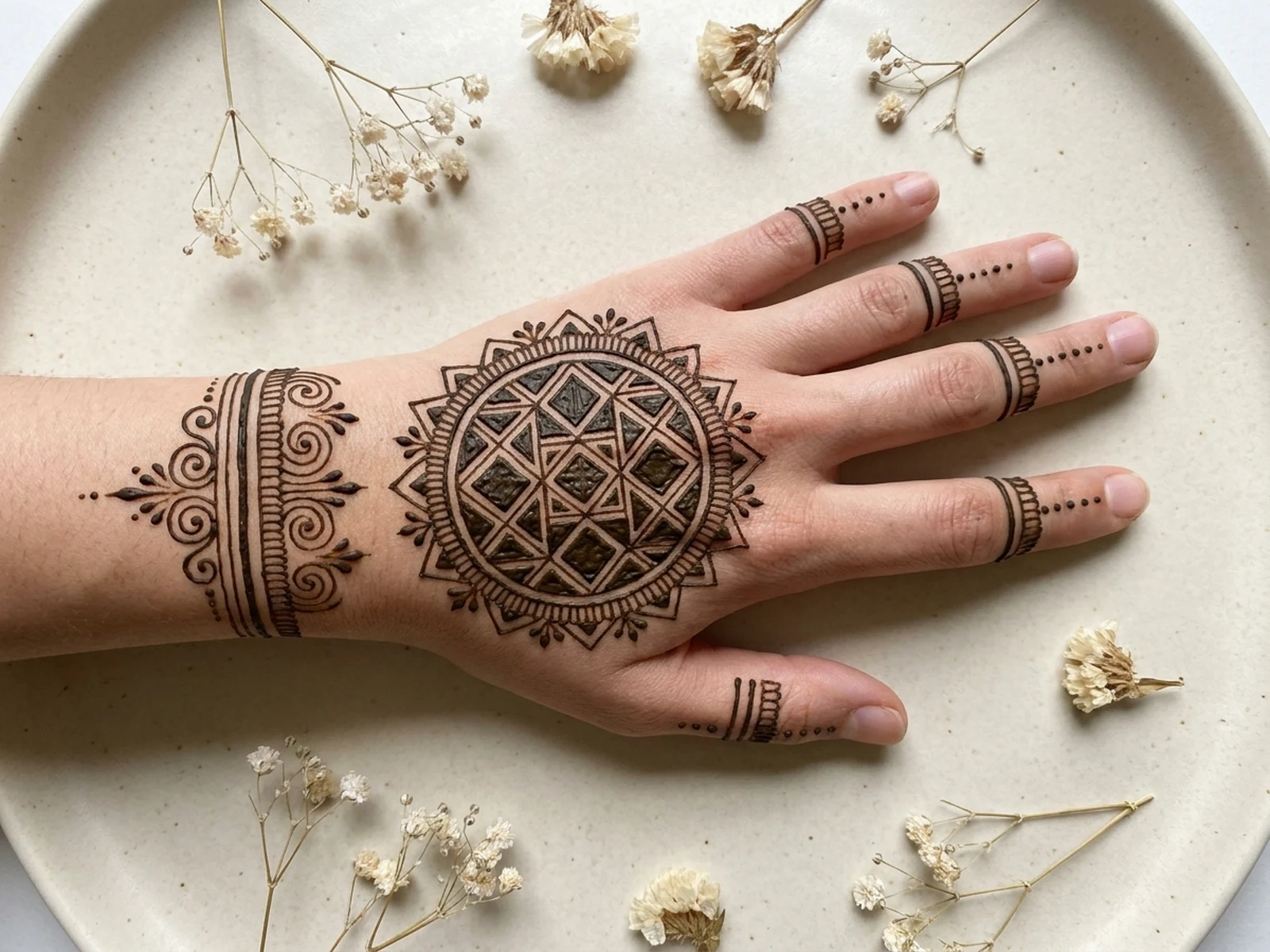
Create original henna pattern concepts, hand and foot placement studies, bridal motif boards, festival designs, and artist references while controlling subject, scene, light, composition, and output format.

Original motif systemsPlacement-aware layoutsRespectful cultural context

AI Henna Generator prompt examples

Start with these prompts, then adjust subject, scene, light, composition, and references in the workspace.

AI Henna Generator prompt structure

A structured prompt makes the result easier to compare, reuse, and refine.

Subject

Original henna motif, line weight, symmetry, negative space, hand or foot placement, density, cultural context, and stain tone.

Scene

Clean hand study, bridal preparation table, motif sheet, festival portrait, artist practice board, or neutral detail setup.

Light

Soft daylight, even top light, warm skin-tone balance, crisp line detail, and gentle natural shadows.

Output

Palm design, back-of-hand layout, foot motif, bridal pattern board, festival portrait, or printable artist reference.

How to use the AI Henna Generator

Define one concrete goal, lock the visual variables, and then create channel-ready variants.

01

Define the exact result

Choose one target from Palm design, back-of-hand layout, foot motif, bridal pattern board, festival portrait, or printable artist reference.

02

Lock the visual variables

Specify Original henna motif, line weight, symmetry, negative space, hand or foot placement, density, cultural context, and stain tone. Then set Clean hand study, bridal preparation table, motif sheet, festival portrait, artist practice board, or neutral detail setup.

03

Generate useful variants

Change angle, palette, composition, or channel format while keeping the core subject and reference cues consistent.

AI Henna Generator use cases

These workflows focus on original henna pattern concepts, hand and foot placement studies, bridal motif boards, festival designs, and artist references.

Bridal motif planning

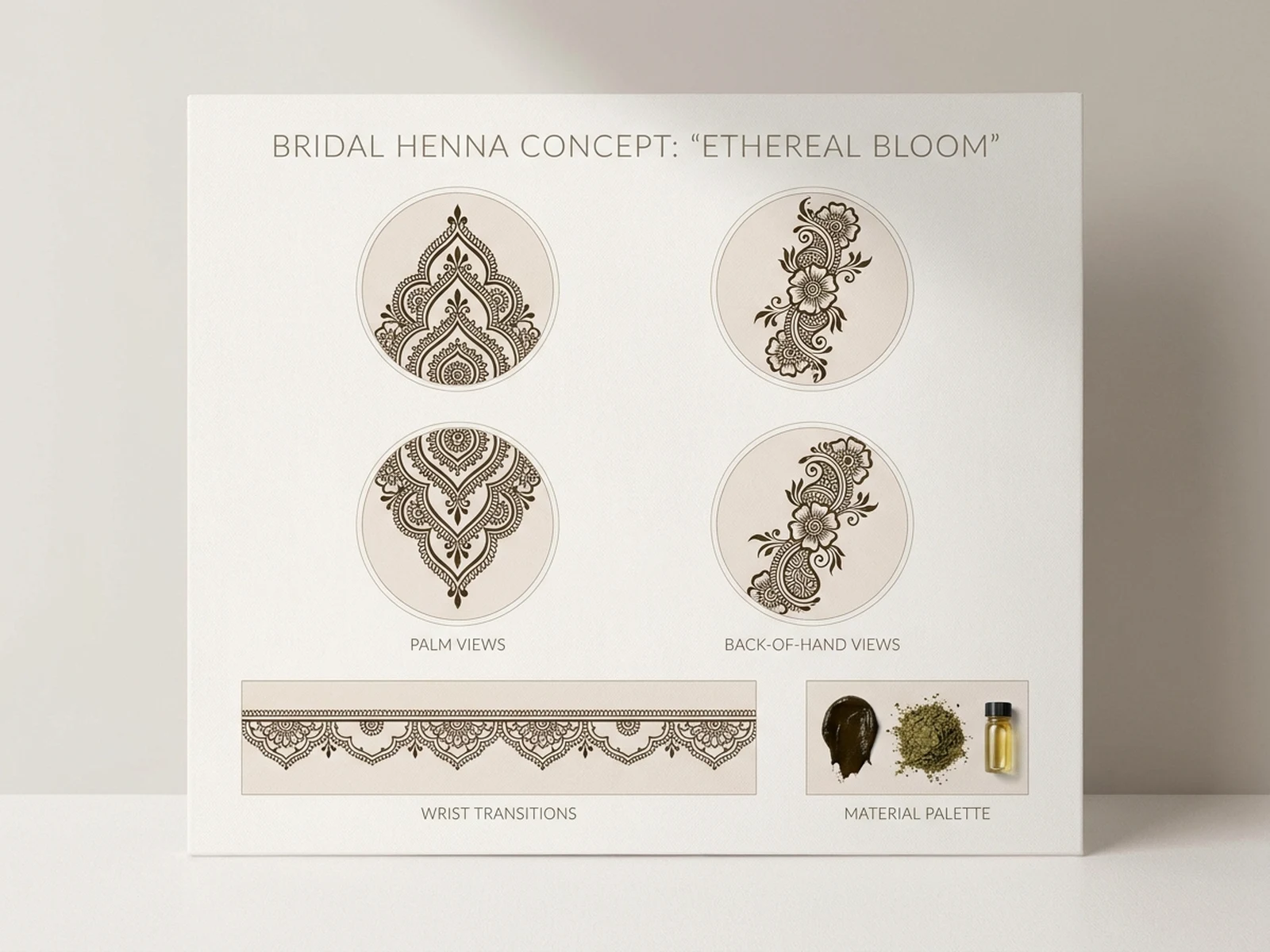
Compare balanced palm, wrist, and forearm compositions before a permitted real application.

Festival design references

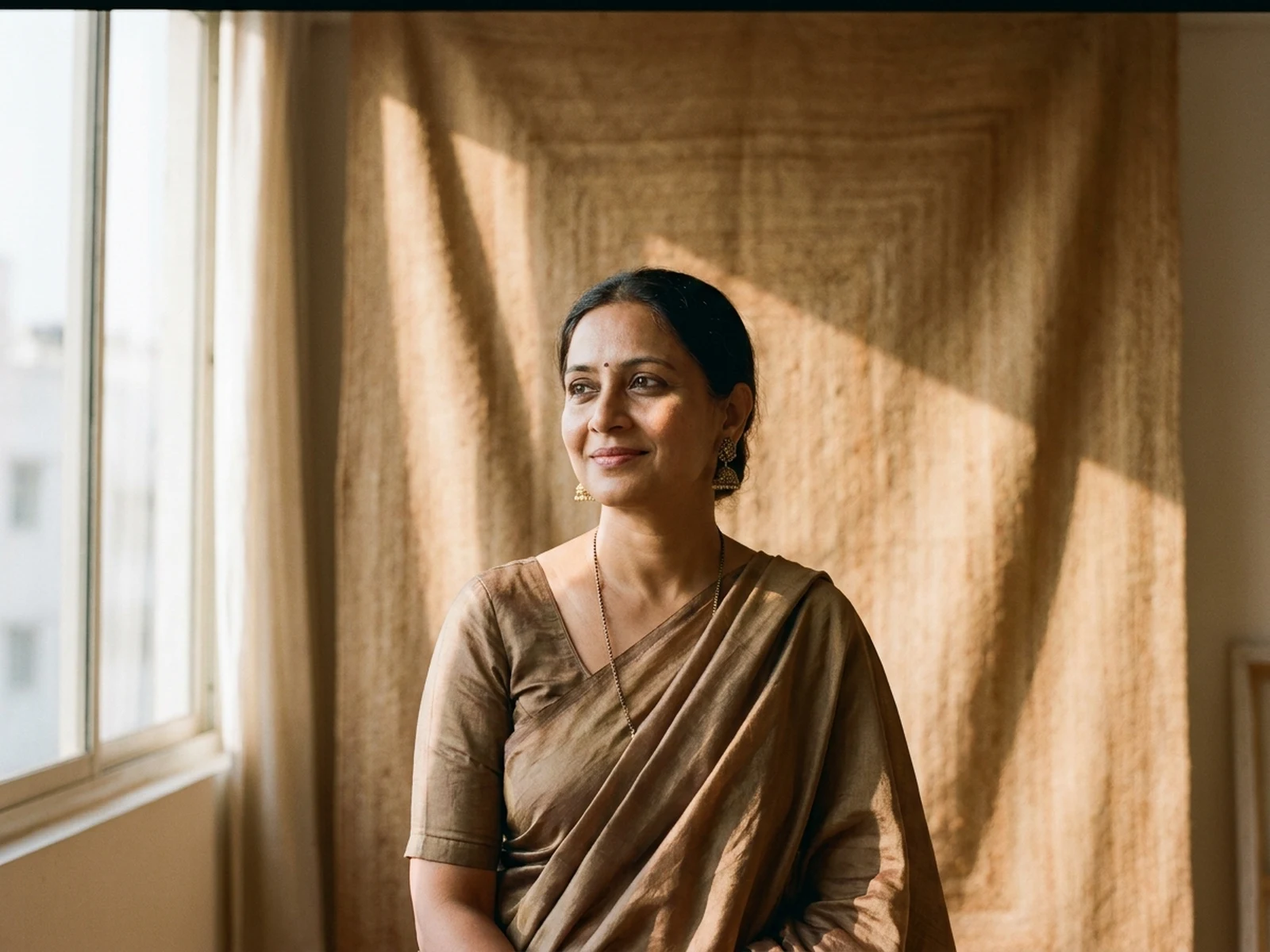
Create original floral and geometric directions suited to different coverage and detail levels.

Artist practice sheets

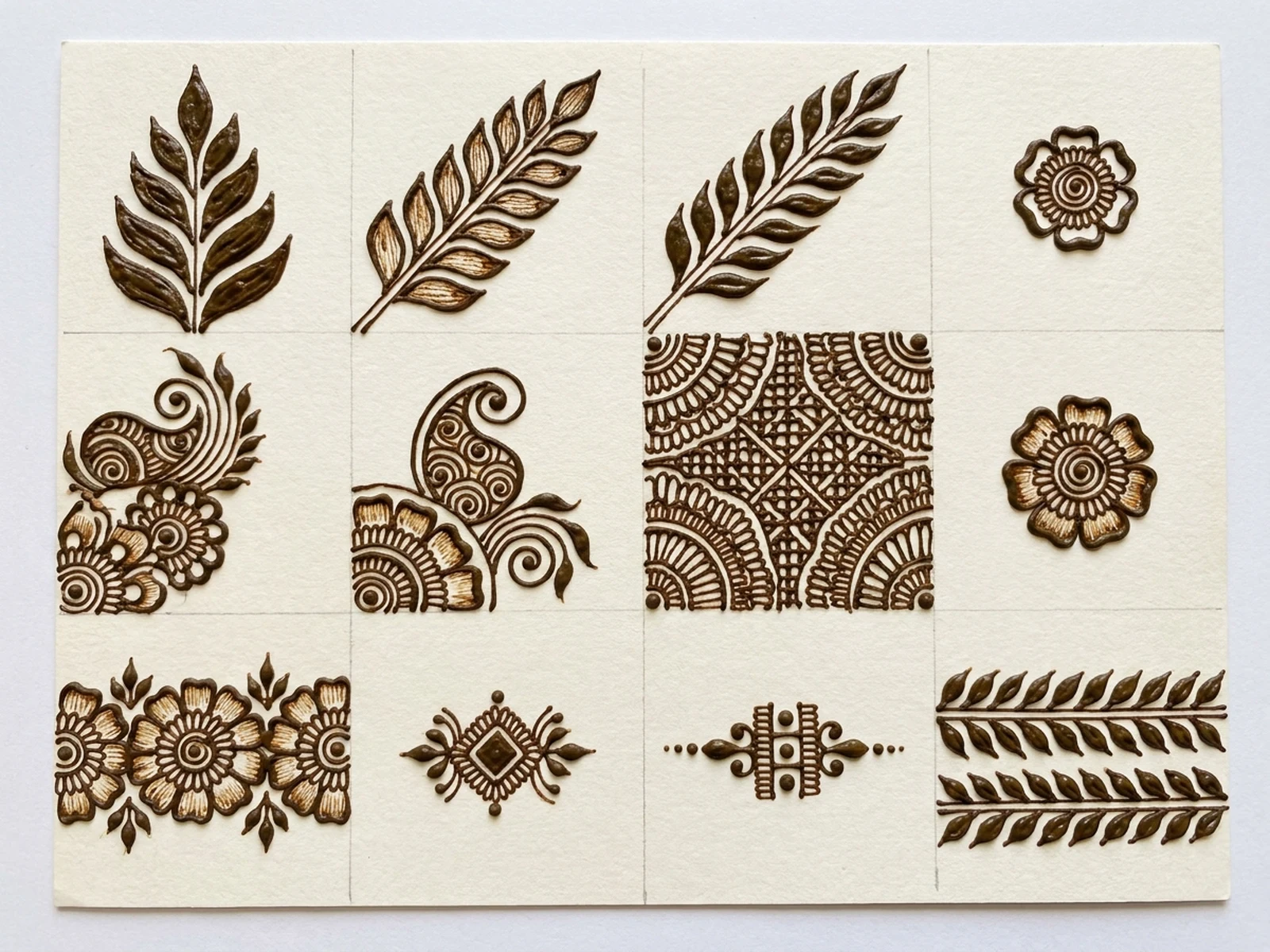
Build clean motif collections for line, spacing, symmetry, and composition practice.

Why choose Omnilyra for AI Henna Generator

The workspace keeps prompts, references, examples, and output controls in one workflow.

Built around the search intent

The examples and workflow directly support original henna pattern concepts, hand and foot placement studies, bridal motif boards, festival designs, and artist references.

Reference-guided control

Upload permitted references to preserve key visual cues while changing scene and format.

Reusable output system

Create Palm design, back-of-hand layout, foot motif, bridal pattern board, festival portrait, or printable artist reference. from the same reusable workspace.

Try more image workspaces

Continue with related image generation, editing, and campaign workflows.

AI Henna Generator FAQ

What can the AI Henna Generator create?

It can create original henna pattern concepts, hand and foot placement studies, bridal motif boards, festival designs, and artist references.

What should the prompt include?

Include Original henna motif, line weight, symmetry, negative space, hand or foot placement, density, cultural context, and stain tone. Then add Clean hand study, bridal preparation table, motif sheet, festival portrait, artist practice board, or neutral detail setup.

Can I upload a reference image?

Yes. Upload only images you have permission to use to guide subject, palette, material, pose, or layout consistency.

What should I review before using the result?

Treat generated motifs as visual references, respect local traditions, obtain consent before application, and patch-test real henna materials for skin safety.