OOmnilyra

AI Hair Texture Generator for Authorized Style Concepts

Preview straight, wavy, curly, coily, braided, wet-look, and editorial texture directions on fictional adults or authorized photos. Treat results as visual design—not a diagnosis, identity inference, or guaranteed salon outcome.

Texture-focused previewsAuthorized adult editsNo health or identity inference

AI hair texture prompt examples

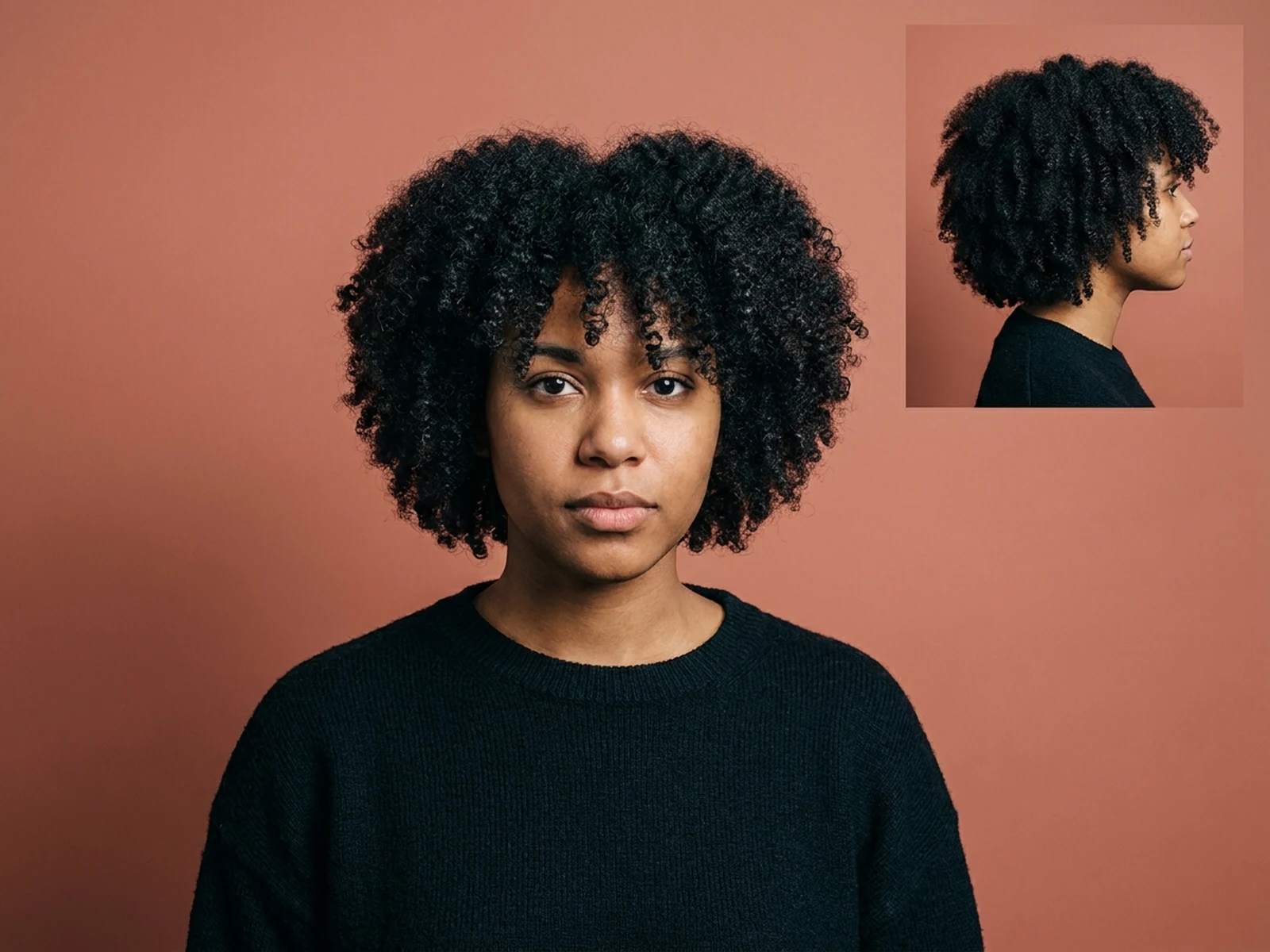
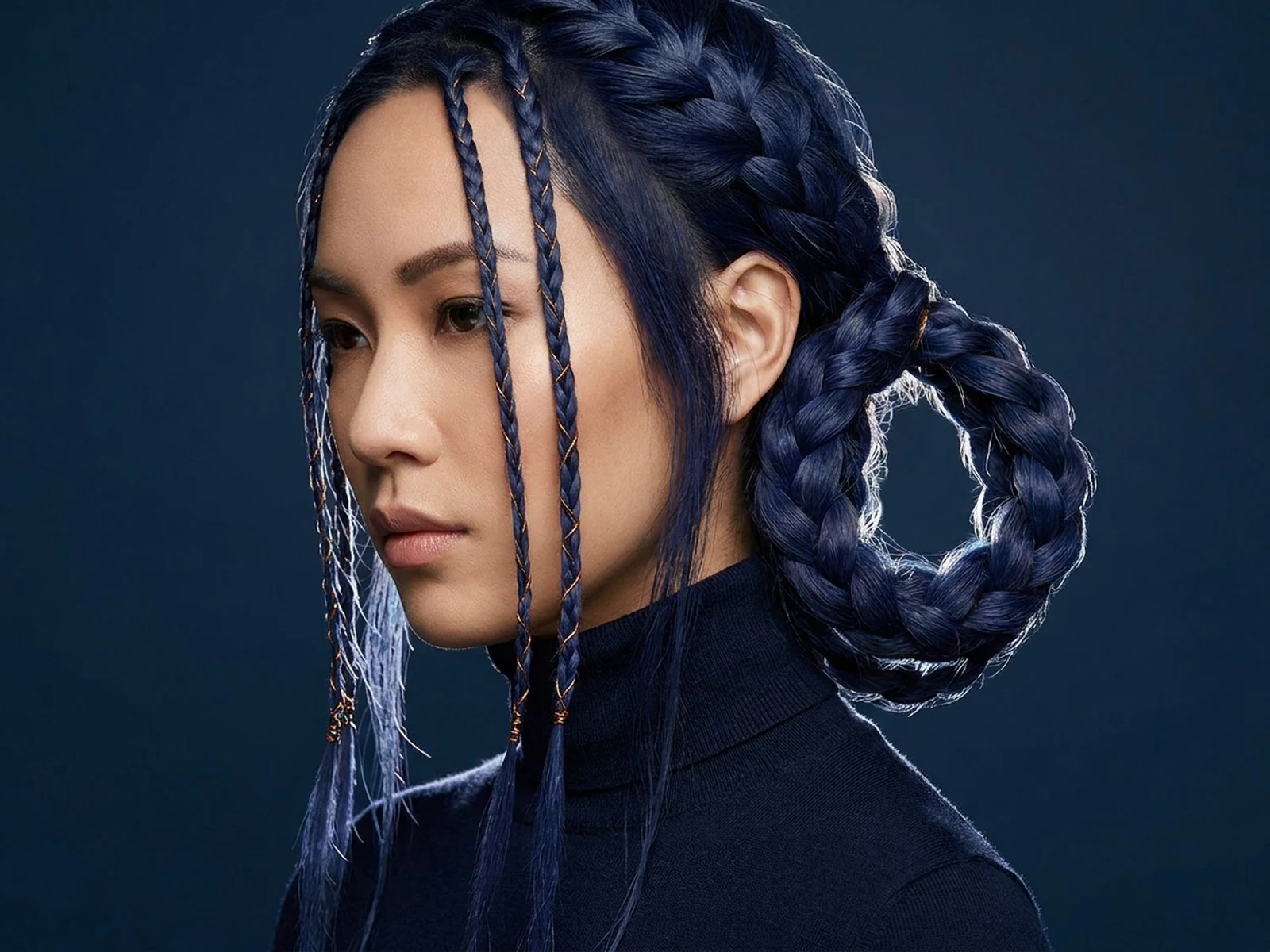
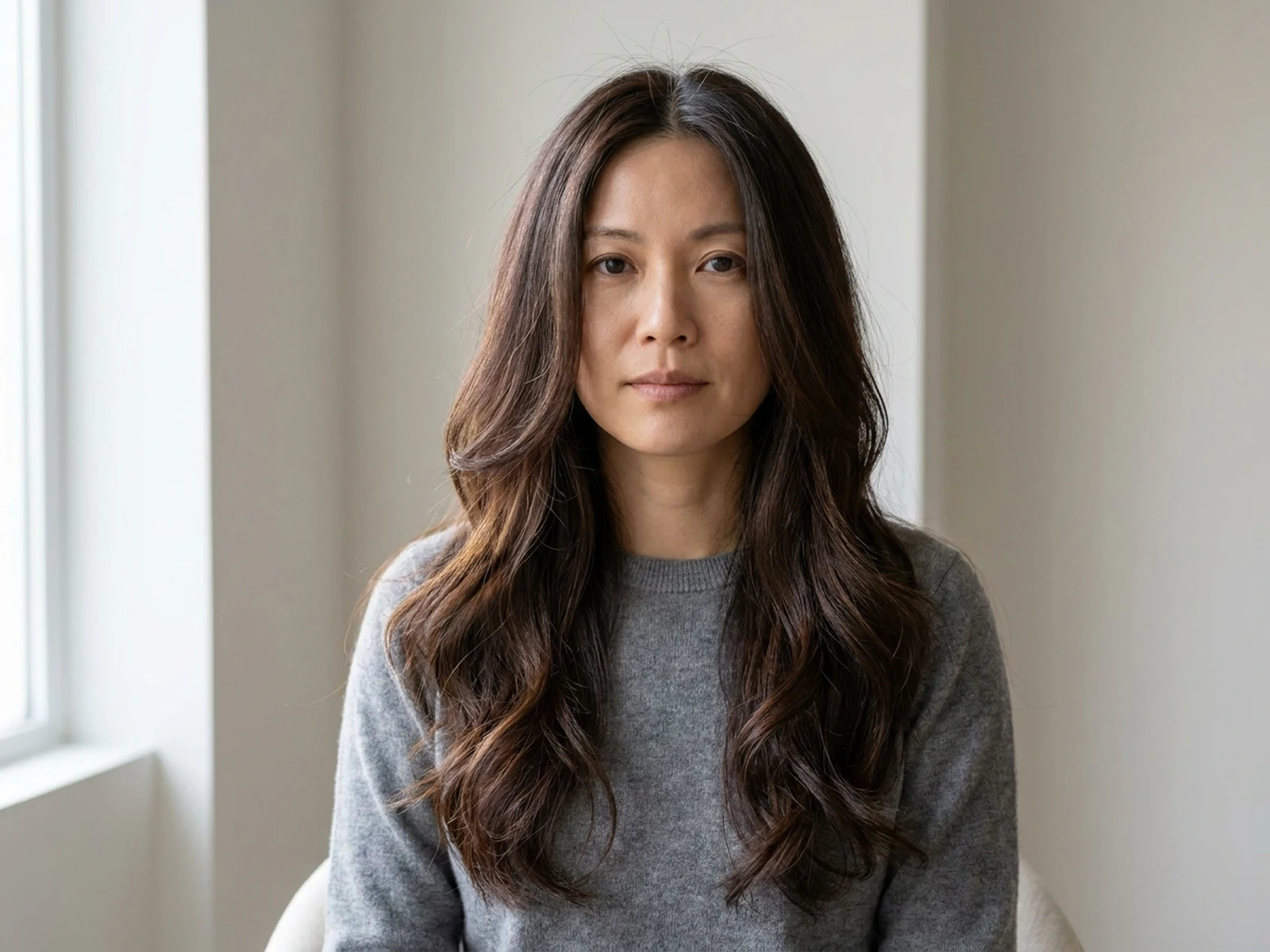
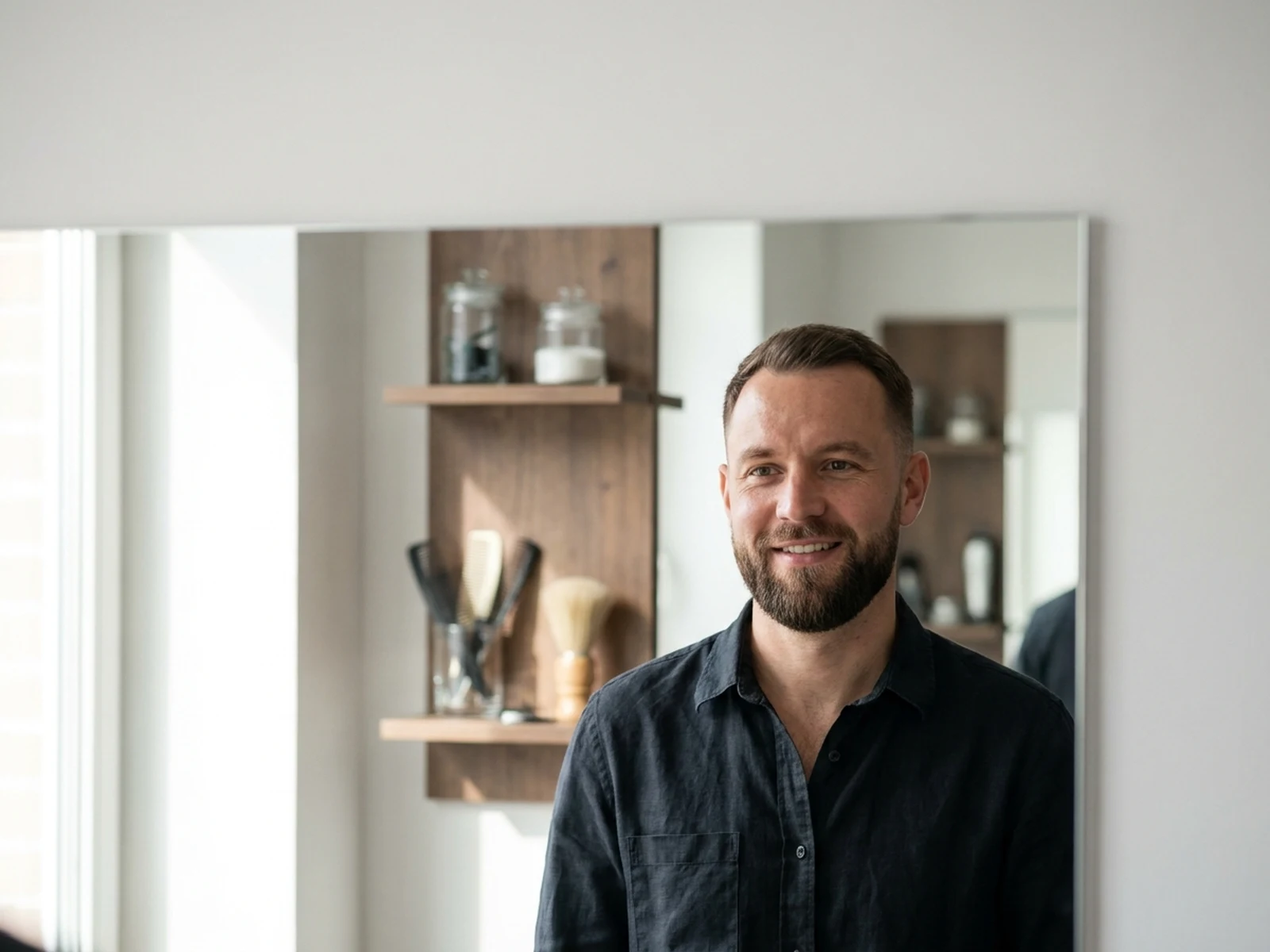
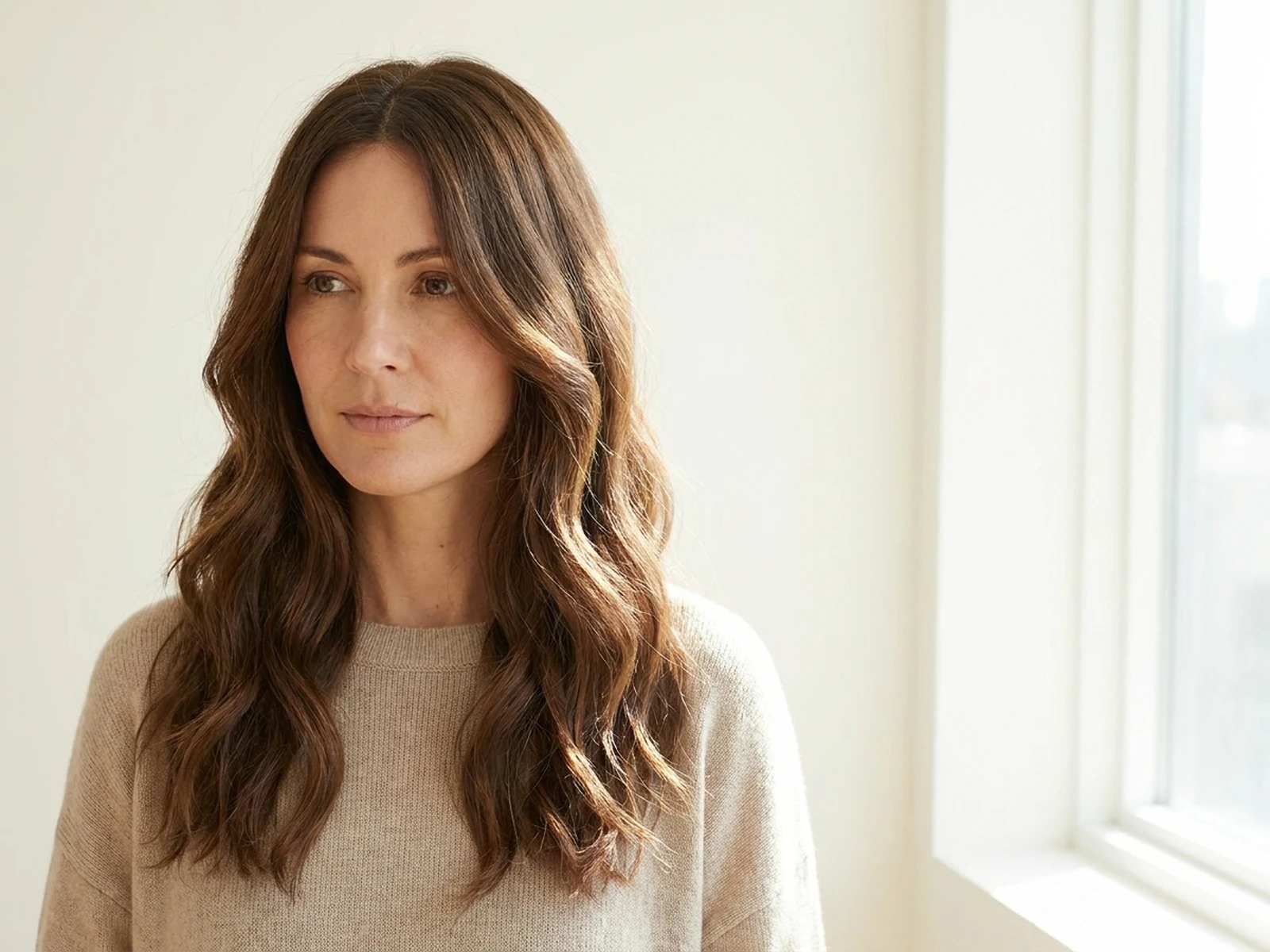
Compare loose wave, coily shape, and braided editorial directions while preserving authorized identity.

How to structure a hair texture prompt

Describe visible design qualities while avoiding health, ethnicity, or identity assumptions.

Subject

State fictional or authorized adult status, current length, desired wave, curl, coil, braid, or straight pattern, volume, part, layers, and finish.

Scene

Choose a neutral beauty studio, daylight portrait set, editorial backdrop, or front-side-back comparison board.

Light

Use soft directional and rim light to reveal strand separation, curl clusters, braid paths, sheen, volume, and silhouette.

Output

Request a beauty portrait, texture comparison, side view, styling board, editorial concept, or authorized before-and-after preview.

How to use the AI Hair Texture Generator

Define the visible texture result, preserve the person, and review the image as a design concept.

01

Choose an authorized subject

Use a fictional adult or a photo you may edit; preserve face, skin, body, and identity unless separately and explicitly requested.

02

Describe texture precisely

Specify length, pattern scale, cluster variation, volume, part, layers, ends, frizz appearance, sheen, movement, and styling.

03

Plan real services separately

A qualified stylist should assess current hair, scalp, products, tension, heat, chemical history, maintenance, and realistic outcomes.

AI hair texture generator use cases

Use visual previews for style conversations, editorials, character design, and consented portrait exploration.

Salon consultation references

Compare visible shape, volume, length, part, and finish before discussing feasibility with a stylist.

Editorial hair concepts

Develop original braid, wave, wet-look, sculptural, and texture-focused beauty directions.

Character and portrait design

Give fictional adult characters readable hair silhouettes and consistent texture language across views.

Why choose Omnilyra for hair texture previews

Structured prompts keep texture, identity preservation, lighting, composition, and consent requirements visible.

Texture-level direction

Control pattern scale, cluster variation, volume, part, layers, ends, finish, and movement.

Identity-preserving edits

Authorized previews can change visible hair design while explicitly preserving face, skin, and body.

Responsible visual scope

Separate style visualization from health diagnosis, ethnicity inference, product claims, and guaranteed salon results.

Try more image workspaces

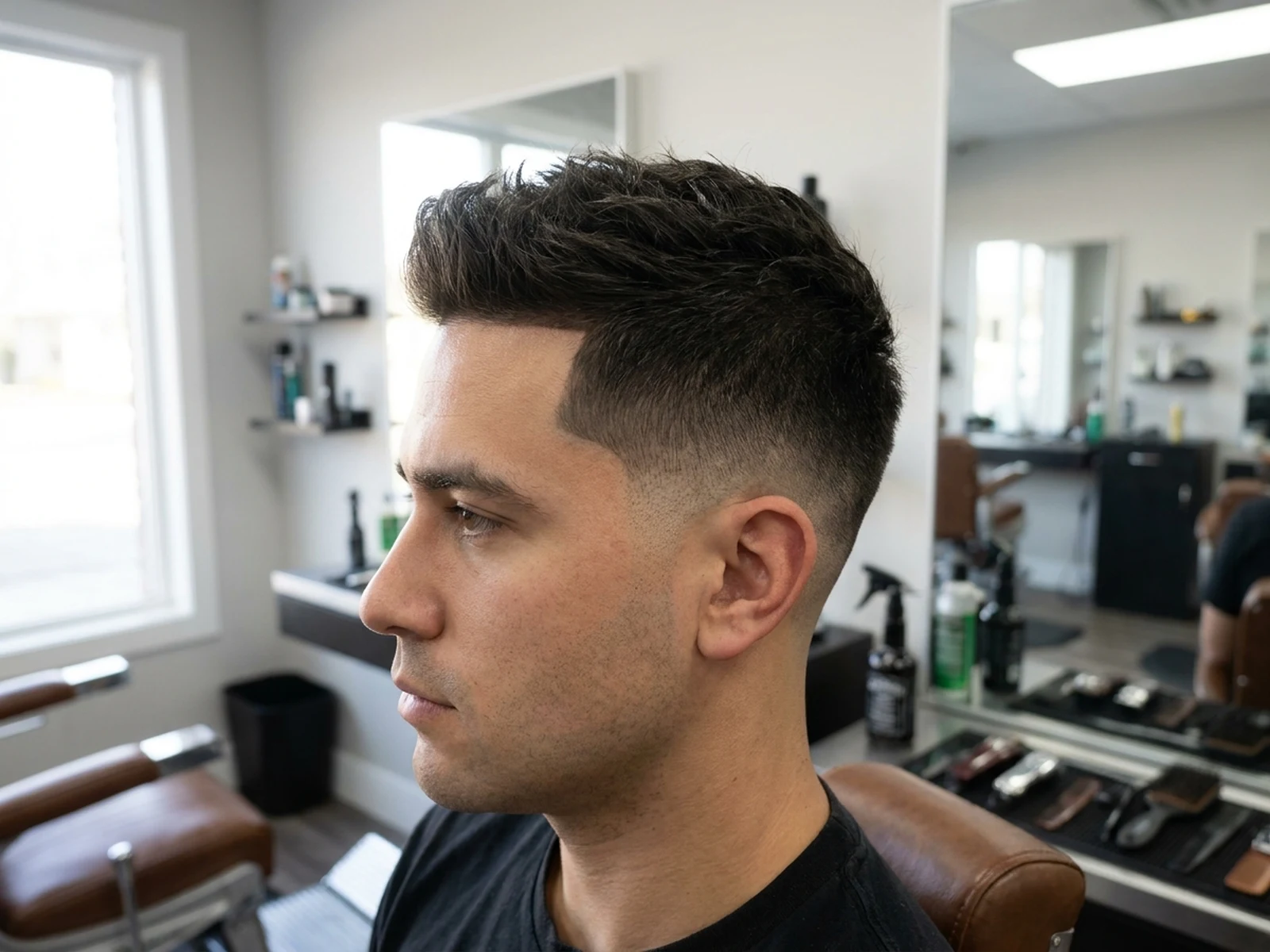
Explore published tools for length, haircut, and authorized portrait refinements.

AI Hair Texture Generator FAQ

Can AI identify my natural hair type or ethnicity from a photo?

No. Do not use images to infer ethnicity, health, genetics, or private traits. Describe the visible texture direction you want instead.

Can I change hair texture in a real person's photo?

Only with that adult's authorization. Preserve identity and body, avoid demeaning comparisons, and label the image as a preview.

Will the generated look match a real salon result?

Not necessarily. Hair condition, scalp, cut, shrinkage, products, humidity, heat, tension, and chemical history affect outcomes; consult a qualified stylist.

What should a hair texture prompt include?

Include adult authorization status, length, pattern, cluster size, volume, part, layers, ends, finish, movement, light, view, and identity-preservation requirements.