OOmnilyra

AI chocolate generator

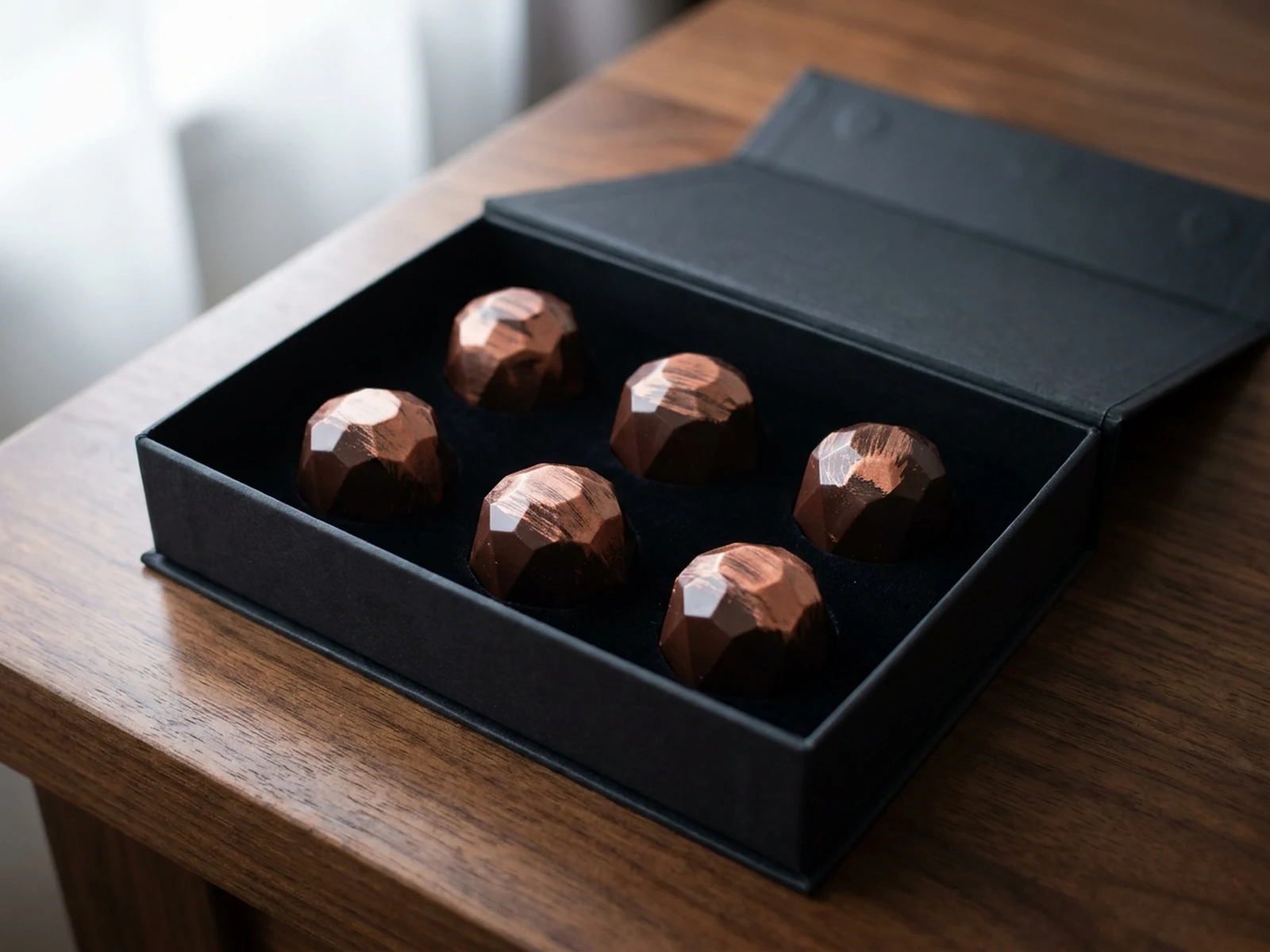
Create artisan bonbon concepts, chocolate product photos, packaging mockups, dessert campaigns, and ecommerce images with controlled texture, filling, light, and composition.

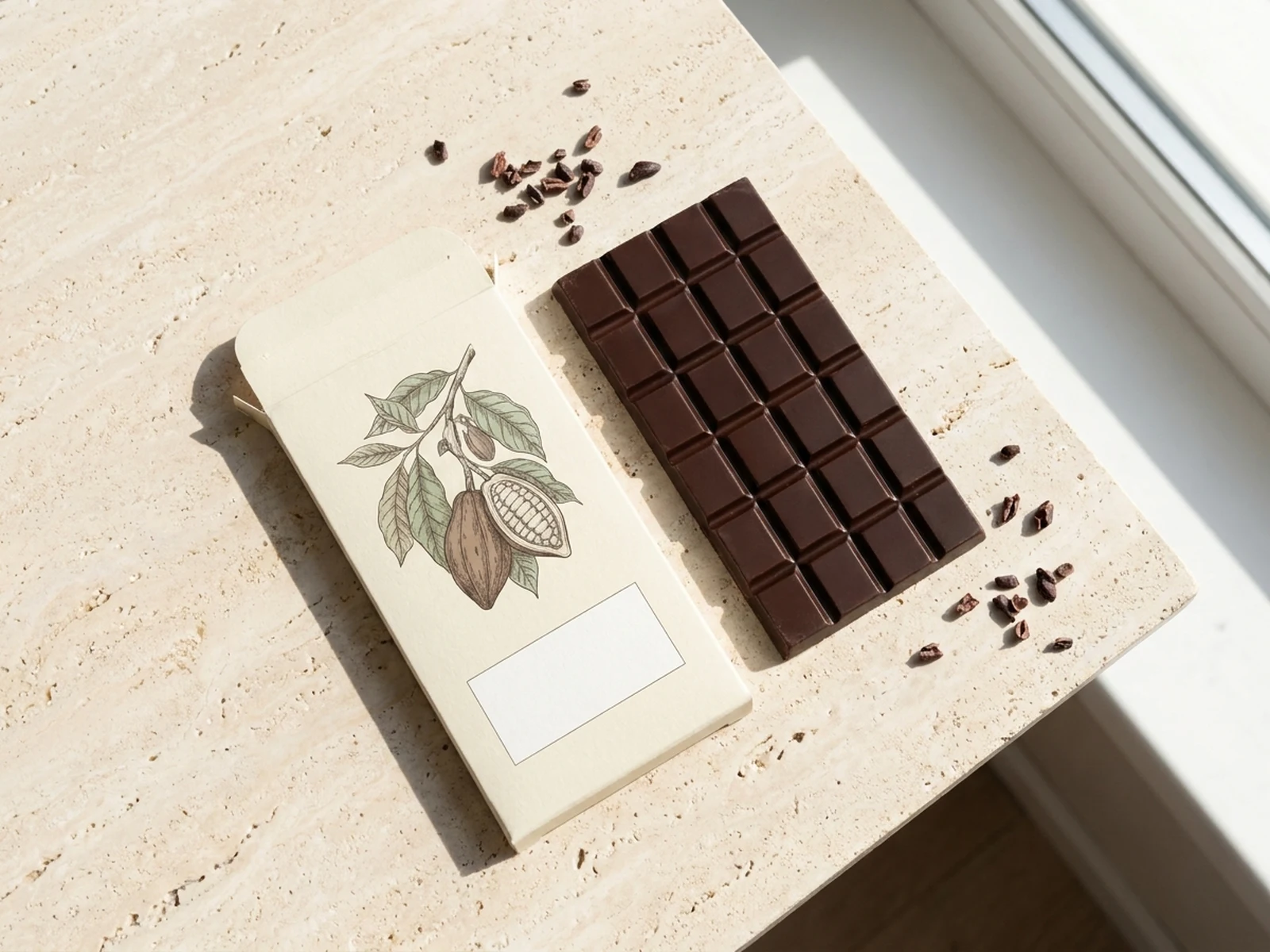
Chocolate product photographyBonbon and bar conceptsPackaging campaign visuals

Chocolate prompts for products and campaigns

Use these prompts to explore bonbon collections, chocolate bars, packaging, and lifestyle dessert scenes.

Chocolate image prompt structure

A strong chocolate prompt makes the flavor and texture visible while defining how the image will sell or present the product.

Subject

Chocolate type, cacao level, shape, filling, shell finish, garnish, packaging material, and visible texture.

Scene

Stone surface, presentation box, cafe table, packaging flat lay, dessert plate, ingredient props, and background density.

Light

Softbox direction, glossy highlights, warm window light, shadow softness, steam, and reflection control.

Output

Ecommerce hero, packaging mockup, confectionery catalog, menu image, social ad, or seasonal campaign visual.

How to create an AI chocolate image

Translate taste language into visible form, material, texture, and commercial composition.

01

Define the chocolate product

Choose bonbon, bar, truffle, dessert, gift box, or packaging concept and specify shape, finish, and filling.

02

Build the food styling

Set the surface, ingredient props, chocolate temperature, reflections, crumbs, garnish, and light direction.

03

Generate sales-ready variants

Create ecommerce, menu, packaging, and campaign crops while keeping product form and collection styling consistent.

Chocolate visuals for product and brand teams

Use the generator for concept development and campaign planning, then verify final claims and exact product details against the real item.

Confectionery product photos

Create polished bonbon, truffle, and chocolate bar layouts for catalog concepts and ecommerce testing.

Packaging exploration

Preview wrappers, gift boxes, labels, material palettes, and blank brand placements before production.

Dessert campaigns

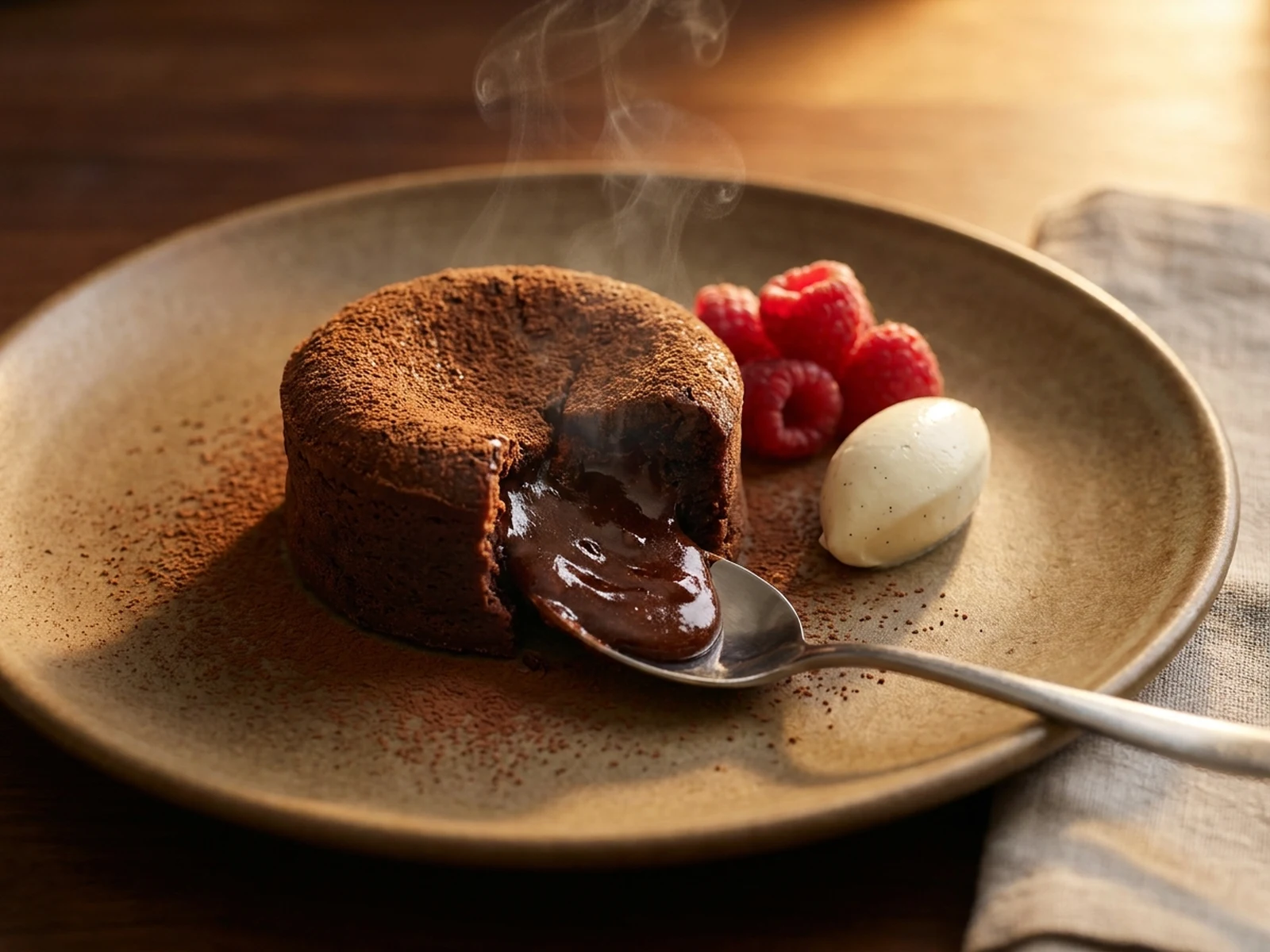
Build menu, social, launch, and seasonal images around realistic chocolate texture and appetite appeal.

Why choose Omnilyra for chocolate visuals

Omnilyra connects chocolate product detail, food styling, reference images, and output formats in one workspace.

Texture-aware prompts

The structure keeps shell gloss, filling, crumbs, melt, garnish, and surface material visible in the brief.

Reference-friendly packaging

Upload product or packaging references to preserve collection cues while testing new scenes and crops.

Built for commercial formats

Generate catalog, ecommerce, menu, packaging, and social campaign directions from the same concept.

Try more product image generators

Continue with related food and ecommerce visual workflows.

AI chocolate generator FAQ

What can an AI chocolate generator create?

It can create bonbon and bar concepts, chocolate product images, packaging mockups, dessert ads, menu visuals, and seasonal campaign directions.

How do I make chocolate look realistic?

Describe cacao tone, shell finish, filling, melt, crumbs, glossy highlights, surface material, light direction, and camera distance.

Can I upload a real product or package reference?

Yes. References can guide shape, wrapper material, collection styling, and composition, but final commercial images should be checked against the real product.

Can generated images be used for a food launch?

They are useful for concepts and campaign testing. Review ingredient, nutrition, packaging, and product-appearance claims before final publication.