OOmnilyra

AI CGI Ad Generator

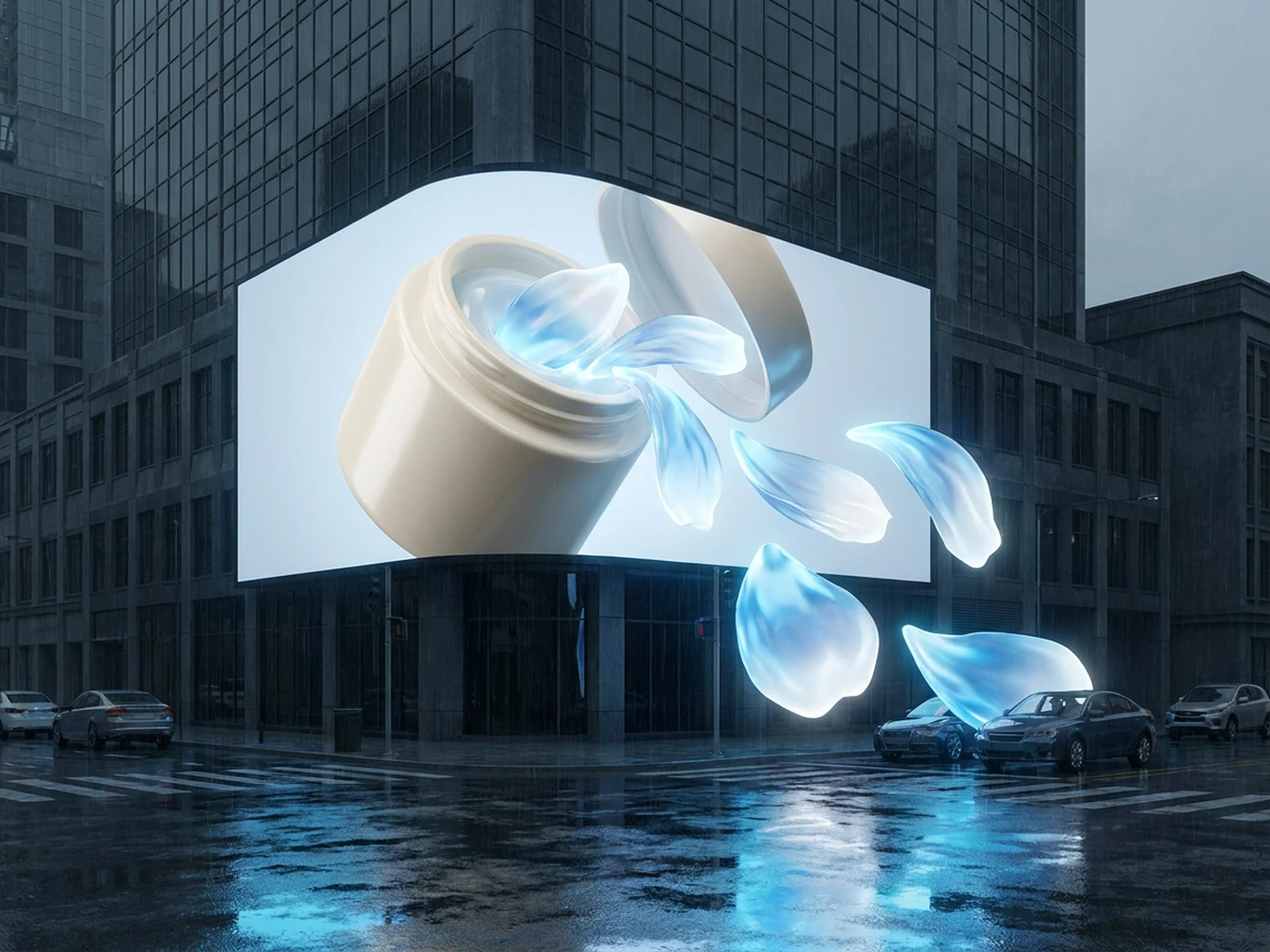
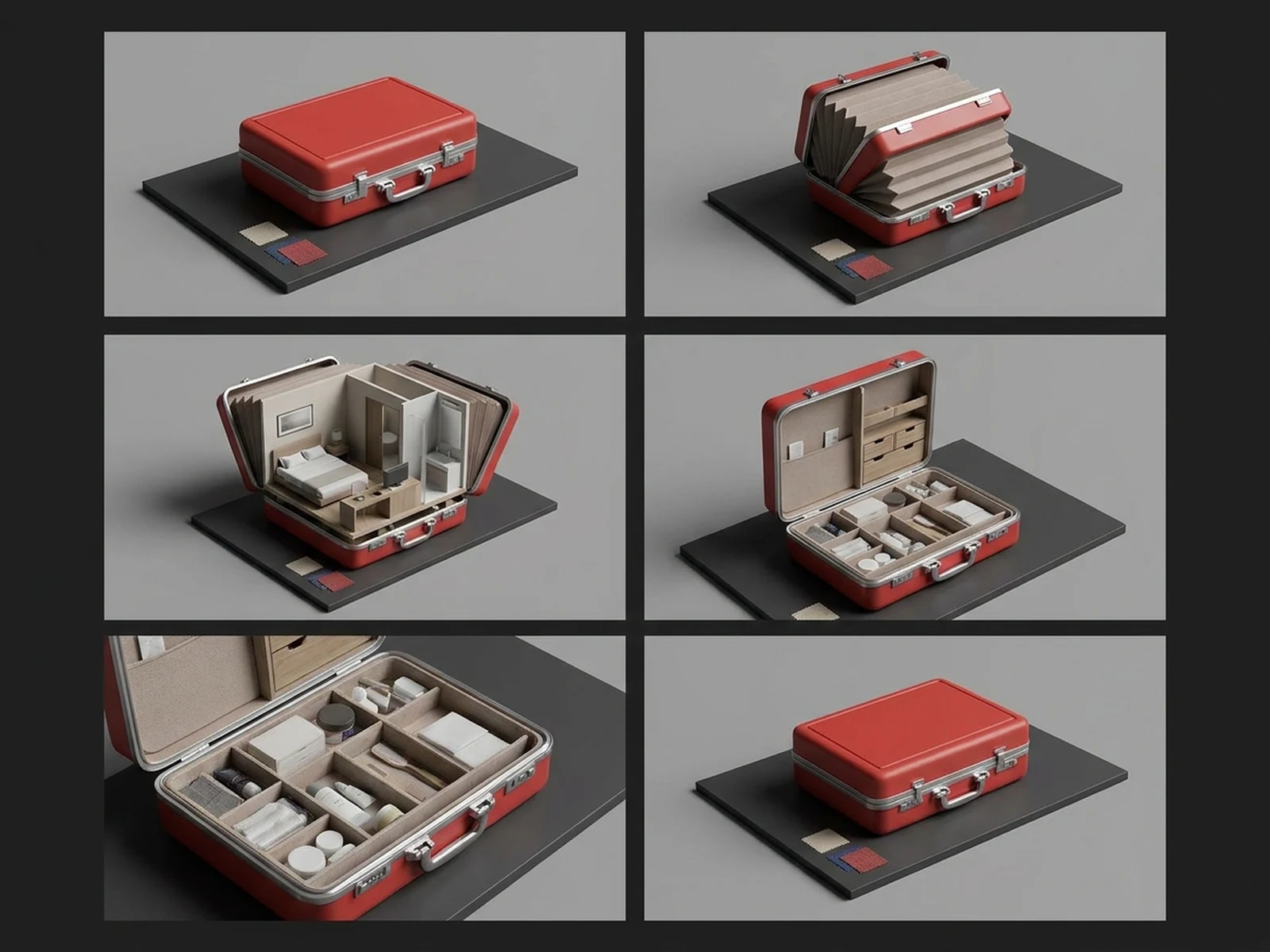
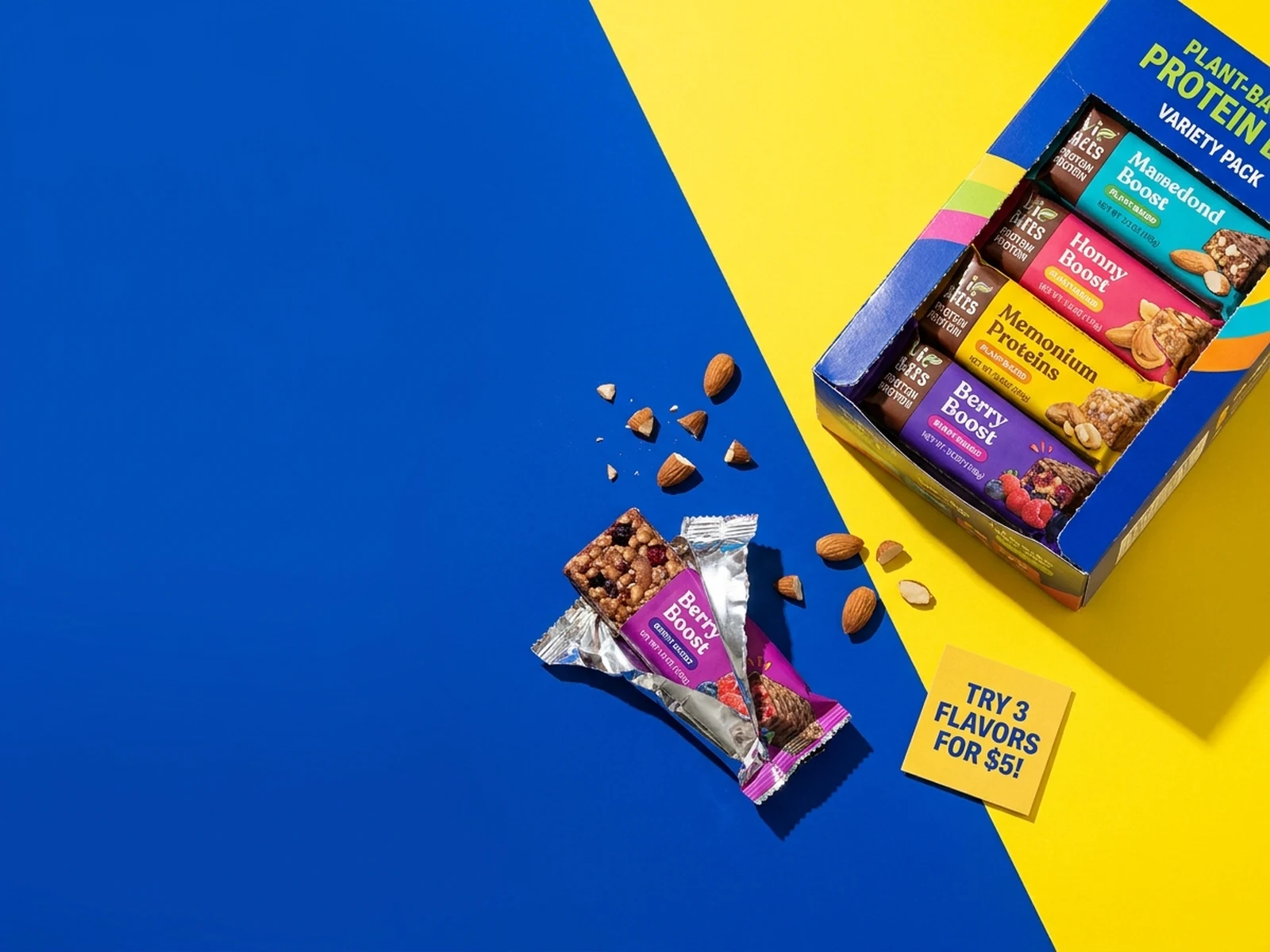
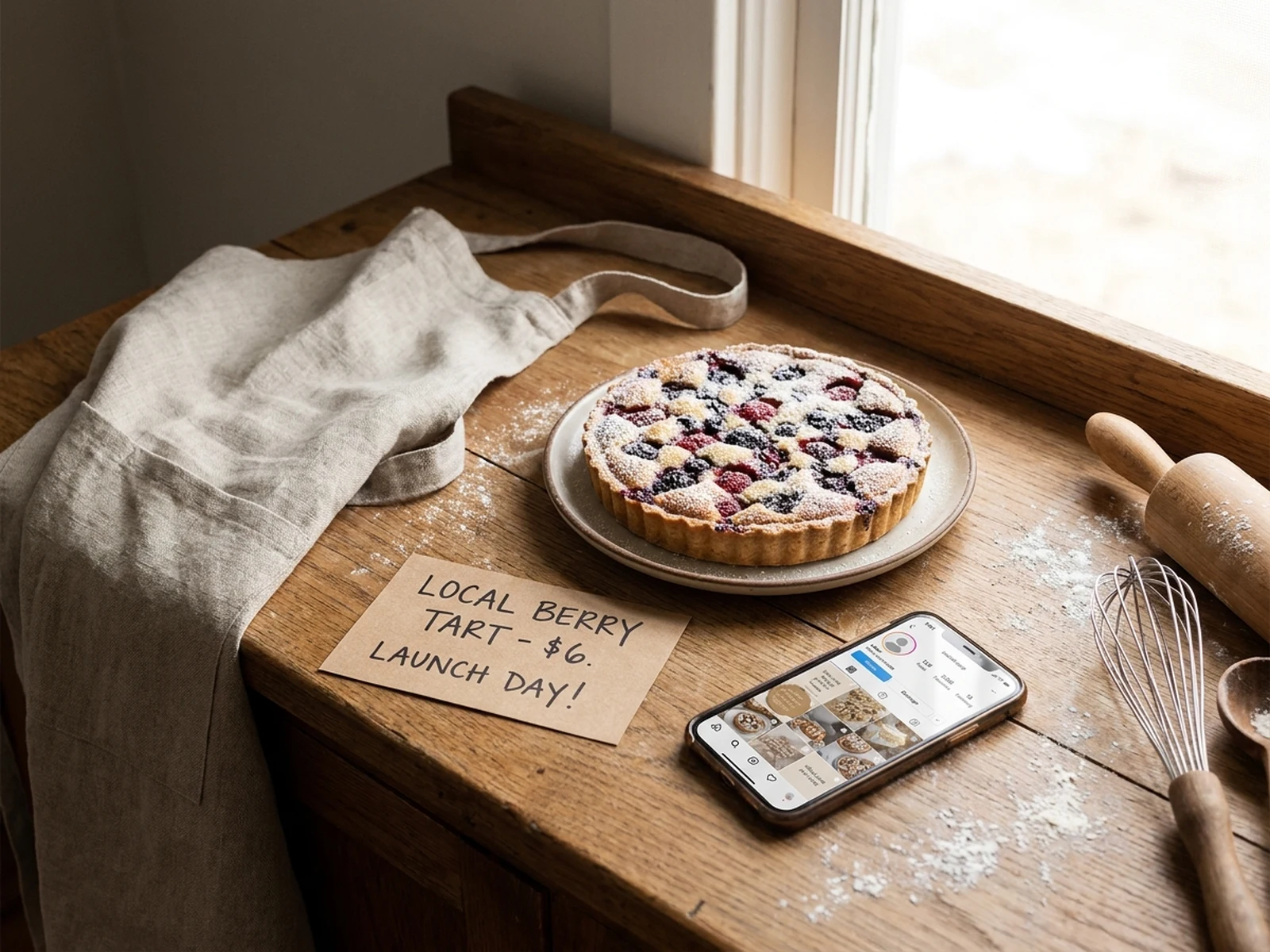
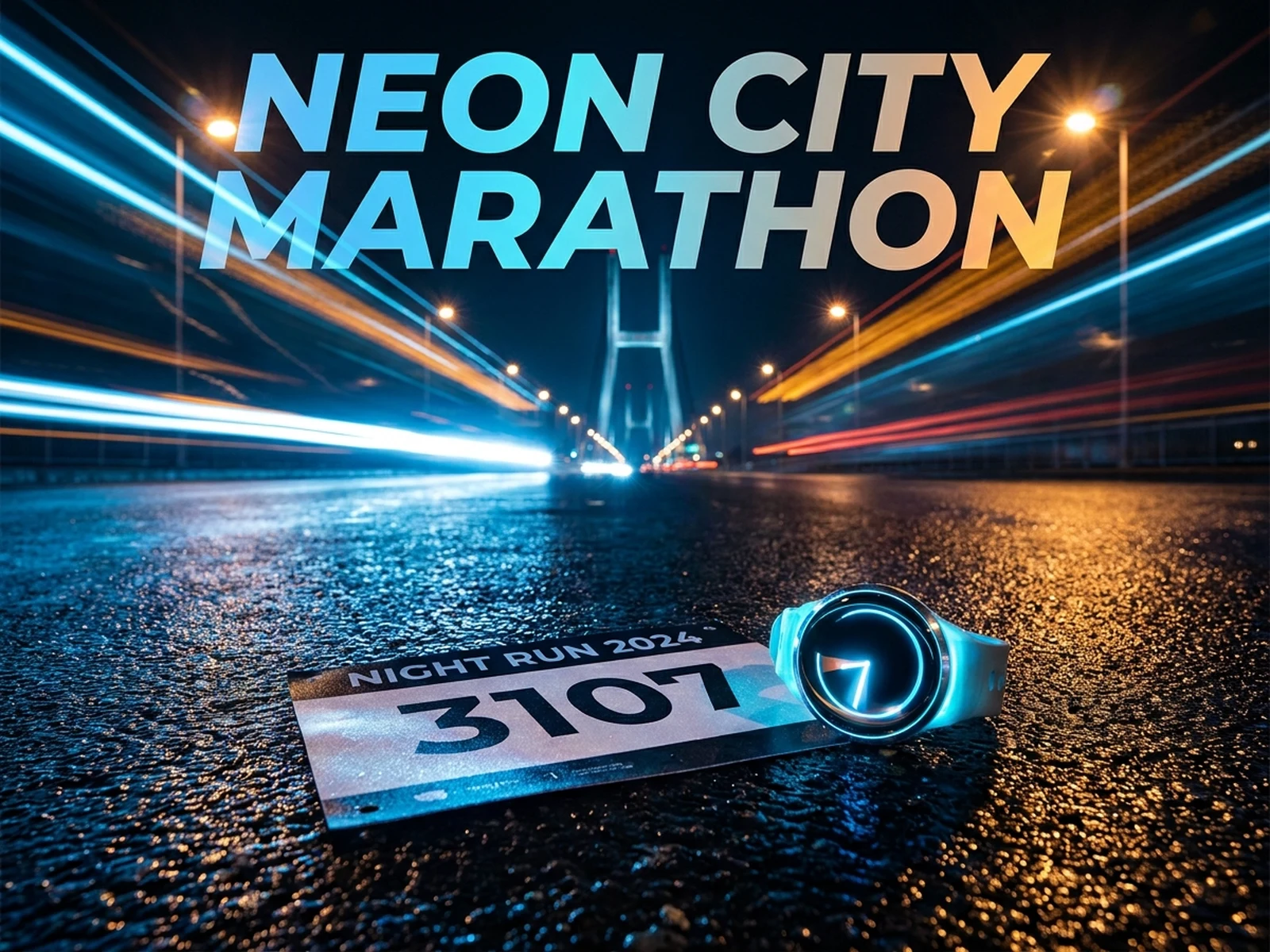
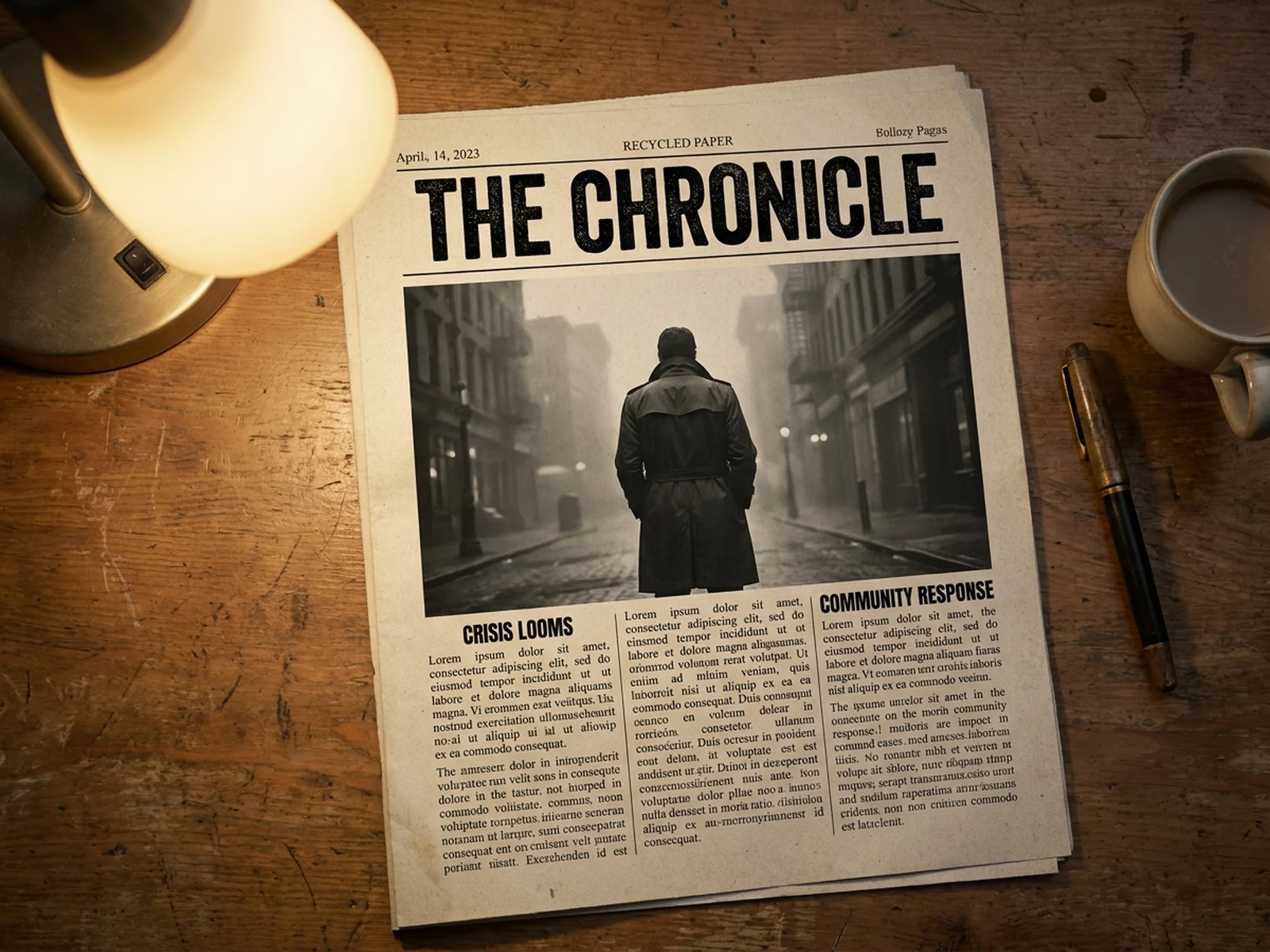
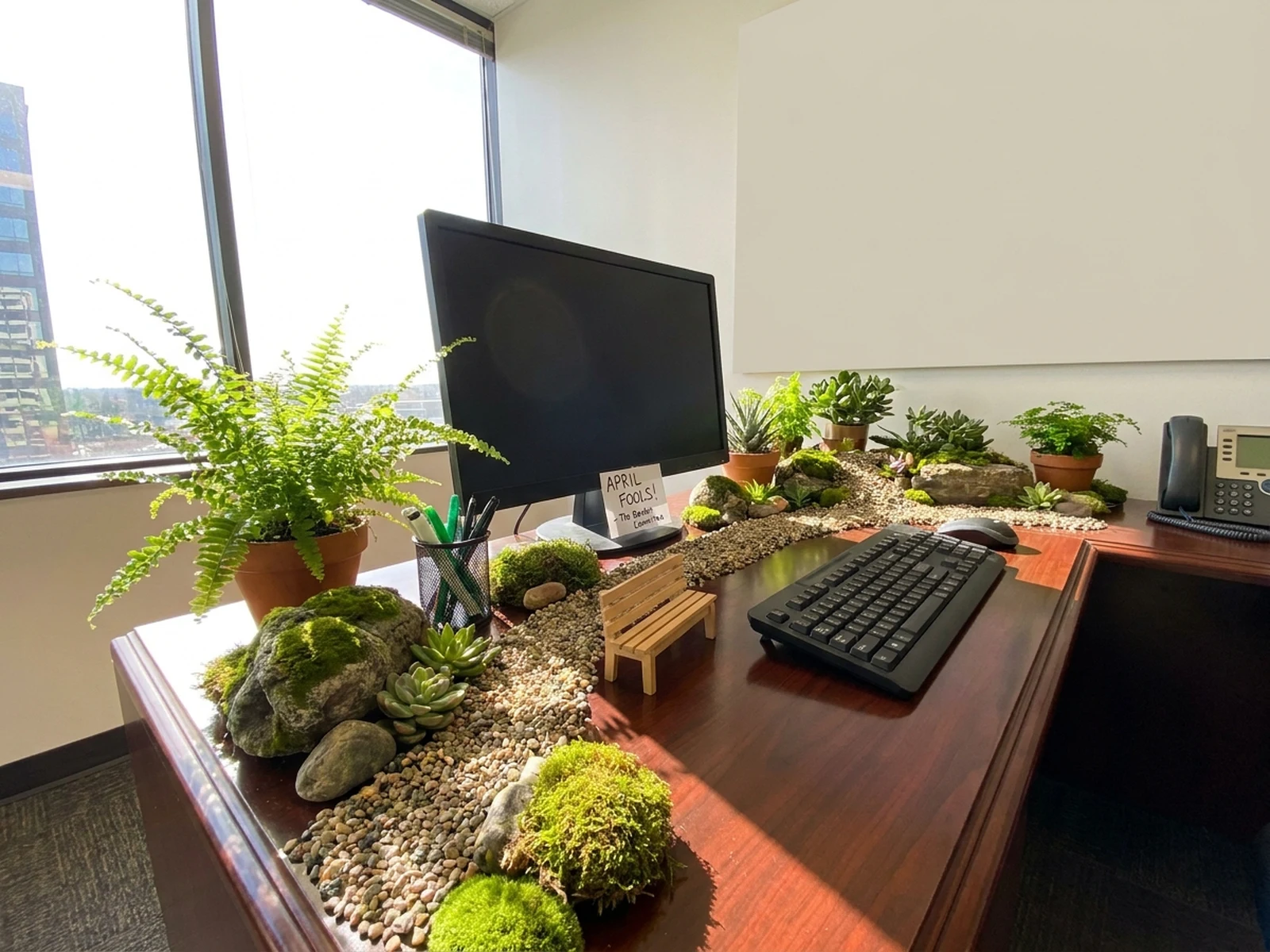
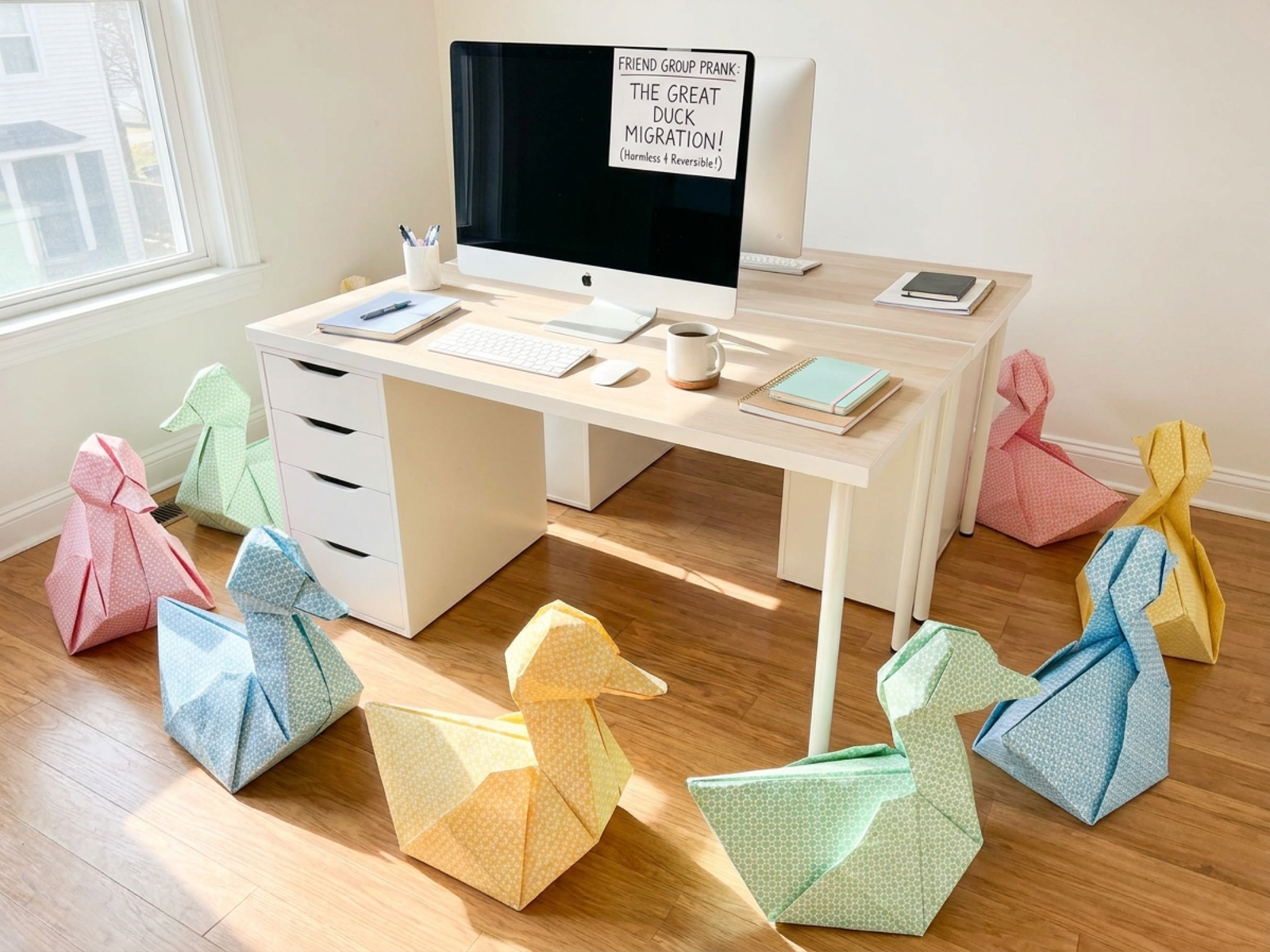
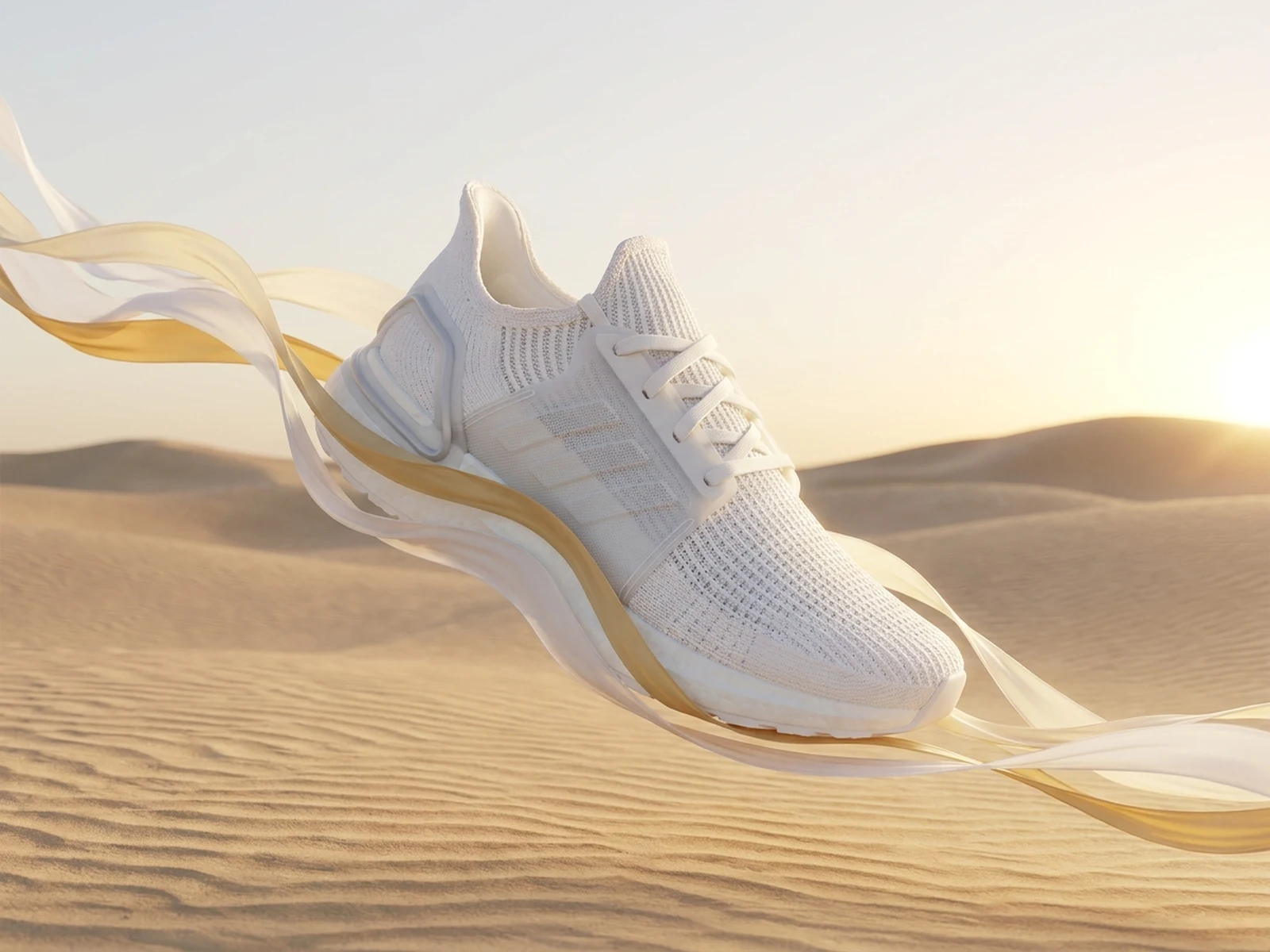
Create CGI advertising key visuals, impossible product scenes, outdoor illusion concepts, launch images, and campaign storyboards while controlling subject, scene, light, composition, and output format.

Impossible product scenesCampaign-ready key visualsPitch and storyboard formats

AI CGI Ad Generator prompt examples

Start with these prompts, then adjust subject, scene, light, composition, and references in the workspace.

AI CGI Ad Generator prompt structure

A structured prompt makes the result easier to compare, reuse, and refine.

Subject

Unbranded product, material, scale transformation, focal benefit, movement cue, campaign hook, and surface detail.

Scene

Surreal city installation, product landscape, billboard illusion, clean studio, outdoor landmark, or storyboard frame.

Light

Photoreal CGI reflections, environmental integration, dramatic sun direction, volumetric light, and material realism.

Output

Campaign key visual, CGI outdoor concept, launch still, billboard mockup, storyboard, social hook, or pitch board.

How to use the AI CGI Ad Generator

Define one concrete goal, lock the visual variables, and then create channel-ready variants.

01

Define the exact result

Choose one target from Campaign key visual, CGI outdoor concept, launch still, billboard mockup, storyboard, social hook, or pitch board.

02

Lock the visual variables

Specify Unbranded product, material, scale transformation, focal benefit, movement cue, campaign hook, and surface detail. Then set Surreal city installation, product landscape, billboard illusion, clean studio, outdoor landmark, or storyboard frame.

03

Generate useful variants

Change angle, palette, composition, or channel format while keeping the core subject and reference cues consistent.

AI CGI Ad Generator use cases

These workflows focus on CGI advertising key visuals, impossible product scenes, outdoor illusion concepts, launch images, and campaign storyboards.

Product launch concepts

Turn one feature into a memorable scale, motion, material, or environment metaphor.

Outdoor CGI illusions

Visualize oversized objects and architectural integrations before 3D production.

Campaign pitch boards

Create hero stills, supporting frames, and visual logic for agency and brand review.

Why choose Omnilyra for AI CGI Ad Generator

The workspace keeps prompts, references, examples, and output controls in one workflow.

Built around the search intent

The examples and workflow directly support CGI advertising key visuals, impossible product scenes, outdoor illusion concepts, launch images, and campaign storyboards.

Reference-guided control

Upload permitted references to preserve key visual cues while changing scene and format.

Reusable output system

Create Campaign key visual, CGI outdoor concept, launch still, billboard mockup, storyboard, social hook, or pitch board. from the same reusable workspace.

Try more image workspaces

Continue with related image generation, editing, and campaign workflows.

AI CGI Ad Generator FAQ

What can the AI CGI Ad Generator create?

It can create CGI advertising key visuals, impossible product scenes, outdoor illusion concepts, launch images, and campaign storyboards.

What should the prompt include?

Include Unbranded product, material, scale transformation, focal benefit, movement cue, campaign hook, and surface detail. Then add Surreal city installation, product landscape, billboard illusion, clean studio, outdoor landmark, or storyboard frame.

Can I upload a reference image?

Yes. Upload only images you have permission to use to guide subject, palette, material, pose, or layout consistency.

What should I review before using the result?

Label simulated visuals appropriately, avoid deceptive product claims, and have final geometry, physics, locations, and brand assets reviewed before advertising.