OOmnilyra

AI Vesak Day Image Generator

Create respectful Vesak Day lantern scenes, temple-inspired visuals, community cards, and message-ready event images while controlling subject, scene, light, composition, and output format.

Respectful festival imageryLantern and lotus scenesMessage-ready layouts

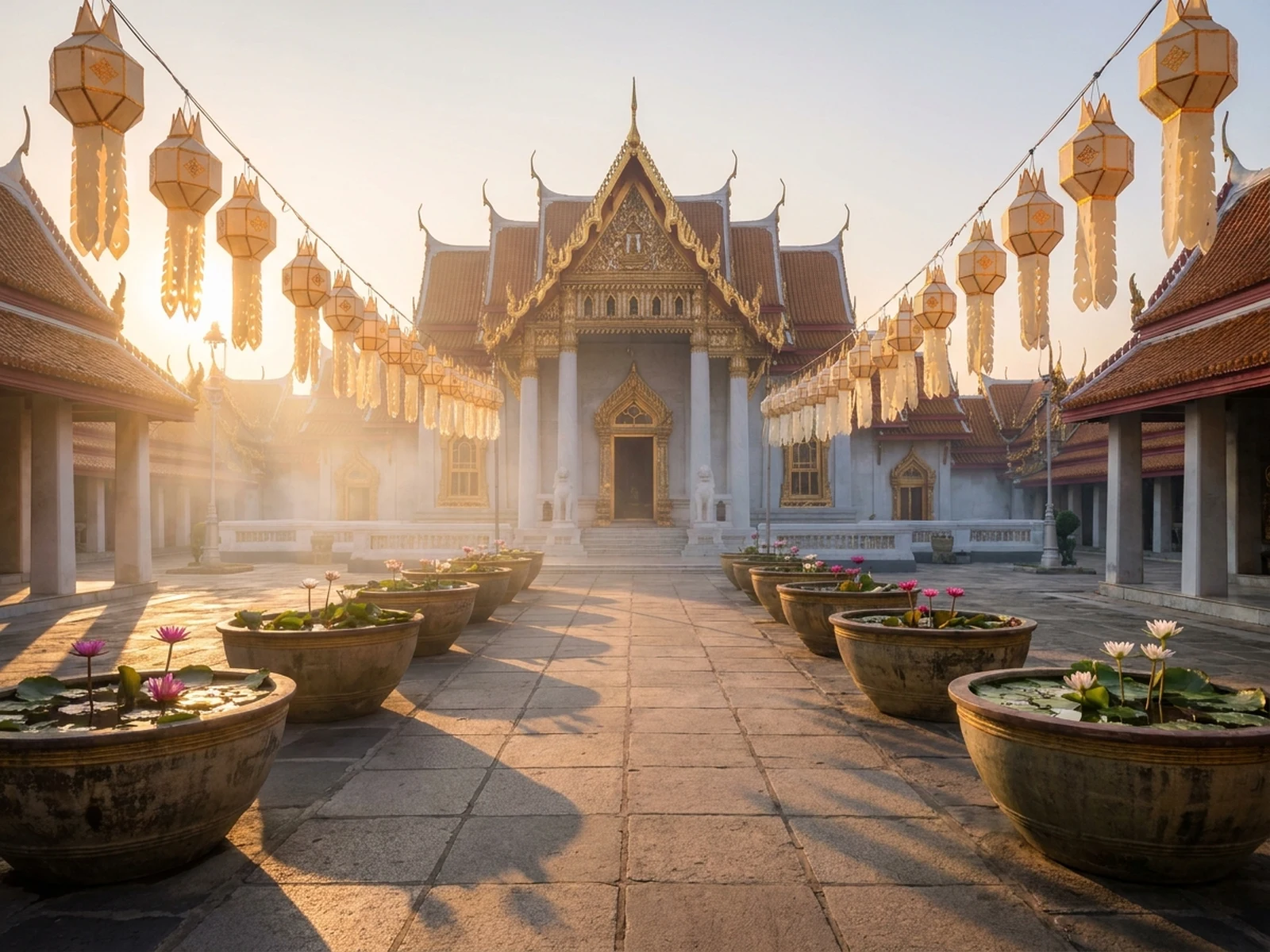
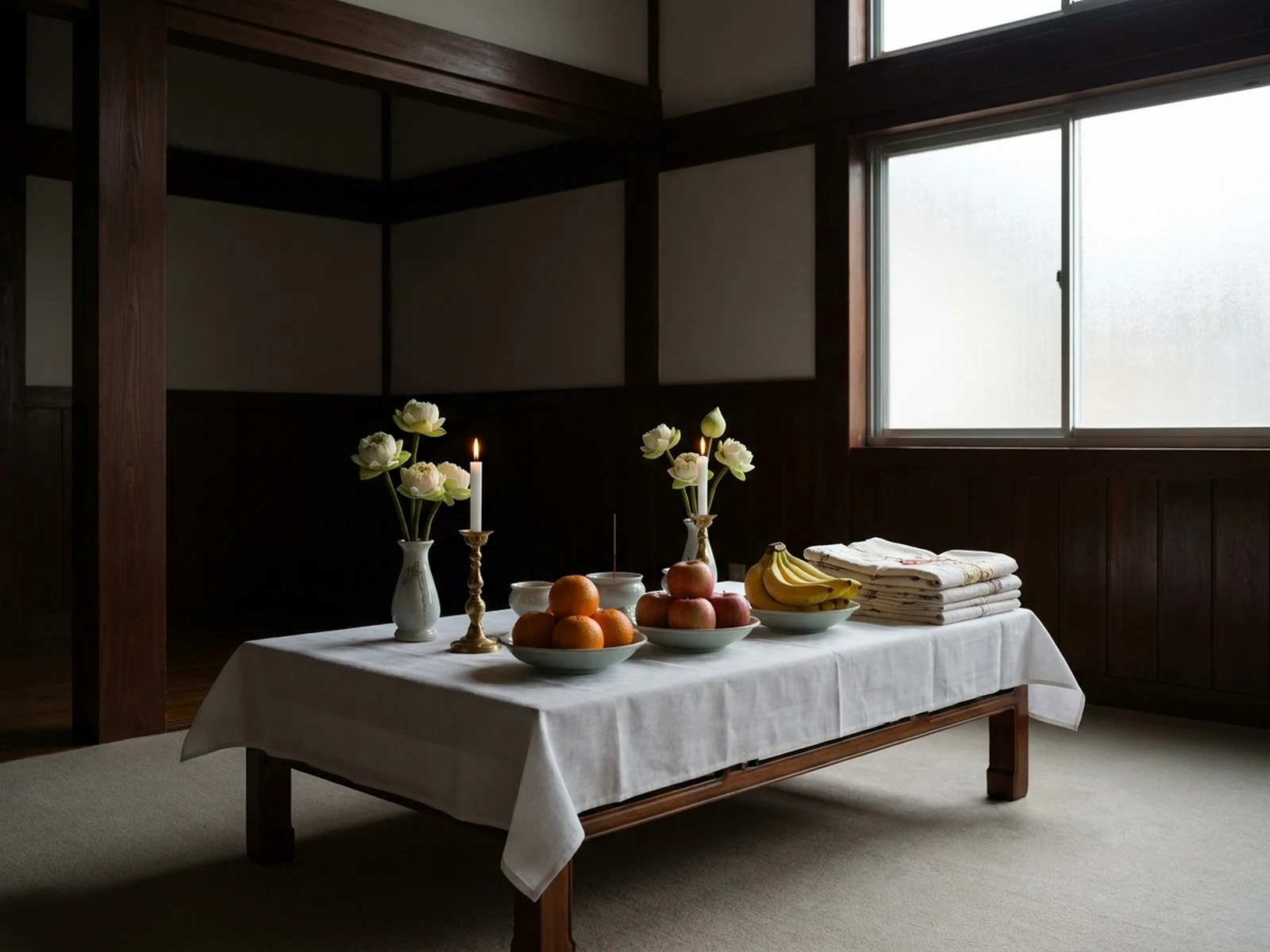
AI Vesak Day Image Generator prompt examples

Start with these prompts, then adjust subject, scene, light, composition, and references in the workspace.

AI Vesak Day Image Generator prompt structure

A structured prompt makes the result easier to compare, reuse, and refine.

Subject

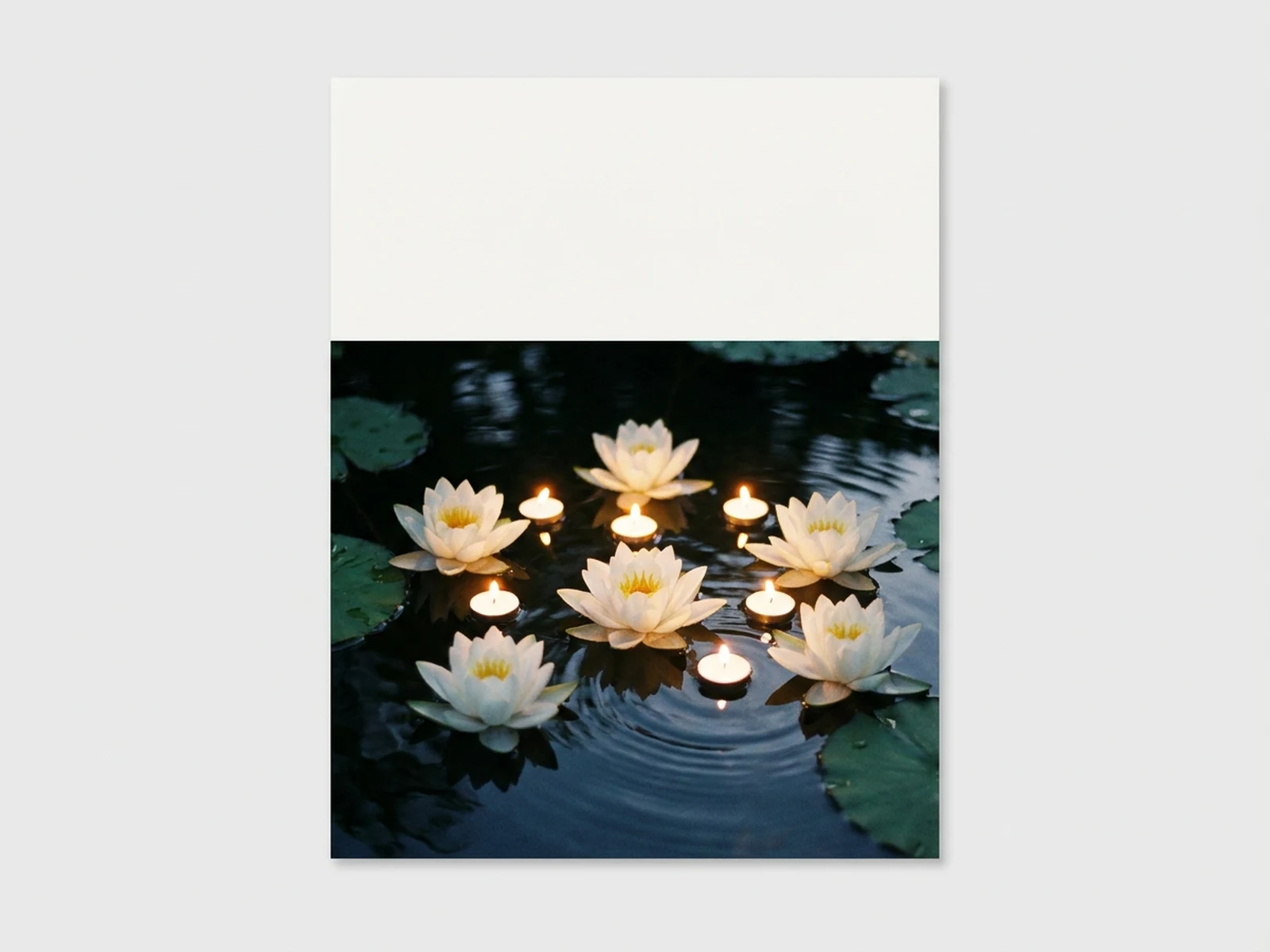
Lanterns, lotus flowers, candles, temple architecture, community offering objects, peaceful landscape, and respectful symbolic detail.

Scene

Temple courtyard, lantern walkway, lotus pond, community hall, meditation garden, or greeting-card background.

Light

Warm candlelight, dawn glow, lantern illumination, soft moonlight, and calm low-contrast shadows.

Output

Community card, event poster background, social greeting, educational visual, lantern scene, or peaceful editorial image.

How to use the AI Vesak Day Image Generator

Define one concrete goal, lock the visual variables, and then create channel-ready variants.

01

Define the exact result

Choose one target from Community card, event poster background, social greeting, educational visual, lantern scene, or peaceful editorial image.

02

Lock the visual variables

Specify Lanterns, lotus flowers, candles, temple architecture, community offering objects, peaceful landscape, and respectful symbolic detail. Then set Temple courtyard, lantern walkway, lotus pond, community hall, meditation garden, or greeting-card background.

03

Generate useful variants

Change angle, palette, composition, or channel format while keeping the core subject and reference cues consistent.

AI Vesak Day Image Generator use cases

These workflows focus on respectful Vesak Day lantern scenes, temple-inspired visuals, community cards, and message-ready event images.

Community event cards

Create calm backgrounds for schedules, invitations, and greetings added after generation.

Educational visuals

Illustrate lanterns, lotus offerings, temple courtyards, and community scenes with respectful context.

Social greetings

Build square and vertical festival visuals with clear space for reviewed local-language messages.

Why choose Omnilyra for AI Vesak Day Image Generator

The workspace keeps prompts, references, examples, and output controls in one workflow.

Built around the search intent

The examples and workflow directly support respectful Vesak Day lantern scenes, temple-inspired visuals, community cards, and message-ready event images.

Reference-guided control

Upload permitted references to preserve key visual cues while changing scene and format.

Reusable output system

Create Community card, event poster background, social greeting, educational visual, lantern scene, or peaceful editorial image. from the same reusable workspace.

Try more image workspaces

Continue with related image generation, editing, and campaign workflows.

AI Vesak Day Image Generator FAQ

What can the AI Vesak Day Image Generator create?

It can create respectful Vesak Day lantern scenes, temple-inspired visuals, community cards, and message-ready event images.

What should the prompt include?

Include Lanterns, lotus flowers, candles, temple architecture, community offering objects, peaceful landscape, and respectful symbolic detail. Then add Temple courtyard, lantern walkway, lotus pond, community hall, meditation garden, or greeting-card background.

Can I upload a reference image?

Yes. Upload only images you have permission to use to guide subject, palette, material, pose, or layout consistency.

What should I review before using the result?

Avoid commercializing sacred imagery or inventing religious claims; have community-facing visuals and wording reviewed by knowledgeable local stakeholders.