OOmnilyra

AI Manhwa Character Generator

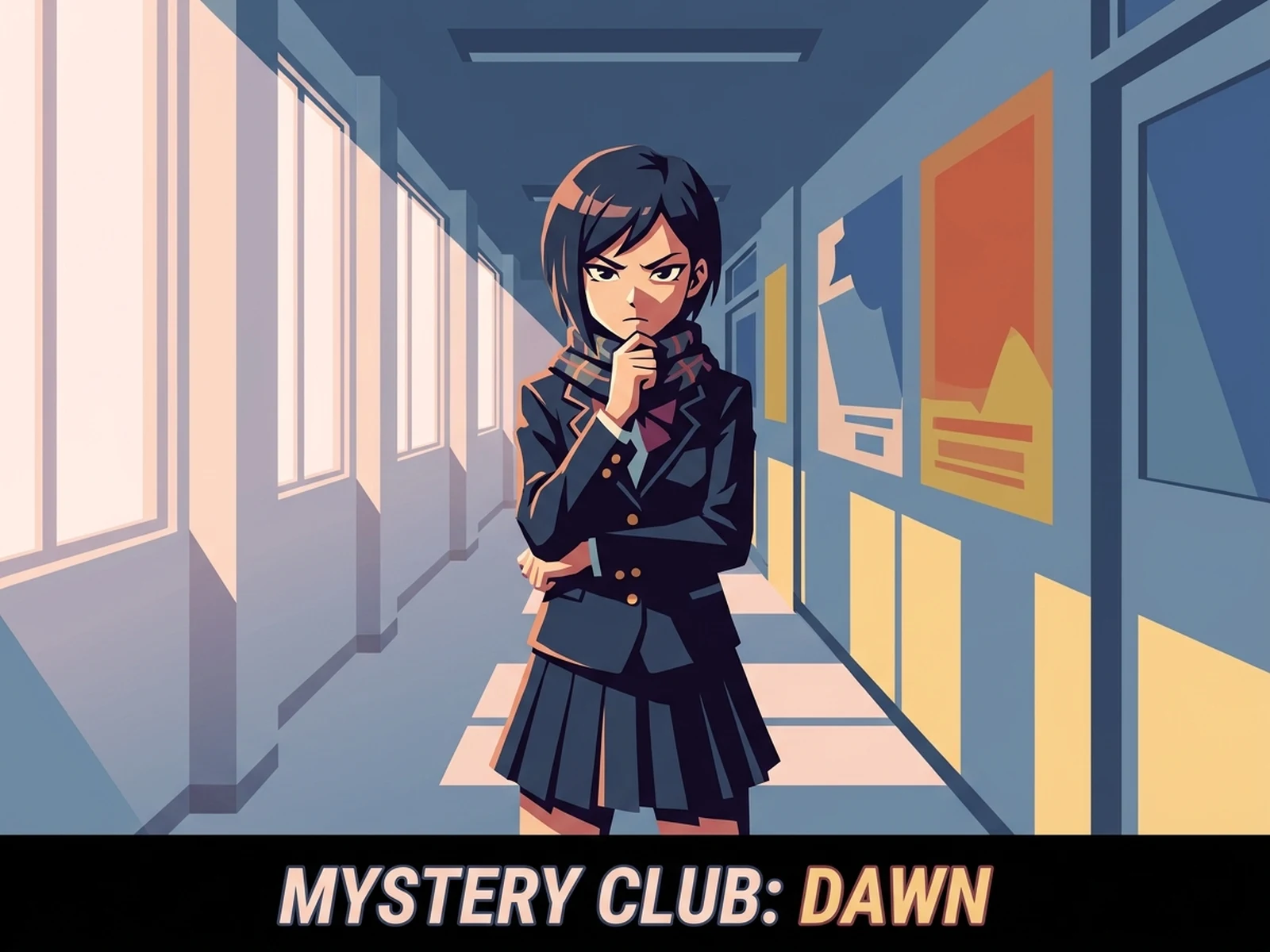
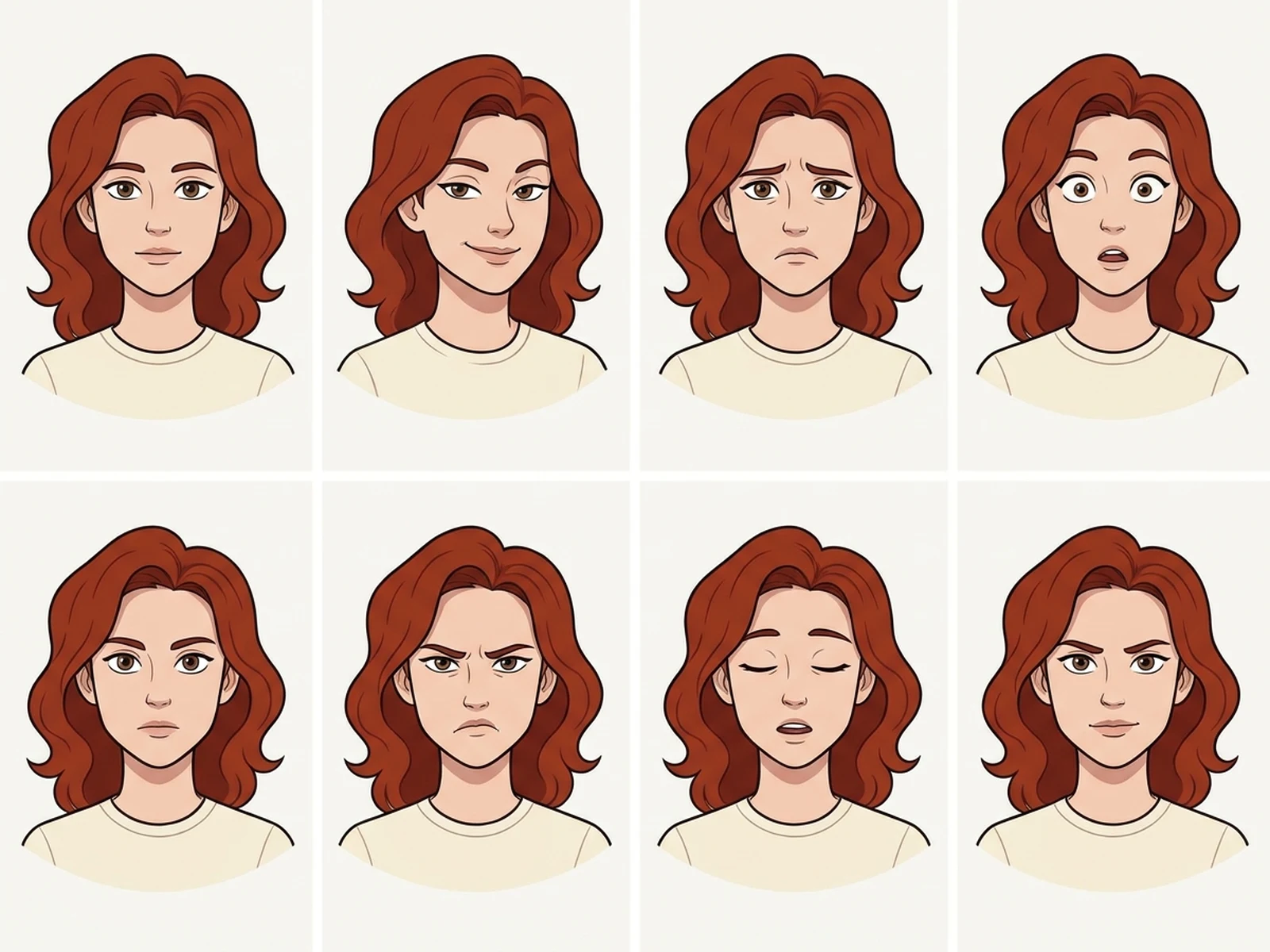
Create original manhwa-inspired characters, webcomic portraits, expression sheets, outfit concepts, and story panels while controlling subject, scene, light, composition, and output format.

Original adult charactersWebcomic-ready expressionsPortrait and panel formats

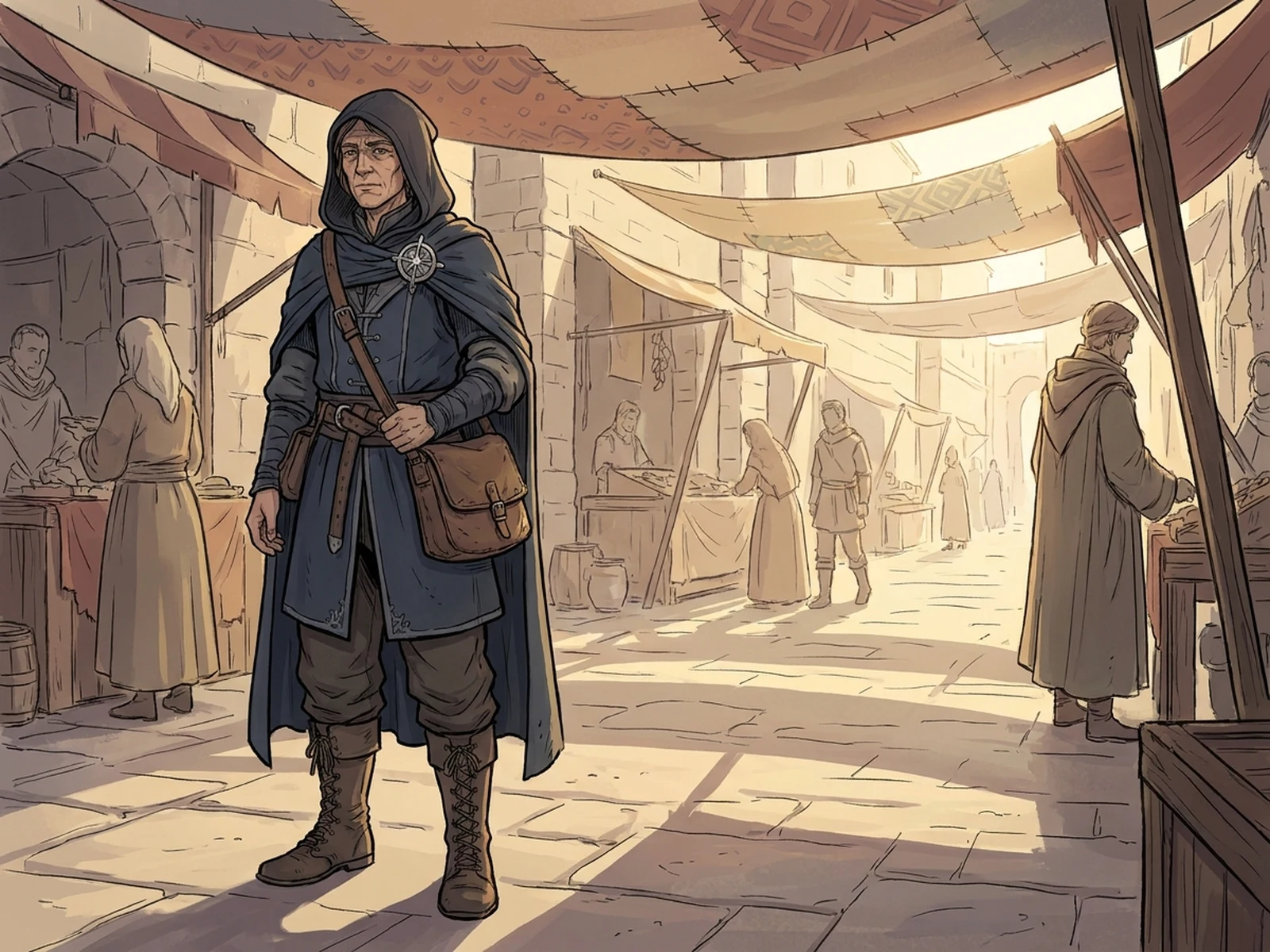
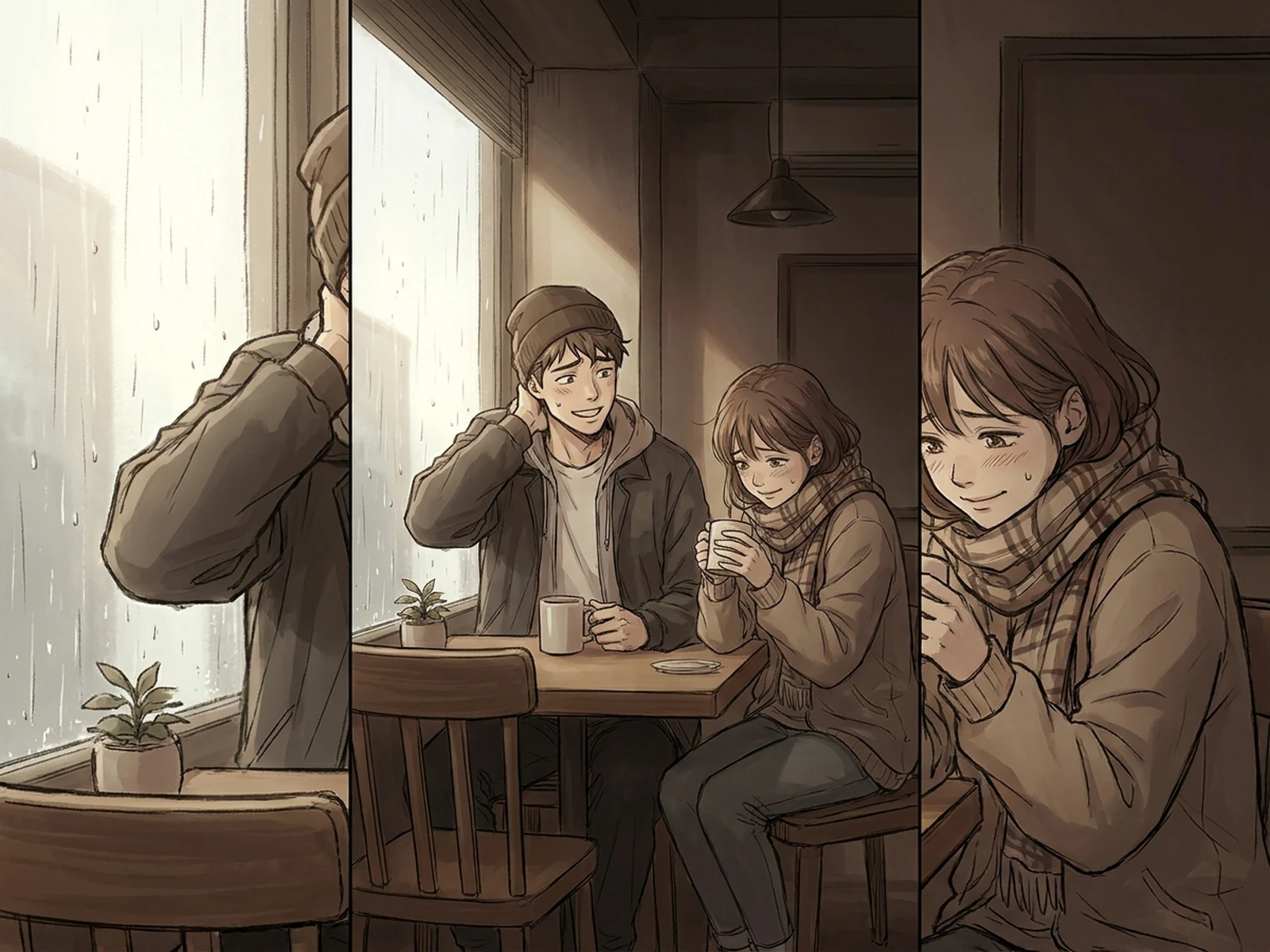
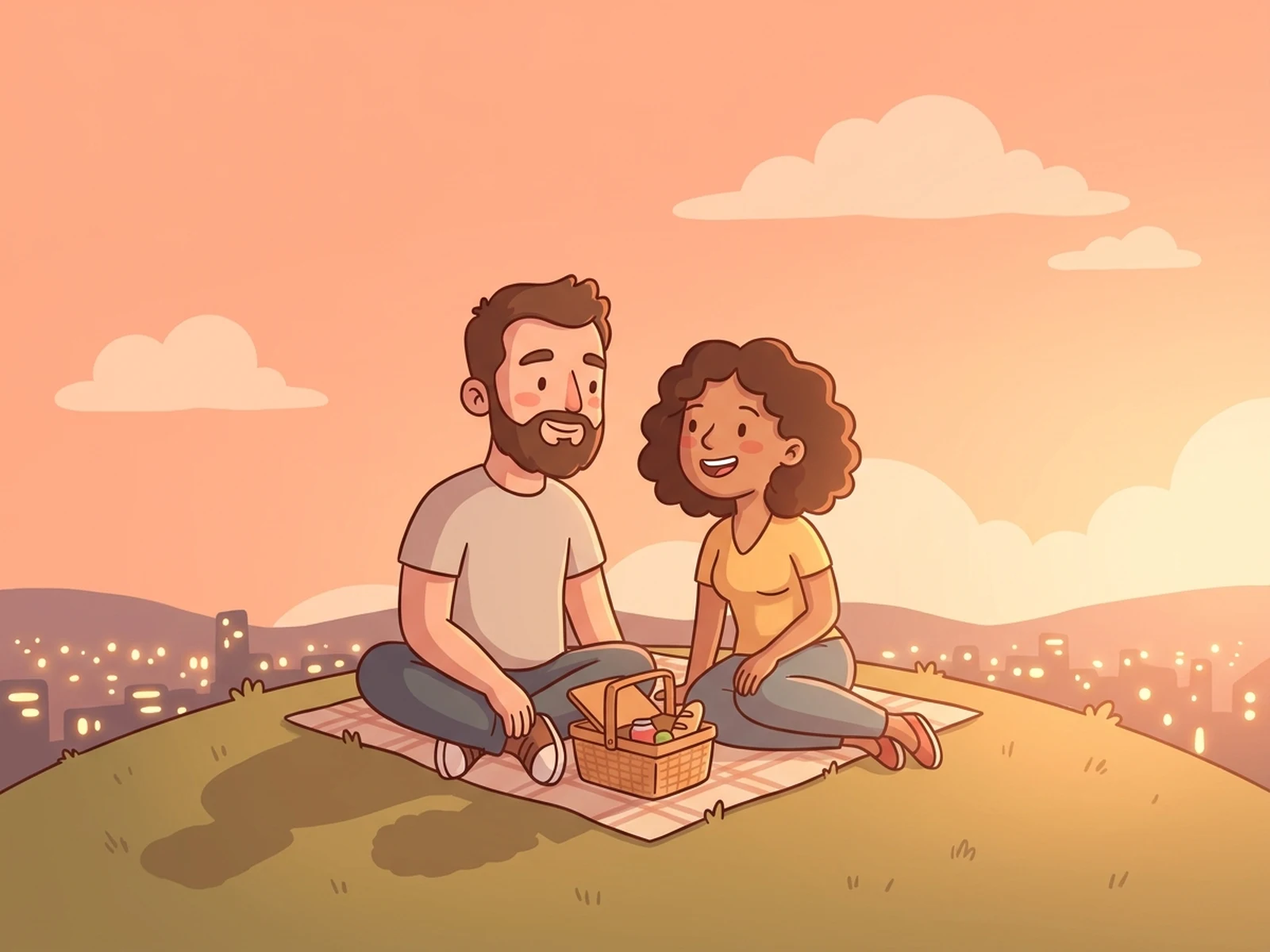
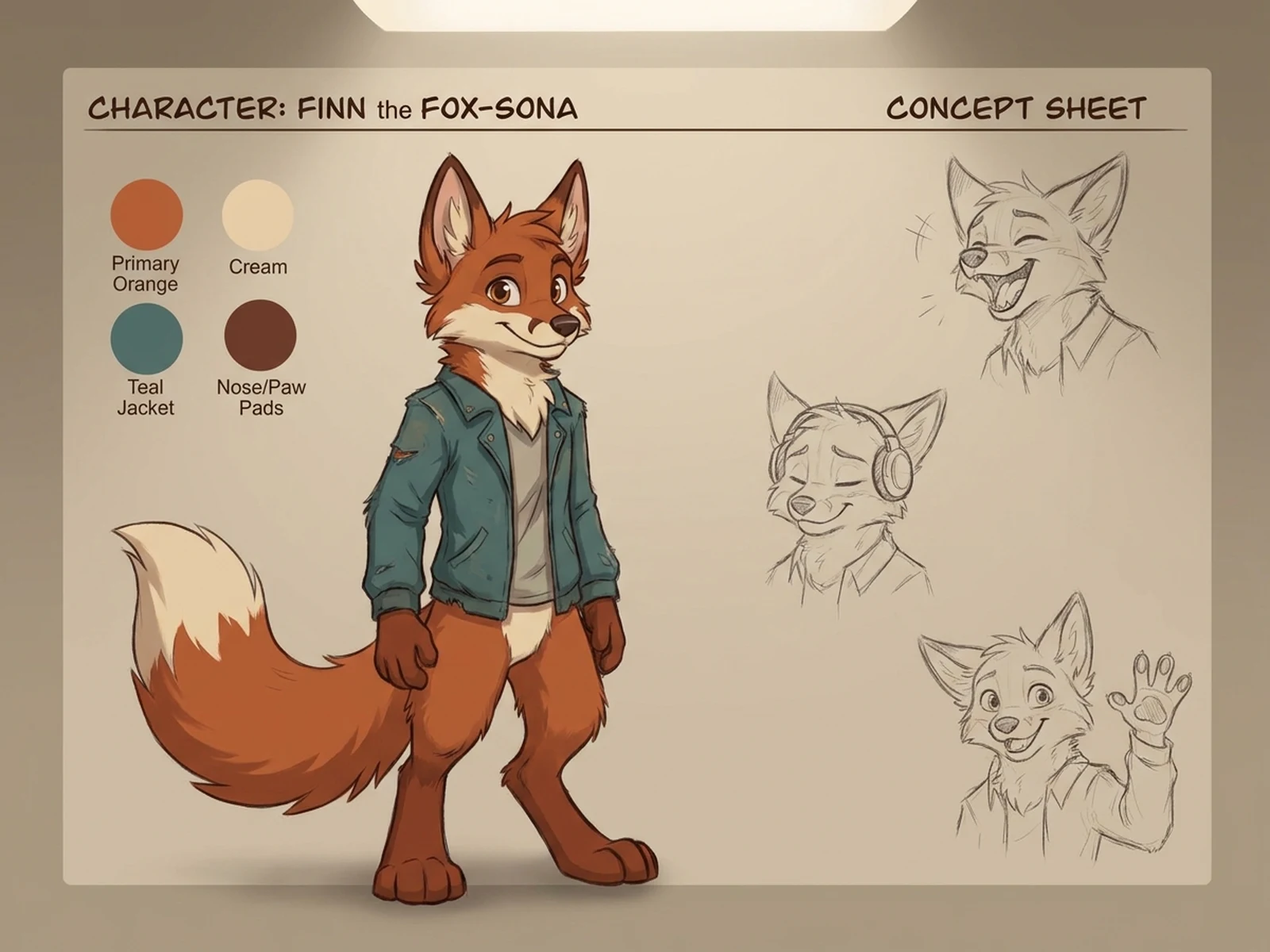
AI Manhwa Character Generator prompt examples

Start with these prompts, then adjust subject, scene, light, composition, and references in the workspace.

AI Manhwa Character Generator prompt structure

A structured prompt makes the result easier to compare, reuse, and refine.

Subject

Original adult character role, face, hair, clothing, expression, pose, accessories, and personality cues.

Scene

Urban webcomic setting, character studio, cafe, office, fantasy street, expression sheet, or vertical panel.

Light

Clean cel shading, window glow, cinematic rim light, soft gradient backgrounds, and readable facial highlights.

Output

Character portrait, expression sheet, outfit board, vertical webcomic panel, profile card, or cover concept.

How to use the AI Manhwa Character Generator

Define one concrete goal, lock the visual variables, and then create channel-ready variants.

01

Define the exact result

Choose one target from Character portrait, expression sheet, outfit board, vertical webcomic panel, profile card, or cover concept.

02

Lock the visual variables

Specify Original adult character role, face, hair, clothing, expression, pose, accessories, and personality cues. Then set Urban webcomic setting, character studio, cafe, office, fantasy street, expression sheet, or vertical panel.

03

Generate useful variants

Change angle, palette, composition, or channel format while keeping the core subject and reference cues consistent.

AI Manhwa Character Generator use cases

These workflows focus on original manhwa-inspired characters, webcomic portraits, expression sheets, outfit concepts, and story panels.

Original character development

Explore face, hair, wardrobe, expression, and personality without copying an existing series.

Webcomic previsualization

Create vertical panels, reaction shots, and scene references before final sequential art.

Expression and outfit sheets

Compare emotional beats and costume variants while keeping one original character consistent.

Why choose Omnilyra for AI Manhwa Character Generator

The workspace keeps prompts, references, examples, and output controls in one workflow.

Built around the search intent

The examples and workflow directly support original manhwa-inspired characters, webcomic portraits, expression sheets, outfit concepts, and story panels.

Reference-guided control

Upload permitted references to preserve key visual cues while changing scene and format.

Reusable output system

Create Character portrait, expression sheet, outfit board, vertical webcomic panel, profile card, or cover concept. from the same reusable workspace.

Try more image workspaces

Continue with related image generation, editing, and campaign workflows.

AI Manhwa Character Generator FAQ

What can the AI Manhwa Character Generator create?

It can create original manhwa-inspired characters, webcomic portraits, expression sheets, outfit concepts, and story panels.

What should the prompt include?

Include Original adult character role, face, hair, clothing, expression, pose, accessories, and personality cues. Then add Urban webcomic setting, character studio, cafe, office, fantasy street, expression sheet, or vertical panel.

Can I upload a reference image?

Yes. Upload only images you have permission to use to guide subject, palette, material, pose, or layout consistency.

What should I review before using the result?

Describe broad webcomic traits rather than copying a specific title, character, studio, or living artist; use only likeness references you are allowed to upload.