OOmnilyra

AI Basketball Team Generator

Create original adult basketball team portraits, lineup posters, uniform concepts, practice scenes, roster graphics, and fan campaign images while controlling subject, scene, light, composition, and output format.

Original adult rostersUnbranded uniform systemsTeam and fan formats

AI Basketball Team Generator prompt examples

Start with these prompts, then adjust subject, scene, light, composition, and references in the workspace.

AI Basketball Team Generator prompt structure

A structured prompt makes the result easier to compare, reuse, and refine.

Subject

Original adult players, team size, positions, plain uniforms, coordinated palette, lineup order, expressions, ball props, and court setting.

Scene

Indoor court, neutral team studio, practice gym, bench moment, lineup board, fan poster, or uniform presentation.

Light

Arena overhead light, dramatic rim light, controlled group fill, clean uniform color, and readable faces.

Output

Team portrait, starting-five poster, practice image, roster graphic, uniform lineup, fan social visual, or editorial feature.

How to use the AI Basketball Team Generator

Define one concrete goal, lock the visual variables, and then create channel-ready variants.

01

Define the exact result

Choose one target from Team portrait, starting-five poster, practice image, roster graphic, uniform lineup, fan social visual, or editorial feature.

02

Lock the visual variables

Specify Original adult players, team size, positions, plain uniforms, coordinated palette, lineup order, expressions, ball props, and court setting. Then set Indoor court, neutral team studio, practice gym, bench moment, lineup board, fan poster, or uniform presentation.

03

Generate useful variants

Change angle, palette, composition, or channel format while keeping the core subject and reference cues consistent.

AI Basketball Team Generator use cases

These workflows focus on original adult basketball team portraits, lineup posters, uniform concepts, practice scenes, roster graphics, and fan campaign images.

Team identity concepts

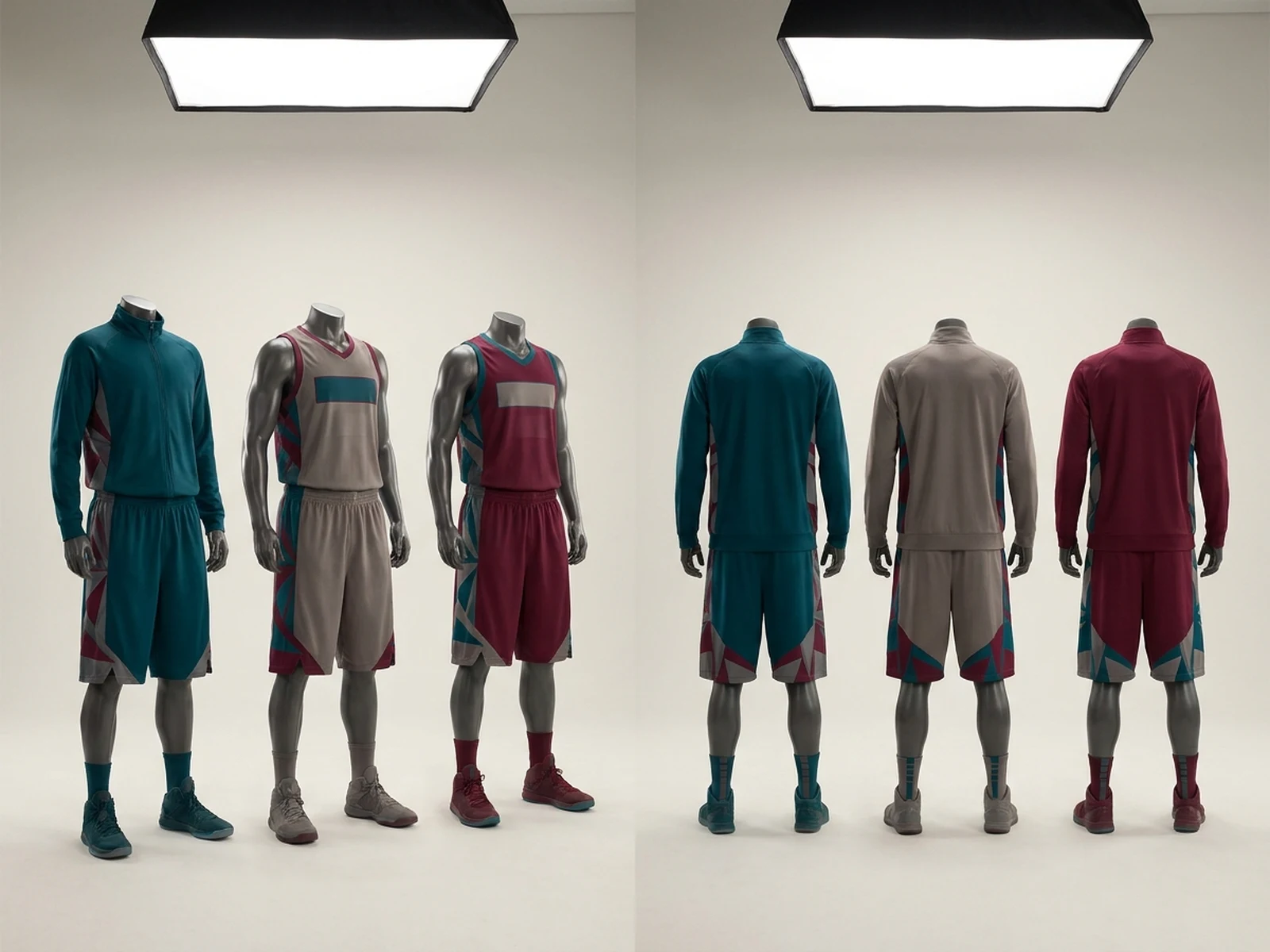
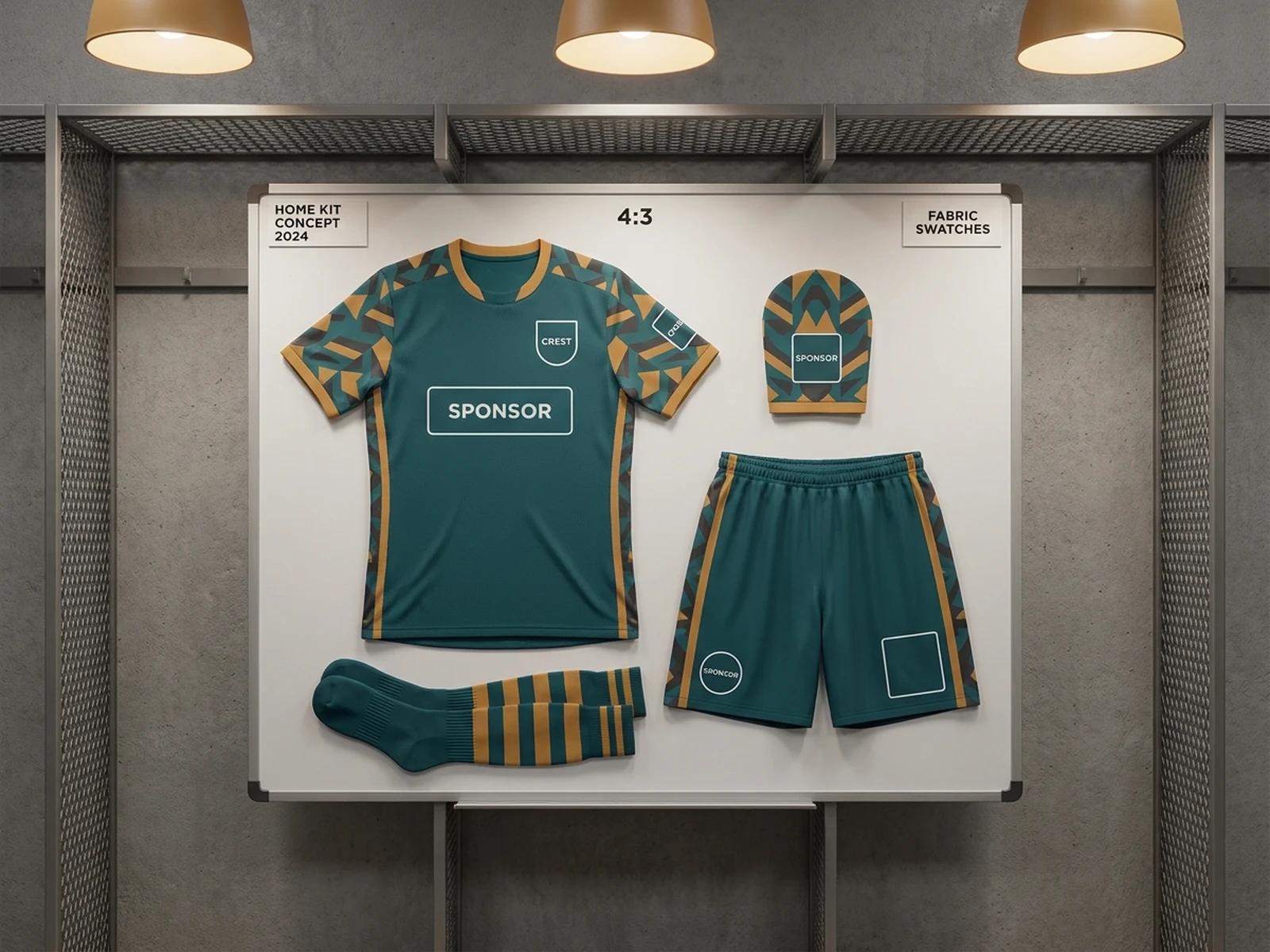
Explore original colors, uniform blocking, lineup style, and photo direction without real league marks.

Roster and poster images

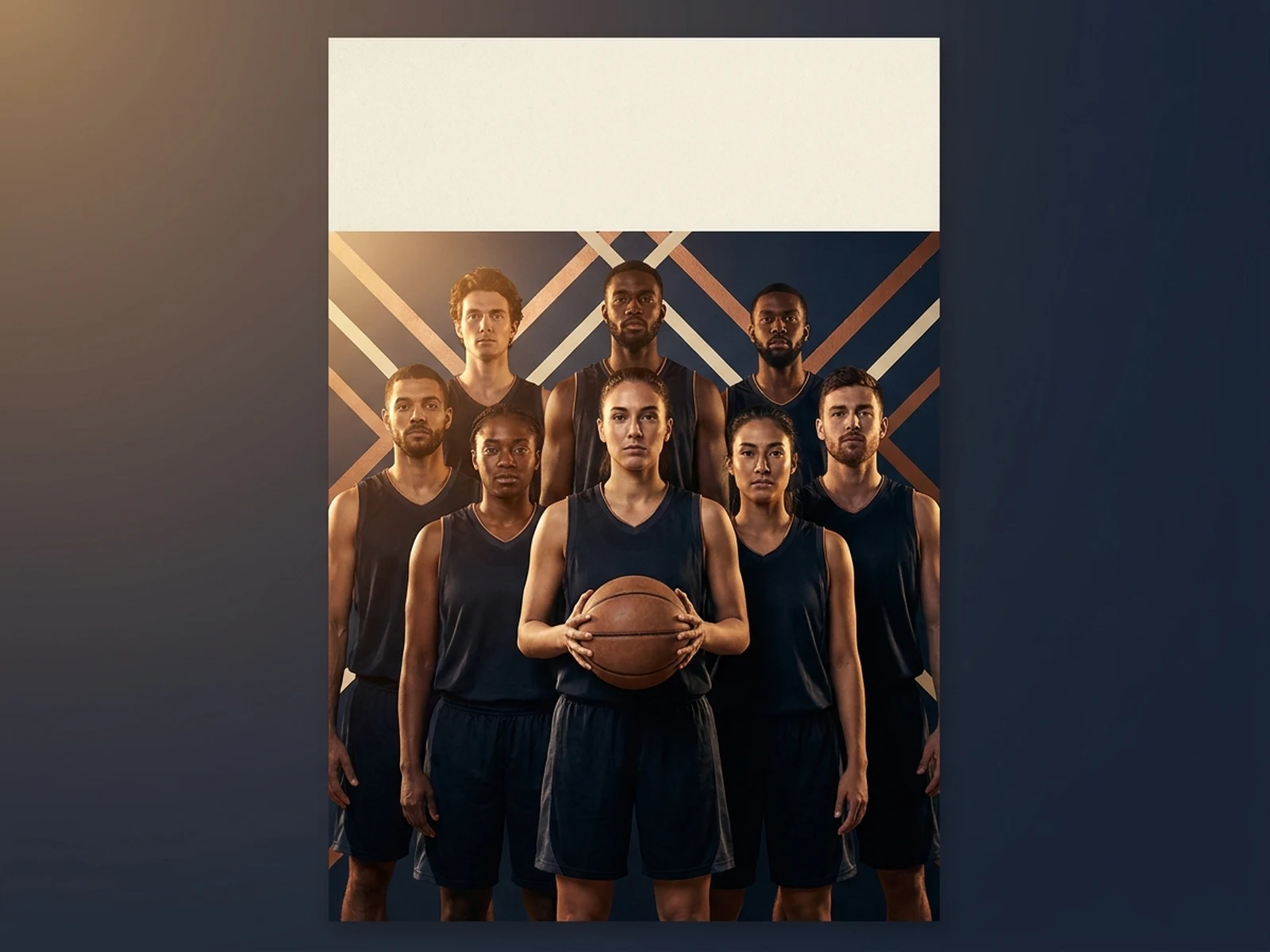
Build balanced group compositions with space for verified names and numbers added after generation.

Practice storytelling

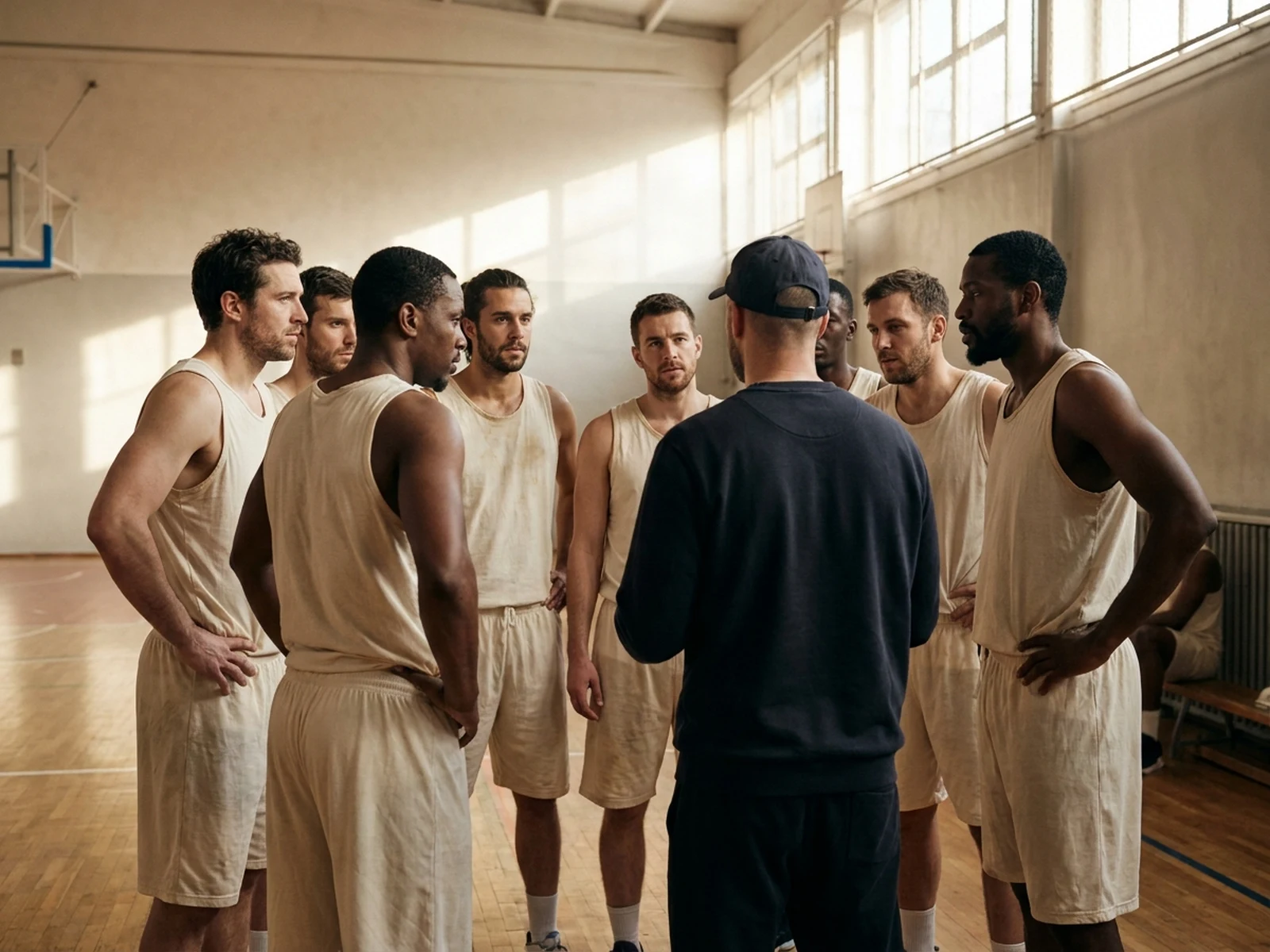
Create authentic warm-up, huddle, bench, and drill moments with safe non-contact action.

Why choose Omnilyra for AI Basketball Team Generator

The workspace keeps prompts, references, examples, and output controls in one workflow.

Built around the search intent

The examples and workflow directly support original adult basketball team portraits, lineup posters, uniform concepts, practice scenes, roster graphics, and fan campaign images.

Reference-guided control

Upload permitted references to preserve key visual cues while changing scene and format.

Reusable output system

Create Team portrait, starting-five poster, practice image, roster graphic, uniform lineup, fan social visual, or editorial feature. from the same reusable workspace.

Try more image workspaces

Continue with related image generation, editing, and campaign workflows.

AI Basketball Team Generator FAQ

What can the AI Basketball Team Generator create?

It can create original adult basketball team portraits, lineup posters, uniform concepts, practice scenes, roster graphics, and fan campaign images.

What should the prompt include?

Include Original adult players, team size, positions, plain uniforms, coordinated palette, lineup order, expressions, ball props, and court setting. Then add Indoor court, neutral team studio, practice gym, bench moment, lineup board, fan poster, or uniform presentation.

Can I upload a reference image?

Yes. Upload only images you have permission to use to guide subject, palette, material, pose, or layout consistency.

What should I review before using the result?

Use original adult players, avoid real athlete likenesses and league marks, and add verified roster details in a design tool after generation.