OOmnilyra

AI Chicken Generator

Create original chicken portraits, breed-inspired concepts, farm scenes, educational illustrations, character designs, and flock images while controlling subject, scene, light, composition, and output format.

Natural feather detailPortrait and flock scenesRealistic or illustrated output

AI Chicken Generator prompt examples

Start with these prompts, then adjust subject, scene, light, composition, and references in the workspace.

AI Chicken Generator prompt structure

A structured prompt makes the result easier to compare, reuse, and refine.

Subject

Chicken type, age, plumage, comb, posture, scale, expression, flock size, environment, and realism level.

Scene

Pasture, clean coop yard, neutral animal studio, botanical garden, breed board, storybook farm, or educational sheet.

Light

Soft farm daylight, early-morning rim light, feather detail, natural ground shadows, and balanced animal color.

Output

Animal portrait, flock scene, breed comparison, farm illustration, mascot concept, educational image, or social post.

How to use the AI Chicken Generator

Define one concrete goal, lock the visual variables, and then create channel-ready variants.

01

Define the exact result

Choose one target from Animal portrait, flock scene, breed comparison, farm illustration, mascot concept, educational image, or social post.

02

Lock the visual variables

Specify Chicken type, age, plumage, comb, posture, scale, expression, flock size, environment, and realism level. Then set Pasture, clean coop yard, neutral animal studio, botanical garden, breed board, storybook farm, or educational sheet.

03

Generate useful variants

Change angle, palette, composition, or channel format while keeping the core subject and reference cues consistent.

AI Chicken Generator use cases

These workflows focus on original chicken portraits, breed-inspired concepts, farm scenes, educational illustrations, character designs, and flock images.

Farm and homestead visuals

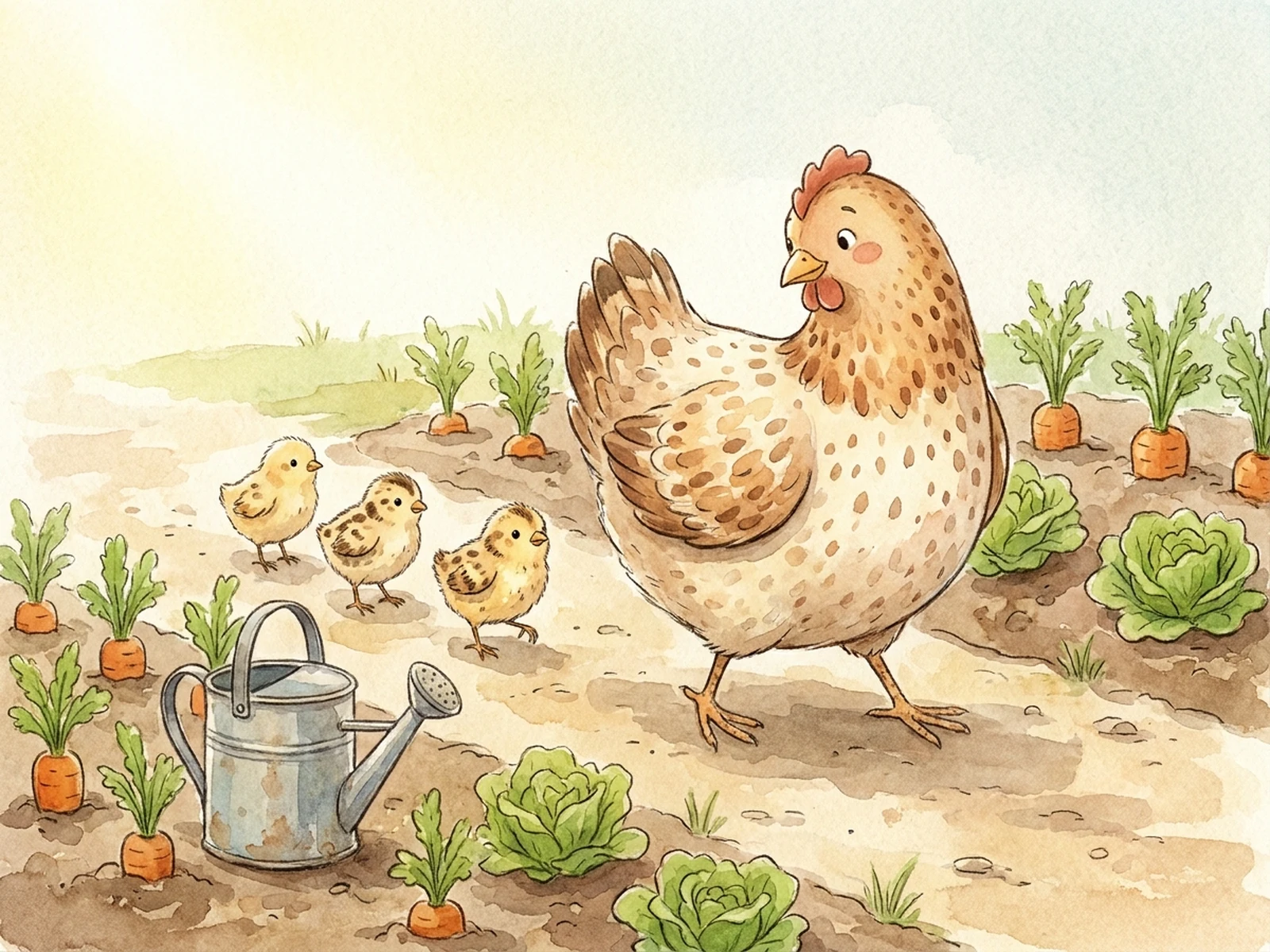
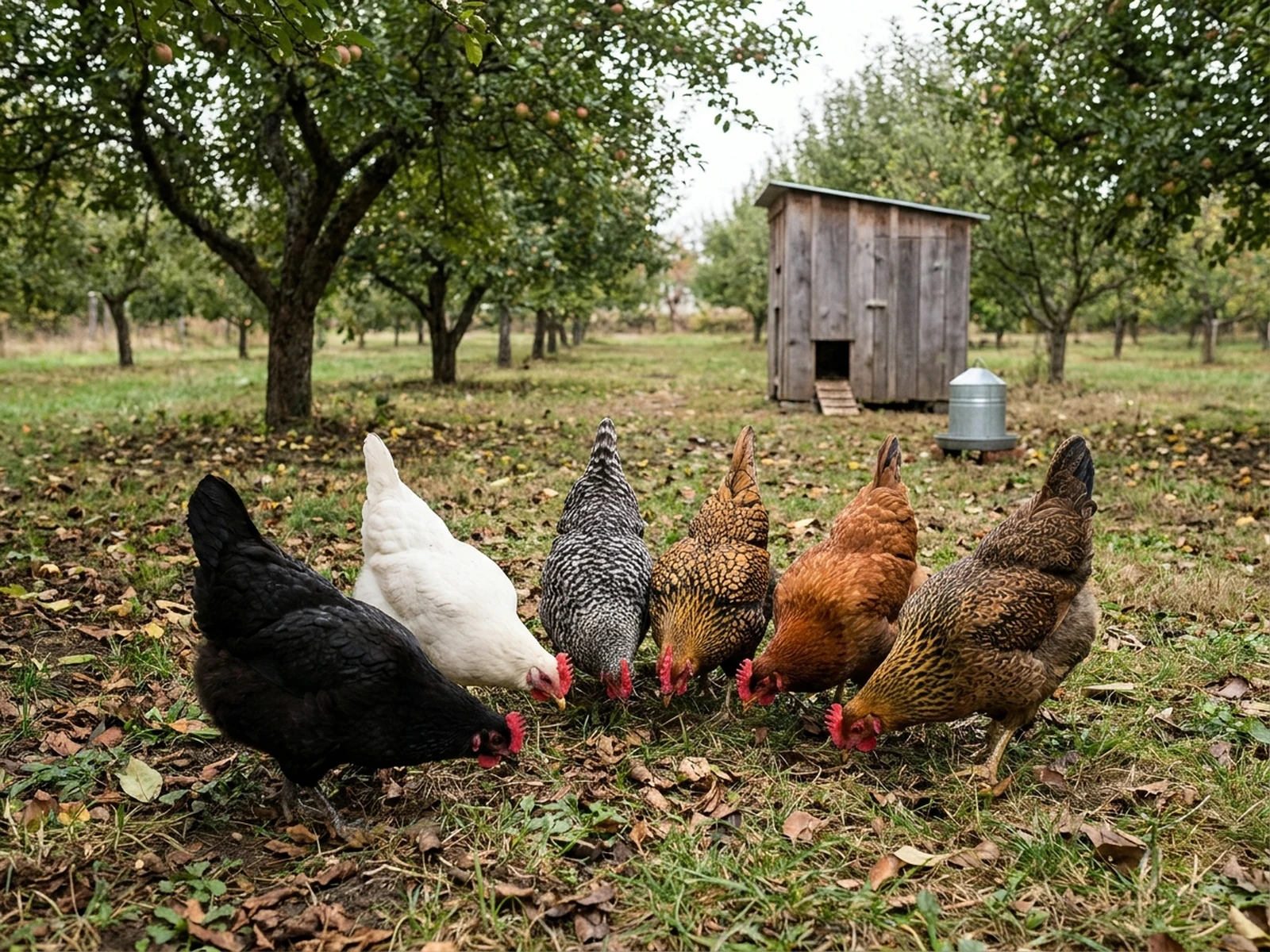
Create calm pasture, coop-yard, and feeding scenes that show natural posture and environment.

Breed-inspired references

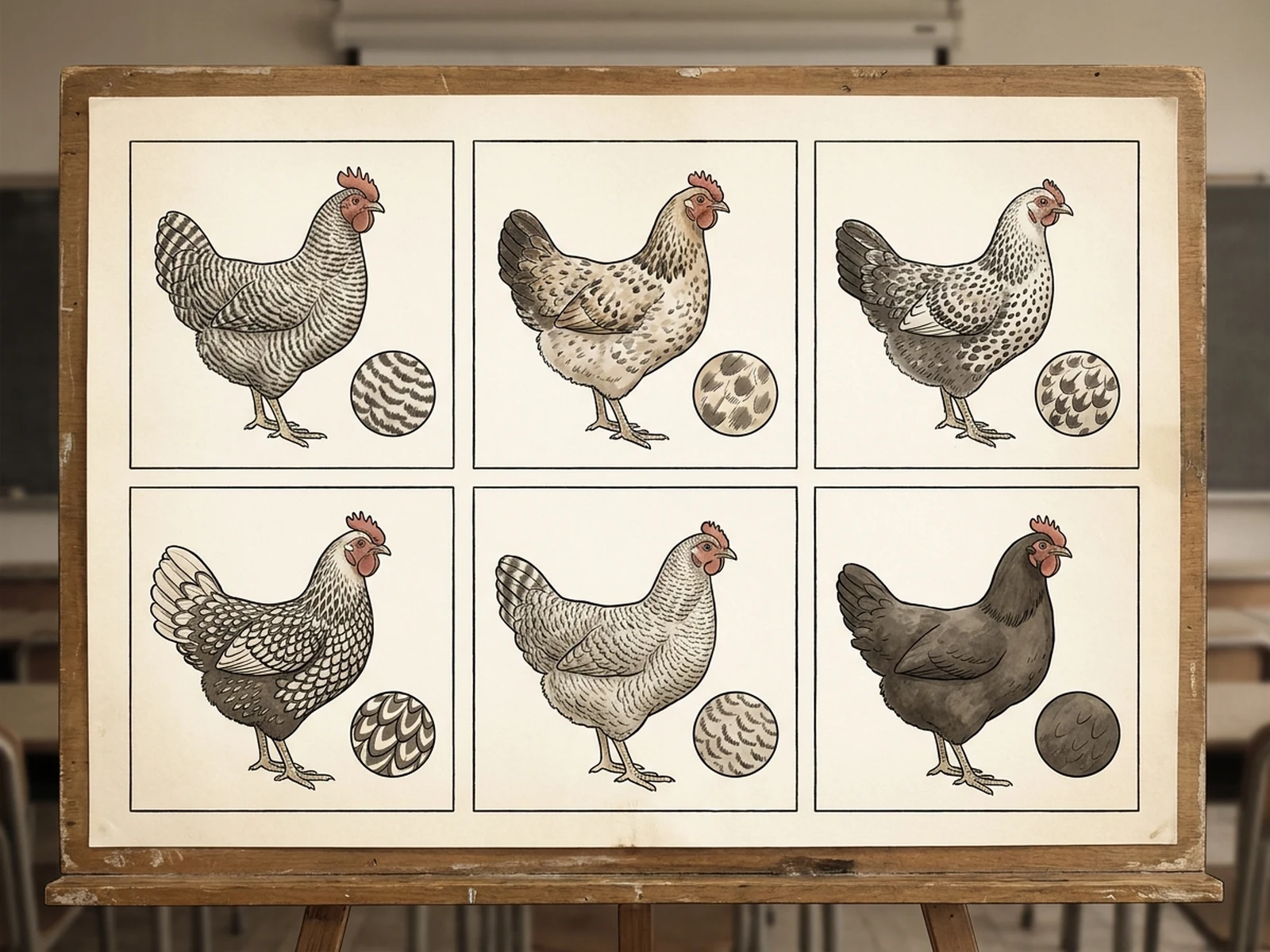
Compare plumage, body shape, comb, and color while avoiding false scientific identification claims.

Original animal characters

Develop friendly storybook or mascot directions without copying known animated chickens.

Why choose Omnilyra for AI Chicken Generator

The workspace keeps prompts, references, examples, and output controls in one workflow.

Built around the search intent

The examples and workflow directly support original chicken portraits, breed-inspired concepts, farm scenes, educational illustrations, character designs, and flock images.

Reference-guided control

Upload permitted references to preserve key visual cues while changing scene and format.

Reusable output system

Create Animal portrait, flock scene, breed comparison, farm illustration, mascot concept, educational image, or social post. from the same reusable workspace.

Try more image workspaces

Continue with related image generation, editing, and campaign workflows.

AI Chicken Generator FAQ

What can the AI Chicken Generator create?

It can create original chicken portraits, breed-inspired concepts, farm scenes, educational illustrations, character designs, and flock images.

What should the prompt include?

Include Chicken type, age, plumage, comb, posture, scale, expression, flock size, environment, and realism level. Then add Pasture, clean coop yard, neutral animal studio, botanical garden, breed board, storybook farm, or educational sheet.

Can I upload a reference image?

Yes. Upload only images you have permission to use to guide subject, palette, material, pose, or layout consistency.

What should I review before using the result?

Generated animals are visual references, not breed or health assessments; prioritize humane handling, accurate husbandry, and qualified veterinary or agricultural guidance.